












Comprar PlayStatus - Media & Controller Battery Overlay PC

¿Dónde puedes comprar la clave Steam para {6} de PlayStatus - Media & Controller Battery Overlay más barata? Compara precios en 1 tiendas para encontrar la mejor opción entre 1 ofertas en XD.deals. Ahora el precio más bajo de PlayStatus - Media & Controller Battery Overlay para {6} en keyshops se puede conseguir en 4,99 € (0% de descuento).

Lanzamiento: 02 feb 2024
Steam:
Mixed (24)
Keyshops
No disponible
Comprar en tienda oficial:
4,99 €
Comprar en keyshops:
Ver historial de precios

Tiendas oficiales (1)

DRM:
Steam
Steam
Steam
PlayStatus - Media & Controller Battery Overlay
Windows
hace 21sem
DRM:
Steam
Steam
4,99 €

Sobre PlayStatus - Media & Controller Battery Overlay

PlayStatus - Media & Controller Battery Overlay - sobre el juego
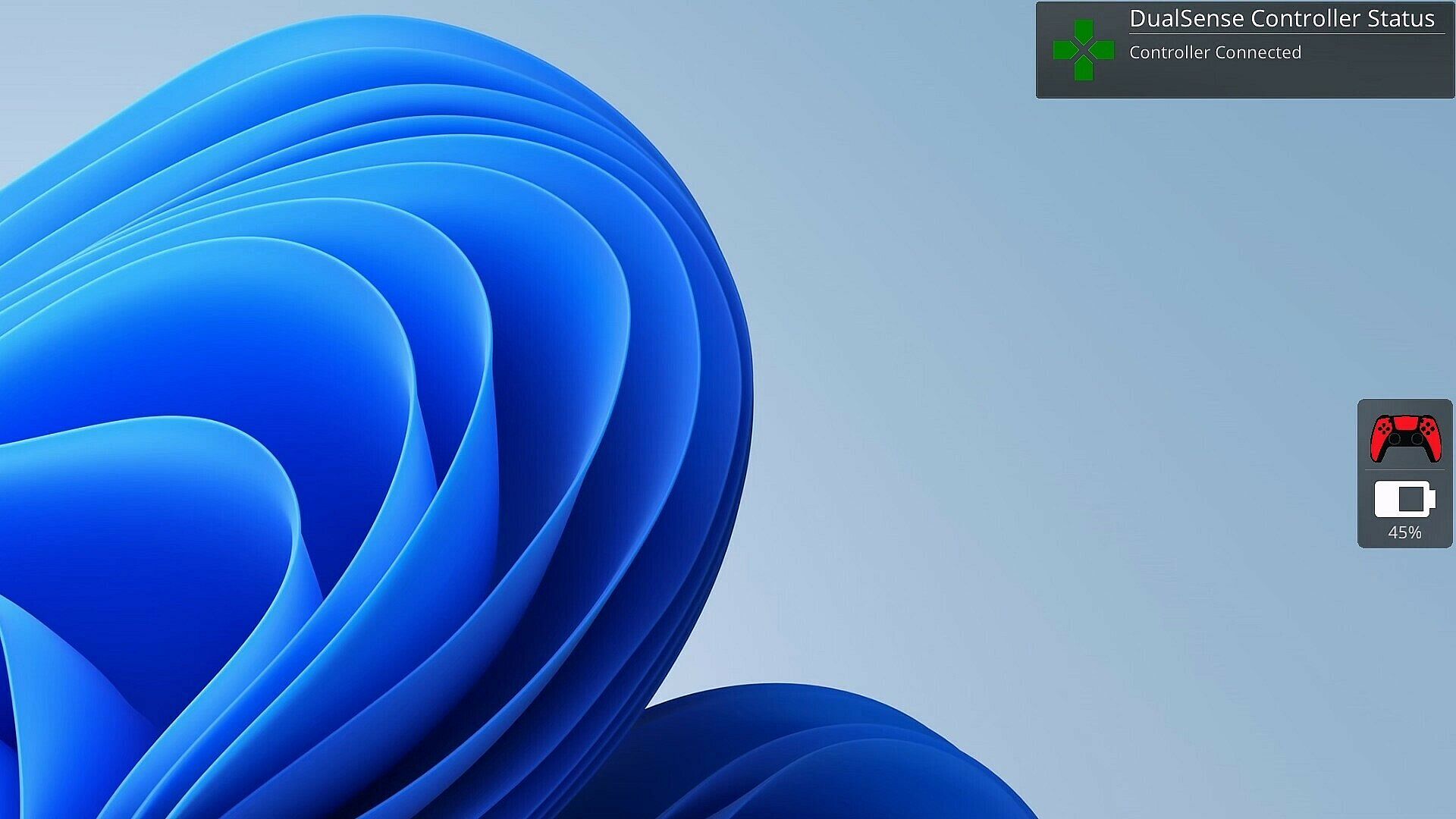
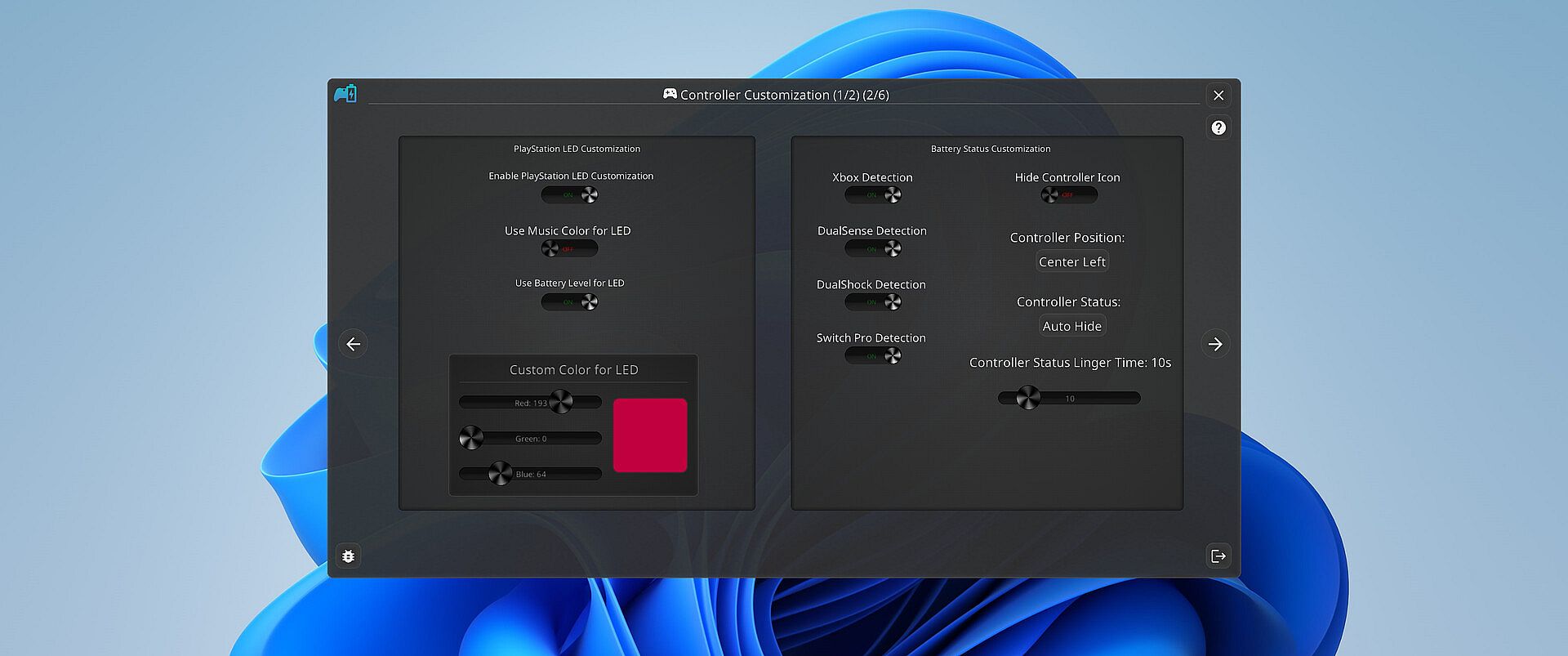
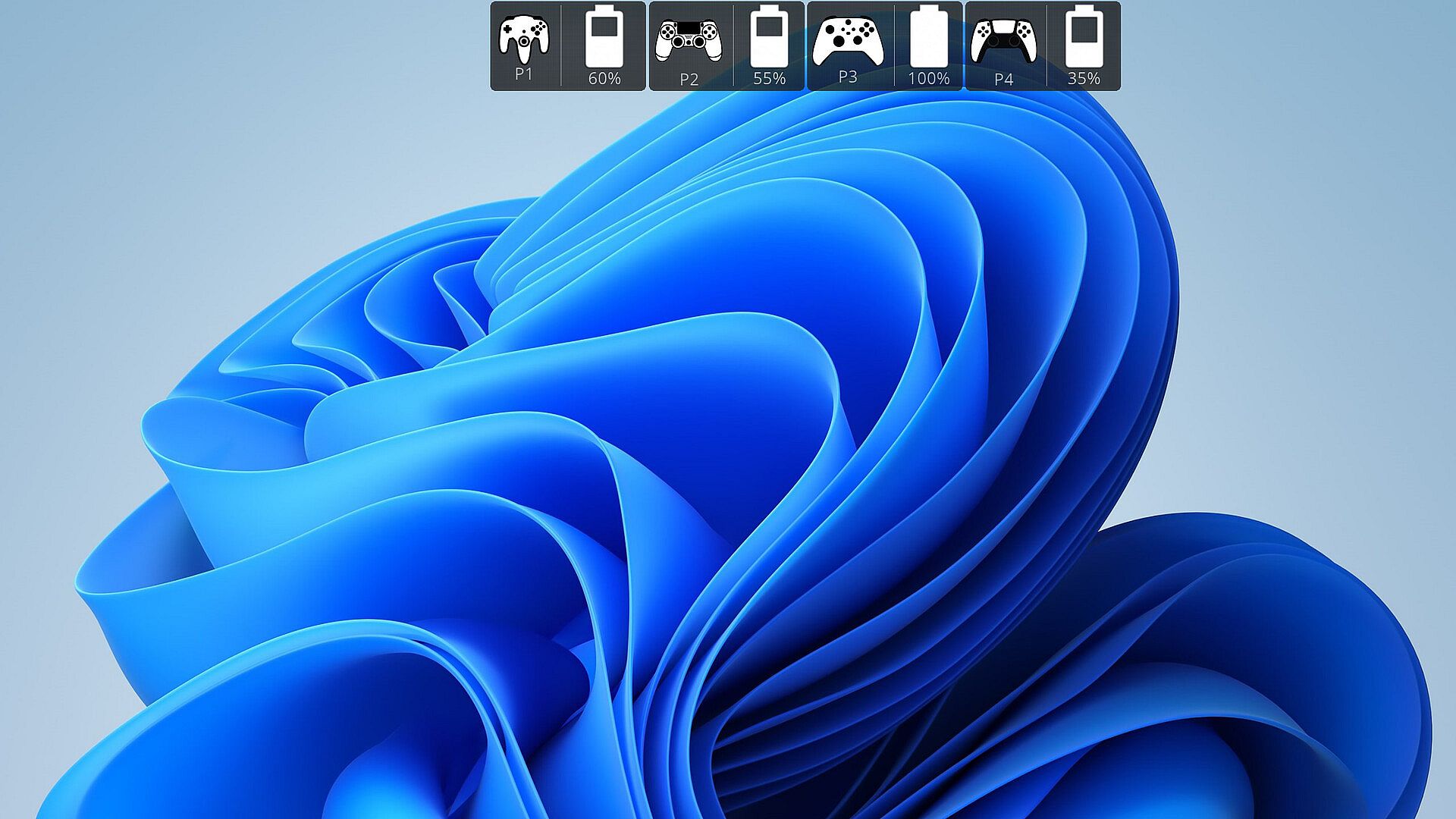
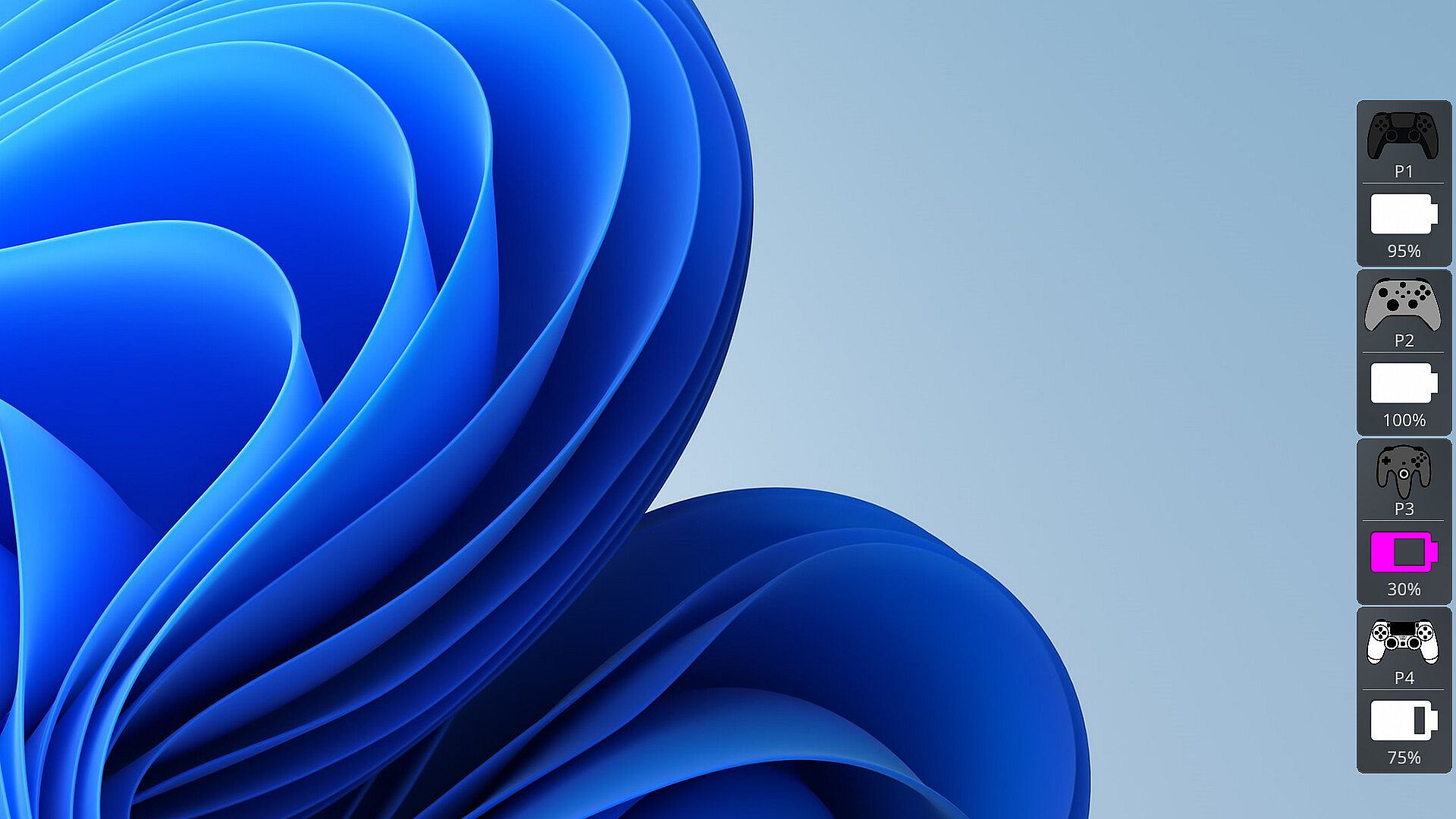
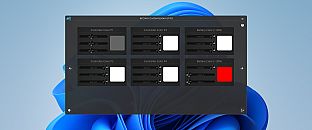
Los jugadores temen que el mando se quede sin batería en plena partida. PlayStatus monitorea el nivel de batería en tiempo real para mandos DualSense, Xbox Series/One S, DualShock 4 y Nintendo Switch Pro conectados por Bluetooth en Windows. Envía alertas de carga o descarga, vigila también los mandos compatibles de tus amigos y lo muestra todo mediante un overlay discreto en modo sin bordes. Esta utilidad indie incorpora un reproductor multimedia para playback de baja latencia de archivos FLAC, OGG, M4A, MP3 o WAV, con perfiles de EQ personalizados y visualizaciones de audio. La emulación de mando soporta mapeos de Xbox 360 y DualShock 4 con vibración, además de detección automática opcional para configuraciones específicas por juego. El soporte multilingüe incluye inglés, español, alemán, francés, italiano, japonés, ruso y chino simplificado, perfecto para jugadores de PC que buscan herramientas fluidas para sus sesiones.

Stay on Top of Your Game with Smart Controller Monitoring

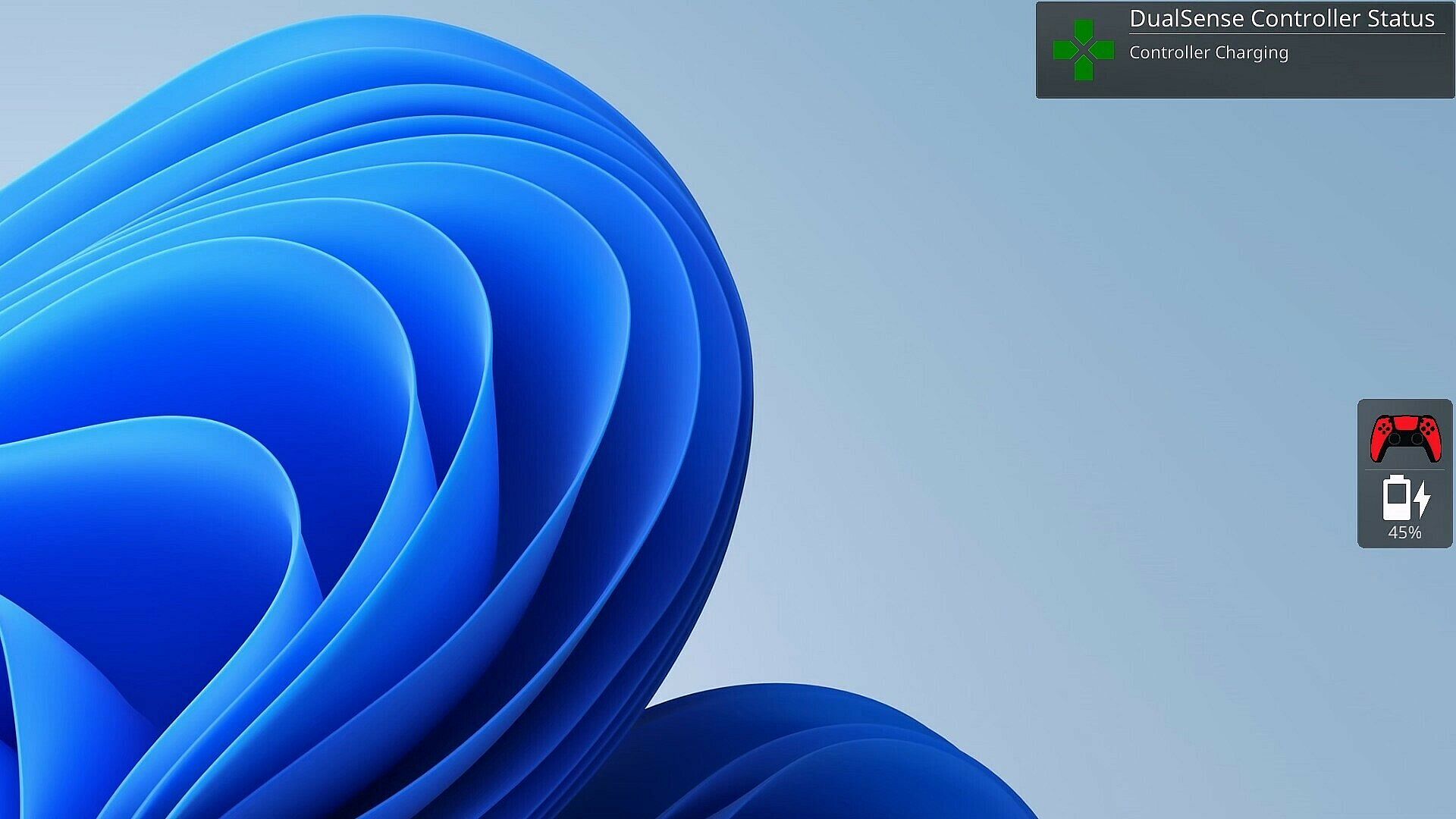
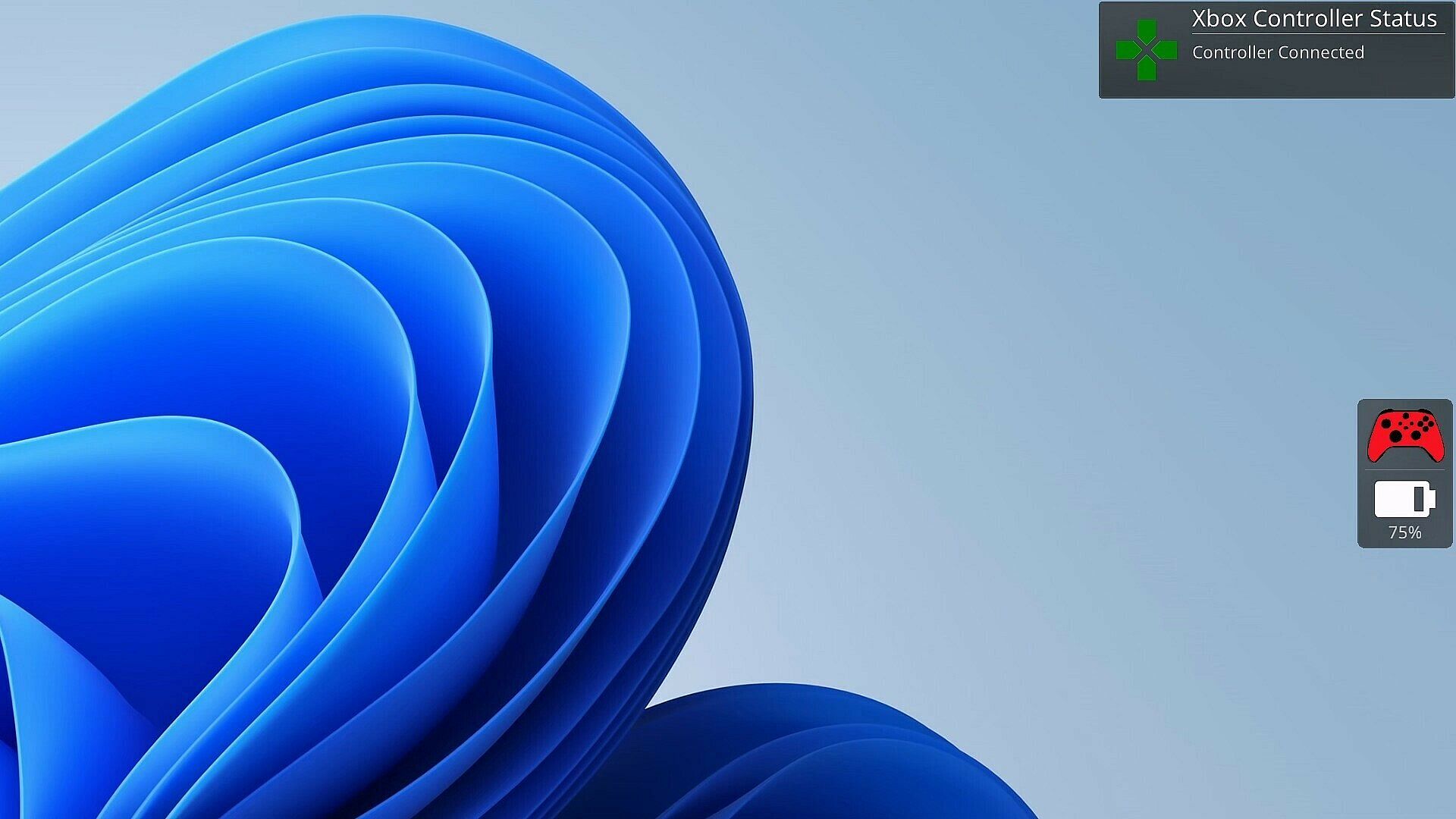
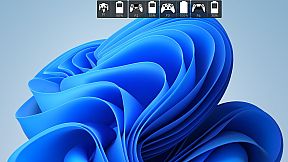
As a gamer, there's nothing worse than your controller dying at a critical moment. PlayStatus is here to ensure that never happens. Whether you're using a Dual Sense, Xbox or Nintendo Switch Pro controller, PlayStatus diligently tracks your controller's battery life, delivering real-time updates on battery changes. It alerts you when your controller starts charging or discharging, allowing you to stay immersed in your game without any unpleasant surprises. Not only that, but when you are playing with others, PlayStatus will also keep track of those controllers as well (given they're supported)!

Important Information for Best Experience

  • Compatibility Notice: PlayStatus does **NOT work on Steam Deck or any Linux distribution using Proton.

  • Unsupported Hardware: Xbox Wireless Adapter and other USB controller adapters are not supported. Connect controllers via Windows Bluetooth settings.

  • Windowed Borderless Mode Required: PlayStatus works only in windowed borderless mode, not in exclusive fullscreen.

Enhance Your Gaming Sessions with Seamless Music Integration

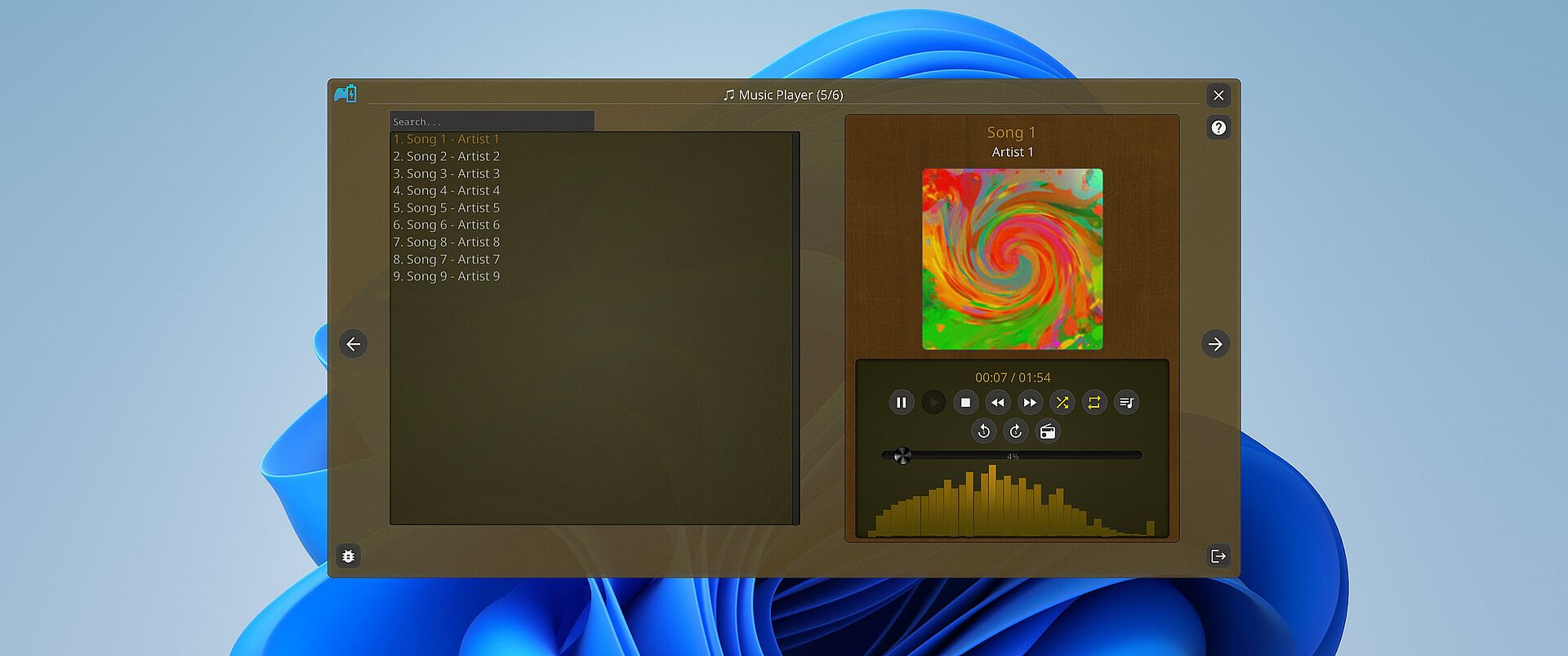
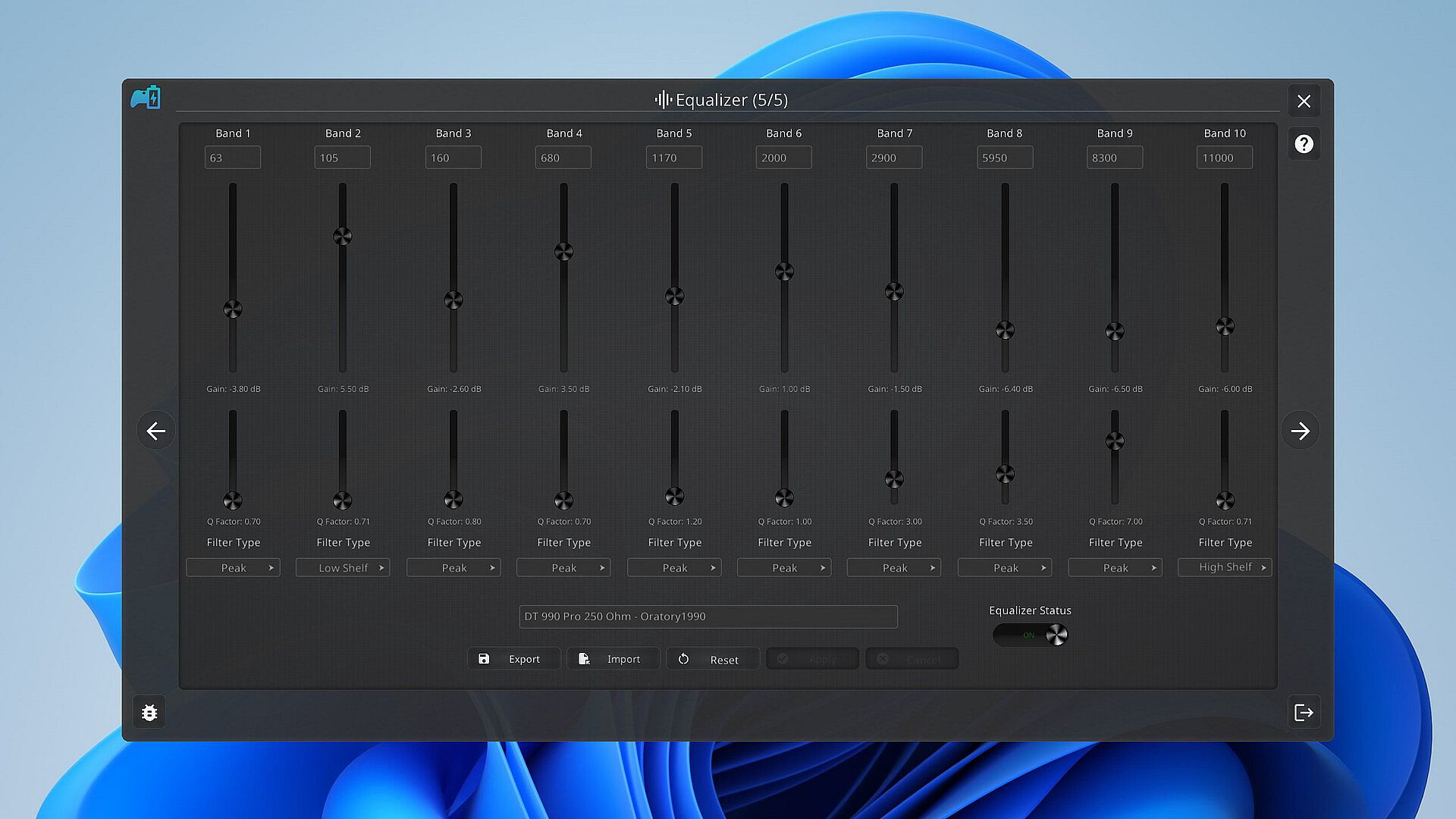
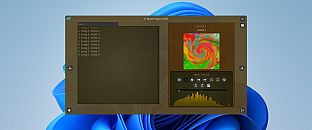
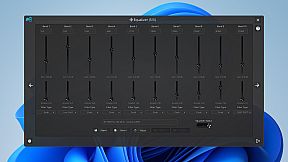
Music is the heartbeat of a great gaming session. PlayStatus features a built-in media player that can provide real-time audio visualizations and low latency audio playback! You can look forward to playing flac, ogg, m4a, mp3, or wav files with custom EQ profiles which can allow for the perfect sound for your specific audio setup.

Xbox 360 & DualShock 4 Controller Emulation

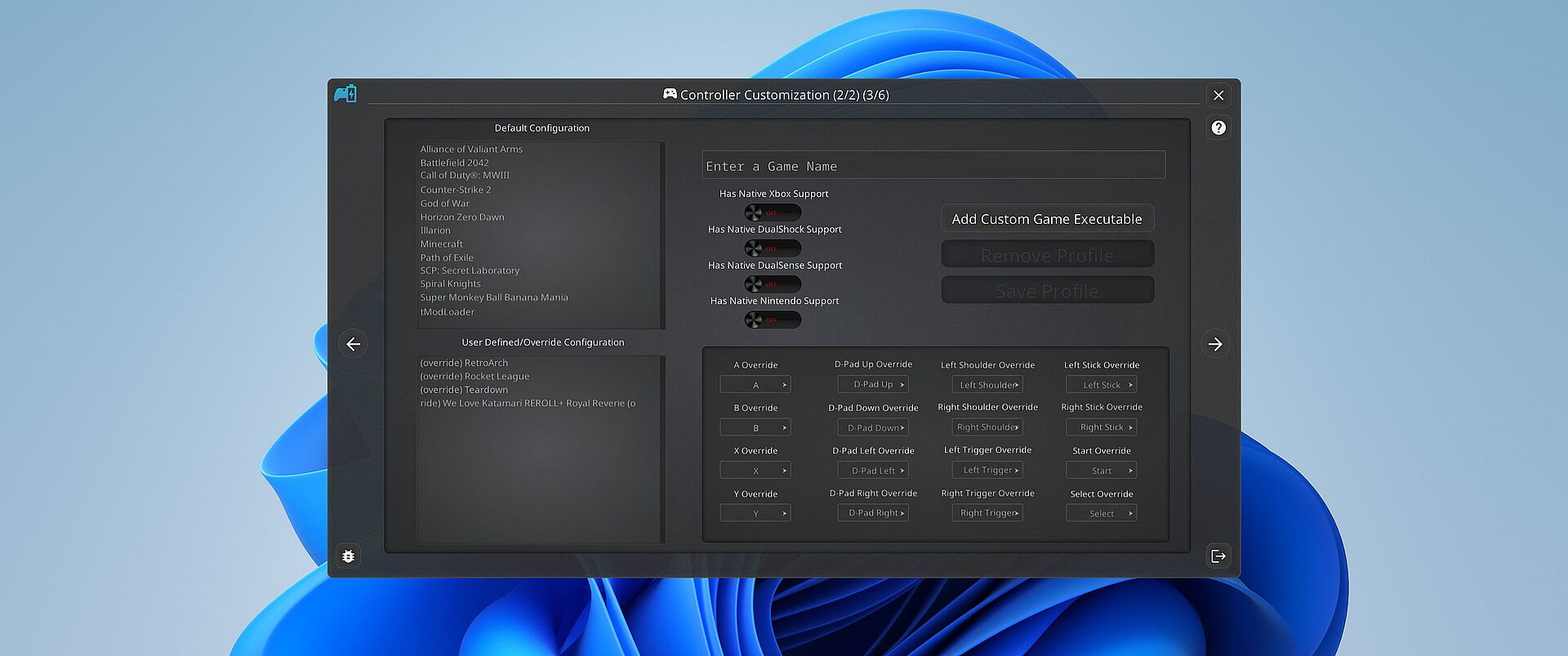
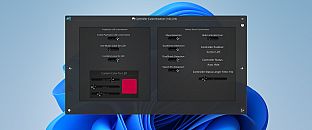
PlayStatus also offers a fully functional controller emulation system, including controller mappings and full rumble support*!

This means, if a game only supports DualShock 4 controllers, but you have an Xbox controller, PlayStatus will emulate a DualShock 4 controller for you, so you can continue to game on, no matter what controllers it supports.

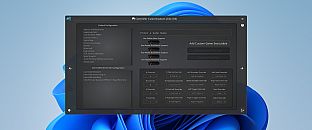
PlayStatus will also optionally auto detect when games have launched, and can apply certain game mappings based on the game.

*(only for Xbox 360 controller emulation).

Why PlayStatus is a Game-Changer for You

Designed with gamers in mind, PlayStatus solves a common yet overlooked problem: the hassle of checking your controller’s battery life. Its intuitive overlay is perfect for those who play in borderless windowed mode, offering non-intrusive, real-time updates. This is all done with safety and convenience in mind; PlayStatus is completely self-contained, meaning that no Anti-Cheat or game will have any problem with PlayStatus running in the background!

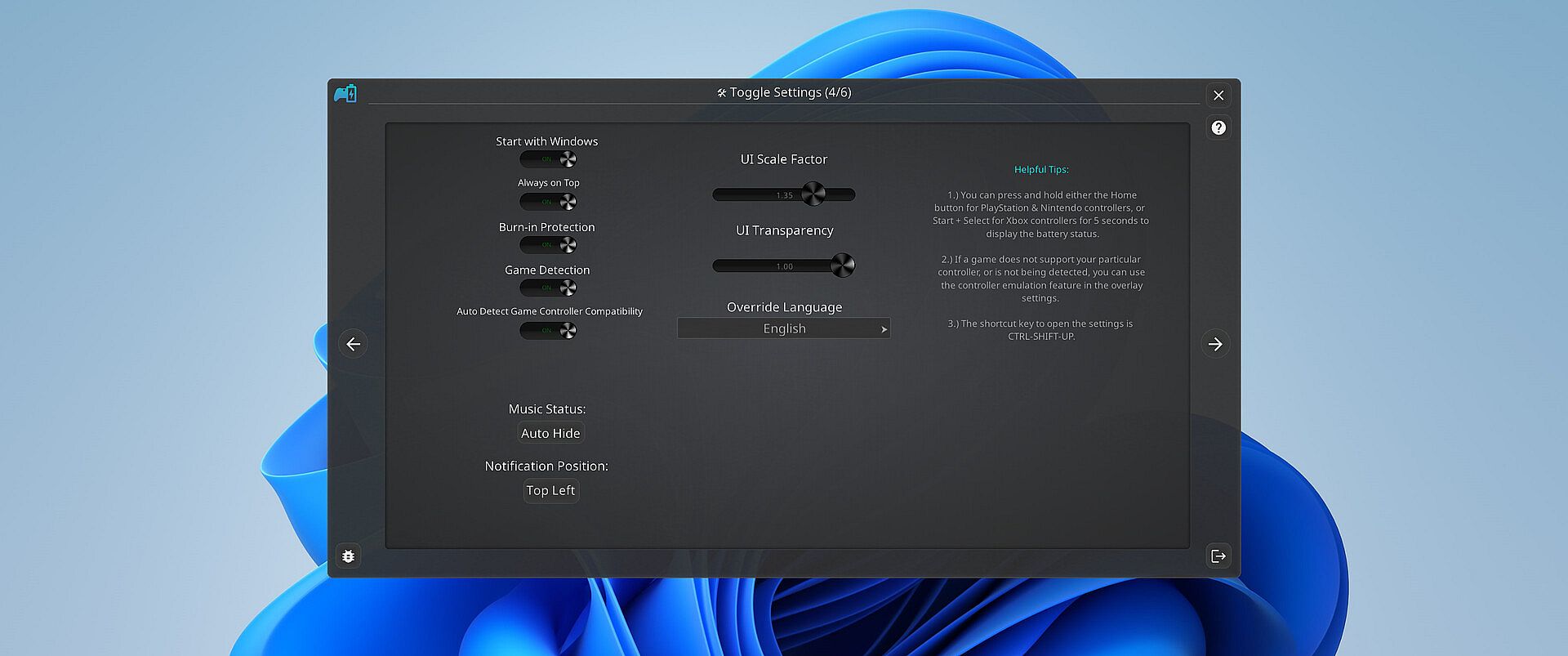
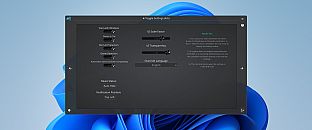
Moreover, if you’re a music aficionado, you'll appreciate the ease of viewing your music without having to switch screens or pause your game. And for those who prefer a more focused gaming experience, the option to disable notifications is just a click away.

Supported Controllers

PlayStatus supports the following controllers:

  • Xbox Series or Xbox One S Wireless Controllers connected via Windows Bluetooth Settings.

  • Dual Sense controllers (DualSense Edge is experimental)

  • Dual Shock 4 controllers

  • Nintendo Switch Pro, SNES & N64 Controllers

PlayStatus will be unable to report correct battery/connection information if you are using any sort of controller emulator dongle, like a 8BitDo, or a Microsoft Xbox Wireless Adapter. Along with that, it is very important to follow the in-app instructions for set-up.

OS Support

PlayStatus supports Windows ONLY. Running via Proton, or any type of compatibility layer, will NOT work. This includes Steam Deck. Please see the System Requirements section for more information.

Language Support

PlayStatus supports multiple languages other than English. Other languages that are supported include Spanish (Spain), German, French, Italian, Japanese, Russian, and Simplified Chinese. More languages will be added in the future if needed/requested.


Interfaz:
GermanEnglishSpanish - SpainFrenchItalianJapaneseRussianSimplified Chinese

Clasificación por edades

No disponible
Steam:
Mixed (24)

Mínimo:

  • Sistema operativo: Windows 10.0.10586.0 or greater
  • Procesador: x64 based CPU
  • Memoria: 1 GB RAM
  • Almacenamiento: 1 GB available space

Recomendado:

  • Sistema operativo: Windows 10.0.10586.0 or greater
  • Procesador: x64 based CPU
  • Memoria: 4 GB RAM
  • Almacenamiento: 1 GB available space
Mínimo histórico
Historial de precios de tiendas oficiales
-
-
-
Historial de precios de keyshops
-
-
-

FAQ

8 preguntas

Antes de buscar una clave barata de PlayStatus - Media & Controller Battery Overlay, revisa lo esencial. Desarrollado por CKProductions. Publicado por CKProductions. Fecha de lanzamiento en PC: 02 feb 2024. Géneros: Indie, Utilities. Categorías: Full controller support, Steam Cloud.

Q

¿Donde comprar una clave barata de PlayStatus - Media & Controller Battery Overlay para Steam?

Gracias a nuestro comparador de precios y codigos de descuento verificados, puedes comprar una clave de PlayStatus - Media & Controller Battery Overlay por solo 4,99 €. Esta oferta esta disponible en Steam y es una de las mas baratas del mercado. Todas las claves en XD.deals se entregan digitalmente y se pueden descargar al instante tras el pago. Los precios ya incluyen comisiones y codigos promocionales aplicados, asi que siempre ves el precio mas bajo de PlayStatus - Media & Controller Battery Overlay en PC. Consulta el historial de precios de PlayStatus - Media & Controller Battery Overlay para comprar en el mejor momento.

Segun nuestra ultima actualizacion (refrescamos los precios de Steam varias veces al dia), el precio de PlayStatus - Media & Controller Battery Overlay en Steam es 4,99 €. Puedes ahorrar un ~6% extra pagando con una tarjeta regalo de Steam con descuento.

Nuestro rastreador de precios cubre tanto tiendas oficiales como keyshops, asi que puedes encontrar PlayStatus - Media & Controller Battery Overlay en oferta incluso fuera de las promociones de temporada. Actualmente detectamos 1 oferta activa en tiendas oficiales y keyshops. Consulta la tabla de arriba, compara con el minimo historico y crea una alerta para no perderte la proxima bajada de precio.

Segun nuestros datos, PlayStatus - Media & Controller Battery Overlay no esta disponible actualmente en GeForce NOW. Necesitaras ejecutarlo localmente en tu PC. Consulta los juegos disponibles en GeForce NOW.

Si. PlayStatus - Media & Controller Battery Overlay tiene una pagina oficial en Steam. Tambien puedes comprar una clave de Steam de PlayStatus - Media & Controller Battery Overlay a traves de vendedores externos. Nuestro comparador de precios incluye actualmente 1 oferta con DRM de Steam. Elige una para asegurarte de que la descarga de PlayStatus - Media & Controller Battery Overlay se realice en la plataforma de Valve.

No en este momento. Valve marca PlayStatus - Media & Controller Battery Overlay como No compatible con Steam Deck. Estate atento a XD.deals - seguimos las actualizaciones de Proton y las soluciones de la comunidad. Consulta los juegos Steam Deck Verified o Steam Deck Playable.

PlayStatus - Media & Controller Battery Overlay no parece estar disponible en PC Game Pass, EA Play, Ubisoft+ ni en ningun otro servicio de suscripcion para PC en este momento. Tu unica opcion es comprar el juego - usa XD.deals para encontrar el mejor precio.

No - XD.deals no es una tienda. Somos un comparador de precios que rastrea las mejores ofertas de PlayStatus - Media & Controller Battery Overlay en tiendas oficiales y keyshops verificados. Haz clic en "Ir a la tienda" junto a cualquier oferta y seras redirigido a la web del vendedor para completar tu compra.

Mejores precios para PlayStatus - Media & Controller Battery Overlay

1 Steam Steam Official
4,99 €

¿Quieres comprar en el mejor momento? Crea una alerta de precio en XD.deals y recibe una notificacion cuando PlayStatus - Media & Controller Battery Overlay alcance su proximo minimo historico.

Crear alerta
Únete a nuestro Discord
Obtén ayuda al instante de nuestra comunidad y mantente al día de las últimas ofertas
Configurar alertas de precio
Recibe avisos por correo cuando los precios bajen a tu objetivo
Crear cuenta gratis
Desbloquea listas de deseos, alertas de precio y sincronización con Steam