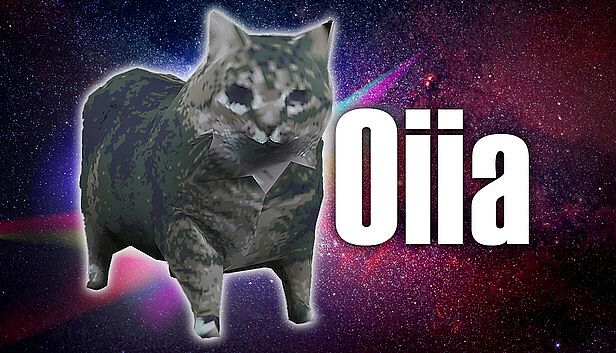
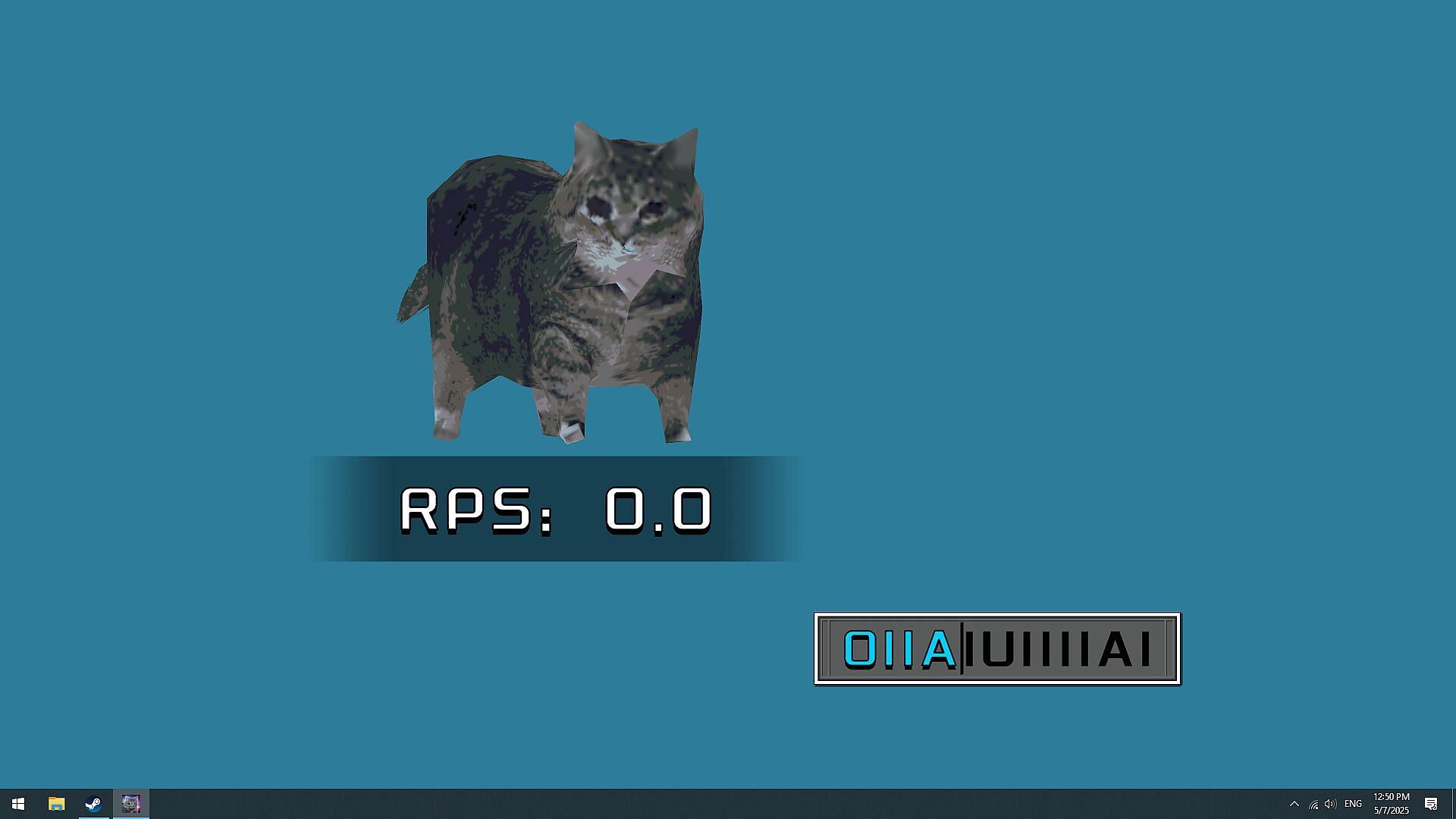
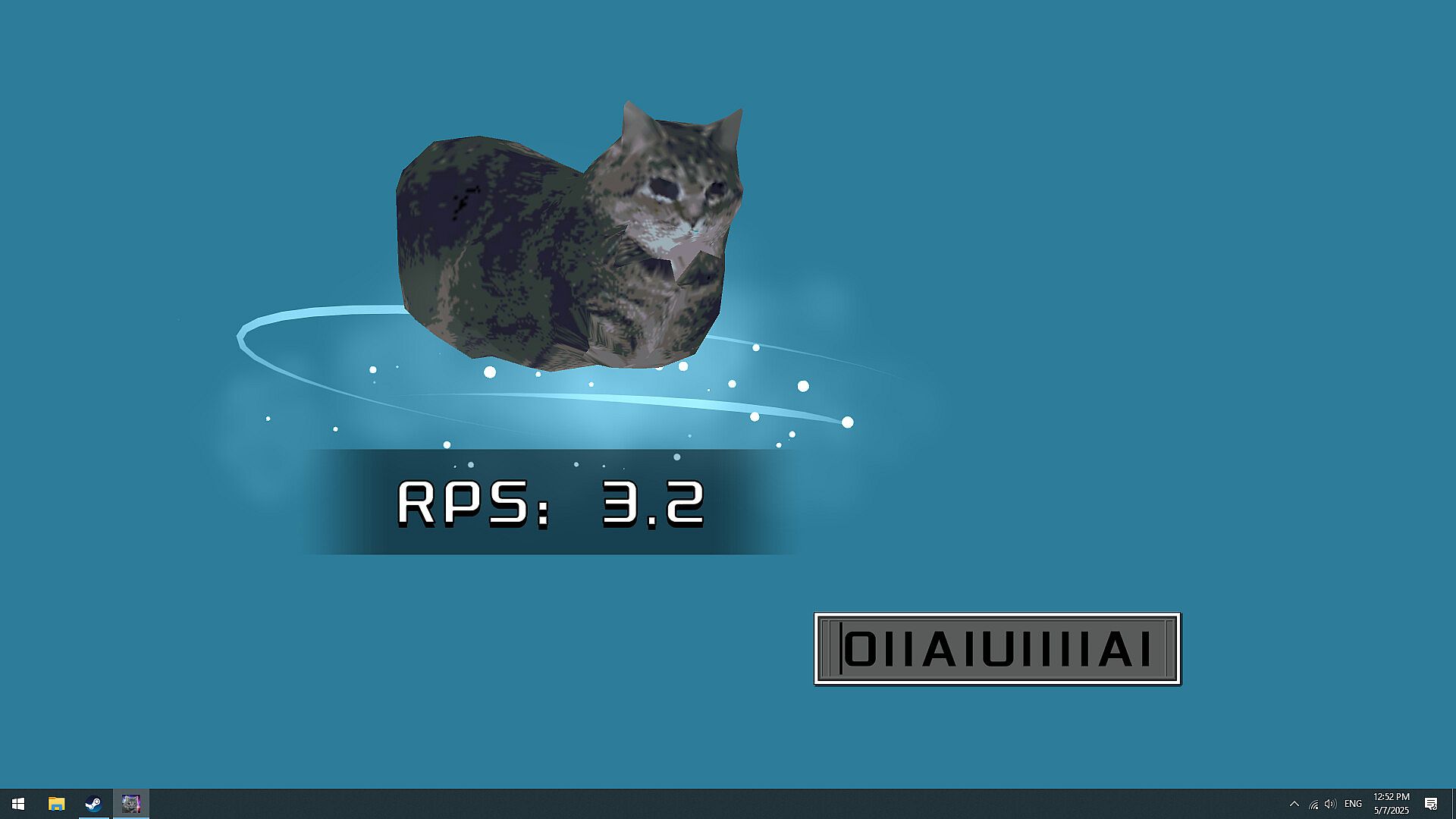
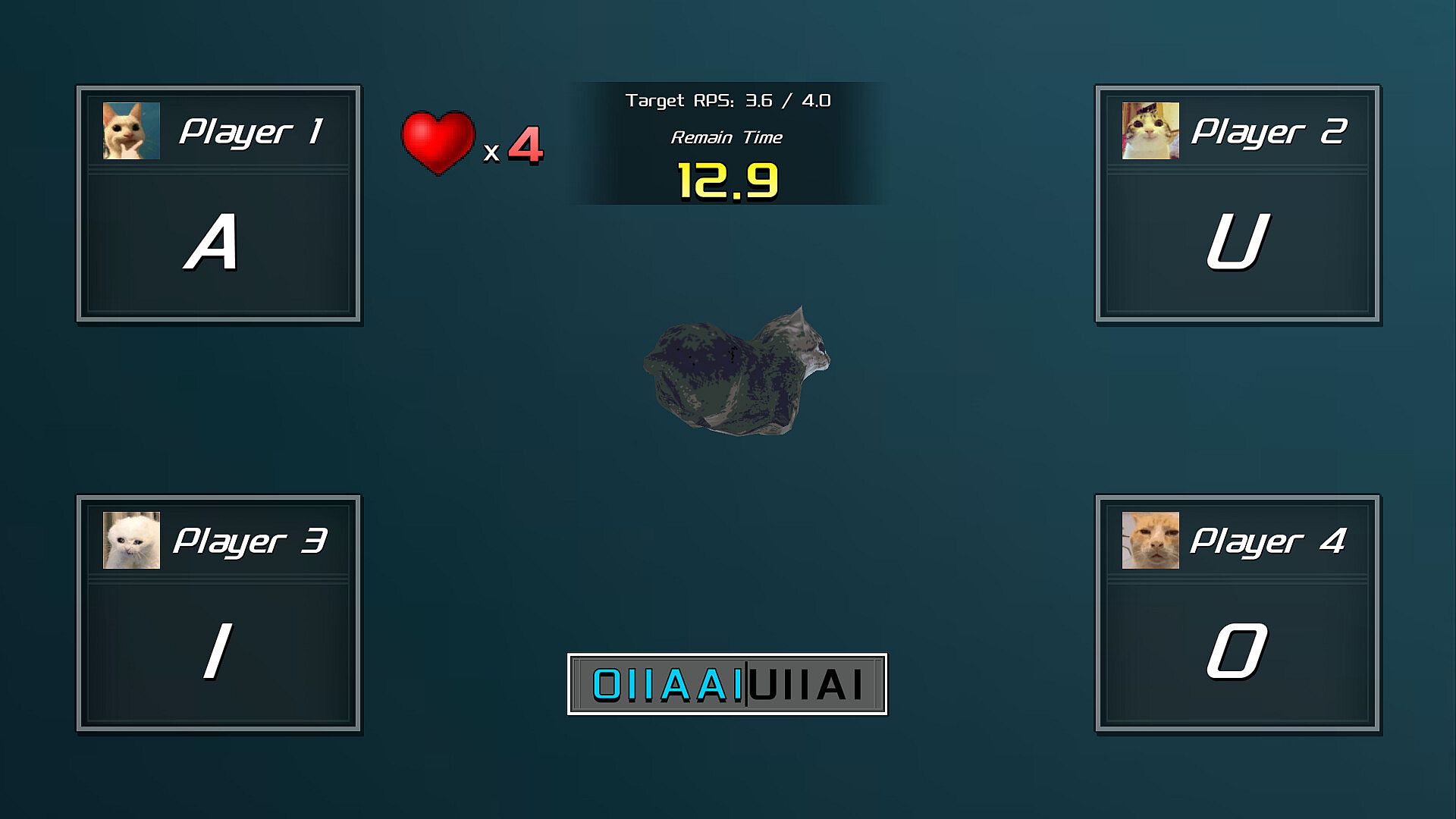
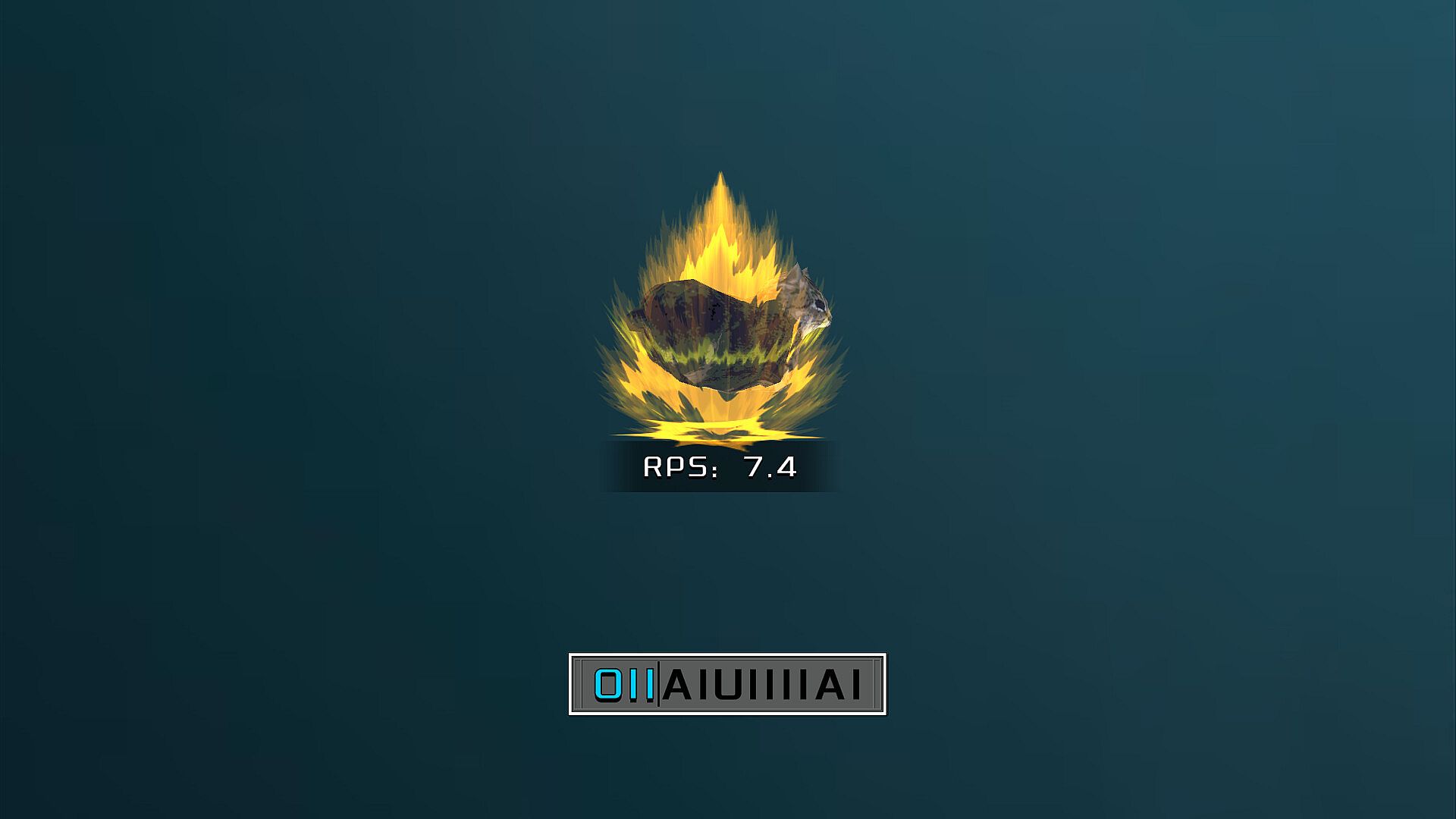
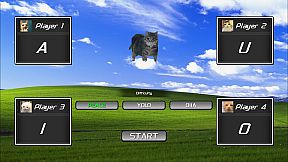
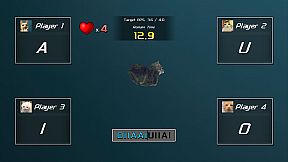
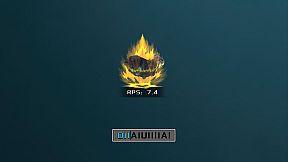
Click your loyal desktop companion to access its menu and interact in this indie casual game. Drag the character across your PC screen to reposition it, or press O, I, A, and U keys to make it spin. Use the mouse wheel while dragging for zooming, and switch it between screens with Win key plus Shift and arrow keys.
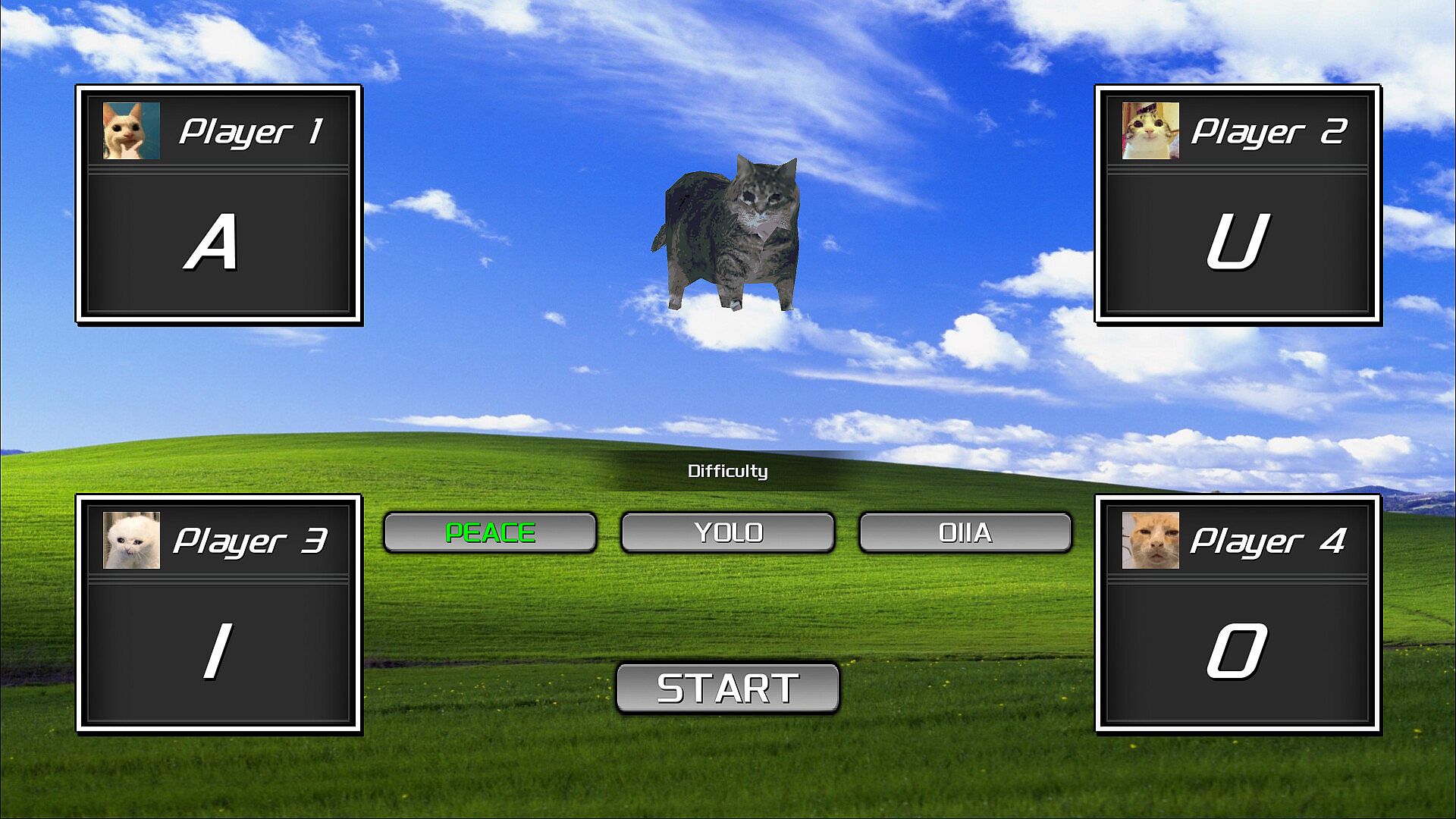
Play solo as a singleplayer desktop pet, or gather up to four players for lively multiplayer party sessions. Hunt for achievements and hidden secrets to uncover deeper layers. Create and share custom talking desktop friends through Steam Workshop support, turning your designs into viral memes for casual gamers seeking lighthearted fun.
What is oiia?
1. It is your best loyal companion. (singleplayer desktop pet game mode)
2. It is a great reason to start a party. (multiplayer (4 players) party game mode)
3. It is a way to find meaning in life. (game achievements and secrets to be discovered)
4. It is your chance to become the meme. (supports Steam Workshop to create your own talking desktop friend)
Instructions:
- Click character to open menu.
- Press the 「O」、「I」、「A」、「U」 keys to spin.
- Drag character to move around the screen.
- Scroll mouse wheel while dragging to zoom the character.
- Switch character to different screen: 「win key」 + 「shift」 + left and right keys.