


Comprar Multiworlds PC

Multiworlds llegará pronto! Añádelo a tu lista de deseos y te avisaremos cuando esté disponible.

Lanzamiento: Coming Soon
Official
No disponible
Keyshops
No disponible
Comprar en tienda oficial:
No disponible
Comprar en keyshops:
No disponible

No hay entradas, pero no te preocupes: te avisaremos cuando aparezca una nueva oferta.

Create Alert Create deal Alert

Sobre Multiworlds

Multiworlds - sobre el juego

You made one mistake, of touching the untouchable A magical artifact that was buried deep in the depths.

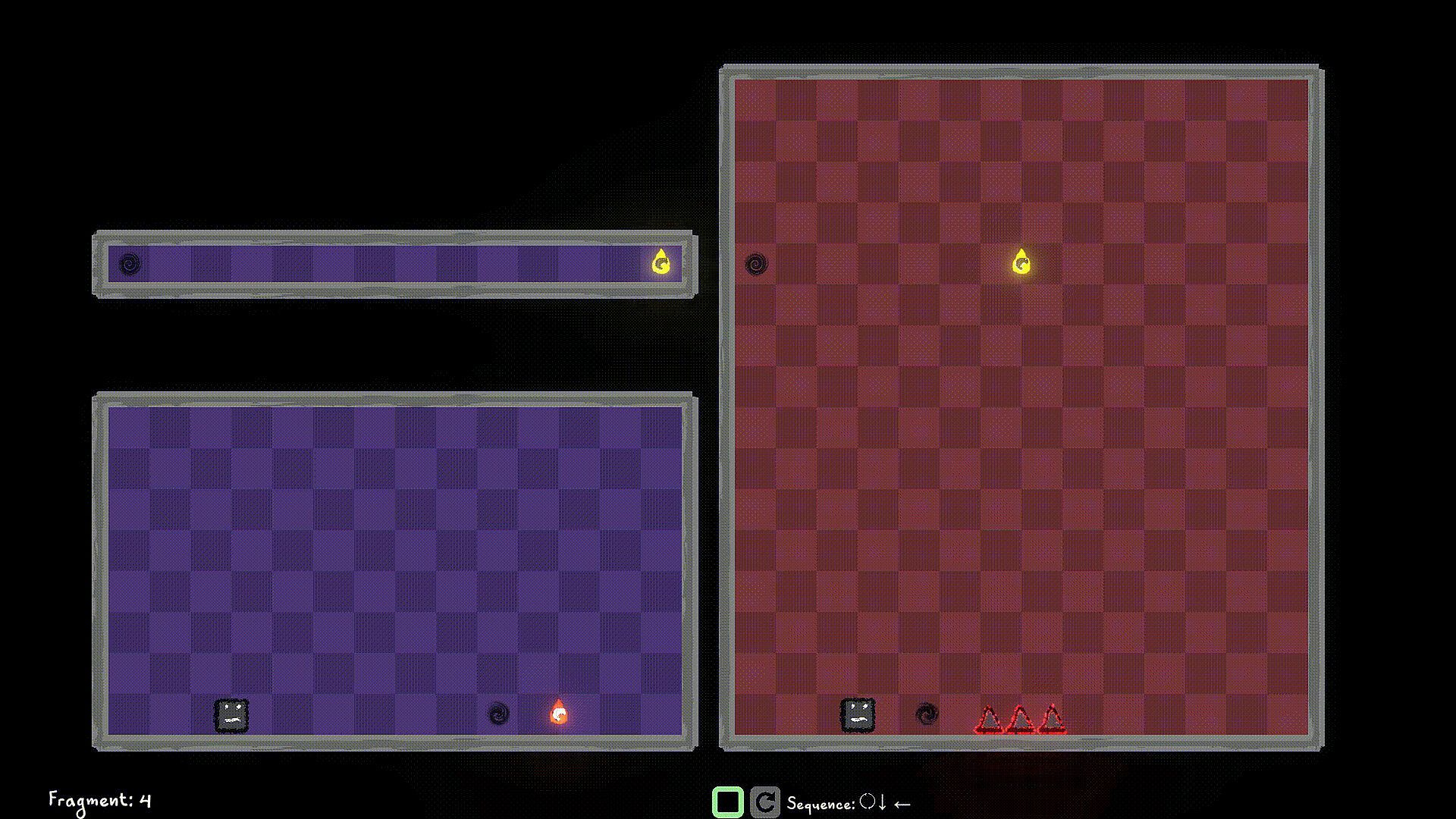
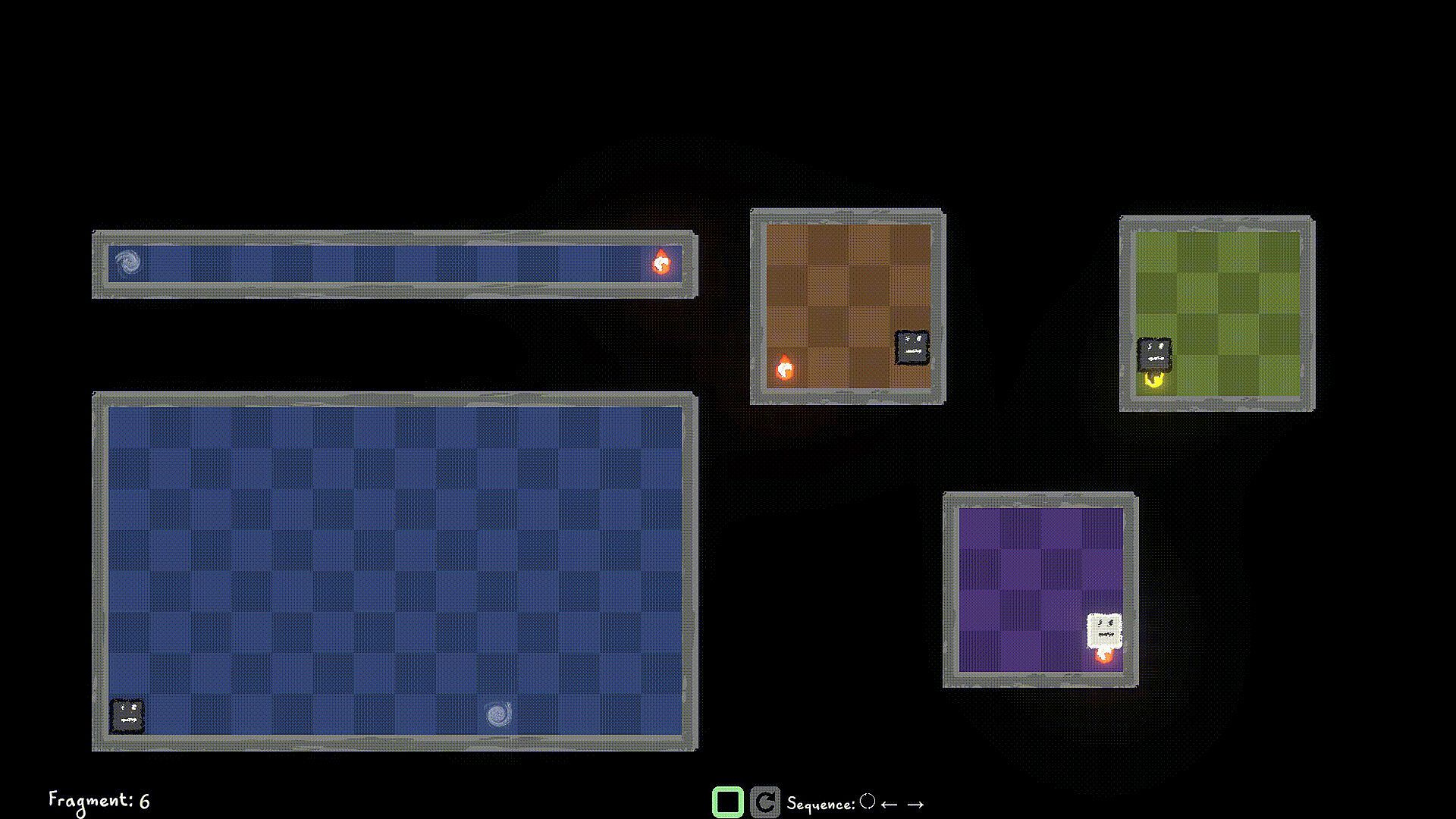
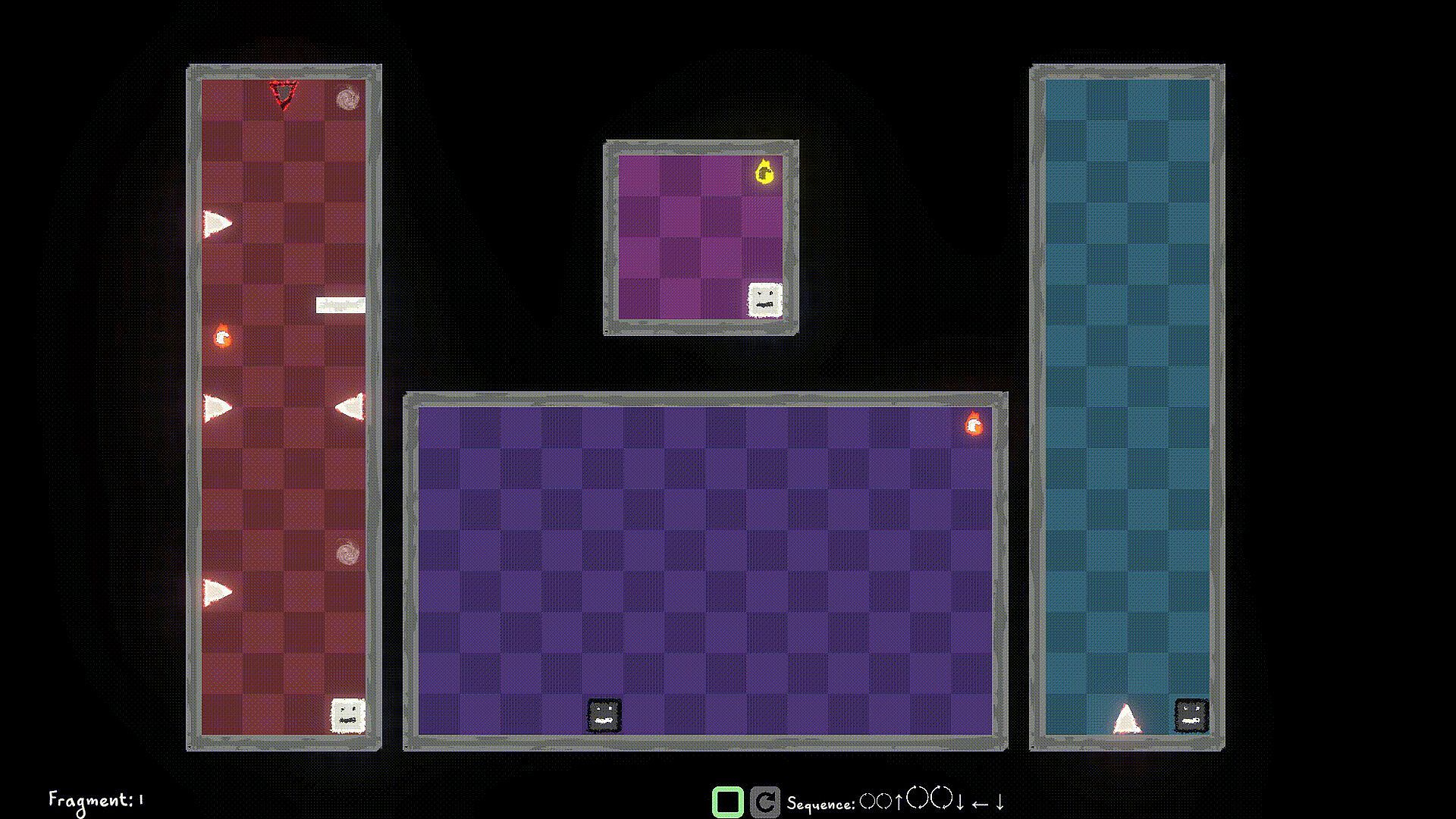
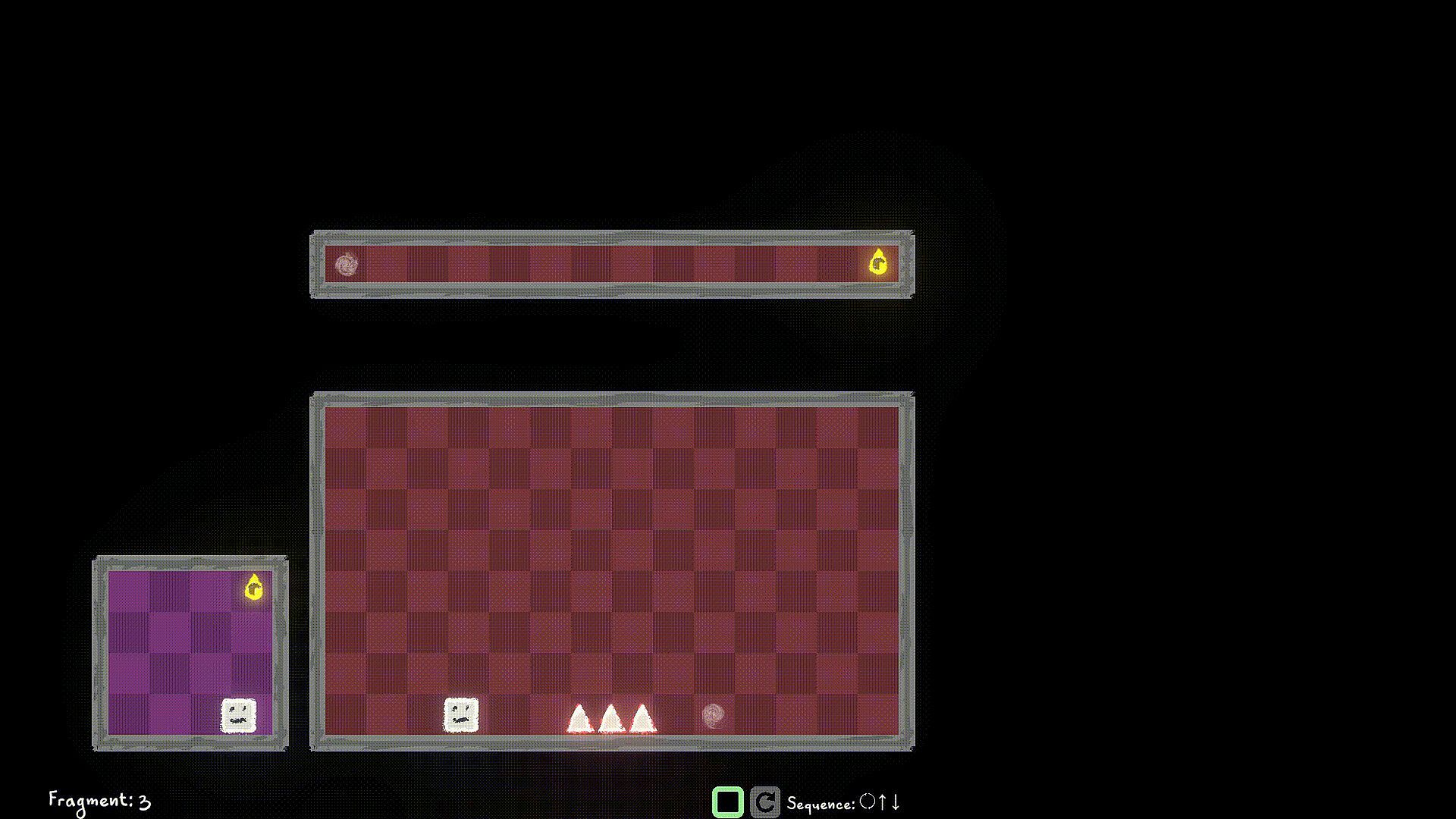
The world tore into multiple worlds, in each timeline, running parallel, but with minor differences. Now strive to fix the world, merging them back into one.

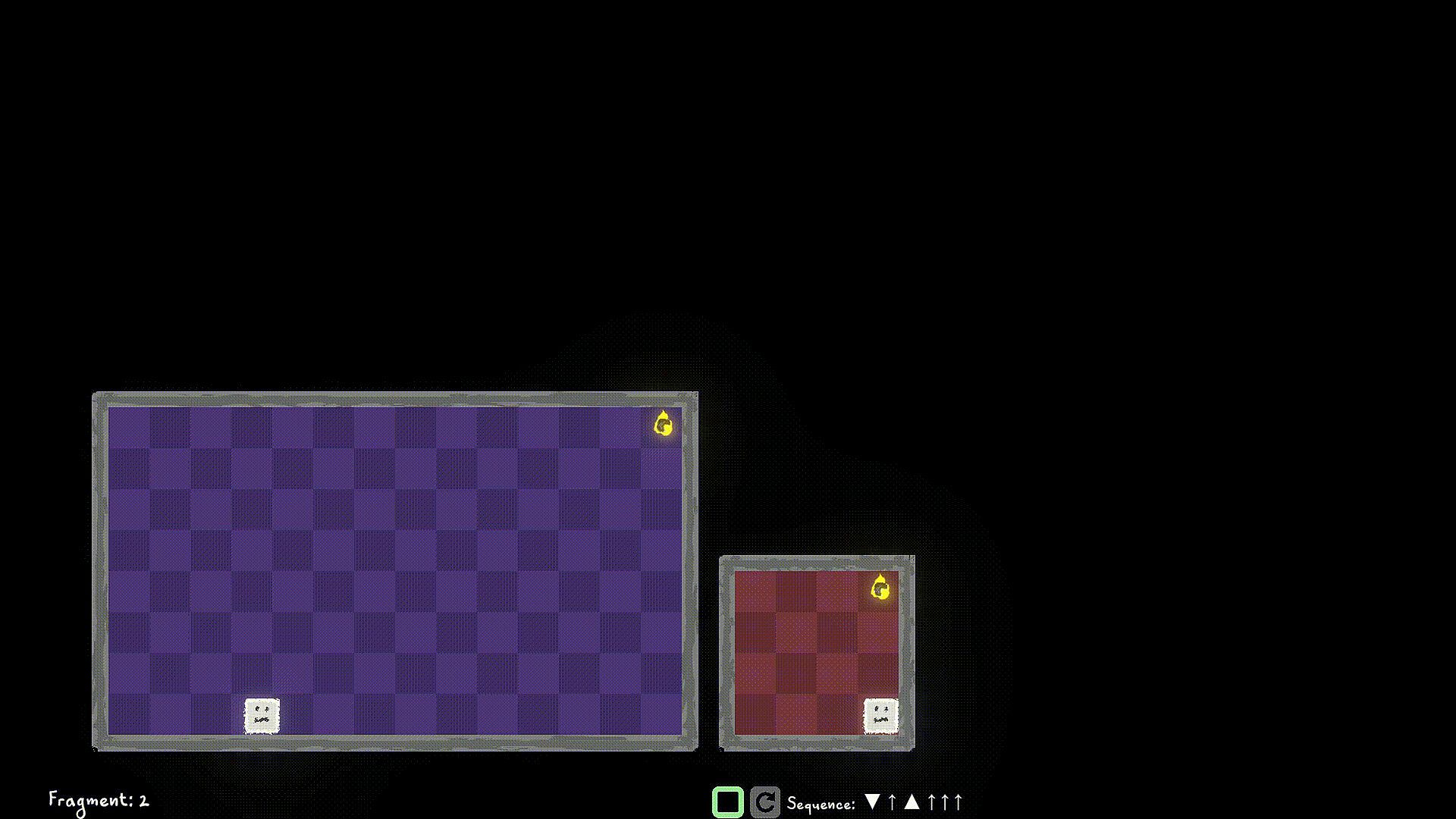
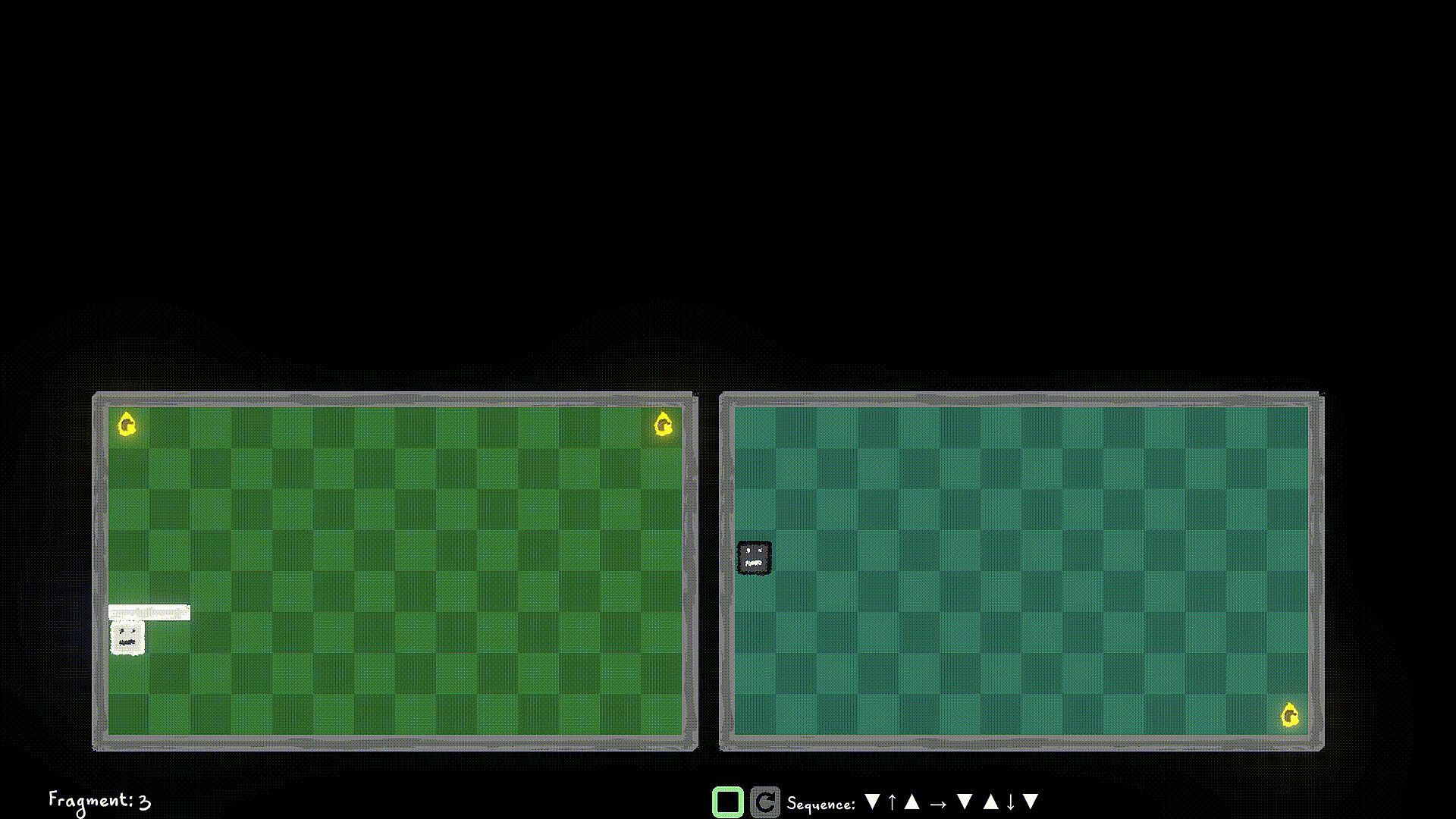
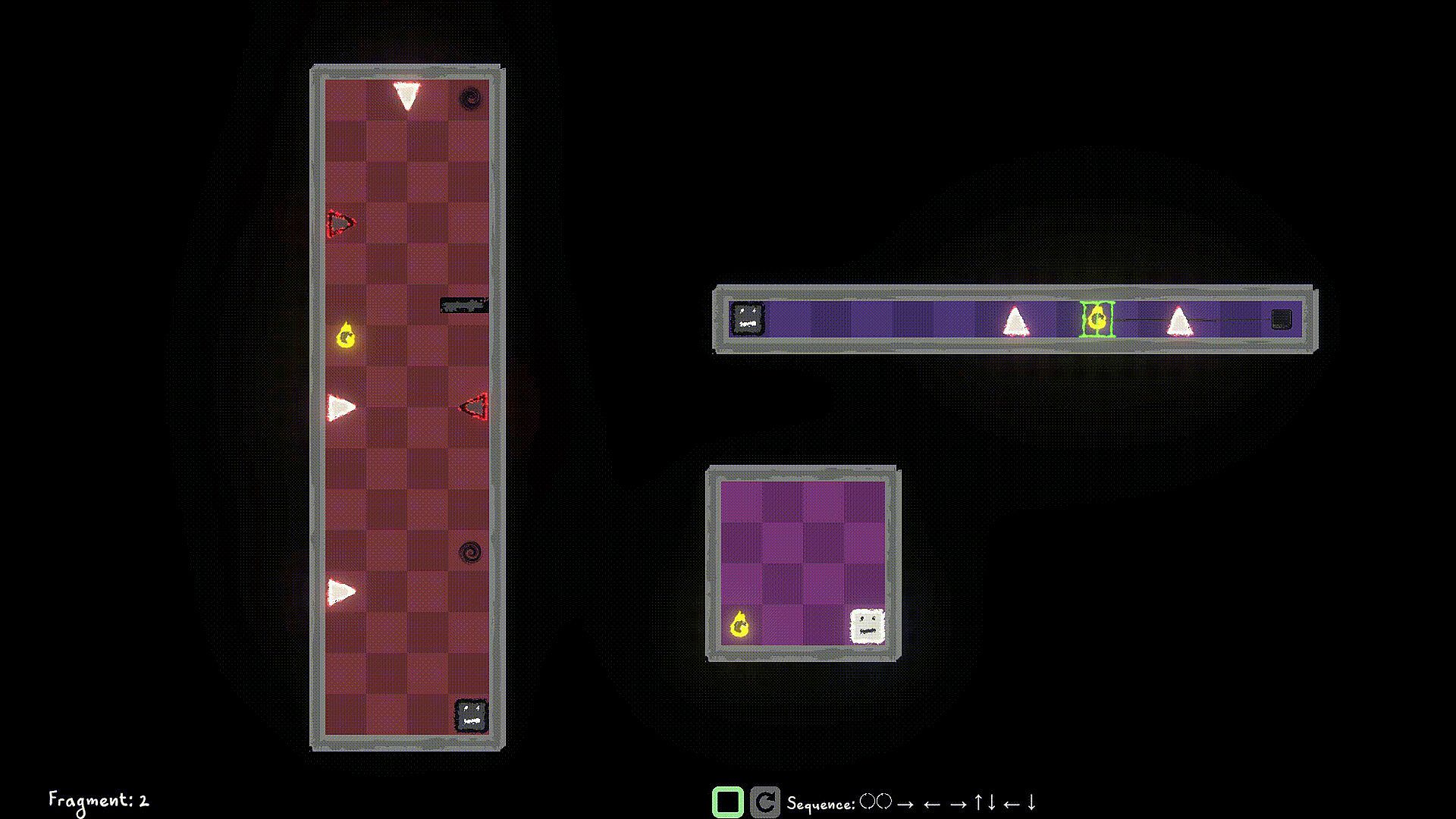
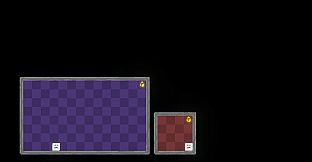
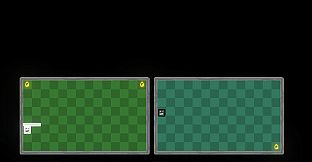
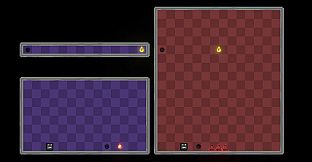
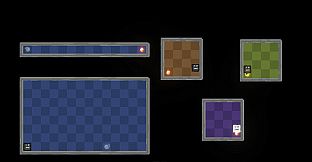
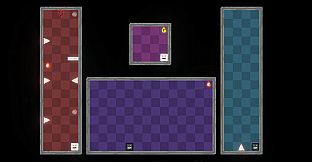
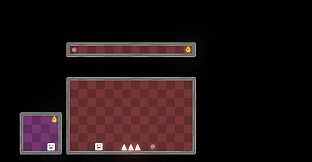
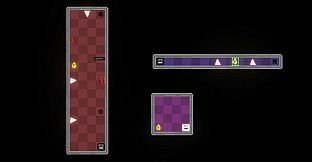
Control the player in multiple worlds, all working parallel. Collect World Pieces of the original world which are scattered around the parallel worlds, and help put back the original world.

Jump into different Dimensions of each world to avoid obstacles blocking your path. Collect the world pieces to protect your original world.

Game Mechanics:

Use W/A/S/D to move the player left/right/up/down and Q/E to move the player to Light Dimension and Dark Dimension. You can interact with items like walls/spikes/collectibles of the same Dimension as a Player Remnant. Use F to Flip the the current Dimension that the Player Remnant is in. If you're in the Dark Dimension, jump into the Light Dimension, If you're in the Light Dimension, jump into the Dark Dimension. Hit the world edge (wall), and the player stops walking.

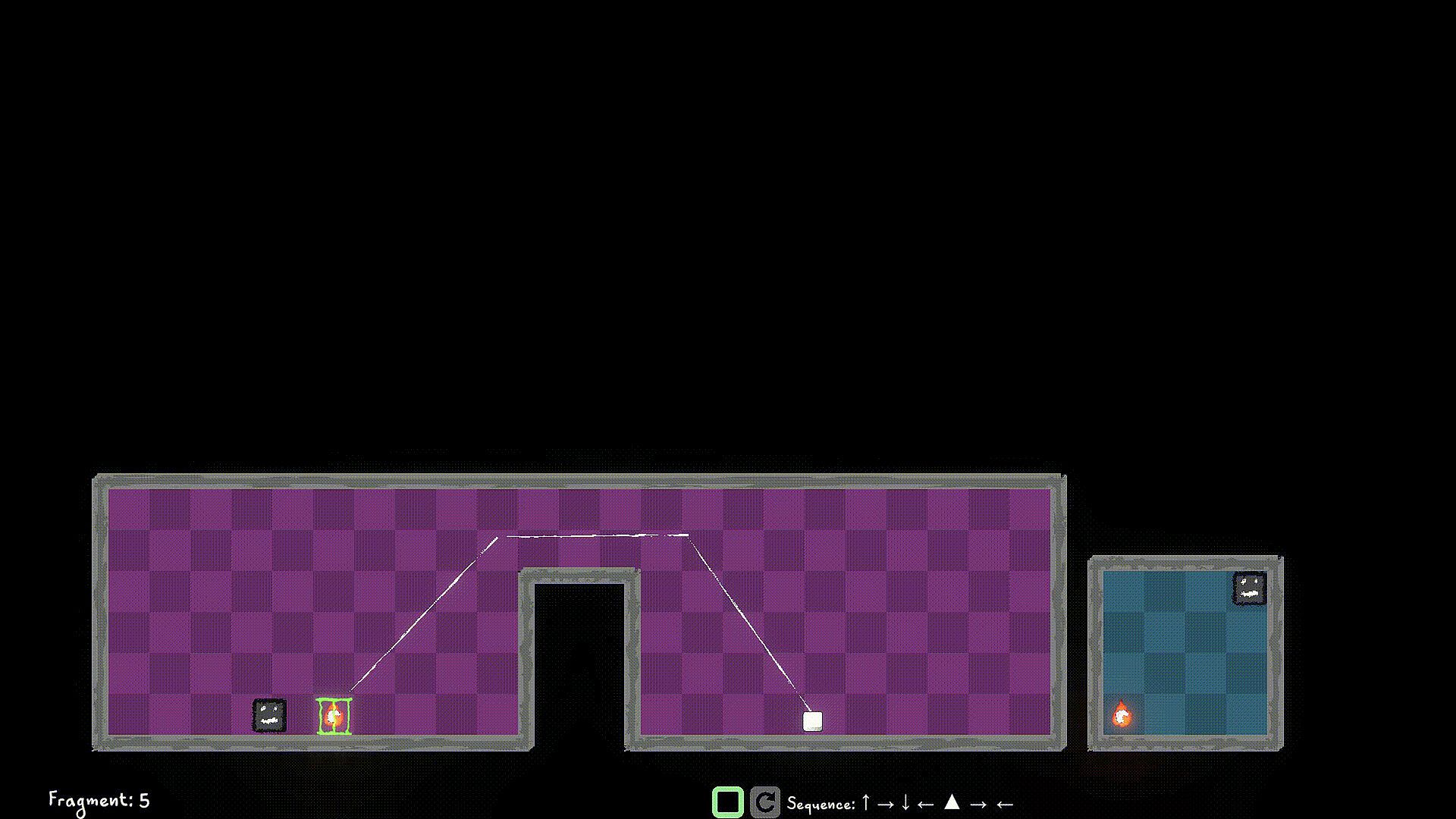
You start a level by queuing up actions using the W/A/S/D/Q/E/F buttons, and then hit the Simulate button to simulate the sequence. If you have collected all the World Pieces in the level, you will have stitched the fragment in the timeline, and you move on to the next fragment. Else? Fragment Reset. So strategize well, before you start the simulation. You can stop the simulation manually as well, but you still lose those points ;)

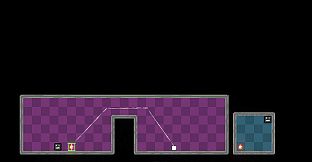
Look out for portals, you can use them strategically to jump through, and your walk continues. You can only use portals that are in the same Dimension as the player.

Use switches in the same Dimension to unlock/toggle the locks for certain World Pieces, or Obstacles.


Interfaz:
English

Clasificación por edades

No disponible

Mínimo:

  • Sistema operativo: Windows 10
  • Procesador: Dual-core 2.0 GHz
  • Memoria: 2 GB RAM
  • Gráficos: Intel HD 4000 / NVIDIA GeForce 600 series or equivalent
  • Almacenamiento: 500 MB available space

Recomendado:

  • Sistema operativo: Windows 11
  • Procesador: Intel i5 or better (or AMD equivalent)
  • Memoria: 2 GB RAM
  • Gráficos: NVIDIA GeForce 600 series or equivalent
  • Almacenamiento: 1 GB available space

Mínimo:

  • Sistema operativo: macOS 10.13 High Sierra or later
  • Procesador: Apple M1 or Intel Core M
  • Memoria: 2 GB RAM
  • Gráficos: Metal-compatible GPU
  • Almacenamiento: 1 GB available space

Recomendado:

Mínimo:

  • Sistema operativo: Ubuntu 20.04 LTS or compatible distro
  • Procesador: Dual-core 2.0 GHz
  • Memoria: 2 GB RAM
  • Gráficos: OpenGL 3.2+ compatible GPU
  • Almacenamiento: 1 GB available space

Recomendado:

  • Sistema operativo: Ubuntu 20.04 LTS or compatible distro
  • Procesador: Intel i5 or better (or AMD equivalent)
  • Gráficos: OpenGL 3.2+ compatible GPU
Mínimo histórico
Historial de precios de tiendas oficiales
-
-
-
Historial de precios de keyshops
-
-
-

FAQ

8 preguntas

Antes de buscar una clave barata de Multiworlds, revisa lo esencial. Desarrollado por FMF Games. Publicado por FMF Games. Géneros: Strategy, Indie, Casual, Simulation, Early Access. Categorías: Family Sharing, Single-player, Playable without Timed Input.

Q

¿Donde comprar una clave barata de Multiworlds para Steam?

Multiworlds es gratis! Descargalo en Steam y empieza a jugar al instante.

Multiworlds es completamente gratis en Steam. No necesitas comprarlo - solo descargalo y juega. Si buscas DLC premium o articulos del juego, consulta la tabla de ofertas de arriba.

Nuestro rastreador de precios cubre tanto tiendas oficiales como keyshops, asi que puedes encontrar Multiworlds en oferta incluso fuera de las promociones de temporada. Actualmente detectamos 0 ofertas activas en tiendas oficiales y keyshops. Consulta la tabla de arriba, compara con el minimo historico y crea una alerta para no perderte la proxima bajada de precio.

Segun nuestros datos, Multiworlds no esta disponible actualmente en GeForce NOW. Necesitaras ejecutarlo localmente en tu PC. Consulta los juegos disponibles en GeForce NOW.

Si. Multiworlds tiene una pagina oficial en Steam, pero actualmente no rastreamos ofertas de terceros con DRM de Steam. Vuelve mas tarde o crea una alerta de precio.

No en este momento. Valve marca Multiworlds como No compatible con Steam Deck. Estate atento a XD.deals - seguimos las actualizaciones de Proton y las soluciones de la comunidad. Consulta los juegos Steam Deck Verified o Steam Deck Playable.

Multiworlds no parece estar disponible en PC Game Pass, EA Play, Ubisoft+ ni en ningun otro servicio de suscripcion para PC en este momento. Tu unica opcion es comprar el juego - usa XD.deals para encontrar el mejor precio.

No - XD.deals no es una tienda. Somos un comparador de precios que rastrea las mejores ofertas de Multiworlds en tiendas oficiales y keyshops verificados. Haz clic en "Ir a la tienda" junto a cualquier oferta y seras redirigido a la web del vendedor para completar tu compra.

¿Quieres comprar en el mejor momento? Crea una alerta de precio en XD.deals y recibe una notificacion cuando Multiworlds alcance su proximo minimo historico.

Crear alerta
Únete a nuestro Discord
Obtén ayuda al instante de nuestra comunidad y mantente al día de las últimas ofertas
Configurar alertas de precio
Recibe avisos por correo cuando los precios bajen a tu objetivo
Crear cuenta gratis
Desbloquea listas de deseos, alertas de precio y sincronización con Steam









