





Comprar Kemonomichi-White Moment- PC Key

¿Dónde comprar Kemonomichi-White Moment- al mejor precio? A fecha de 23 ago 2026 este título tiene una oferta, 4,87 € en Steam. En PC es lo habitual, porque solo uno de cada cuatro títulos consigue oferta en keyshop y el resto se queda en la tienda de la plataforma. No hay nada que comparar, pero seguimos este precio a diario y mostramos cómo queda frente a lecturas anteriores, y una alerta de precio te avisa de cada bajada. En PC compras una clave que activas en Steam u otro cliente, y aquí el mercado es el más amplio, con más de una cuarta parte de los juegos con oferta en keyshop.

Lanzamiento: 03 may 2018
SouthWorks
MBF FILMs
Metacritic:
tbd tbd
Steam:
Overwhelmingly Negative (2)
Keyshops
No disponible
Comprar en tienda oficial:
-50%
4,87 €
MĂ­nimo histĂłrico
Comprar en keyshops:
Ver historial de precios

Tiendas oficiales (1)

DRM:
Steam
Steam
Steam
Kemonomichi-White Moment-
Windows
hace 35sem
DRM:
Steam
Steam
9,75 € 4,87 €
Historical Low Deal
MĂ­nimo histĂłrico
-50%

Sobre Kemonomichi-White Moment-

Kemonomichi-White Moment- - sobre el juego
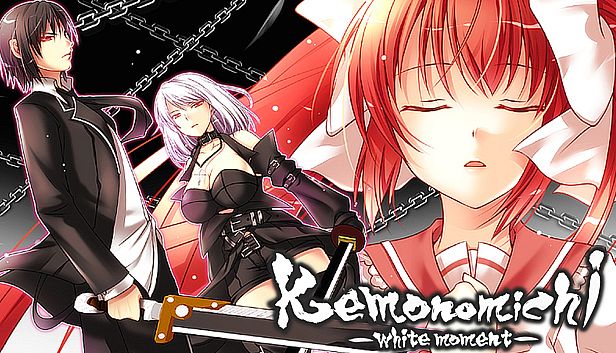
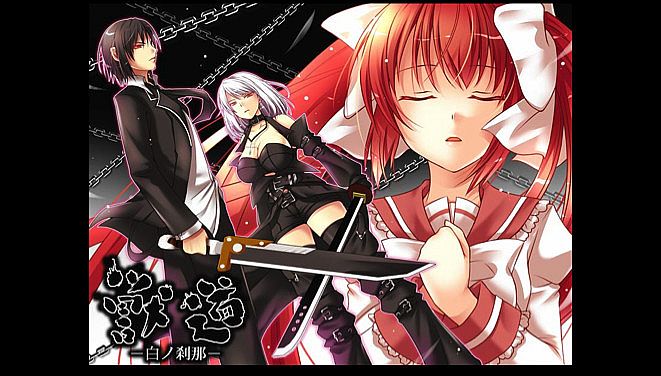
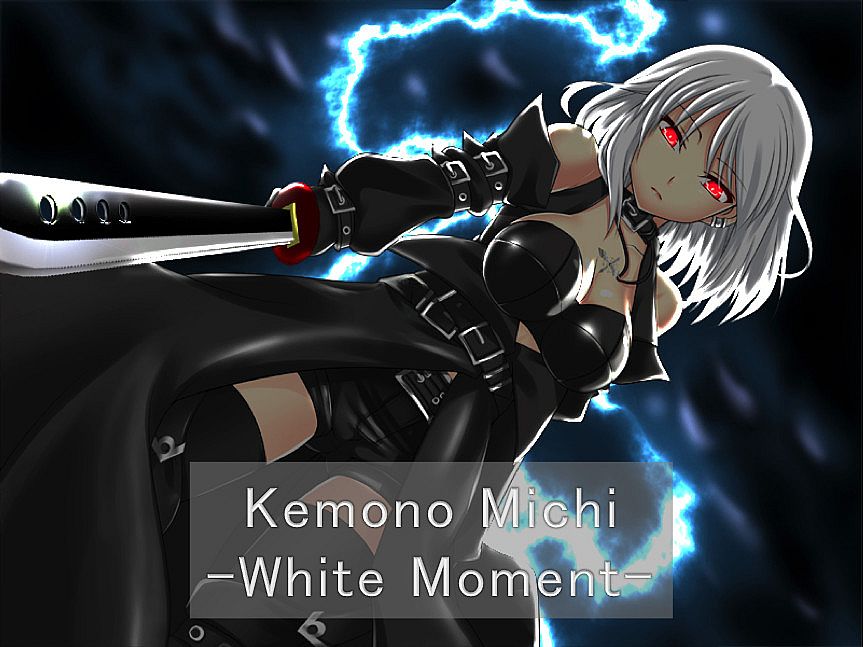
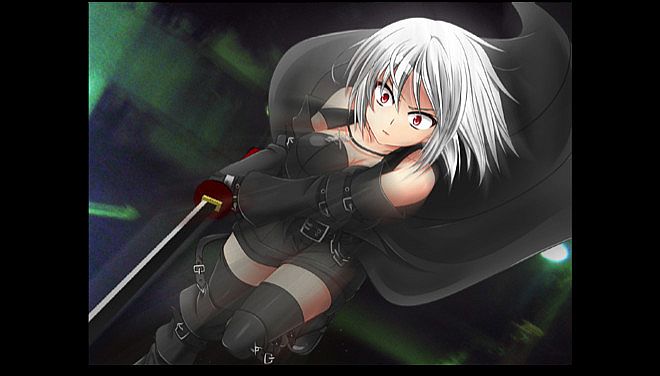
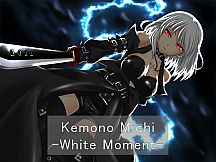
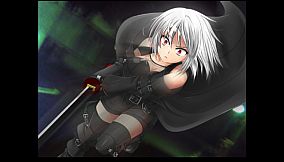
A man grips a large sword, plotting his escape from a sinister organization while fleeing pursuers and battling memory loss. A silver-haired girl with glowing red eyes and an otherworldly long sword ambushes him at god-like speeds, her attacks overwhelming his enhanced body. This violent adventure novel game unfolds as "Kemono Michi," a tale of grueling fights down the beast road, complete with English subtitles. Players advance through scenarios via point-and-click choices, using SAVE, LOG, and AUTO buttons to track progress, review dialogue, or automate reading. Options let you skip read text, hide messages during CG sequences, or load from save points. Fans of gore-filled adventure novels with branching paths and intense confrontations will find a focused experience on PC.

Adventure novel game.
(English subtitles)

Story synopsis:
Large sword in hand, a man plans his escape from the organization.
Running from his pursuers, he is forced to wander.
Then, before his eyes… a girl appears.
In the silver-haired girl’s hand, a long sword that seems otherworldly.
The moment she sees him, she attacks at blinding speed.

Despite his artificially enhanced body, the girl’s attacks move with god-like speed
slowly closing in on him…
One can only wonder why she is after him
as she glares with glowing red eyes that pierce the shadows…

“Kemono Michi” is the story of a man who lost his memory
and his grueling fight against a sinister organization.
※“Kemono Michi” means beast road.


Software Usage Instruction Manual:
————————————————————————
We would like to thank you very much
for purchasing “Kemonomichi ~White Moment~”.
————————————————————————
Game functions and explanations:
————————————————————————
Upon game start:
-NEW GAME — Select to start a new game.
-LOAD GAME — Select to continue your game (from a save point).
-EXIT — Select to quit the game.
During game play (Click on the icon in the lower right to access the options):
-Save — Saves your progress.
-Load — Quit your current game and restart from a save point.
-Hide the Messages — Temporarily hides the message window. (When viewing CG sequences.)
-Skip Reading — Will automatically skip past scenarios that you have already read.
-Return to Top Menu — Quit your current game and return to the top menu.
*Click on the X button in the upper right corner of the menu to return to the game.
Buttons within the game window:
-SAVE button — Allows you to access the Save menu screen.
-LOG button — Allows you to look over dialogue you’ve already read. This will allow you to read anything you may have accidentally skipped.
-AUTO button — Allows you to progress through the game without clicking. The game will pause at selection screens until a choice has been made.

---------------------------------------------------------------

[Some programs protrude from the screen and displayed]

After disabling multi-monitor support, some programs may be displayed out of the screen.

Cause)
This phenomenon may occur if the program was displayed on a monitor other than the primary monitor before disabling multi-monitor support.

Solution)
To solve this problem, use one of the following methods.

Method 1)
Start the program.
Right-click the program on the task bar and click Maximize.
Right-click a blank area on the task bar and click [Overlay].
Change the window of the program to the appropriate size.

Method 2)
Start the program.
Right-click the program on the task bar and click [Move].
Move the mouse pointer to the center of the screen.
Use the arrow keys on the keyboard to move the program's window to the screen display area.
Press the Enter key.
Change the size of the window as necessary.

Method 3)
Note: The following method can not be used if the display adapter of the secondary monitor has been deleted from the computer.
Click the [Start] button, point to [Settings], click [Control Panel], and double-click [Display].
Click the Settings tab.
In the Display box, click the secondary display adapter.
Deselect the Allow Windows desktop to move on this monitor check box and click OK.

※
This phenomenon may also occur when you change the placement of the monitor on the [Settings] tab of [Display Properties].

Interfaz:
English
Audio:
Japanese
SubtĂ­tulos:
English

ClasificaciĂłn por edades

No disponible
Metacritic:
tbd tbd
Steam:
Overwhelmingly Negative (2)

MĂ­nimo:

  • Procesador: Intel Core i3 2GHz or better
  • Memoria: 2 GB RAM
  • Gráficos: Intel HD Graphics 5000, Geforce 9500GT, Radeon HD 3650 or above
  • DirectX: Version 9.0c
  • Almacenamiento: 1000 MB available space
  • Notas adicionales: DirectSound compatible

Recomendado:

  • Procesador: Intel Core i3 2GHz or better
  • Memoria: 2 GB RAM
  • Gráficos: Intel HD Graphics 5000, Geforce 9500GT, Radeon HD 3650 or above
  • DirectX: Version 9.0c
  • Almacenamiento: 1000 MB available space
  • Notas adicionales: DirectSound compatible
MĂ­nimo histĂłrico
Historial de precios de tiendas oficiales
4,87 €
Steam
hace 8 meses
Historial de precios de keyshops
-
-
-

FAQ

8 preguntas

Antes de buscar una clave PC barata de Kemonomichi-White Moment-, revisa lo esencial. Desarrollado por MBF FILMs. Publicado por SouthWorks. Fecha de lanzamiento en PC: 03 may 2018. Géneros: Adventure, Violent, Gore. Categorías: Family Sharing, Single-player.

Q

ÂżDĂłnde comprar una clave Steam o CD Key barata de Kemonomichi-White Moment-?

Gracias a nuestro comparador de precios y códigos de descuento verificados, puedes comprar una clave de Kemonomichi-White Moment- por solo 4,87 €. Esta oferta está disponible en Steam y es una de las más baratas del mercado. Todas las claves en XD.deals se entregan digitalmente y se pueden descargar al instante tras el pago. Los precios ya incluyen comisiones y códigos promocionales aplicados, así que siempre ves el precio más bajo de Kemonomichi-White Moment- en PC. Consulta el historial de precios de Kemonomichi-White Moment- para comprar en el mejor momento.

Según nuestra última actualización (refrescamos los precios de Steam varias veces al día), el precio de Kemonomichi-White Moment- en Steam es 4,87 €. Puedes ahorrar un ~6% extra pagando con una tarjeta regalo de Steam con descuento.

Nuestro rastreador de precios cubre tanto tiendas oficiales como keyshops, asĂ­ que puedes encontrar Kemonomichi-White Moment- en oferta incluso fuera de las promociones de temporada. Actualmente detectamos 1 oferta activa en tiendas oficiales y keyshops. Consulta la tabla de arriba, compara con el mĂ­nimo histĂłrico y crea una alerta para no perderte la prĂłxima bajada de precio.

Según nuestros datos, Kemonomichi-White Moment- no está disponible actualmente en GeForce NOW. Necesitarás ejecutarlo localmente en tu PC. Consulta los juegos disponibles en GeForce NOW.

Sí. Kemonomichi-White Moment- tiene una página oficial en Steam. También puedes comprar una clave de Steam de Kemonomichi-White Moment- a través de vendedores externos. Nuestro comparador de precios incluye actualmente 1 oferta con DRM de Steam. Elige una para asegurarte de que la descarga de Kemonomichi-White Moment- se realice en la plataforma de Valve.

No en este momento. Valve marca Kemonomichi-White Moment- como No compatible con Steam Deck. Estate atento a XD.deals - seguimos las actualizaciones de Proton y las soluciones de la comunidad. Consulta los juegos Steam Deck Verified o Steam Deck Playable.

Según nuestros datos, Kemonomichi-White Moment- no está disponible actualmente en PC Game Pass, EA Play ni Ubisoft+. Todavía estamos completando los catálogos de estos servicios, así que conviene confirmar el estado en la fuente antes de decidir. Si vas a comprar, XD.deals te ayudará a encontrar el precio más bajo.

No - XD.deals no es una tienda. Somos un comparador de precios que rastrea las mejores ofertas de Kemonomichi-White Moment- en tiendas oficiales y keyshops verificados. Haz clic en "Ir a la tienda" junto a cualquier oferta y serás redirigido a la web del vendedor para completar tu compra.

Mejores precios para Kemonomichi-White Moment-

1 Steam Steam Official
-50% 4,87 €

ÂżQuieres comprar en el mejor momento? Crea una alerta de precio en XD.deals y recibe una notificaciĂłn cuando Kemonomichi-White Moment- alcance su prĂłximo mĂ­nimo histĂłrico.

Crear alerta
Ăšnete a nuestro Discord
Obtén ayuda al instante de nuestra comunidad y mantente al día de las últimas ofertas
Configurar alertas de precio
Recibe avisos por correo cuando los precios bajen a tu objetivo
Crear cuenta gratis
Desbloquea listas de deseos, alertas de precio y sincronizaciĂłn con Steam