


Comprar Iron Naval Battle PC

Iron Naval Battle llegará pronto! Añádelo a tu lista de deseos y te avisaremos cuando esté disponible.

Lanzamiento: Coming Soon
Metacritic:
tbd tbd
Official
No disponible
Keyshops
No disponible
Comprar en tienda oficial:
No disponible
Comprar en keyshops:
No disponible

No hay entradas, pero no te preocupes: te avisaremos cuando aparezca una nueva oferta.

Create Alert Create deal Alert

Sobre Iron Naval Battle

Iron Naval Battle - sobre el juego
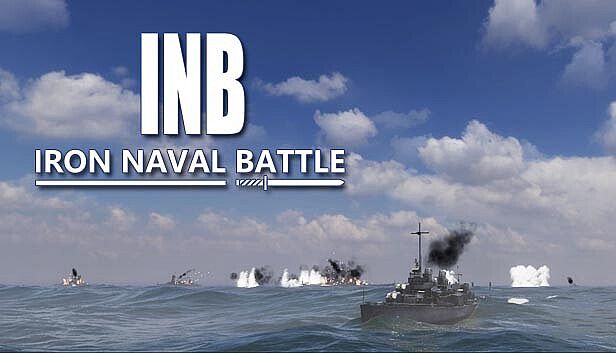
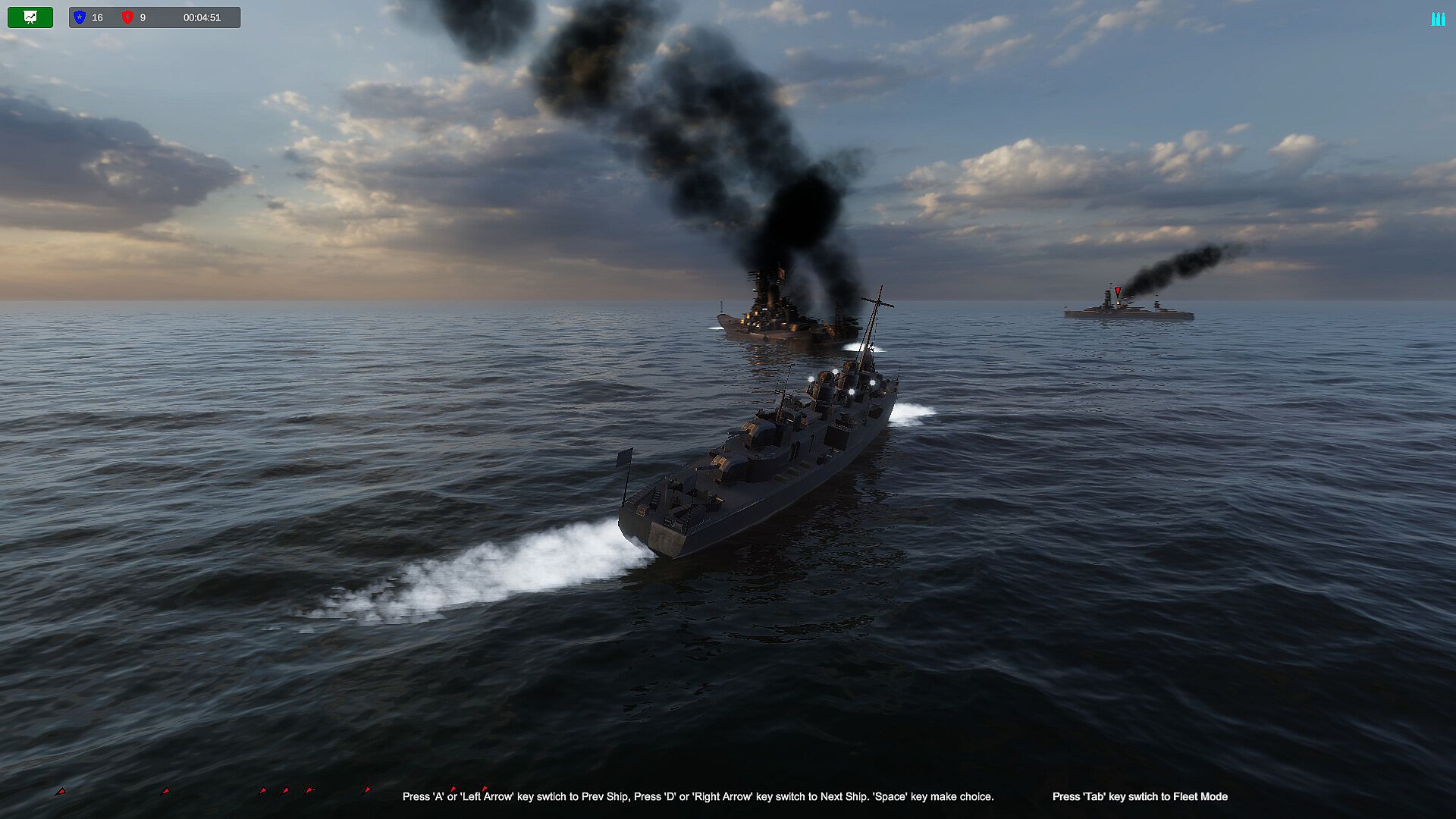
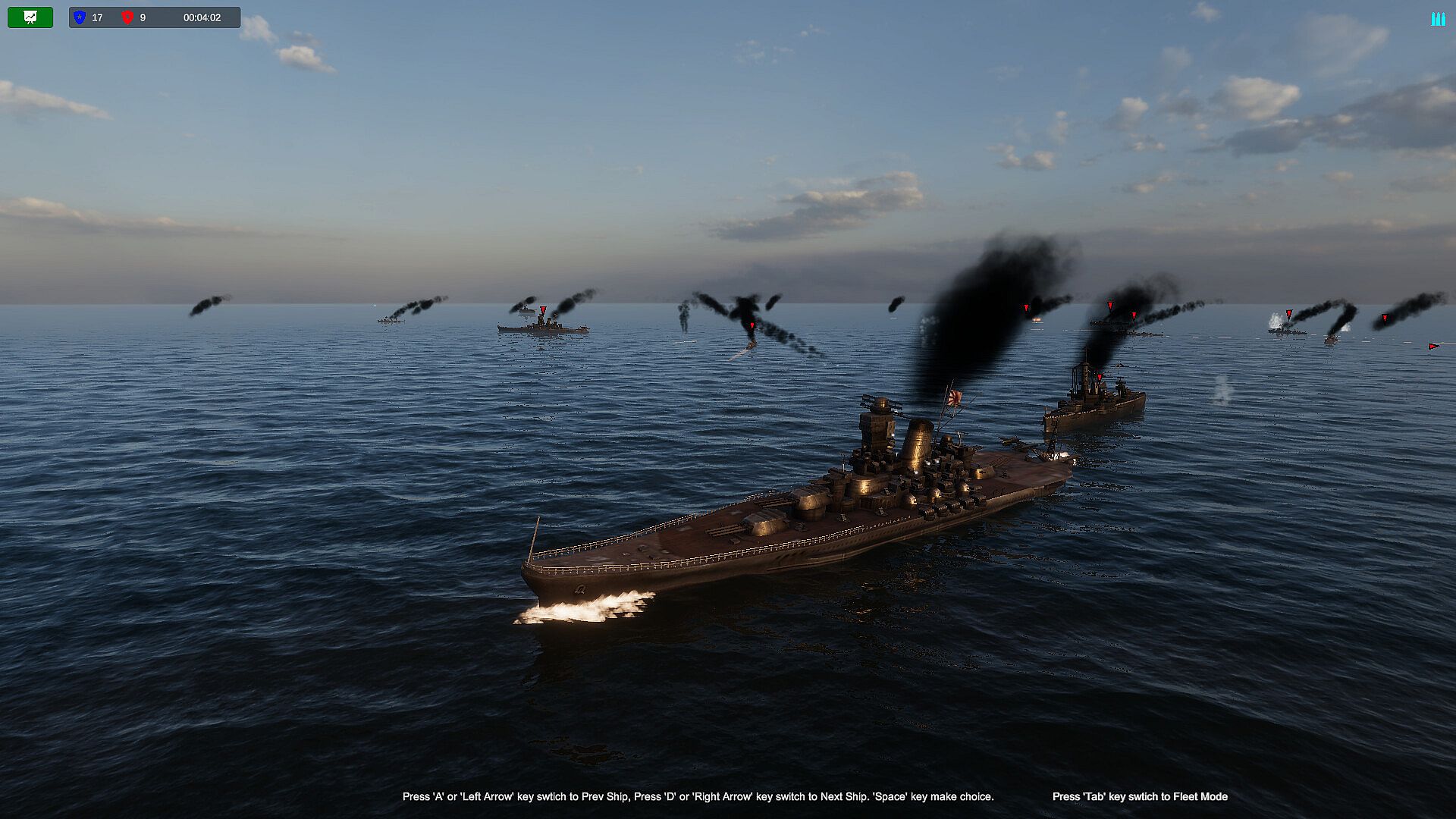
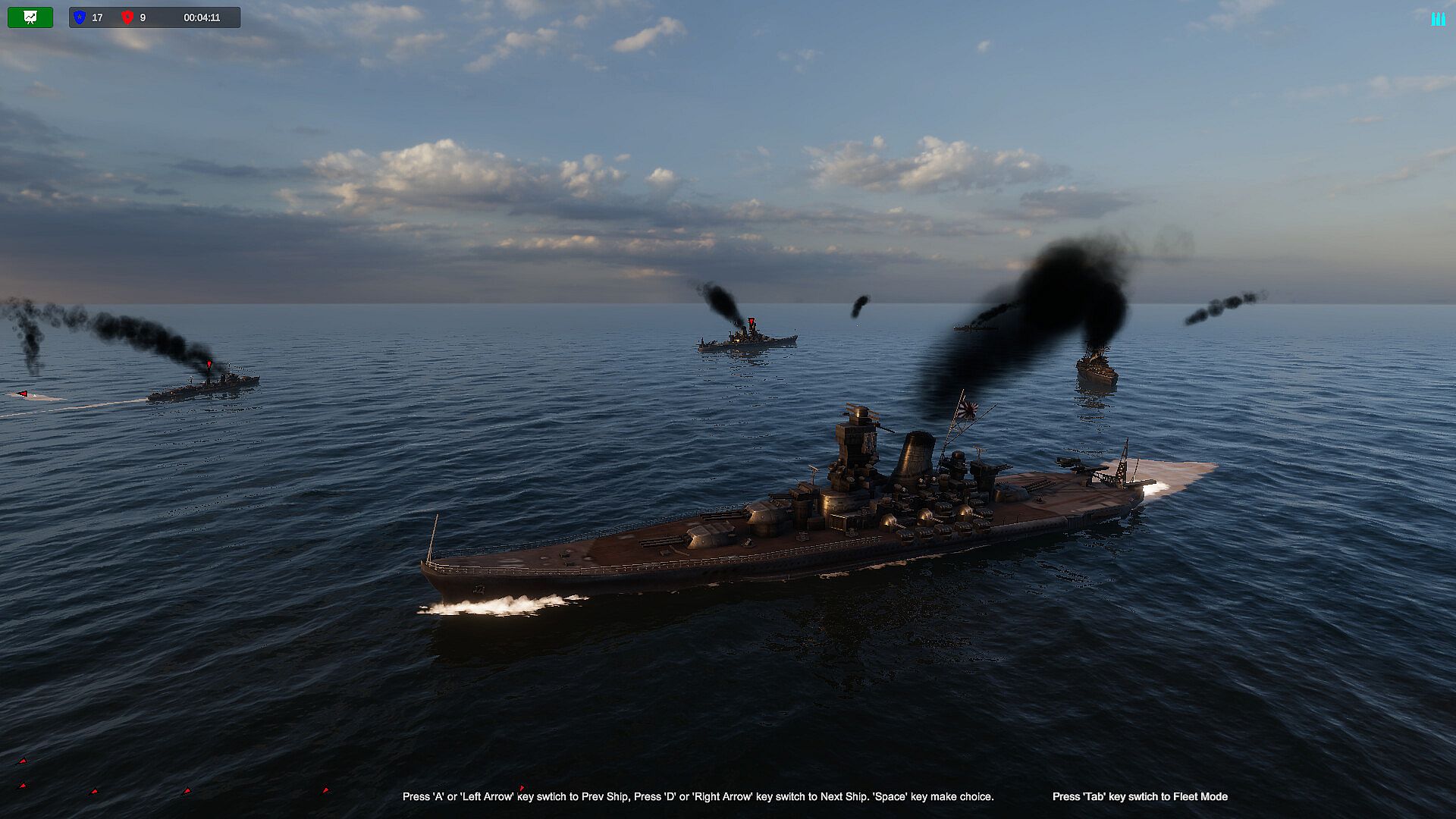
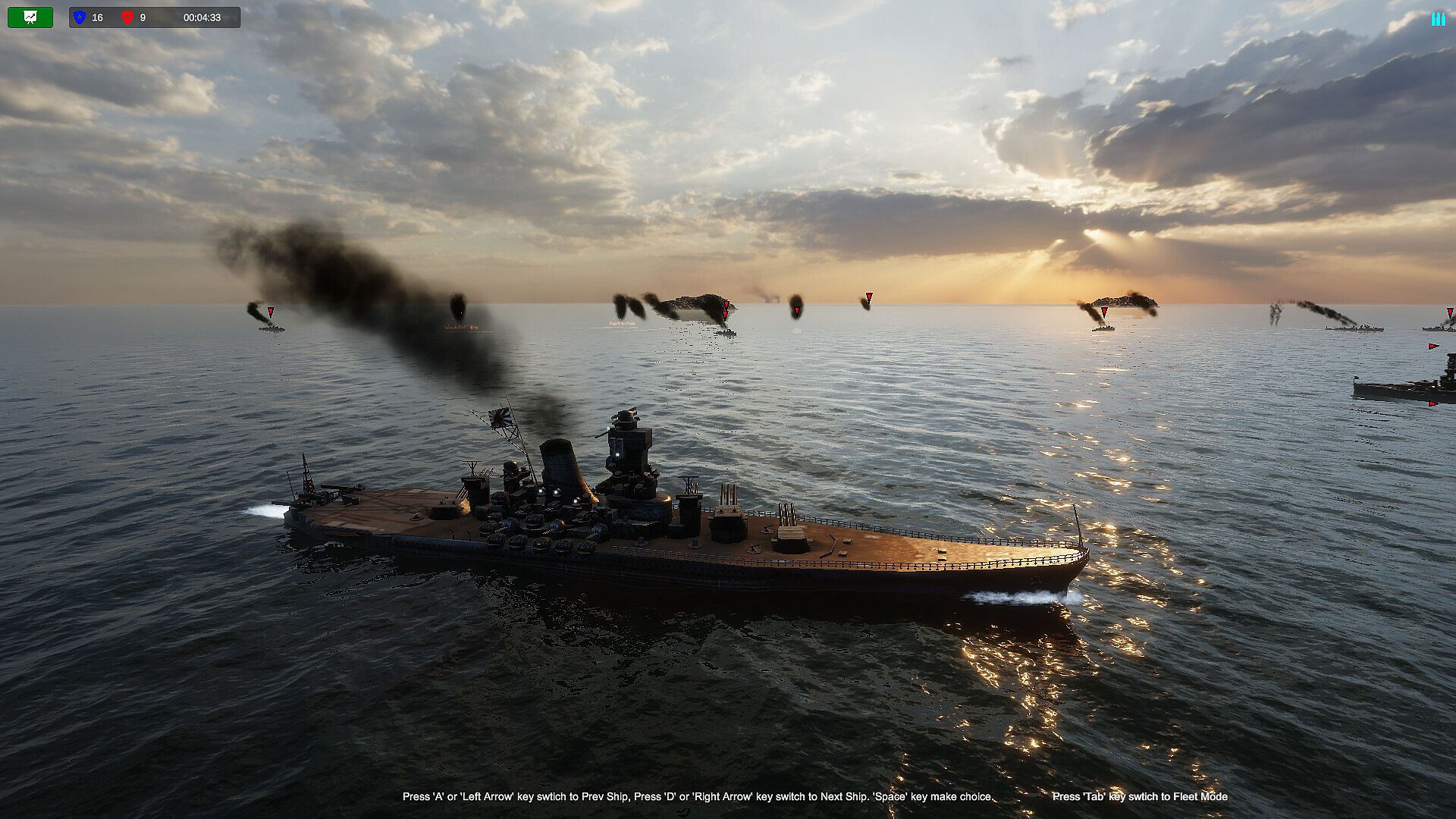
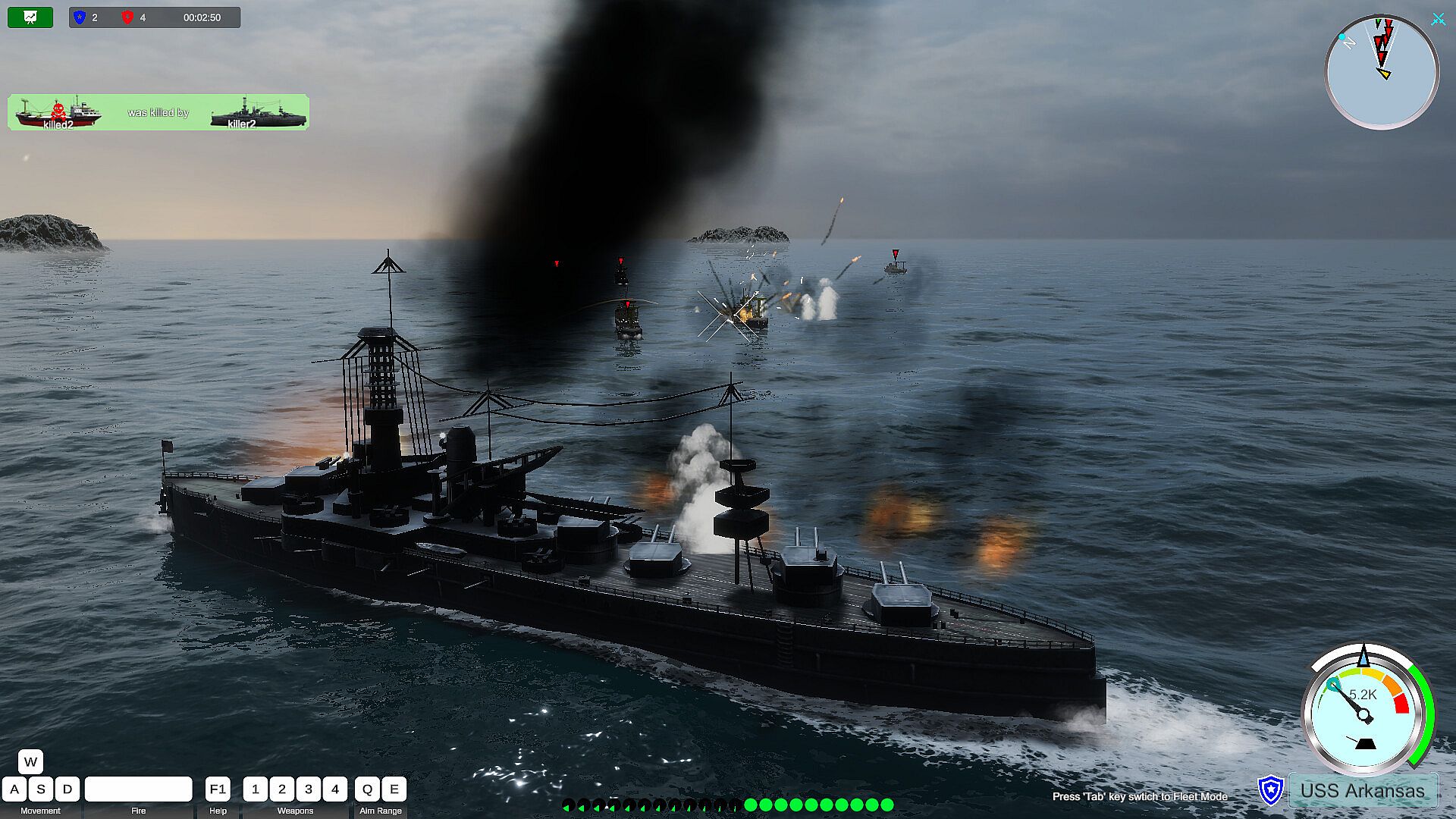
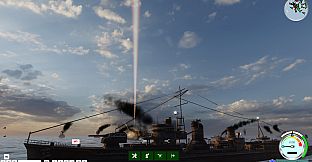
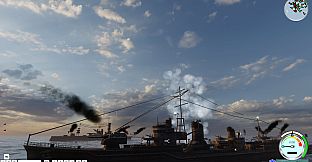
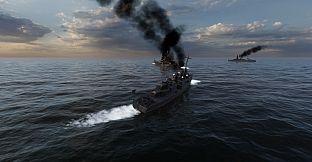
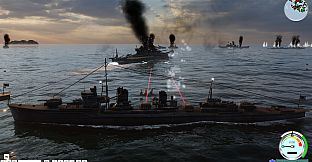
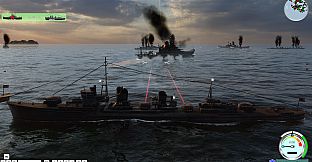
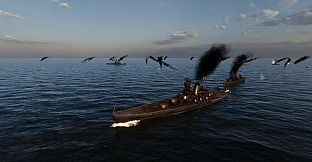
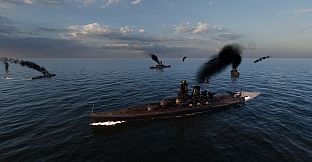
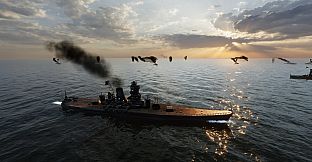
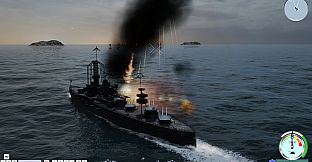
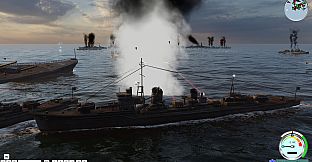
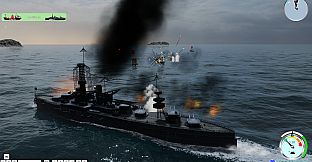
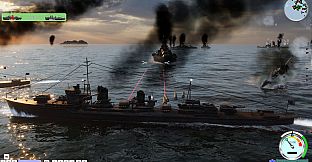
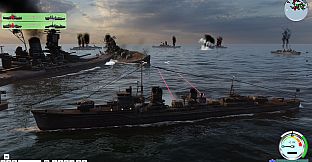
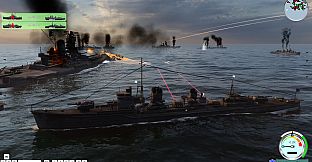
A sea of conflict, never back down. During the battle, you can switch any warship of your own side arbitrarily, a fast-paced naval battle game simulator. Let the shells roar, I am invincible.


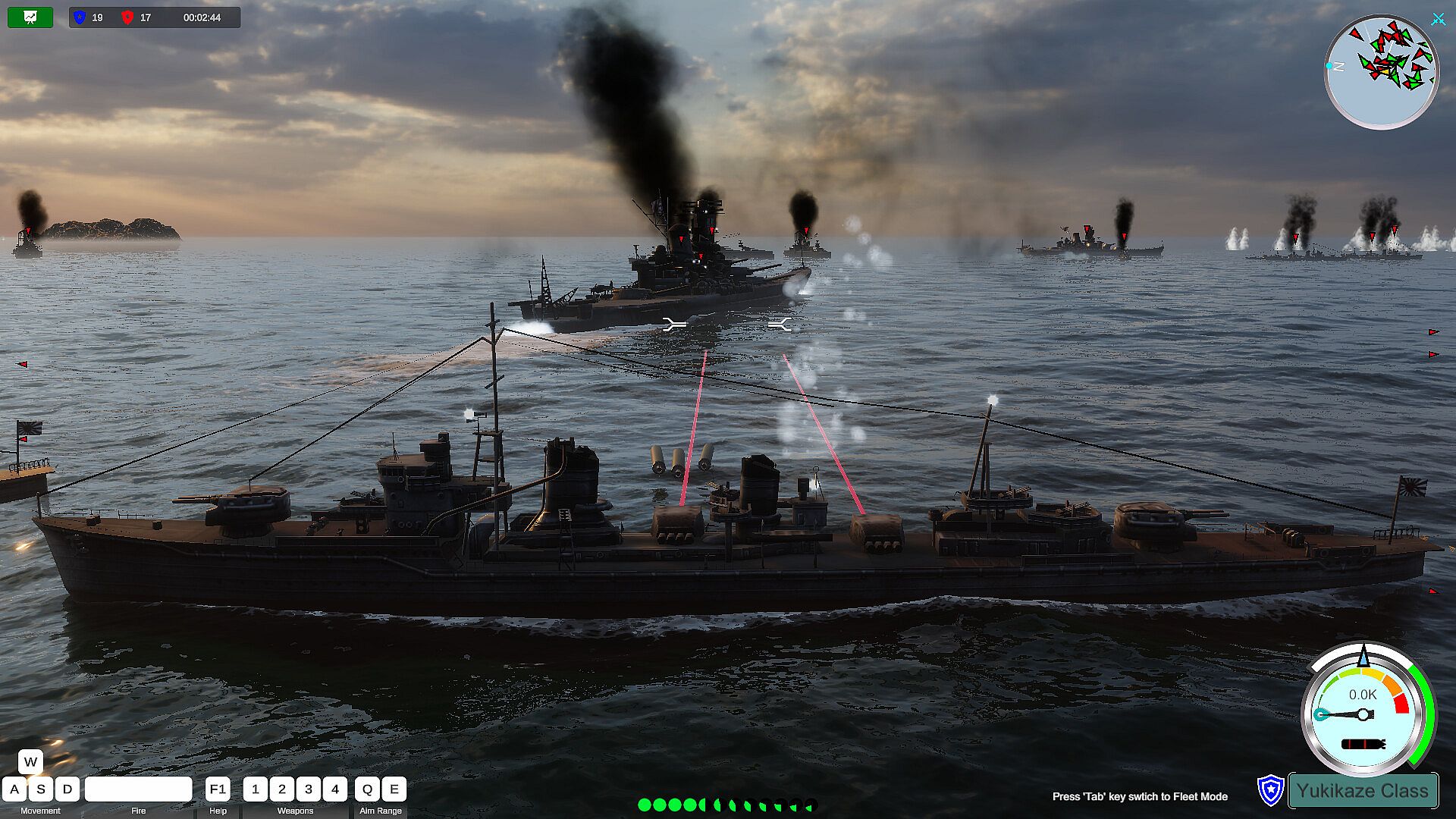
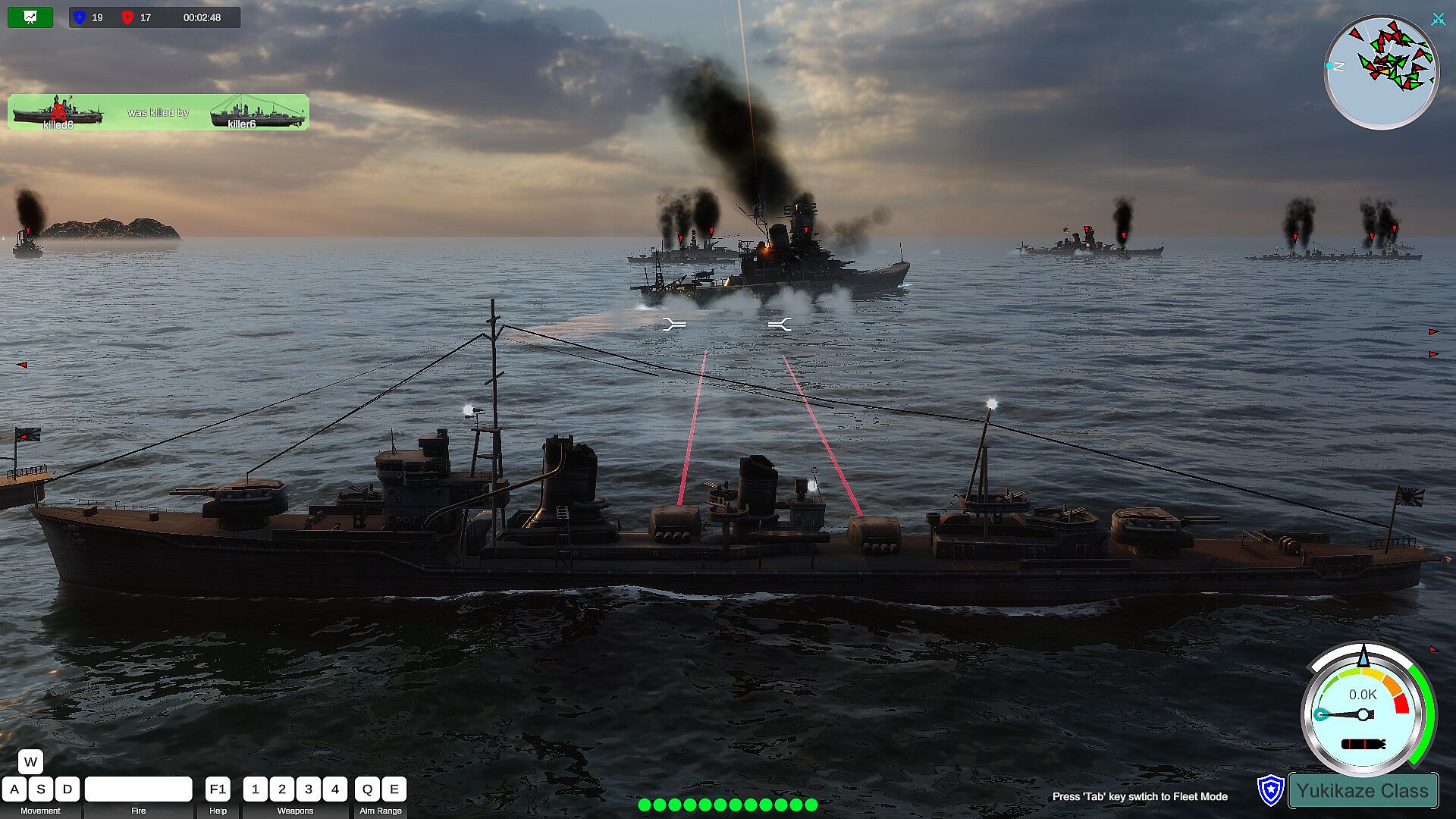
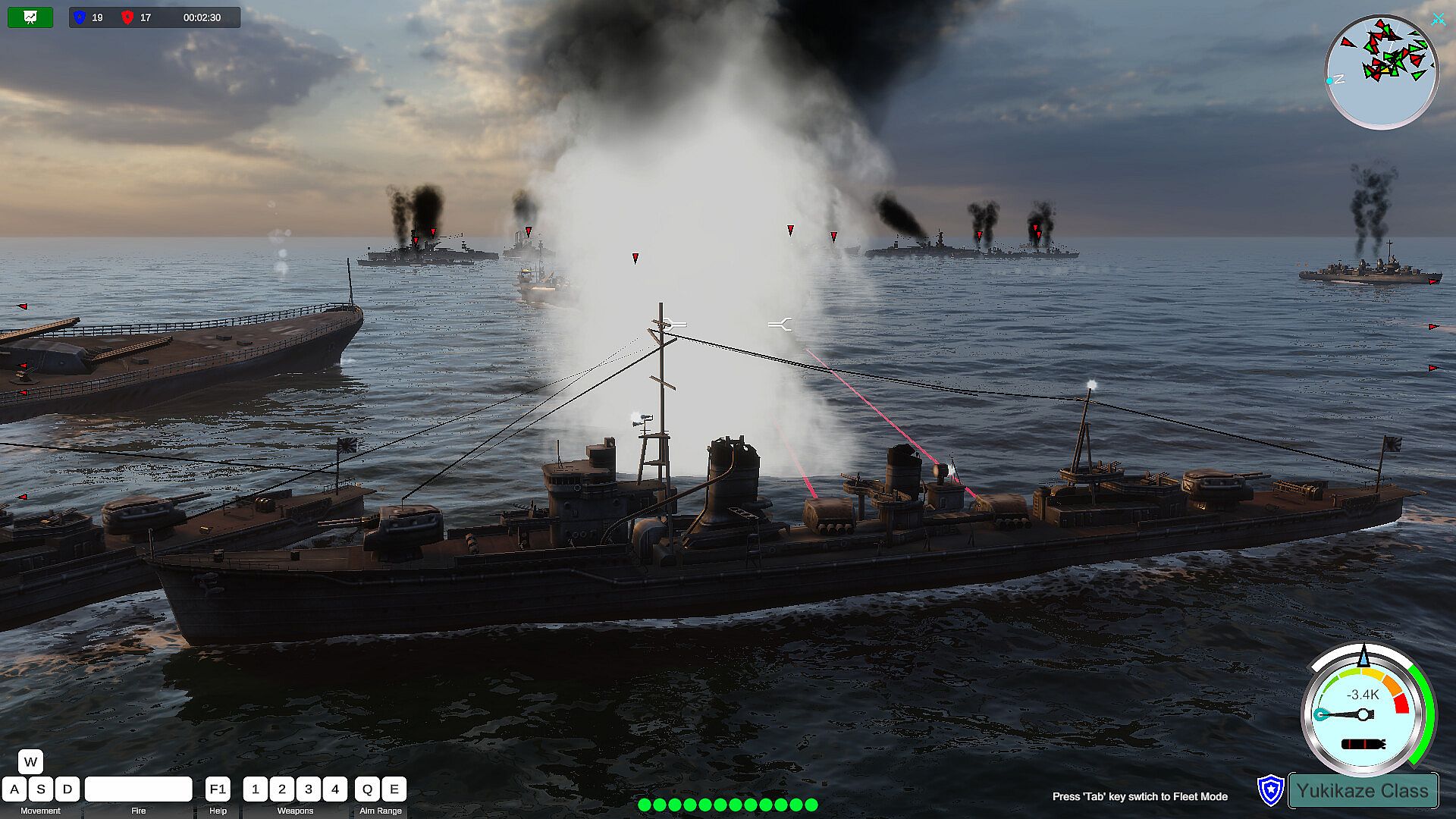
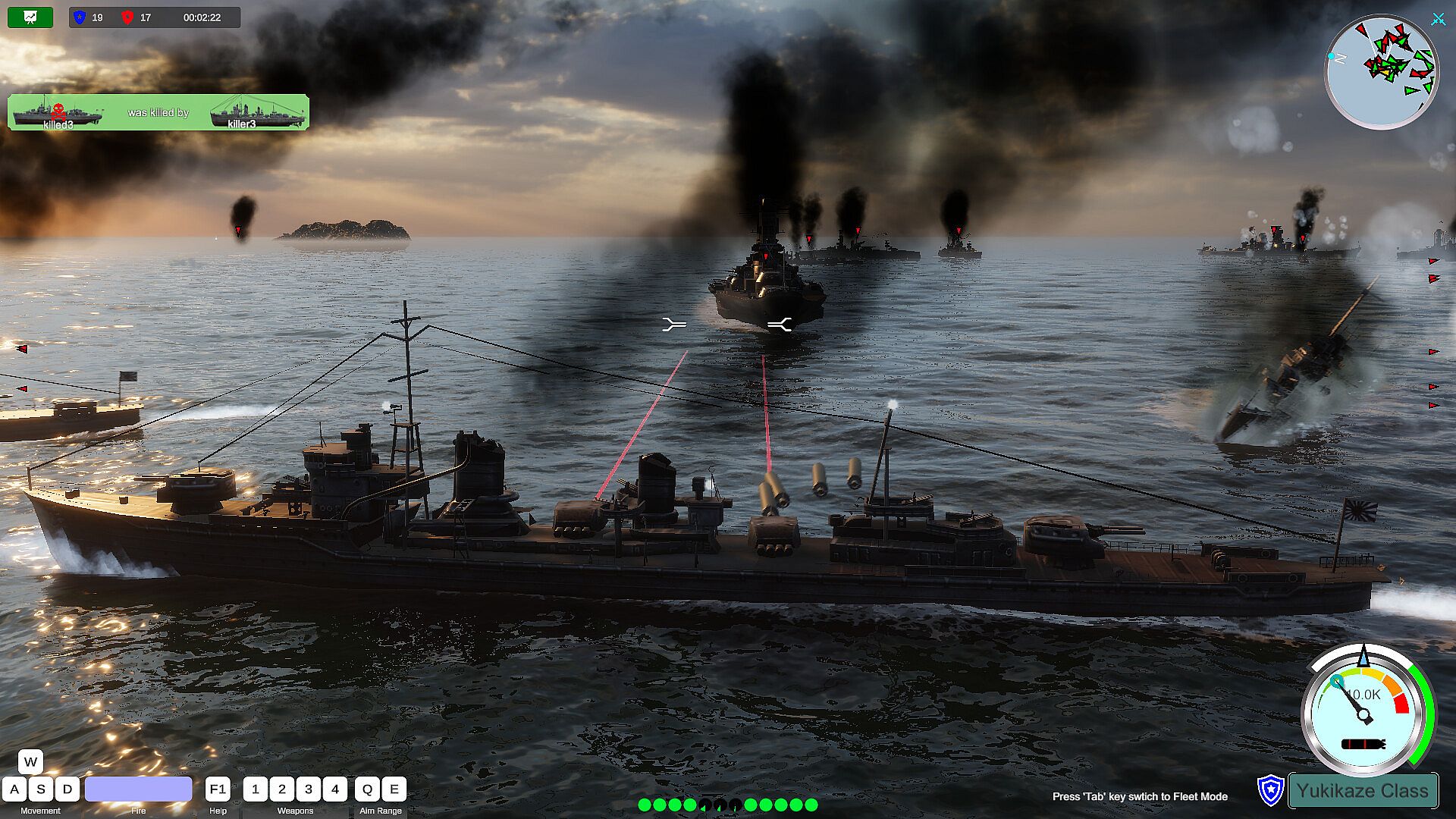
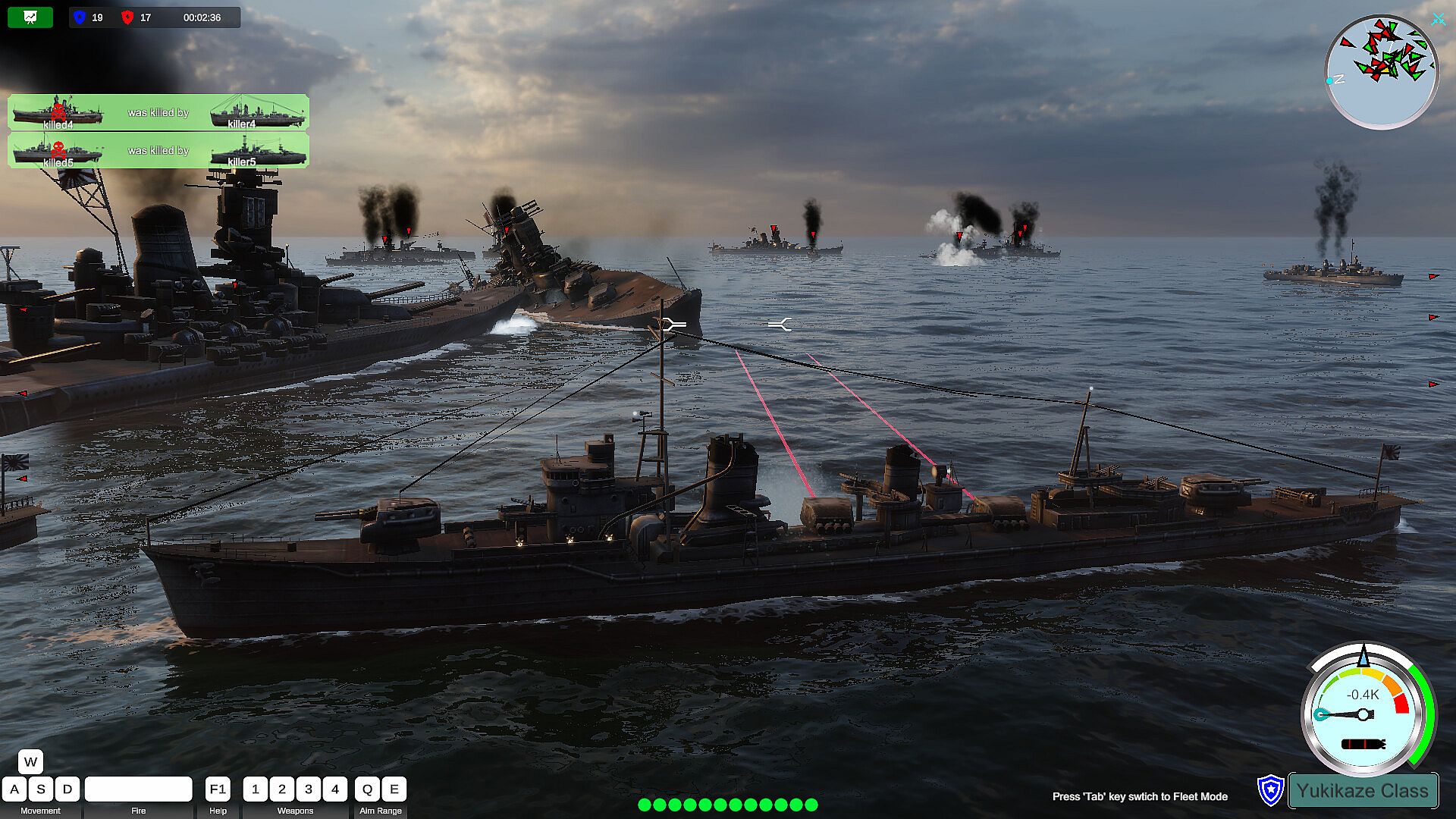
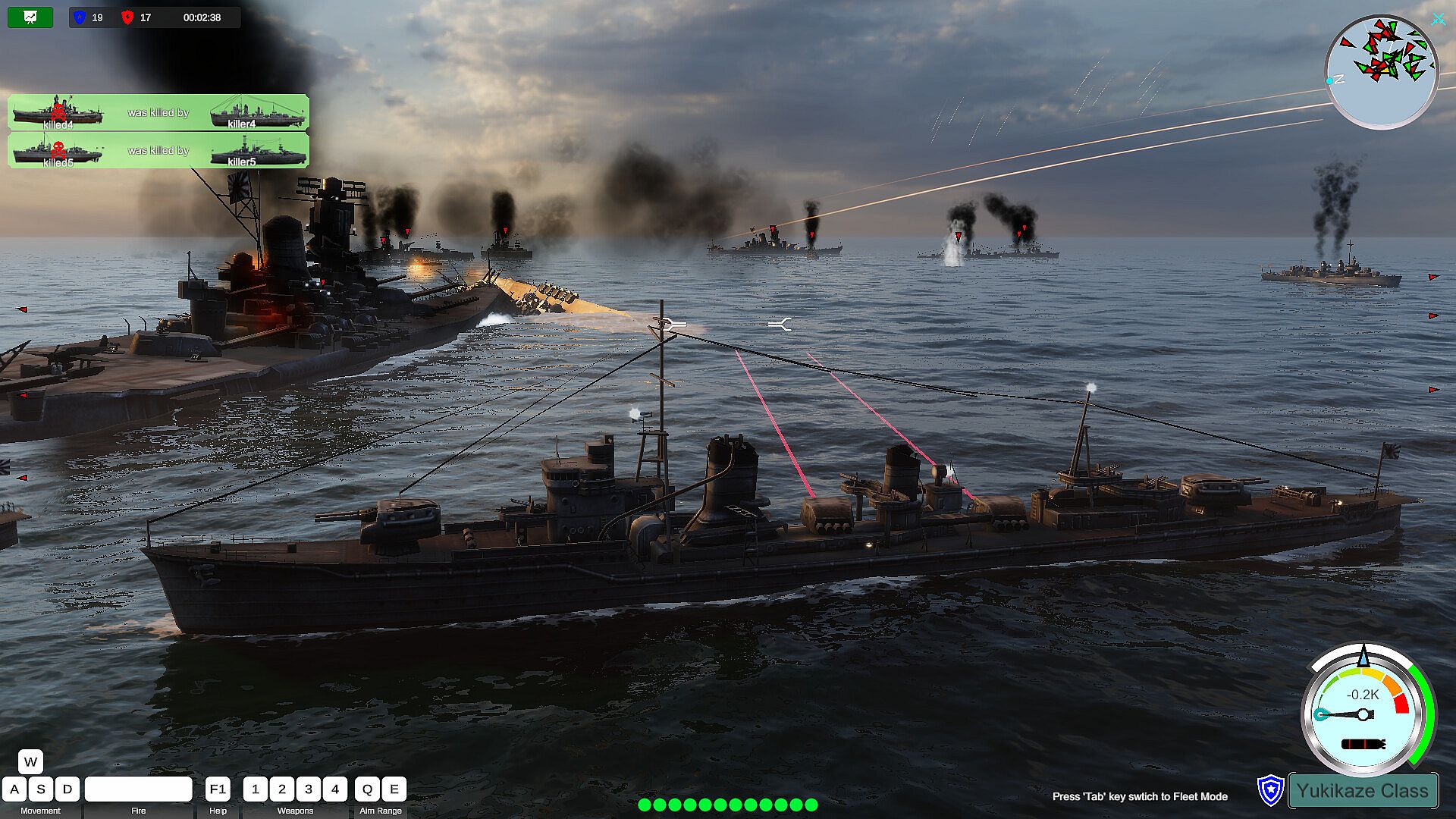
You have a lot of freedom, you can pilot your own warship and play your own decisive role in the conflict. You can also switch to any of your own warships, fighter planes or submarines to take over control and continue to attack the enemy. Experience the joy of driving and attacking warships, submarines, and fighter jets in battle. In addition to some small and interesting levels in the game, there are also levels of large-scale sea conflicts. The maximum number of warships is 19vs19, more fighter jets, and various attack methods. This is a rare naval battle simulator. The project is still in progress, and it is expected to add an online battle function in the future.
Simple Driving Controls

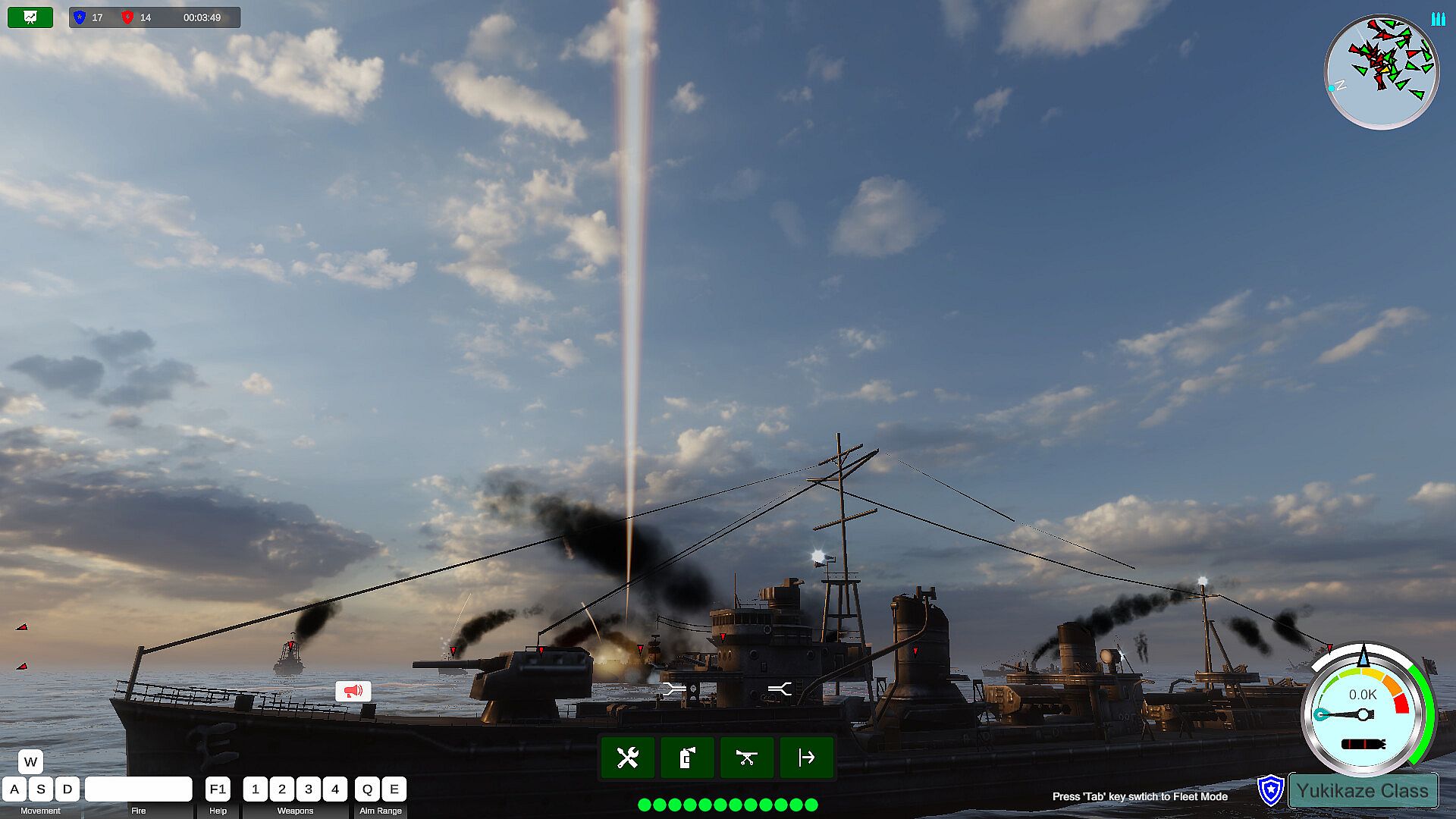
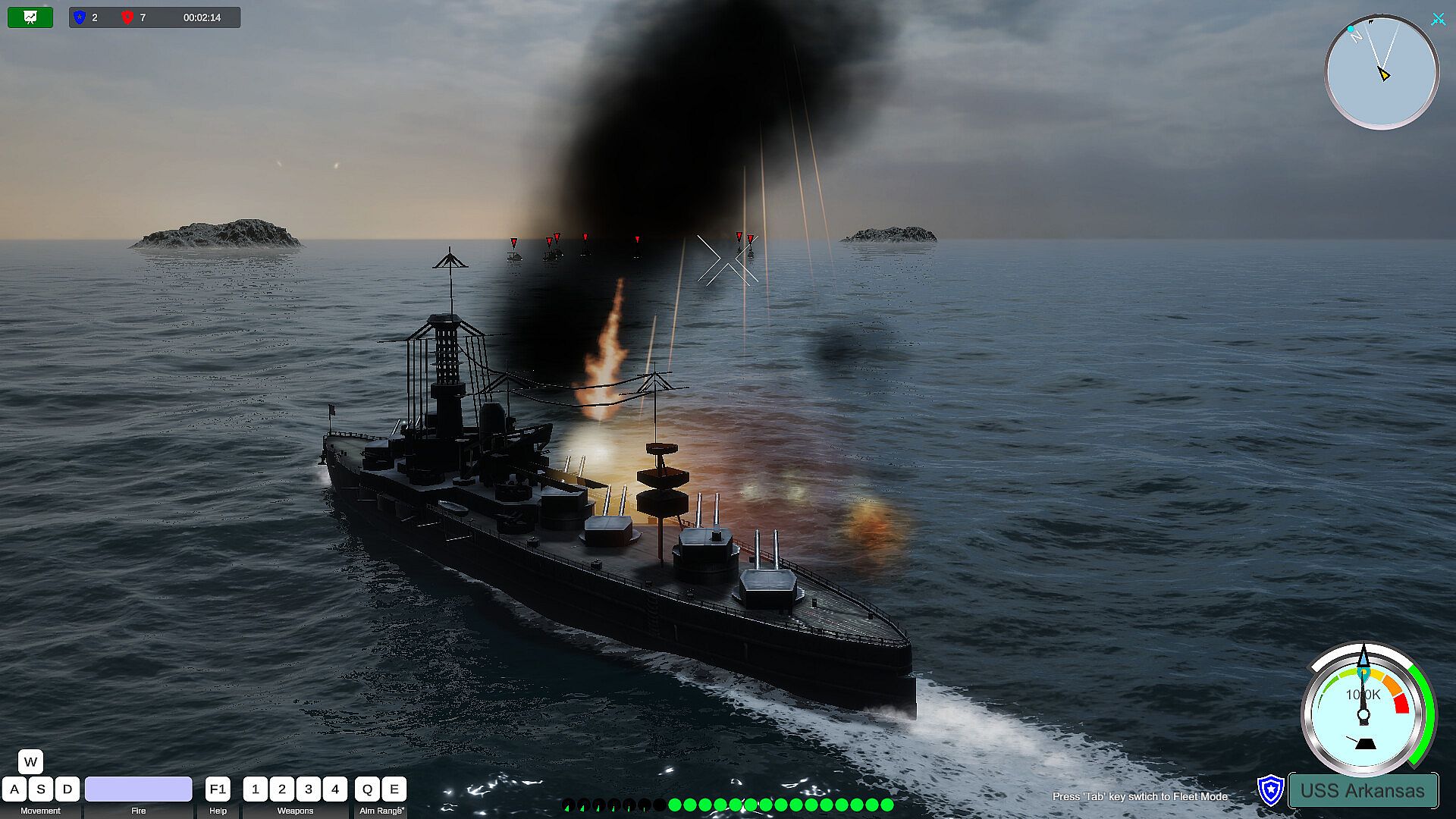
The way players drive their warships is a very simple traditional way, W key, S key to upshift and downshift. The speed of each battleship is set in proportion to the speed of the real battleship. When the engine gear of the ship changes, the engine will gradually increase or decrease the speed to the specified gear speed, so the player only needs to change the gear instead of pressing the W or S key to drive.

The player uses the A key or the D key to turn, and the degree of turning is proportional to the moving speed of the ship at that time. Only the ship can turn when it is running. Release the turn keys (A, D), and the rudder will return to its original position. Adopting such a driving style design can reduce the learning burden of players in driving and conform to the driving habits of players.
Gun Control

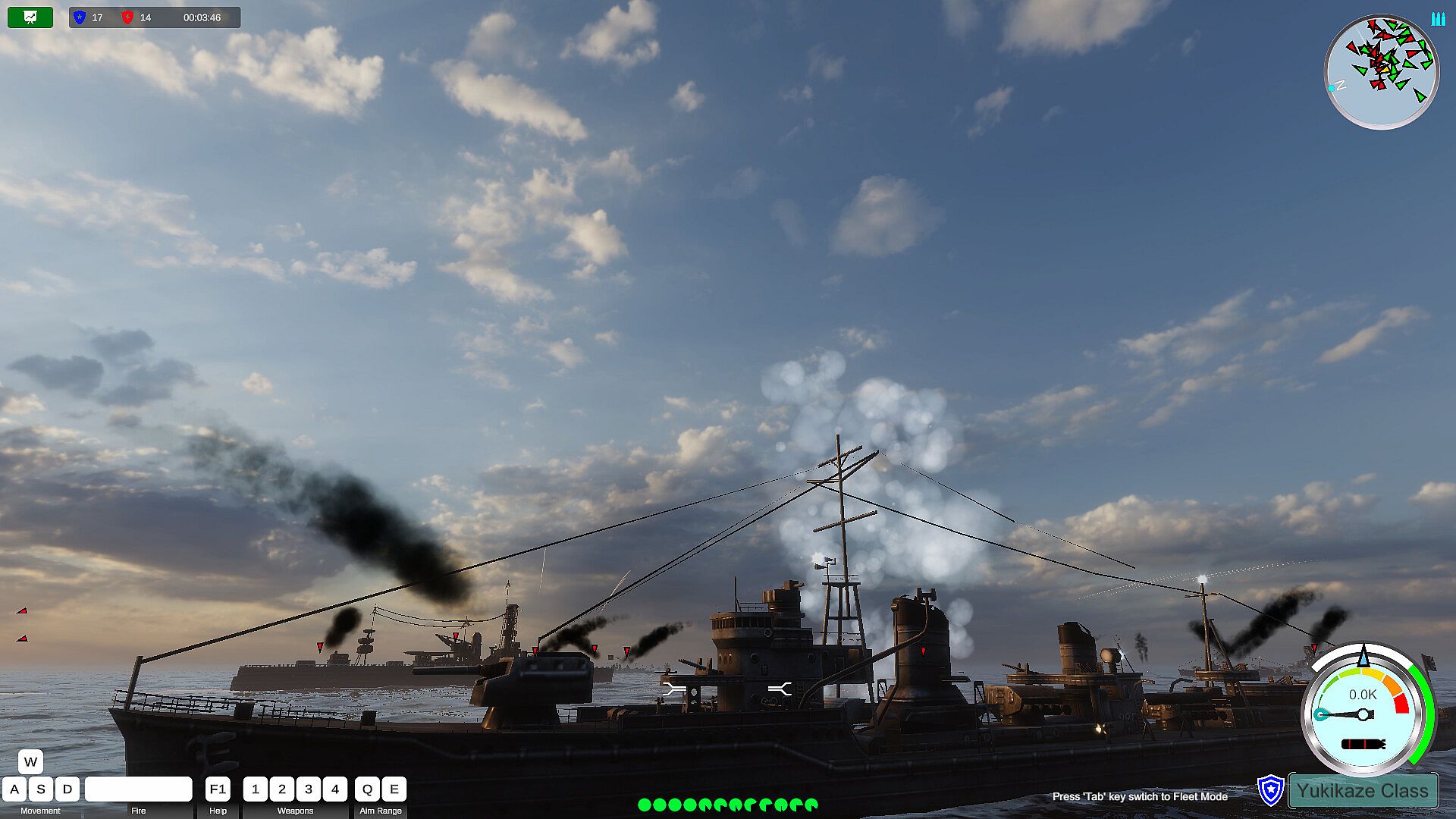
For the ship's main gun, string gun control is performed by simply pressing the Q and E keys. The Q key gradually raises the muzzle, which can strike targets at a longer distance. The E key lowers the muzzle and strikes close-range targets. The strike range of the artillery is subject to the effective range of the artillery of the current battleship. The main cannon is used to hit further targets, and the string cannon can be used to hit closer targets.

The horizontal aiming of the artillery is controlled by moving the right mouse button. The right mouse button is also an important function to control the player's perspective. In the state of the torpedo launcher, aiming is also controlled by the player's perspective.

Before the start of the game level, the player can manually set the rate of fire of the player's artillery and torpedoes in this battle. The setting range is from a rate closer to the conventional rate to a more crazy rate of fire. Thereby increasing the refreshment and fun of the game.
Switch Ships

During the level, when the warship controlled by the player is sunk, if there are other warships in the player's fleet, the player can use the A key and the D key to switch and view other warships in the same fleet. After switching, click the space key, the takeover of the control right of the currently switched battleship is completed.

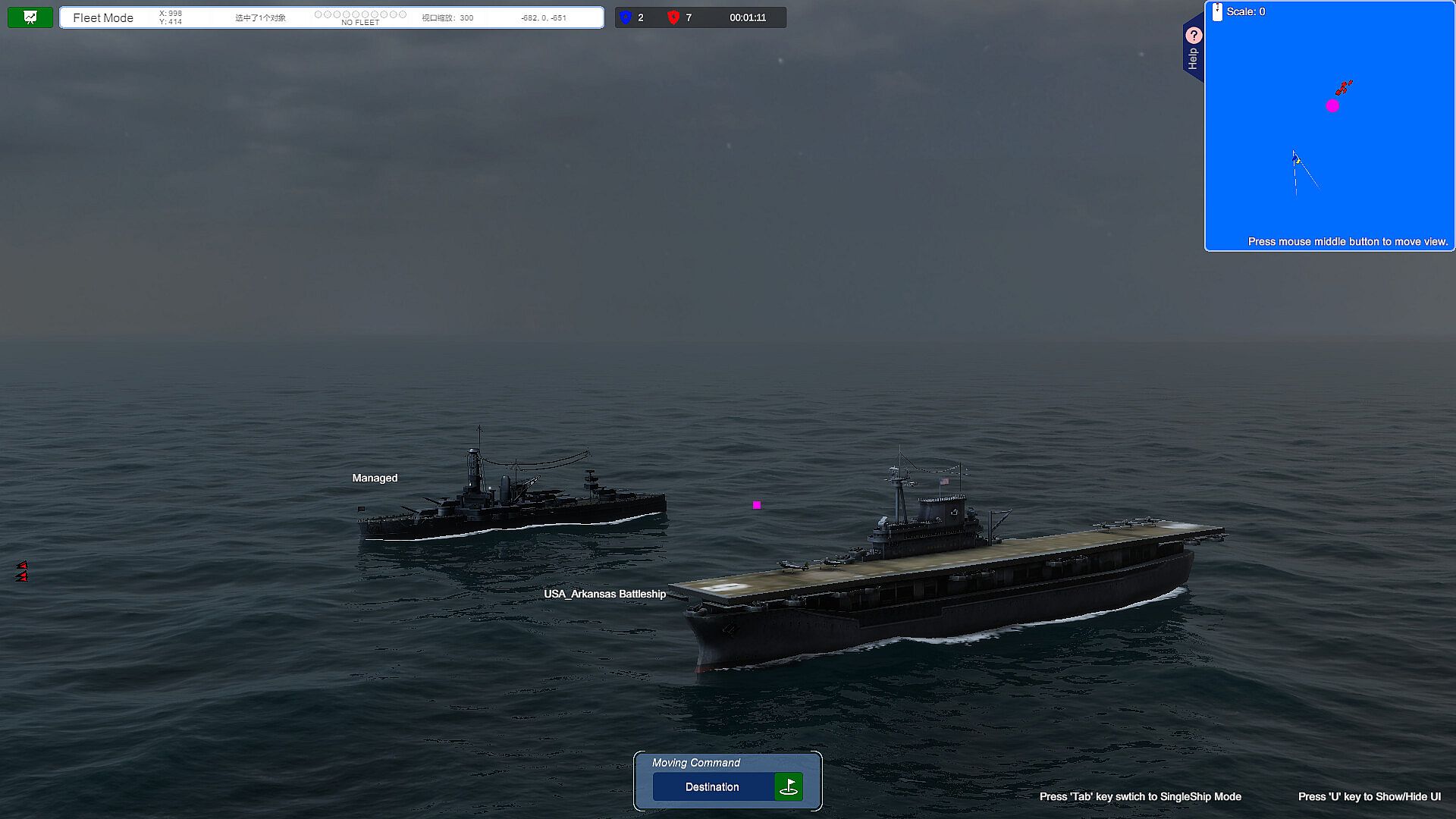
If the player wants to switch to other warships before his own warship is sunk, he can switch to the fleet perspective by pressing the Tab key. At this time, the player can click on other warships to select, and then click the Tab key after confirming his choice. , the takeover of the control right of the currently selected warship is completed, thus realizing the switching of the warship.
Viewpoint Control In the Battlefield

When the player is driving the battleship, generally the mouse wheel can be used to switch the different perspectives of the battleship forward and backward, such as the telescope perspective, close-range perspective, long-distance perspective, ultra-long-distance perspective, and air defense perspective.

When the player switches to the fleet mode, the mouse wheel can switch between close observation mode and long distance observation mode.

Future Outlook For the Project
Suitable For Xbox Gamepad

The driving of the ship is complicated and requires a lot of hotkeys and mouse operations. It is a big challenge to integrate so many complicated hotkeys on a small gamepad, but in the future we will also strive to integrate most of the main game controls on the XBOX gamepad to improve the player's in-game experience. pleasure.
Support Network Online Battle

In the current game, players can control all their warships. In the future, we will increase the Multi-player function, which is also a new attempt.


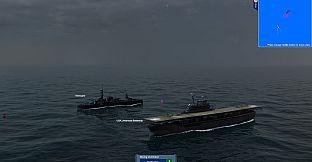
Add aircraft carriers, carrier-based aircraft, submarines, etc.

As the project progresses, these ships will be gradually added in the future. Players can also switch to the control of aircraft carriers and submarines, freely switch to the perspective of carrier-based aircraft pilots, and personally drive fighter jets to attack targets.
Interfaz:
AfrikaansAmharicArabicAssameseAzerbaijaniBelarusianBulgarianBanglaBosnianCatalanValencianCherokeeSoraniCzechWelshDanishGermanGreekEnglishSpanish - SpainSpanish - Latin AmericaEstonianBasquePersianFinnishFilipinoFrenchIrishGalicianGujaratiHausaHebrewHindiCroatianHungarianArmenianIndonesianIgboIcelandicItalianJapaneseGeorgianKazakhKhmerKannadaKoreanKonkaniKyrgyzLuxembourgishLithuanianLatvianMaoriMacedonianMalayalamMongolianMarathiMalayMalteseNepaliDutchNorwegianOdiaPunjabi (Gurmukhi)Punjabi (Shahmukhi)PolishDariPortuguese - PortugalPortuguese - BrazilQuechuaK'iche'RomanianRussianKinyarwandaScotsSindhiSinhalaSlovakSlovenianAlbanianSerbianSothoSwedishSwahiliTamilTeluguTajikThaiTigrinyaTurkmenTswanaTurkishTatarUyghurUkrainianUrduUzbekVietnameseWolofXhosaYorubaSimplified ChineseTraditional ChineseZulu
Audio:
EnglishJapaneseSimplified ChineseTraditional Chinese
Subtítulos:
EnglishJapaneseSimplified ChineseTraditional Chinese

Clasificación por edades

No disponible
Metacritic:
tbd tbd

Mínimo:

  • Sistema operativo: Windows 10 64-bit
  • Procesador: Intel Core 2 Quad CPU Q6600 @ 2.40GHz (4 CPUs) / AMD Phenom 9850 Quad-Core Processor (4 CPUs) @ 2.5GHz
  • Memoria: 4 GB RAM
  • Gráficos: Nvidia GTX 860 / RX 480 (4GB+ of VRAM)
  • DirectX: Version 12
  • Almacenamiento: 8 GB available space
  • Notas adicionales: 100% DirectX 10 compatible

Recomendado:

  • Sistema operativo: Windows 10 64 bit
  • Procesador: Intel i7 8700K / AMD r5 3600
  • Memoria: 8 GB RAM
  • Gráficos: 6 GB VRAM, AMD Radeon RX 5600 XT / NVIDIA GeForce RTX 1080 Ti
  • DirectX: Version 12
  • Almacenamiento: 8 GB available space
  • Notas adicionales: 100% DirectX 10 compatible
Mínimo histórico
Historial de precios de tiendas oficiales
-
-
-
Historial de precios de keyshops
-
-
-

FAQ

8 preguntas

Antes de buscar una clave barata de Iron Naval Battle, revisa lo esencial. Desarrollado por Gamego Studio. Publicado por Dst4 Interactive Media. Fecha de lanzamiento en PC: Coming Soon. Géneros: Action, Indie, Casual, Simulation. Categorías: Family Sharing, Single-player, Steam Achievements, Partial Controller Support.

Q

¿Donde comprar una clave barata de Iron Naval Battle para Steam?

Iron Naval Battle es gratis! Descargalo en Steam y empieza a jugar al instante.

Iron Naval Battle es completamente gratis en Steam. No necesitas comprarlo - solo descargalo y juega. Si buscas DLC premium o articulos del juego, consulta la tabla de ofertas de arriba.

Nuestro rastreador de precios cubre tanto tiendas oficiales como keyshops, asi que puedes encontrar Iron Naval Battle en oferta incluso fuera de las promociones de temporada. Actualmente detectamos 0 ofertas activas en tiendas oficiales y keyshops. Consulta la tabla de arriba, compara con el minimo historico y crea una alerta para no perderte la proxima bajada de precio.

Segun nuestros datos, Iron Naval Battle no esta disponible actualmente en GeForce NOW. Necesitaras ejecutarlo localmente en tu PC. Consulta los juegos disponibles en GeForce NOW.

Si. Iron Naval Battle tiene una pagina oficial en Steam, pero actualmente no rastreamos ofertas de terceros con DRM de Steam. Vuelve mas tarde o crea una alerta de precio.

No en este momento. Valve marca Iron Naval Battle como No compatible con Steam Deck. Estate atento a XD.deals - seguimos las actualizaciones de Proton y las soluciones de la comunidad. Consulta los juegos Steam Deck Verified o Steam Deck Playable.

Iron Naval Battle no parece estar disponible en PC Game Pass, EA Play, Ubisoft+ ni en ningun otro servicio de suscripcion para PC en este momento. Tu unica opcion es comprar el juego - usa XD.deals para encontrar el mejor precio.

No - XD.deals no es una tienda. Somos un comparador de precios que rastrea las mejores ofertas de Iron Naval Battle en tiendas oficiales y keyshops verificados. Haz clic en "Ir a la tienda" junto a cualquier oferta y seras redirigido a la web del vendedor para completar tu compra.

¿Quieres comprar en el mejor momento? Crea una alerta de precio en XD.deals y recibe una notificacion cuando Iron Naval Battle alcance su proximo minimo historico.

Crear alerta
Únete a nuestro Discord
Obtén ayuda al instante de nuestra comunidad y mantente al día de las últimas ofertas
Configurar alertas de precio
Recibe avisos por correo cuando los precios bajen a tu objetivo
Crear cuenta gratis
Desbloquea listas de deseos, alertas de precio y sincronización con Steam










