
Comprar Drakula PC

¿Dónde puedes comprar la clave Steam para {6} de Drakula más barata? Compara precios en 1 tiendas para encontrar la mejor opción entre 1 ofertas en XD.deals. Ahora el precio más bajo de Drakula para {6} en keyshops se puede conseguir en 7,99 € (0% de descuento).

Steam:
Overwhelmingly Positive (10)
Keyshops
No disponible
Comprar en tienda oficial:
7,99 €
Comprar en keyshops:
Ver historial de precios

Tiendas oficiales (1)

DRM:
Steam
Steam
Steam
Drakula
Windows
+3
hace 1sem
DRM:
Steam
Steam
7,99 €

Sobre Drakula

Drakula - sobre el juego
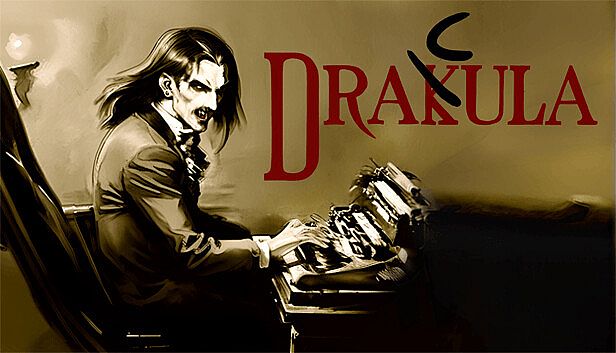
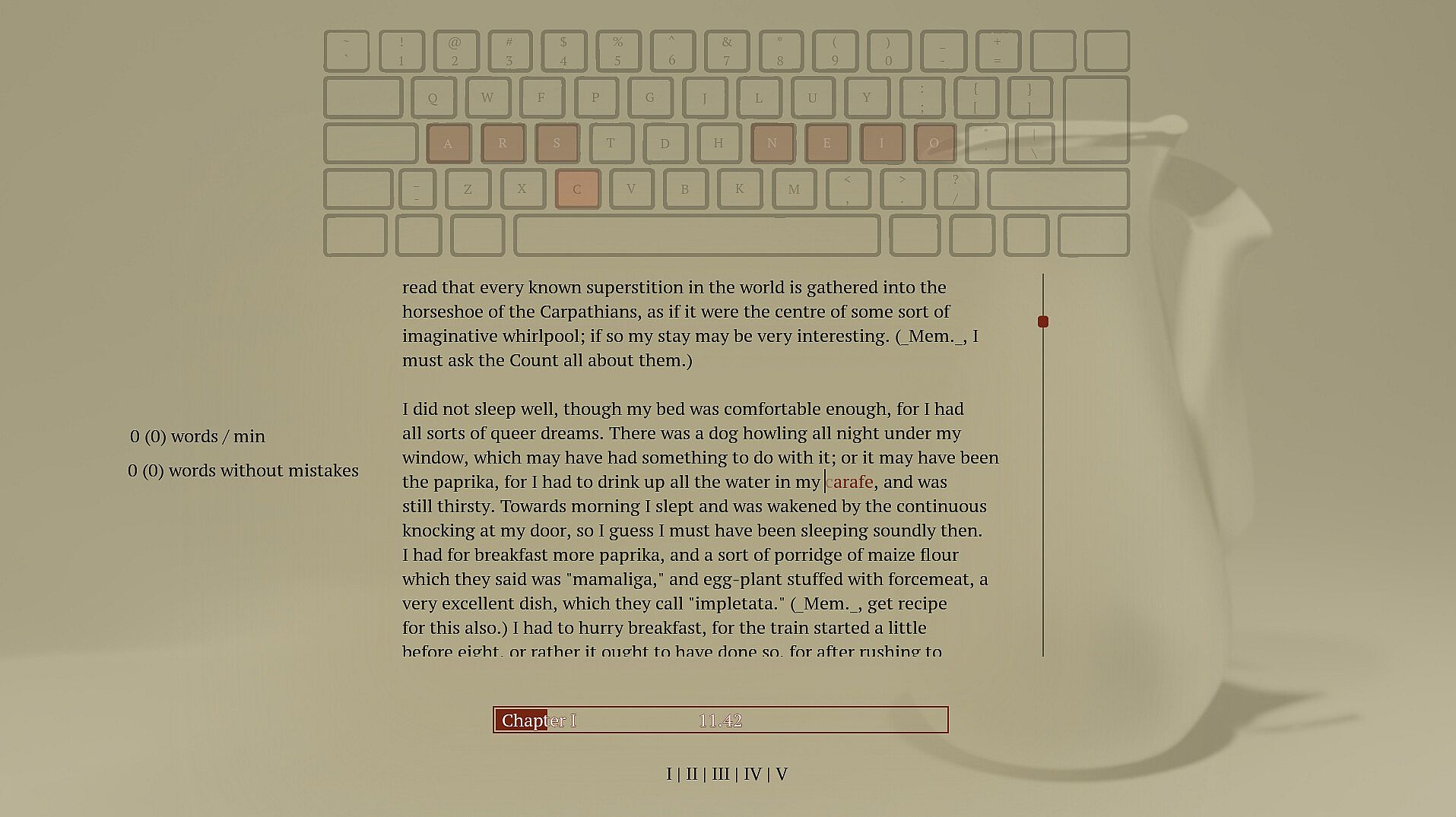
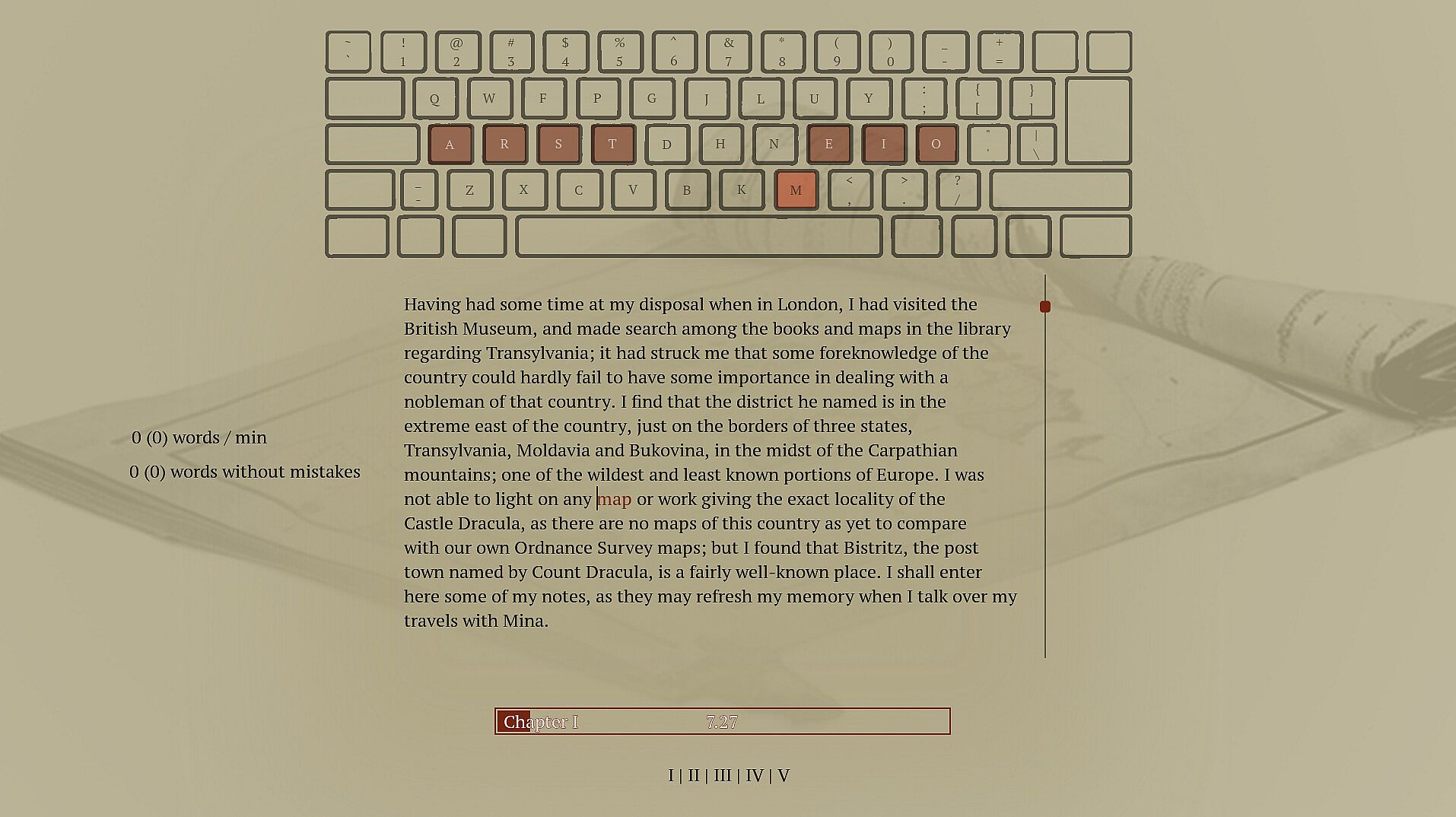
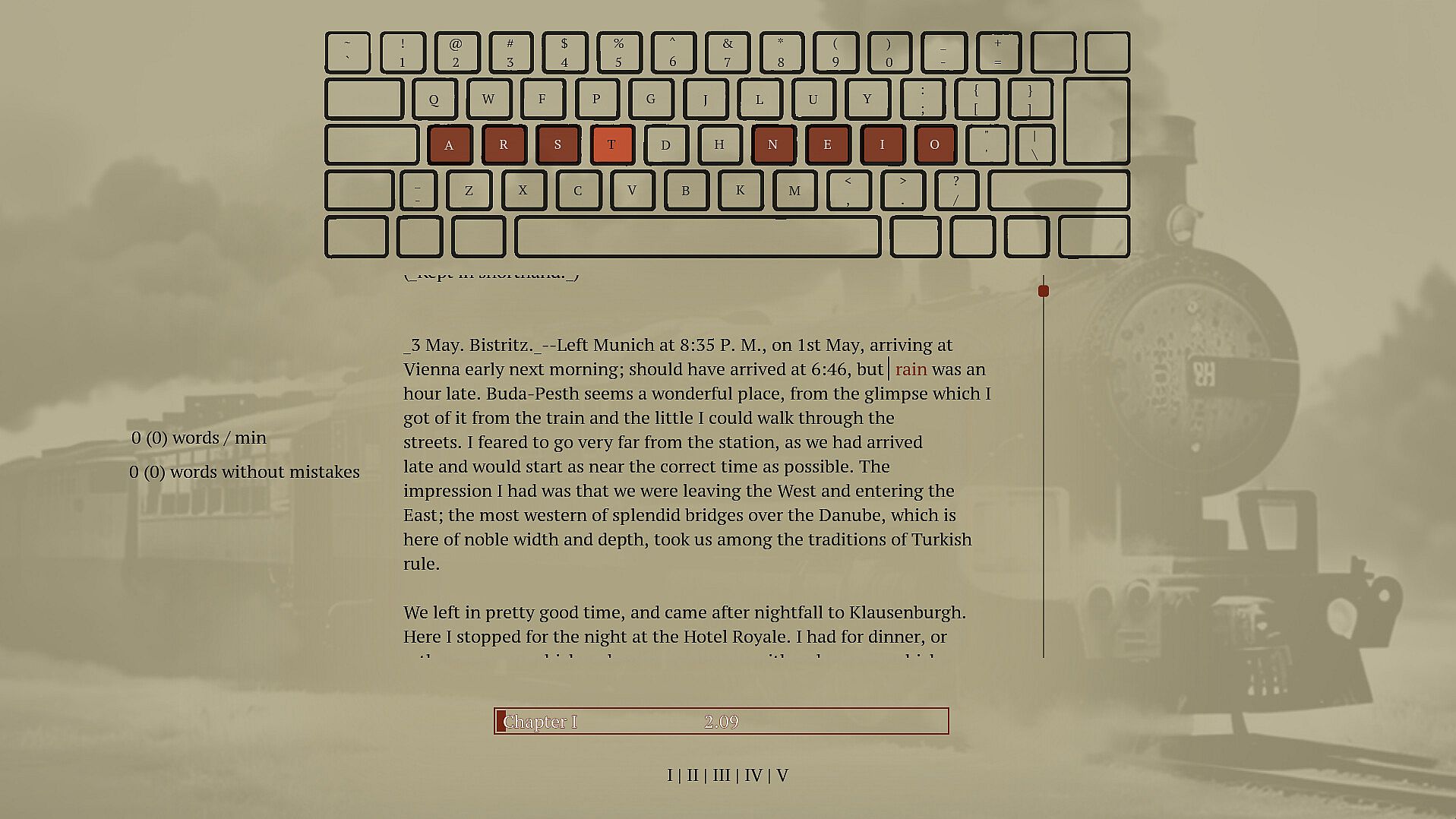
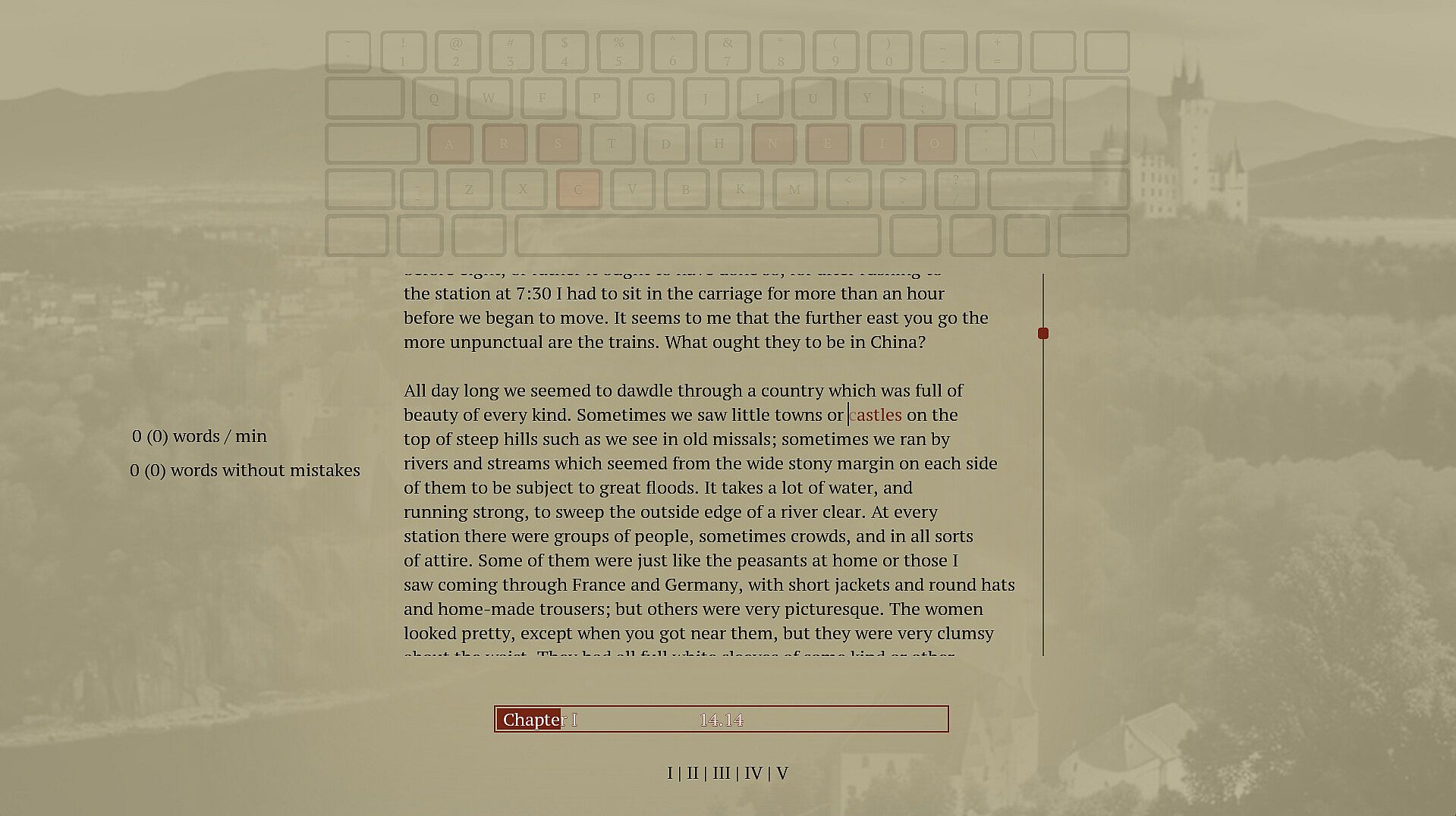
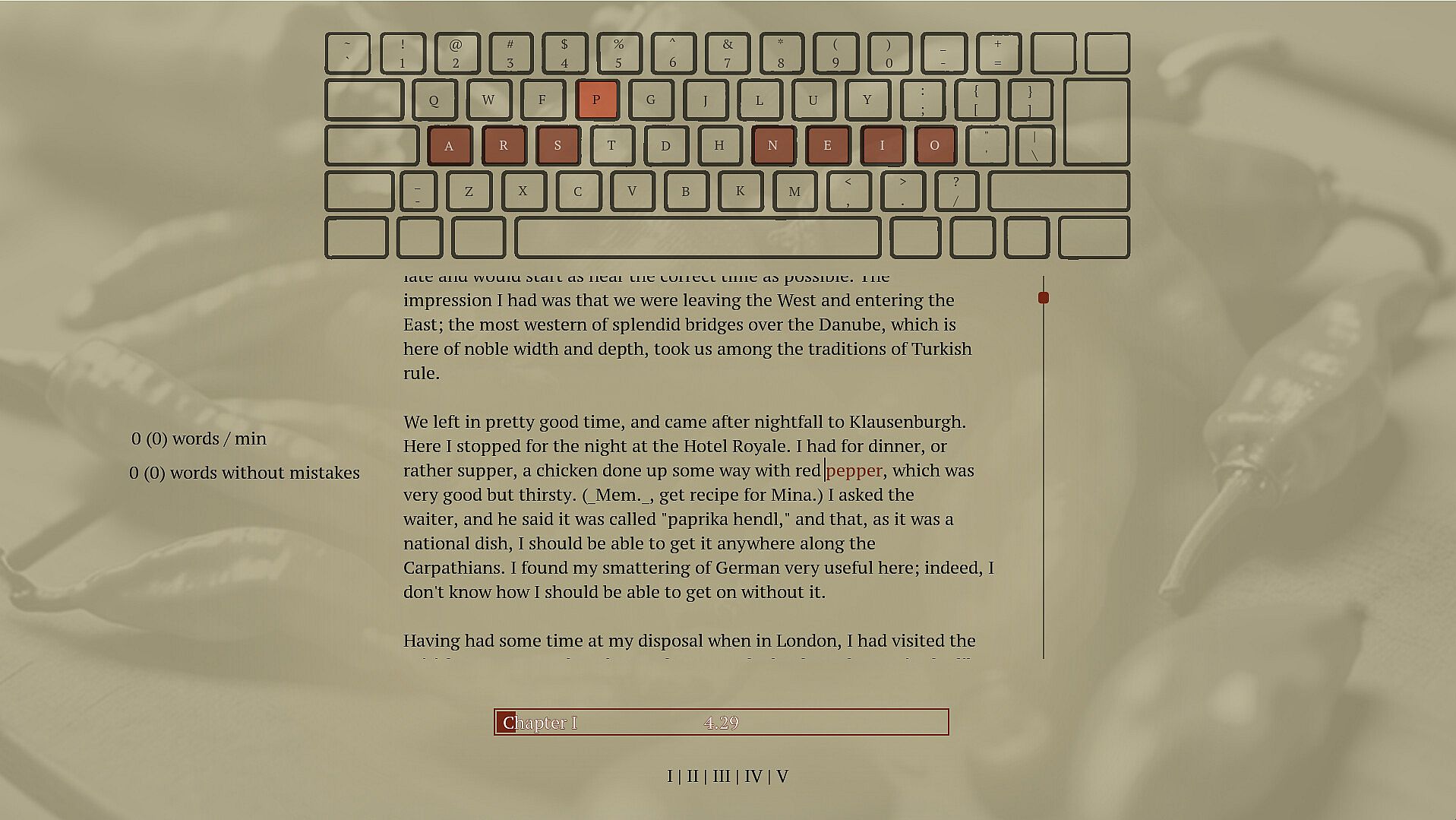
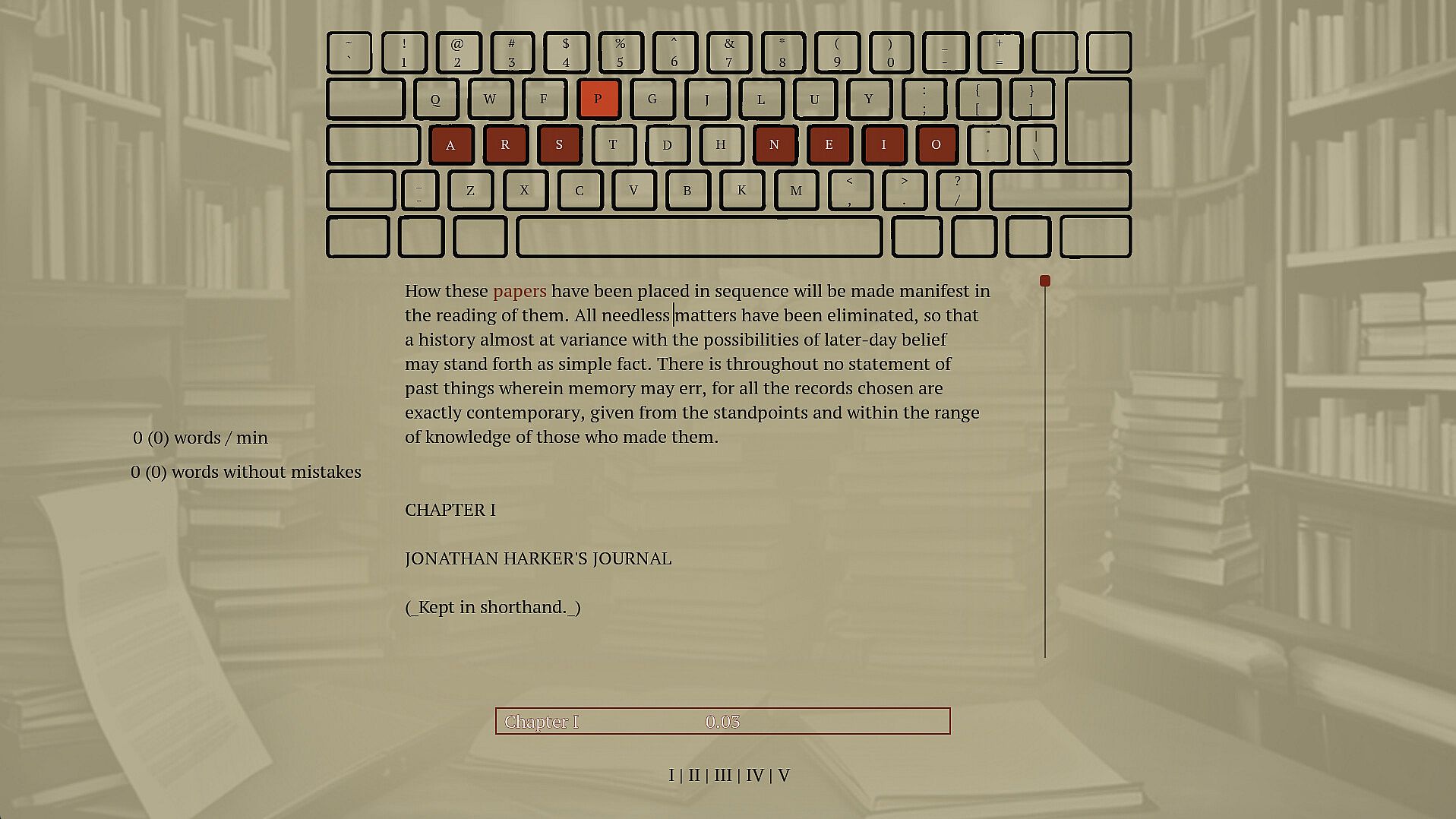
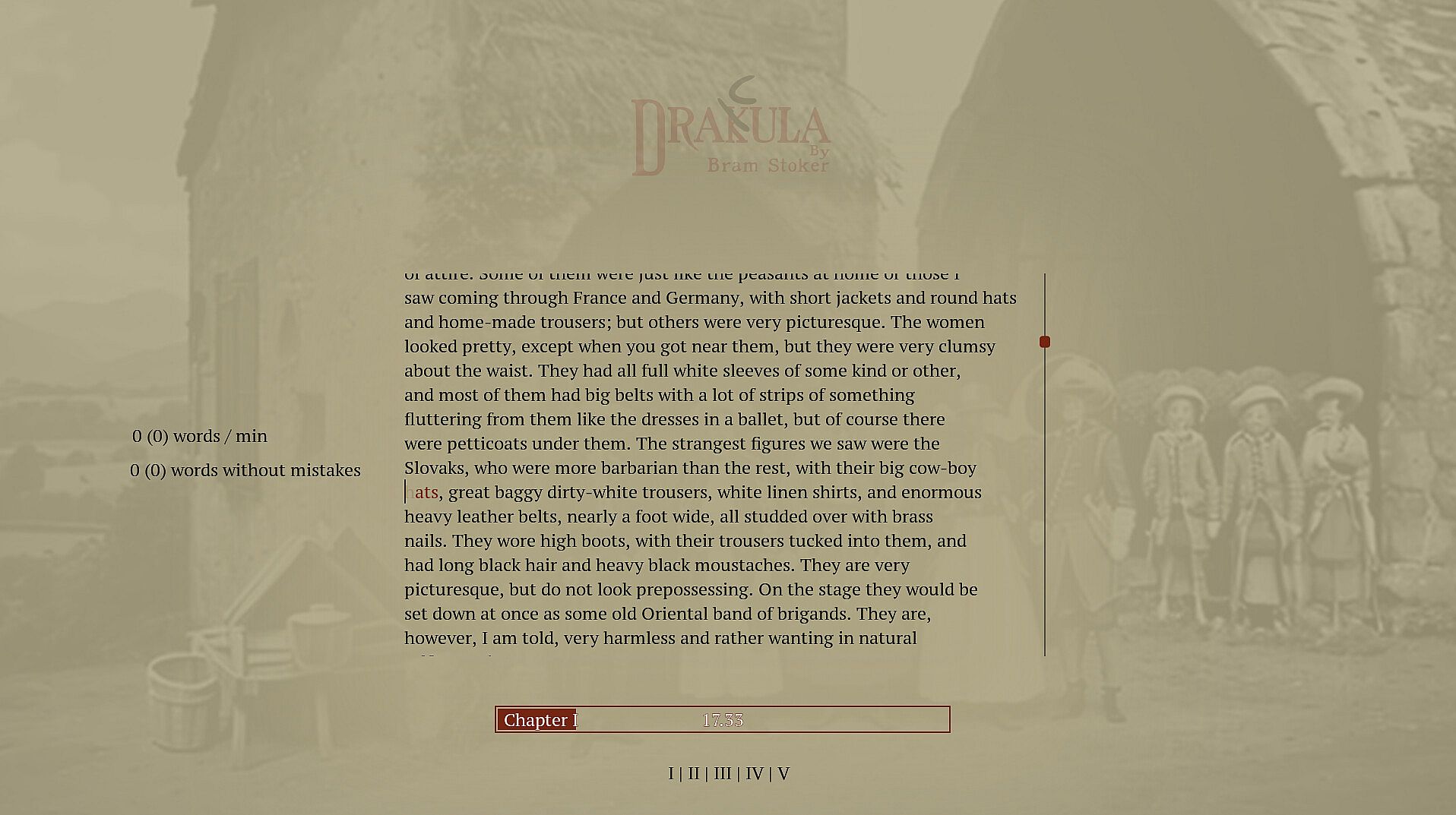
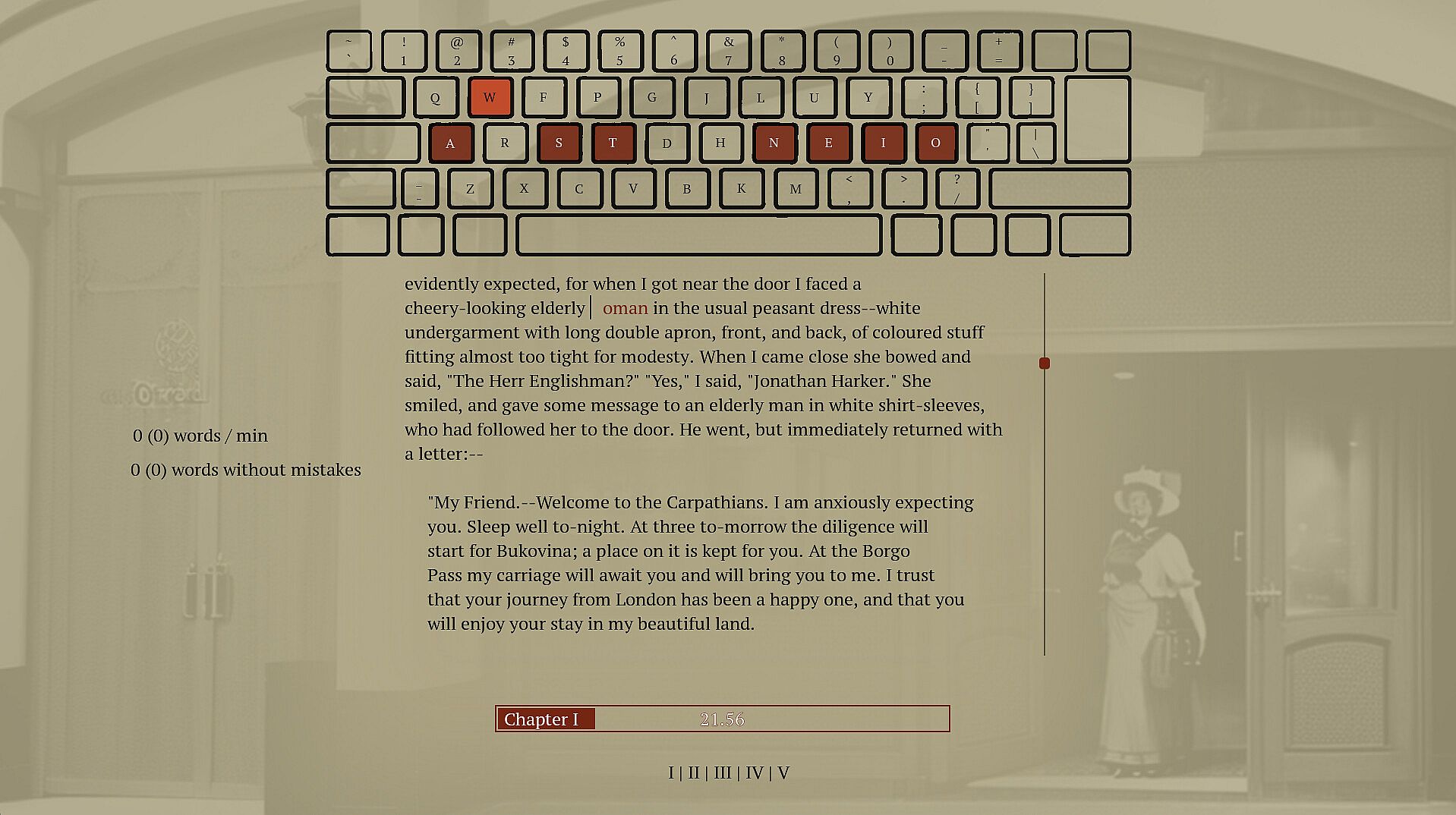
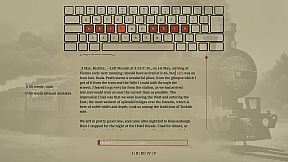
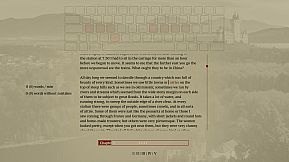
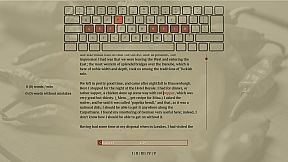
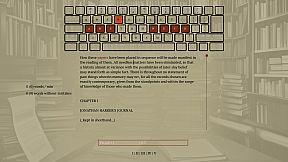
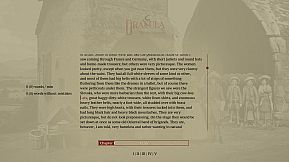
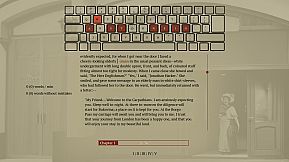
Type words from Dracula's full novel to master spelling and touch typing in this indie adventure. The game enforces correct spelling by halting progress on errors, prompting you to retype until accurate, while delivering the classic vampire story word by word. Practice builds muscle memory through repetition and pattern recognition across 160,000 words and 11,000 unique ones. Switch between standard, Dvorak, or Colemak layouts, or craft your own for reduced finger strain. This calm PC experience suits anyone seeking relaxed typing drills without time pressure. Beginners in touch typing or alternative layouts gain steady improvement alongside a rewarding read.

This is a typing game where you immerse yourself in Dracula's story while improving your typing and spelling. Enjoy a calm experience with different keyboard layouts. Type accurately to unlock the entire book and relax with a unique typing adventure.

Spell words correctly

Spelling is an important skill, and I have struggled to find a practical and fun way to practice.

Sure, the best thing would be to write a book of my own, but if you haven't tried, it's pretty hard to write something original. Also, I prefer to write words I know how to, which isn't helping my vocabulary. To improve my spelling skills, I've found repetition, repetition, and fast feedback to help. Typing and retyping a word you struggle with helps you learn it. Typing many different words lets you see patterns and recognize words built up of common sub-words. But typing a word 100 times is bad if you don't spell it correctly. I have caught myself doing that whenever I have to write a word I don't know how to spell; I make a guess and then use my computer spell check to fix it. Doing this allows me to write text fast. However, I am training the muscle memory in my fingers to type the incorrect guess, and even though I get to see the correct spelling afterward, it is not as powerful as typing the correct word out. You want someone to stand over your shoulder looking at you when you type, and whenever you misspell a word, they crack the whip and tell you, "That's wrong! Stop! Write it again like this...". So that is what this game does; it tells you when you have typed a word wrong and doesn't let you continue until you have spelled the word correctly.

Write Dracula

When in school, I was trained on writing sentences like this: "The ball is blue," "The businessman went to the bank," and "Trains run on rails." It was great practice but boring when the sentence had no context or story. That's why I selected a novel from the top of my "to read" list. If I don't learn anything from this, I will at least get to read a good book. If you haven't heard about Dracula, it's a classic novel about a vampire; it's still regarded as one of the best horror stories ever.

Touch typing

Touch typing is a method of typing on a keyboard without looking at the keys. This technique involves using all ten fingers efficiently, with each finger assigned to specific keys. If you are not touch typing, you should, if you care at all about typing speed. It's not too hard to learn; you have to know which finger to use on each key, and then spend some time practicing. Expect a drop in speed at the beginning; the best place to start might not be when taking notes in an important meeting. Start practicing while doing something that isn't time sensitive, like when reading a book.

Alternative keyboard layouts

If you do some research into ways to improve typing you will soon hear about alternative layouts. The keyboard layout you most likely use today is optimized to avoid jamming in early typewriters by spacing out commonly used letters. If you are not using a mechanical typewriter from before the First World War, this is no longer a problem, and the only reason to use this layout is that it has become a standard, and everyone else is using it. There are alternatives. Dvorak and Colemak are the most popular, and they are both optimized to reduce finger movement. Switching layout can increase typing speed and reduce the chance of typing injuries like carpet tunnel syndrome. Learning a new layout takes time, though, and just switching the computer layout without some practice beforehand will make it hard to get anything done for the next weeks if you have practiced a bit beforehand. There is no need to buy a new keyboard to use a new layout if you anyway are practicing touch and not looking down at the print on the keys.

Features
  • Spelling training

  • touch typing training

  • Dvorak and Colemak support

  • create custom layouts

  • Full Novel

  • 160.000 words

  • 11.000 unique words

Interfaz:
English

Clasificación por edades

No disponible
Steam:
Overwhelmingly Positive (10)

Mínimo:

  • Sistema operativo: 11
  • Procesador: -
  • Memoria: 512 MB RAM
  • Gráficos: -
  • DirectX: Version 12
  • Almacenamiento: 200 MB available space
  • Notas adicionales: Broadband Internet connection; na; This is the slows pc the game has been tested on so far, most likely run well on slower computers

Recomendado:

  • Sistema operativo: 11
  • Procesador: i9-9900k
  • Memoria: 32 GB RAM
  • Gráficos: 2080 gtx
  • DirectX: Version 12
  • Almacenamiento: 75 MB available space
  • Notas adicionales: Broadband Internet connection; na

Mínimo:

  • Sistema operativo: -
  • Procesador: -
  • Memoria: 512 MB RAM
  • Gráficos: -
  • Almacenamiento: 200 MB available space
  • Notas adicionales: -; -

Recomendado:

  • Sistema operativo: -
  • Procesador: -
  • Memoria: 512 MB RAM
  • Gráficos: -
  • Almacenamiento: 200 MB available space
  • Notas adicionales: -; -

Mínimo:

  • Sistema operativo: -
  • Procesador: -
  • Memoria: 512 MB RAM
  • Gráficos: -
  • Almacenamiento: 200 MB available space
  • Notas adicionales: -; -

Recomendado:

  • Sistema operativo: -
  • Procesador: -
  • Memoria: 512 MB RAM
  • Gráficos: -
  • Almacenamiento: 200 MB available space
  • Notas adicionales: -; -
Mínimo histórico
Historial de precios de tiendas oficiales
-
-
-
Historial de precios de keyshops
-
-
-

FAQ

8 preguntas

Antes de buscar una clave barata de Drakula, revisa lo esencial. Desarrollado por Blue Smoke Electronics. Publicado por Blue Smoke Electronics. Fecha de lanzamiento en PC: 23 oct 2024. Géneros: Indie, Adventure. Categorías: Family Sharing, Single-player.

Q

¿Donde comprar una clave barata de Drakula para Steam?

Gracias a nuestro comparador de precios y codigos de descuento verificados, puedes comprar una clave de Drakula por solo 7,99 €. Esta oferta esta disponible en Steam y es una de las mas baratas del mercado. Todas las claves en XD.deals se entregan digitalmente y se pueden descargar al instante tras el pago. Los precios ya incluyen comisiones y codigos promocionales aplicados, asi que siempre ves el precio mas bajo de Drakula en PC. Consulta el historial de precios de Drakula para comprar en el mejor momento.

Segun nuestra ultima actualizacion (refrescamos los precios de Steam varias veces al dia), el precio de Drakula en Steam es 7,99 €. Puedes ahorrar un ~6% extra pagando con una tarjeta regalo de Steam con descuento.

Nuestro rastreador de precios cubre tanto tiendas oficiales como keyshops, asi que puedes encontrar Drakula en oferta incluso fuera de las promociones de temporada. Actualmente detectamos 1 oferta activa en tiendas oficiales y keyshops. Consulta la tabla de arriba, compara con el minimo historico y crea una alerta para no perderte la proxima bajada de precio.

Segun nuestros datos, Drakula no esta disponible actualmente en GeForce NOW. Necesitaras ejecutarlo localmente en tu PC. Consulta los juegos disponibles en GeForce NOW.

Si. Drakula tiene una pagina oficial en Steam. Tambien puedes comprar una clave de Steam de Drakula a traves de vendedores externos. Nuestro comparador de precios incluye actualmente 1 oferta con DRM de Steam. Elige una para asegurarte de que la descarga de Drakula se realice en la plataforma de Valve.

Si. Drakula esta Verificado para Steam Deck - arranca directamente, muestra los iconos correctos del mando y funciona de forma estable. Drakula funciona perfectamente en Steam Deck.

Drakula no parece estar disponible en PC Game Pass, EA Play, Ubisoft+ ni en ningun otro servicio de suscripcion para PC en este momento. Tu unica opcion es comprar el juego - usa XD.deals para encontrar el mejor precio.

No - XD.deals no es una tienda. Somos un comparador de precios que rastrea las mejores ofertas de Drakula en tiendas oficiales y keyshops verificados. Haz clic en "Ir a la tienda" junto a cualquier oferta y seras redirigido a la web del vendedor para completar tu compra.

Mejores precios para Drakula

1 Steam Steam Official
7,99 €

¿Quieres comprar en el mejor momento? Crea una alerta de precio en XD.deals y recibe una notificacion cuando Drakula alcance su proximo minimo historico.

Crear alerta
Únete a nuestro Discord
Obtén ayuda al instante de nuestra comunidad y mantente al día de las últimas ofertas
Configurar alertas de precio
Recibe avisos por correo cuando los precios bajen a tu objetivo
Crear cuenta gratis
Desbloquea listas de deseos, alertas de precio y sincronización con Steam