
Comprar DiyMachinery (自定义机械) PC

¿Dónde puedes comprar la clave Steam para {6} de DiyMachinery (自定义机械) más barata? Compara precios en 1 tiendas para encontrar la mejor opción entre 1 ofertas en XD.deals. Ahora el precio más bajo de DiyMachinery (自定义机械) para {6} en keyshops se puede conseguir en 0,79 € (0% de descuento).

Lanzamiento: 16 may 2018
me
me
Metacritic:
tbd tbd
Steam:
Overwhelmingly Negative (2)
Keyshops
No disponible
Comprar en tienda oficial:
0,79 €
Comprar en keyshops:
Ver historial de precios

Tiendas oficiales (1)

DRM:
Steam
Steam
Steam
DiyMachinery (自定义机械)
Windows
hace 1a
DRM:
Steam
Steam
0,79 €
Historical Low Deal
Historical low

Sobre DiyMachinery (自定义机械)

DiyMachinery (自定义机械) - sobre el juego
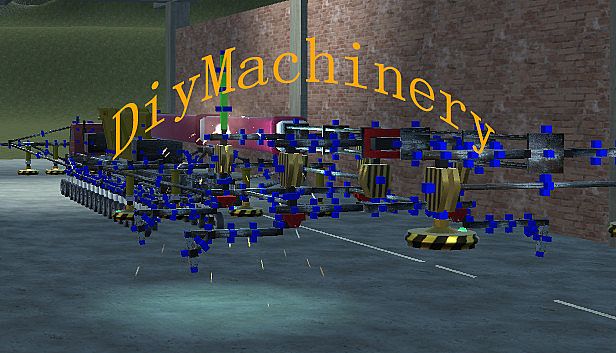
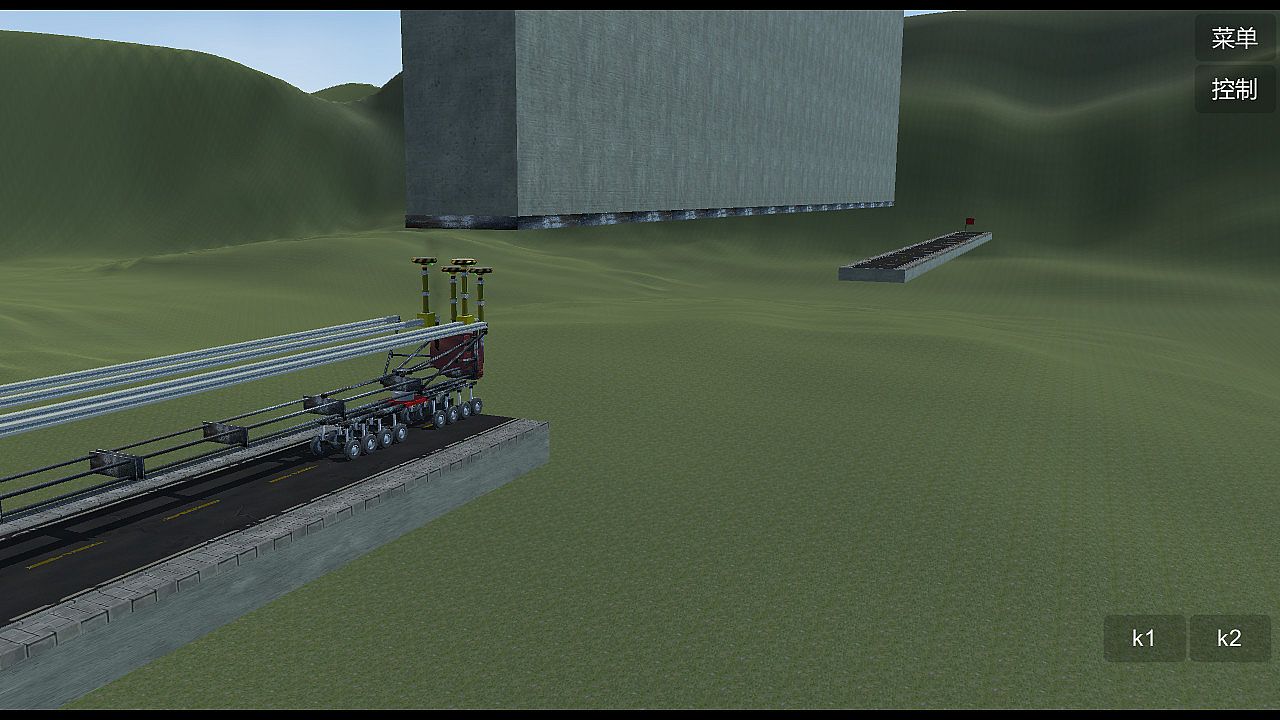
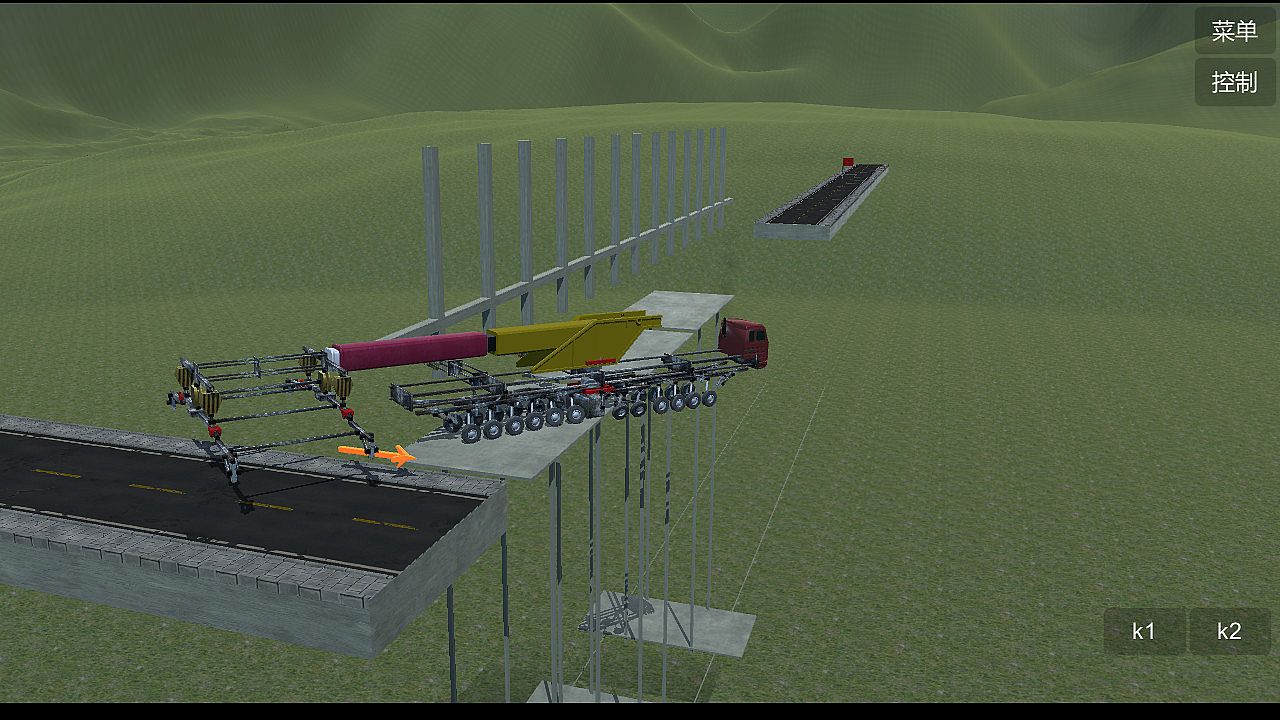
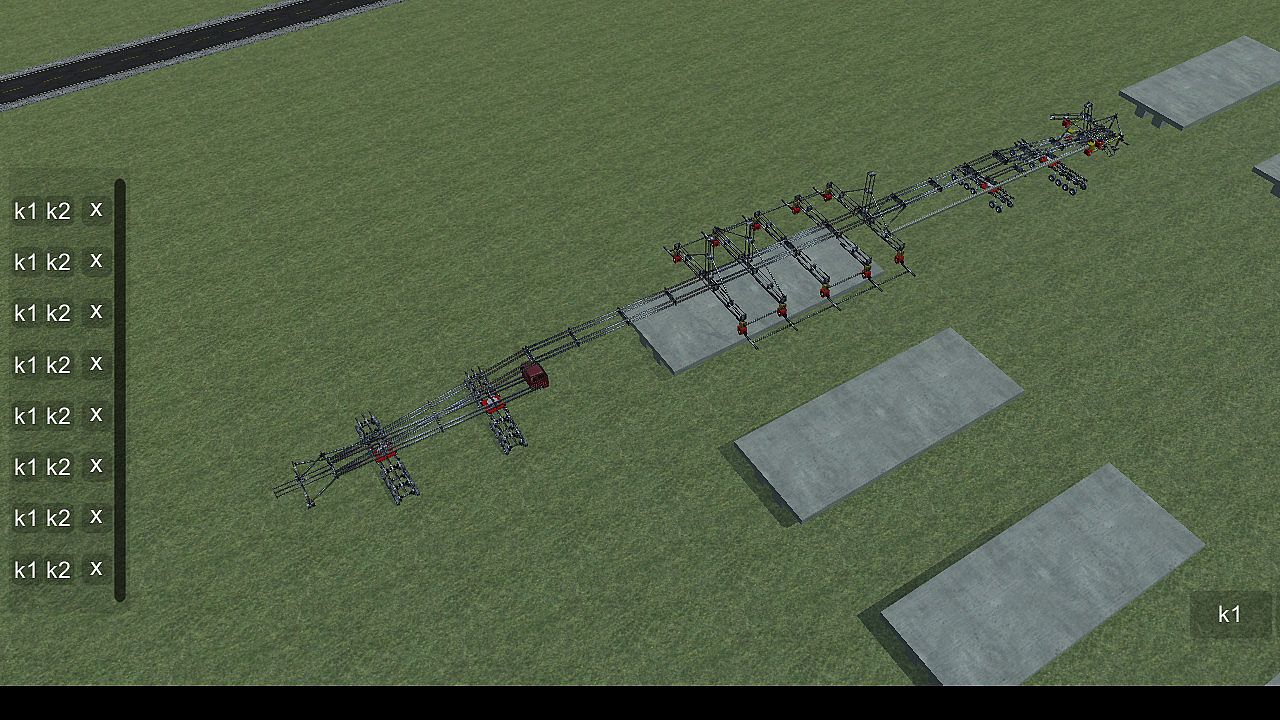
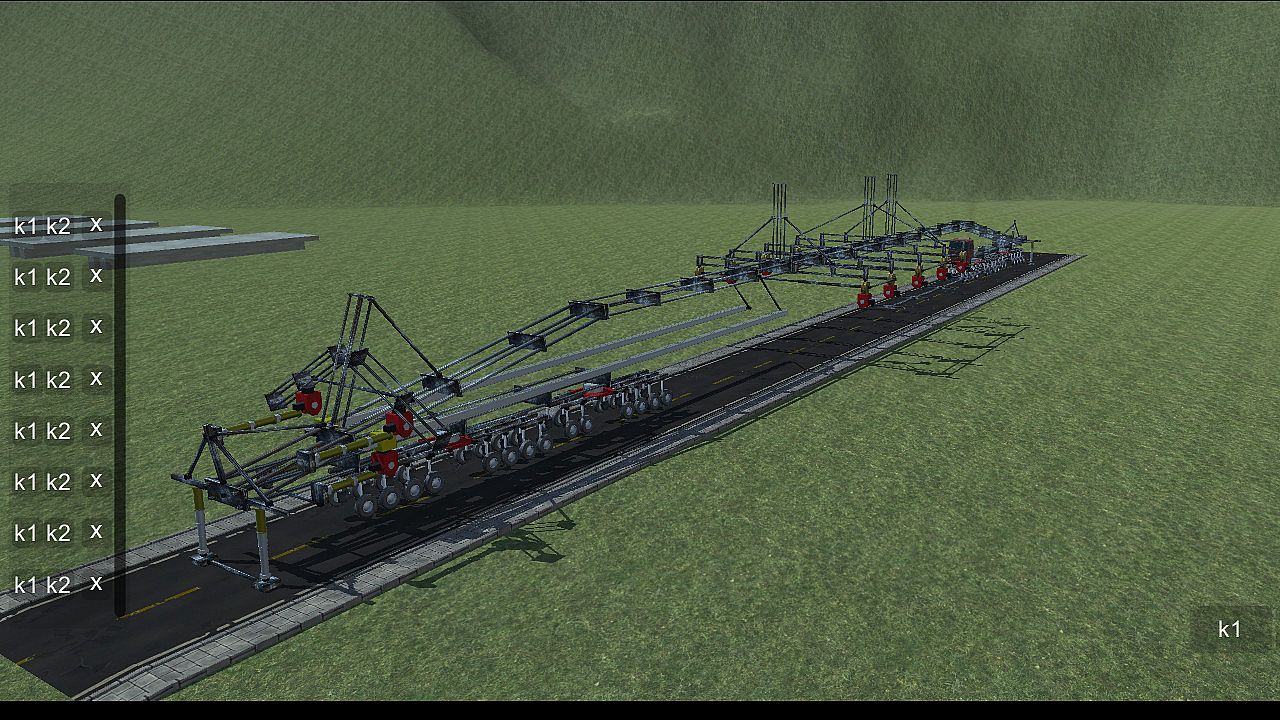
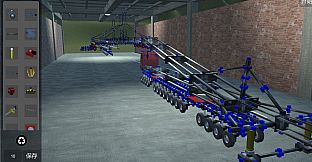
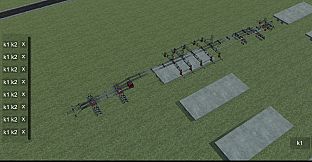
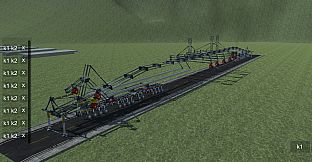
Build intricate machines from 22 basic parts to conquer obstacles like crossing gaps, climbing heights, bridging voids, and hanging precariously. This physics-based simulation demands sharp logical thinking, keen observation, precise manipulation, and strong spatial imagination. Master core operations such as clicking the blue box to select and attach components, rotating them with Q, W, E, A, S, D keys, removing with Z, copying via Ctrl+C and pasting with Ctrl+V, or welding blue squares by pressing X. Group components for control by holding Ctrl for multi-select and assigning K1/K2 functions, or drag icons in the controller interface for line-based operations-both methods work independently. Adjust wheels for turning, car heads for suspension and steering, and slide rails for length. Ideal for players who thrive on brain-teasing strategy and engineering challenges that scale with your PC's power and ingenuity.

DiyMachinery It's a physical game, 22 basic parts build machines complete over, over, hanging, climbing, bridging... Such as obstacles. There is no hierarchy, so long as your computer is good, you can build big, interesting machines. This game requires a lot of logical thinking, observation, manipulation, and spatial imagination. If you like research and thinking, don't miss it.

This game is a skill and requires a high IQ to play.
builds basic operations:
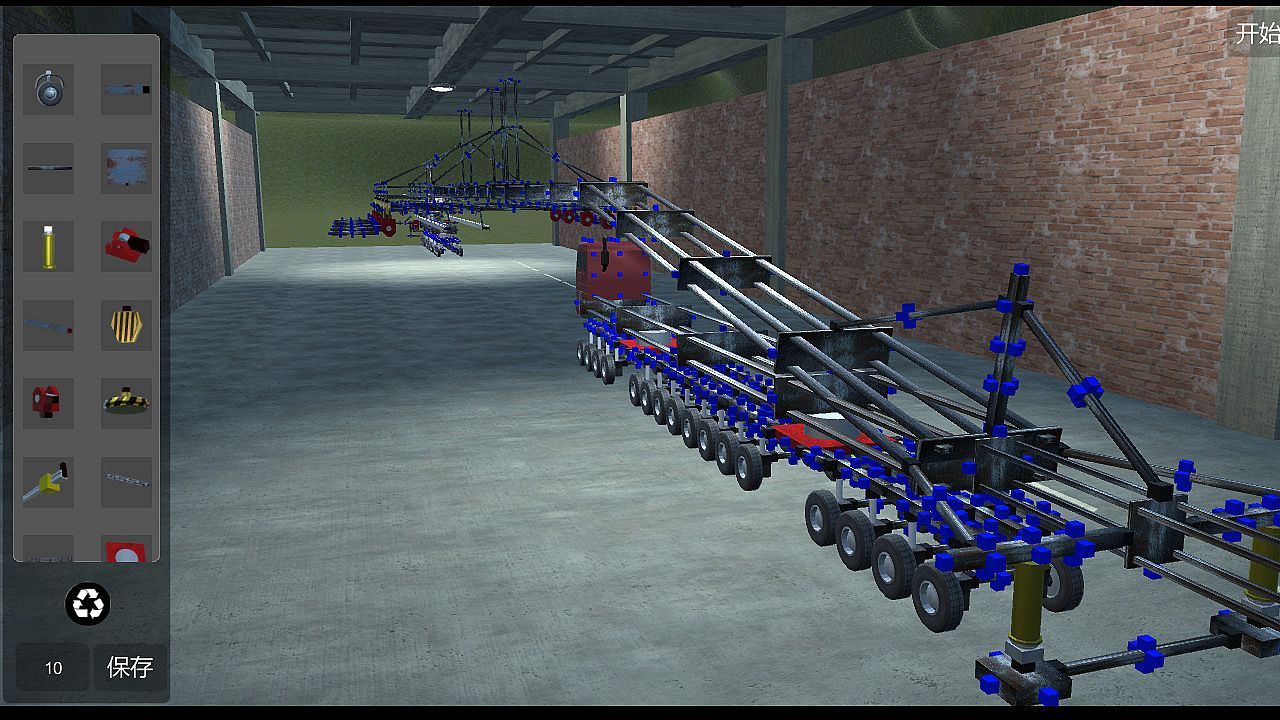
Click the blue box, click on the component interface you want to build components, click on the components, press Q, W, E, A, S, D and other keyboard keys to rotate.
The Z key removes the selected component.
Ctrl+c copies the selected components, then selects the blue box Ctrl+v to paste.
Click a blue square, click on the other block, and then press the X key to weld two blue squares. If the steering wheel is welded, the component will disconnect (also press the lower right corner of the game button).
adds an operating group:
Method 1: hold the Ctrl key for multiple selection, then click Add group button, the lower left corner of the game interface will appear, the K1 and K2 buttons in the list are the function of the control component, such as the hydraulic top bar: press the K1 top, then stop by K1, the K2, and then stop by a K2, basically all the operable components are this Class operation.
Method 2: click the controller button in the upper right corner, enter the controller interface, drag the icon to organize the operation group, then select the line to operate, and then press the K1 K2 big button in the lower right corner to control the selected line. (this method does not conflict with the first method, that is to say, you set the first method will not affect the second method, and vice versa).
wheel:
The system automatically opens the turning functions of the front wheels. You can also click the wheel to open the wheel control interface to control the turn, turn, and turn off the power.
car head:
You can control the suspension force of the wheel and the number of turning wheels by clicking the front end and opening the control interface.
slide
The slide is the long one. When you build it, you can adjust the length by clicking the slide rail.
summary:

This game can exercise your brain, saying it is easy and easy to say, it's complicated to say that the component is also the two or three methods of operation, see what you build and match. If you can completely pass it, you are more cattle than my author, and the technology that finally needs the bridge is different from the technology of the high iron bridge. You can be an engineer, too.

Interfaz:
EnglishSimplified Chinese
Subtítulos:
EnglishSimplified Chinese

Clasificación por edades

No disponible
Metacritic:
tbd tbd
Steam:
Overwhelmingly Negative (2)

Mínimo:

  • Procesador: 四核
  • Memoria: 4096 MB RAM
  • Gráficos: GTX 550
  • Almacenamiento: 400 MB available space

Recomendado:

  • Procesador: 四核
  • Memoria: 4096 MB RAM
  • Gráficos: GTX 550
  • Almacenamiento: 400 MB available space
Mínimo histórico
Historial de precios de tiendas oficiales
-
-
-
Historial de precios de keyshops
-
-
-

FAQ

8 preguntas

Antes de buscar una clave barata de DiyMachinery (自定义机械), revisa lo esencial. Desarrollado por me. Publicado por me. Fecha de lanzamiento en PC: 16 may 2018. Géneros: Strategy, Indie, Simulation, Adventure. Categorías: Family Sharing, Single-player.

Q

¿Donde comprar una clave barata de DiyMachinery (自定义机械) para Steam?

Gracias a nuestro comparador de precios y codigos de descuento verificados, puedes comprar una clave de DiyMachinery (自定义机械) por solo 0,79 €. Esta oferta esta disponible en Steam y es una de las mas baratas del mercado. Todas las claves en XD.deals se entregan digitalmente y se pueden descargar al instante tras el pago. Los precios ya incluyen comisiones y codigos promocionales aplicados, asi que siempre ves el precio mas bajo de DiyMachinery (自定义机械) en PC. Consulta el historial de precios de DiyMachinery (自定义机械) para comprar en el mejor momento.

Segun nuestra ultima actualizacion (refrescamos los precios de Steam varias veces al dia), el precio de DiyMachinery (自定义机械) en Steam es 0,79 €. Puedes ahorrar un ~6% extra pagando con una tarjeta regalo de Steam con descuento.

Nuestro rastreador de precios cubre tanto tiendas oficiales como keyshops, asi que puedes encontrar DiyMachinery (自定义机械) en oferta incluso fuera de las promociones de temporada. Actualmente detectamos 1 oferta activa en tiendas oficiales y keyshops. Consulta la tabla de arriba, compara con el minimo historico y crea una alerta para no perderte la proxima bajada de precio.

Segun nuestros datos, DiyMachinery (自定义机械) no esta disponible actualmente en GeForce NOW. Necesitaras ejecutarlo localmente en tu PC. Consulta los juegos disponibles en GeForce NOW.

Si. DiyMachinery (自定义机械) tiene una pagina oficial en Steam. Tambien puedes comprar una clave de Steam de DiyMachinery (自定义机械) a traves de vendedores externos. Nuestro comparador de precios incluye actualmente 1 oferta con DRM de Steam. Elige una para asegurarte de que la descarga de DiyMachinery (自定义机械) se realice en la plataforma de Valve.

No en este momento. Valve marca DiyMachinery (自定义机械) como No compatible con Steam Deck. Estate atento a XD.deals - seguimos las actualizaciones de Proton y las soluciones de la comunidad. Consulta los juegos Steam Deck Verified o Steam Deck Playable.

DiyMachinery (自定义机械) no parece estar disponible en PC Game Pass, EA Play, Ubisoft+ ni en ningun otro servicio de suscripcion para PC en este momento. Tu unica opcion es comprar el juego - usa XD.deals para encontrar el mejor precio.

No - XD.deals no es una tienda. Somos un comparador de precios que rastrea las mejores ofertas de DiyMachinery (自定义机械) en tiendas oficiales y keyshops verificados. Haz clic en "Ir a la tienda" junto a cualquier oferta y seras redirigido a la web del vendedor para completar tu compra.

Mejores precios para DiyMachinery (自定义机械)

1 Steam Steam Official
0,79 €

¿Quieres comprar en el mejor momento? Crea una alerta de precio en XD.deals y recibe una notificacion cuando DiyMachinery (自定义机械) alcance su proximo minimo historico.

Crear alerta
Únete a nuestro Discord
Obtén ayuda al instante de nuestra comunidad y mantente al día de las últimas ofertas
Configurar alertas de precio
Recibe avisos por correo cuando los precios bajen a tu objetivo
Crear cuenta gratis
Desbloquea listas de deseos, alertas de precio y sincronización con Steam