Comprar Touch Typing Home Row Speed Grinder PC Key

¿Dónde comprar Touch Typing Home Row Speed Grinder al mejor precio? A fecha de 22 ago 2026 este título tiene una oferta, 8,19 € en Steam. En PC es lo habitual, porque solo uno de cada cuatro títulos consigue oferta en keyshop y el resto se queda en la tienda de la plataforma. No hay nada que comparar, pero seguimos este precio a diario y mostramos cómo queda frente a lecturas anteriores, y una alerta de precio te avisa de cada bajada. En PC compras una clave que activas en Steam u otro cliente, y aquí el mercado es el más amplio, con más de una cuarta parte de los juegos con oferta en keyshop.

Lanzamiento: 02 abr 2020
Bladevampirek
Metacritic:
tbd tbd
Keyshops
No disponible
Comprar en tienda oficial:
8,19 €
Comprar en keyshops:
Ver historial de precios

Tiendas oficiales (1)

DRM:
Steam
Steam
Steam
Touch Typing Home Row Speed Grinder
Windows
hace 6sem
DRM:
Steam
Steam
8,19 €

Sobre Touch Typing Home Row Speed Grinder

Touch Typing Home Row Speed Grinder - sobre el juego

Check out the several pre-created DLC's available for this game, these skins give it a completely different feel.
--
I have verification videos above posted before the actual Onboard Lesson previews of the keyboard where I have typed on the well-known sites, Typeracer and 10fastfingers to prove my Typing Speed is legit. (Note: Anyone can type on these sites for free without buying the keyboard, just google them They're great fun and a nice productive place to test your typing speed!) My Keyboard is compatible with multiple windows programs and not just with the onboard lessons that it comes with.
Are you faster than me? There's one way to find out, come see & Type with me on the weekends (First to 10 wins).
I invite all to compete with me. ---> "Visit the Website" on the right side of this page to go to the Discord.

This is part of the onboard lessons that comes with the onscreen keyboard. I believe that everyone has the ability to type 90+ WPM, if they are trained using the correct method of Typing. Most Typing Instructors Neglect "Key Rollovers", and don't even mention them to their students.
What is Key Rollovers
Key Rollover is performed when 2 or more keys are pressed down simultaneously just milliseconds apart without lifting the previous key.
In a word like "land" All letters can be pressed down together and even held. If you hold them it will spell, "landddddd" If you held them down in the right order since the last key is repeated.
I transformed my Standard Touch Typing Skills with my onscreen keyboard that I developed using, the "Key Rollover" Method to help me soar above the 60 W.P.M. (Words per Minute) expectations that I was originally told was for successful Typing Students.

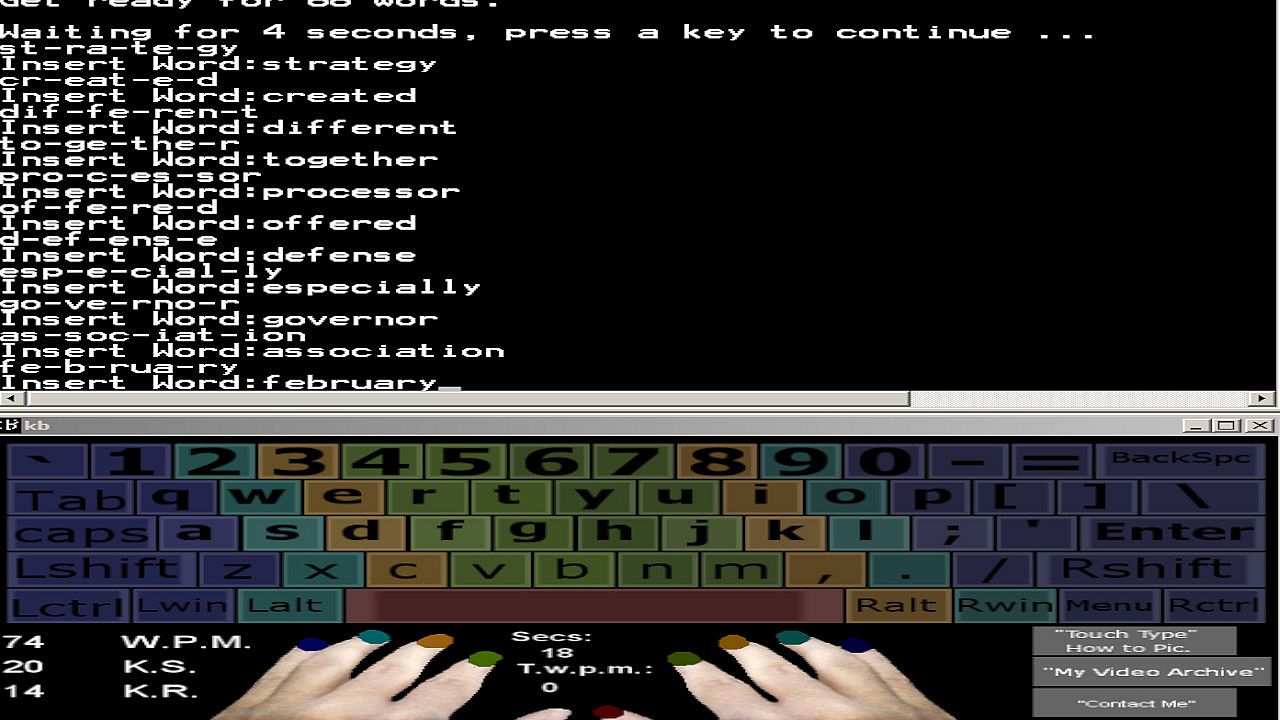
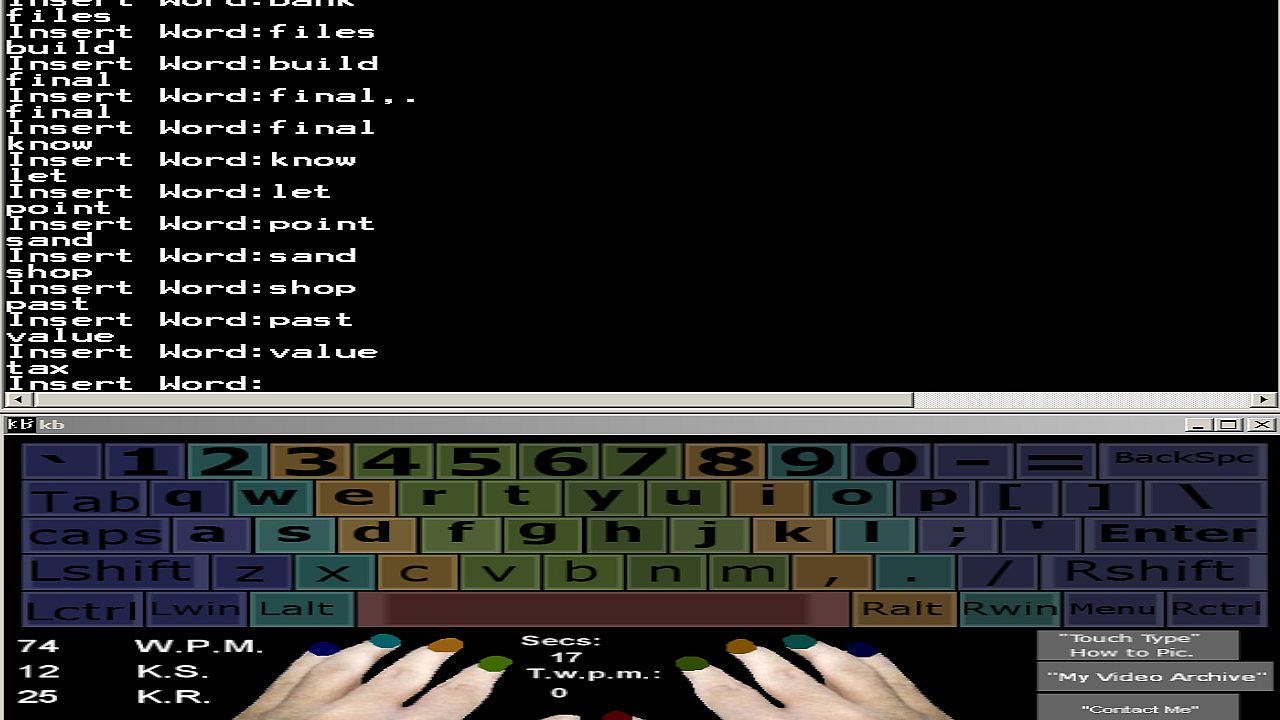
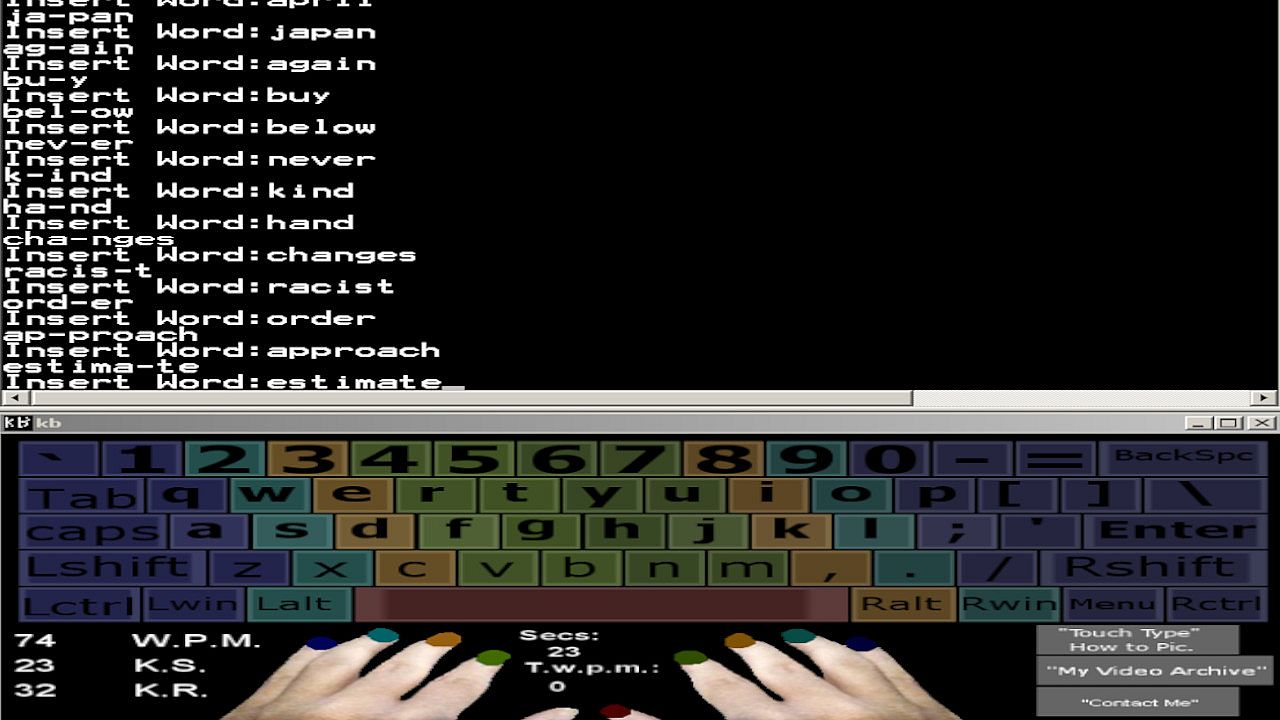
My Onscreen Keyboard comes with a wordlist broken down in motions, which encourages Key Rollover Training for around 1,000 Common English Words, 0/9 Numerical Keys, and Syllable Training, which contain Common Syllables that are found in over 5,000 common English words. I have also included the "grind software" which has a list of 100 names, some which are very difficult to type, it's sure to help your accuracy if you practice using the practice methods contained within this program.
Why do we need to know Syllables in Typing? If you are familiar with the Syllable inside of a Word that is not in your Vocabulary then you can type the Syllables that make up the word instead, this will speed up your typing speed dramatically vs. writing each individual Keystroke as you see them, because it increases the speed at which you can process the word.

Do you want to be within the top 1% of Typists in the world also? Being able to Type at a speed of 108/126 W.P.M. for an entire minute is something only 1% of all Typists can do. In order to do this, you must train the correct way.
You will need to practice reading ahead of what you're typing as well as following the "key rollover" training mindset everytime you sit down to type.
I will share some techniques, and secrets which will help you to improve your speed drastically.
Do you have a busy schedule? You will also get my Onscreen Keyboard App for Windows Xp, 7, Vista, 8, and 10. That I have developed to help people increase their speed at their own pace.

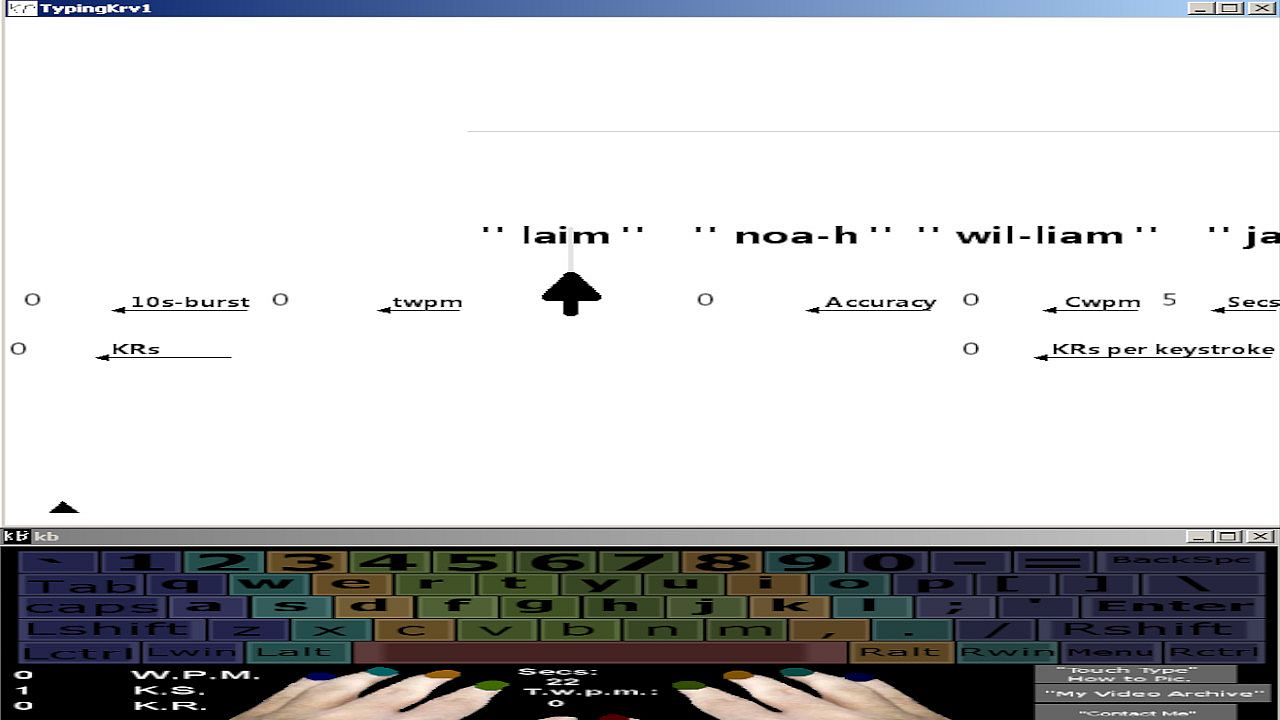
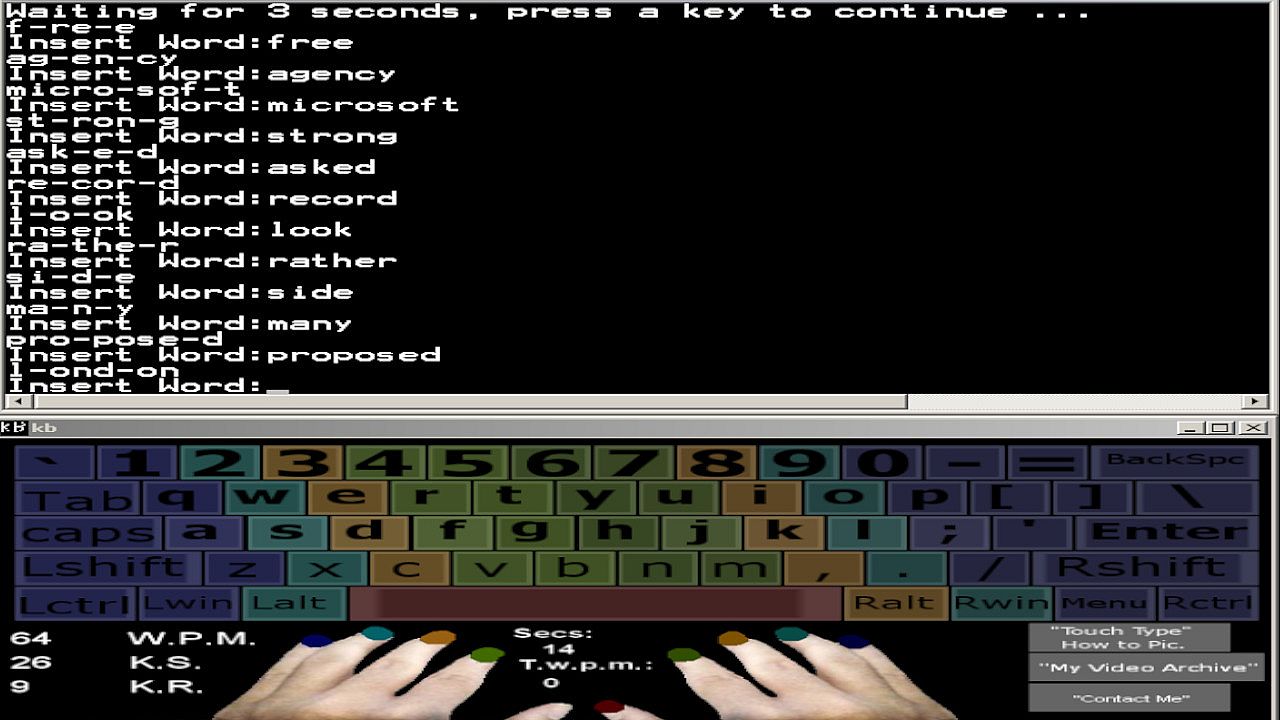
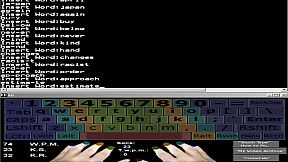
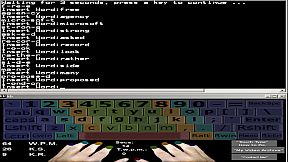
This Onscreen Keyboard is compatible with nearly every windows program, browsers, that can be run in windowed mode along side of it. You can practice good Touch Typing form while writing your e-mails, web browsing, playing games, or writing stories. It will monitor your Keystroke Speed, and it Displays the WPM result back to you in real-time every 5 seconds so you can keep an eye on your raw "5 Second Speed Burst" as you press them.
The Keyboard App has been created to help make everything easier for you while developing your typing skills and letting you type at your own pace.
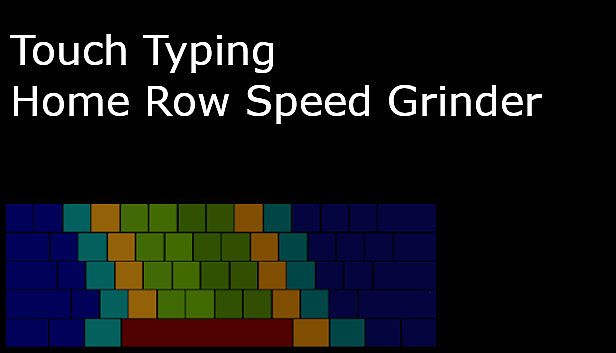
Even while you are not typing, you can review which keys are for which fingers because it's all color-coded.

Who this course is for:
People who want to be more productive, who want to learn how to Touch Type using the correct method using all 9 fingers without having to look at there keyboards.
Developers who wish to type faster, get projects done faster, and be more productive without constantly having to look down at their Keyboards.
Command Prompt, Pentesting, Hacking Enthusiasts who wish to increase their Keyboarding Speed.
People who spend a lot of time on Computers.
Researchers, imagine how many hours you can save while researching, and how much more Data You can Collect if you could type 3x faster than the Average 40 WPM that most Users Type!

That's all... Join Me You Keyboard Warrior.
Interfaz:
English
Audio:
English

Clasificación por edades

No disponible
Metacritic:
tbd tbd

Mínimo:

  • Sistema operativo: Windows
  • Procesador: 1.4 gHz
  • Memoria: 500 MB RAM
  • Gráficos: Video Card: 128mb Video Memory.
  • Almacenamiento: 17 MB available space
  • Notas adicionales: Basic.; You only have to watch videos from Youtube in order to learn how to use the program, there is no in-game audio.

Recomendado:

  • Sistema operativo: Windows
  • Procesador: 1.6 gHz
  • Memoria: 1 GB RAM
  • Gráficos: Video Card: 128mb Video Memory or Above.
  • Almacenamiento: 20 MB available space
  • Notas adicionales: Basic.; You only have to watch videos from Youtube in order to learn how to use the program, there is no in-game audio.
Mínimo histórico
Historial de precios de tiendas oficiales
2,45 €
Steam
hace 1 meses
Historial de precios de keyshops
-
-
-

FAQ

8 preguntas

Antes de buscar una clave PC barata de Touch Typing Home Row Speed Grinder, revisa lo esencial. Desarrollado por Bladevampirek. Publicado por Bladevampirek. Fecha de lanzamiento en PC: 02 abr 2020. Géneros: Strategy. Categorías: Family Sharing, Single-player.

Q

¿Dónde comprar una clave Steam o CD Key barata de Touch Typing Home Row Speed Grinder?

Gracias a nuestro comparador de precios y códigos de descuento verificados, puedes comprar una clave de Touch Typing Home Row Speed Grinder por solo 8,19 €. Esta oferta está disponible en Steam y es una de las más baratas del mercado. Todas las claves en XD.deals se entregan digitalmente y se pueden descargar al instante tras el pago. Los precios ya incluyen comisiones y códigos promocionales aplicados, así que siempre ves el precio más bajo de Touch Typing Home Row Speed Grinder en PC. Consulta el historial de precios de Touch Typing Home Row Speed Grinder para comprar en el mejor momento.

Según nuestra última actualización (refrescamos los precios de Steam varias veces al día), el precio de Touch Typing Home Row Speed Grinder en Steam es 8,19 €. Puedes ahorrar un ~6% extra pagando con una tarjeta regalo de Steam con descuento.

Nuestro rastreador de precios cubre tanto tiendas oficiales como keyshops, así que puedes encontrar Touch Typing Home Row Speed Grinder en oferta incluso fuera de las promociones de temporada. Actualmente detectamos 1 oferta activa en tiendas oficiales y keyshops. Consulta la tabla de arriba, compara con el mínimo histórico y crea una alerta para no perderte la próxima bajada de precio.

Según nuestros datos, Touch Typing Home Row Speed Grinder no está disponible actualmente en GeForce NOW. Necesitarás ejecutarlo localmente en tu PC. Consulta los juegos disponibles en GeForce NOW.

. Touch Typing Home Row Speed Grinder tiene una página oficial en Steam. También puedes comprar una clave de Steam de Touch Typing Home Row Speed Grinder a través de vendedores externos. Nuestro comparador de precios incluye actualmente 1 oferta con DRM de Steam. Elige una para asegurarte de que la descarga de Touch Typing Home Row Speed Grinder se realice en la plataforma de Valve.

No en este momento. Valve marca Touch Typing Home Row Speed Grinder como No compatible con Steam Deck. Estate atento a XD.deals - seguimos las actualizaciones de Proton y las soluciones de la comunidad. Consulta los juegos Steam Deck Verified o Steam Deck Playable.

Según nuestros datos, Touch Typing Home Row Speed Grinder no está disponible actualmente en PC Game Pass, EA Play ni Ubisoft+. Todavía estamos completando los catálogos de estos servicios, así que conviene confirmar el estado en la fuente antes de decidir. Si vas a comprar, XD.deals te ayudará a encontrar el precio más bajo.

No - XD.deals no es una tienda. Somos un comparador de precios que rastrea las mejores ofertas de Touch Typing Home Row Speed Grinder en tiendas oficiales y keyshops verificados. Haz clic en "Ir a la tienda" junto a cualquier oferta y serás redirigido a la web del vendedor para completar tu compra.

Mejores precios para Touch Typing Home Row Speed Grinder

1 Steam Steam Official
8,19 €

¿Quieres comprar en el mejor momento? Crea una alerta de precio en XD.deals y recibe una notificación cuando Touch Typing Home Row Speed Grinder alcance su próximo mínimo histórico.

Crear alerta

Únete a nuestro Discord
Obtén ayuda al instante de nuestra comunidad y mantente al día de las últimas ofertas
Configurar alertas de precio
Recibe avisos por correo cuando los precios bajen a tu objetivo
Crear cuenta gratis
Desbloquea listas de deseos, alertas de precio y sincronización con Steam