






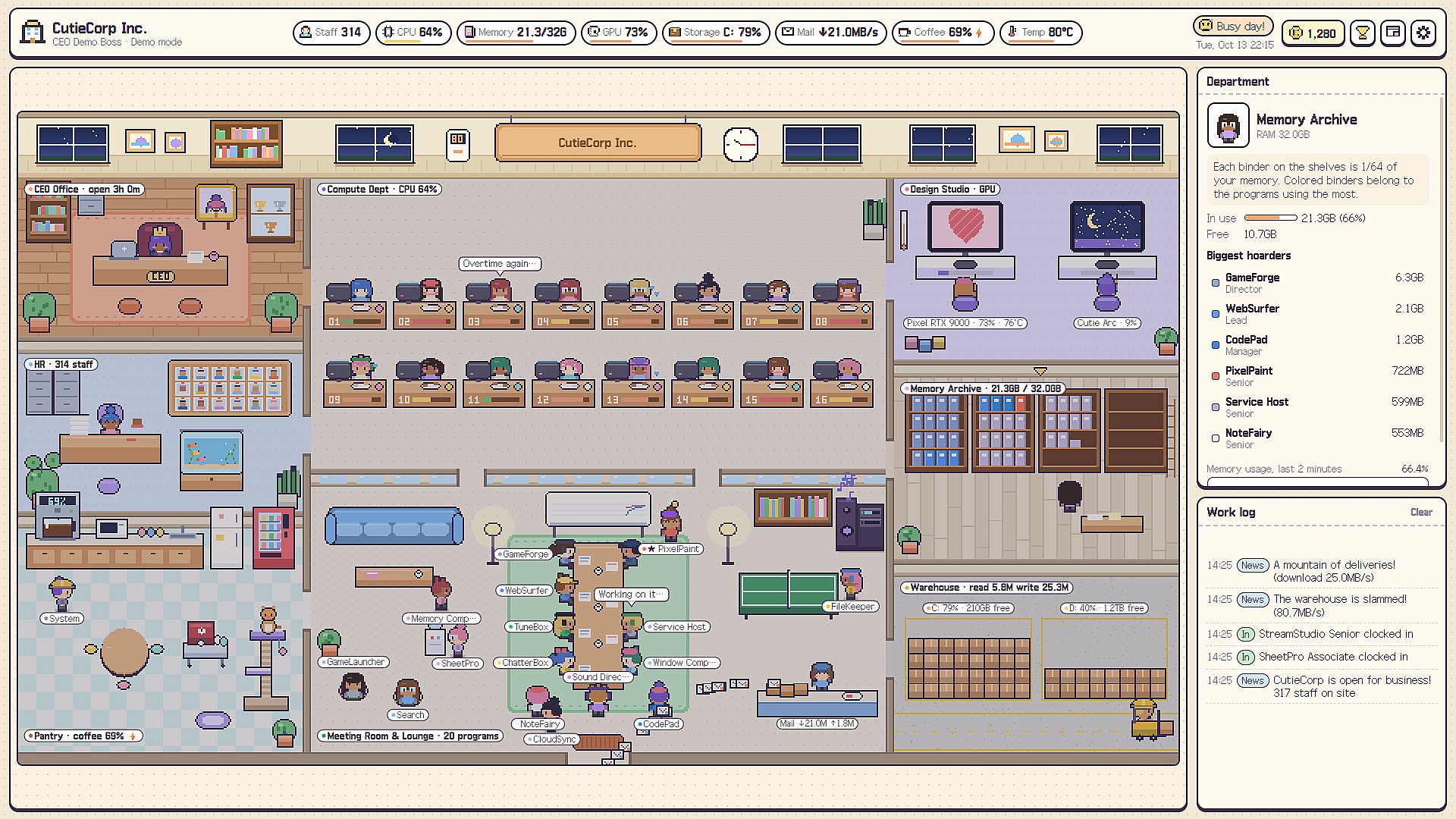
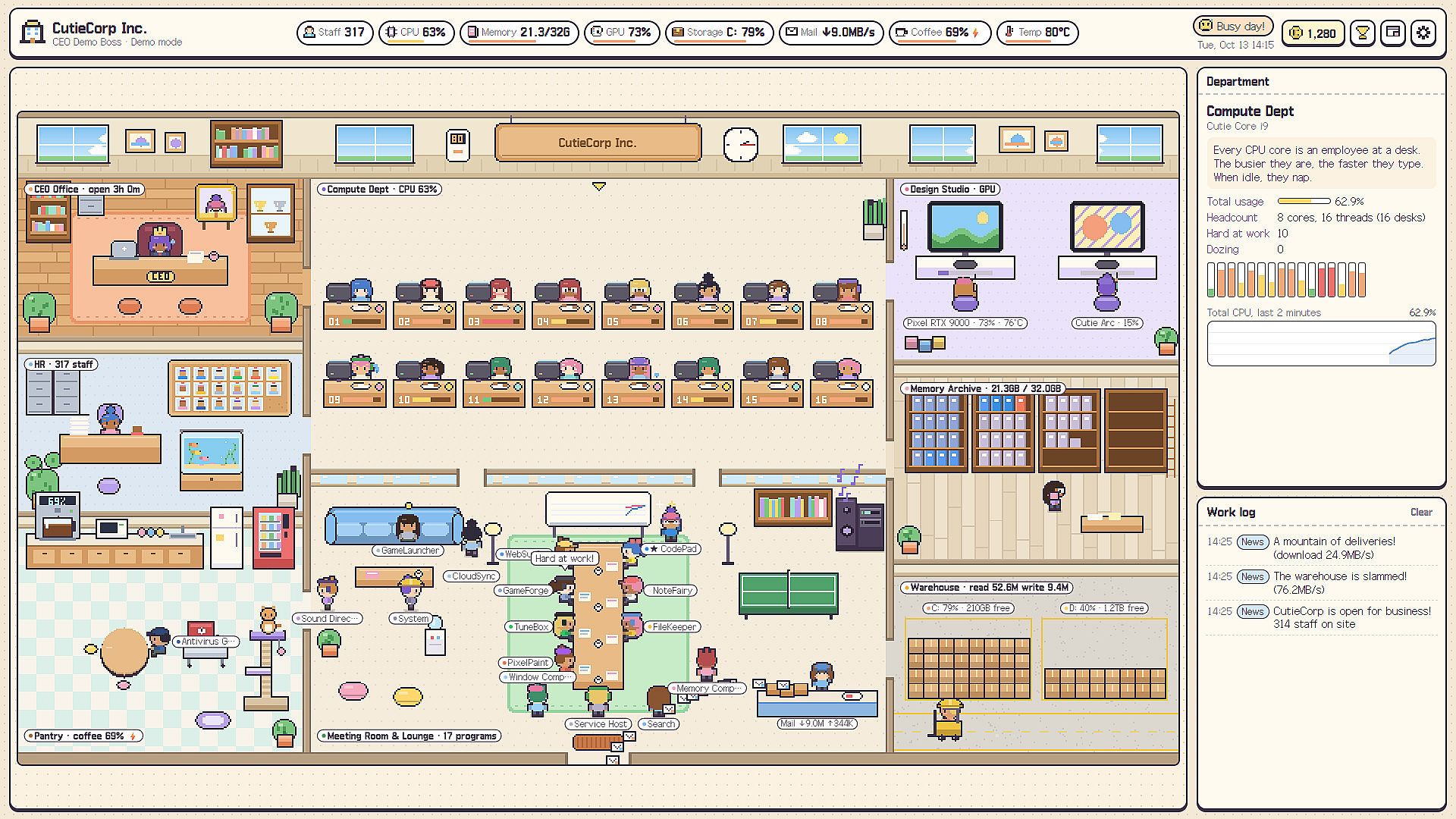
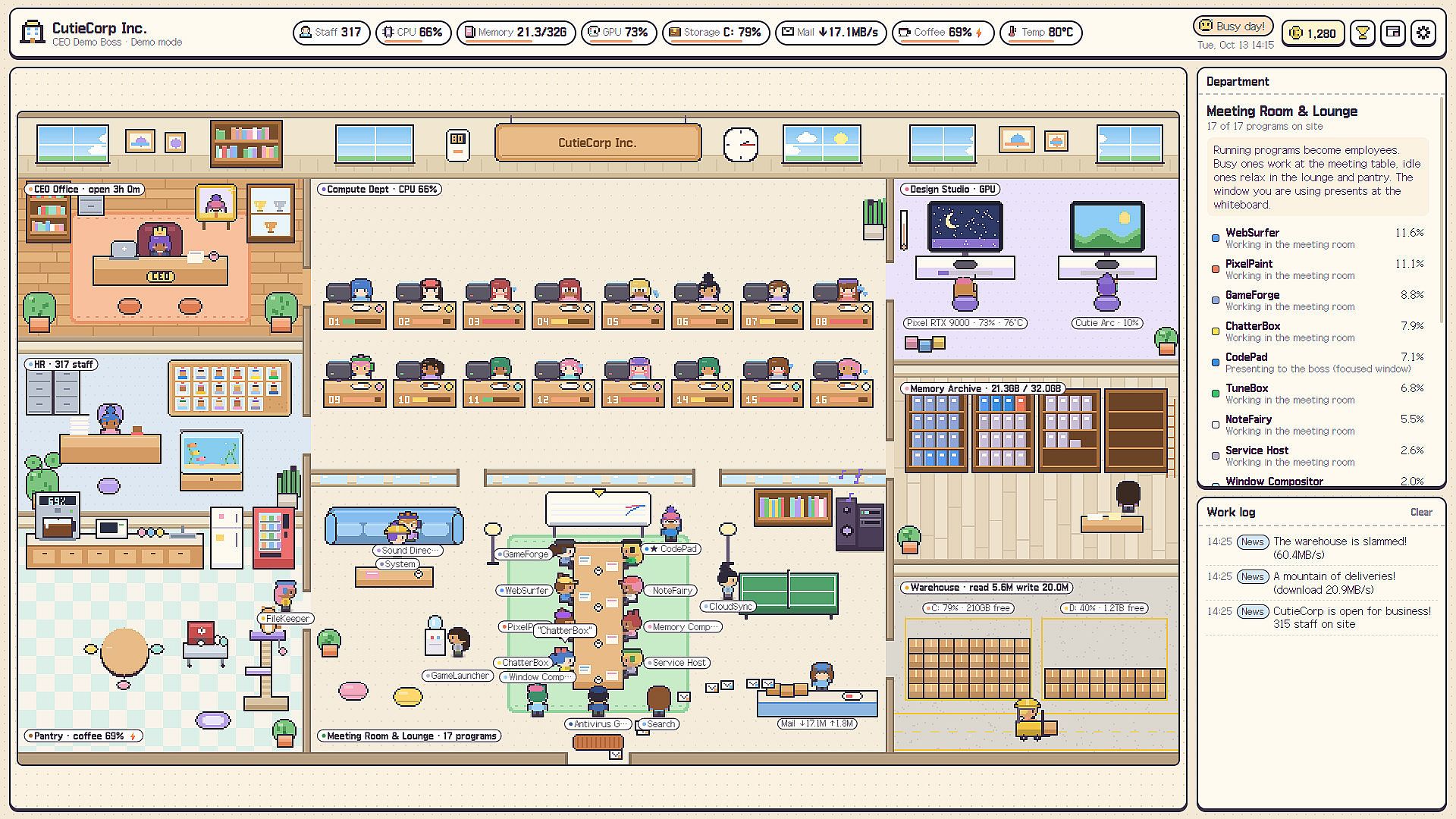
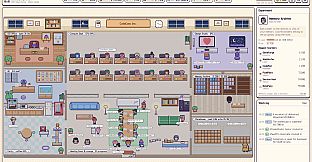
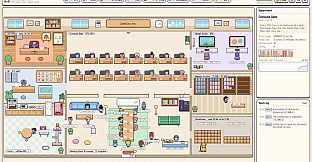
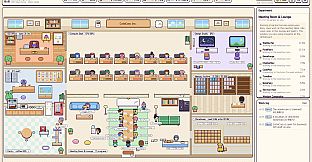
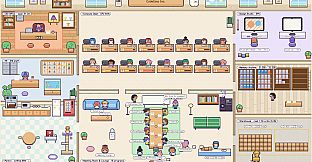
Cutie Office is an indie casual simulation game for PC that transforms your actual computer hardware and software activity into a living pixel-art office environment. Every element of your machine becomes part of a tiny company where CPU cores act as employees, programs clock in as staff, and system resources fill the workspace with activity. The experience runs locally using standard Windows performance counters with no internet connection required, making it a private, always-available desktop companion.
Gameplay
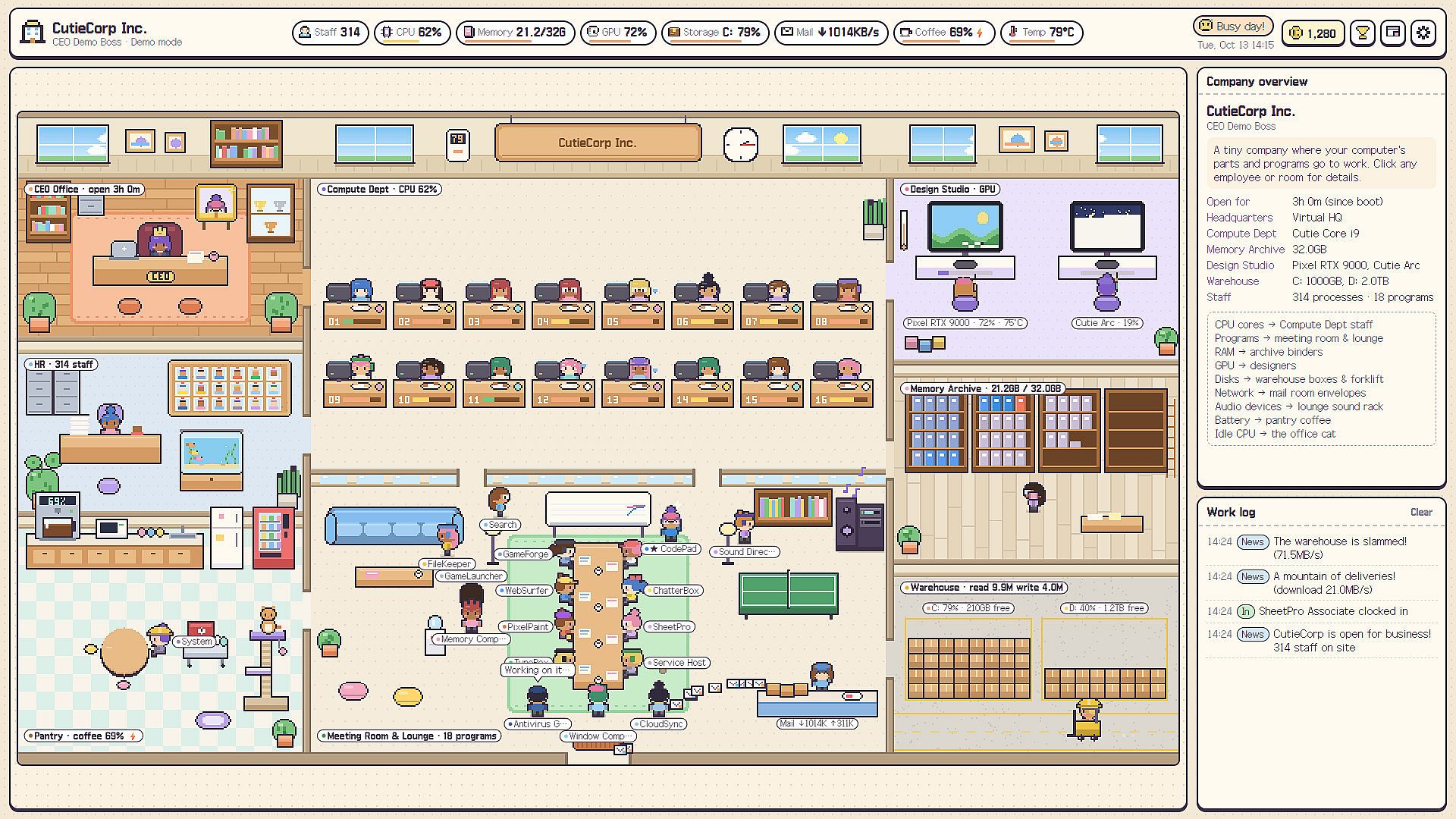
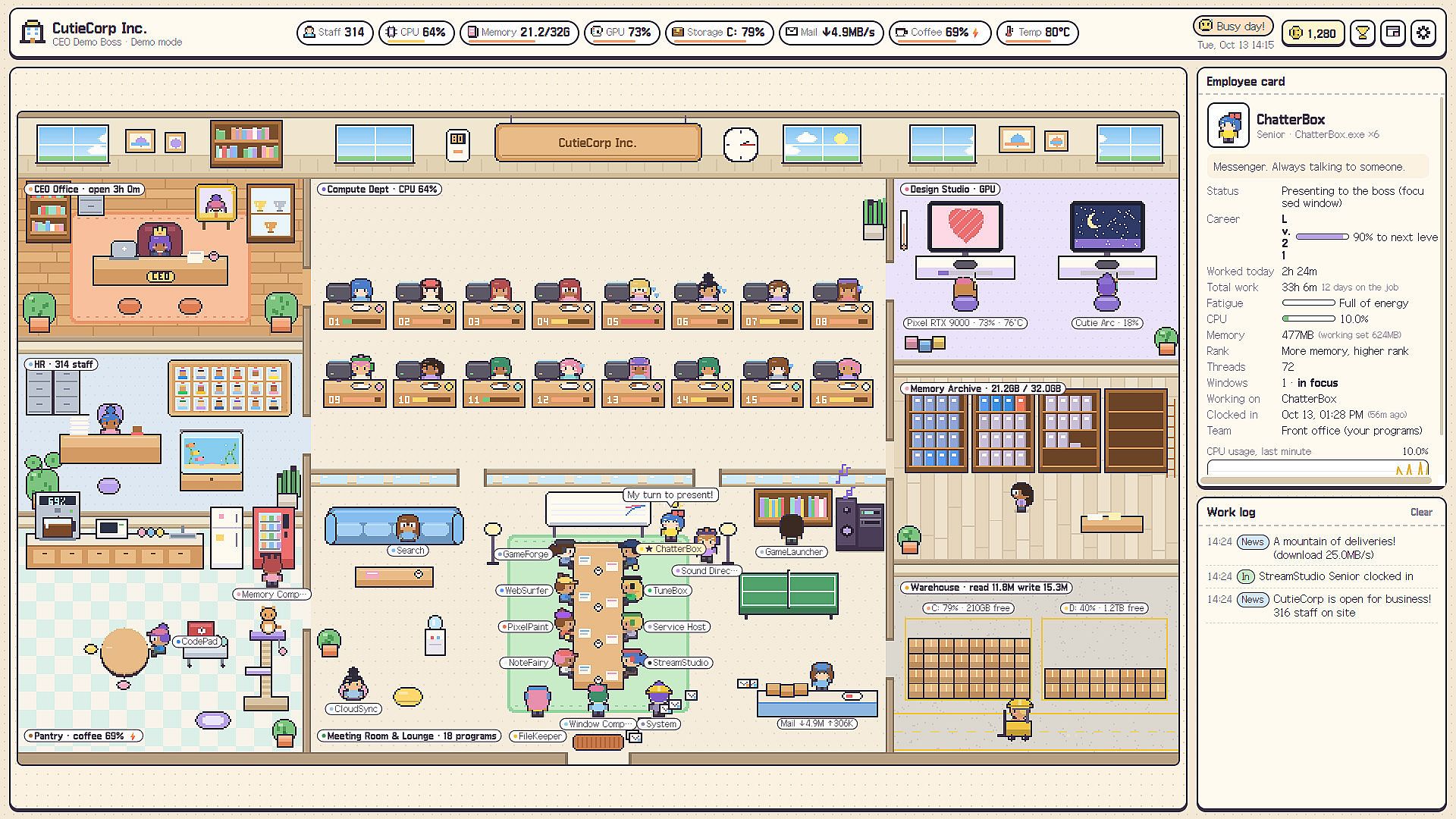
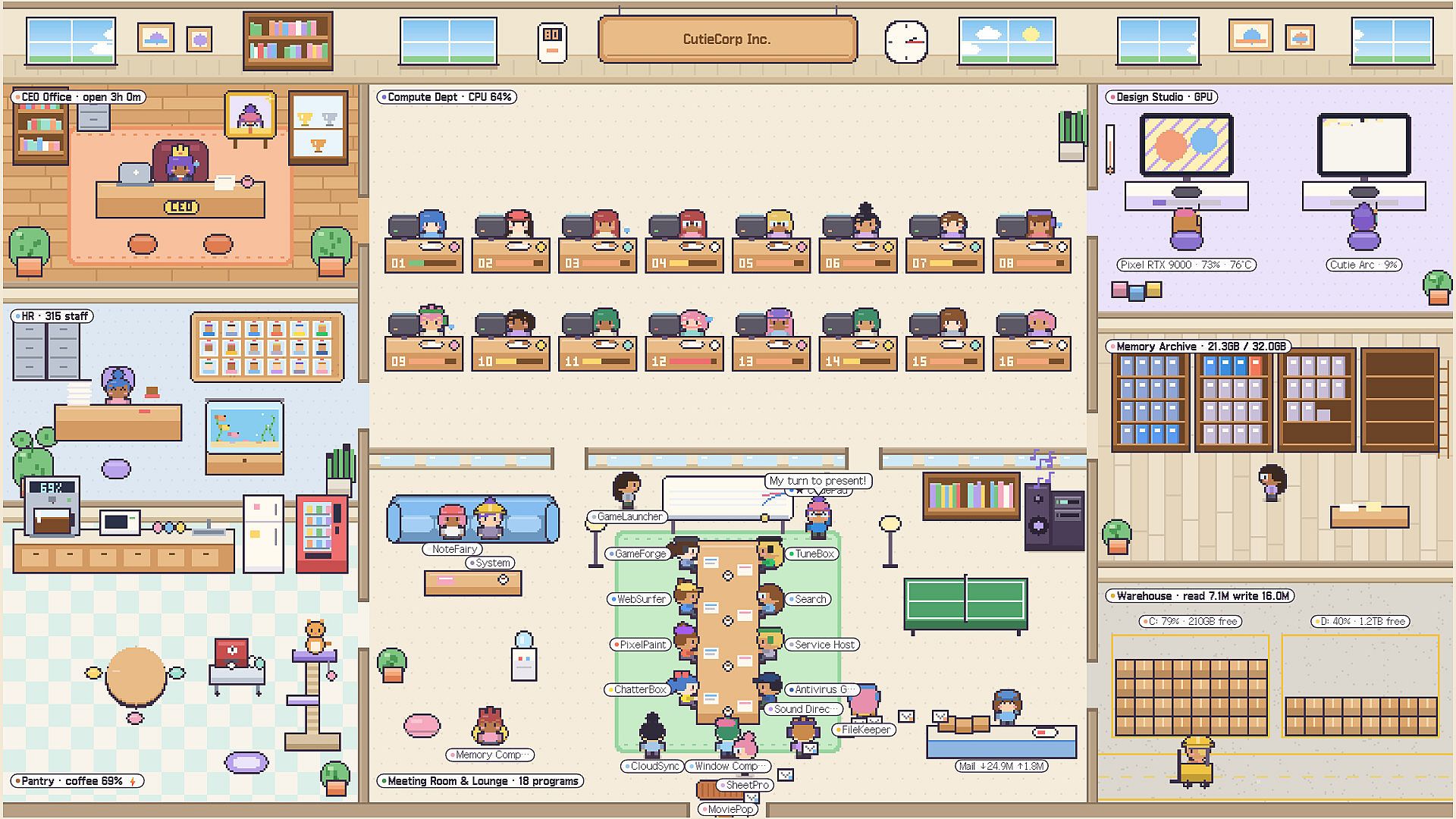
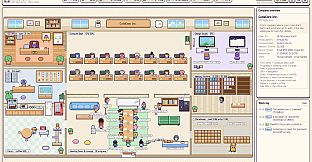
The core loop centers on watching your real PC usage play out through cute characters and rooms. Each CPU core becomes an employee at a desk who types faster when the core works harder, sweats under load, or naps when idle. Launching a program brings a new staff member through the front door who then works at the meeting table or relaxes on the sofa depending on activity levels. Memory usage determines rank, with heavier programs climbing from intern to director and filling archive shelves with binders. The active window triggers a presentation at the boss whiteboard while the graphics card powers designers in the studio who paint or rest when the GPU sleeps.
Disk activity turns the warehouse into a busy forklift zone, network traffic sends envelopes flying in the mail room, and battery status affects the pantry coffee pot. Audio devices occupy a lounge sound rack where the woofer thumps on playback. Data movement appears as boxes traveling through service windows, clerks carrying folders, and pneumatic capsules zipping to the design studio. Overflow memory gets stored in the warehouse when RAM fills up.
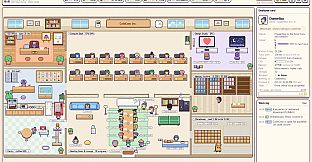
Players interact directly by poking employees, who react with surprise, grumbling, anger, or a sulk after repeated prods. Picking them up and tossing them across the office causes bouncing and dizziness before they return to their desks. These actions work even in minimized states. Staff earn performance points from work that unlock ten decorations such as an aquarium, cat tower, arcade machine, gallery, or golden lucky cat. Every program tracks a work record and levels up, with colleagues cheering promotions and tired employees heading for coffee after long sessions. A daily report highlights the MVP and frames the employee of the week in the CEO office. Clicking any employee or room opens a detail card with live graphs. Lighting and sky shift with real-world time of day, while subtle sound effects include typing, coffee sips, and yawns.
Game Modes
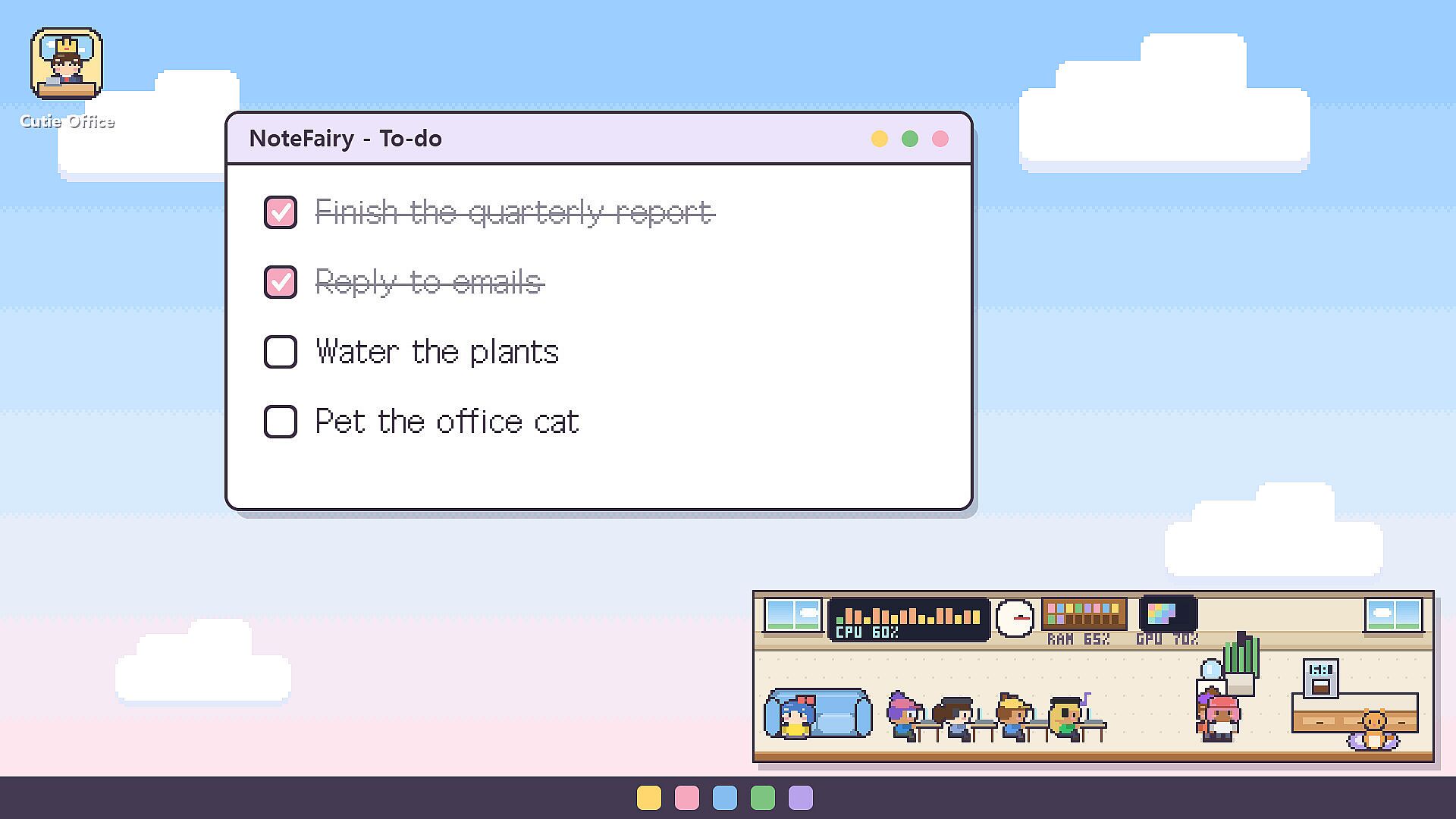
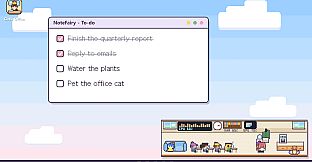
The simulation supports several display styles that change how the office appears alongside normal computer use. The full window view shows the complete office with all rooms and staff visible. Minimizing the window docks a tiny version at the bottom of the screen so employees continue working while the user multitasks elsewhere. Mini mode and always-on-top options keep the office visible without blocking other applications.
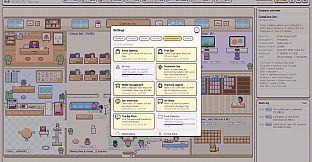
Closing the main window lets the office run entirely in the system tray, or the user can quit the program completely. The desktop buddy feature, toggled in settings, sends the employee tied to the currently active program out onto that window title bar. The buddy rides along during drags, naps during quiet periods, and accepts the same poke or toss interactions. Clicks pass through to the underlying window, the buddy hides during full-screen use, and any employee returns to the main office with one click. These options let the simulation stay present at different scales without interrupting workflow.
Features and Progression
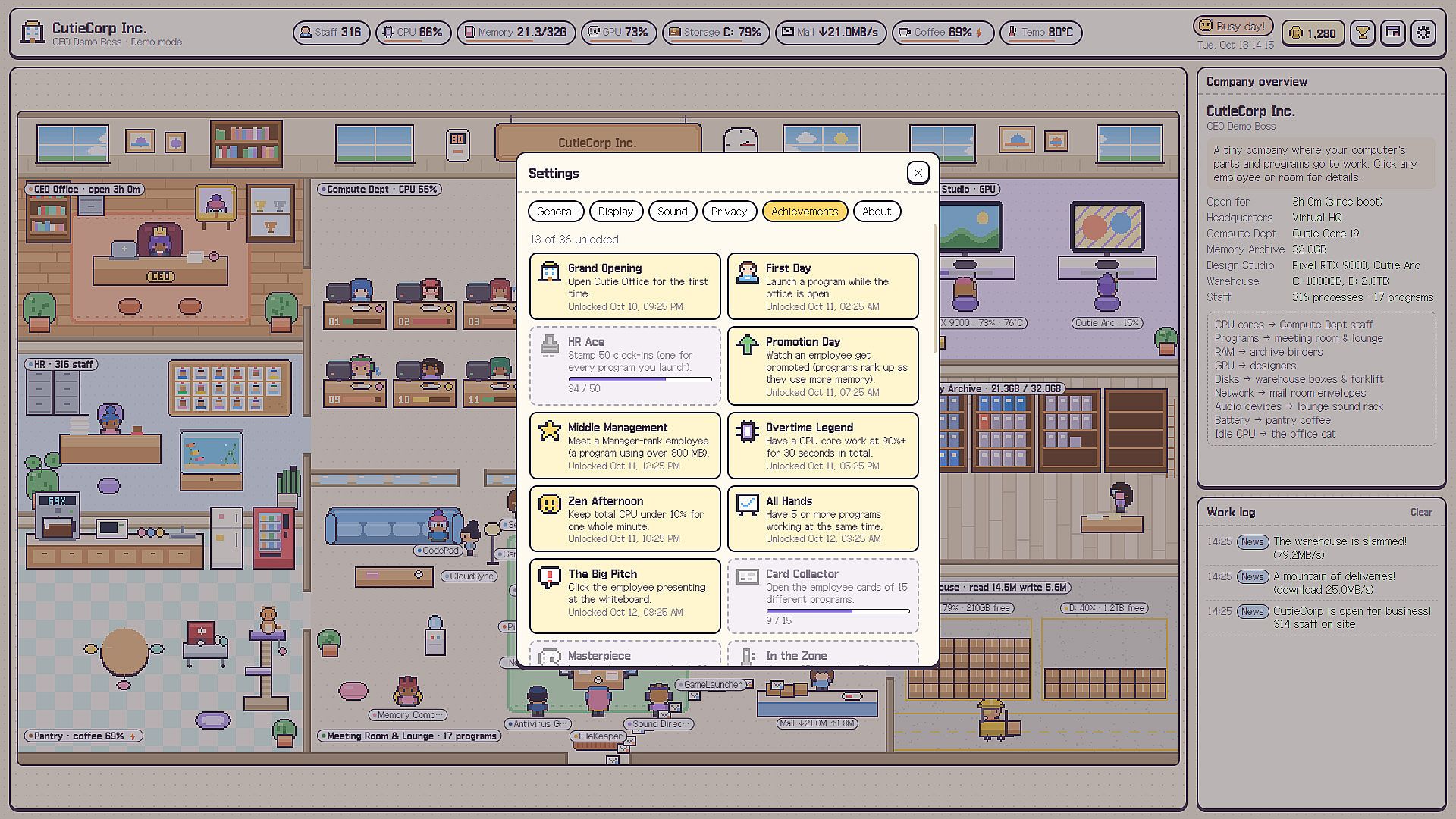
Progress comes naturally from regular computer use rather than separate tasks. Programs gain experience and level careers over time, staff share small moments like high fives or coffee breaks in the dock view, and performance points fund office decorations. A work log records every clock-in, clock-out, and incident. Thirty-nine Steam achievements reward both quick daily actions and longer-term habits, all achievable simply by running normal applications on any Windows PC from basic laptops to high-end workstations with multiple drives, GPUs, and audio interfaces.
Additional touches include the ability to name the company and CEO, a streamer mode that hides window titles and the PC name, and support for English and Korean. The pixel-art style features a custom cursor and bouncy buttons, while optional office-life audio layers add gentle background activity without distraction.
Is It Worth Playing?
Cutie Office suits players who enjoy relaxing, observational simulations that tie directly into everyday PC use. The concept delivers a constant, low-effort visual layer over normal computing without requiring dedicated play sessions. Those who like idle mechanics, system monitoring tools, or light management elements will find the hardware-to-office mapping engaging, especially when combined with the interactive employee reactions and decoration unlocks. The local-only design and system-tray persistence make it practical for long-term background running. Anyone seeking a unique casual experience that turns routine hardware activity into something charming and watchable will likely appreciate the attention to detail across CPU, memory, GPU, and peripheral mapping. It offers steady progression through normal use and remains accessible across a wide range of PC configurations.











