


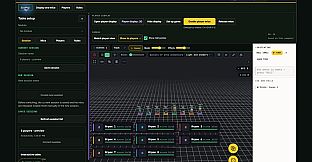
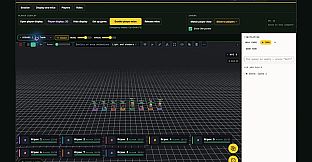
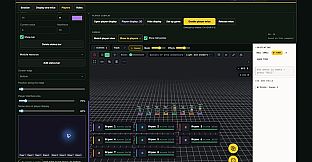
EZY Virtual TableTop Builder is a PC tool designed for running custom tabletop RPG sessions in a shared physical space. It turns a television, projector, or second monitor into a central game board where digital miniatures move under player control while the game master manages everything from a separate laptop screen.
Gameplay
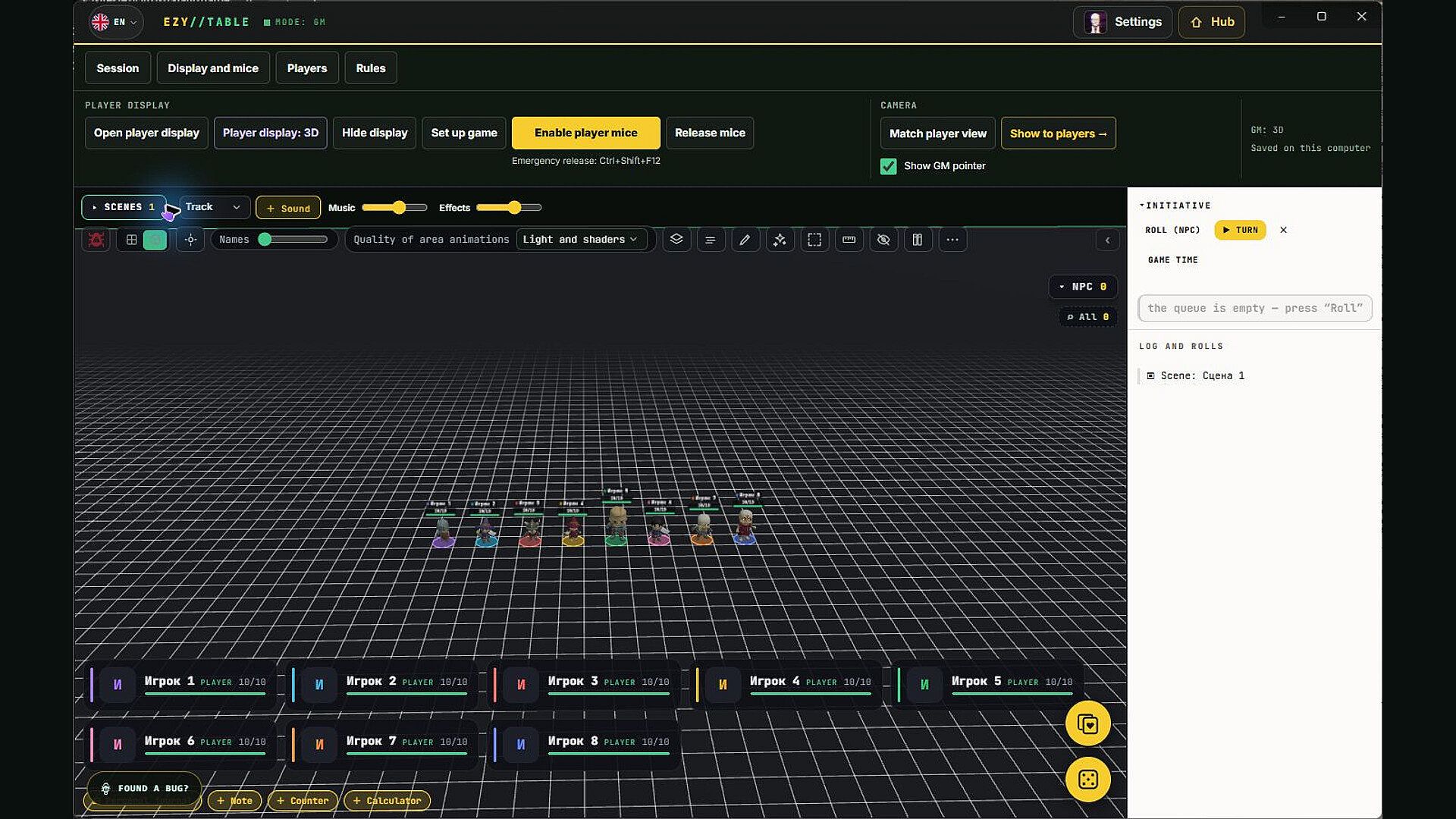
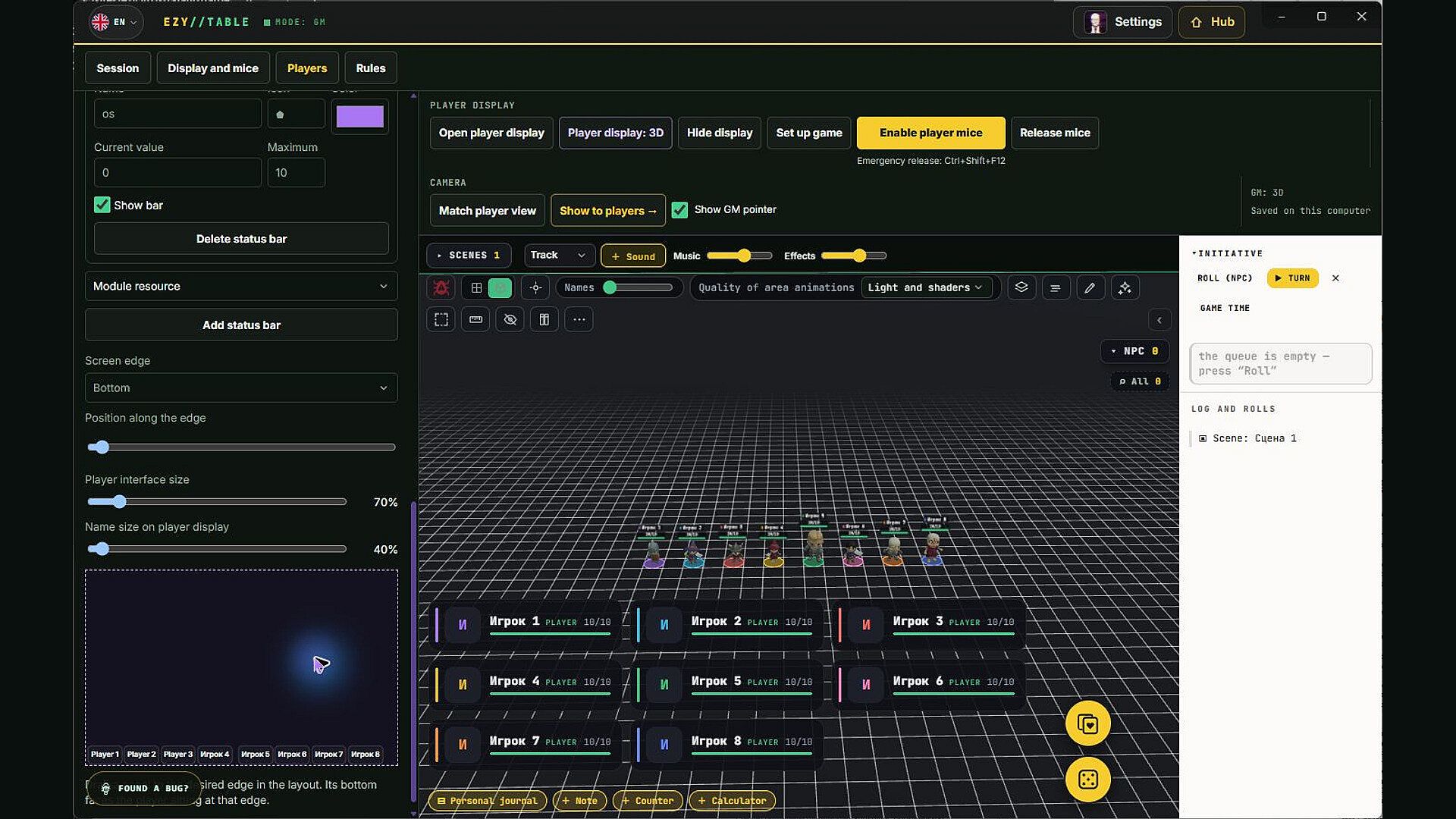
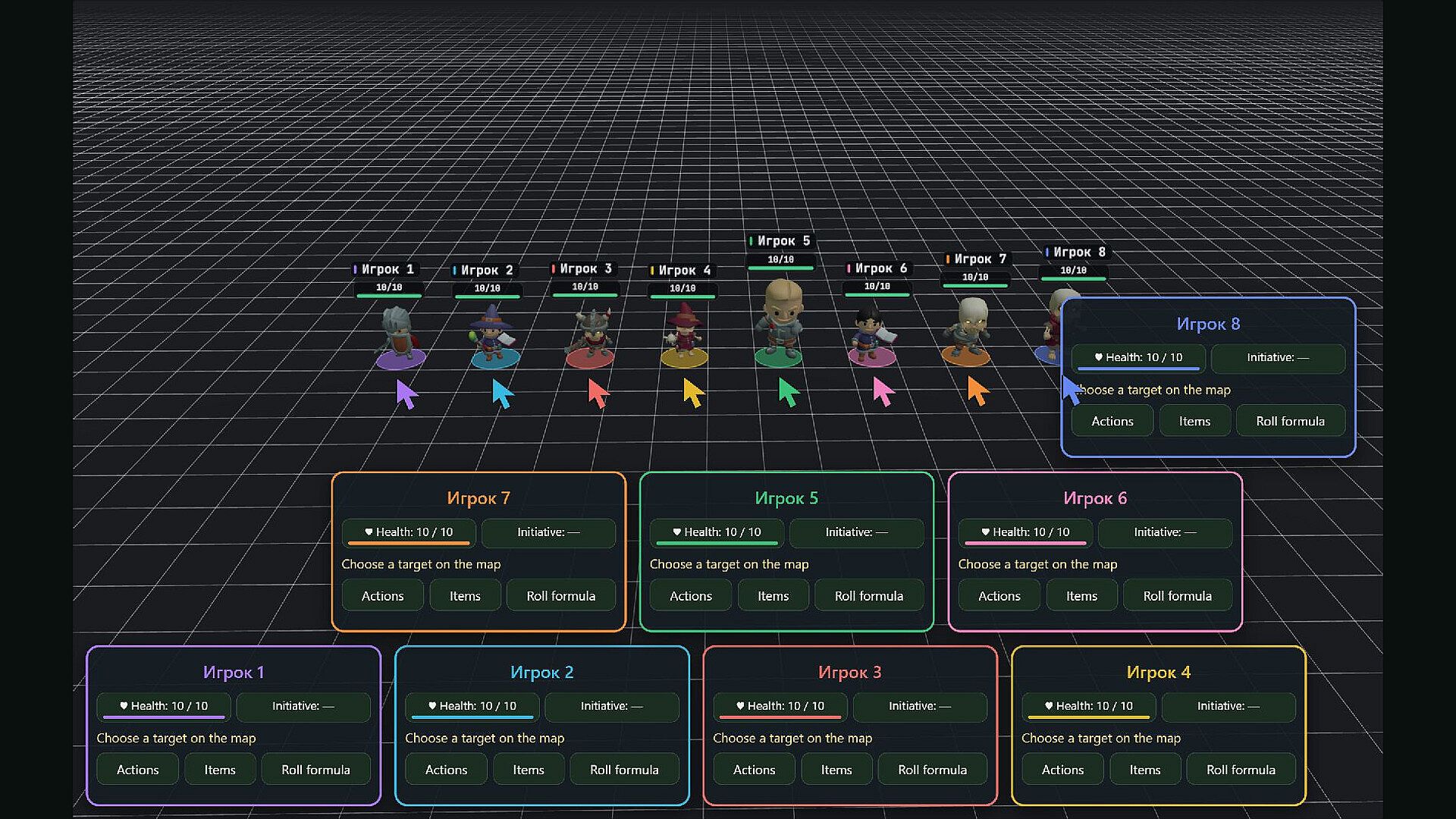
The core loop centers on positioning miniatures, resolving actions, and tracking resources on a shared visual board. Players select their assigned pointer color from a panel at the edge of the screen, move permitted tokens, and trigger actions or dice formulas using an on-screen keyboard. The game master prepares encounters in advance, places scenery and tokens, controls non-player characters, and applies conditions or changes the scene as the story progresses. Movement distances display automatically, and the shared view shows only what the group needs to see while the master retains full control over hidden information.
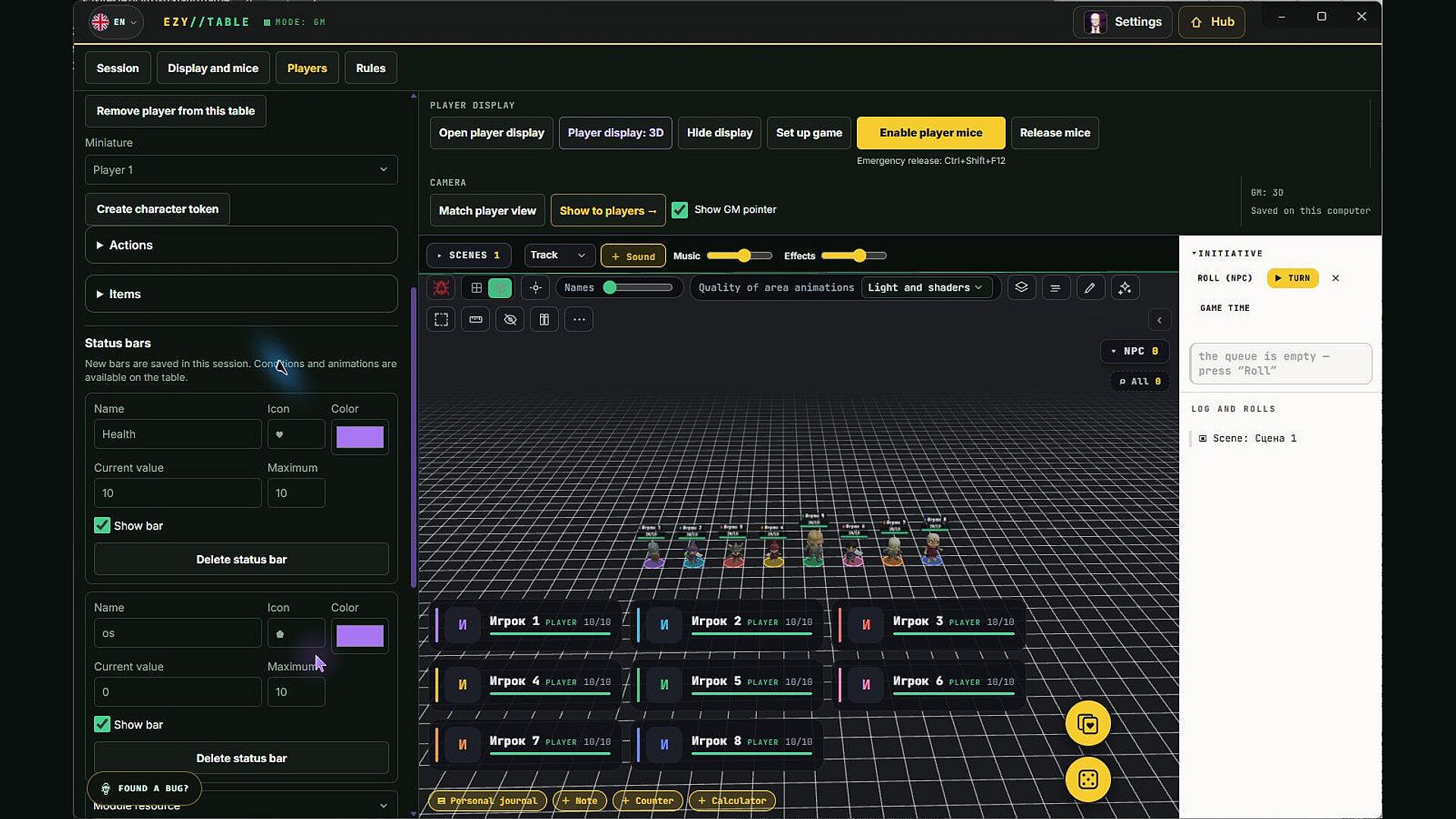
Two visual styles operate from the same encounter data. A top-down 2D map provides clear grid-based movement and line-of-sight tools. Switching to 3D renders digital miniatures with independent camera angles for the master and the shared player screen. Players receive feedback on permitted movement ranges, and the master can align the shared camera to highlight key details without interrupting play. Resource bars for health, armor, or other values appear on the shared board with customizable icons and colors, while players keep paper character sheets for detailed calculations.
Game Modes
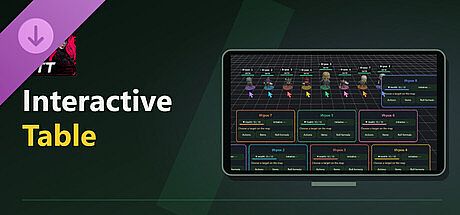
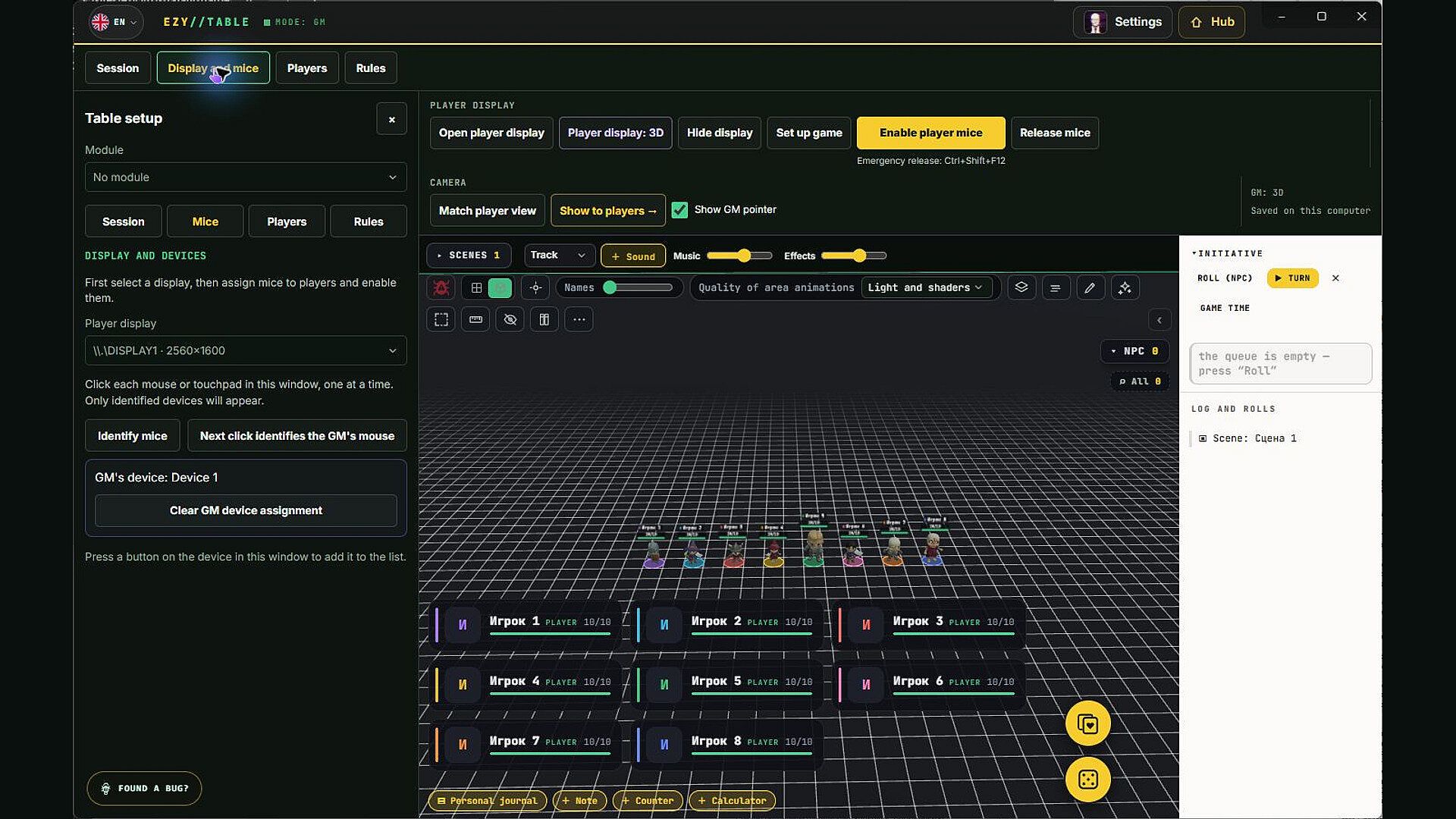
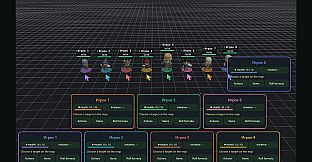
Interactive Table mode supports local group play around one computer and one or more additional displays. The master works on a private laptop screen while the shared display shows the board, scenery, and player panels. Multiple mice connect to the same machine, each assigned a distinct colored pointer that players use to interact with the board. Panels can be positioned and rotated to match seating arrangements, so participants on opposite sides of a projected surface or sofa setup move tokens naturally from their viewpoint.
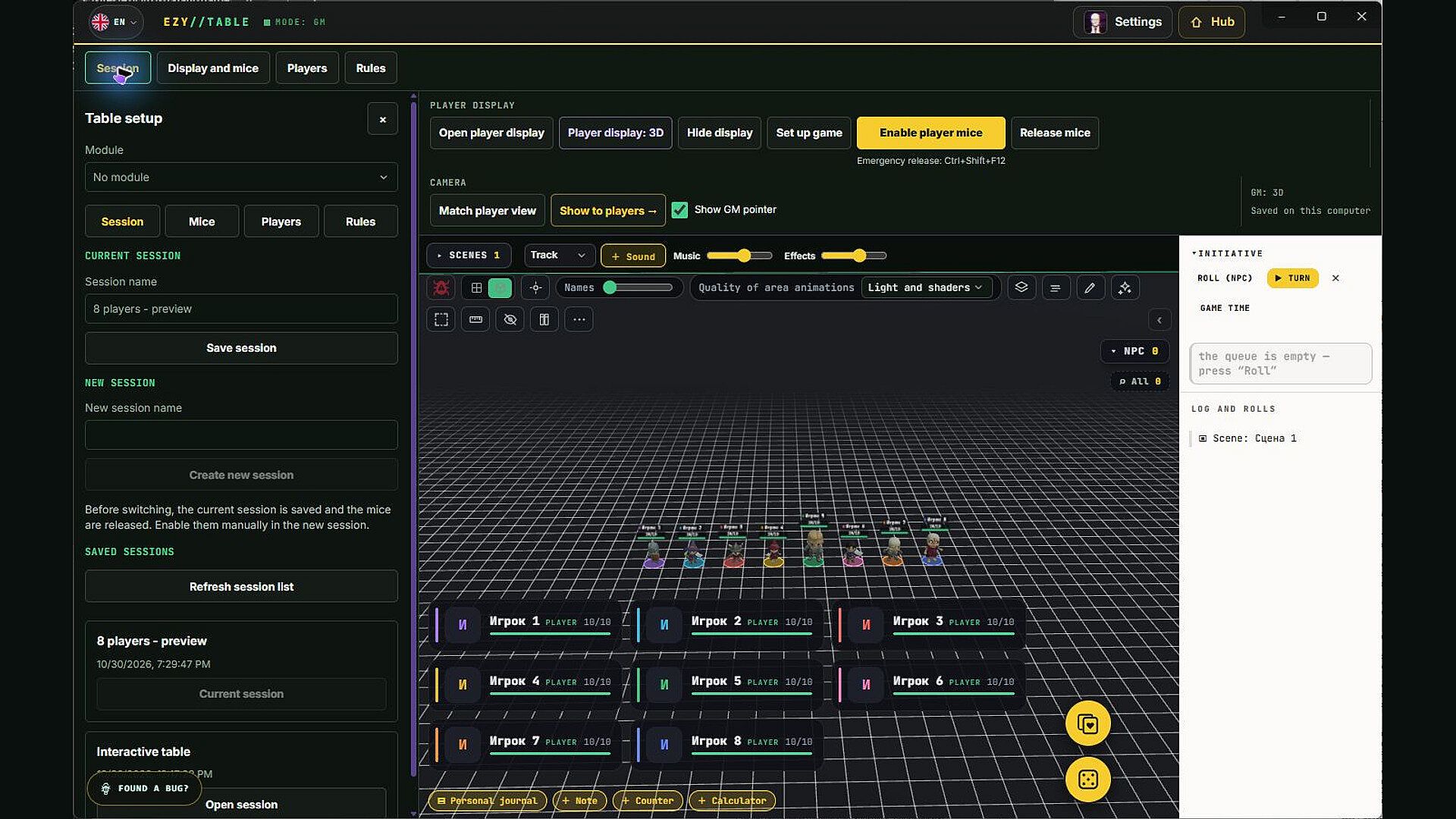
The mode keeps the session entirely local. No additional accounts or application copies are required for other participants. The master chooses a prepared module, creates local player entries, assigns miniatures, and opens the board on the shared screen. Players do not join remotely; they simply use the assigned pointers on the common display. Real dice remain an option alongside digital rolls, with the master deciding which method the group prefers for any given session.
Setup and Requirements
Only the host computer needs the base application and the Interactive Table addition. A standard television or projector suffices as the shared screen. Additional USB mice provide independent pointers, though one device can serve multiple players if preferred. The master prepares scenes, manages initiative, controls walls and fog of war, and decides what information reaches the shared view. Sessions save locally and reopen on the same machine without network access during play.
Player panels display visible resources, assigned actions, and items drawn from the module. The master configures which values appear and how conditions affect them. Automation follows whatever the module author defined, so resource costs, damage calculations, and visual effects match the rules of that specific game system rather than imposing new ones.
Who It Suits
Groups that meet in the same room benefit most. The layout removes the need for a large physical table covered in terrain and maps. Everyone faces the same screen from comfortable seating while keeping paper sheets, notes, and snacks nearby. The master retains a private workspace for preparation and controls, yet players interact directly with the board through their pointers. This arrangement works equally well for a projected surface in a living room or a television in front of a sofa.
Is It Worth Playing?
The mode delivers a focused local experience for tabletop groups that want digital miniatures and maps without requiring separate devices for every participant. Recent updates have refined the offline tabletop tools, including smoother pointer handling on the shared screen and better support for 2D and 3D views from the same encounter. A free demo allows players to join a host who owns the full version, lowering the barrier for trying the shared-screen style. For groups that already gather in one place and prefer one purchase covering the entire session, the approach removes setup friction while preserving the social feel of sitting together. Those seeking fully remote online play or per-player licenses will find the emphasis on single-host local use less relevant.