



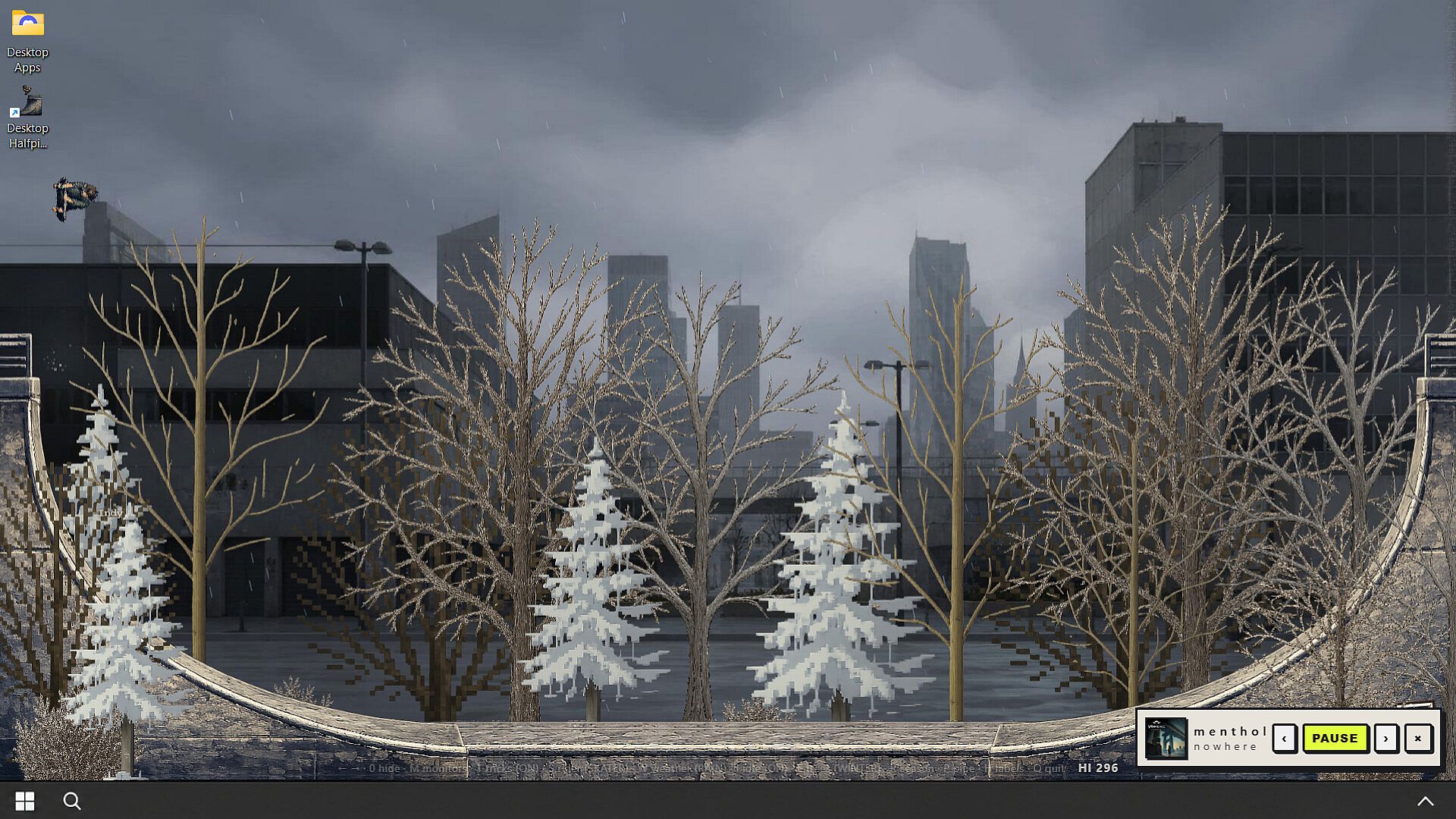

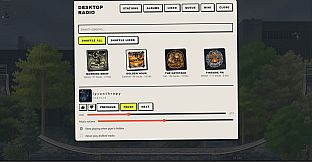
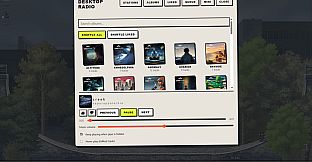
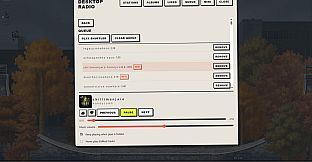
Desktop Halfpipe - Halfpipe Radio serves as downloadable content for the free to play indie casual simulation sports title Desktop Halfpipe on PC. This addition layers a music system onto the existing desktop companion experience, allowing soft stations and full albums to play in the background while the halfpipe runs. The content integrates directly into the base game rather than functioning as a standalone title, with access points including the system tray, a radio prop on the pipe, or the shortcut Ctrl+Shift+U.
Gameplay
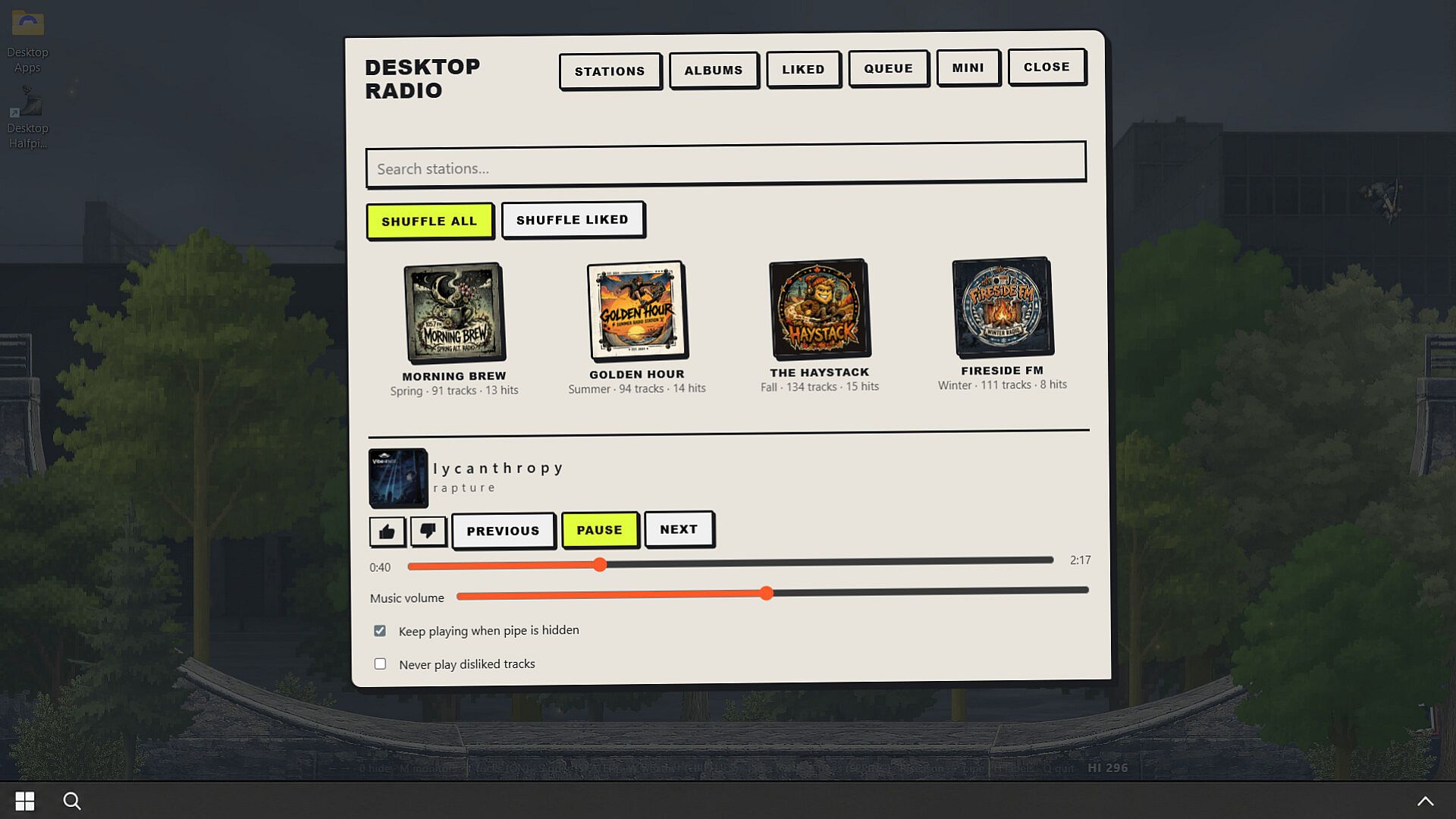
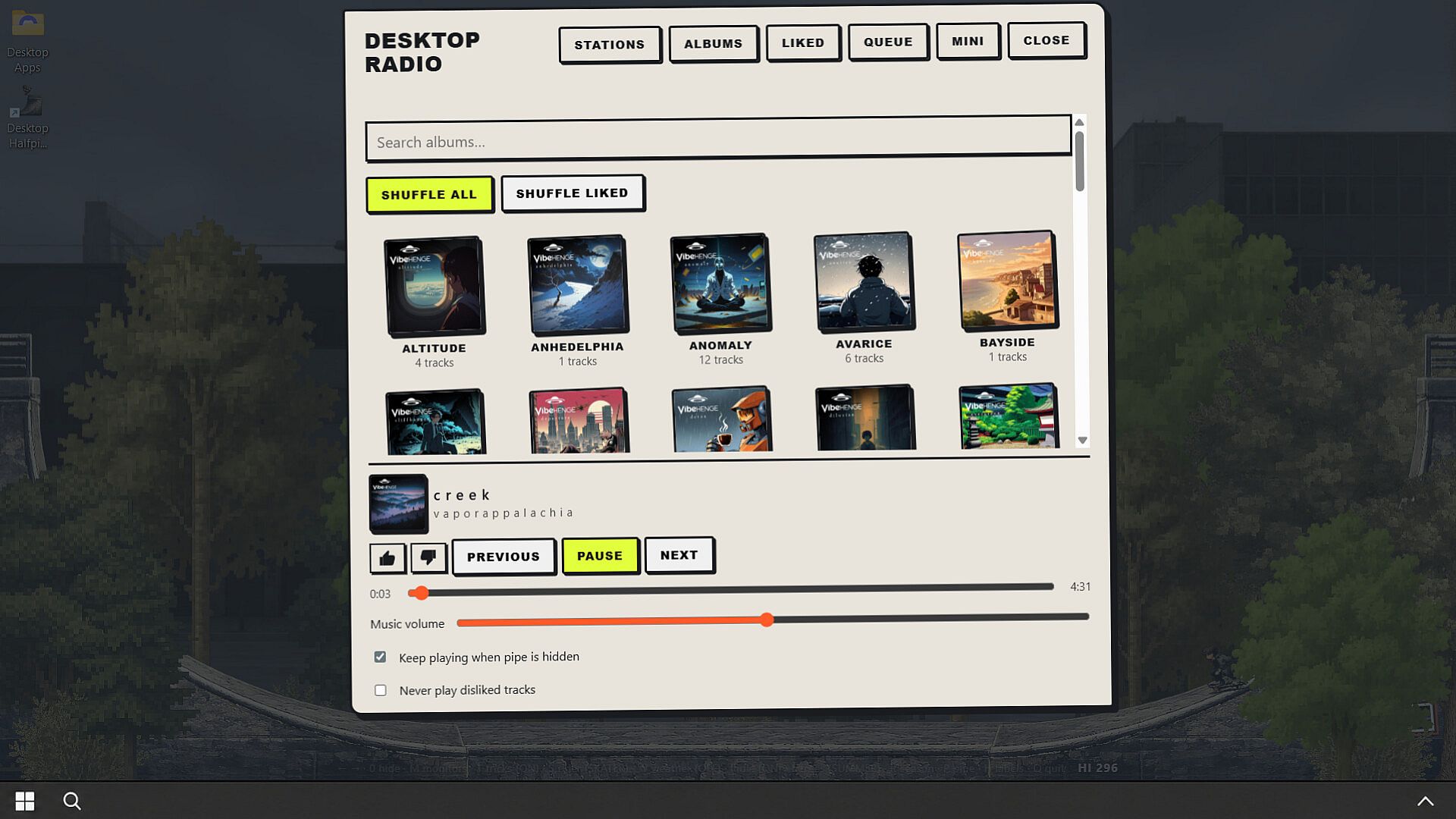
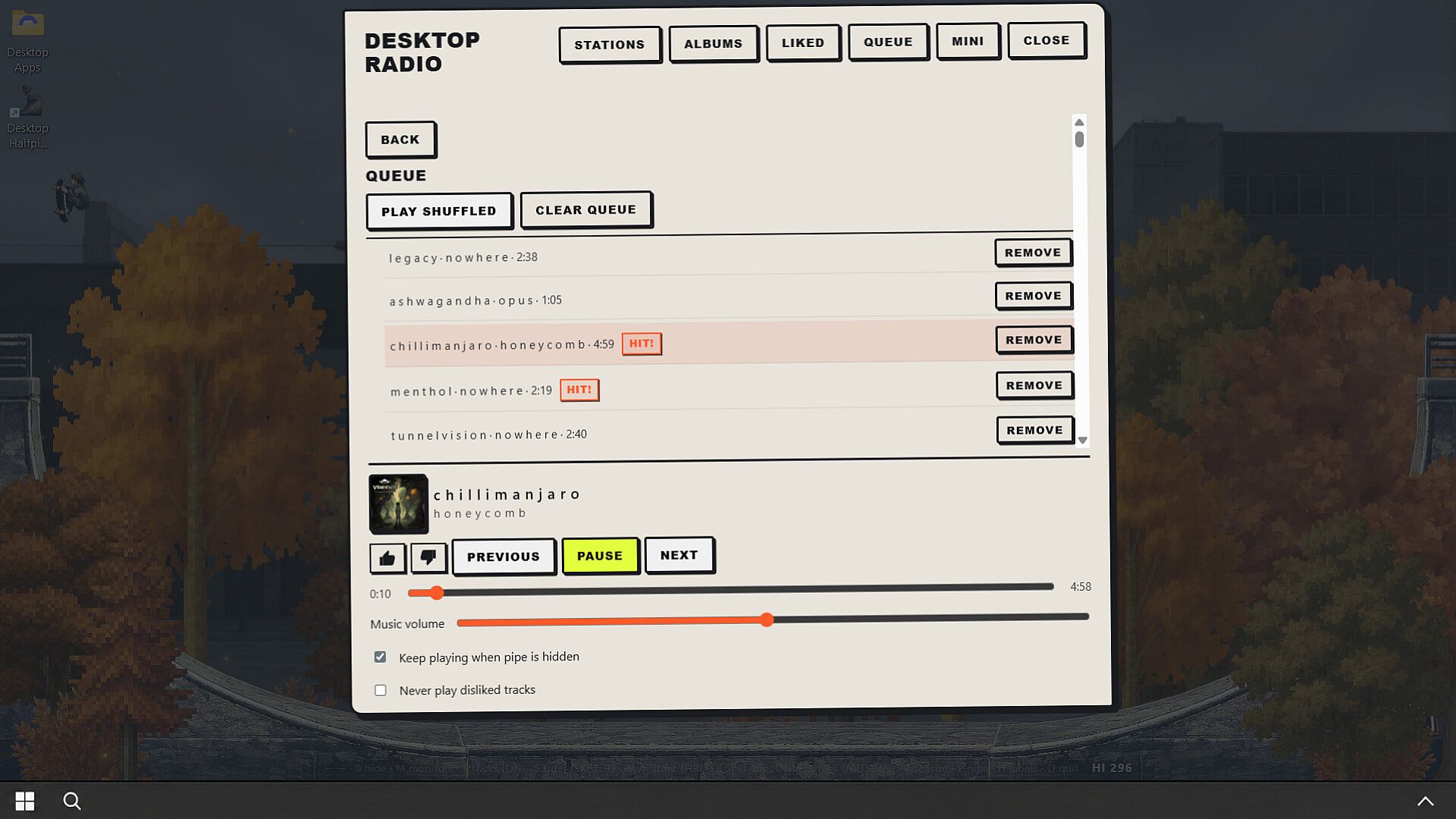
The core loop centers on background audio that complements the relaxed simulation of riding or idling on the halfpipe. Over 400 tracks span more than 40 albums, delivered through four seasonal stations that rotate playlists automatically. Hit tracks receive higher rotation frequency within each station to maintain variety without constant intervention. Players browse albums independently to select tracks, then use simple controls to play immediately, queue the next selection, or shuffle either the full library or only liked songs.
Like and dislike functions refine the rotation over time by excluding disliked tracks from future plays. A mini player stays available for quick adjustments, while search supports locating specific tracks or albums. Session restore ensures the radio resumes from the prior state upon reopening, supporting extended use during work sessions or while the halfpipe simulation continues. The interface language matches the base game setting, though all song titles remain in English for consistency.
Game Modes
Four seasonal stations provide distinct listening environments tied to the time of year. Morning Brew suits spring mornings with its playlist focus. Golden Hour captures long summer afternoons. The Haystack evokes crisp fall air. Fireside FM delivers quiet winter nights. Each station rotates content independently, with Hit tracks appearing more often to highlight popular selections within the seasonal theme.
Album browsing operates as a flexible listening option outside the stations. Users select full albums for sequential play or mix tracks across the library through shuffle and queue tools. These options encourage personalized sessions that align with different moods or work periods while the underlying sports simulation runs in the background.
Integration and Accessibility
The DLC maintains the optional companion design of the base game. It remains easy to hide or minimize during active use and continues playing without demanding attention. Multi-monitor support extends the desktop fit, and the low system requirements keep it lightweight alongside the core simulation. No sound card is needed since the application itself stays silent outside of the selected audio tracks.
Controls emphasize simplicity for ongoing sessions. The tray icon, on-pipe radio prop, and keyboard shortcut provide multiple entry points without interrupting workflow. Disliked tracks stay excluded automatically, and the like system builds a preferred rotation over repeated use.
Is It Worth Playing?
This content suits players already engaged with Desktop Halfpipe who seek an optional audio layer to enhance long idle periods or background riding. The seasonal stations and album library deliver structured yet flexible listening that fits the casual simulation sports genre without adding complexity. As a free to play base game with this DLC addition, it appeals to users who value low-commitment desktop experiences that run alongside other tasks.
Reception details remain limited ahead of the November 1, 2026 release, with no user reviews available yet. Those who appreciate the companion vibe and want rotating playlists or on-demand album access will find the features align directly with extended play sessions. The design prioritizes seamless integration over standalone depth, making it a targeted expansion rather than a broad overhaul.