

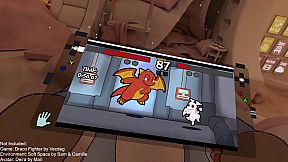
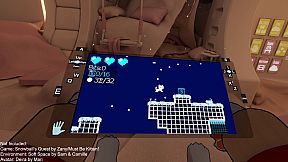
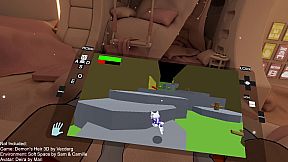
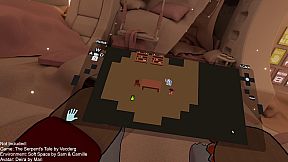
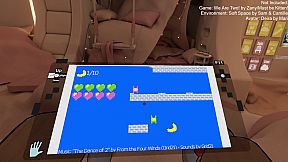
NOTICE: This software is still in development. It may be a long time before there's a full release of this software. As with all software, compatibility with your device(s), games or other software is not guaranteed.
Having Issues? Please contact the developer for support via the Discord server or the Steam Community page
Warning: This software may create flashing lights that are hazardous to people with photosensitive epilepsy.
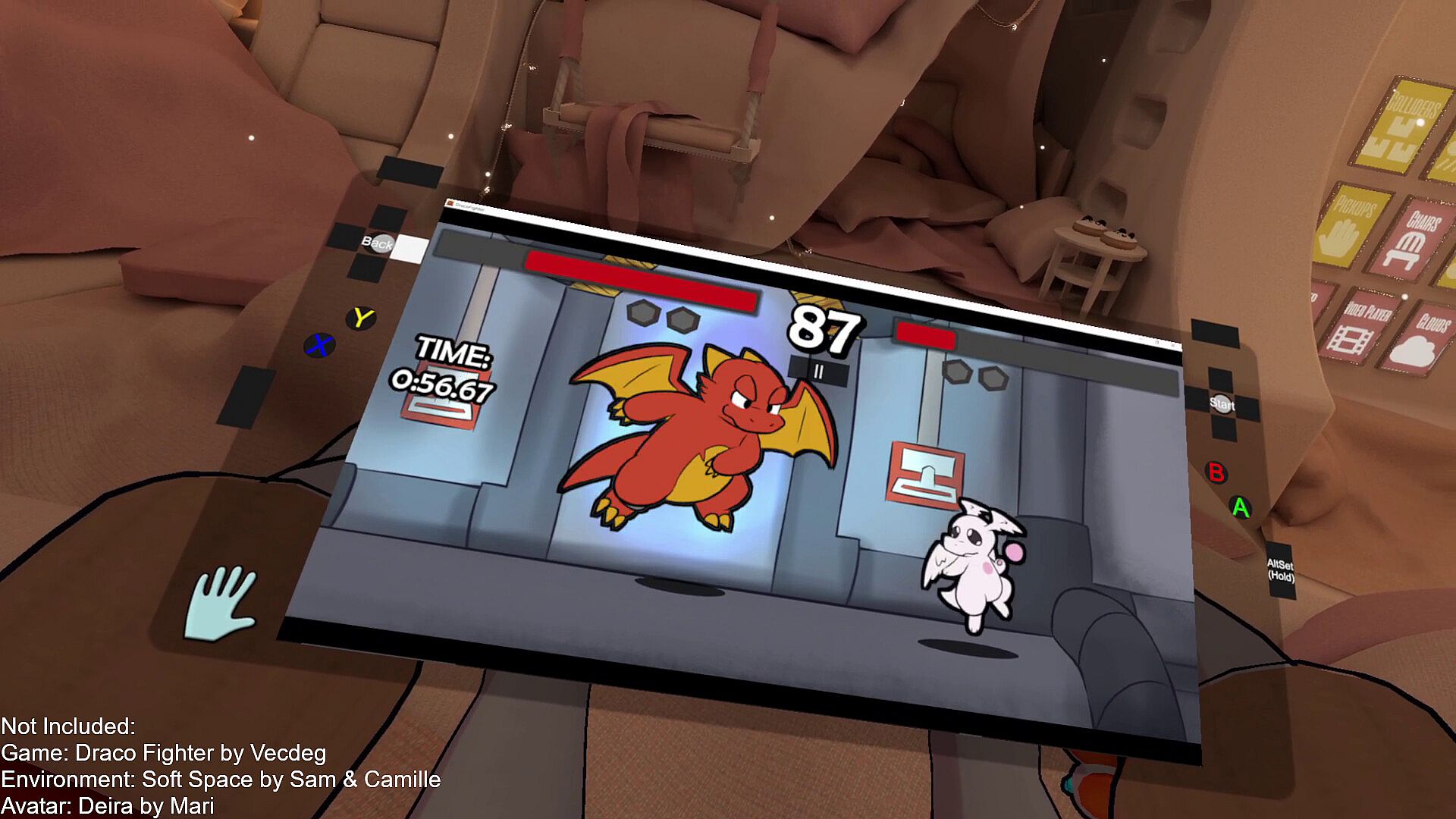
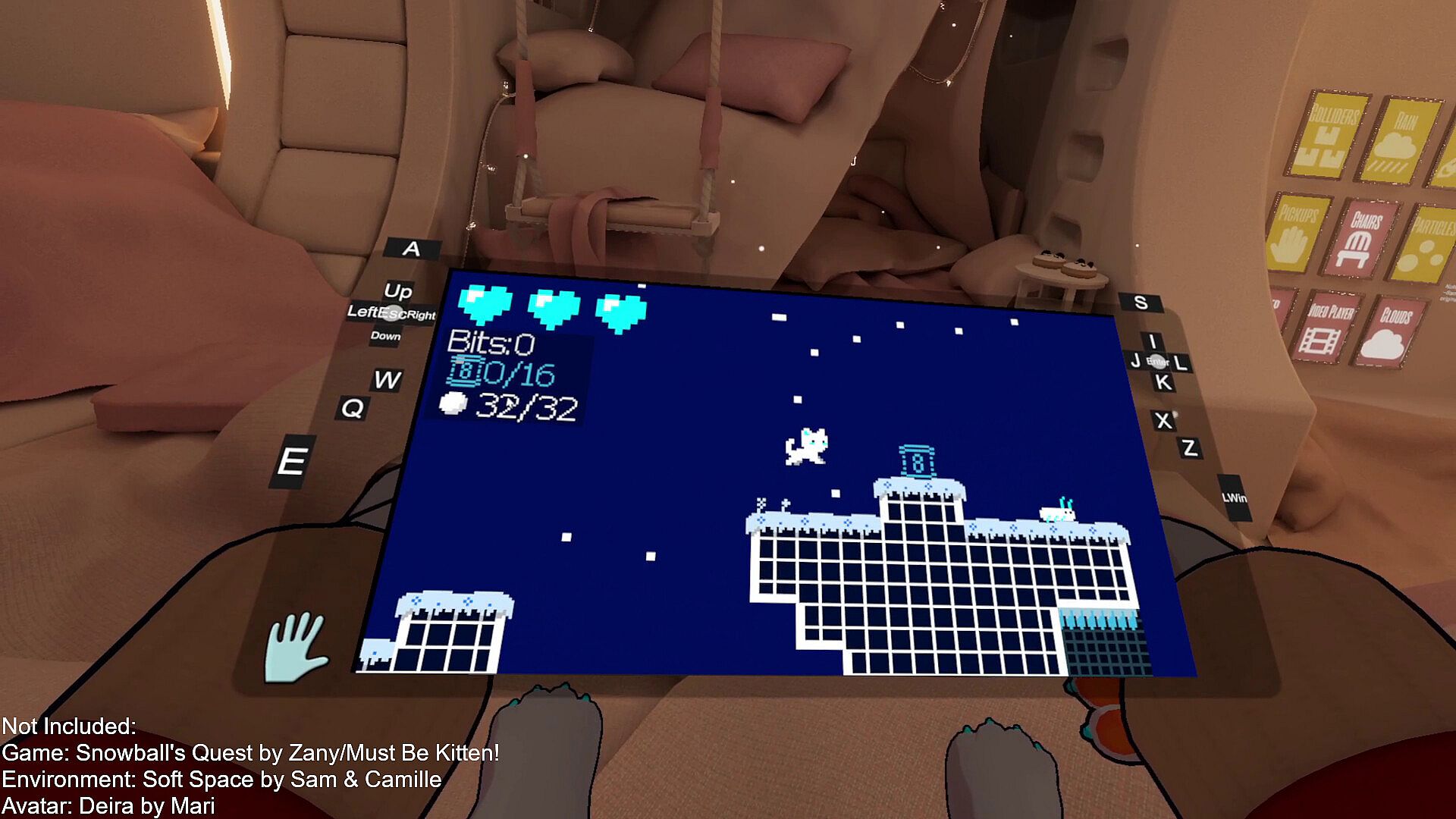
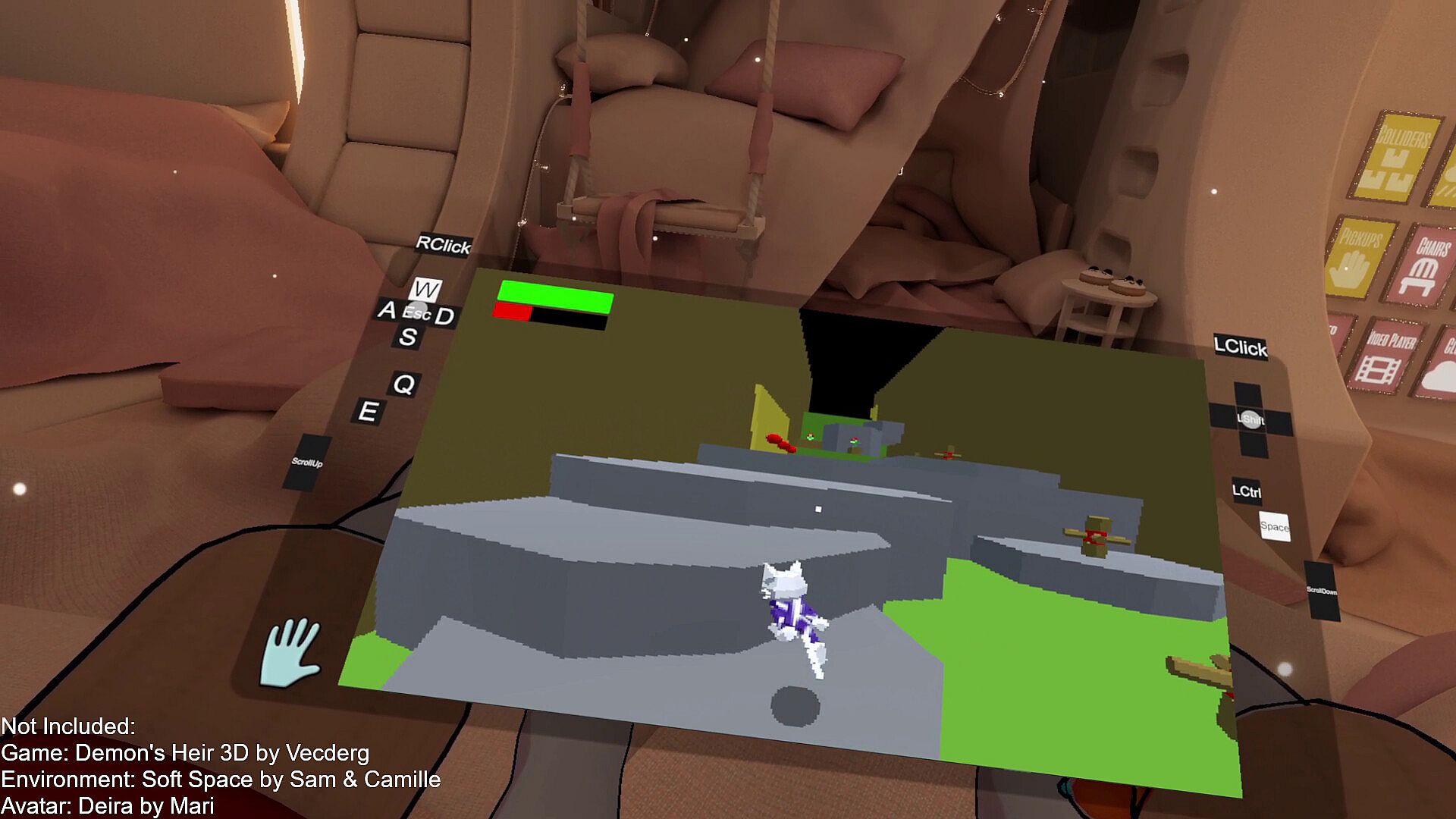
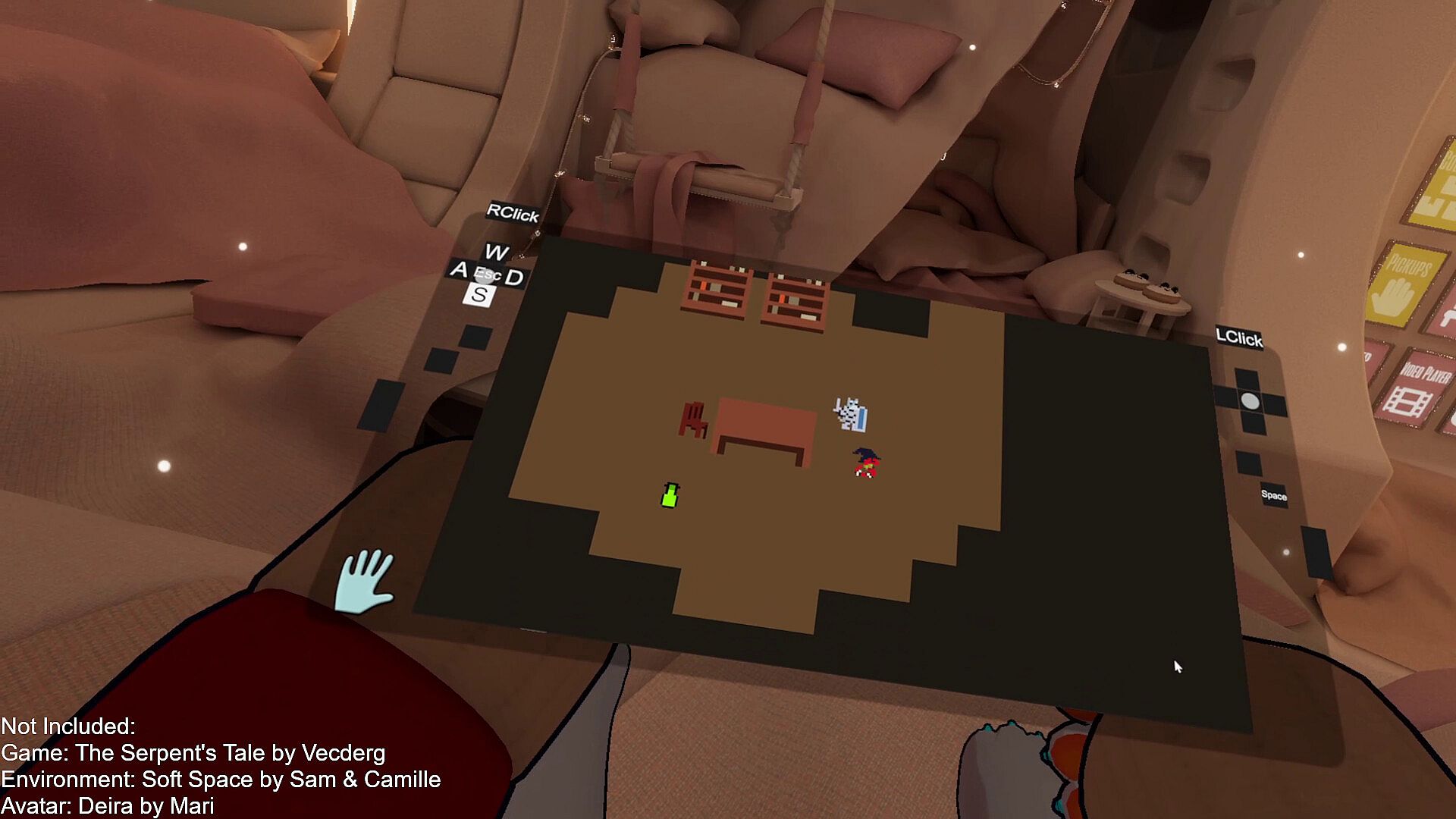
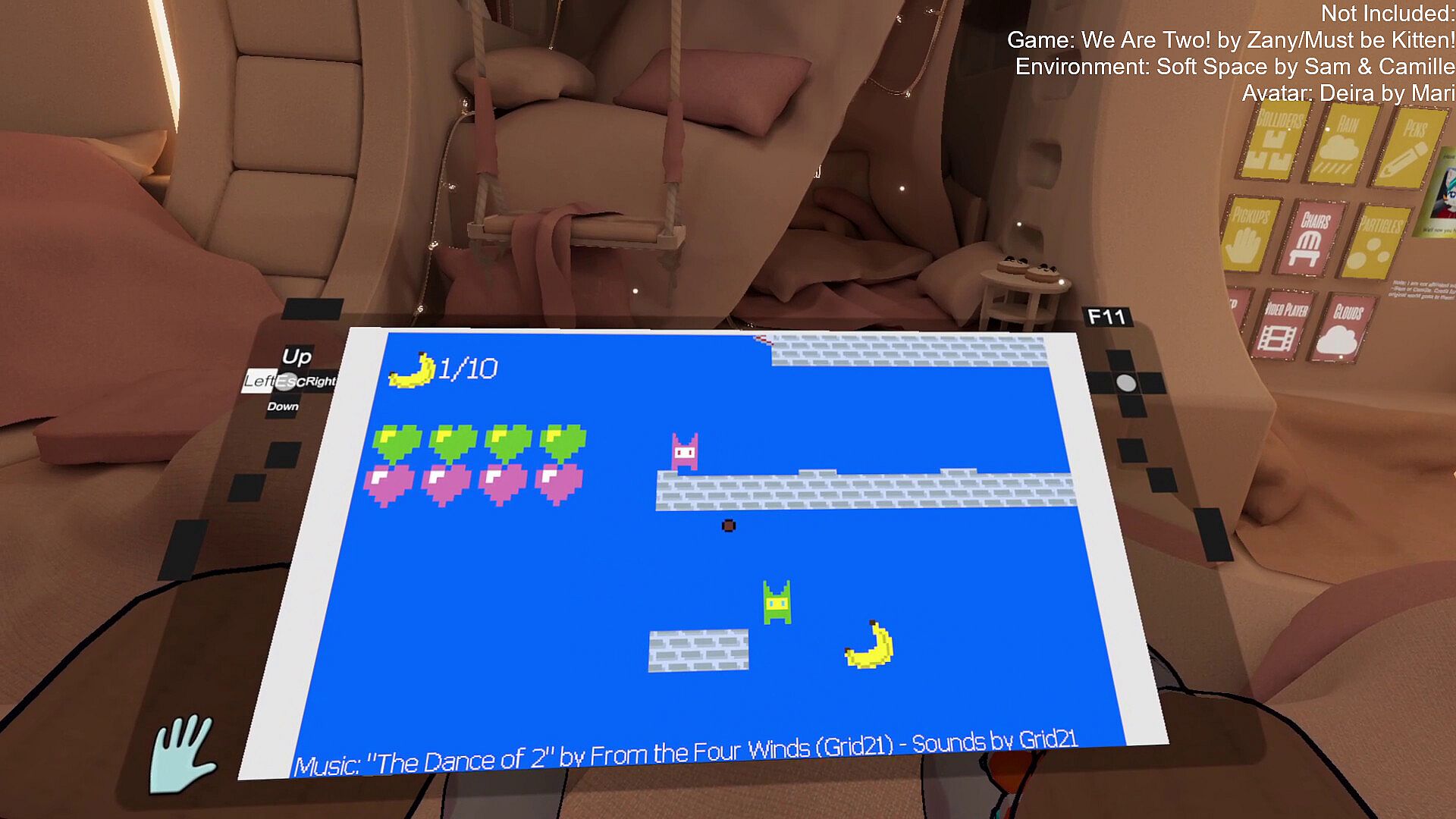
Play your non-VR games while in VR! No need for a keyboard, mouse or gamepad! You can use your XR/VR controllers to simulate key presses, mouse movement, or even gamepad joysticks! Create custom bindings for each controller, and play your favorite games from the comfort of VR!
Virtual Handheld uses industry standard input simulation to convert XR/VR controller input into virtual keyboard, mouse, or gamepad input!
Virtual Input Options:
Keyboard
US Standard QWERTY
Function Keys (F1-24)
Media Keys (Play/Pause, Mute, etc.)
Browser Keys
Mouse
Analog Movement
Scroll Wheel
Button Clicks (Left, Right, Middle, MB4 and MB5)
Gamepad (ViGEmBus driver required)
Xbox 360 Controller
DualShock 4 (PS4 Controller)
This is a SteamVR overlay application, meaning that it can be used to play games on top of other VR apps! Your controls can be blocked from interacting with other VR apps, allowing for inputs to be redirected to games running on your desktop!
By default, you can double tap your controllers together to enable or disable the handheld! You can also edit the Virtual Handheld settings from the SteamVR dashboard.
You can use the handheld's dual-screen functionality to put a different window or monitor on each screen, allowing for multitasking or dual-screen gaming!
See the "Screens" menu in the Virtual Handheld Settings to choose what sources are being captured, and configure how they are displayed on each screen.
Virtual Handheld can be used to play games that support stereoscopic 3D rendering! Games with stereoscopic 3D allow you to see depth in-game. VH splits the side-by-side image and shows each half to their respective eye, creating a sense of depth originally made for 3D glasses or 3D enabled screens.
3D Mode Notes:
Do not enable 3D mode for non-3D content, as it may cause visual discomfort
Games without stereoscopic rendering may require mods to enable stereoscopic rendering
Side-by-side 3D video and images can also be viewed using the Handheld's screen
Virtual Handheld supports one-handed use, meaning it can be played using only one XR/VR controller! The handheld will automatically be tracked to a single controller if SteamVR is started with only one controller connected.
Actions such as handheld toggle and opening the settings can be configured in the SteamVR Bindings UI.
Presets exist for one-handed controller layouts that use the AltSet "Swap" feature, which allows you to toggle between two different sets of inputs without having to hold down an extra button!
Accessibility Features:
Automatic one-handedness detection
Single hand controller tracking
One-button handheld and settings toggles
One-handed controller presets
"Swap" mode for alternate bindings
Requirements:
SteamVR runtime
SteamVR compatible headset and controllers
A PC capable of running VR
ViGEmBus Driver for gamepad simulation (Installer included)
Games!
Supported XR/VR Controller Types:
HTC Vive Controllers
Valve Index Controllers
Meta/Oculus Touch Controllers
Windows Mixed Reality Controllers
HP Motion Controllers
Note: Other XR/VR controller types, such as PlayStation VR2 Sense or Vive Cosmos Controllers, have not been tested by the developer and may or may not be compatible
Compatibility Notes And Issues:
Due to the nature of simulated inputs, this application is not recommended for ranked/competitive online games with anti-cheat. The developer of this app is not responsible for any issues, including but not limited to bans or other disciplinary action caused by the use or misuse of this software.
This application may have issues running alongside some VR apps, such as Bigscreen Beta. Note that extreme jittering, flickering, rendering and tracking issues may occur in incompatible applications.
Not compatible with games and software that prevent the use of desktop or window capture software.
Issues may arise when attempting to run some games while VR or certain VR apps are running.
A powerful gaming PC is required to use this software the way it was intended. It is not recommended to run this software on a low-spec machine.
Not recommended for use with games with high intensity graphics. Games with high performance cost may affect VR performance.
This application supports PCVR only. There are no plans to support standalone Android-based headsets (i.e. Quest, Pico, XR Elite) without a wired or wireless PC connection.
Linux support is not currently implemented, but is planned.
Notes On Performance:
This application is recommended to be used with games that have a low performance cost, such as games with 2D or low-poly graphics (For games with modern high-end graphics, you may use remote play or cloud play services).
It is recommended to reduce the resolution of VR to improve performance (in Virtual Handheld Settings, see General > Performance > VR Resolution Scaling).
Games running on your desktop may affect the performance of VR.
Special thanks to Nestorboy and Alexios for helping with store page graphics!
All trademarks belong to their respective owners