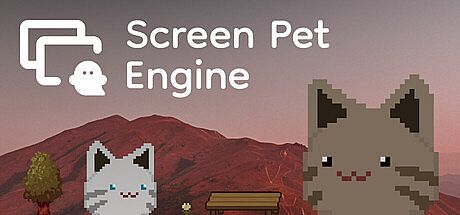


Screen Pet Engine es un juego indie de simulación casual que convierte el escritorio de tu ordenador en un espacio animado lleno de compañeros. Los personajes cobran vida directamente sobre la pantalla, desplazándose por la barra de tareas, deteniéndose junto a las ventanas abiertas y reaccionando a la gravedad al soltarlos. Disponible en PC para Windows y macOS, el título se encuentra en Early Access y pone el acento en la personalización creativa, permitiendo empezar con las mascotas incluidas o crear otras completamente nuevas a partir de ilustraciones propias.
Gameplay
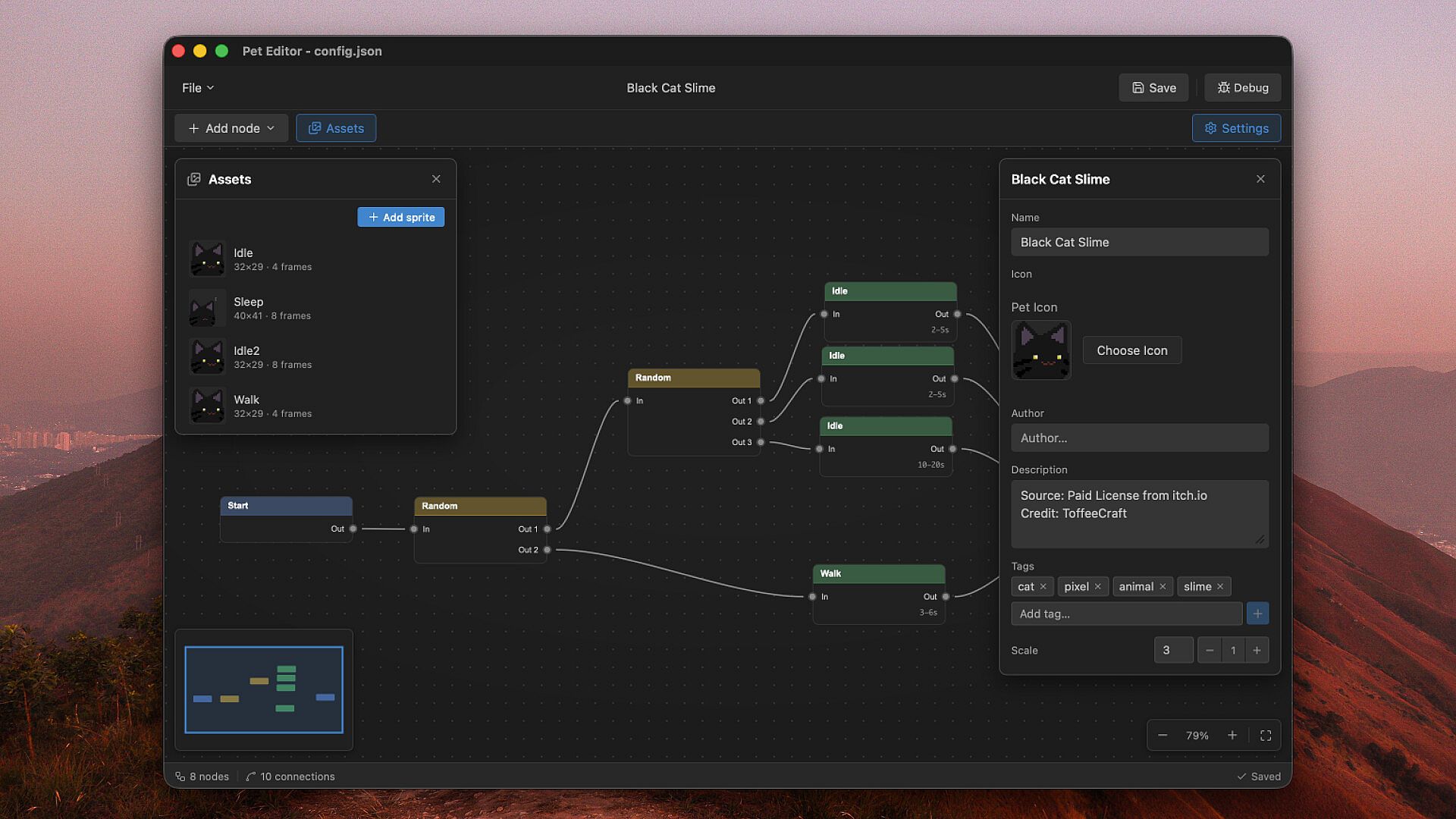
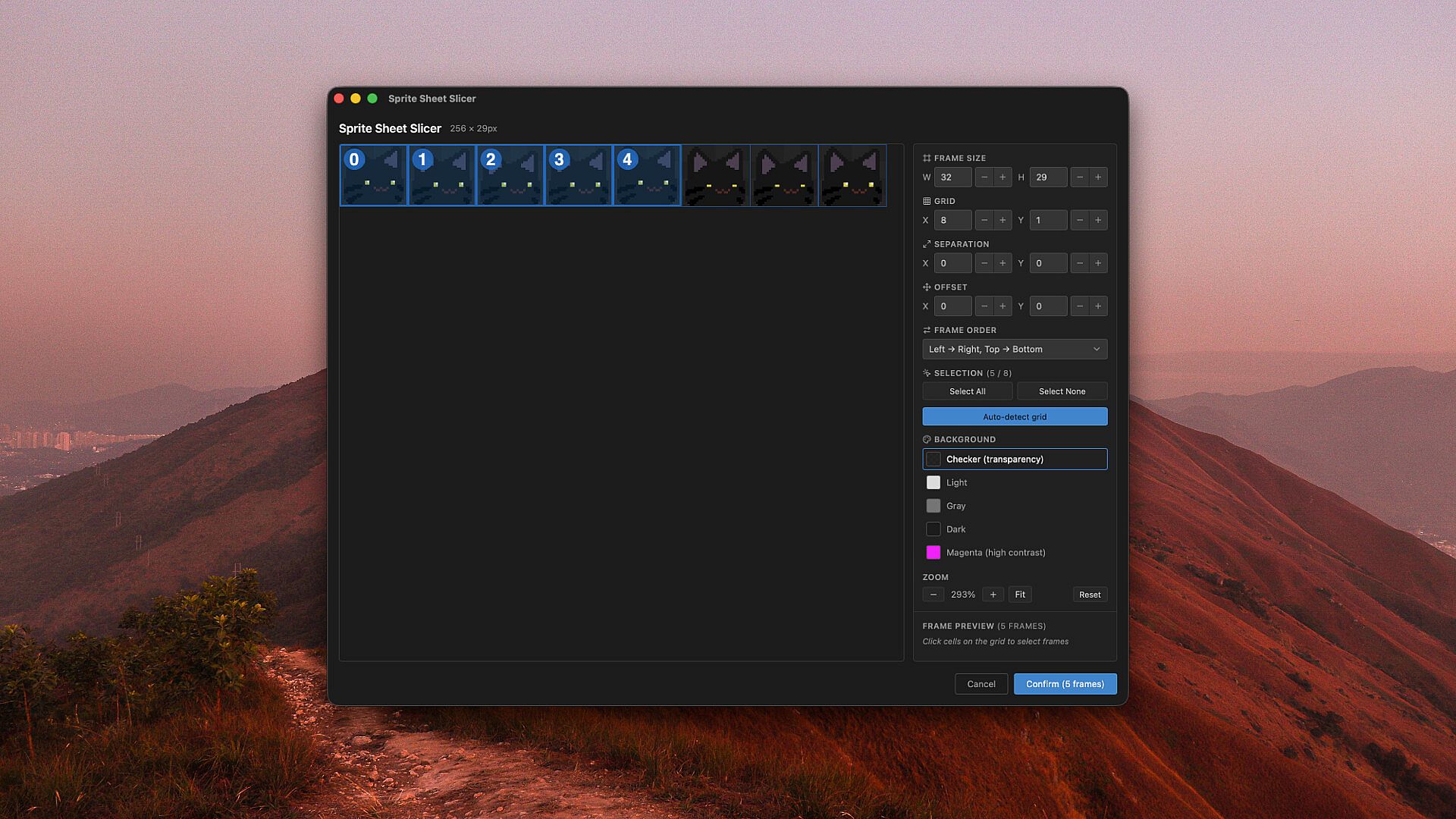
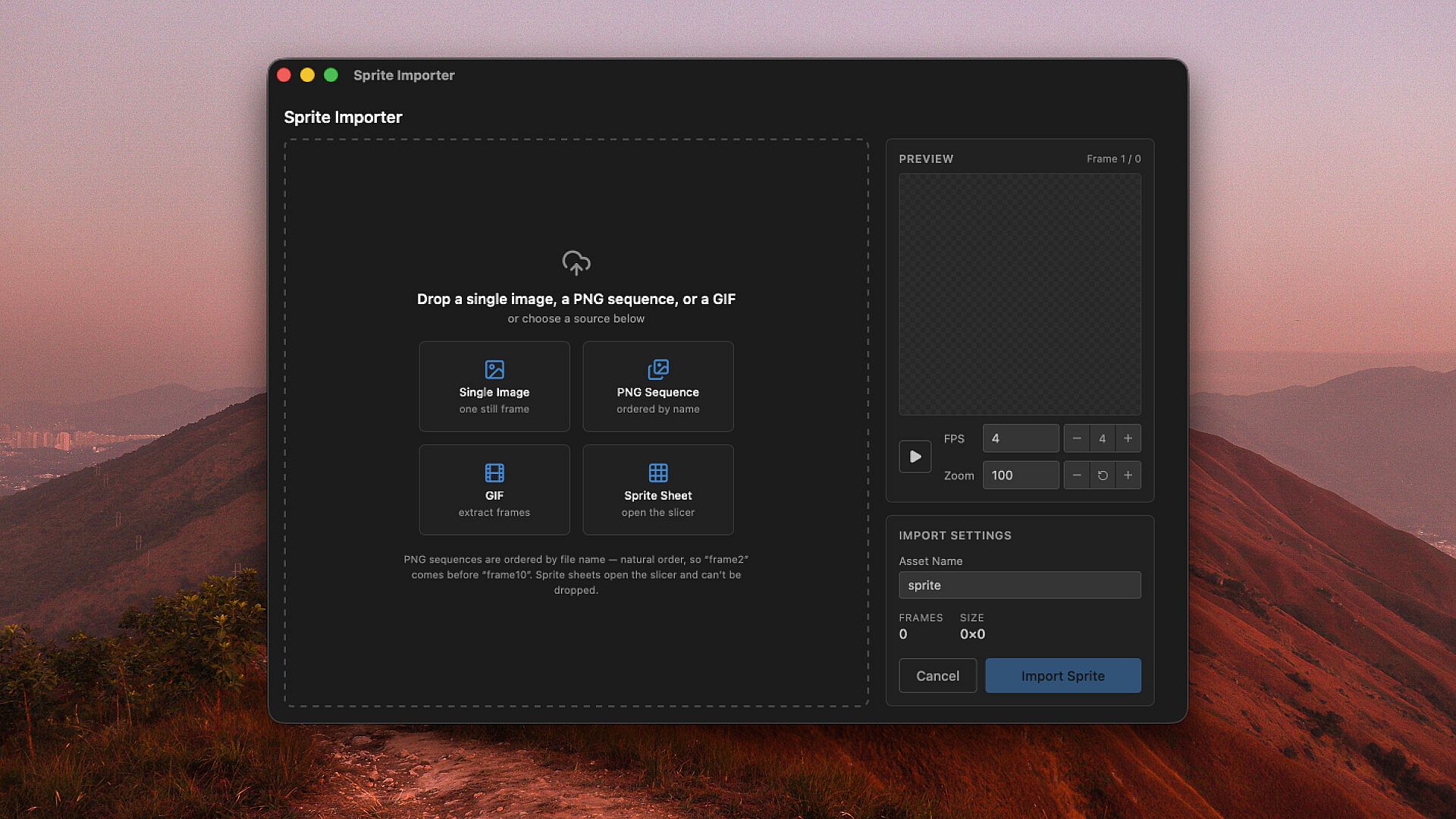
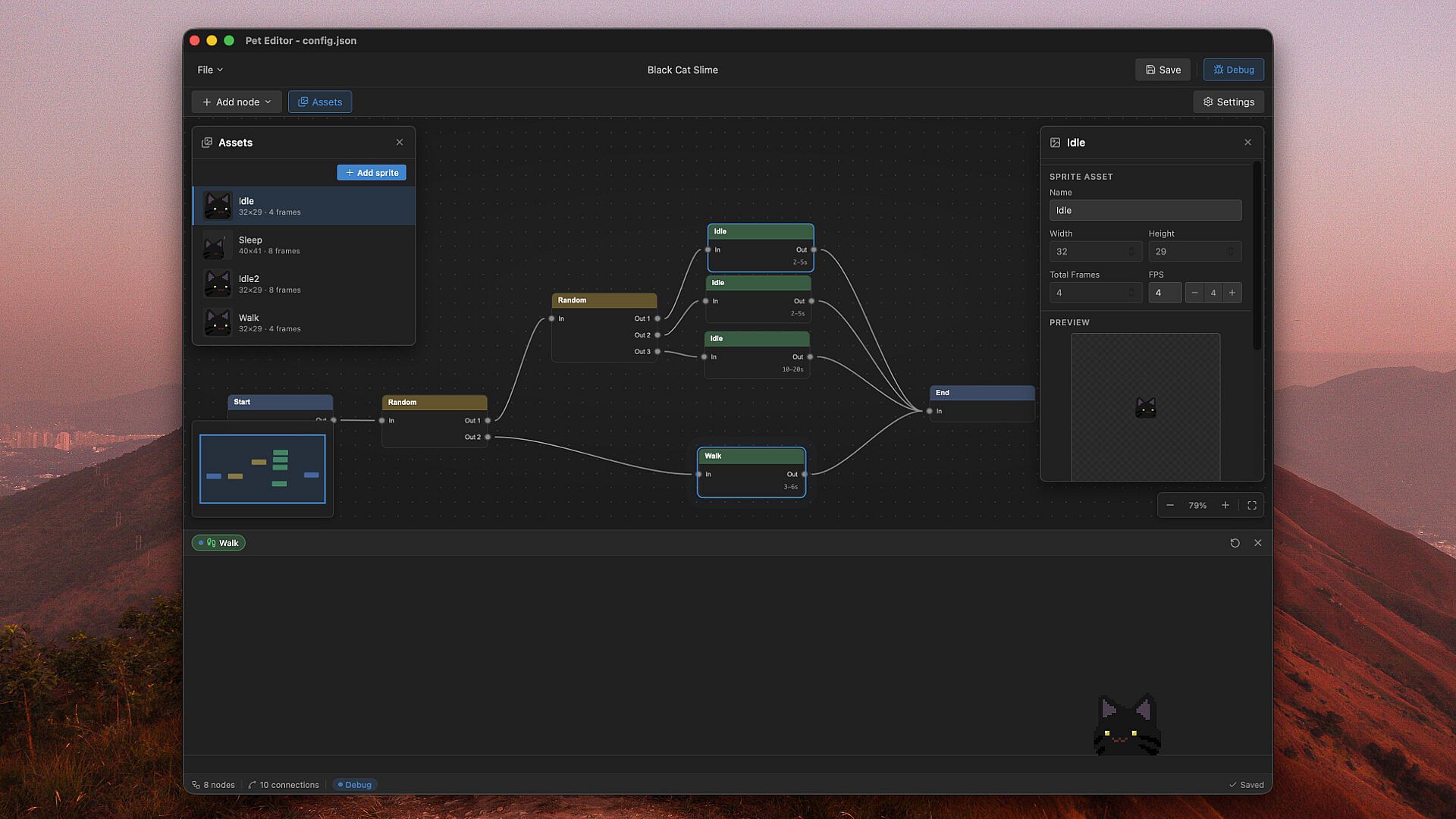
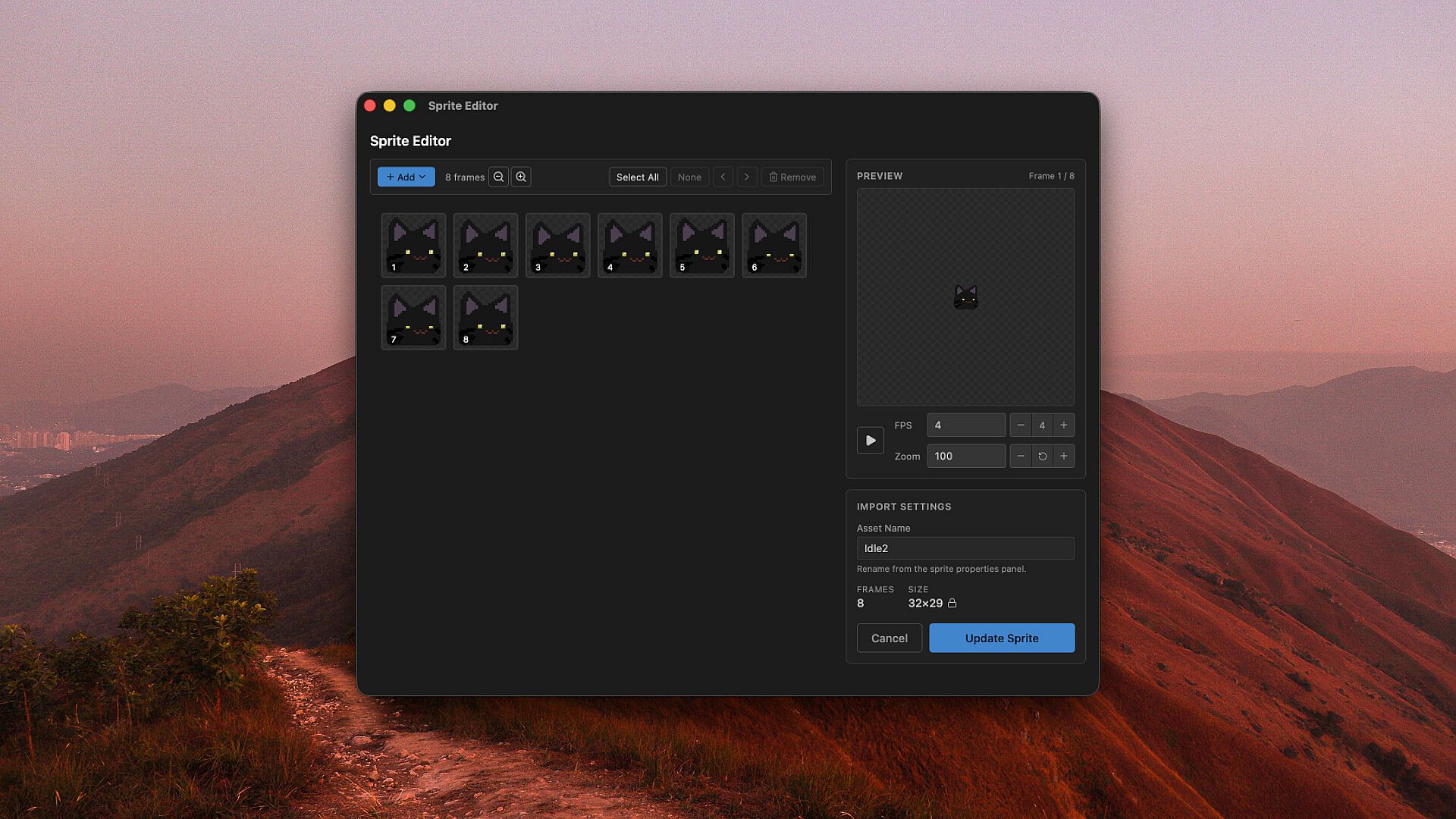
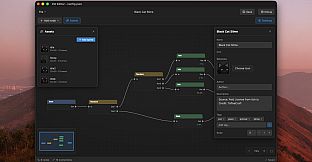
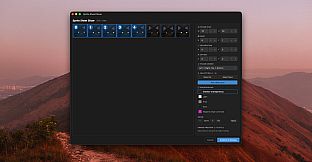
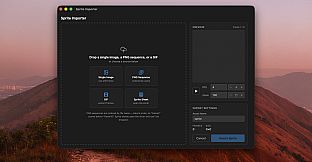
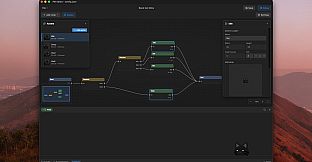
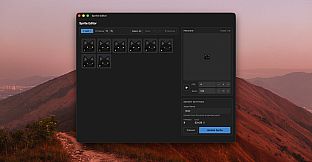
El ciclo principal gira en torno a importar imágenes y definir el comportamiento de cada mascota sin necesidad de programar. El usuario introduce archivos PNG, GIF o hojas de sprites, y un cortador basado en cuadrícula con detección automática divide las hojas en fotogramas individuales. Un sistema visual de nodos conecta acciones básicas como Idle, Walk y Random para generar patrones de movimiento naturales. Las mascotas aparecen directamente en el escritorio e interactúan con el entorno mediante una física sencilla: caen al soltarlas y adoptan posturas de reposo cerca de las ventanas o la barra de tareas.
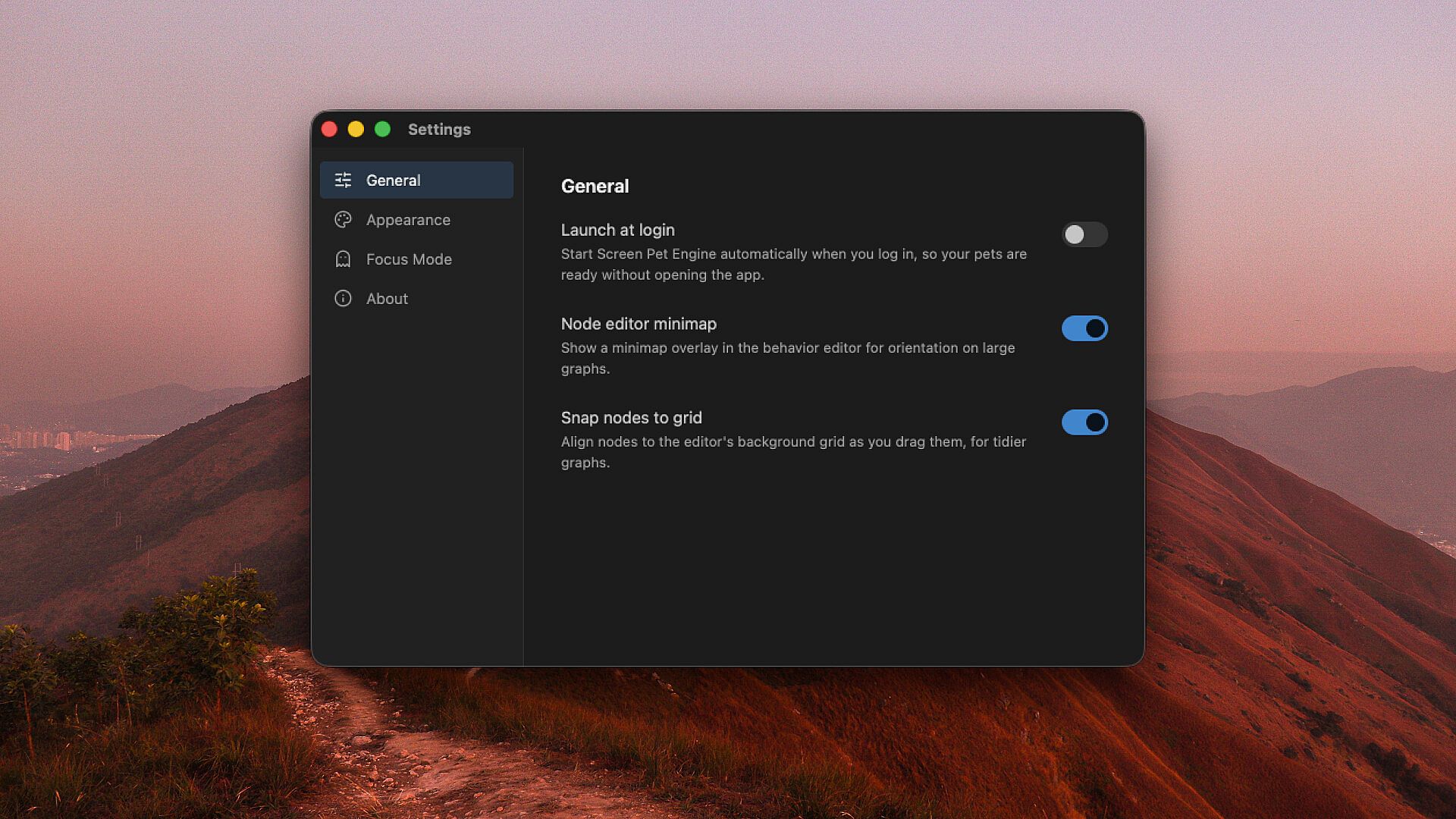
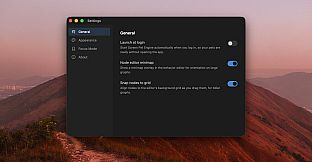
El Modo Enfoque mantiene la experiencia práctica al hacer que las mascotas sean click-through, por lo que nunca obstaculizan el trabajo ni las aplicaciones. El cursor las atenúa temporalmente al pasar por encima. El rendimiento se mantiene ligero, ya que las mascotas funcionan como acompañantes visuales sin exigir apenas recursos del sistema. El estilo artístico es flexible: se pueden combinar arte píxel nítido y animaciones de alta resolución en una misma mascota. Además, es posible añadir objetos que comparten pantalla y sirven de atrezo durante los momentos de inactividad.
Game Modes
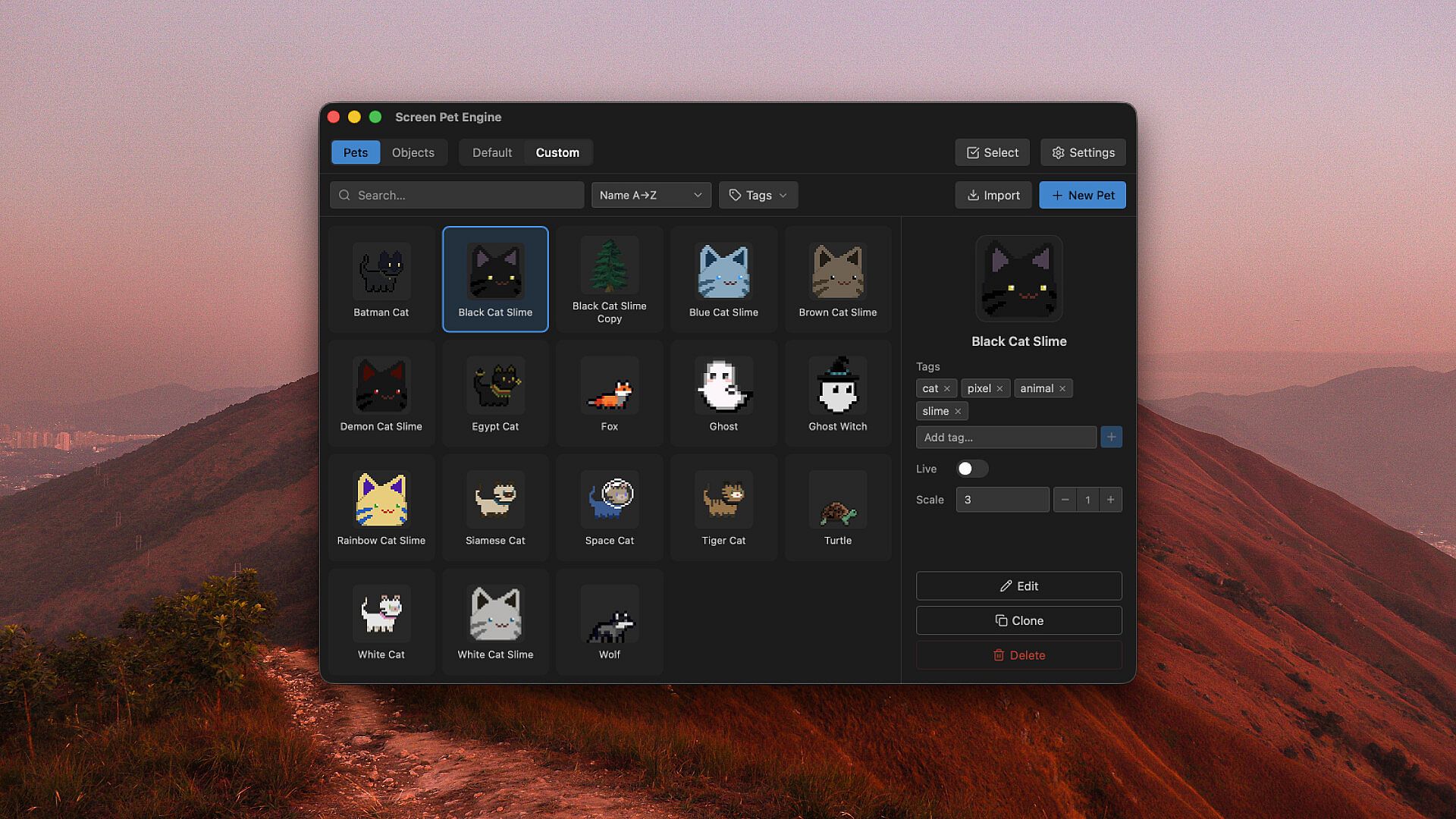
Screen Pet Engine se centra en un flujo de trabajo orientado a la creación que se combina con el uso habitual del escritorio. El importador y el editor de nodos constituyen el espacio principal de creación, donde se experimenta con distintas fuentes de sprites y conexiones de comportamiento para dar vida a compañeros únicos. Una vez creadas, las mascotas funcionan en un modo de superposición persistente que se integra con la actividad normal del ordenador, ofreciendo movimiento suave y animaciones de reposo sin requerir intervención activa del jugador.
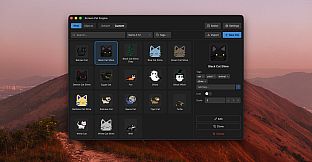
Las mascotas incluidas proporcionan un punto de partida inmediato para quienes prefieren opciones listas para usar. Las creaciones personalizadas amplían las posibilidades, permitiendo refinar repetidamente las conexiones de nodos y la asignación de sprites. El sistema admite tanto pruebas rápidas con ilustraciones simples como trabajos más elaborados con hojas de sprites para animaciones más fluidas, todo dentro de la misma interfaz.
Customization and Creation Tools
Las opciones de importación admiten una amplia variedad de formatos de imagen habituales, lo que facilita adaptar recursos artísticos ya existentes. El cortador de hojas gestiona automáticamente las cuadrículas, reduciendo el tiempo de preparación manual. El cableado de comportamientos se basa en un conjunto reducido de nodos principales que se enlazan de forma visual, mostrando los resultados en tiempo real sobre el escritorio. La física de arrastre y caída añade una capa táctil que permite recoger y recolocar las mascotas directamente con el ratón.
La selección de estilo por sprite permite que una misma mascota combine elementos píxel y suaves si se desea. Los objetos colocados en pantalla amplían el entorno, creando espacios compartidos donde pueden aparecer varias mascotas al mismo tiempo. Todo el proceso se realiza dentro de la aplicación, sin necesidad de herramientas externas ni conocimientos de programación.
Is It Worth Playing?
Screen Pet Engine está pensado para jugadores que disfrutan de las herramientas creativas y buscan compañeros de escritorio personalizados que no interfieran en las tareas diarias. Su versión en Early Access ya ofrece un ciclo estable para importar arte, definir comportamientos y ejecutar mascotas junto al trabajo habitual. El sistema visual de nodos reduce la barrera de entrada a la creación personalizada, mientras que el Modo Enfoque garantiza que las mascotas enriquezcan la productividad en lugar de interrumpirla.
Quienes se sienten atraídos por experiencias de simulación casual centradas en la construcción de personajes y la interacción ligera encontrarán atractivas las funciones actuales. El título sigue evolucionando con futuras incorporaciones a los comportamientos y las interacciones con objetos, guiadas por las opiniones de los jugadores. Ofrece una forma relajada de experimentar con mascotas digitales que se integran de forma natural en el entorno real del escritorio.