

Comprar PlayStationVR2 App PC

PlayStationVR2 App es gratis! Descargalo en Steam y empieza a jugar al instante.

Steam:
Mixed (1k)
Official
No disponible
Keyshops
No disponible
Comprar en tienda oficial:
No disponible
Comprar en keyshops:
No disponible

No hay entradas, pero no te preocupes: te avisaremos cuando aparezca una nueva oferta.

Create Alert Create deal Alert

Sobre PlayStationVR2 App

PlayStationVR2 App - sobre el juego
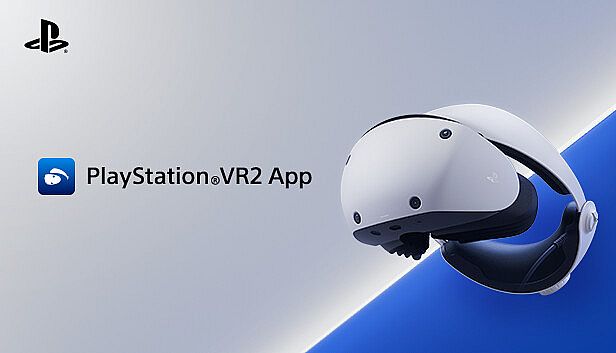
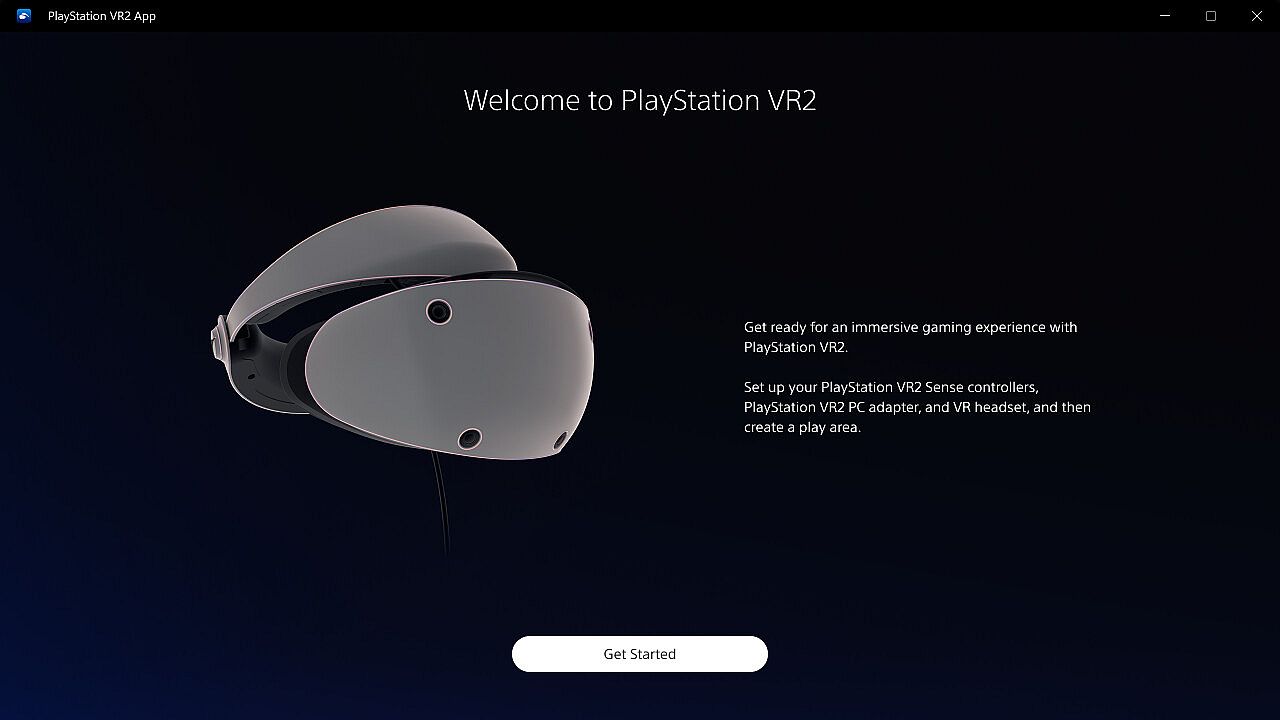
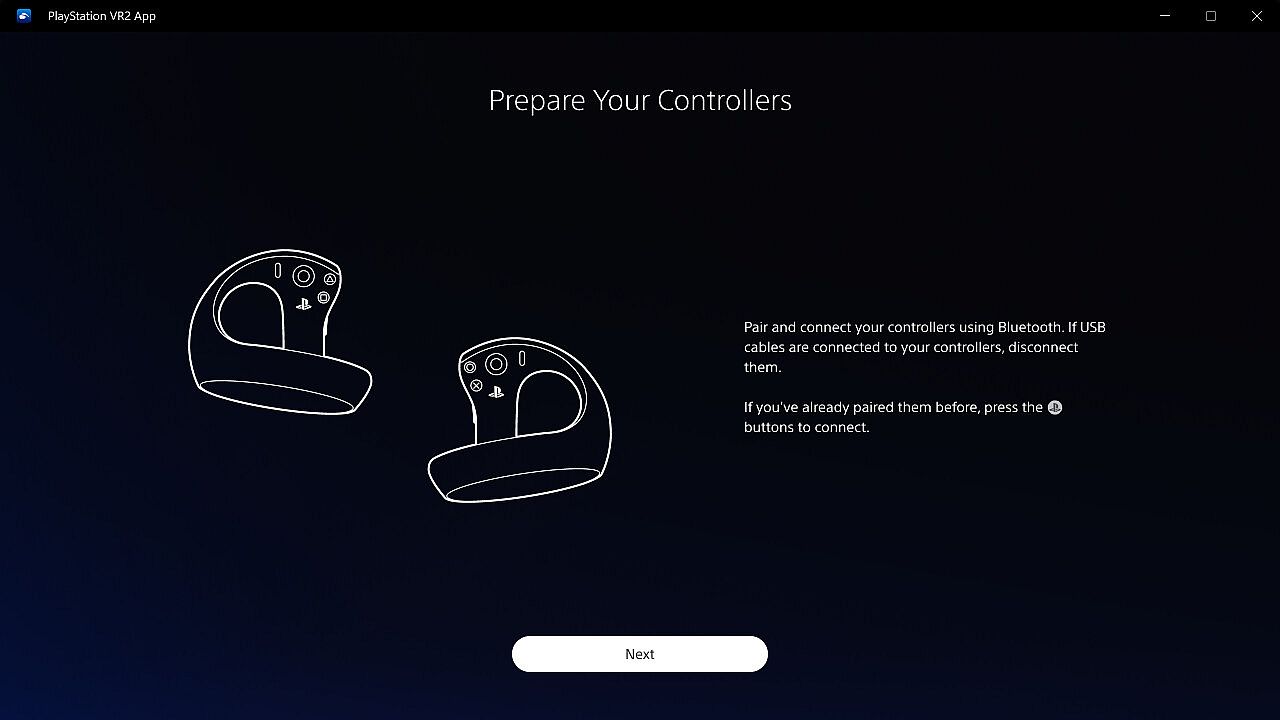
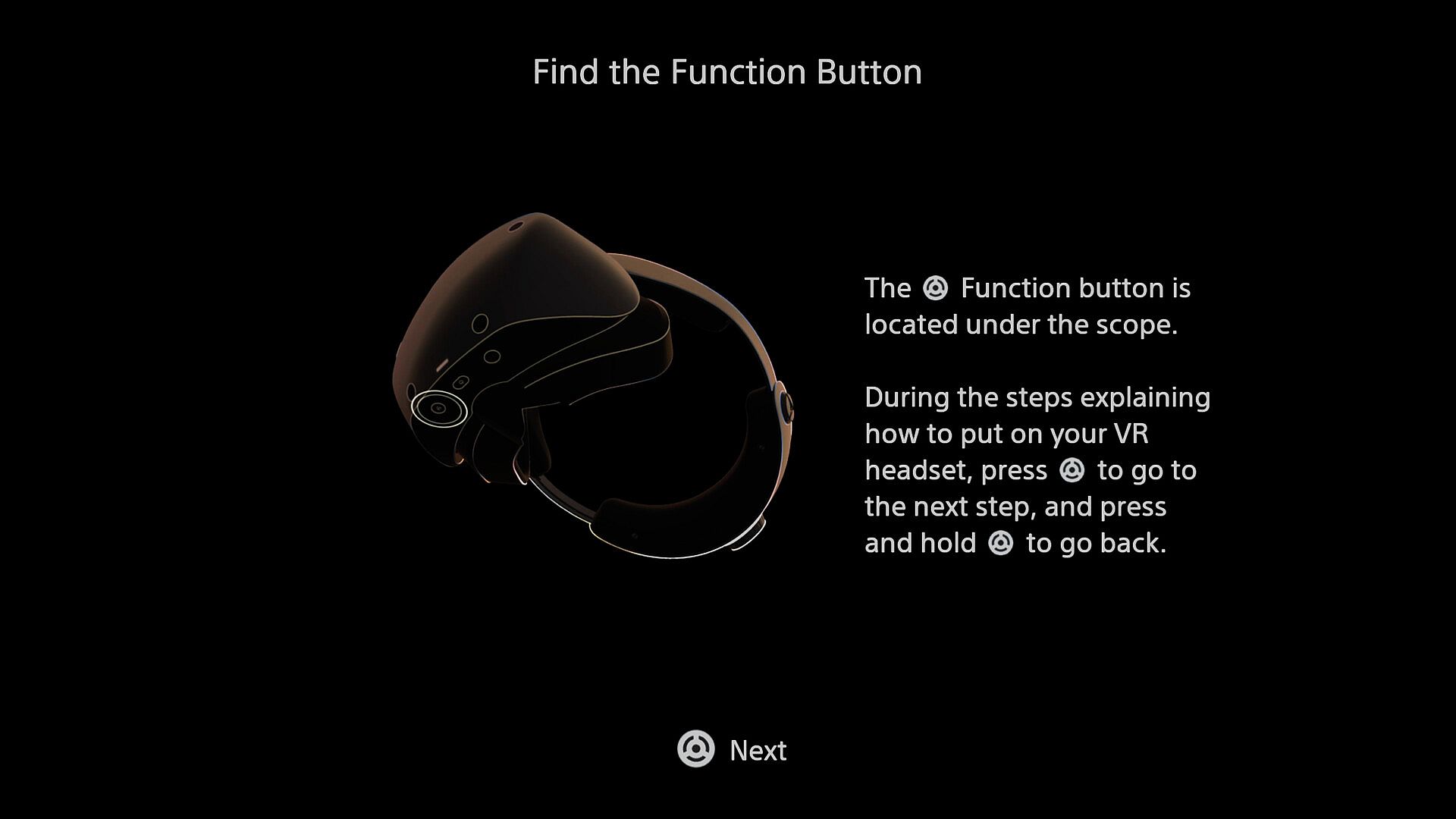
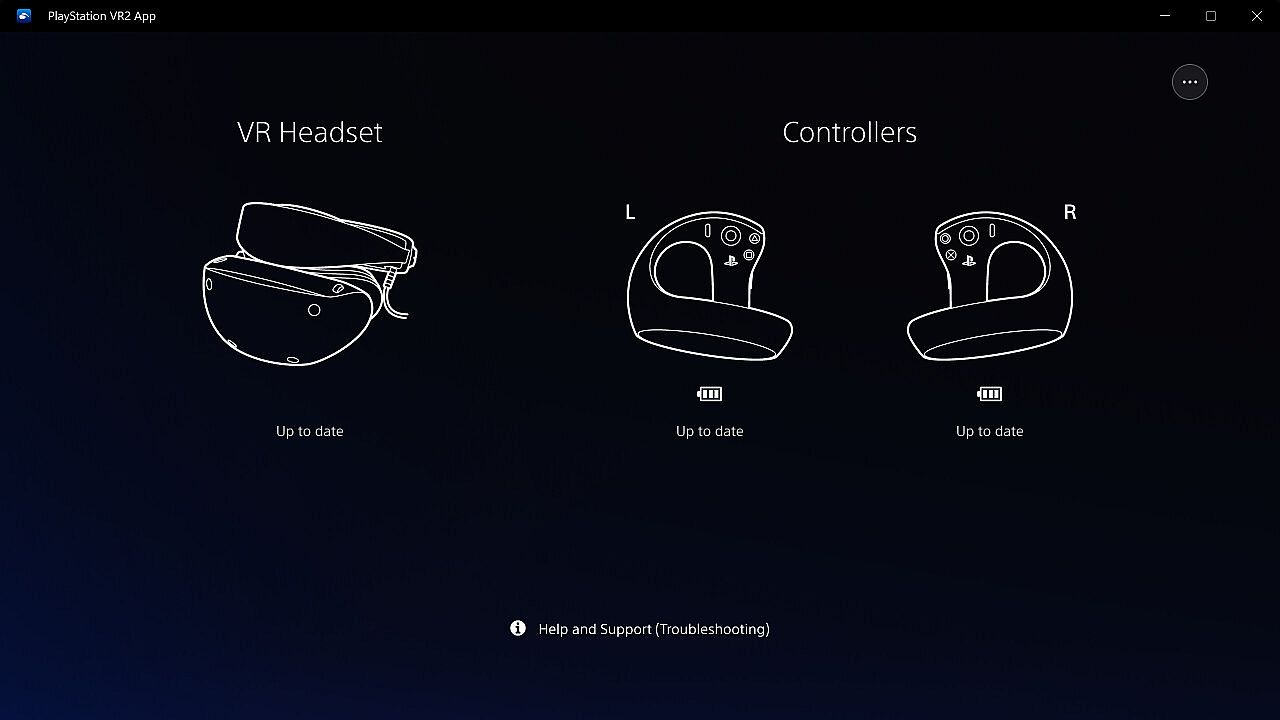
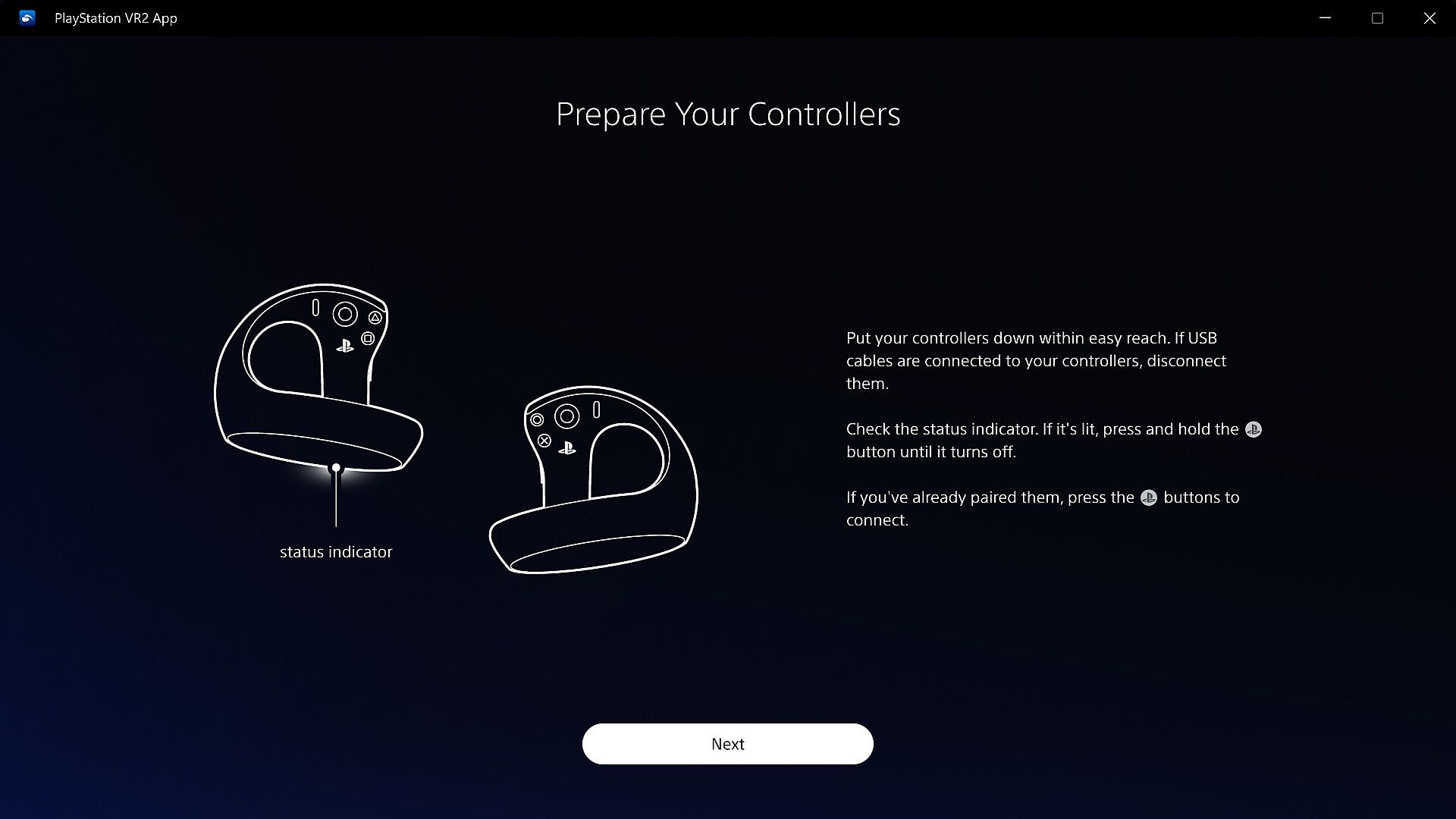
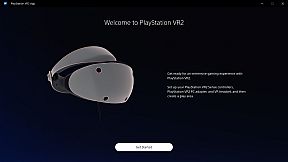
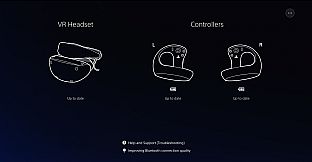
Conecta tu headset PlayStation VR2 y los Sense controllers a un PC para disfrutar de juegos y apps VR en Steam. Esta utilidad free-to-play gestiona la configuración, actualizaciones de firmware y ajustes desde el dashboard de SteamVR. Delimita tu área de juego y regula el brillo de la pantalla según tu entorno. Consigue el equipo necesario, como el adaptador PlayStation VR2 PC y un cable DisplayPort 1.4, para ponerte en marcha. Los adaptadores Bluetooth son útiles si tu PC no tiene soporte integrado, y verificar las especificaciones del PC garantiza un seguimiento fluido. Los entusiastas de la VR con equipo PlayStation VR2 obtienen acceso sin fisuras a Steam con esta app imprescindible instalada.

Enjoy VR games and apps on Steam with PlayStation VR2!

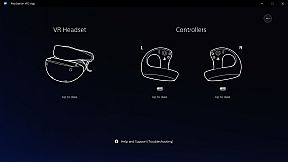
  • Play VR games and apps on Steam using your PlayStation VR2 VR headset and PlayStation VR2 Sense controllers.
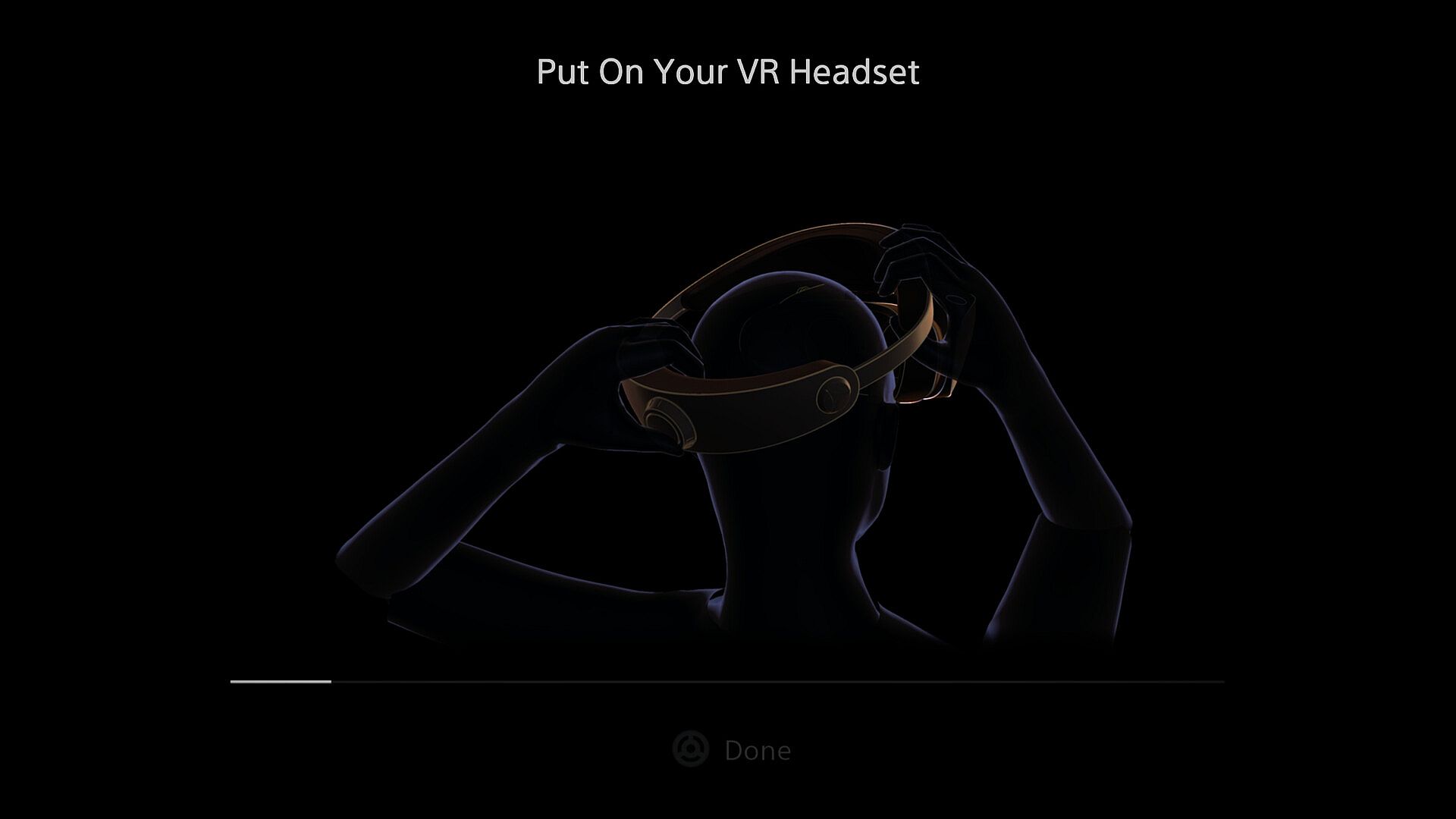
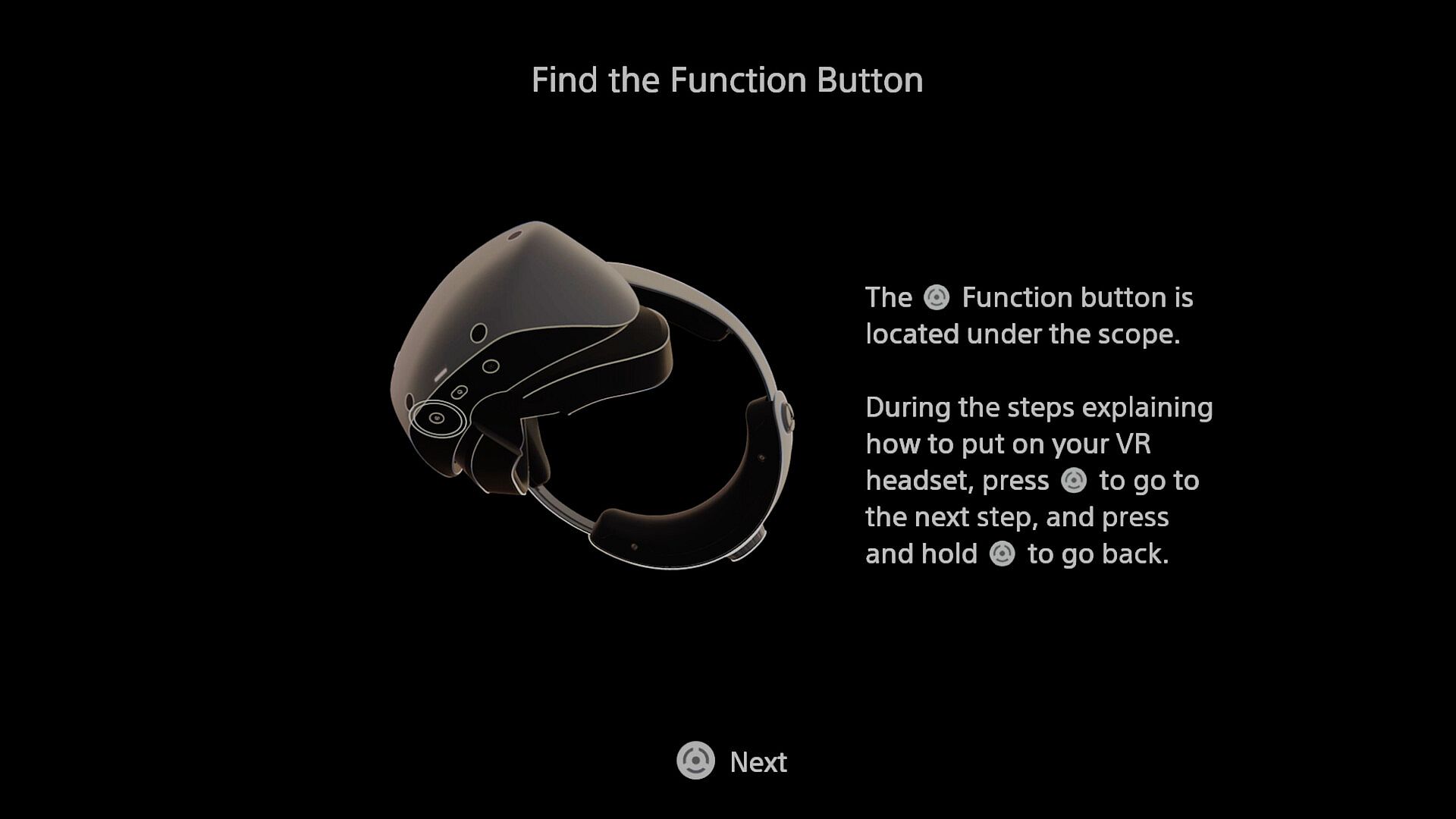
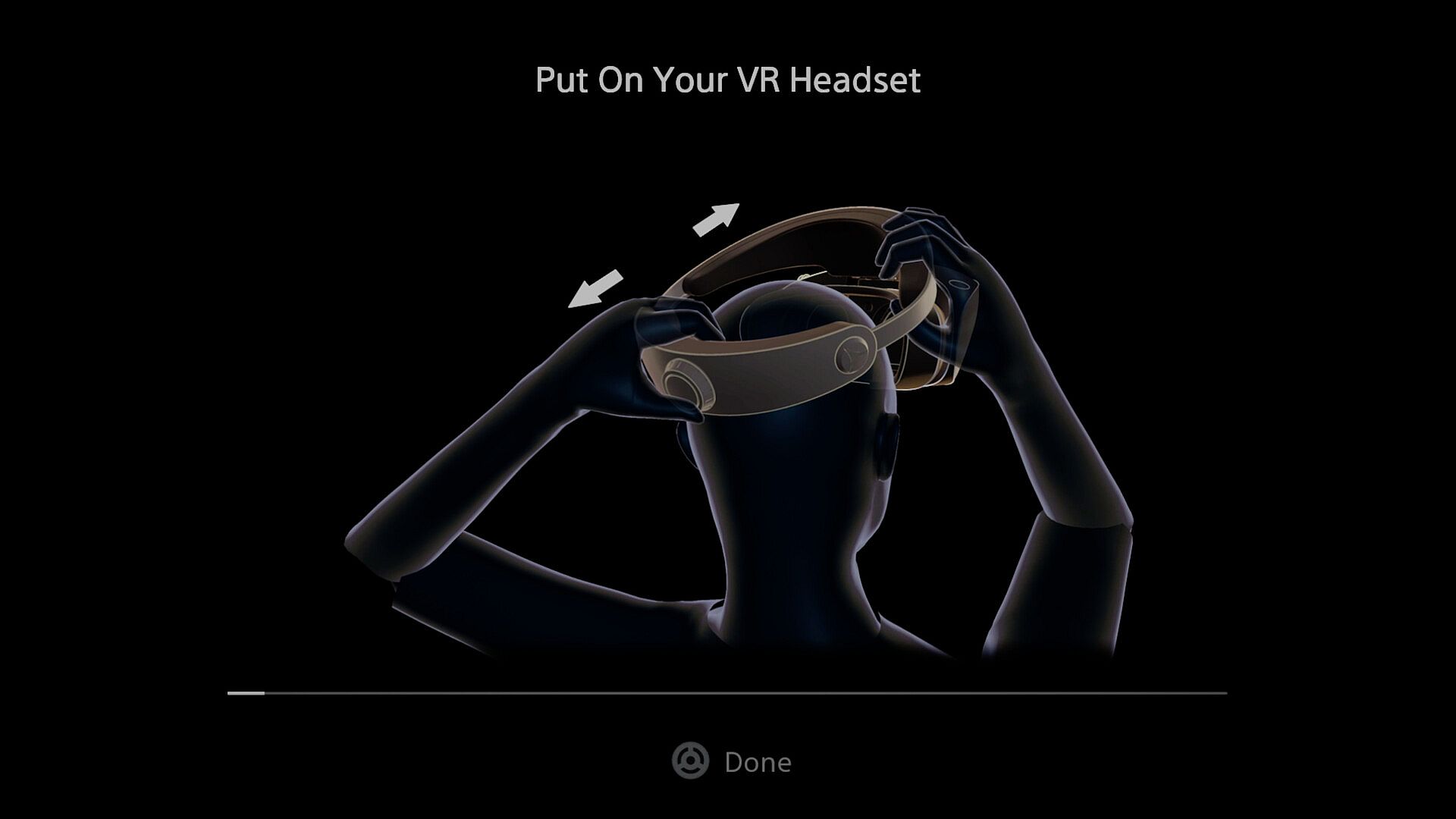
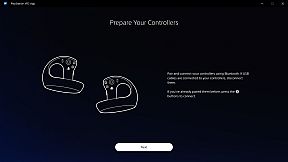
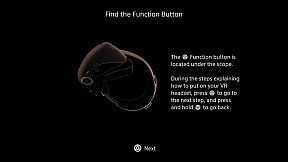
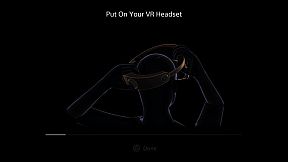
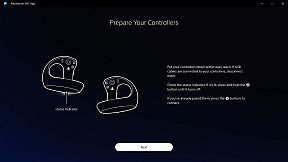
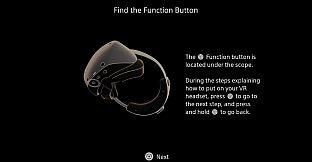
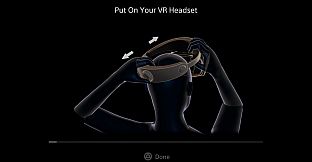
  • Set up your PlayStation VR2 on your PC.
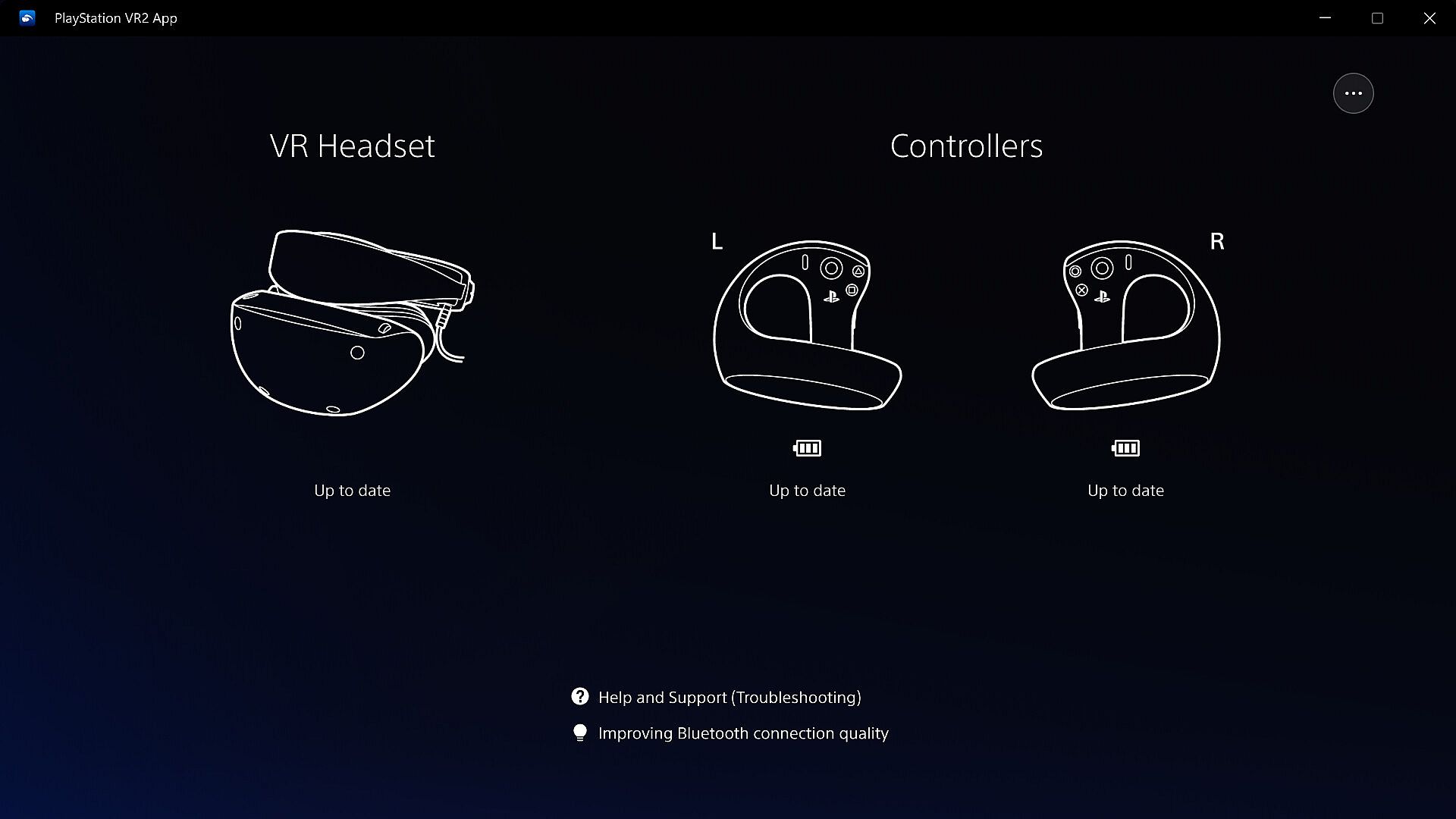
  • Update the firmware for your PlayStation VR2 VR headset and PlayStation VR2 Sense controllers.
  • Adjust settings for your PlayStation VR2 from the SteamVR dashboard, including setting your play area and screen brightness.

You'll need the following to get started with PlayStation VR2 App:

  • PlayStation VR2 VR headset
  • PlayStation VR2 Sense controllers
  • PlayStation VR2 PC adapter
  • DisplayPort™1.4 cable (sold separately)
  • Bluetooth® adapter (sold separately, required only if your PC doesn't support Bluetooth®)

For details about the required specs for PC, visit the PlayStation VR2 support page, or refer to the "System Requirements" section below.
Using this app

When connecting PlayStation VR2 Sense controllers to a PC, connection or tracking problems may occur depending on the condition of the Bluetooth devices being used or the surrounding environment. In such cases, refer to the PlayStation Support page titled "Bluetooth adapters compatible with PS VR2 on PC" for more information.

To play VR games and apps on Steam with PlayStation VR2, PlayStation VR2 App needs to be installed on your PC. Keep the app installed even after initial setup is complete.

Interfaz:
ArabicCzechDanishGermanGreekEnglishSpanish - SpainSpanish - Latin AmericaFinnishFrenchHungarianIndonesianItalianJapaneseKoreanDutchNorwegianPolishPortuguese - PortugalPortuguese - BrazilRomanianRussianSwedishThaiTurkishUkrainianVietnameseSimplified ChineseTraditional Chinese

Clasificación por edades

No disponible
Steam:
Mixed (1k)

Mínimo:

  • Sistema operativo: Windows 10/11
  • Procesador: Intel Core i5 7600 / AMD Ryzen 3 3100*¹
  • Memoria: 8 GB RAM
  • Gráficos: NVIDIA GeForce GTX 1650 or later*² / NVIDIA RTX Series / AMD Radeon RX 5500XT or later / Radeon RX 6500XT or later
  • Almacenamiento: 700 MB available space
  • Notas adicionales: *¹ Zen 2 or later architecture is required*² Turing or later architecture is required

Recomendado:

  • Gráficos: NVIDIA GeForce RTX 3060 or later / AMD Radeon RX 6600XT or later
Mínimo histórico
Historial de precios de tiendas oficiales
-
-
-
Historial de precios de keyshops
-
-
-

FAQ

8 preguntas

Antes de buscar una clave barata de PlayStationVR2 App, revisa lo esencial. Desarrollado por Sony Interactive Entertainment. Publicado por PlayStation Publishing. Fecha de lanzamiento en PC: 06 ago 2024. Géneros: Free To Play, Utilities.

Q

¿Donde comprar una clave barata de PlayStationVR2 App para Steam?

PlayStationVR2 App es gratis! Descargalo en Steam y empieza a jugar al instante.

PlayStationVR2 App es completamente gratis en Steam. No necesitas comprarlo - solo descargalo y juega. Si buscas DLC premium o articulos del juego, consulta la tabla de ofertas de arriba.

Nuestro rastreador de precios cubre tanto tiendas oficiales como keyshops, asi que puedes encontrar PlayStationVR2 App en oferta incluso fuera de las promociones de temporada. Actualmente detectamos 0 ofertas activas en tiendas oficiales y keyshops. Consulta la tabla de arriba, compara con el minimo historico y crea una alerta para no perderte la proxima bajada de precio.

Segun nuestros datos, PlayStationVR2 App no esta disponible actualmente en GeForce NOW. Necesitaras ejecutarlo localmente en tu PC. Consulta los juegos disponibles en GeForce NOW.

Si. PlayStationVR2 App tiene una pagina oficial en Steam, pero actualmente no rastreamos ofertas de terceros con DRM de Steam. Vuelve mas tarde o crea una alerta de precio.

No en este momento. Valve marca PlayStationVR2 App como No compatible con Steam Deck. Estate atento a XD.deals - seguimos las actualizaciones de Proton y las soluciones de la comunidad. Consulta los juegos Steam Deck Verified o Steam Deck Playable.

PlayStationVR2 App no parece estar disponible en PC Game Pass, EA Play, Ubisoft+ ni en ningun otro servicio de suscripcion para PC en este momento. Tu unica opcion es comprar el juego - usa XD.deals para encontrar el mejor precio.

No - XD.deals no es una tienda. Somos un comparador de precios que rastrea las mejores ofertas de PlayStationVR2 App en tiendas oficiales y keyshops verificados. Haz clic en "Ir a la tienda" junto a cualquier oferta y seras redirigido a la web del vendedor para completar tu compra.

¿Quieres comprar en el mejor momento? Crea una alerta de precio en XD.deals y recibe una notificacion cuando PlayStationVR2 App alcance su proximo minimo historico.

Crear alerta
Únete a nuestro Discord
Obtén ayuda al instante de nuestra comunidad y mantente al día de las últimas ofertas
Configurar alertas de precio
Recibe avisos por correo cuando los precios bajen a tu objetivo
Crear cuenta gratis
Desbloquea listas de deseos, alertas de precio y sincronización con Steam