
Comprar Planet X3 (DOS) PC

¿Dónde puedes comprar la clave Steam para {6} de Planet X3 (DOS) más barata? Compara precios en 1 tiendas para encontrar la mejor opción entre 1 ofertas en XD.deals. Ahora el precio más bajo de Planet X3 (DOS) para {6} en keyshops se puede conseguir en 9,75 € (0% de descuento).

Lanzamiento: 14 jul 2023
Steam:
Overwhelmingly Negative (5)
Keyshops
No disponible
Comprar en tienda oficial:
9,75 €
Comprar en keyshops:
Ver historial de precios

Tiendas oficiales (1)

DRM:
Steam
Steam
Steam
Planet X3 (DOS)
Windows
+1
hace 1a
DRM:
Steam
Steam
9,75 €
Historical Low Deal
Historical low

Sobre Planet X3 (DOS)

Planet X3 (DOS) - sobre el juego
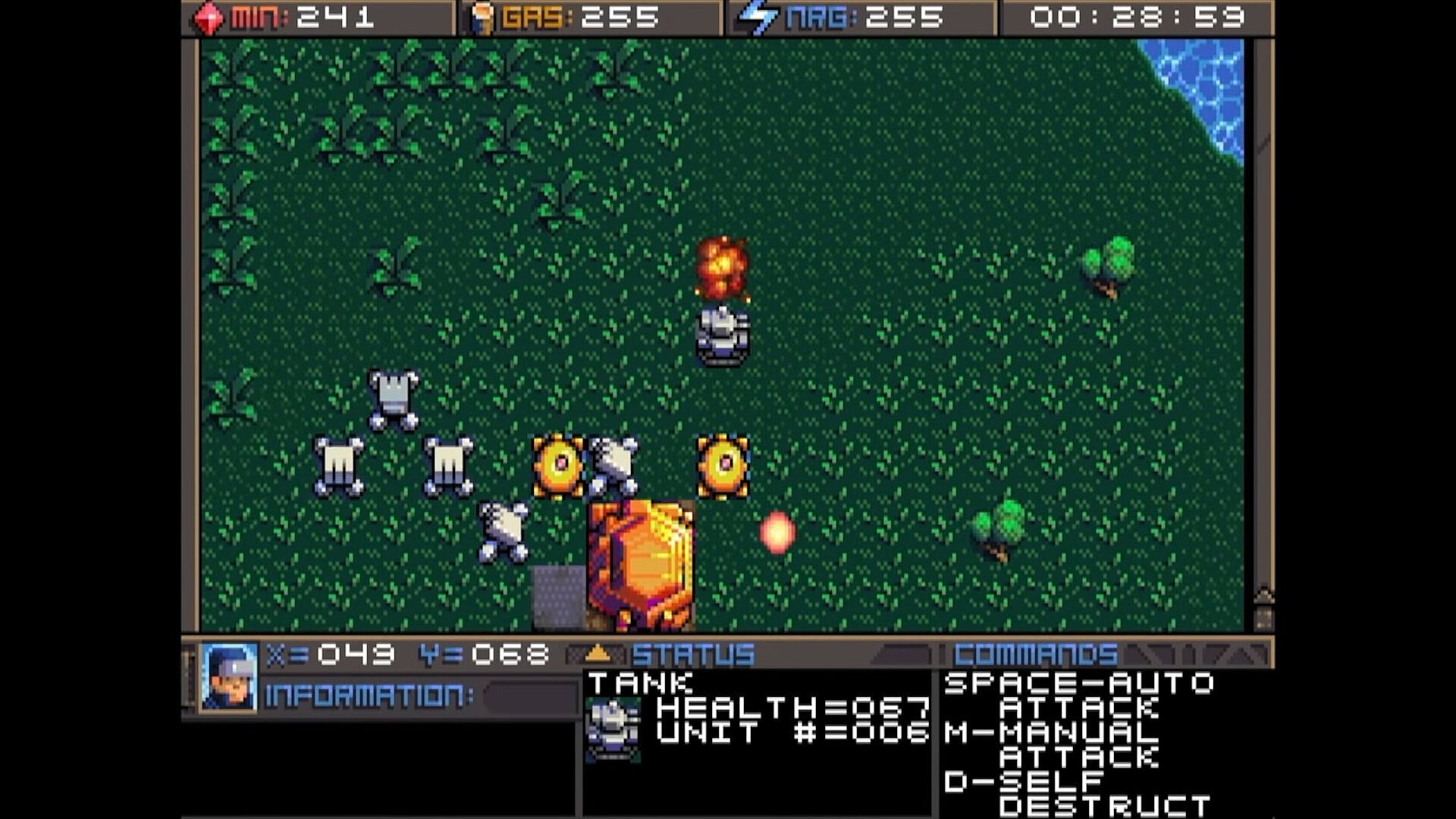
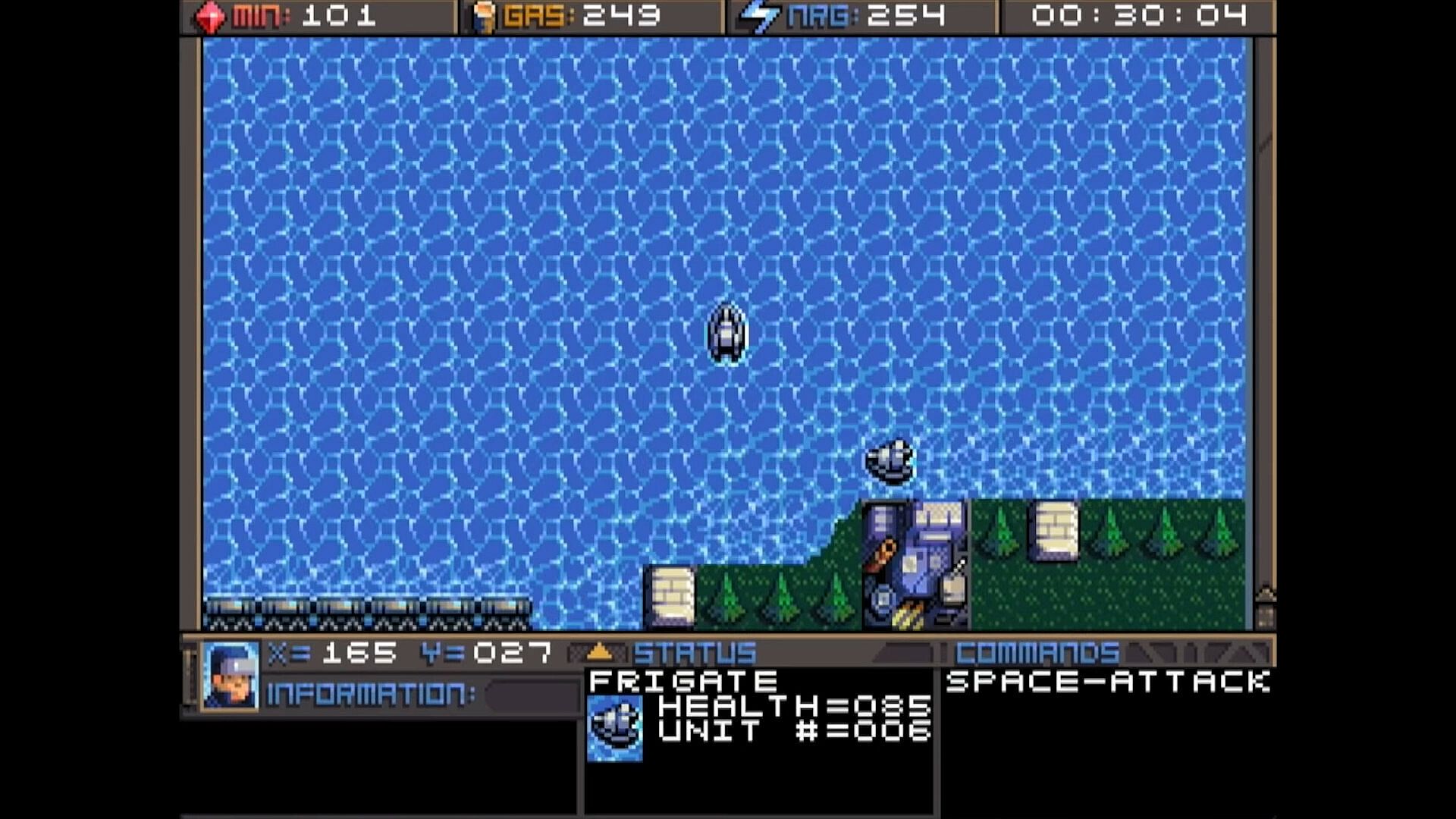
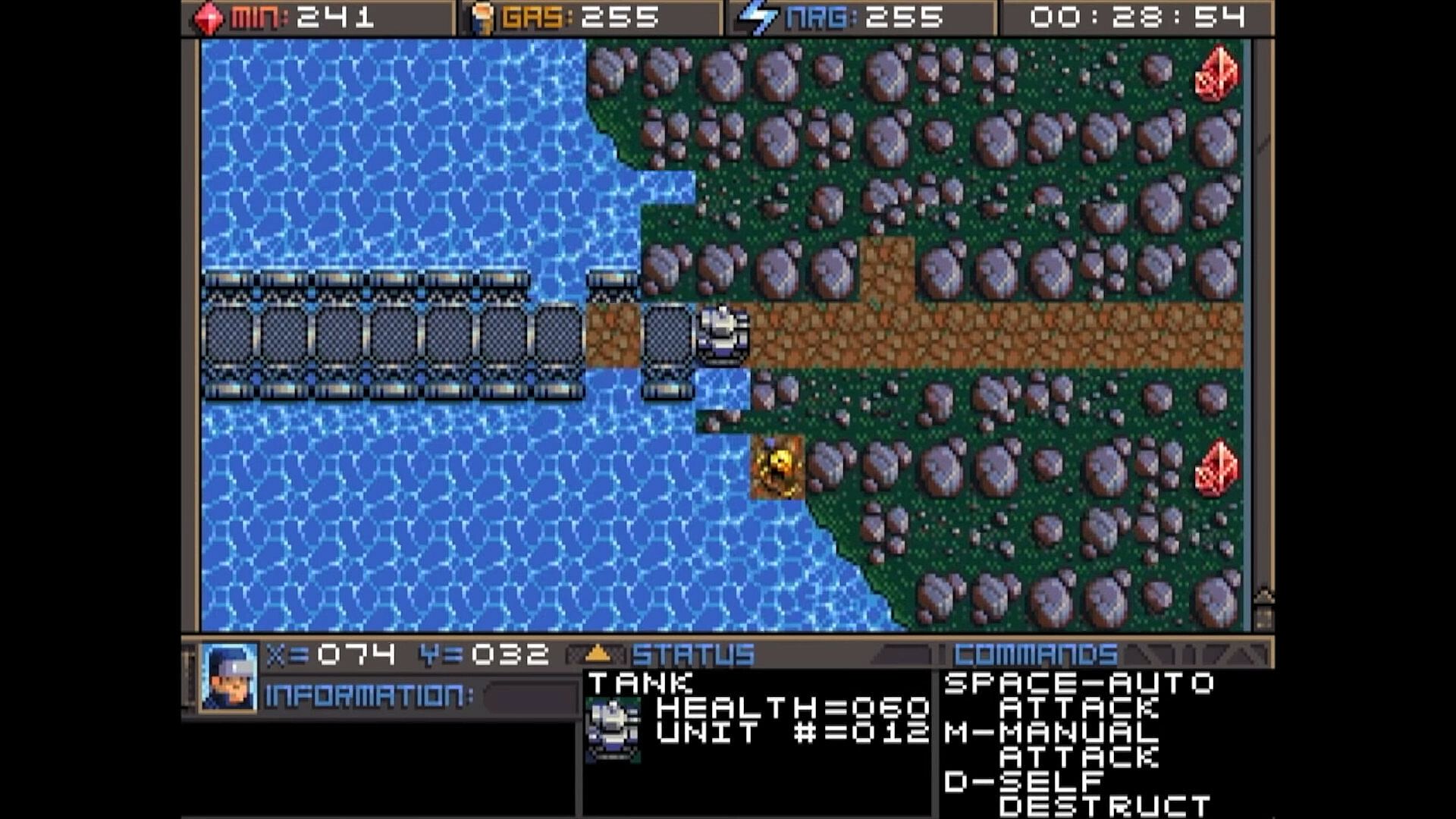
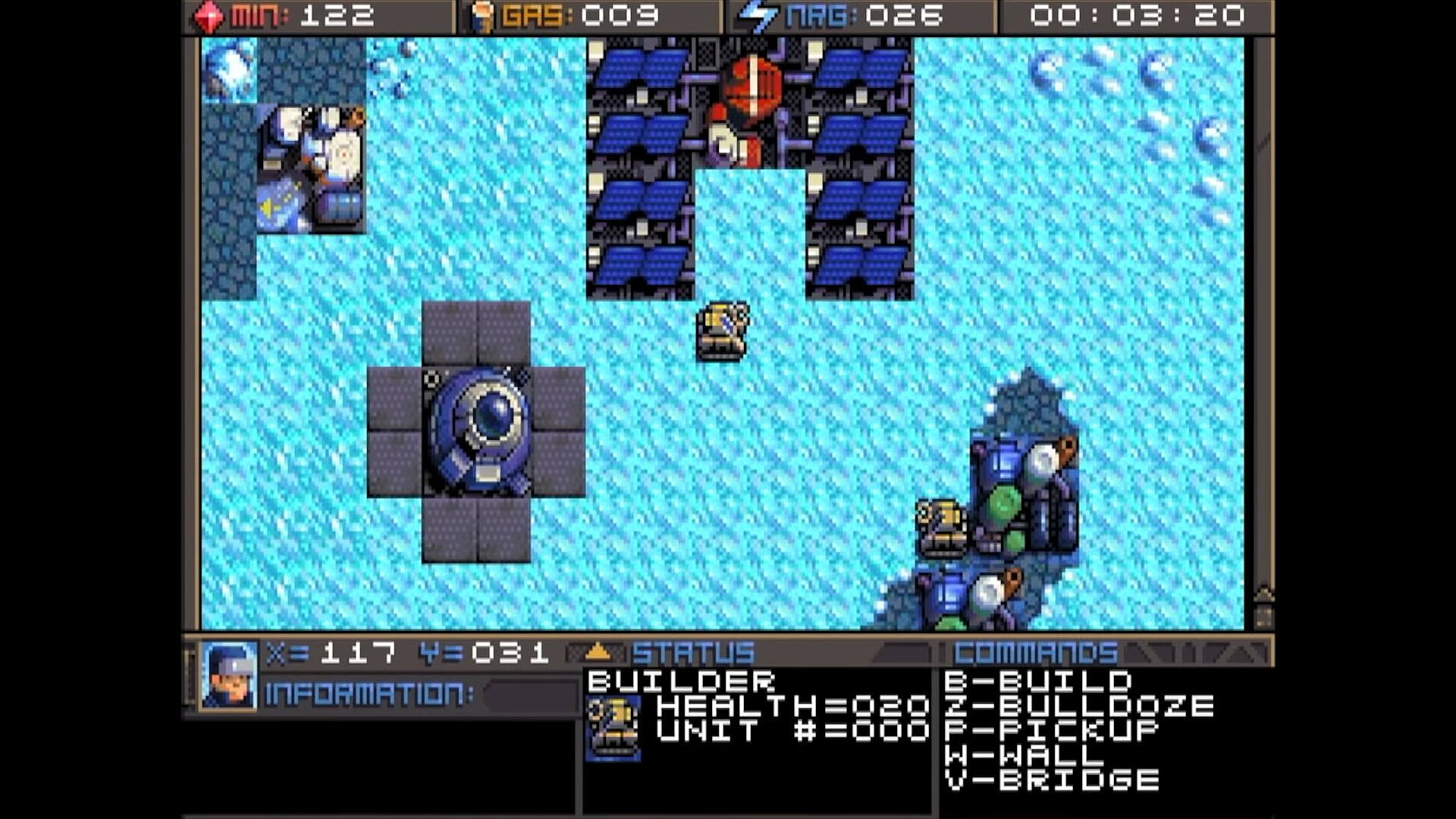
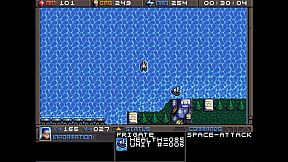
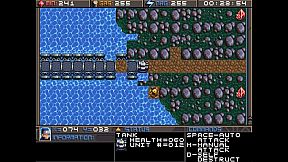
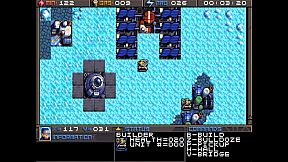
Command units and manage resources in this classic DOS strategy game. Track minerals, gas, and energy in on-screen boxes, capped at 255 each, while monitoring coordinates and a running game clock. Hunt map deposits like rock formations, crystals, and volcano-like gas vents to sustain your operations. Switch between dozens of units and buildings using browse mode with arrow keys and Return, Tab to cycle mobile units like tanks and frigates, Page Up/Down or brackets for structures like factories and smelters, or assign hotkeys with Shift plus numbers for quick access. Build refineries on gas vents and mine varied rock types with different yields and speeds. Strategy players master these controls to juggle infrastructure and unit commands efficiently.

HOW TO PLAY
Although there are many other keys to learn, these are the main keys you need to
operate the game. Some keys do the exact same thing, such as the bracket keys or
page up/page down keys. This will mostly be your preference, and possibly what sort
of keyboard your computer has.


At the top of the screen you’ll find three boxes displaying your current resources, which
include minerals, gas, and energy. You will need to collect more of these, which we’ll
get into later. 255 is the maximum number of resources you can store at any given
time. Next to the resources is a running clock showing how long the game has been


going. On the bottom you’ll find your current coordinates. This is very important for
knowing where your units are, especially in relation to the enemy bases. More on this
later. The bottom three windows are there to give you different types of information.
SWITCHING BETWEEN UNITS

In this game, you will be controlling dozens of different units, so it’s important to
know how to switch between them. There is more than one way to accomplish it, and
you should learn all of the ways.

Browse - If the unit you want to control is visible on the screen, you can press Return
to enter browse mode. At this point, a small box-like cursor will appear on the screen.
Use the arrow keys to move this box around until it is positioned on the unit or
building you wish to select, then press Return again. You can even select enemy units,
but you can only look at their status, not control them.

Cycle Units - For things like tanks, builders, and frigates. If the unit you want is not
currently visible and you don’t feel like driving to the unit, you can press the Tab
key to cycle to the next unit, wherever it may be. The cycle is based on unit number,
so sometimes it may seem there is no rhyme or reason as to which unit it goes to
next. You can also use the plus and minus keys on the keyboard to move forward and
backwards through your units. With practice, this is the fastest way to switch between
units.

Cycle Buildings - For things like factories, smelters, and radar stations. If the building
you want is not currently visible, you may press Page-up / Page-down to cycle back
and forth between them, very much like the unit cycle. You can also use the bracket
keys [ and ] to accomplish the same thing. Solar panels are purposely skipped during
the cycle because there are often numerous panels and you can’t actually control
them anyway. If you want to select a solar panel you must use the browse feature.

Hot Keys - You can use the number row 0-9 at the top of your keyboard to assign spe-
cific units or buildings that you need to access more quickly. Press Shift + Number to
assign a number key to the current unit. You can then use that number key to quickly
switch to the assigned unit. This will be especially useful during battles.
CONTROLLING UNITS
Your first order of business after starting the game should be establishing infrastructure and collecting resources.
Without them, you won’t be able to do much.
You’ll need all 3 types of resources: Minerals, Gas, and Energy.
It may require some hunting around the map to
find the minerals and gas, so we’ll talk about
those first. You can find these on the map.
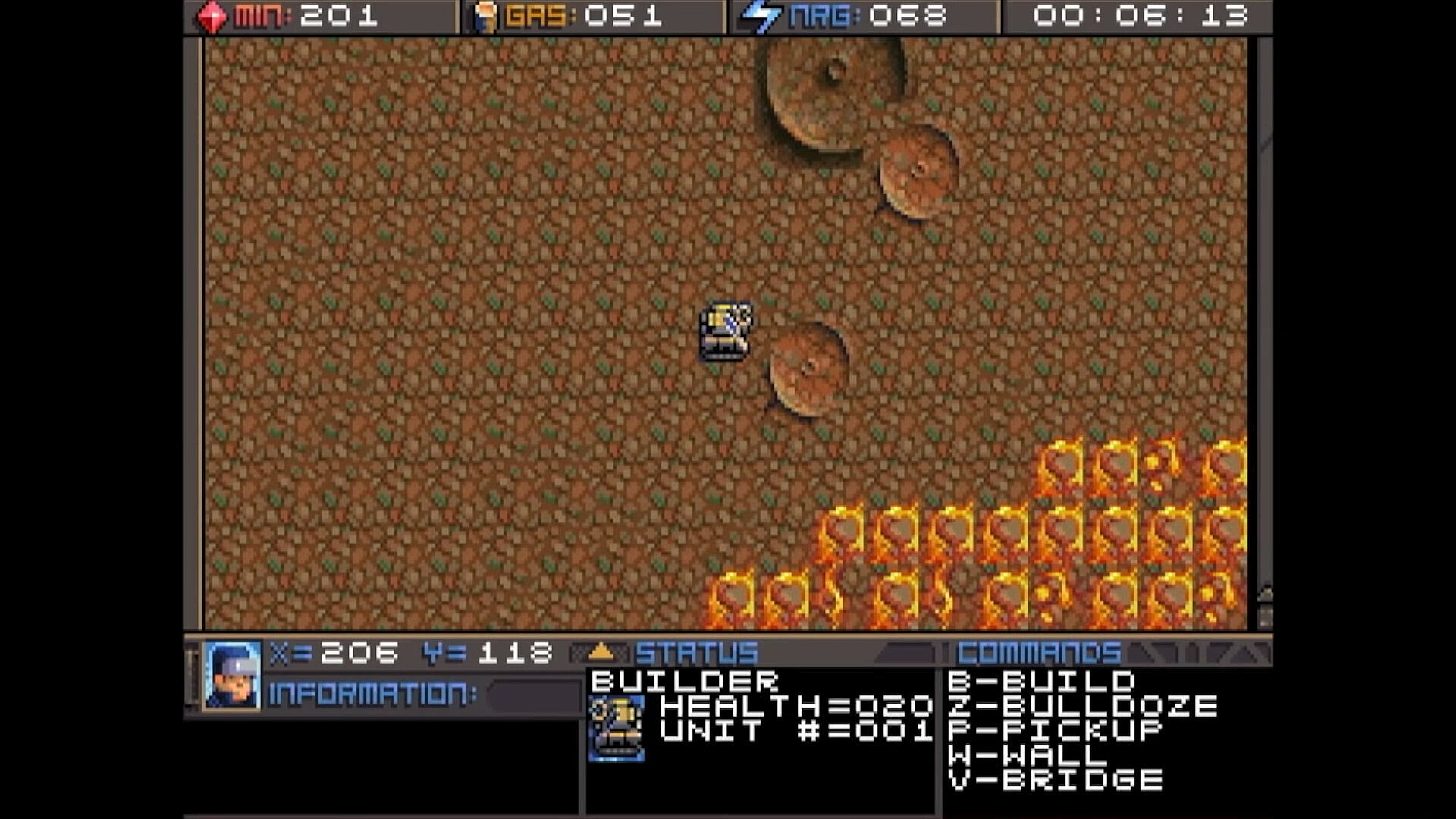
There are usually deposits of minerals
clumped together. Some maps have a
lot, and some have very few, so use them
wisely. In this screenshot, you can see
several rocks and crystals in a formation.
Both the rocks and crystals can be used
as mineral sources. The formations that
look like volcanos are gas vents. You will need to build a refinery on top of them.
The more the better.

Different types of rocks will process at different speeds and also have different yields.
Also, the minerals can look somewhat different depending on which graphics mode
you are in. This chart shows each one and how many minerals you can expect to get
as a result of mining each kind.



Different types of rocks will process at different speeds and also have different yields.
Also, the minerals can look somewhat different depending on which graphics mode
you are in. This chart shows each one and how many minerals you can expect to get
as a result of mining each kind.

Interfaz:
English

Clasificación por edades

No disponible
Steam:
Overwhelmingly Negative (5)

Mínimo:

  • Almacenamiento: 35 MB available space

Recomendado:

  • Almacenamiento: 150 MB available space

Mínimo:

  • Sistema operativo: macOS 10.15 (Catalina)
  • Almacenamiento: 23 MB available space
  • Notas adicionales: May support macOS 10.14 (Mojave) or older

Recomendado:

  • Almacenamiento: 150 MB available space
Mínimo histórico
Historial de precios de tiendas oficiales
-
-
-
Historial de precios de keyshops
-
-
-

FAQ

8 preguntas

Antes de buscar una clave barata de Planet X3 (DOS), revisa lo esencial. Desarrollado por 8-Bit Productions, LLC. Publicado por NMSE & Co LLC. Fecha de lanzamiento en PC: 14 jul 2023. Géneros: Strategy. Categorías: Family Sharing, Single-player.

Q

¿Donde comprar una clave barata de Planet X3 (DOS) para Steam?

Gracias a nuestro comparador de precios y codigos de descuento verificados, puedes comprar una clave de Planet X3 (DOS) por solo 9,75 €. Esta oferta esta disponible en Steam y es una de las mas baratas del mercado. Todas las claves en XD.deals se entregan digitalmente y se pueden descargar al instante tras el pago. Los precios ya incluyen comisiones y codigos promocionales aplicados, asi que siempre ves el precio mas bajo de Planet X3 (DOS) en PC. Consulta el historial de precios de Planet X3 (DOS) para comprar en el mejor momento.

Segun nuestra ultima actualizacion (refrescamos los precios de Steam varias veces al dia), el precio de Planet X3 (DOS) en Steam es 9,75 €. Puedes ahorrar un ~6% extra pagando con una tarjeta regalo de Steam con descuento.

Nuestro rastreador de precios cubre tanto tiendas oficiales como keyshops, asi que puedes encontrar Planet X3 (DOS) en oferta incluso fuera de las promociones de temporada. Actualmente detectamos 1 oferta activa en tiendas oficiales y keyshops. Consulta la tabla de arriba, compara con el minimo historico y crea una alerta para no perderte la proxima bajada de precio.

Segun nuestros datos, Planet X3 (DOS) no esta disponible actualmente en GeForce NOW. Necesitaras ejecutarlo localmente en tu PC. Consulta los juegos disponibles en GeForce NOW.

Si. Planet X3 (DOS) tiene una pagina oficial en Steam. Tambien puedes comprar una clave de Steam de Planet X3 (DOS) a traves de vendedores externos. Nuestro comparador de precios incluye actualmente 1 oferta con DRM de Steam. Elige una para asegurarte de que la descarga de Planet X3 (DOS) se realice en la plataforma de Valve.

No en este momento. Valve marca Planet X3 (DOS) como No compatible con Steam Deck. Estate atento a XD.deals - seguimos las actualizaciones de Proton y las soluciones de la comunidad. Consulta los juegos Steam Deck Verified o Steam Deck Playable.

Planet X3 (DOS) no parece estar disponible en PC Game Pass, EA Play, Ubisoft+ ni en ningun otro servicio de suscripcion para PC en este momento. Tu unica opcion es comprar el juego - usa XD.deals para encontrar el mejor precio.

No - XD.deals no es una tienda. Somos un comparador de precios que rastrea las mejores ofertas de Planet X3 (DOS) en tiendas oficiales y keyshops verificados. Haz clic en "Ir a la tienda" junto a cualquier oferta y seras redirigido a la web del vendedor para completar tu compra.

Mejores precios para Planet X3 (DOS)

1 Steam Steam Official
9,75 €

¿Quieres comprar en el mejor momento? Crea una alerta de precio en XD.deals y recibe una notificacion cuando Planet X3 (DOS) alcance su proximo minimo historico.

Crear alerta
Únete a nuestro Discord
Obtén ayuda al instante de nuestra comunidad y mantente al día de las últimas ofertas
Configurar alertas de precio
Recibe avisos por correo cuando los precios bajen a tu objetivo
Crear cuenta gratis
Desbloquea listas de deseos, alertas de precio y sincronización con Steam