
Comprar OZ Chord Player PC Key

¿Dónde comprar OZ Chord Player? Ahora mismo el juego no está a la venta en ninguna de las tiendas que seguimos. Eso no significa que vaya a quedarse así, porque las tiendas añaden y retiran títulos continuamente y nosotros las revisamos a diario. Crea una alerta de precio y te avisaremos en cuanto alguna tienda publique una oferta.

Lanzamiento: 02 may 2022
ChuckDoo
ChuckDoo
Steam:
Overwhelmingly Negative (7)
Official
No disponible
Keyshops
No disponible
Comprar en tienda oficial:
No disponible
Comprar en keyshops:
No disponible

No hay entradas, pero no te preocupes: te avisaremos cuando aparezca una nueva oferta.

Create Alert Create deal Alert

Sobre OZ Chord Player

OZ Chord Player - sobre el juego
Play chords instantly with a simple button press on a single-screen layout, perfect for computer music composition. A piano keyboard highlights the notes in each chord, while note-based searches and diatonic filters help match harmonies to your melody line. Switch between piano, guitar, strings, and brass sounds, apply arpeggios or inversions, and arrange progressions on a timeline with custom tempo and time signatures. Save setups, export MIDI files, and resize the interface for your PC monitor, with key bindings and 13-language support plus an on-screen guide. This casual audio production utility suits beginners trying composition, those learning chord sounds, or anyone struggling to pair chords with melodies without an instrument.

OZ Chord Player is a very simple tool for playing chords.
When composing with Computer Music, you can easily find and try chords that match your melody.
You can easily check the sound of chords with OZ Chord Player even if you don't have an instrument.
Main target
Mainly useful for composing Computer Music.
  • Those who want to try composing.
  • Those who want to know the sounds that make up a chord.
  • Those who are not good at finding chords that match their own melody.
  • Those who want to easily check the chord progression without an instrument.
Features
Screen layout
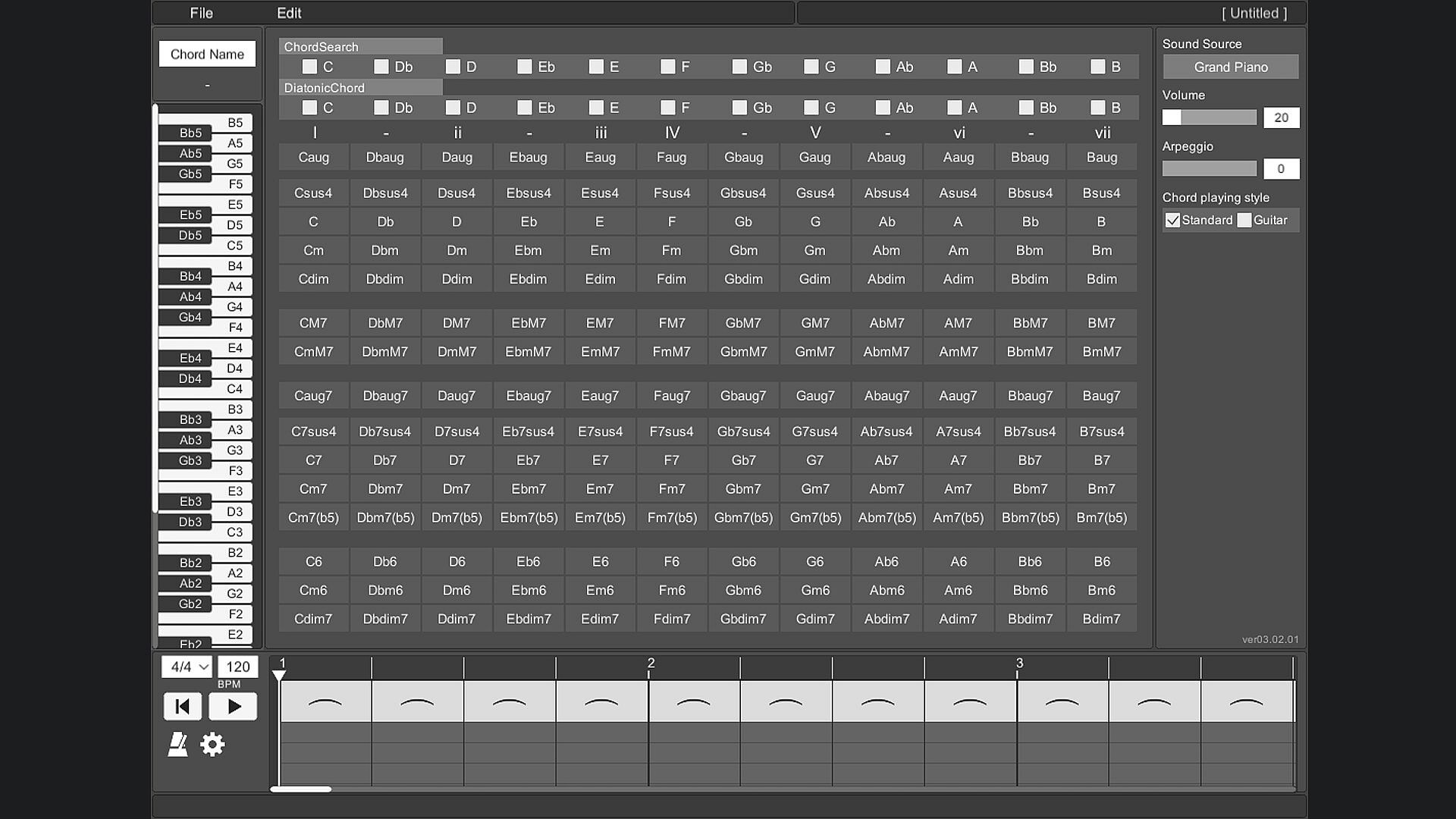
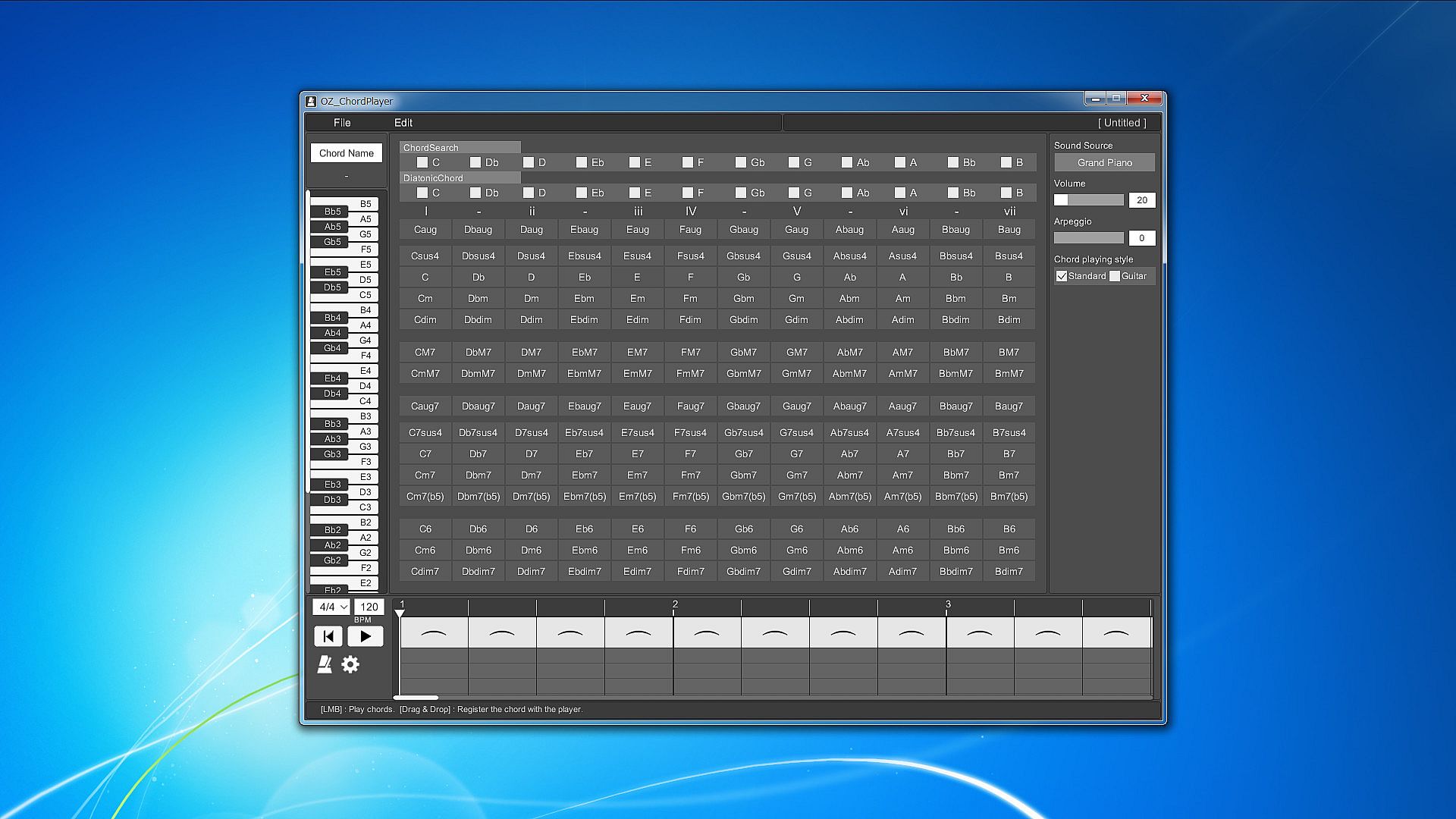
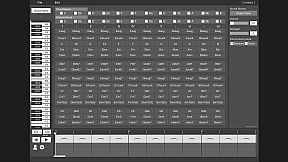
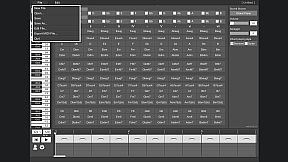
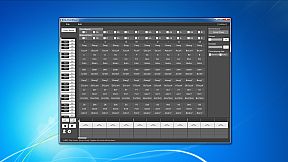
All the prepared chords are displayed on one screen.
To play the chord, just press the button on the chord in front of you.
This allows you to hear the sound of various chords without disturbing your inspiration.

Piano keyboard
When you play a chord, you can check which note is playing on the piano keyboard.
This allows you to reflect the constituent notes of the chord in your own composition.

Chord search
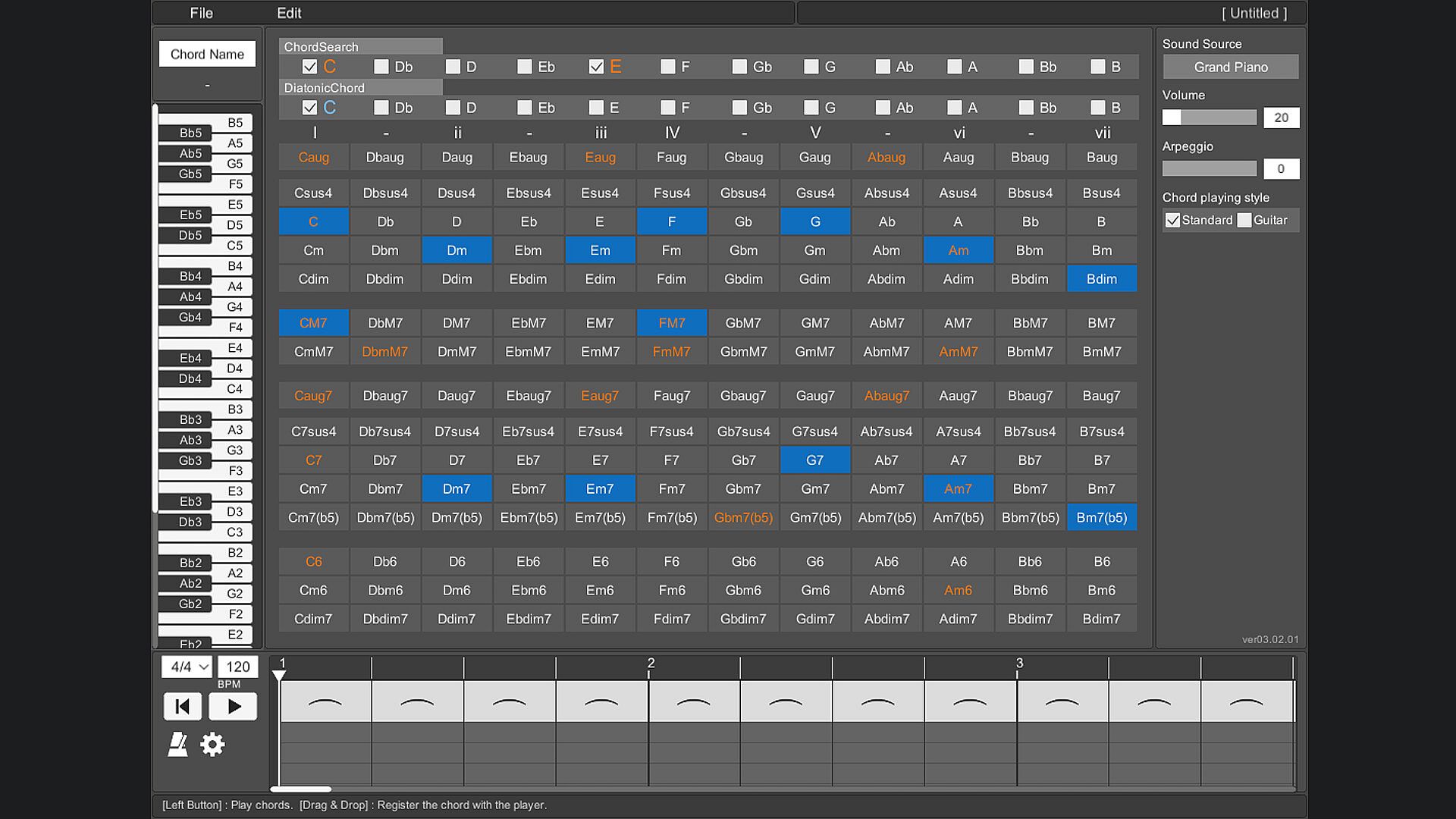
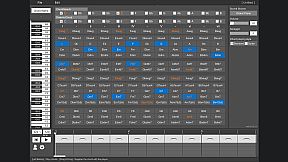
By selecting a switch with a note name such as "C" or "D", all chords using that note will be focused.
You can also search by combining multiple switches.
By selecting the note name you are playing on the melody line, you can easily find the chord that matches that note.

Diatonic chord search
Focus on the major scale diatonic chord.
You can easily find the best chord for the scale of your song.

Sound source
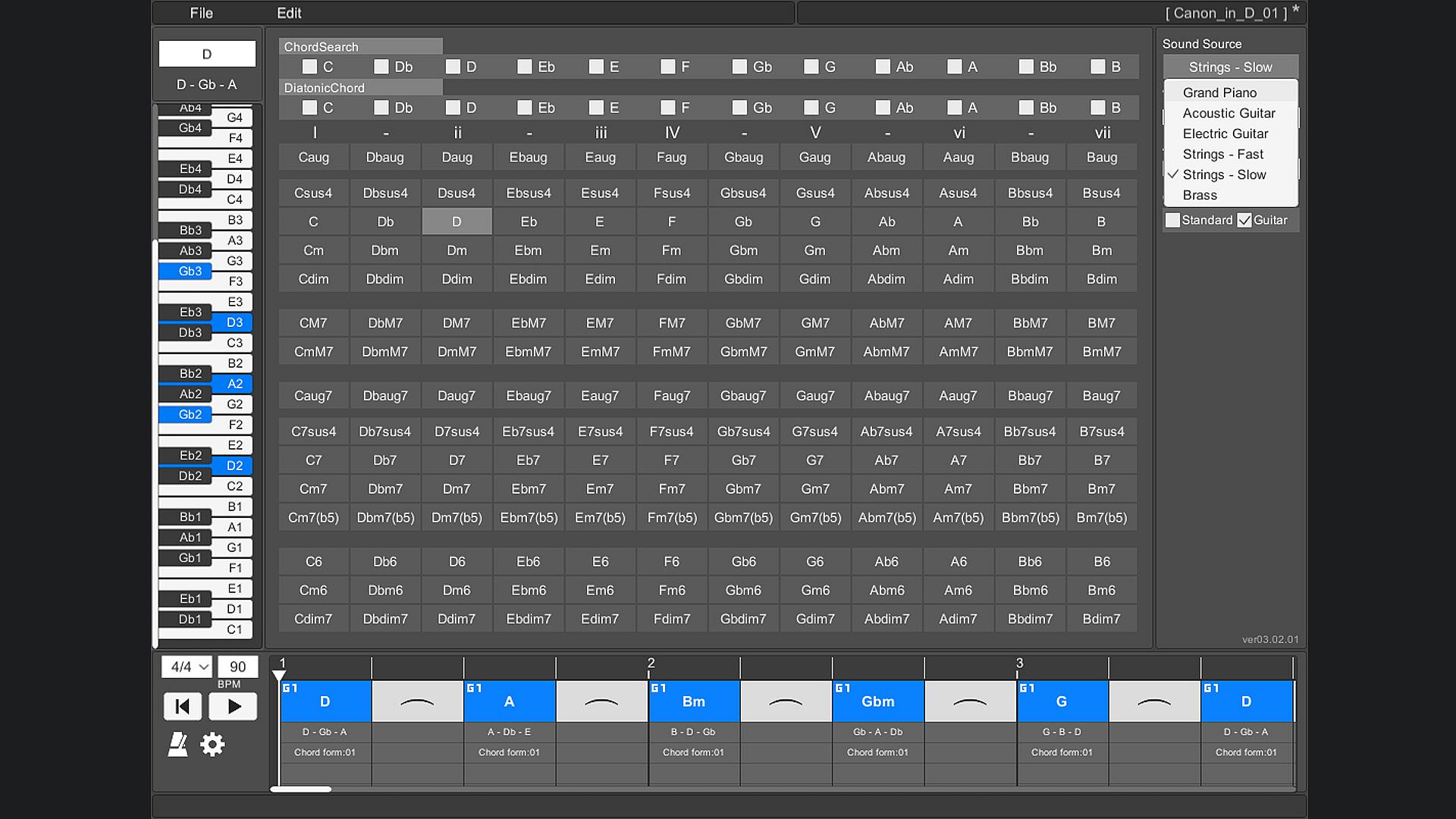
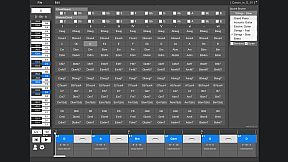
The instruments that can be used are "piano", "acoustic guitar", "electric guitar", "stringed instrument - fast", "stringed instrument - slow", and "brass instrument".

Arpeggio
You can stagger the individual notes of the chords. Ideal for slow tempo songs, mainly on piano and guitar.

Chord playing style
There are two types of chord styles to play, "standard" and "guitar", and you can switch between them.
In "Standard", 3 types of chords with different octaves are prepared for each chord.
In "Guitar", 3 to 5 types of chords with different ways of playing guitar chords are prepared for each chord.

Chord inversion
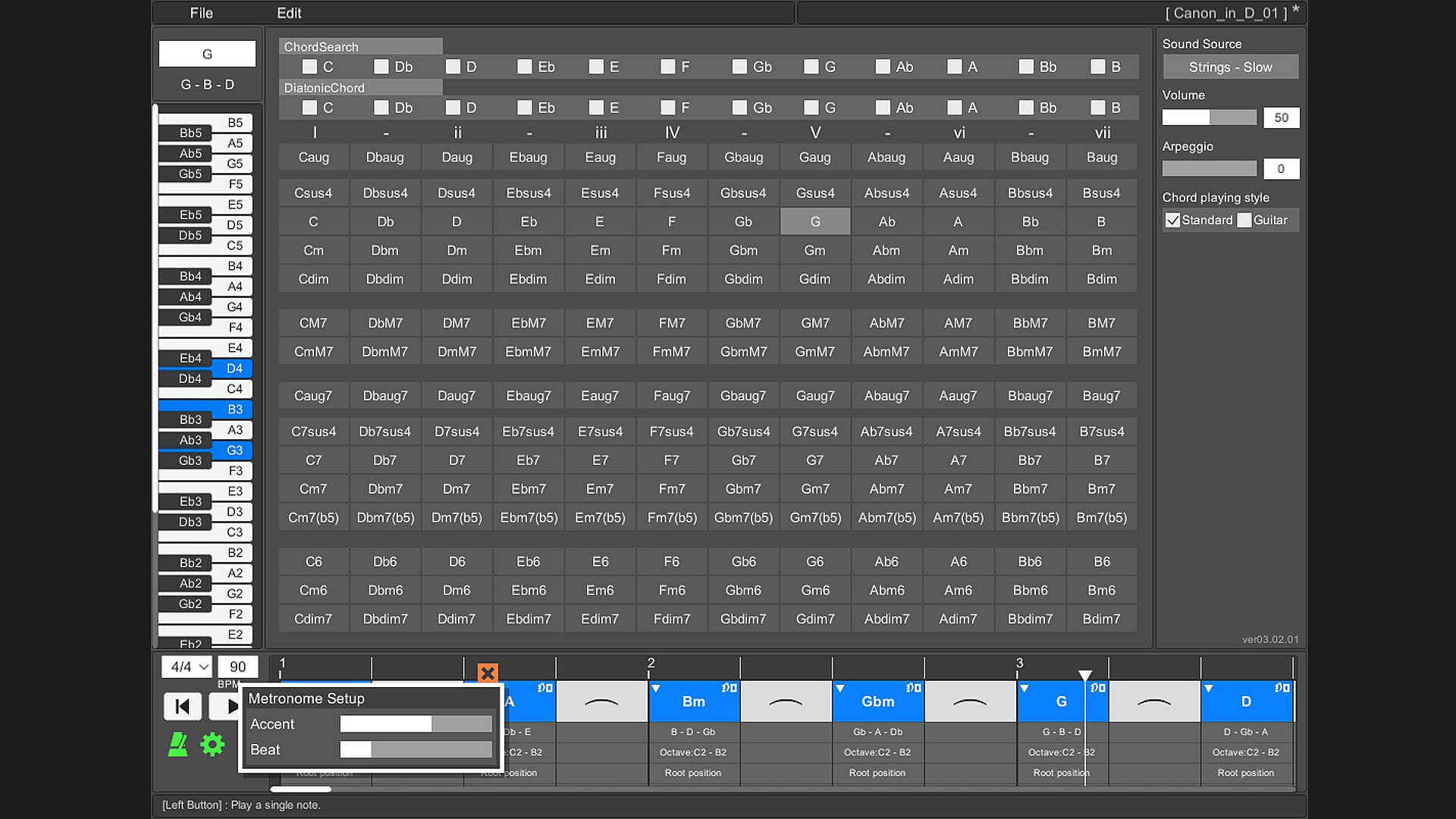
For example, one chord [Dm] can be played by switching the notes like [D3 - F3 - A3], [F3 - A3 - D4], [A3 - D4 - F4].
In popular music, they are written as [Dm/F] and [Dm/A].
(Only normal chords are supported. Guitar chords are not supported.)

Play chords
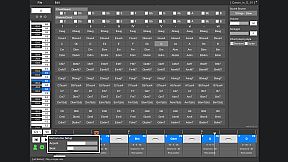
You can play by arranging multiple chords side by side on the timeline. This makes it easy to check the chord progression. When playing, you can set the tempo and time signature (2/4 to 5/4 time signature).

Save/Load
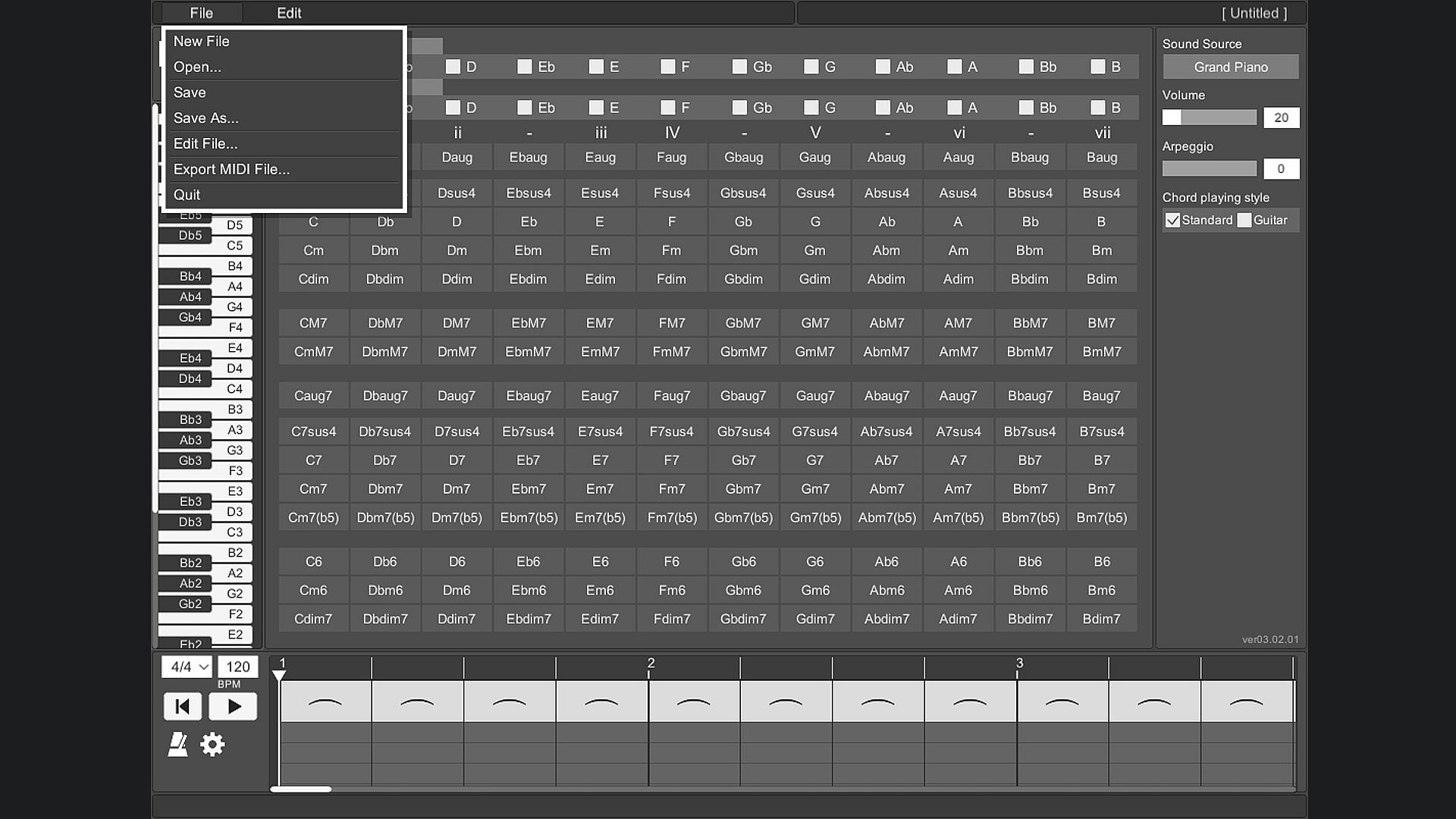
Chords placed side by side on the timeline can be saved.

Export MIDI File
The chords placed side by side on the timeline can be exported as a MIDI file.
(Volume settings and arpeggios are not reflected.)

User's Guide
The operation method is displayed at the bottom of the tool screen and you will not be confused about the operation. The operation method is displayed by moving the mouse cursor to the part you want to know.

Change screen size
You can change the screen size of OZ Chord Player.
The minimum resolution that can be set is 848 * 600.
The maximum resolution that can be set is limited so that it does not exceed the resolution of the monitor you are using.
The default screen resolution is 1130 * 800.
If the resolution is smaller than the default setting, the image will be slightly degraded.

Key Bindings
Key binding is possible.

Language support
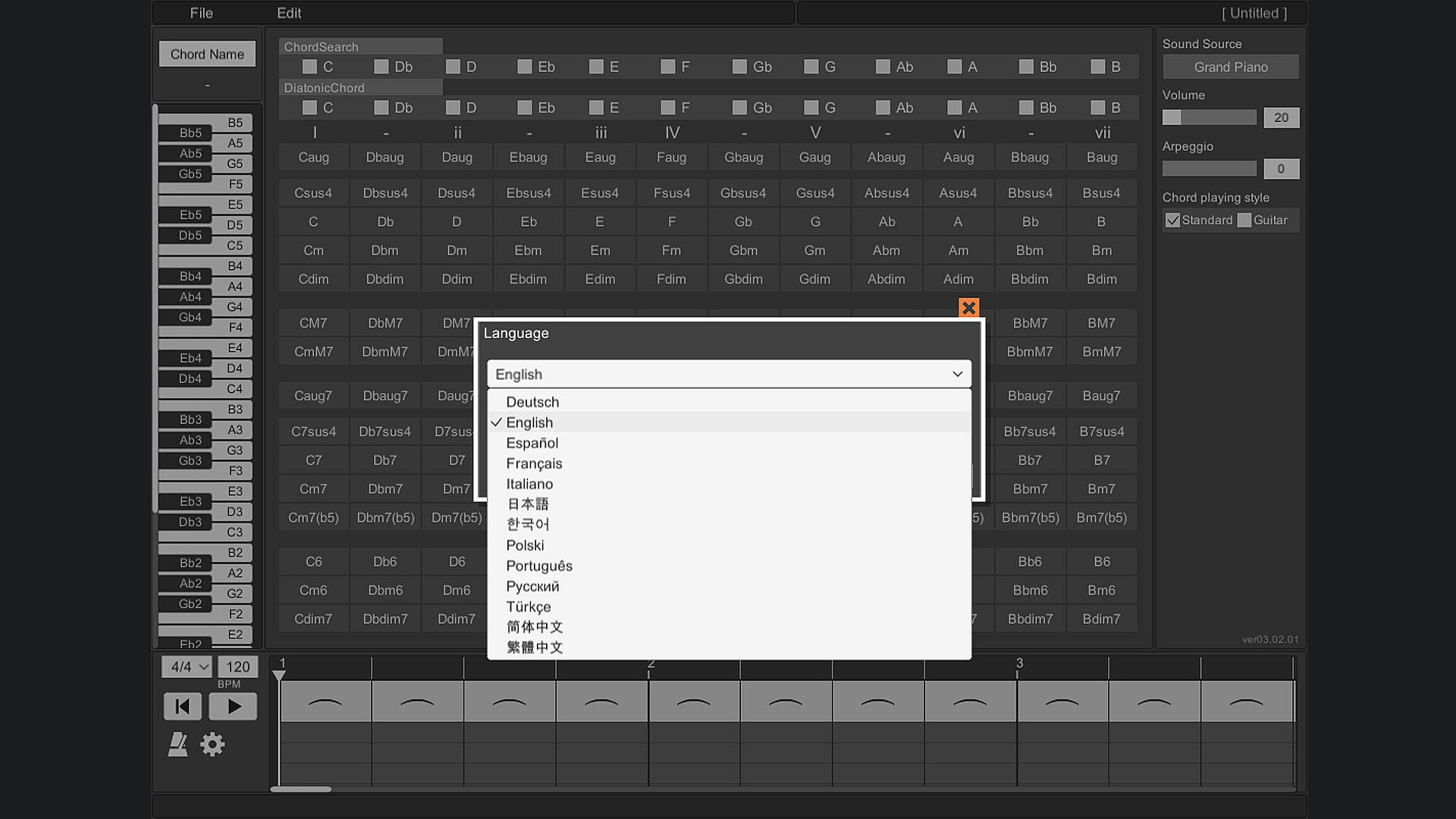
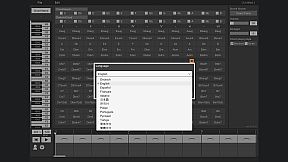
It supports 13 languages.
(Chord notation is C, D, E, F, G, A, B.)

Interfaz:
GermanEnglishSpanish - SpainFrenchItalianJapaneseKoreanPolishPortuguese - BrazilRussianTurkishSimplified ChineseTraditional Chinese

Clasificación por edades

No disponible
Steam:
Overwhelmingly Negative (7)

Mínimo:

  • Procesador: Intel or AMD CPU over 1.0 GHz
  • Memoria: 930 MB RAM
  • Almacenamiento: 240 MB available space

Recomendado:

Mínimo histórico
Historial de precios de tiendas oficiales
3,98 €
Steam
hace 5 meses
Historial de precios de keyshops
-
-
-

FAQ

8 preguntas

Antes de buscar una clave PC barata de OZ Chord Player, revisa lo esencial. Desarrollado por ChuckDoo. Publicado por ChuckDoo. Fecha de lanzamiento en PC: 02 may 2022. Géneros: Casual, Utilities, Audio Production, Education, Software Training.

Q

¿Dónde comprar una clave Steam o CD Key barata de OZ Chord Player?

Actualmente no hay ofertas activas para OZ Chord Player. Crea una alerta de precio en XD.deals y te avisaremos en cuanto haya una oferta disponible.

No disponemos del precio actual de OZ Chord Player en Steam Store. Es posible que el juego no esté disponible temporalmente o que aún no figure en Steam.

Nuestro rastreador de precios cubre tanto tiendas oficiales como keyshops, así que puedes encontrar OZ Chord Player en oferta incluso fuera de las promociones de temporada. Actualmente detectamos 0 ofertas activas en tiendas oficiales y keyshops. Consulta la tabla de arriba, compara con el mínimo histórico y crea una alerta para no perderte la próxima bajada de precio.

Según nuestros datos, OZ Chord Player no está disponible actualmente en GeForce NOW. Necesitarás ejecutarlo localmente en tu PC. Consulta los juegos disponibles en GeForce NOW.

. OZ Chord Player tiene una página oficial en Steam, pero actualmente no rastreamos ofertas de terceros con DRM de Steam. Vuelve más tarde o crea una alerta de precio.

No en este momento. Valve marca OZ Chord Player como No compatible con Steam Deck. Estate atento a XD.deals - seguimos las actualizaciones de Proton y las soluciones de la comunidad. Consulta los juegos Steam Deck Verified o Steam Deck Playable.

Según nuestros datos, OZ Chord Player no está disponible actualmente en PC Game Pass, EA Play ni Ubisoft+. Todavía estamos completando los catálogos de estos servicios, así que conviene confirmar el estado en la fuente antes de decidir. Si vas a comprar, XD.deals te ayudará a encontrar el precio más bajo.

No - XD.deals no es una tienda. Somos un comparador de precios que rastrea las mejores ofertas de OZ Chord Player en tiendas oficiales y keyshops verificados. Haz clic en "Ir a la tienda" junto a cualquier oferta y serás redirigido a la web del vendedor para completar tu compra.

¿Quieres comprar en el mejor momento? Crea una alerta de precio en XD.deals y recibe una notificación cuando OZ Chord Player alcance su próximo mínimo histórico.

Crear alerta
Únete a nuestro Discord
Obtén ayuda al instante de nuestra comunidad y mantente al día de las últimas ofertas
Configurar alertas de precio
Recibe avisos por correo cuando los precios bajen a tu objetivo
Crear cuenta gratis
Desbloquea listas de deseos, alertas de precio y sincronización con Steam