


Comprar Marble on Rails PC

¿Dónde puedes comprar la clave Steam para {6} de Marble on Rails más barata? Compara precios en 1 tiendas para encontrar la mejor opción entre 1 ofertas en XD.deals. Ahora el precio más bajo de Marble on Rails para {6} en keyshops se puede conseguir en 2,99 € (0% de descuento).

Lanzamiento: 01 sept 2022
Steam:
Overwhelmingly Negative (4)
Keyshops
No disponible
Comprar en tienda oficial:
2,99 €
Comprar en keyshops:
Ver historial de precios

Tiendas oficiales (1)

DRM:
Steam
Steam
Steam
Marble on Rails
Windows
hace 1sem
DRM:
Steam
Steam
2,99 €

Sobre Marble on Rails

Marble on Rails - sobre el juego
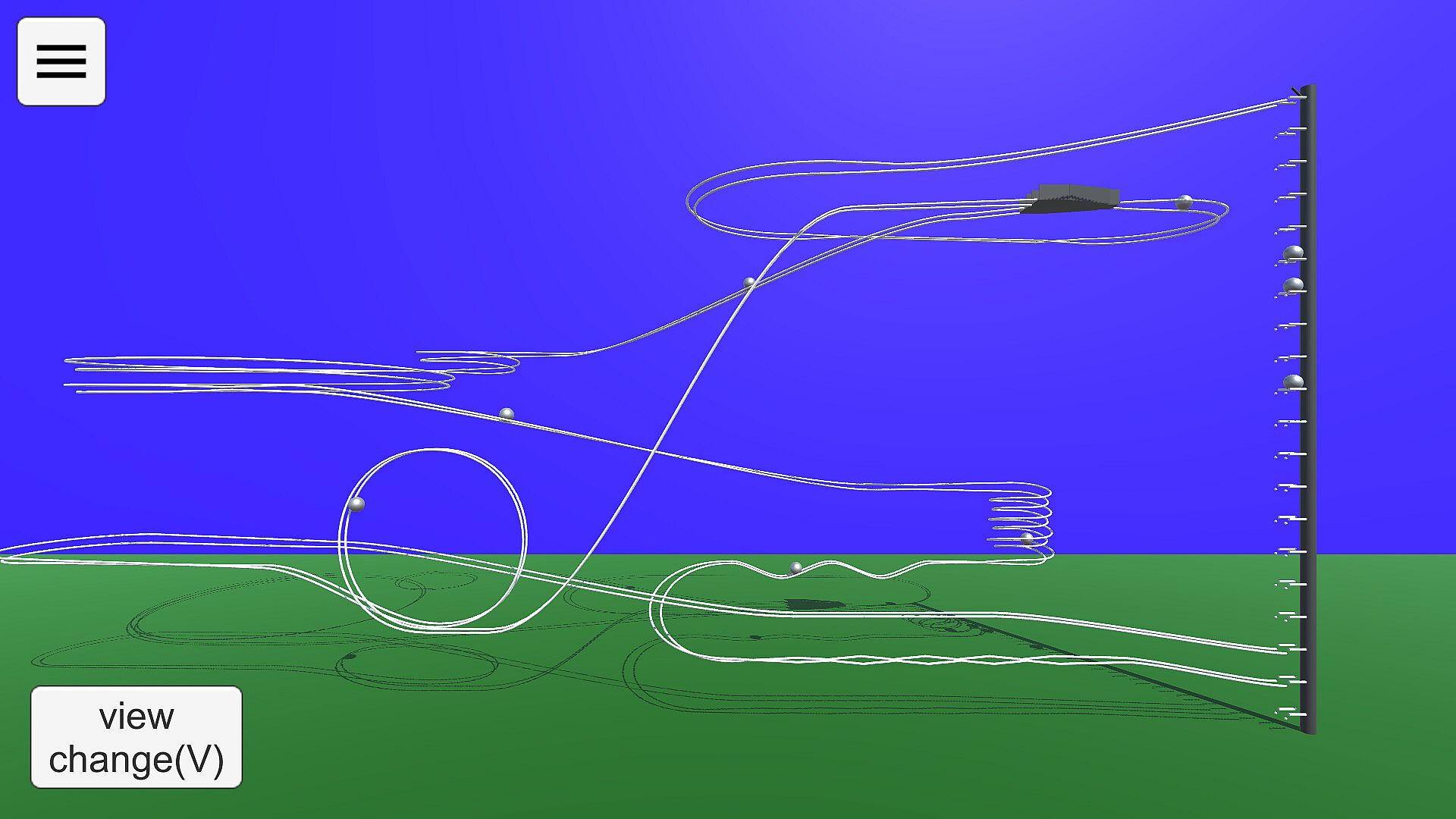
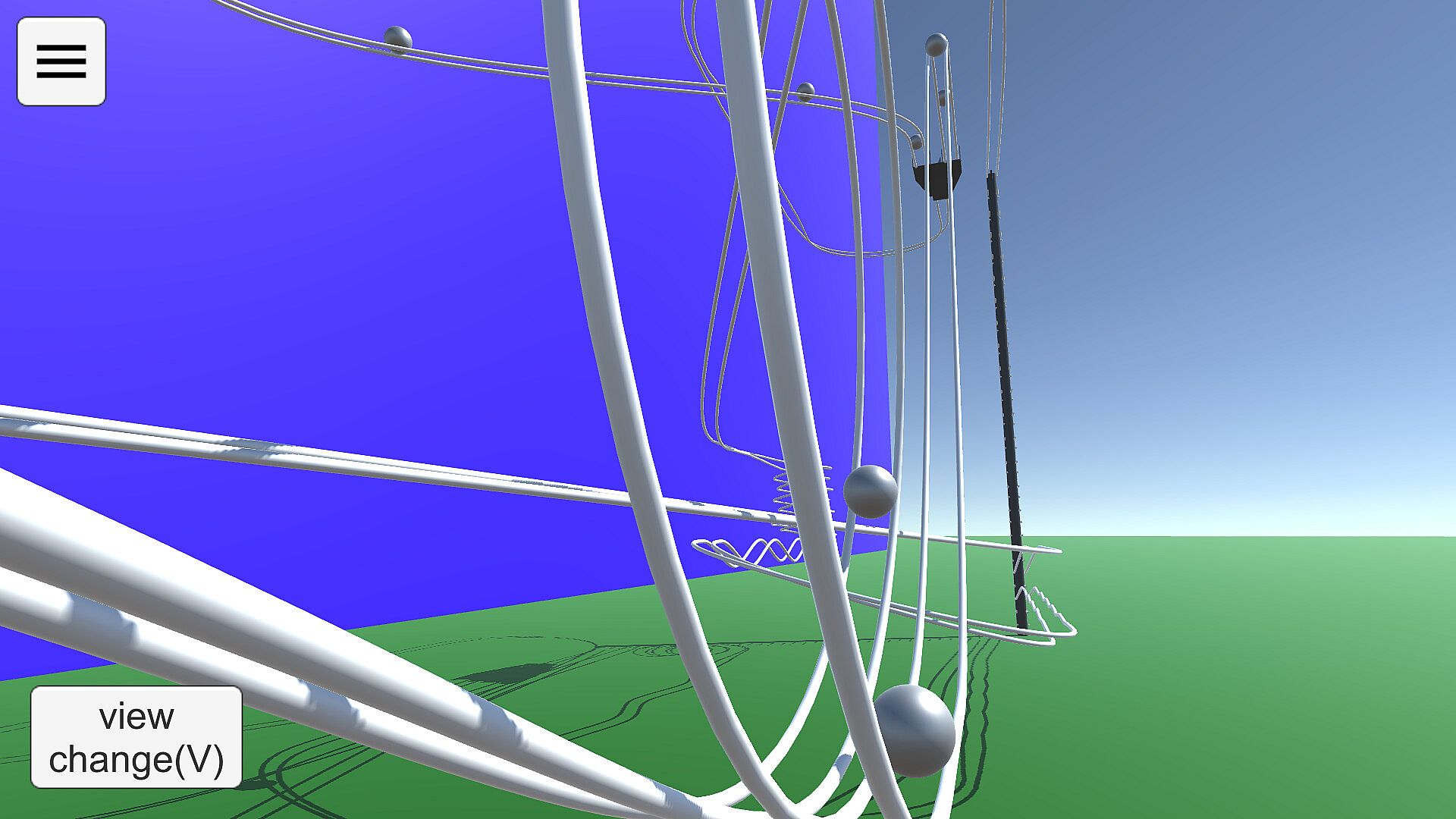
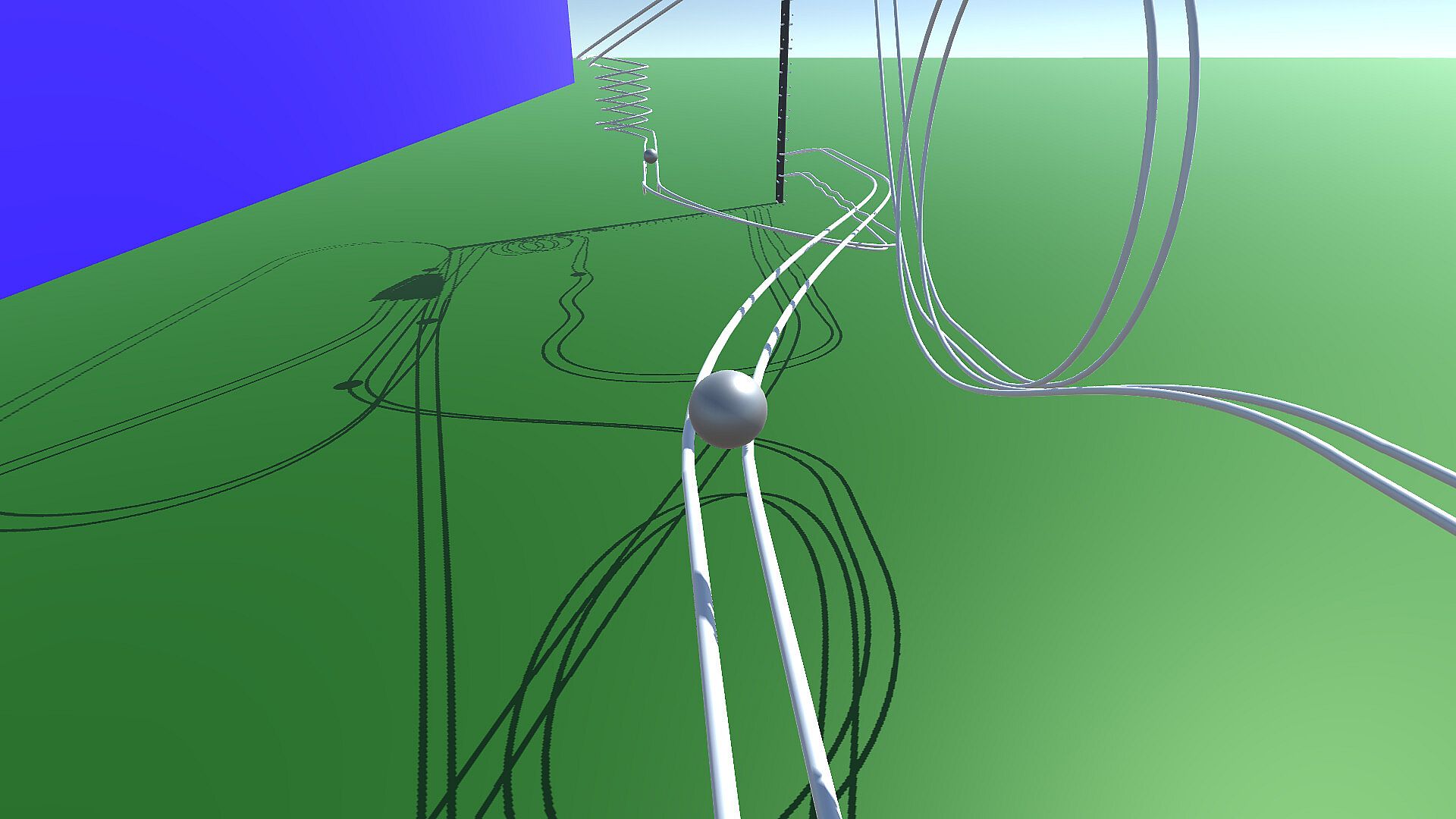
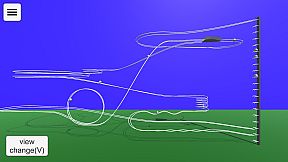
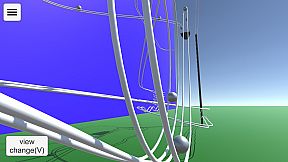
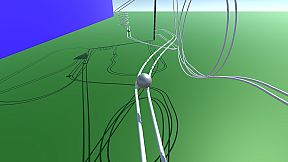
Build and test intricate marble runs in this indie simulation on PC. Switch between View Mode to observe marble paths on your courses or samples, tweaking cameras with shortcuts like 1-5 for fixed angles and WSADQE keys for movement. Drag the screen to adjust direction, track specific balls, or reset runs for quick checks. In Edit Mode, place rails like in drawing software by setting anchor points and Bezier control points within ground lines, adding preset shapes such as straights, curves, or loops. Fine-tune bank angles, position up to five cameras, and configure the elevator for ejections and connections to loop marbles back. Share creations via Steam Workshop and enjoy enhanced physics accuracy with shadows over the Android version, perfect for simulation fans who craft precise tracks.

How to play
'Marble on Rails' is a marble run simulation application.
The application has two modes: View Mode and Edit Mode.
View Mode
In View Mode, you can view the behavior of the courses you have created so far and sample courses.
The viewpoint can be switched using the buttons, and the marbles to be gazed at can be changed. You can change the camera direction by dragging the screen with the mouse.
You can use the keyboard (WSADQE, cursor keys) to move the viewpoint as desired.
The drawer menu is displayed by pressing the hamburger button in the upper left corner. You can change some settings and modes, and exit the application.
Keyboard Shortcuts in View Mode
1-5 Camera Switching. Fixed camera to be set when editing course.
6 Ball tracking side angle camera. operated by WS, cursor keys.
7 Ball tracking rear angle camera, operated with WS and cursor keys.
8 Rotational camera.
0 Fixed camera, ball tracking. With zoom. Zoom size can be changed with up/down cursor keys.
V Switch camera in sequence.
B Switching the ball in focus
M Toggle on-screen button display
R Ball reset
Period(.) Random camera switching mode.
Edit Mode
You can create your own courses.
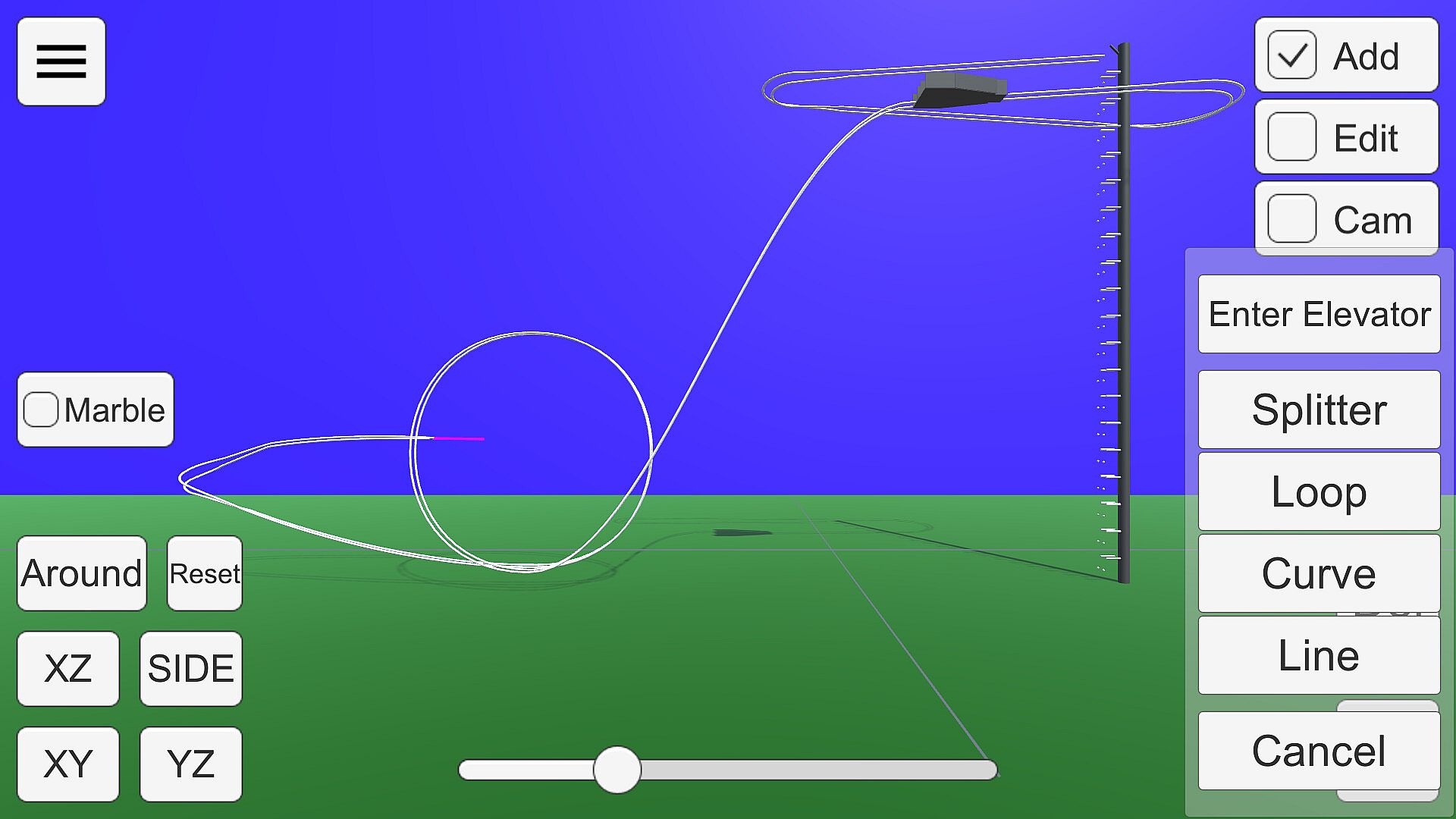
The rails are placed and edited in the same way as in drawing software. Smooth rails can be generated by setting anchor points and control points in space.
Anchor points can be placed within the white line drawn on the ground in the edit screen.

There are several states in the edit mode.

Add:
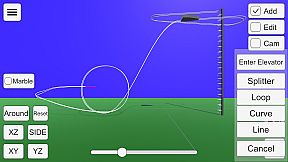
Press the + button to add a rail with a preset shape, such as straight, curved, or looped.
A pink bar is displayed at the position to be added. If there are multiple positions to which rails can be added, press the Add button again to change the add position.
You can delete the anchor point at the position of the pink bar by pressing the Del key.
If there are no more positions to add (all rails are connected to the elevator), this state will no longer be selectable.
If you want to delete a connection to the elevator, put the point of connection to the elevator in Edit state and select "Disconnect from elevator".
Edit:
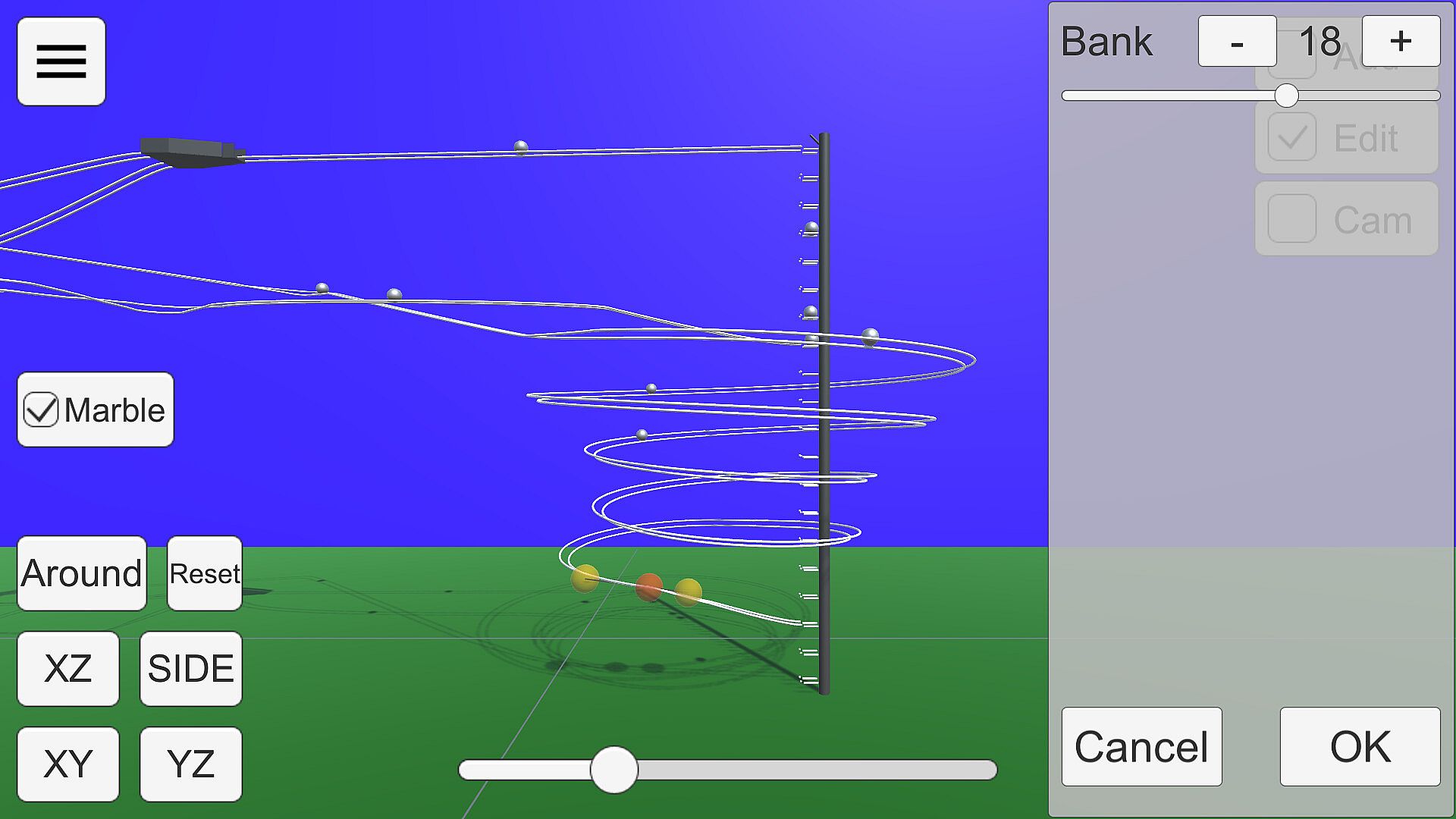
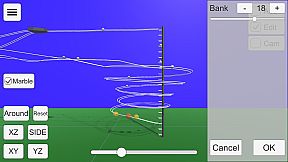
The anchor point of the rail is displayed as a gray sphere.

Click on the sphere to enter anchor point edit mode.

Anchor points are displayed as red spheres and Bezier curve control points as yellow spheres.
Each sphere can be moved by dragging.
The bank angle of the rail can be edited in the window displayed on the right.
Cam:
You can edit up to five camera positions to be used in View Mode.
Use the buttons in the lower right corner to switch camera numbers and move the camera with the mouse or keyboard (WSADQE).
About the viewpoint
The 'XY', 'YZ', 'XZ', 'SIDE', and 'Reset' buttons in the lower left corner and the seek bar for zoom control the viewpoint.
Press 'XY', 'YZ', and 'SIDE' twice to get the view from the back side.
The Bezier curve control points move on the visible plane when editing, so proper viewpoint switching is necessary. XZ' or 'SIDE' is recommended.
About the Elevator
In Edit mode, select the center sphere of the elevator to open the elevator setting window.
In this state, it can be moved by dragging. From the side panel, you can select the direction of ejection, height, and three-way.
Connecting to an Elevator
Selecting 'Enter Elevator' in Add mode adds a straight line connecting the current position to the nearest elevator point.
In order to successfully return the ball to the elevator, the rail must be connected to the elevator and the ball must be controlled to roll in the direction of the elevator.
Mouse Controls
Drag to move the ball parallel to the screen.
Right-click and drag to rotate around the gazing point. If there is no gazing point, rotate the camera.
Keyboard shortcuts
Escape key cancels a dialog or opens a drawer menu.
See below for shortcuts when in edit mode.
Miscellaneous
You can run Marble for testing by checking the Test checkbox.
Steam Workshop
You can share the courses you have created.
Uploading is available from the Edit Mode menu. You can upload the course you are currently editing. Tapping the notification that the upload is complete will open the Steam item page. The preview image will use the camera setting Cam1.
If you want to view a course shared in the workshop on your own computer, you can subscribe to it on the Steam Workshop. The subscribed courses will be downloaded automatically. You can select the downloaded course from the "Steam Workshop" menu in View Mode.
Differences from the Android version
Compared to the Android version, the accuracy of physics calculation has been improved. This allows Marble to run more smoothly.
Shadows are drawn
Elevator three-way support

Interfaz:
EnglishJapanese

Clasificación por edades

No disponible
Steam:
Overwhelmingly Negative (4)

Mínimo:

  • Procesador: Intel Core i3 4160
  • Memoria: 4 GB RAM
  • Gráficos: Intel HD Graphics 4400
  • DirectX: Version 10
  • Almacenamiento: 200 MB available space

Recomendado:

Mínimo histórico
Historial de precios de tiendas oficiales
-
-
-
Historial de precios de keyshops
-
-
-

FAQ

8 preguntas

Antes de buscar una clave barata de Marble on Rails, revisa lo esencial. Desarrollado por dbitware. Publicado por dbitware. Fecha de lanzamiento en PC: 01 sept 2022. Géneros: Indie, Simulation. Categorías: Family Sharing, Steam Workshop, Single-player.

Q

¿Donde comprar una clave barata de Marble on Rails para Steam?

Gracias a nuestro comparador de precios y codigos de descuento verificados, puedes comprar una clave de Marble on Rails por solo 2,99 €. Esta oferta esta disponible en Steam y es una de las mas baratas del mercado. Todas las claves en XD.deals se entregan digitalmente y se pueden descargar al instante tras el pago. Los precios ya incluyen comisiones y codigos promocionales aplicados, asi que siempre ves el precio mas bajo de Marble on Rails en PC. Consulta el historial de precios de Marble on Rails para comprar en el mejor momento.

Segun nuestra ultima actualizacion (refrescamos los precios de Steam varias veces al dia), el precio de Marble on Rails en Steam es 2,99 €. Puedes ahorrar un ~6% extra pagando con una tarjeta regalo de Steam con descuento.

Nuestro rastreador de precios cubre tanto tiendas oficiales como keyshops, asi que puedes encontrar Marble on Rails en oferta incluso fuera de las promociones de temporada. Actualmente detectamos 1 oferta activa en tiendas oficiales y keyshops. Consulta la tabla de arriba, compara con el minimo historico y crea una alerta para no perderte la proxima bajada de precio.

Segun nuestros datos, Marble on Rails no esta disponible actualmente en GeForce NOW. Necesitaras ejecutarlo localmente en tu PC. Consulta los juegos disponibles en GeForce NOW.

Si. Marble on Rails tiene una pagina oficial en Steam. Tambien puedes comprar una clave de Steam de Marble on Rails a traves de vendedores externos. Nuestro comparador de precios incluye actualmente 1 oferta con DRM de Steam. Elige una para asegurarte de que la descarga de Marble on Rails se realice en la plataforma de Valve.

No en este momento. Valve marca Marble on Rails como No compatible con Steam Deck. Estate atento a XD.deals - seguimos las actualizaciones de Proton y las soluciones de la comunidad. Consulta los juegos Steam Deck Verified o Steam Deck Playable.

Marble on Rails no parece estar disponible en PC Game Pass, EA Play, Ubisoft+ ni en ningun otro servicio de suscripcion para PC en este momento. Tu unica opcion es comprar el juego - usa XD.deals para encontrar el mejor precio.

No - XD.deals no es una tienda. Somos un comparador de precios que rastrea las mejores ofertas de Marble on Rails en tiendas oficiales y keyshops verificados. Haz clic en "Ir a la tienda" junto a cualquier oferta y seras redirigido a la web del vendedor para completar tu compra.

Mejores precios para Marble on Rails

1 Steam Steam Official
2,99 €

¿Quieres comprar en el mejor momento? Crea una alerta de precio en XD.deals y recibe una notificacion cuando Marble on Rails alcance su proximo minimo historico.

Crear alerta
Únete a nuestro Discord
Obtén ayuda al instante de nuestra comunidad y mantente al día de las últimas ofertas
Configurar alertas de precio
Recibe avisos por correo cuando los precios bajen a tu objetivo
Crear cuenta gratis
Desbloquea listas de deseos, alertas de precio y sincronización con Steam










