
Comprar MapHub PC Key

¿Dónde comprar MapHub? Ahora mismo el juego no está a la venta en ninguna de las tiendas que seguimos. Eso no significa que vaya a quedarse así, porque las tiendas añaden y retiran títulos continuamente y nosotros las revisamos a diario. Crea una alerta de precio y te avisaremos en cuanto alguna tienda publique una oferta.

Lanzamiento: 11 jul 2024
Evolved Labs
Evolved Labs
Steam:
Overwhelmingly Negative (1)
Official
No disponible
Keyshops
No disponible
Comprar en tienda oficial:
No disponible
Comprar en keyshops:
No disponible

No hay entradas, pero no te preocupes: te avisaremos cuando aparezca una nueva oferta.

Create Alert Create deal Alert

Sobre MapHub

MapHub - sobre el juego
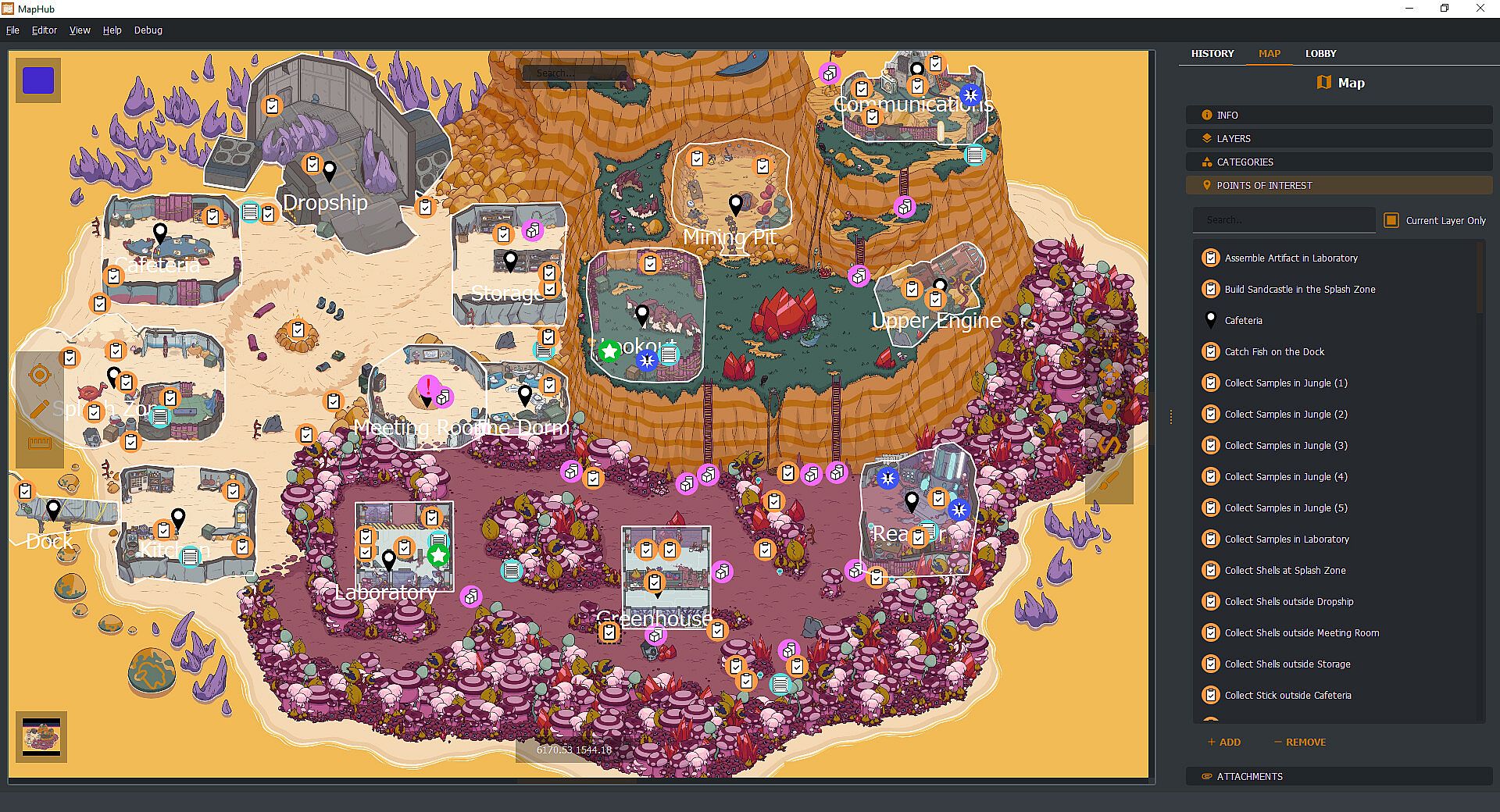
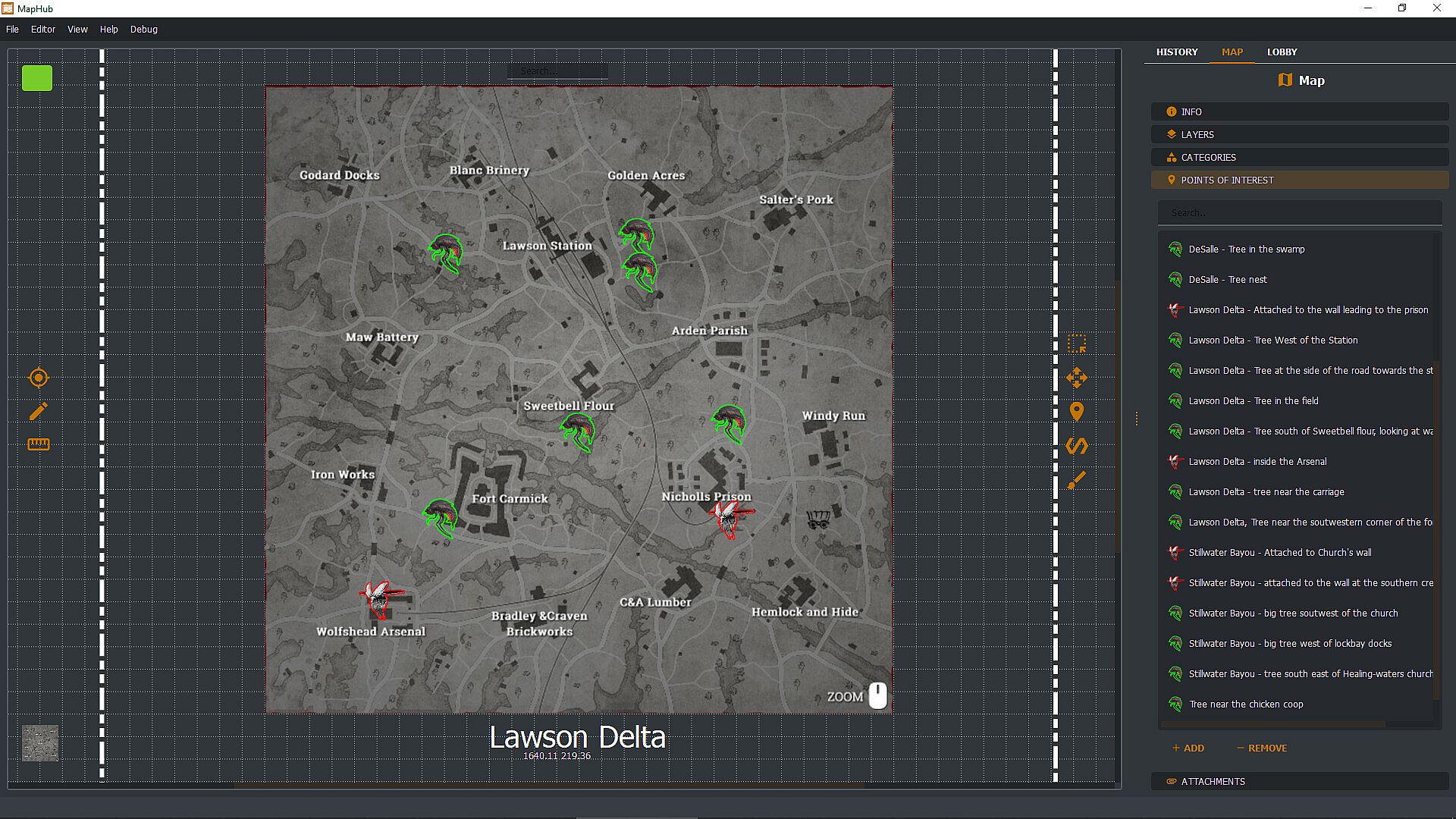
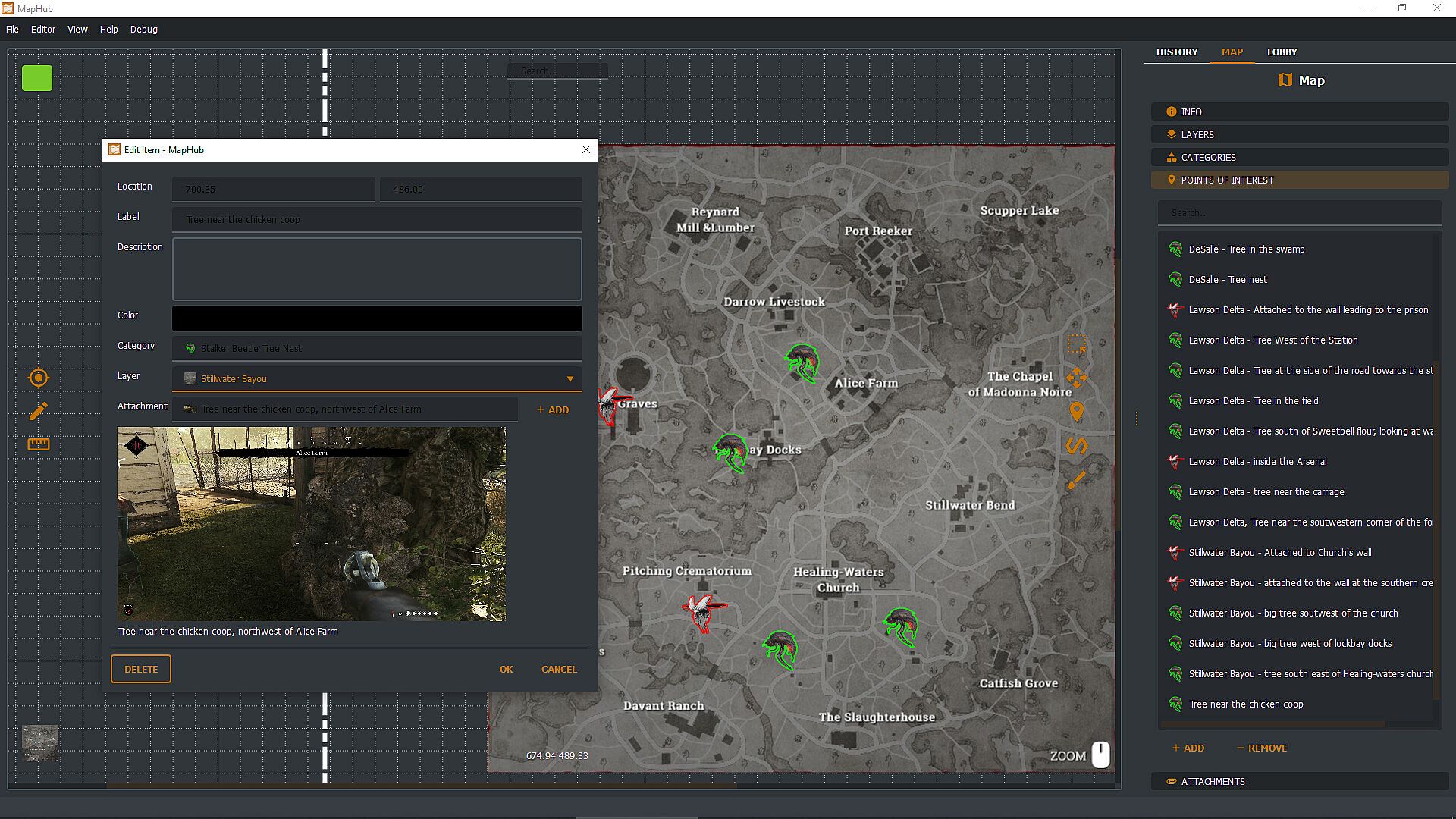
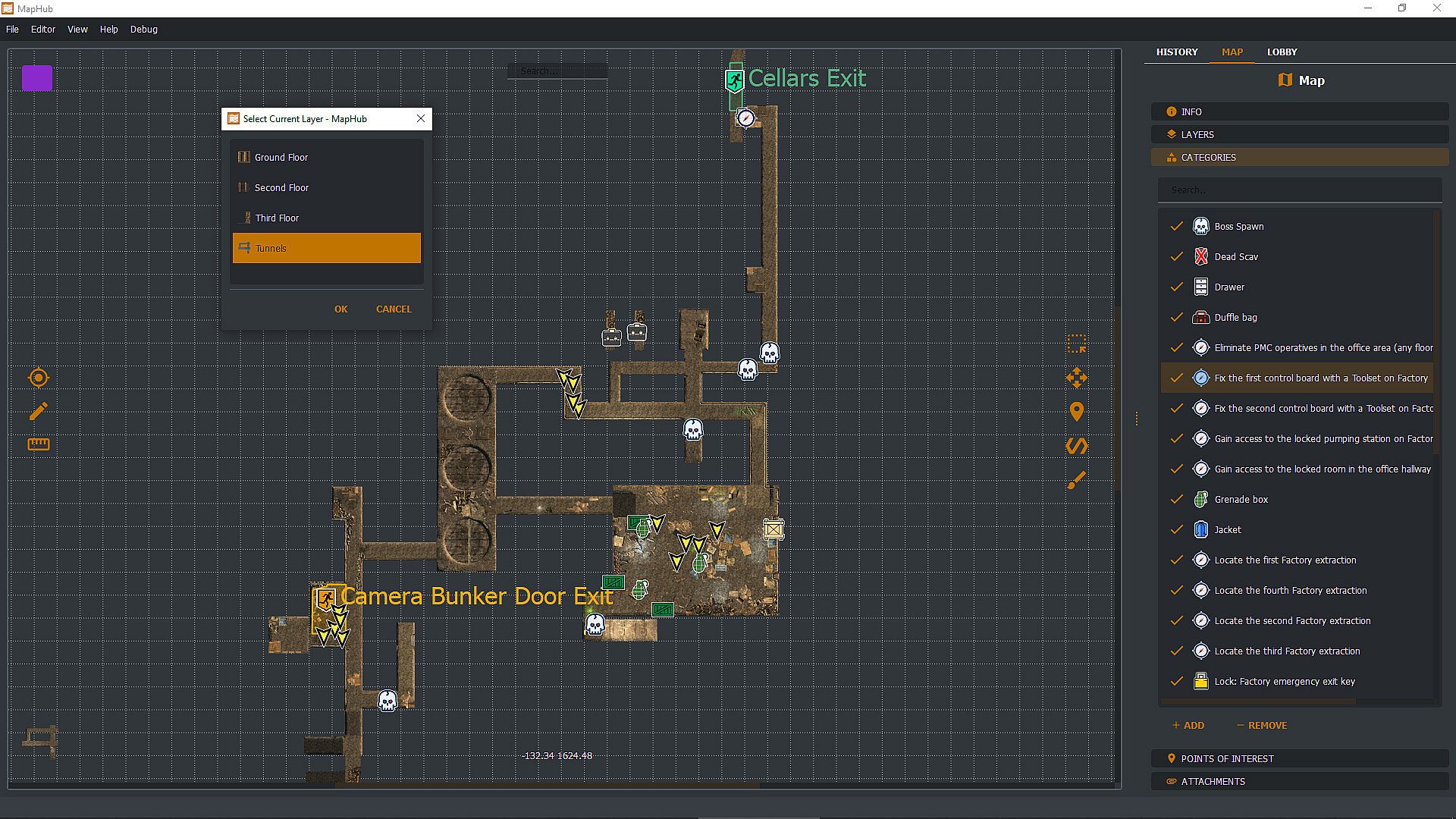
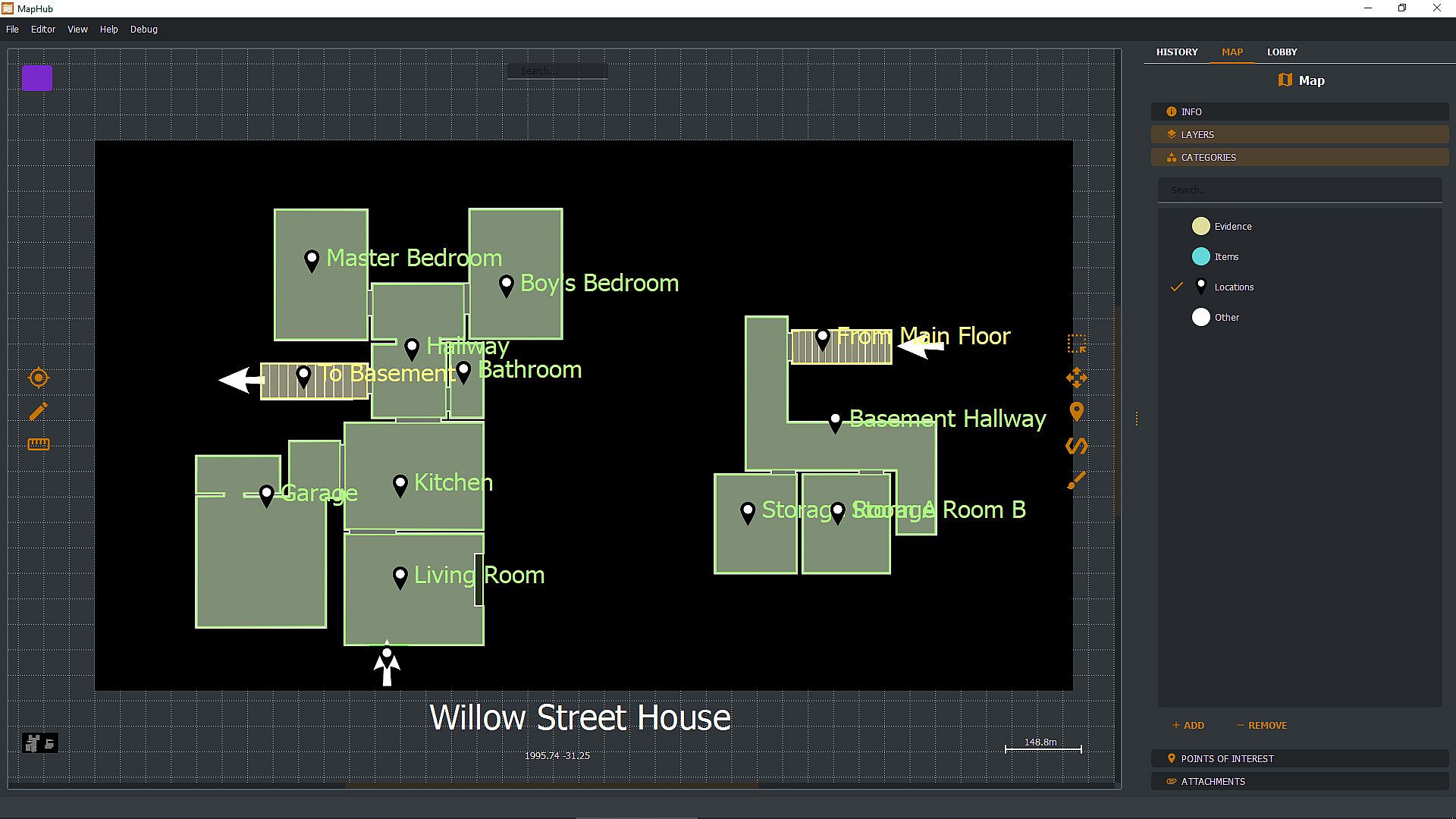
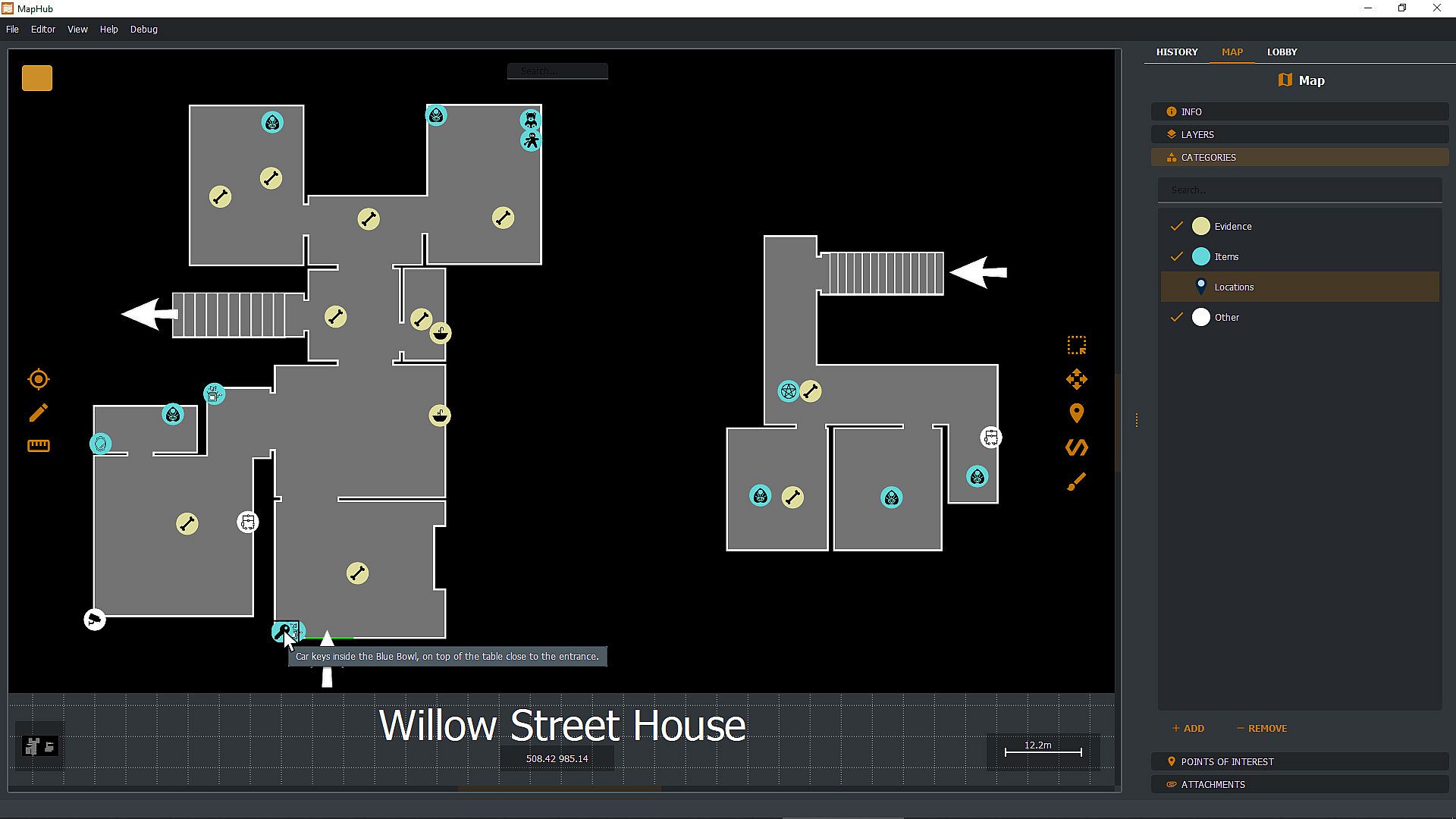
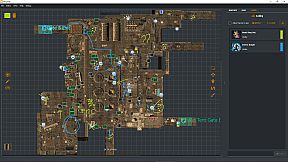
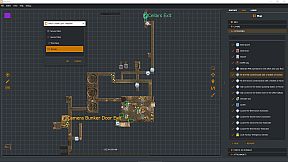
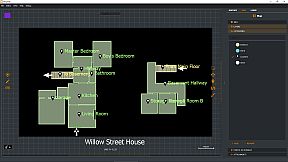
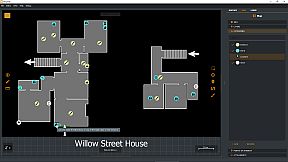
Create custom loot maps in MapHub by marking key points of interest, organizing categories, attaching screenshots, and tracking quests. Share your maps via native Steam Workshop support or browse community creations, all within a gamer-focused app. Invite Steam friends to the lobby for chat coordination and shared drawing tools to pinpoint loot spots effortlessly. Pull up maps on a second monitor or overlay them on borderless windowed games with a hotkey-ideal for dual setups. Keep maps private, friends-only, or public with automatic Steam cloud sync for seamless access across PCs. This one-time purchase utility suits multiplayer gamers who collaborate on maps without subscriptions or curated content.

With MapHub, you can create your own lootmaps with key points of interest, categories, screenshot attachments, and quest tracking and join a new and exciting community!

MapHub has been built with native Steam Workshop Support and Steam Social Features: this means that you can share your maps with the community or browse maps made by other players, all from the comfort of an application designed for gamers, by gamers.

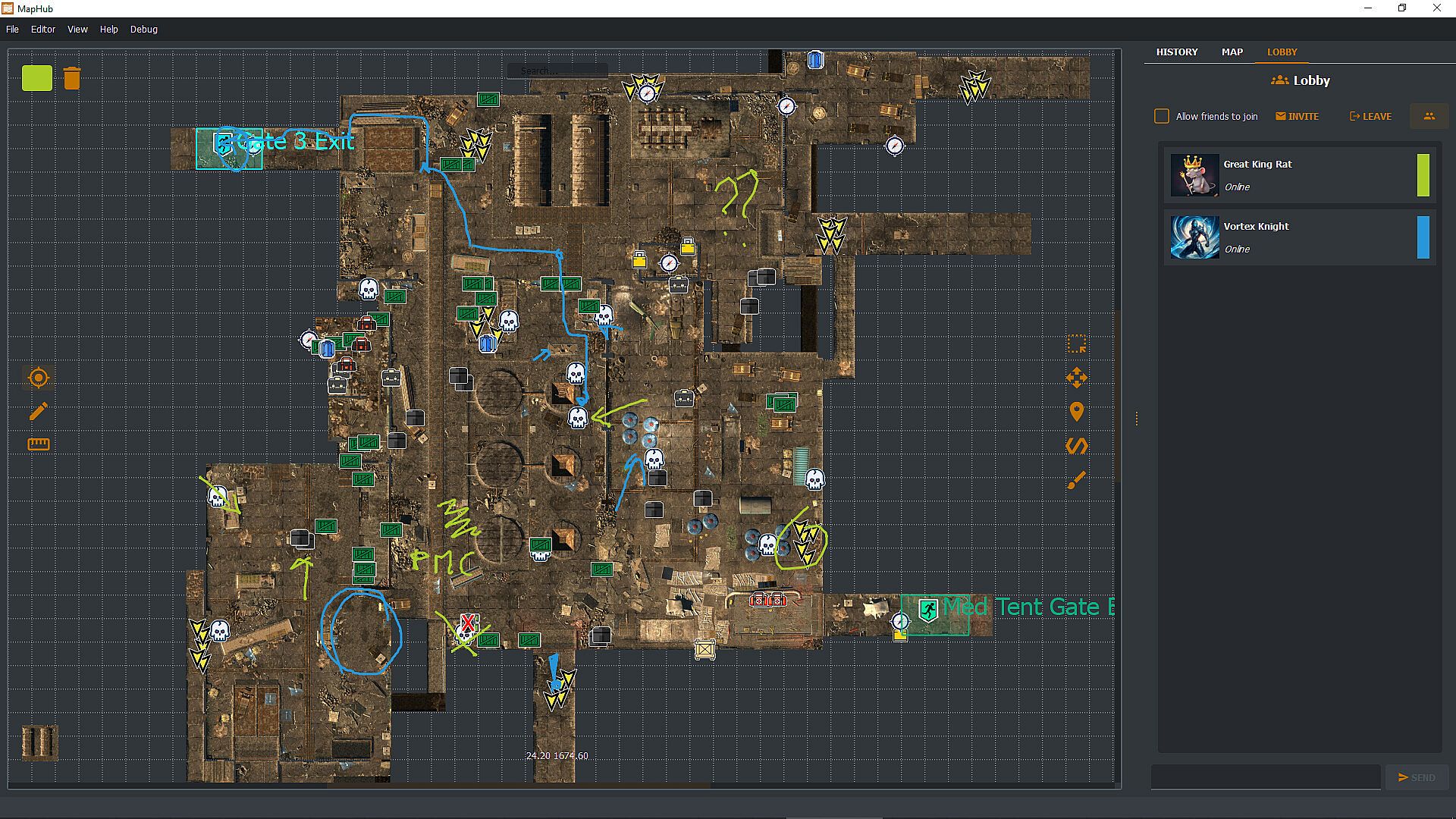
Invite your Steam friends into the MapHub lobby: coordinate with a built-in chat and shared drawing tools. Yes, your friends will draw something inappropriate, but it will be much easier to tell them where the loot is rather than screaming "There! There!" over and over. And you can draw something inappropriate too!

MapHub works better with a dual-monitor setup—one for your game, one for MapHub. However, you can also pull up and overlay any map on any other game (as long as the game is not using fullscreen mode) with a quick and simple hotkey press.
Frequently Asked Questions

Q: Is this a subscription service?
A: No! You buy a license for MapHub once, and it's yours forever. No strings attached.

Q: Do you provide curated maps?
A: No, we provide a general-purpose tool and a platform for the community to collaborate. While we have uploaded a few demo samples on the Steam Workshop, these are not part of the product itself but rather demos to get the community started. You're buying a software license, not any map or map service.

Q: Can I draw map tiles or icons inside MapHub?
A: No, you'll need to bring in such assets from a different source. You can import them as JPGs or PNGs or use our in-application tool to generate icons (but not tilemaps) from emojis or text.

Q: Can I keep my maps private, or will they be automatically published in the Steam Workshop?
A: You can set the visibility of your maps to Private, Friends Only, or Public. MapHub will automatically sync the content to Steam's cloud, so you don't have to worry about losing your work when you move from one PC to another. That said, you can, of course, choose to keep all your maps private.

Q: Does MapHub's overlay work with fullscreen games?
A: A game can LOOK fullscreen, but internally, it might be using the "real" fullscreen mode offered by the Windows Operating System, or it might "fake it" using a borderless window mode. MapHub's overlay will work only in the latter case: without getting too technical, taking over draw calls of another executable might be considered a cheat by some anti-cheating software, and for this reason, our philosophy is to be unobtrusive, so a "real" fullscreen overlay won't work. MapHub doesn't give you any unfair advantage, as you can alt-tab or use a second monitor to view any map without MapHub. The drawback is that we cannot offer you an overlay over fullscreen games. MapHub works better on a dual-screen setup or by simply alt-tabbing a borderless windowed game. Always check your game's options to see if they offer a borderless windowed mode—most of them do.

Q: Can MapHub work without Steam?
A: No, the nature of the Steam Workshop API and Steam Lobby makes MapHub a Steam exclusive. We do not have plans to make a version stripped of such features.
Interfaz:
GermanEnglishSpanish - SpainFrenchItalianJapanesePortuguese - PortugalPortuguese - BrazilRussianUkrainian

Clasificación por edades

No disponible
Steam:
Overwhelmingly Negative (1)

Mínimo:

  • Sistema operativo: Windows 10 64 bit
  • Procesador: If you can run windows you can run MapHub
  • Gráficos: Overlay requires borderless window mode.

Recomendado:

  • Sistema operativo: Windows 11 64bit
  • Procesador: If you can run windows you can run MapHub
  • Gráficos: Overlay requires borderless window mode.
Mínimo histórico
Historial de precios de tiendas oficiales
3,19 €
Steam
hace 1 meses
Historial de precios de keyshops
-
-
-

FAQ

8 preguntas

Antes de buscar una clave PC barata de MapHub, revisa lo esencial. Desarrollado por Evolved Labs. Publicado por Evolved Labs. Fecha de lanzamiento en PC: 11 jul 2024. Géneros: Early Access, Utilities. Categorías: Steam Workshop.

Q

¿Dónde comprar una clave Steam o CD Key barata de MapHub?

Actualmente no hay ofertas activas para MapHub. Crea una alerta de precio en XD.deals y te avisaremos en cuanto haya una oferta disponible.

No disponemos del precio actual de MapHub en Steam Store. Es posible que el juego no esté disponible temporalmente o que aún no figure en Steam.

Nuestro rastreador de precios cubre tanto tiendas oficiales como keyshops, así que puedes encontrar MapHub en oferta incluso fuera de las promociones de temporada. Actualmente detectamos 0 ofertas activas en tiendas oficiales y keyshops. Consulta la tabla de arriba, compara con el mínimo histórico y crea una alerta para no perderte la próxima bajada de precio.

Según nuestros datos, MapHub no está disponible actualmente en GeForce NOW. Necesitarás ejecutarlo localmente en tu PC. Consulta los juegos disponibles en GeForce NOW.

. MapHub tiene una página oficial en Steam, pero actualmente no rastreamos ofertas de terceros con DRM de Steam. Vuelve más tarde o crea una alerta de precio.

No en este momento. Valve marca MapHub como No compatible con Steam Deck. Estate atento a XD.deals - seguimos las actualizaciones de Proton y las soluciones de la comunidad. Consulta los juegos Steam Deck Verified o Steam Deck Playable.

Según nuestros datos, MapHub no está disponible actualmente en PC Game Pass, EA Play ni Ubisoft+. Todavía estamos completando los catálogos de estos servicios, así que conviene confirmar el estado en la fuente antes de decidir. Si vas a comprar, XD.deals te ayudará a encontrar el precio más bajo.

No - XD.deals no es una tienda. Somos un comparador de precios que rastrea las mejores ofertas de MapHub en tiendas oficiales y keyshops verificados. Haz clic en "Ir a la tienda" junto a cualquier oferta y serás redirigido a la web del vendedor para completar tu compra.

¿Quieres comprar en el mejor momento? Crea una alerta de precio en XD.deals y recibe una notificación cuando MapHub alcance su próximo mínimo histórico.

Crear alerta
Únete a nuestro Discord
Obtén ayuda al instante de nuestra comunidad y mantente al día de las últimas ofertas
Configurar alertas de precio
Recibe avisos por correo cuando los precios bajen a tu objetivo
Crear cuenta gratis
Desbloquea listas de deseos, alertas de precio y sincronización con Steam