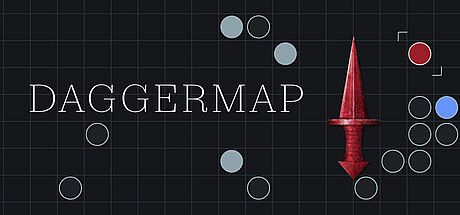



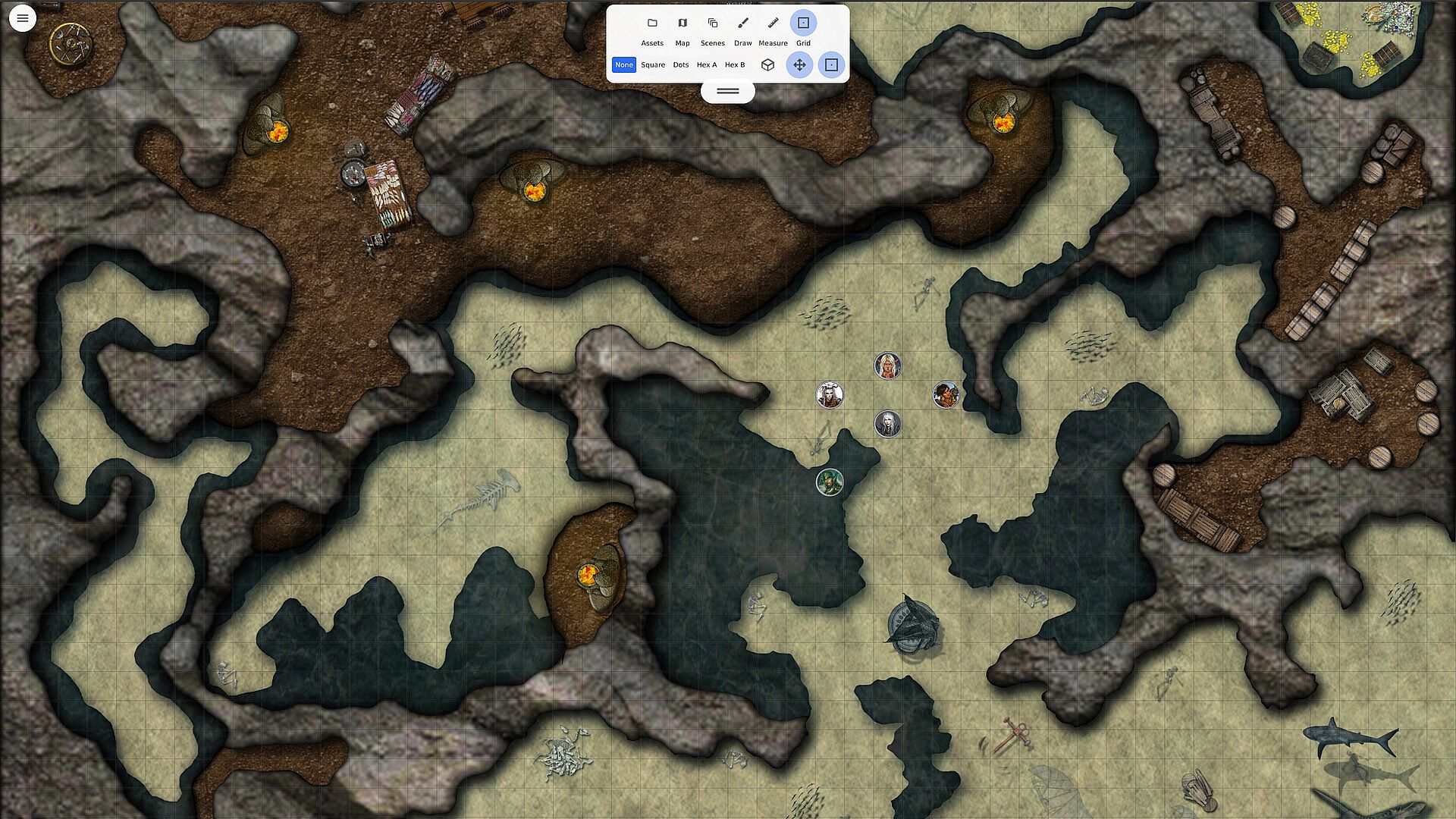
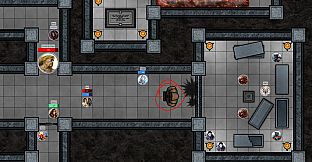
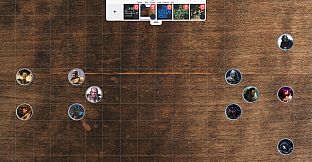
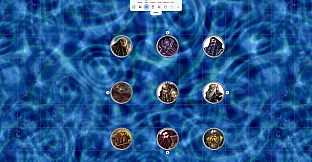
Daggermap serves as a focused indie RPG companion built specifically for tabletop role-playing game sessions on PC. It streamlines the handling of combat encounters and narrative scenes by providing precise map and token management without unnecessary extras. Users drop in custom maps, align them automatically to grids, and position tokens for quick setup during play. The tool emphasizes speed and clarity so game masters can maintain momentum in their campaigns.
Gameplay
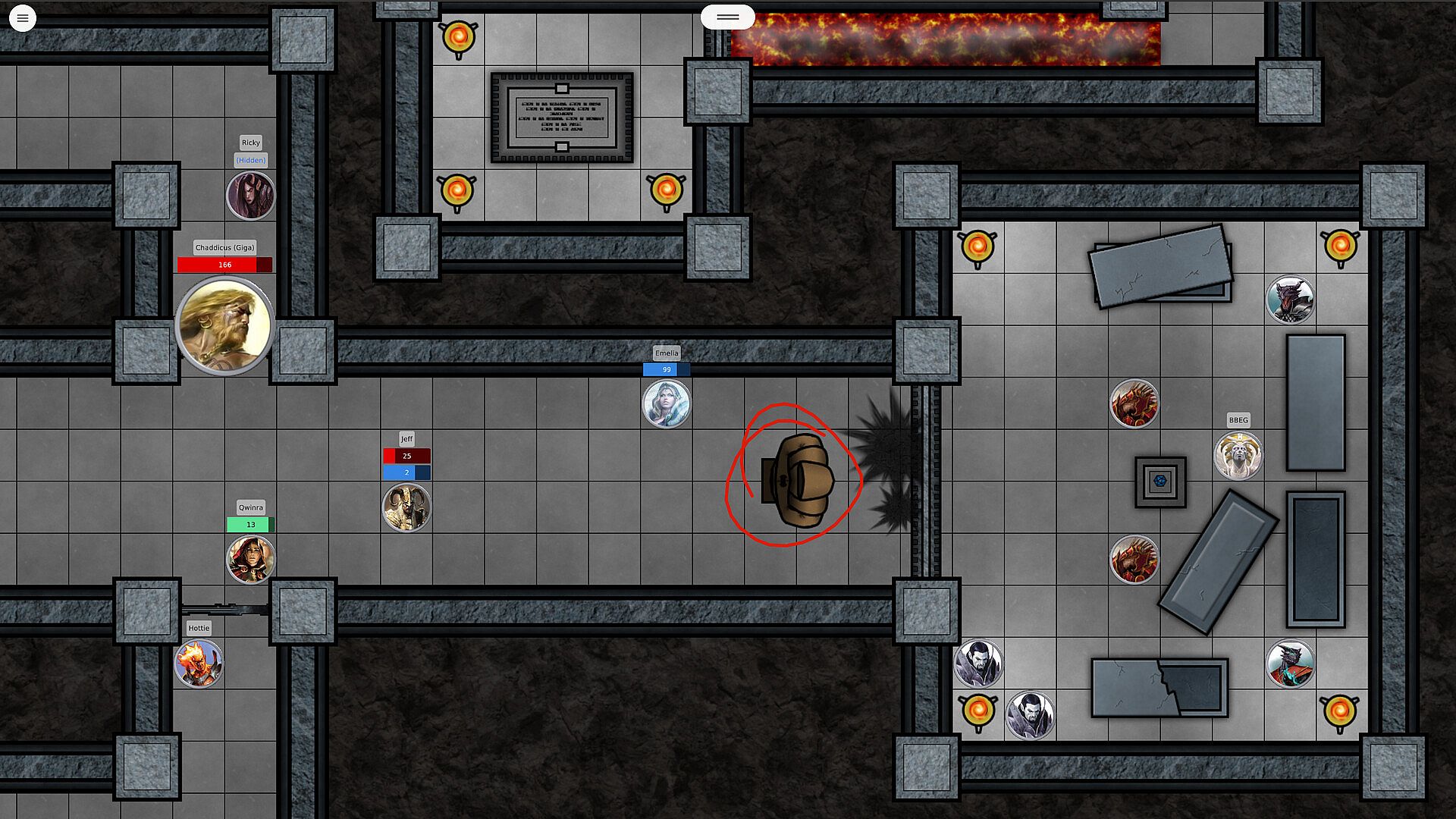
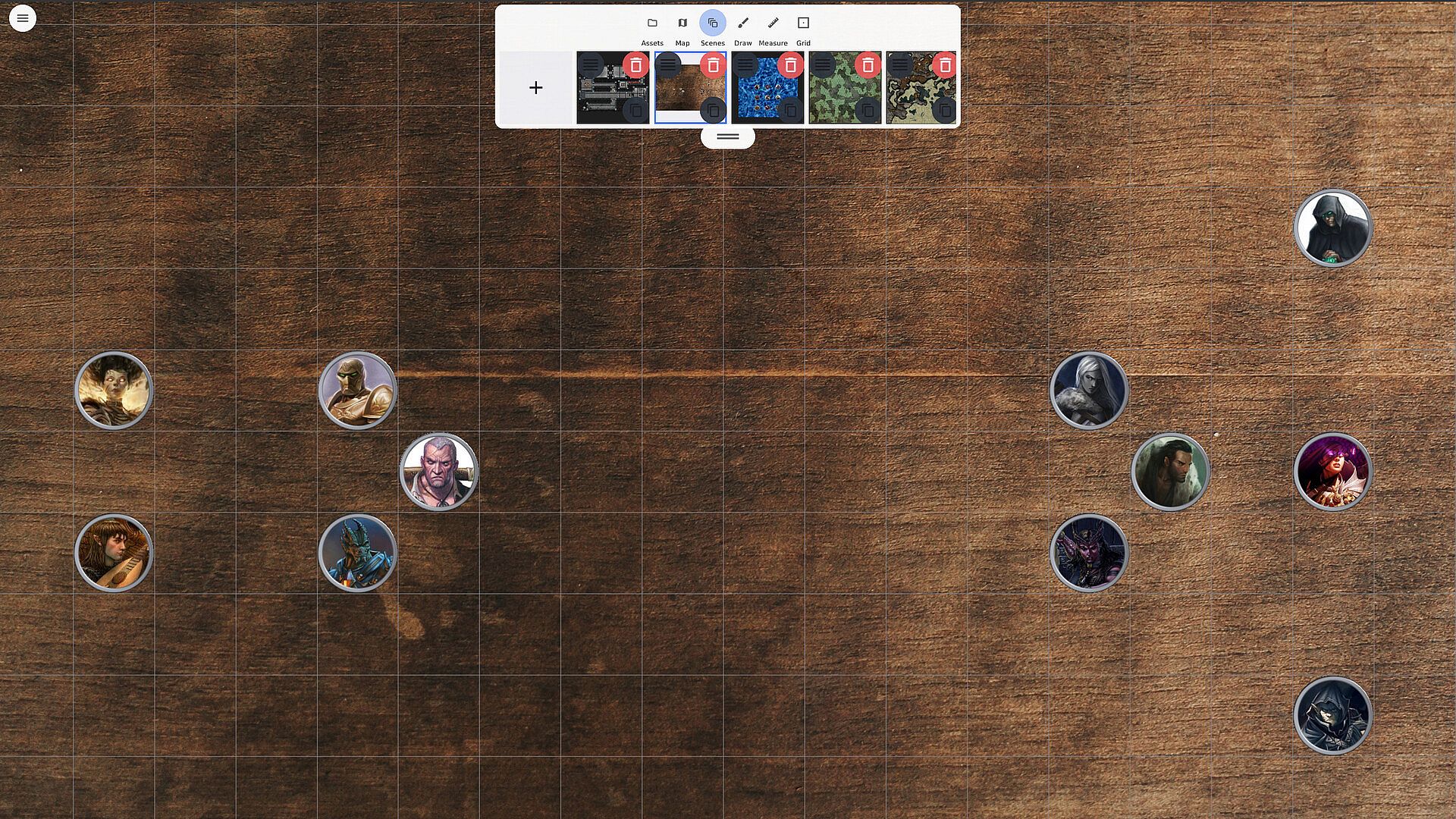
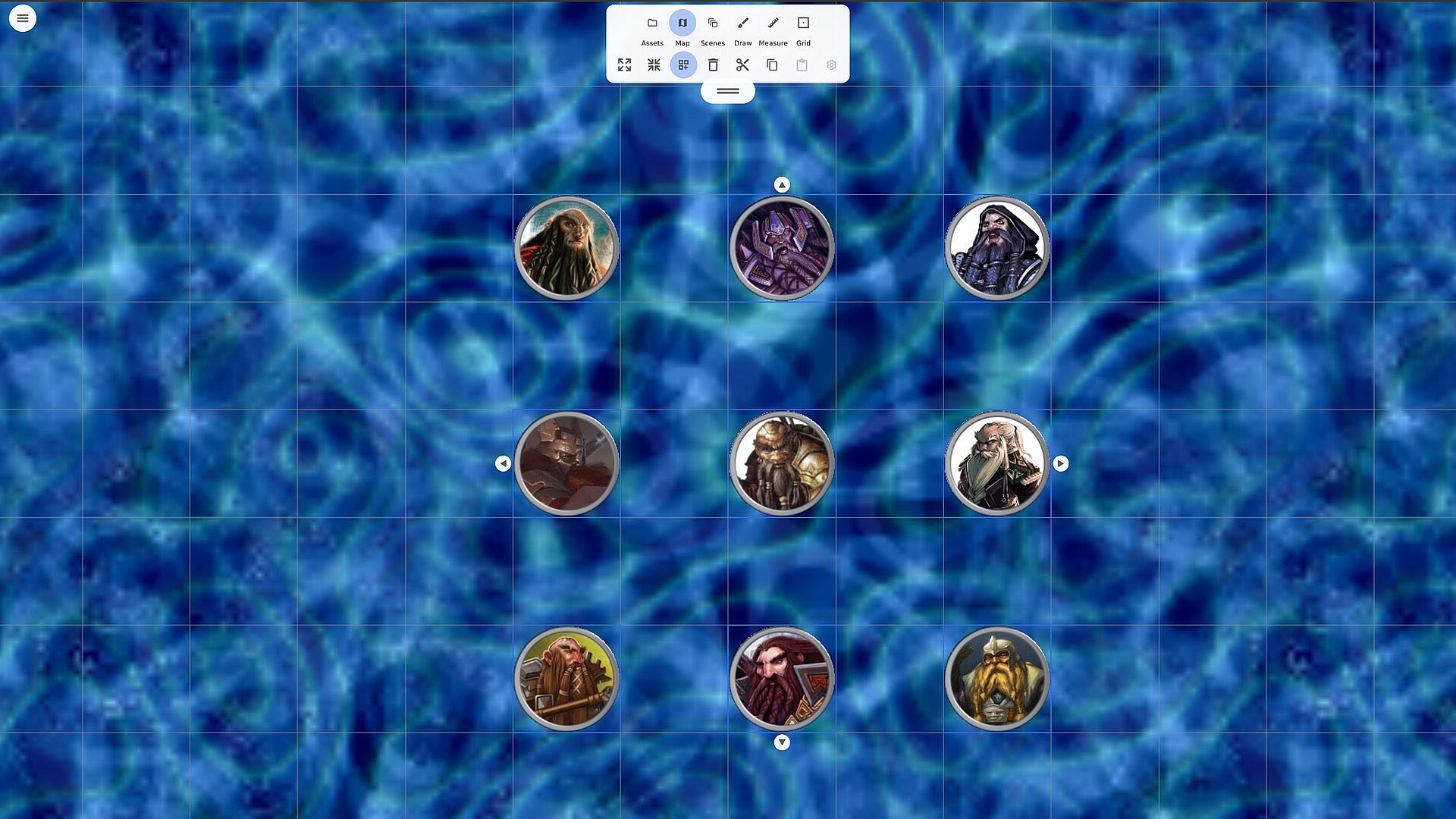
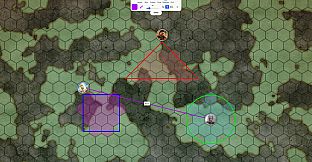
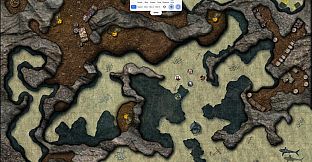
The core loop centers on importing map images or video backgrounds and letting computer vision handle grid detection for square or hex layouts. Tokens snap into place automatically once the grid aligns, which reduces manual adjustments during setup. Players or the game master can load assets from local folders or an included library, then reshape tokens into circles, squares, or hex forms as needed. An infinite canvas supports movement across large areas while keeping the interface clean and responsive on different screen sizes.
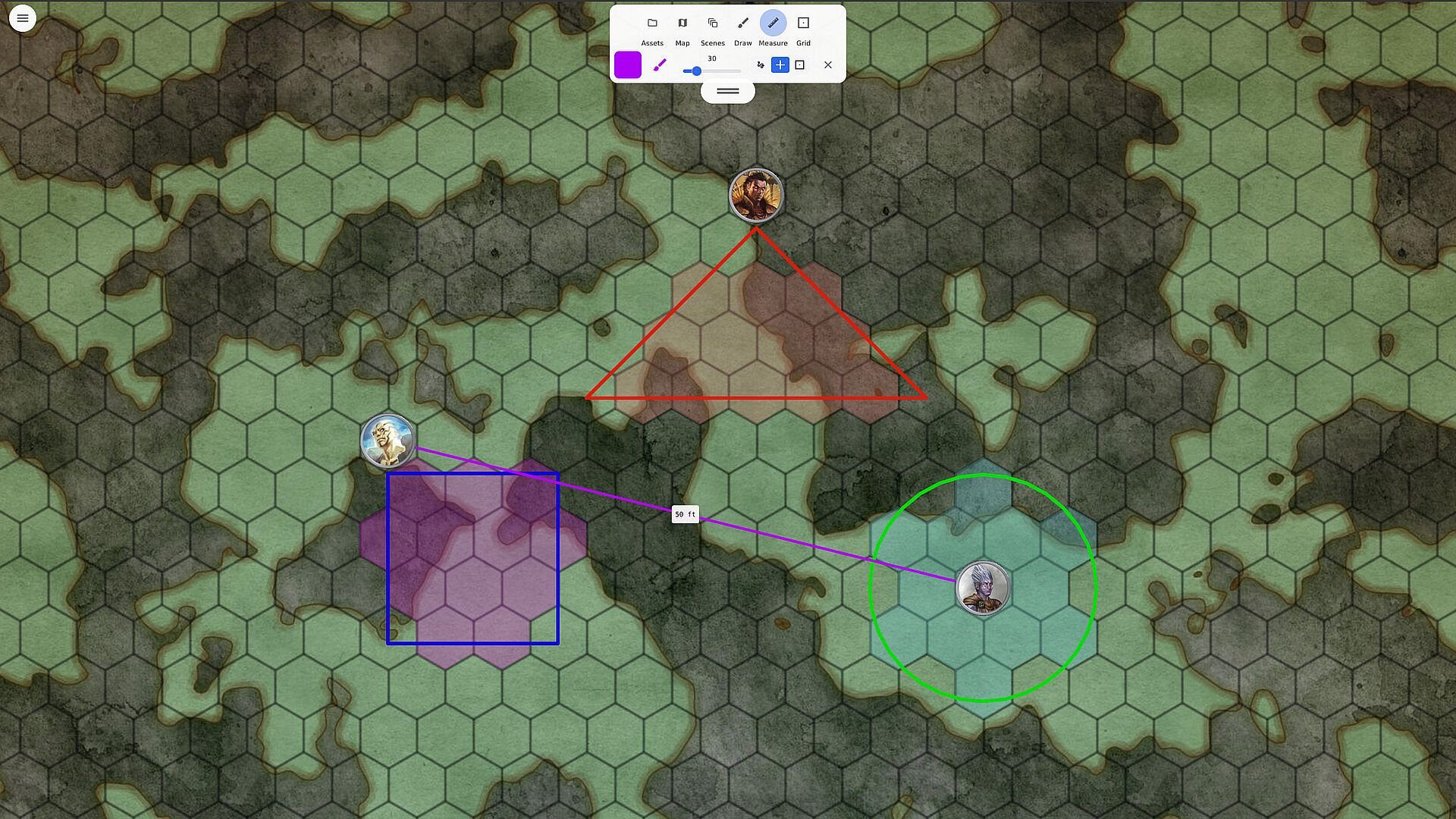
Measurement tools allow range checks and snap-to-grid area of effect projections for abilities or spells. Fog of war masking helps control visibility in scenes, and multi-scene campaign management lets users switch between locations without reloading everything. Labels for hit points and names stay visible on tokens throughout. The system works fully offline for most functions, with optional live sync available through a simple room name, QR code, or link for remote participants.
Game Modes
Canvas options include square grid, hex grid, dot grid, gridless, and 2.5D isometric views. These modes adapt to different map styles and tactical preferences common in indie RPG campaigns. Square and hex grids suit traditional combat layouts, while gridless supports freeform positioning. Isometric mode adds depth for certain scene types without complicating token placement.
Additional tools integrate directly into these modes, such as range measurement and area of effect projection that respect the chosen grid type. Fog of war applies across all modes to obscure areas as the session progresses. The design keeps everything in one uncluttered workspace so switching between modes does not interrupt flow.
Key Tools and Features
Token handling includes automatic reshaping based on grid type and persistent labels for quick reference. Asset loading supports both static images and looping video backgrounds for dynamic scenes. The library provides ready options while folder imports allow custom content from the user's collection. Precision controls cover measuring distances, projecting effects, and managing visibility layers.
Campaign organization features let users handle multiple scenes in sequence. Everything stays lightweight so the focus remains on the battlemap itself rather than additional systems. Secure sharing options activate only when needed, leaving the rest of the experience offline-first.
What It Leaves Out
Daggermap deliberately excludes dice rollers, character sheets, chat functions, voice integration, scripting tools, rule sets, and campaign wikis. These elements stay with the players and game master, who bring their own sheets, dice, and storytelling. The tool stays narrow in scope to deliver reliable map and token support without bloat.
Is It Worth Playing?
Daggermap suits game masters running indie RPG sessions who need reliable battlemap support without extra layers. Its grid alignment, token snapping, and measurement tools address common pain points in combat setup. Offline capability combined with optional sync makes it practical for both in-person and mixed groups. The clean interface and focused feature set appeal to those who already handle rules and narrative elsewhere. Users seeking a dedicated map companion for PC will find the precision tools and mode variety directly useful for keeping sessions moving.