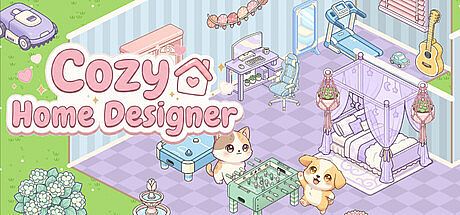



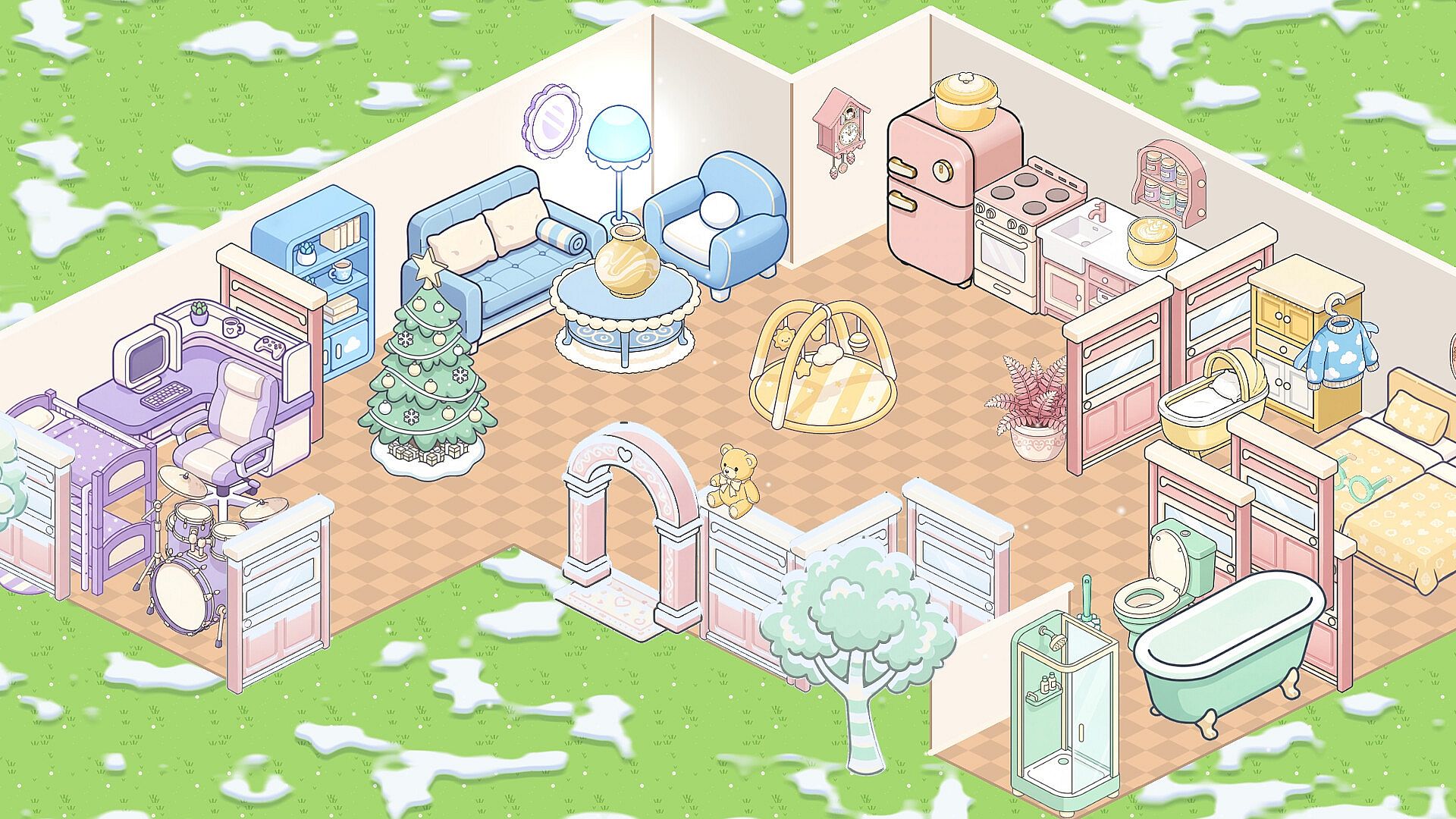
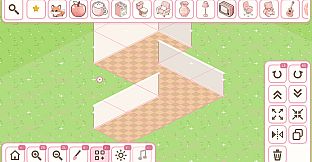
Cozy Home Designer es un juego de simulación relajante para un solo jugador centrado en la decoración del hogar. Los jugadores transforman espacios vacíos en zonas habitables personalizadas, sin temporizadores, puntuaciones ni restricciones. La experiencia gira en torno a la libertad creativa en vista isométrica, donde cada decisión forma parte de un proceso de construcción tranquilo y satisfactorio.
Gameplay
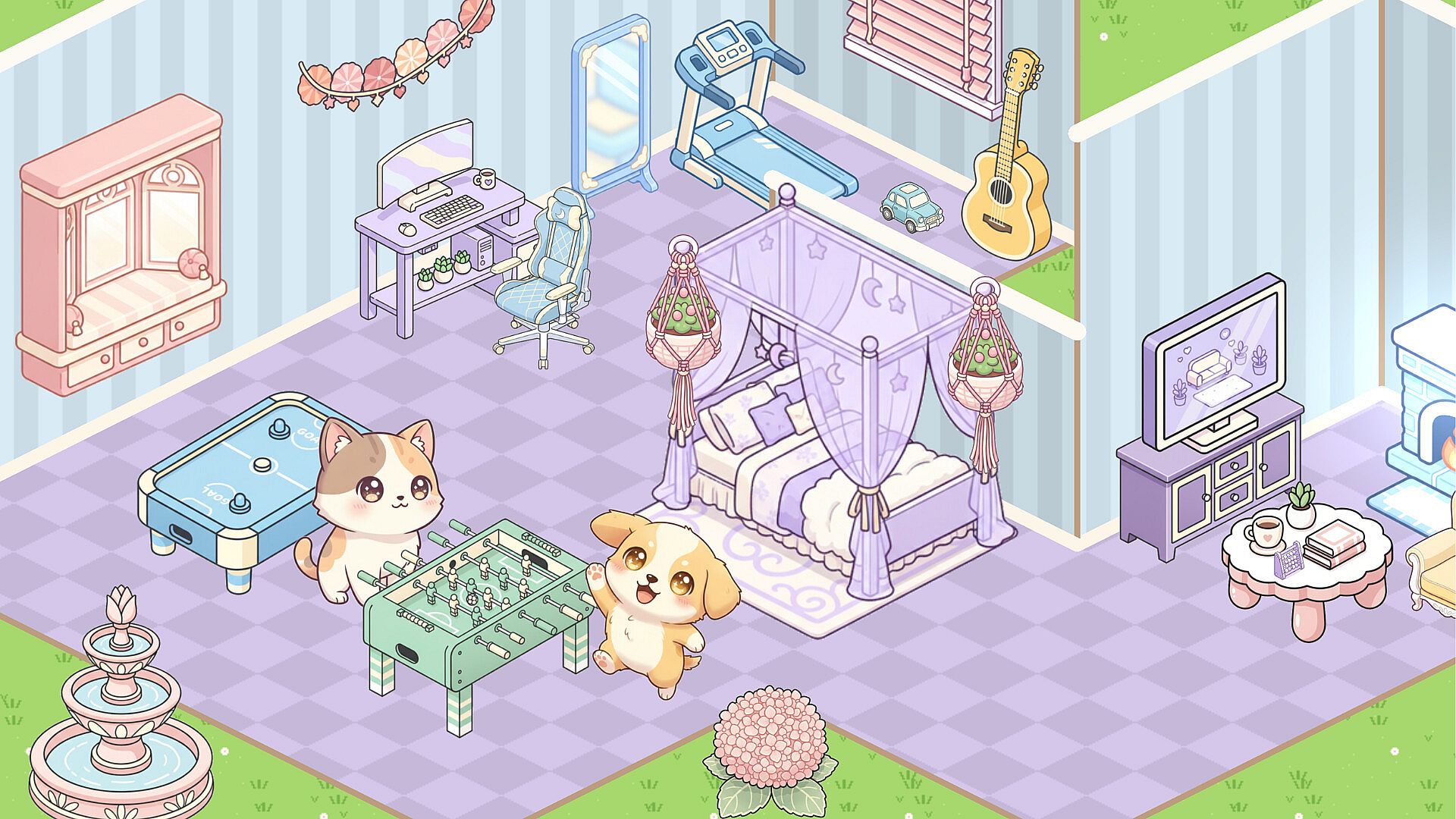
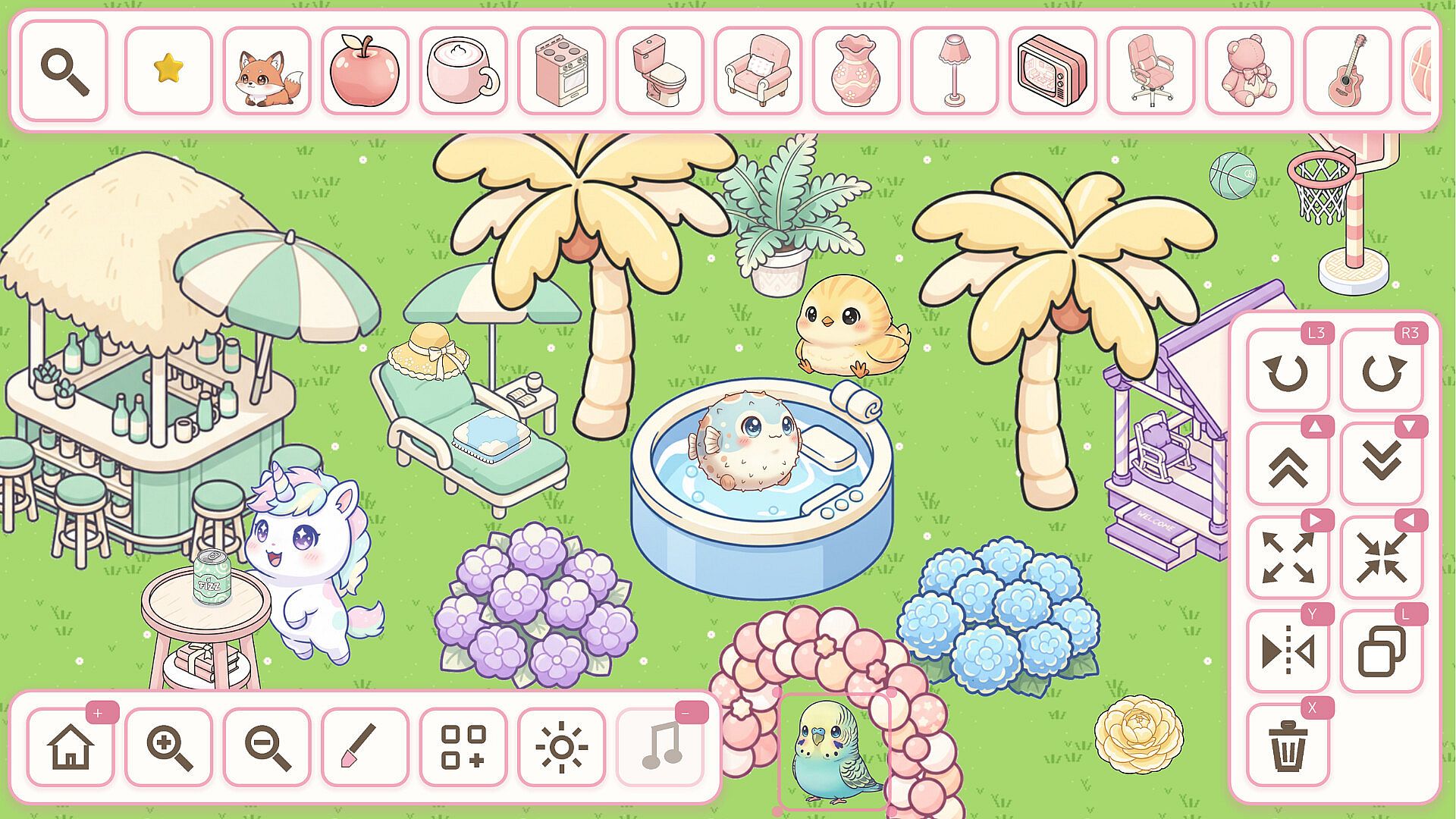
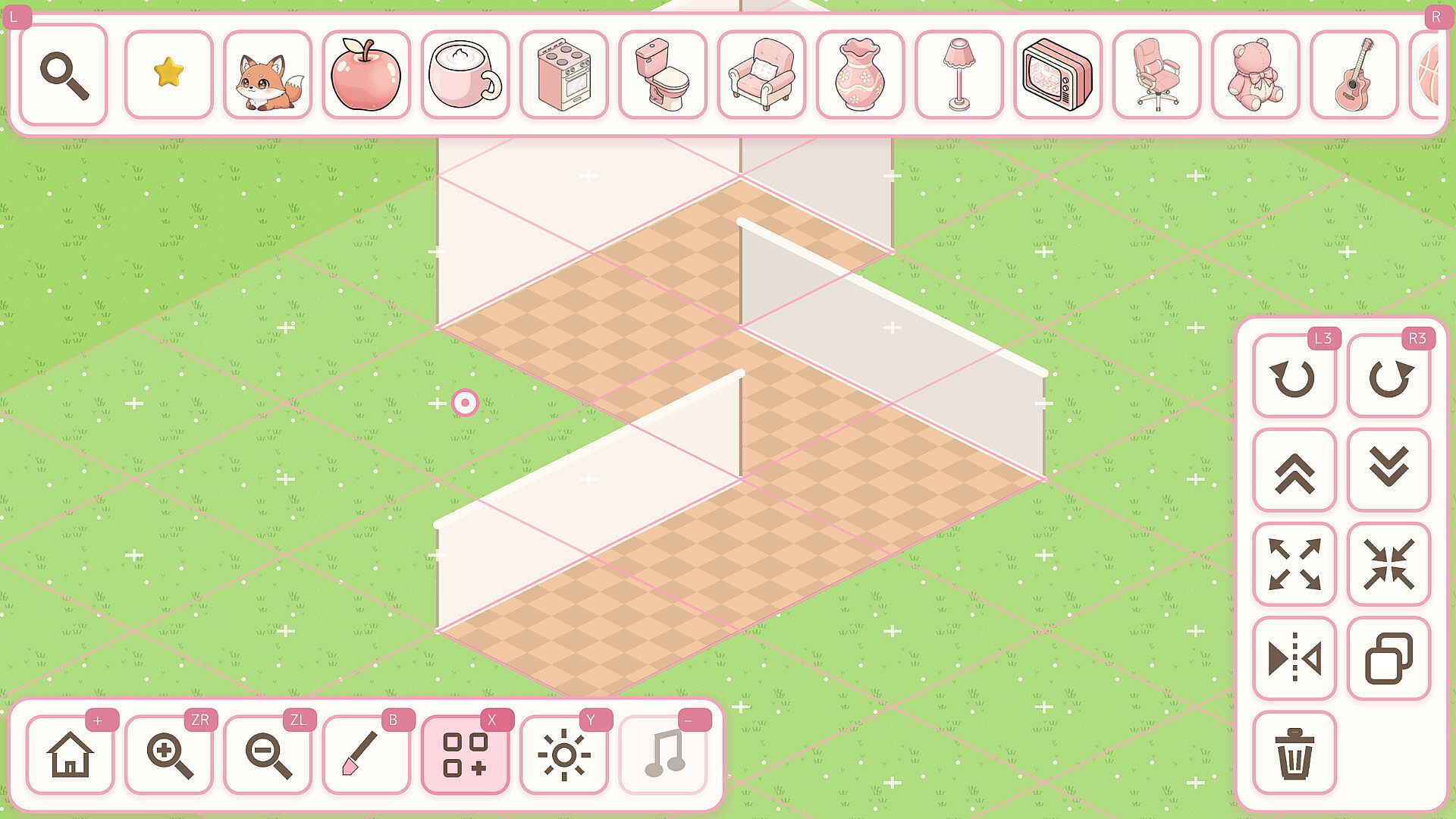
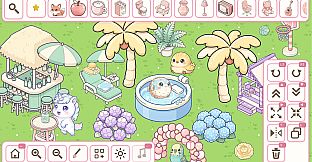
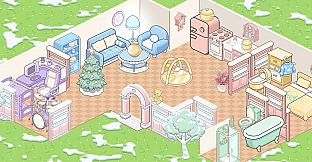
El ciclo principal consiste en seleccionar y colocar objetos de un extenso catálogo sobre un lienzo isométrico. Las habitaciones y jardines son los principales espacios de personalización, donde se pueden disponer muebles, elementos decorativos y detalles sin limitaciones. Los objetos se pueden mover, apilar, voltear, redimensionar y superponer para crear distintas composiciones. Con más de 2.200 objetos únicos disponibles en varias tonalidades pastel suaves, las combinaciones posibles superan las 10.000 apariencias distintas. Los papeles pintados, suelos y paletas de color completan el aspecto de cada estancia.
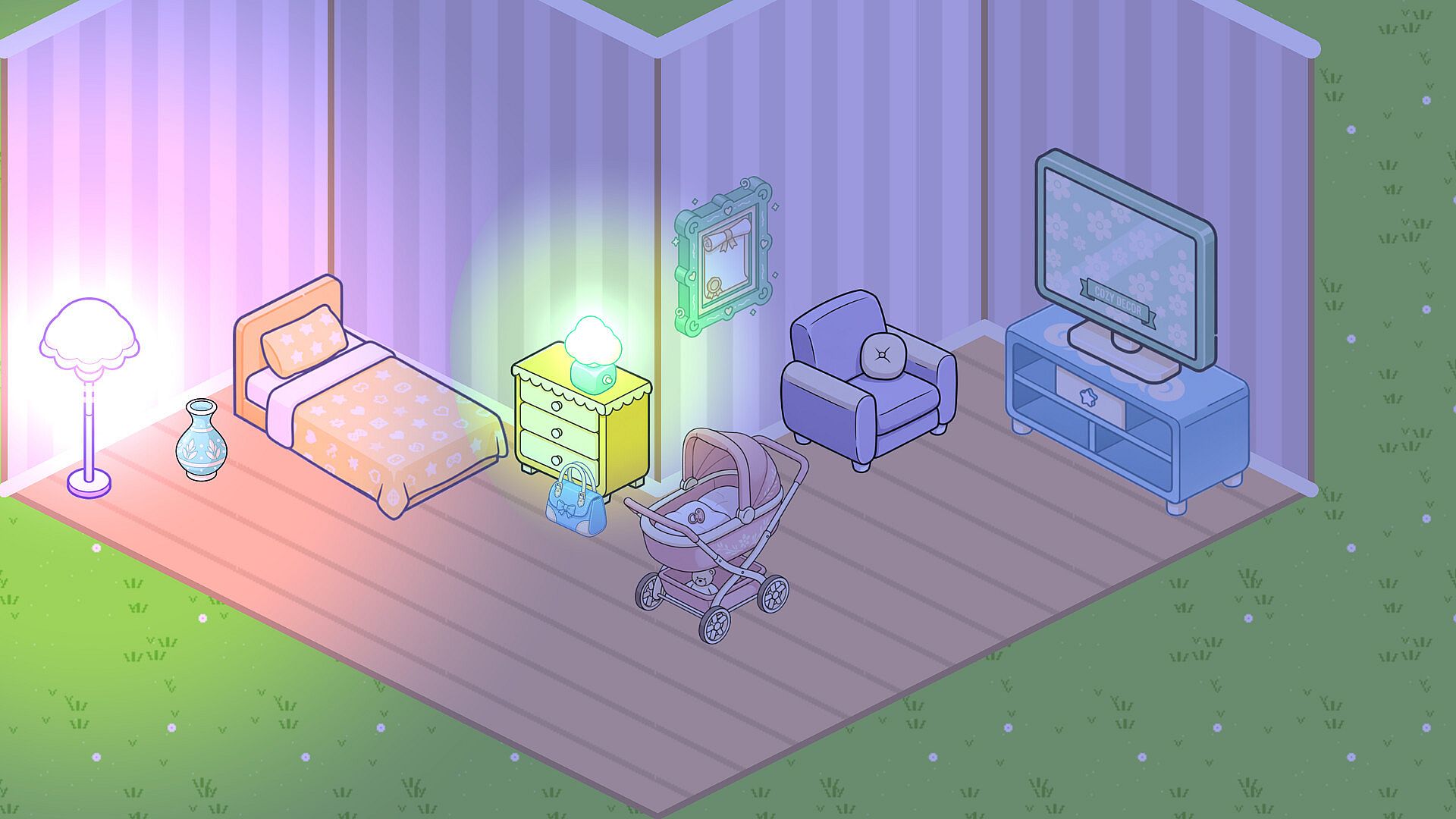
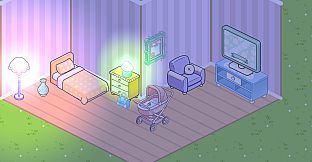
La forma de las habitaciones se modifica mediante un editor de planos que permite ajustar los diseños según se desee. Seis casas independientes ofrecen entornos distintos para los proyectos de decoración. Los ciclos de día y noche aportan un toque adicional: lámparas, velas y guirnaldas de luces emiten un brillo suave cuando cae la oscuridad. El sistema favorece una colocación pausada y reflexiva en lugar de decisiones apresuradas.
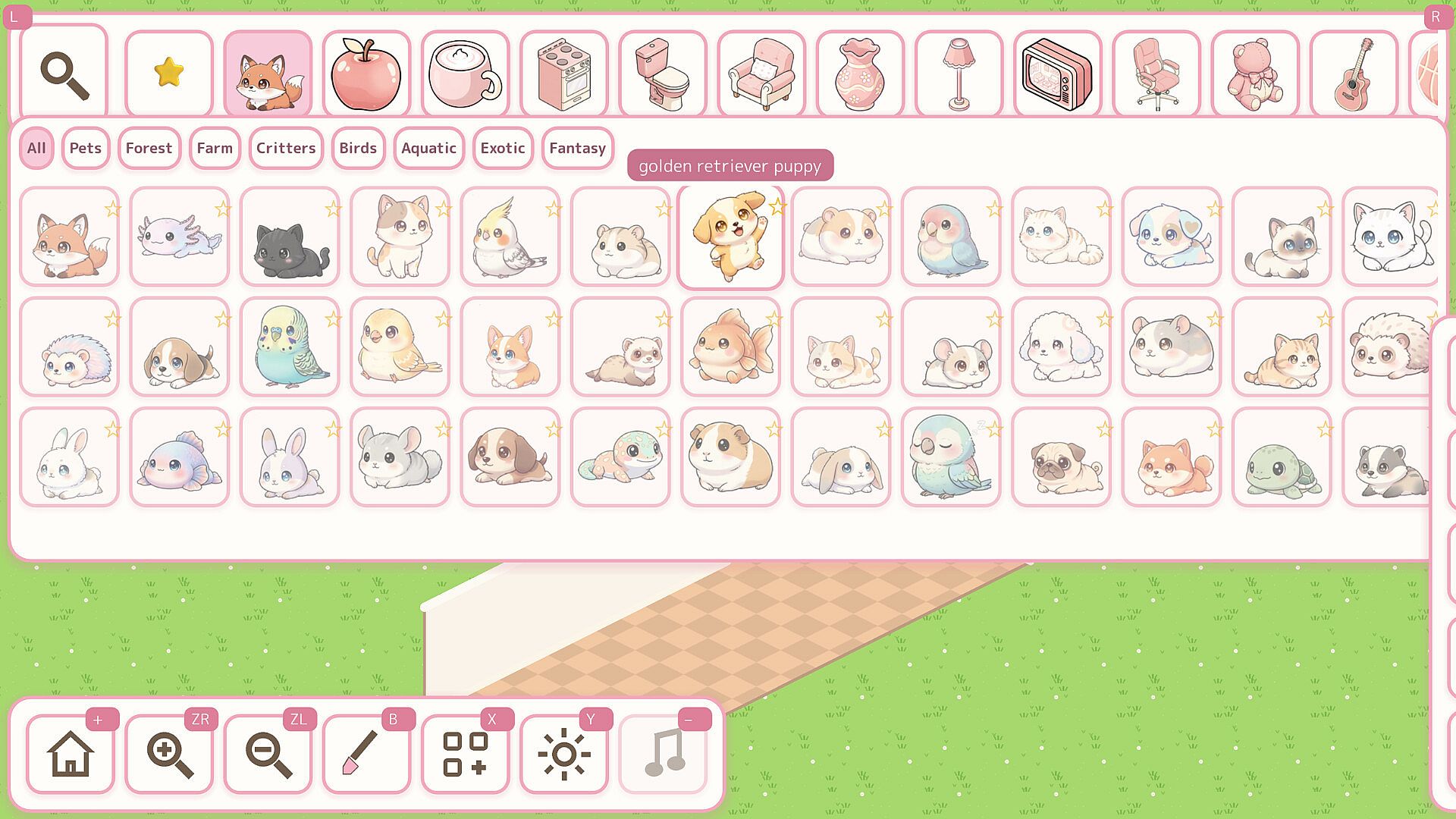
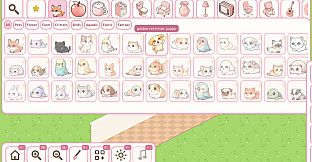
Los animales son un complemento opcional pero encantador para los espacios terminados. Más de 170 criaturas distintas, entre ellas gatos, zorros, periquitos, ajolotes y erizos, pueden instalarse una vez que las habitaciones están listas. Estos residentes se adaptan al entorno y muestran animaciones sutiles de respiración que refuerzan la sensación de habitabilidad sin necesidad de gestión activa.
Modos de juego
Cozy Home Designer funciona exclusivamente en un estilo creativo libre, sin modos con nombre propio ni desafíos estructurados. La única opción disponible permite decorar a ritmo propio en las casas y jardines incluidos. No hay elementos competitivos, objetivos narrativos ni tareas con límite de tiempo que interrumpan el proceso.
El avance depende únicamente de la exploración personal del catálogo y de las visitas repetidas para perfeccionar los diseños existentes. Cambiar entre las vistas de día y de noche o modificar la forma de las habitaciones es la principal fuente de variedad dentro de esta experiencia unificada. La ausencia de puntuaciones o estados de fallo mantiene el foco en el disfrute y la experimentación.
Controles y accesibilidad
El soporte completo para mando incluye indicaciones de botones en pantalla para facilitar la navegación. Los controles de ratón permiten una colocación y ajustes precisos, mientras que una interfaz táctil amplía la compatibilidad a distintos métodos de entrada. El juego está disponible en doce idiomas, lo que facilita el acceso a un público más amplio.
Estas opciones hacen que la simulación sea adecuada para sesiones prolongadas en PC sin necesidad de hardware especializado ni experiencia previa en títulos similares. Los jugadores pueden pausar o reanudar en cualquier momento, en consonancia con el énfasis general en la relajación.
¿Merece la pena jugarlo?
Cozy Home Designer está dirigido a quienes buscan un espacio creativo sin presión dentro del género de simulación casual. Su énfasis en la decoración sin restricciones y en las interacciones suaves con animales resulta especialmente atractivo para quienes disfrutan construyendo ambientes acogedores a un ritmo pausado. La presentación isométrica y la paleta de colores suaves contribuyen a un estilo visual coherente que se mantiene agradable durante sesiones largas.
Al no incluir sistemas competitivos ni orientados a objetivos, funciona mejor como proyecto personal que como actividad compartida o multijugador. Su disponibilidad en PC con controles flexibles permite tanto visitas breves como maratones de construcción prolongados. Para quienes valoran la libertad de diseño sin restricciones externas, el título ofrece una experiencia centrada y coherente orientada a crear espacios acogedores.