


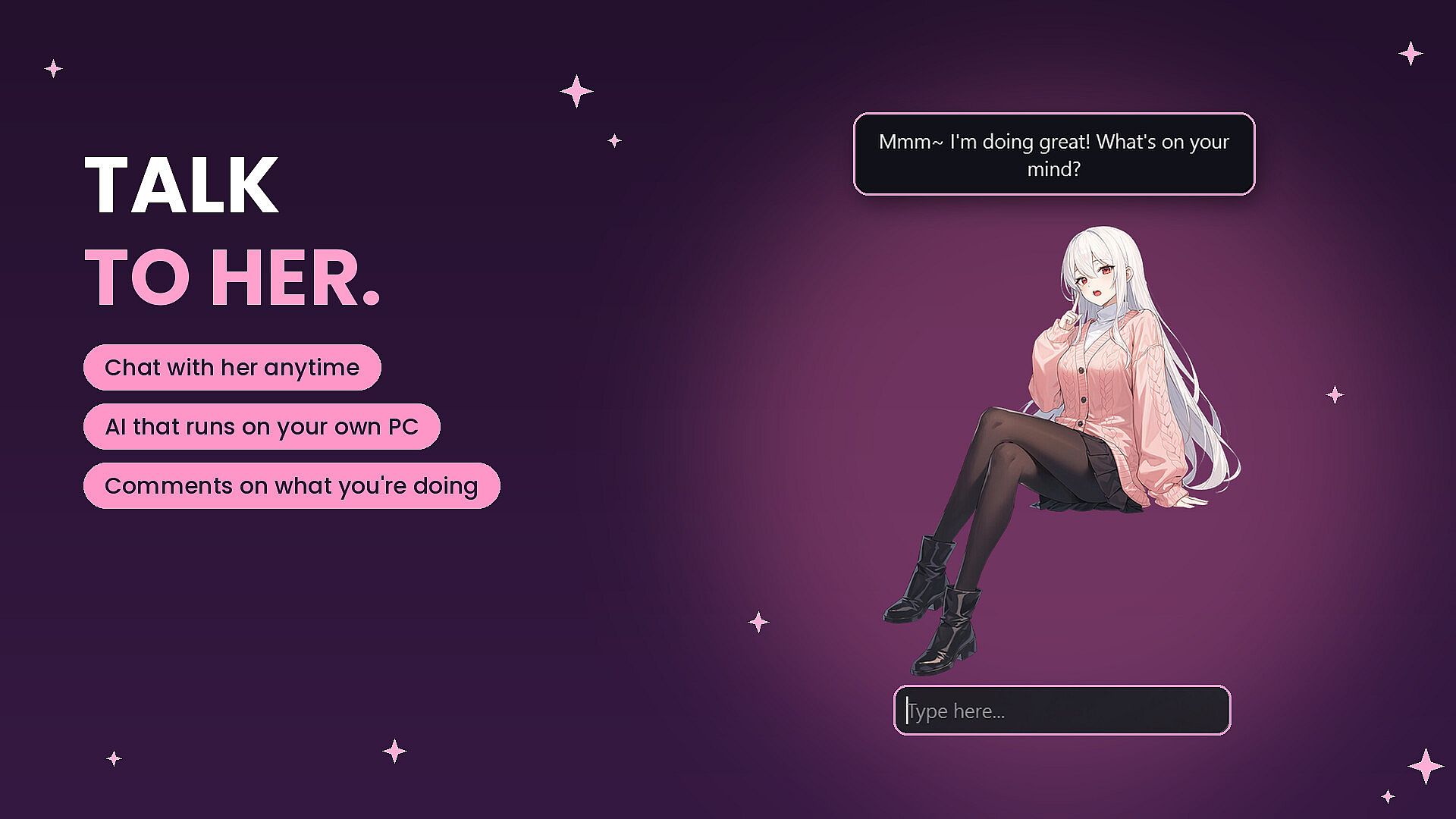
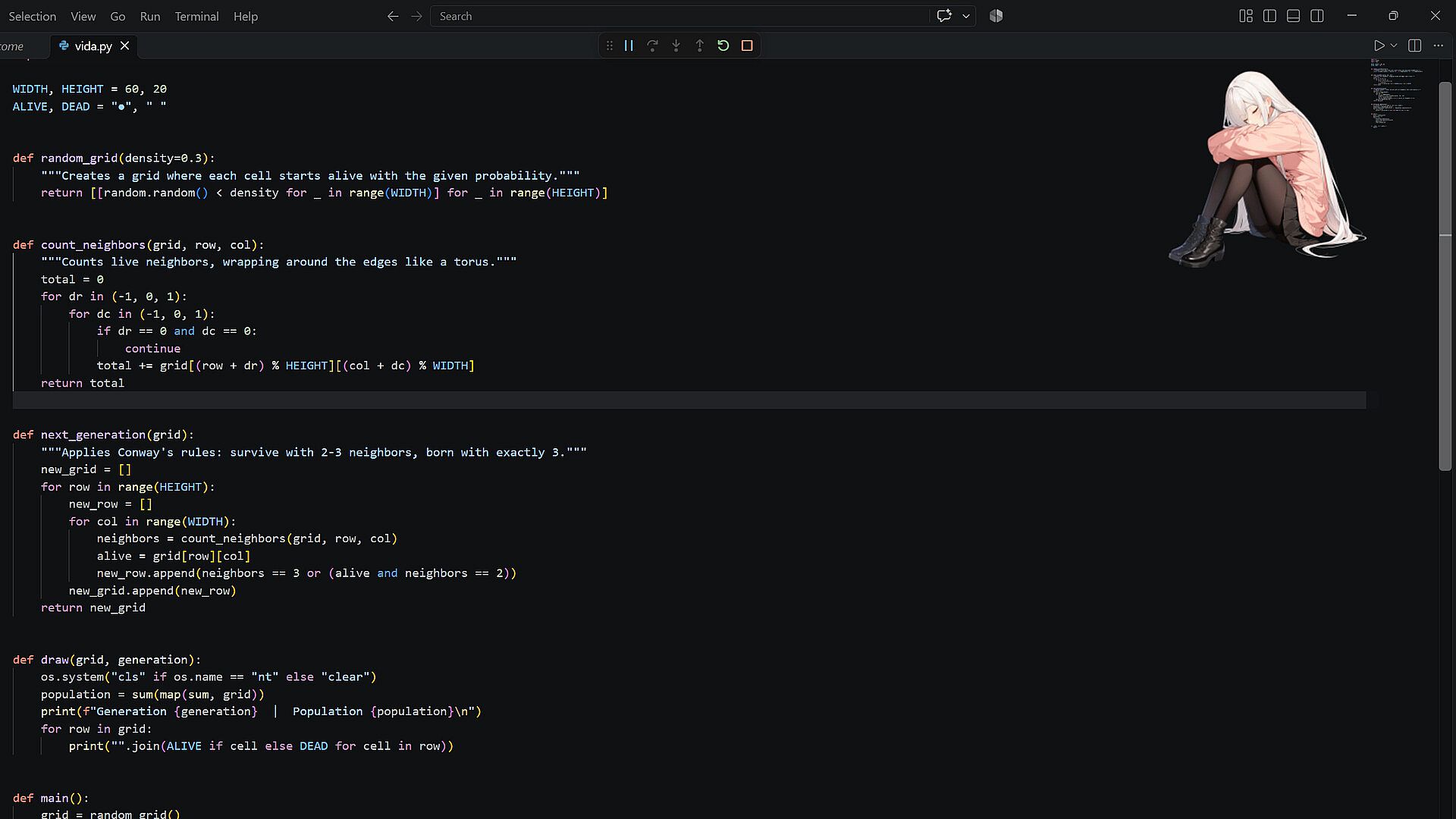




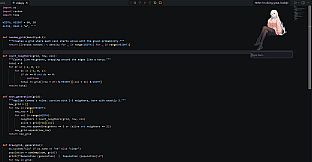
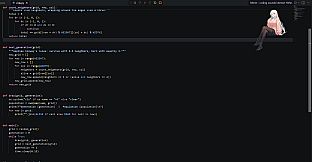
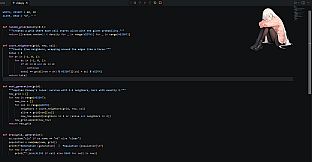
2Desktop is an indie casual simulation game for PC that places an anime-style AI companion named Yue directly on your desktop. She functions as a persistent digital presence, responding to your activities and providing conversation without requiring an internet connection or ongoing payments.
Gameplay
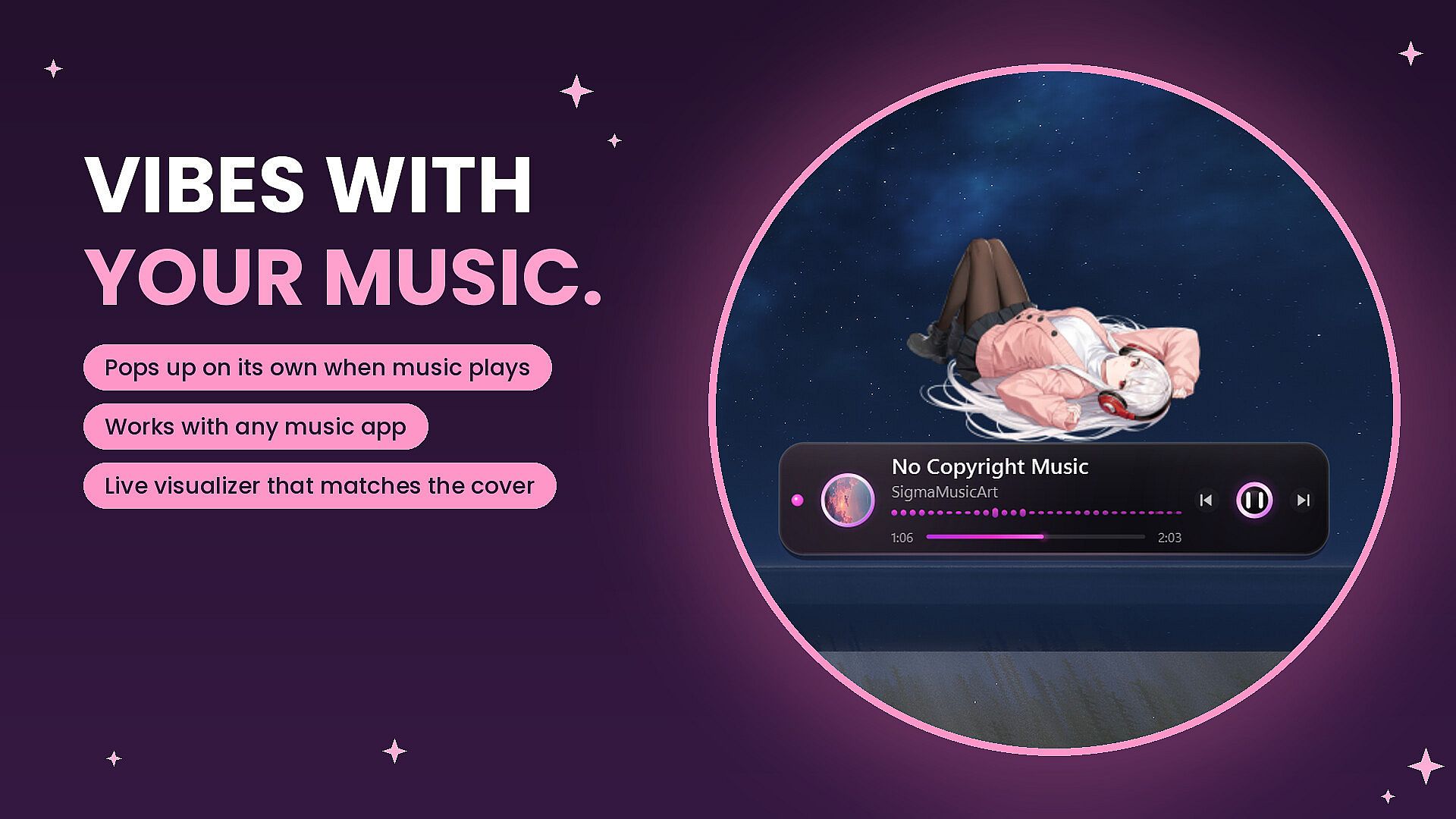
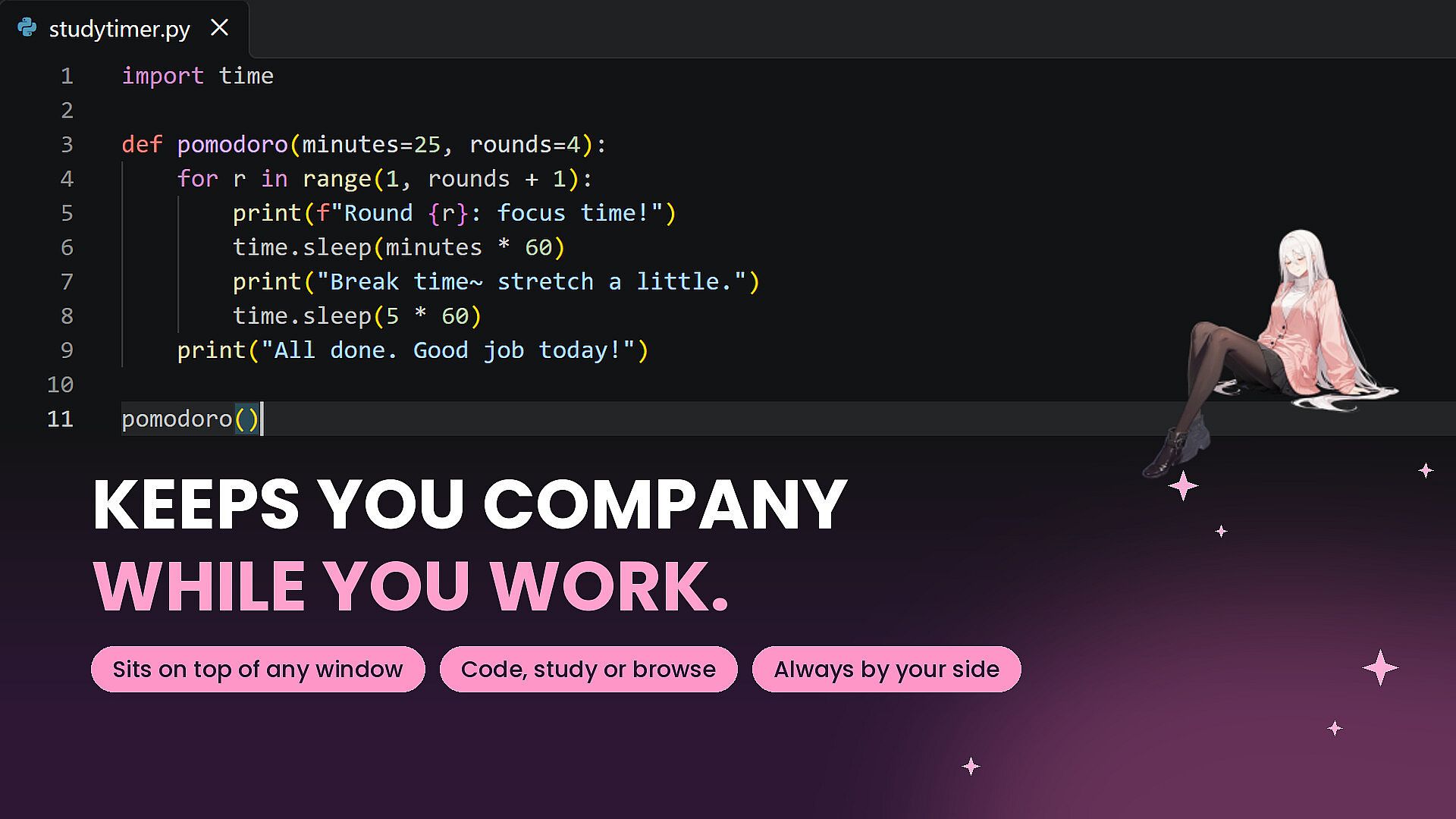
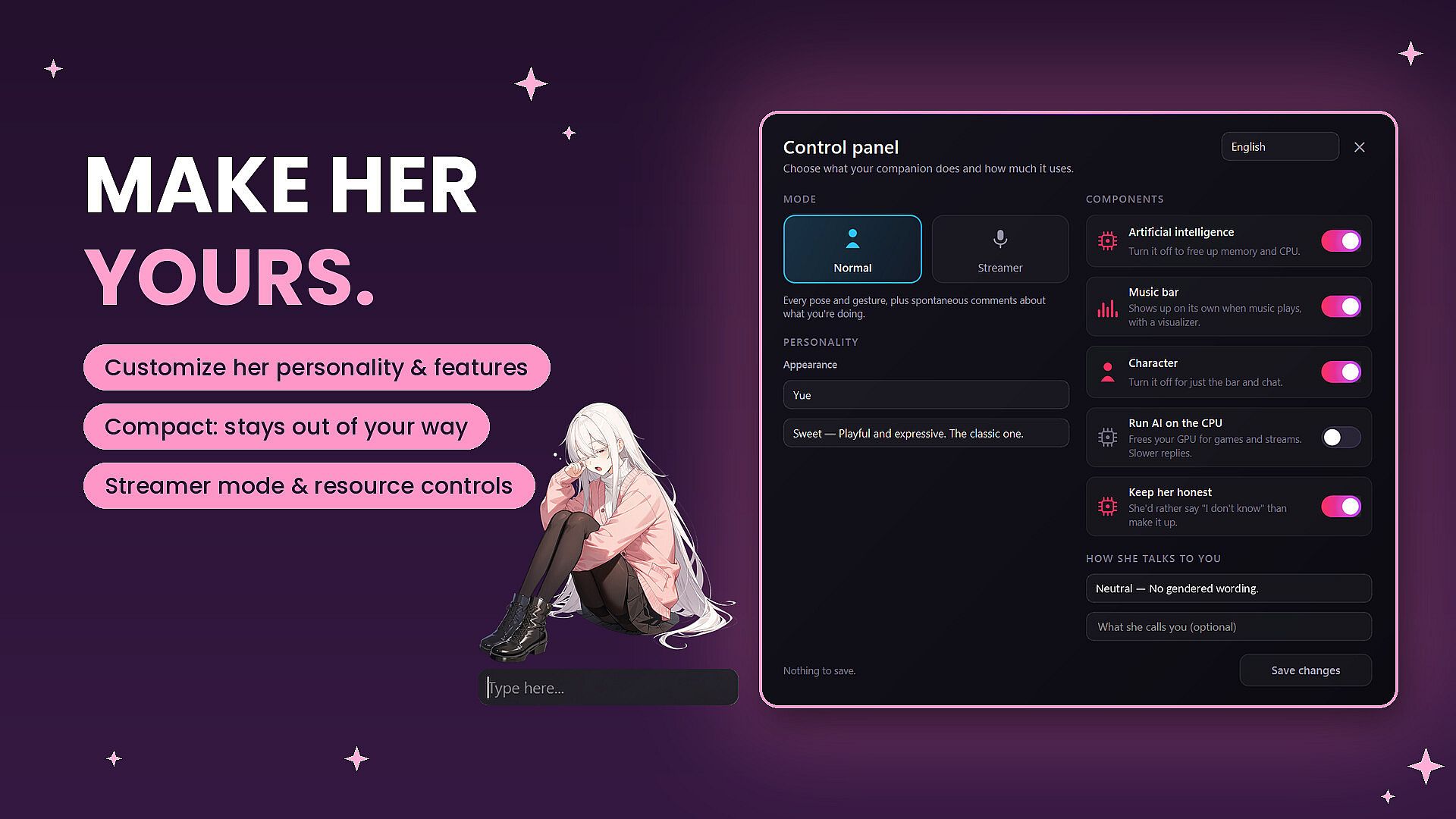
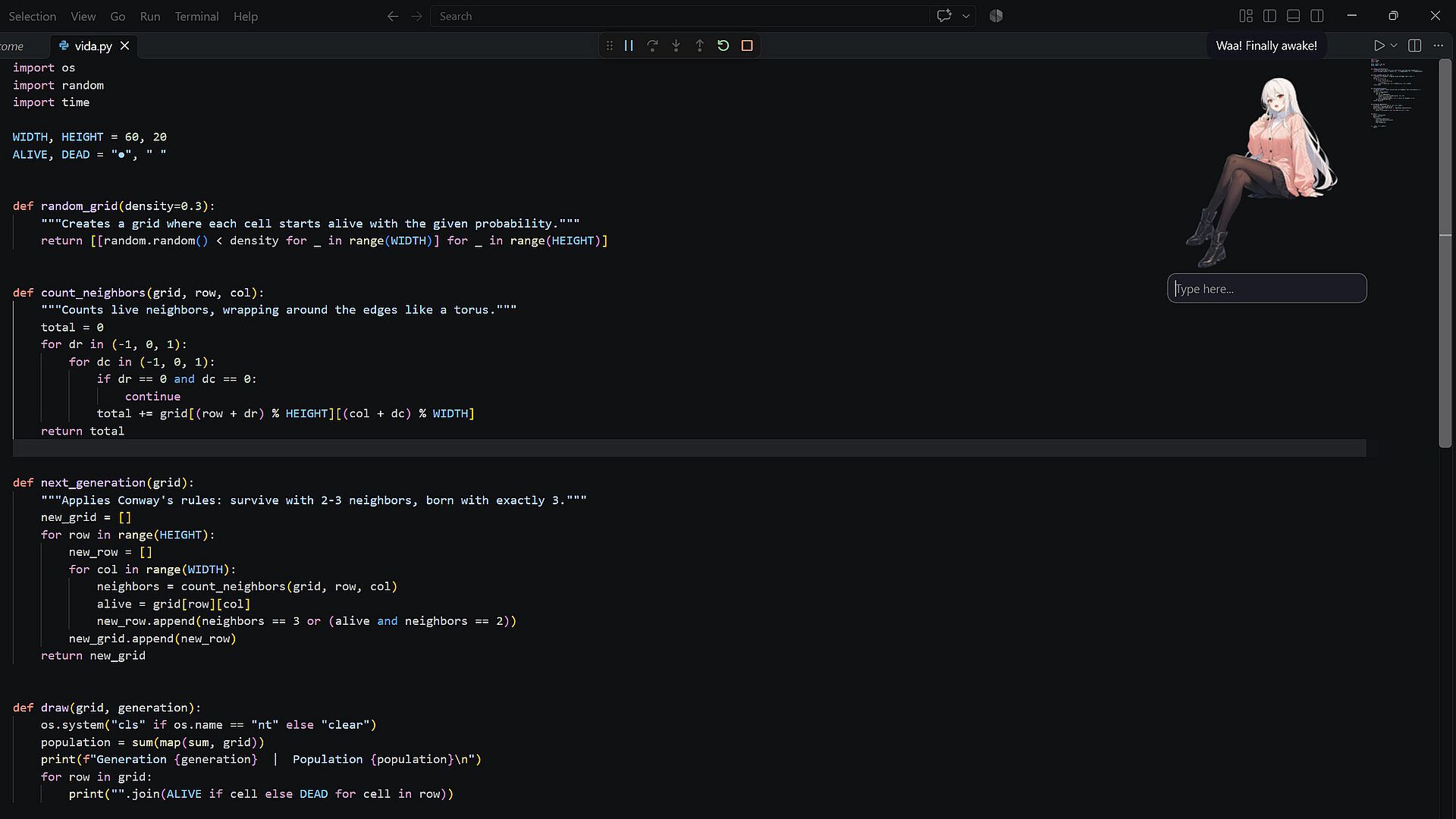
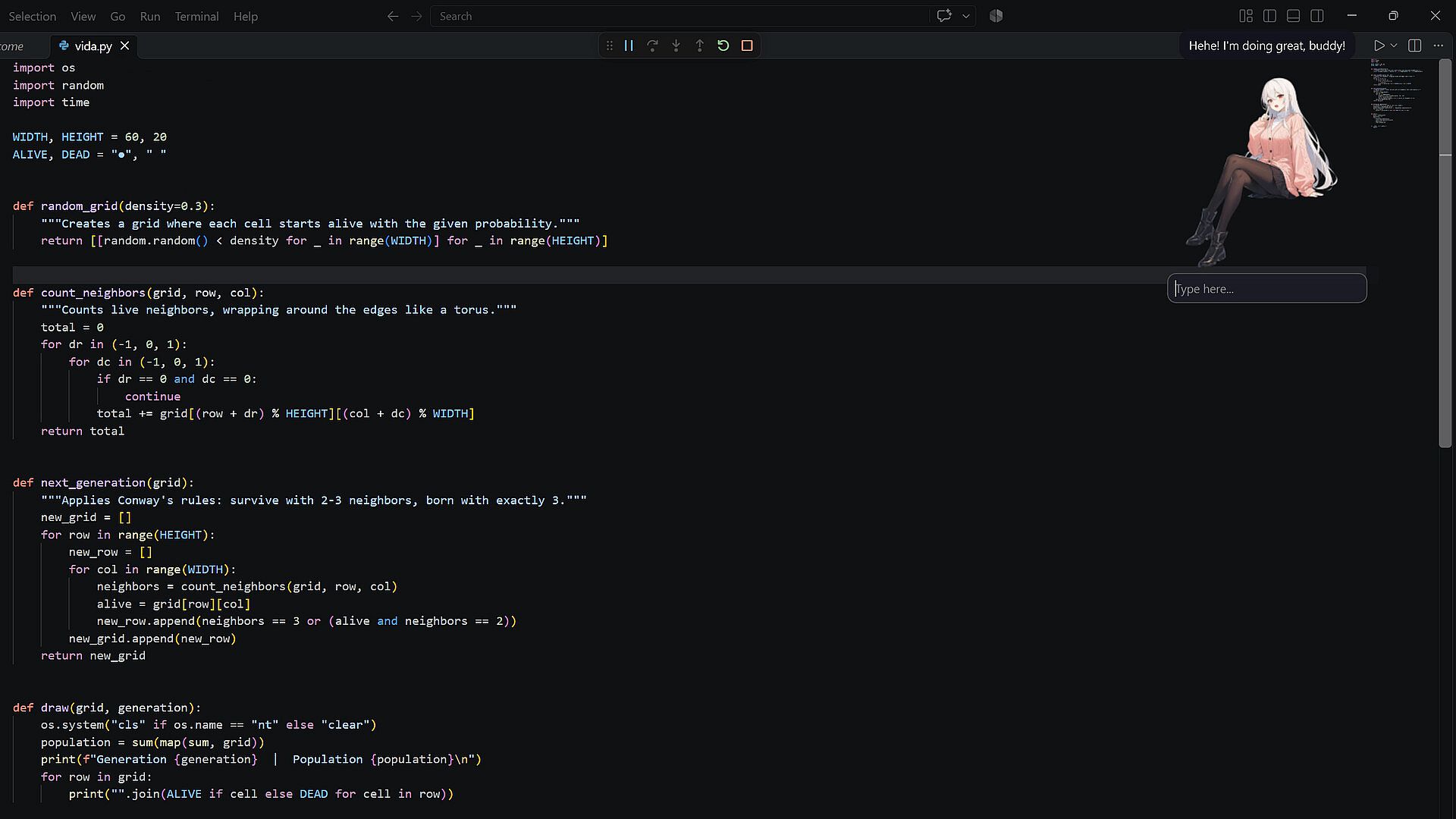
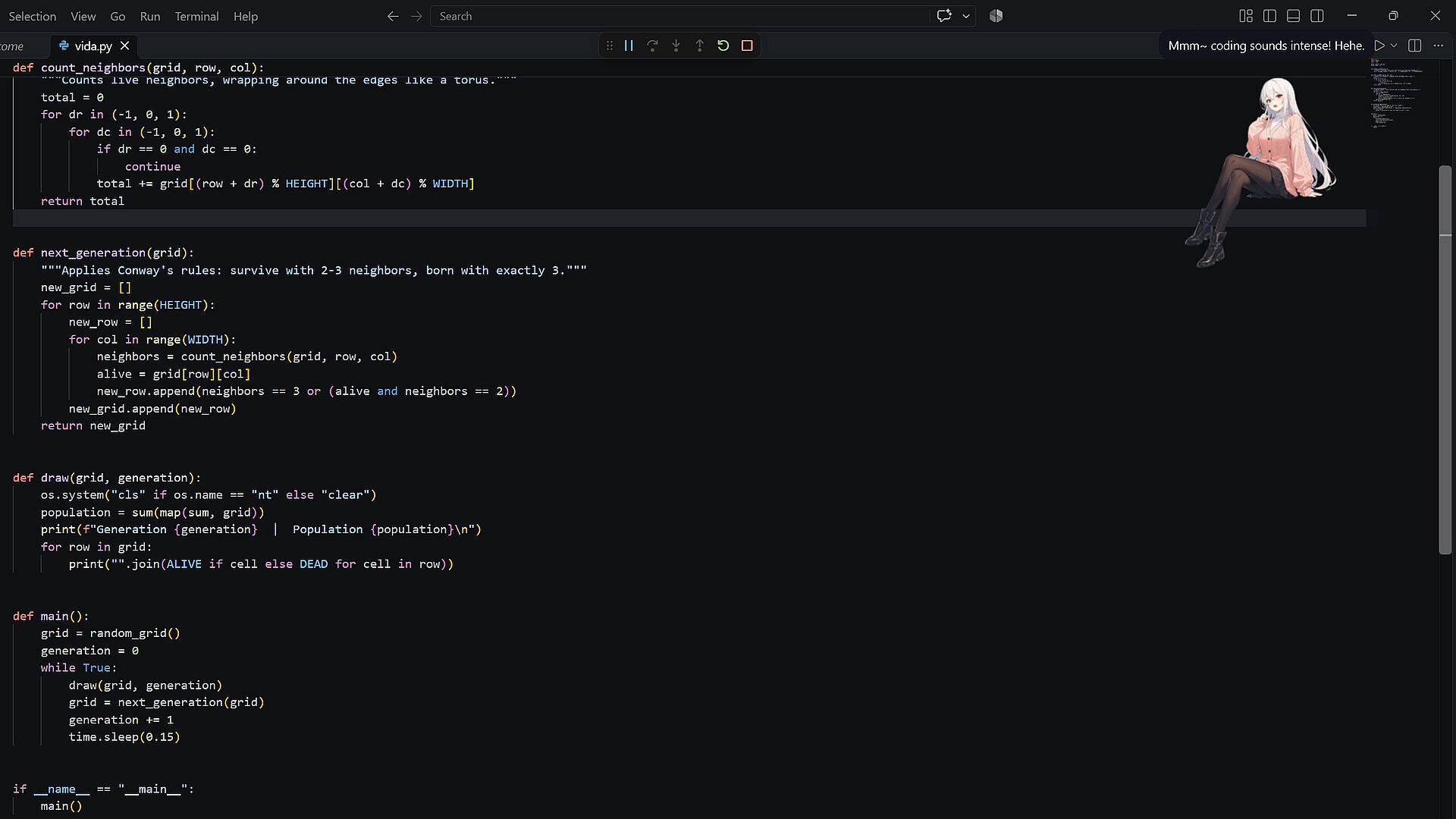
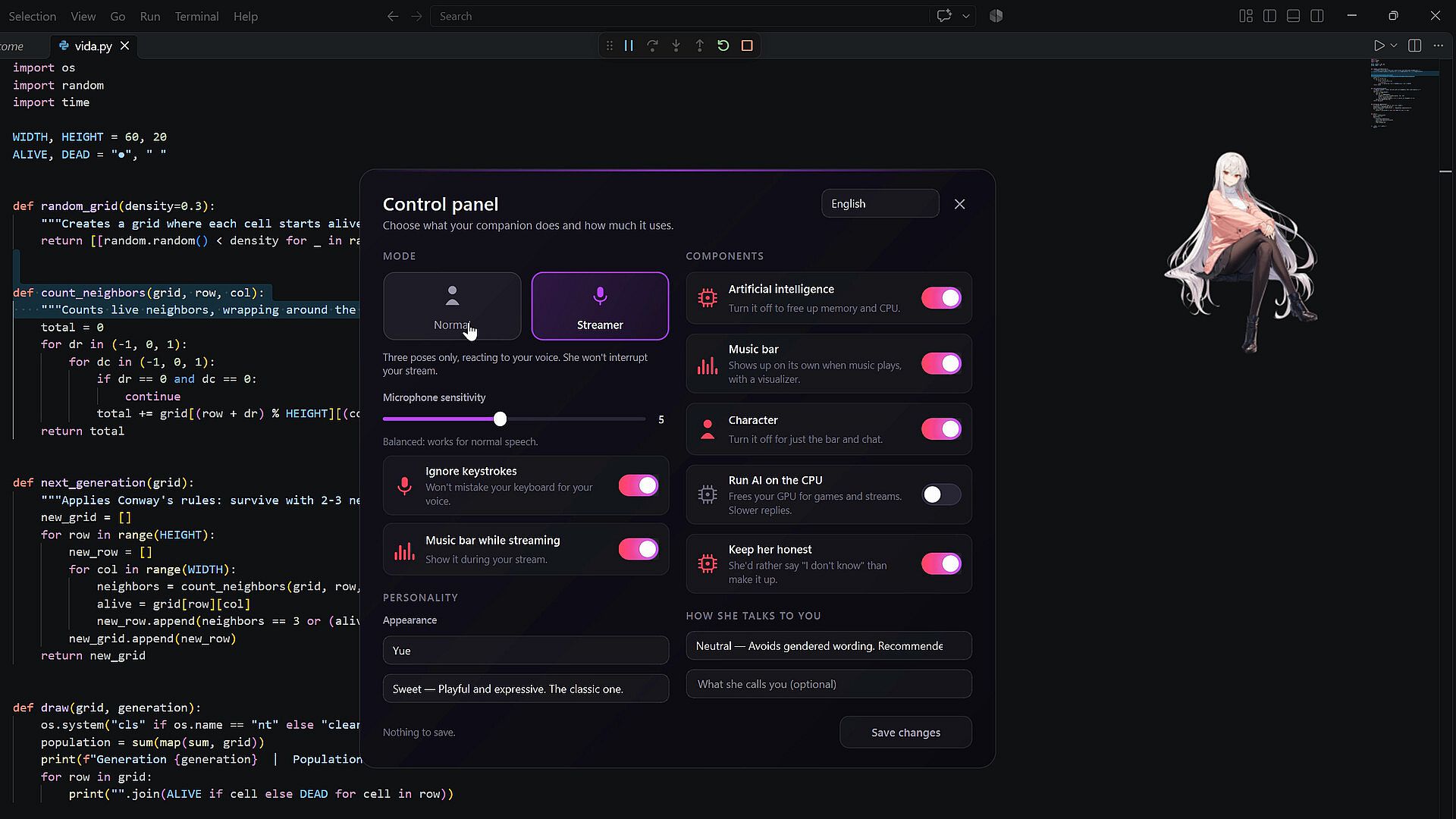
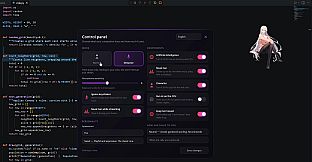
Yue sits atop application windows and observes user actions in real time. Players interact through text chat in English or Spanish, with the entire AI system running locally on the computer. The companion detects music playback from any player on the system and displays an album cover alongside an audio visualizer and basic controls on a dedicated bar. Customization options let users select from preset personalities such as sweet, sarcastic, calm, or energetic, or create a custom profile that influences dialogue style and how Yue addresses the player. The interface remains lightweight, accessible via the system tray, and stays on top of other windows without obstructing workflow.
Performance depends on hardware. A dedicated graphics card delivers the smoothest responses, while systems without one fall back to the processor and experience slower reply times. The AI is intentionally compact, which means occasional inaccuracies occur during conversations. It serves best as a companion rather than a factual reference tool.
Game Modes
The core experience centers on ongoing desktop companionship during work or study sessions. Yue remains visible and available for spontaneous chats while the user multitasks. Music integration creates a shared listening session where she reacts to whatever track plays, offering visual feedback through the visualizer. Streamer mode activates microphone monitoring so Yue responds when the player speaks and enters a sleep state during silence, making the companion suitable for live broadcasts. Audio input is processed only for volume detection and never stored or transmitted.
Personality selection and custom dialogue rules function across all usage scenarios, allowing the same companion to adapt to different daily routines without separate mode switches.
Technical Setup and Requirements
Installation places the application in the system tray for quick access and management. No subscriptions or external accounts are needed because the AI model executes entirely on the local machine. Bilingual support covers English and Spanish conversations from the start. The small model size keeps resource demands modest, though users benefit from a Vulkan-compatible GPU with at least 4 GB of VRAM for optimal speed. Minimum specifications include Windows 10 64-bit, a quad-core CPU with AVX2 support, and 8 GB of RAM.
Is It Worth Playing?
2Desktop appeals to players seeking a low-pressure, always-available digital companion that integrates into existing PC routines. The local AI approach eliminates privacy concerns associated with cloud services and removes recurring costs. Those who enjoy anime aesthetics, background presence during productivity tasks, or light voice interaction during streams will find the feature set aligned with daily use. The simulation emphasizes subtle reactions and customization over complex progression systems. Individuals who prefer high-fidelity responses or encyclopedic knowledge may notice the limitations of the compact model. Overall, the game suits users who value discreet, offline companionship on their desktop.