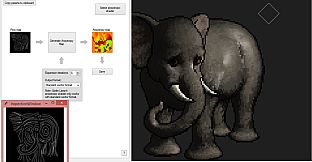
Sprite Lamp Pro upgrade elevates sprite processing with pro-level tools for depth map generation and editing. Developers gain a full command line interface for streamlined workflows, plus options to craft anisotropy maps from custom flow maps. The preview window showcases Phong/Ward anisotropic shaders alongside versatile export choices.
Load multiple image sets, like animation frames, to process them together and cycle through previews effortlessly. Built-in editing tools let you refine generated depth maps directly in the app. Larger studios and specialized teams harness these features to handle complex sprite tasks on PC with precision.
Sprite Lamp pro adds a variety of additional features, mostly more specialised or more targeted at larger studios, to Sprite Lamp.
- Full command line interface
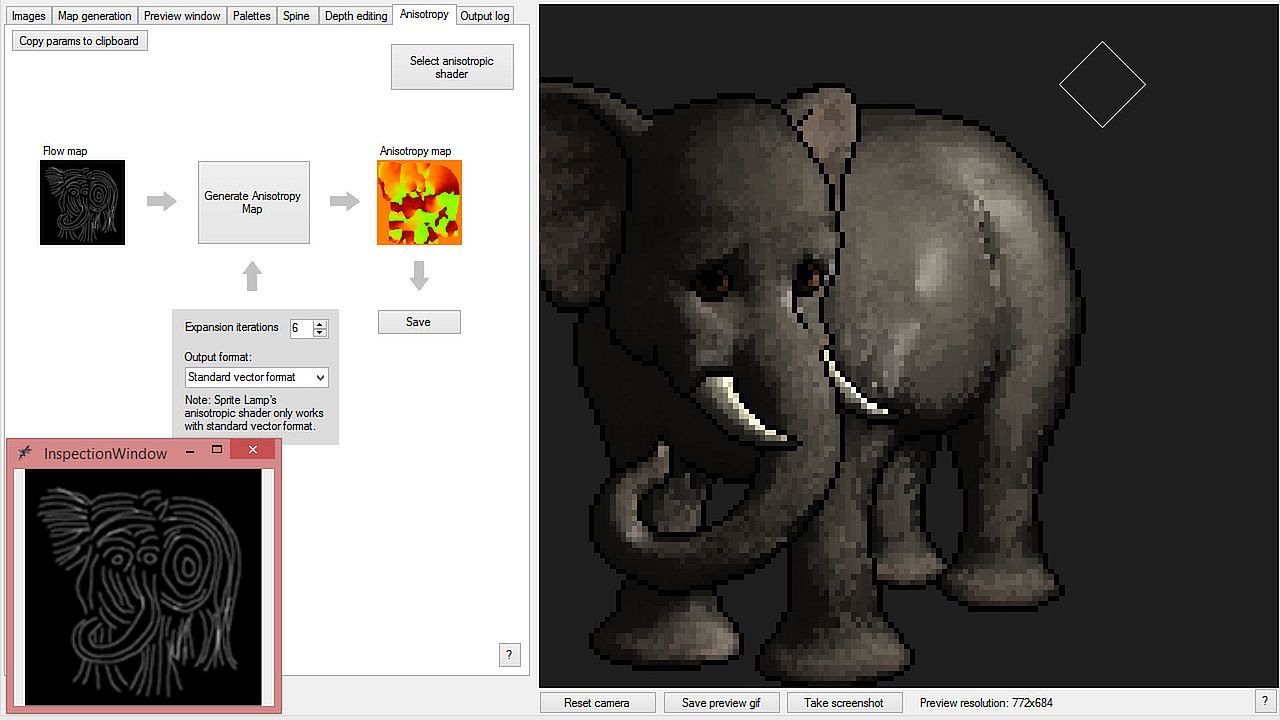
- The ability to create anisotropy maps from hand-drawn 'flow maps', including a Phong/Ward anisotropic shader in the preview window, and a variety of export options
- The ability to load multiple sets of images (such as frames of an animation), process them all at once, and play/cycle through them in the preview window.
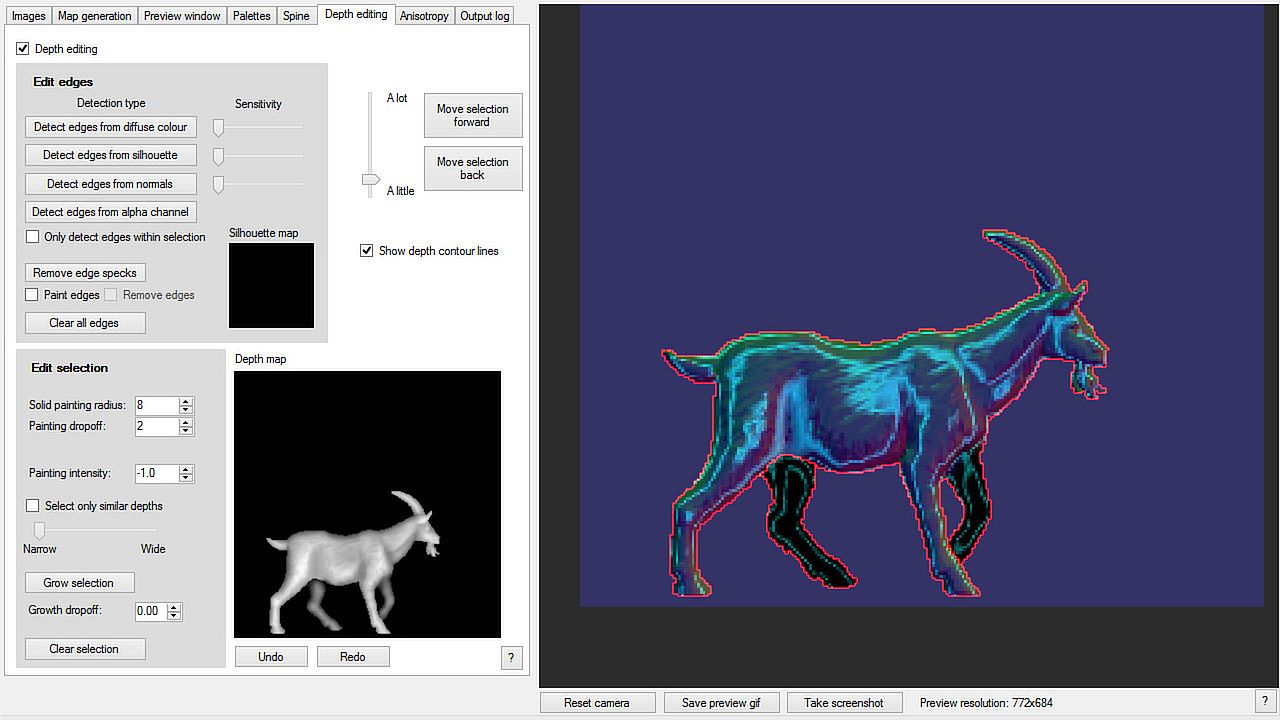
- A set of tools to edit and fine tune generated depth maps from within Sprite Lamp.