Crea clips de audio y música profesionales con
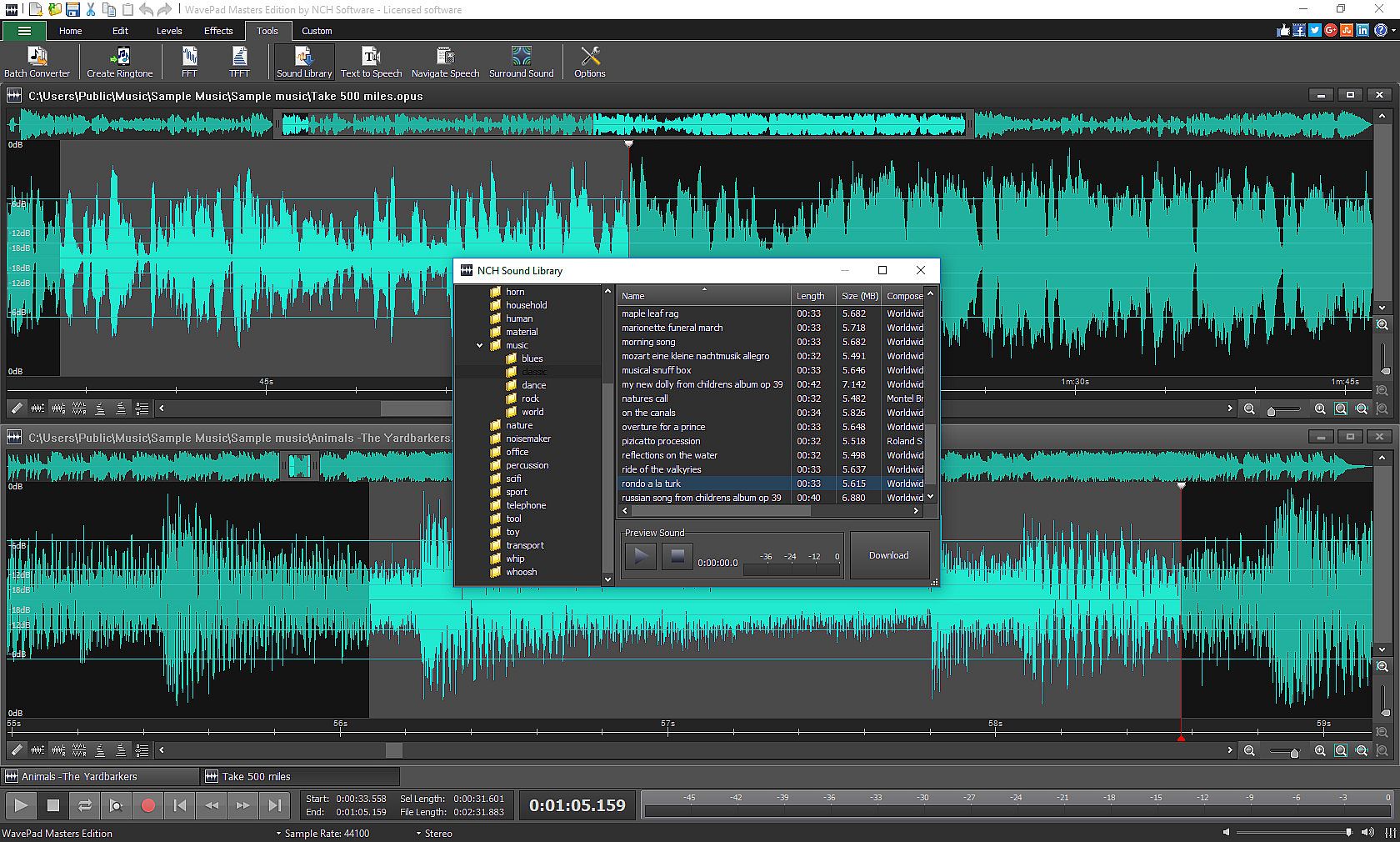
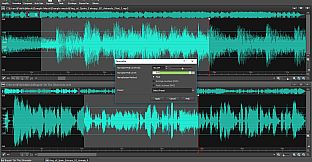
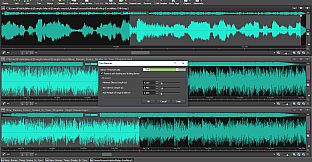
WavePad Audio Editor, la herramienta intuitiva para producción de audio en PC. Arrastra y suelta grabaciones existentes, captura tu voz o música, o genera clips mediante texto a voz, análisis espectral y cambiador de voz. Usa la
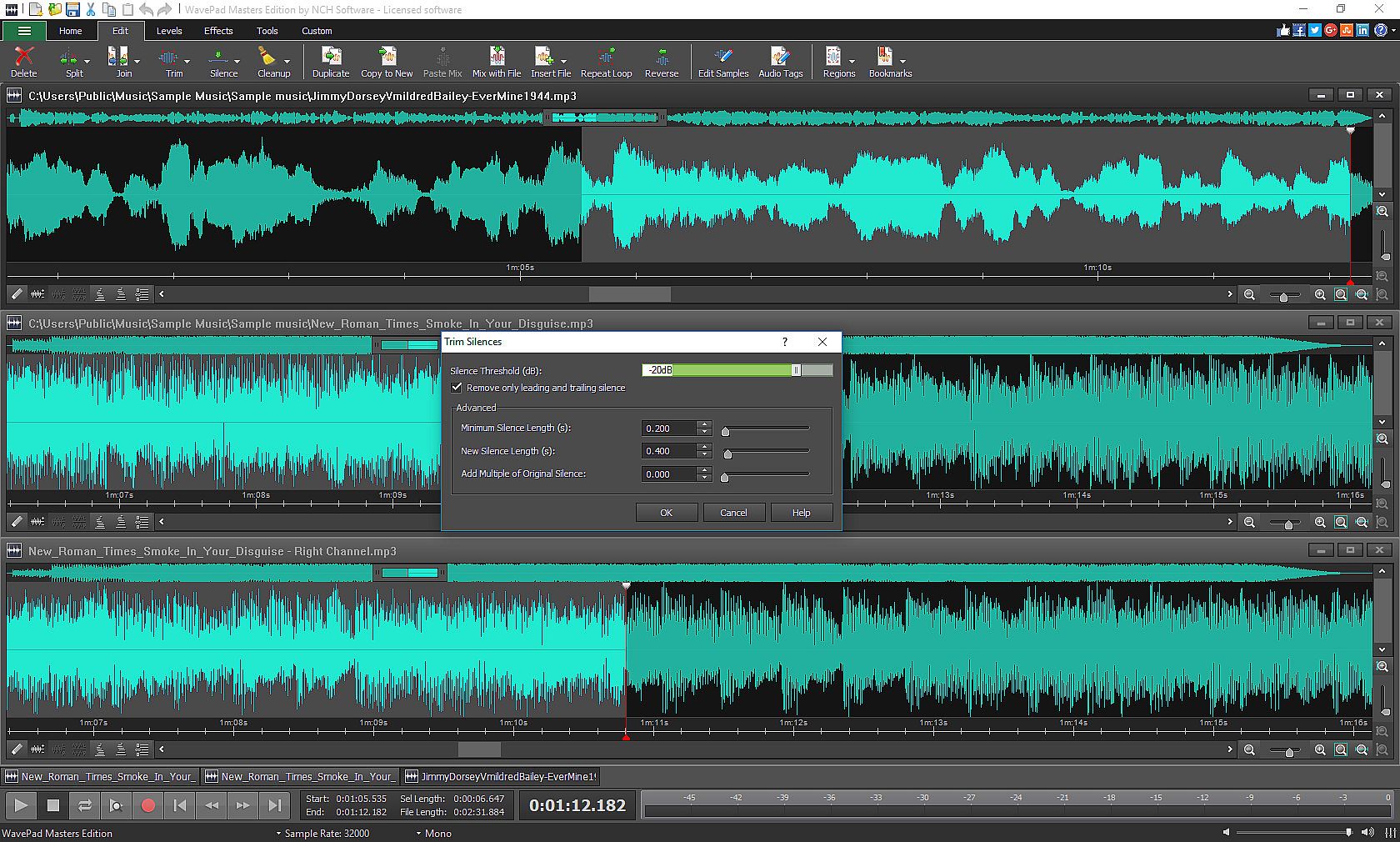
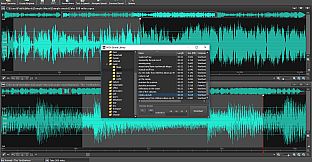
NCH Sound Library para armar proyectos y púlelos con funciones como cambio de tono, recorte automático, división, unión en lote, eliminación de silencios y operaciones básicas de cortar-copiar-pegar.
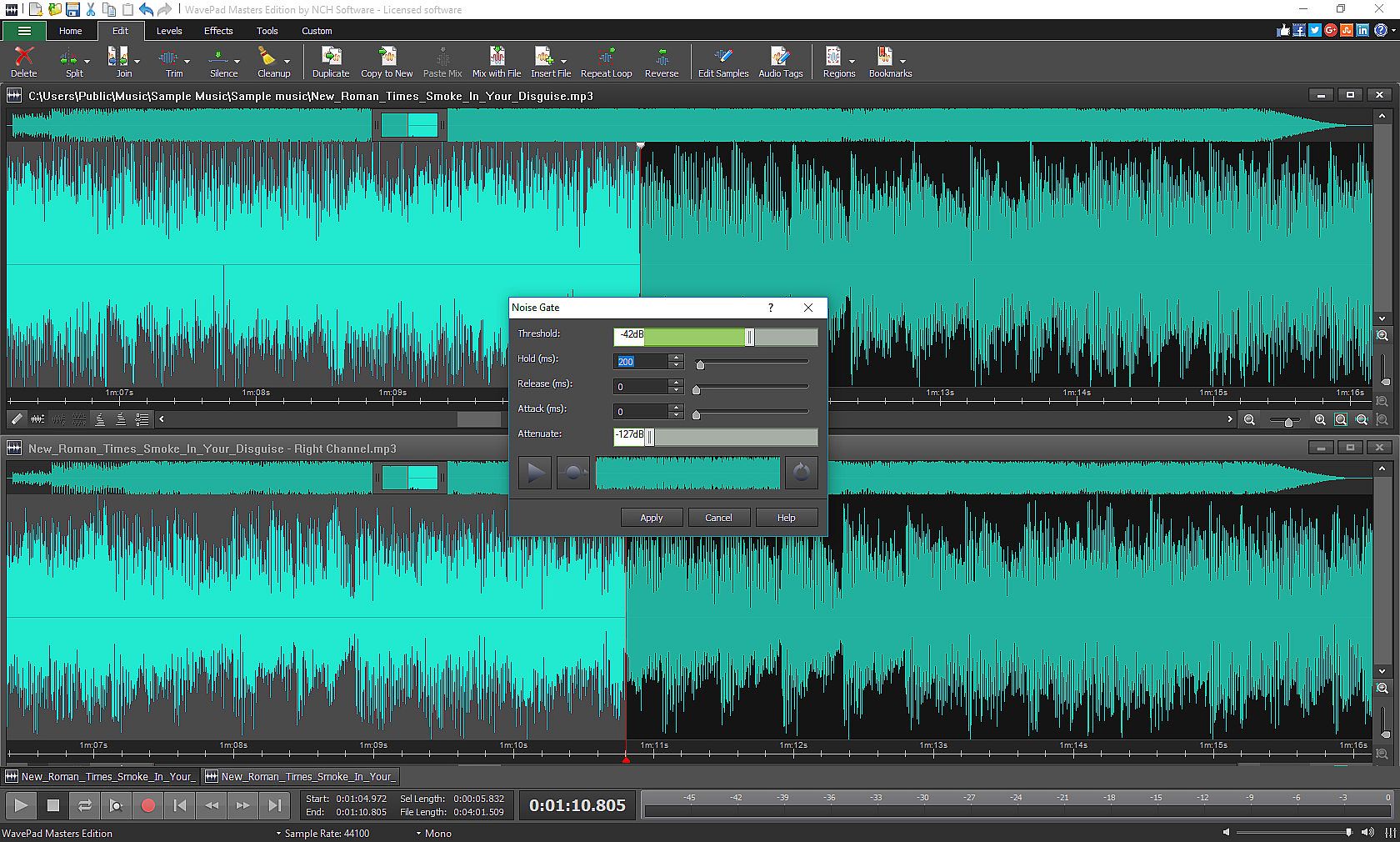
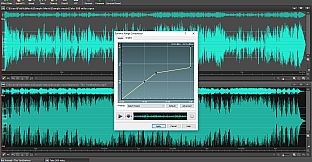
Mejora tus clips con efectos como amplificar, normalizar, ecualizador, envolvente, reverberación, eco y reverso, además de opciones de restauración para reducir ruido y eliminar clics y pops. Ajusta velocidad y tono, encadena varios efectos o integra plugins
VST y
DirectX para acceder a miles más. Procesa archivos en lote, marca regiones y personaliza ajustes de grabación, reproducción y teclas, con soporte para tasas de muestreo de hasta 192kHz en estéreo o mono. Los entusiastas del audio y productores encuentran métodos eficientes para editar y ensamblar sonidos.
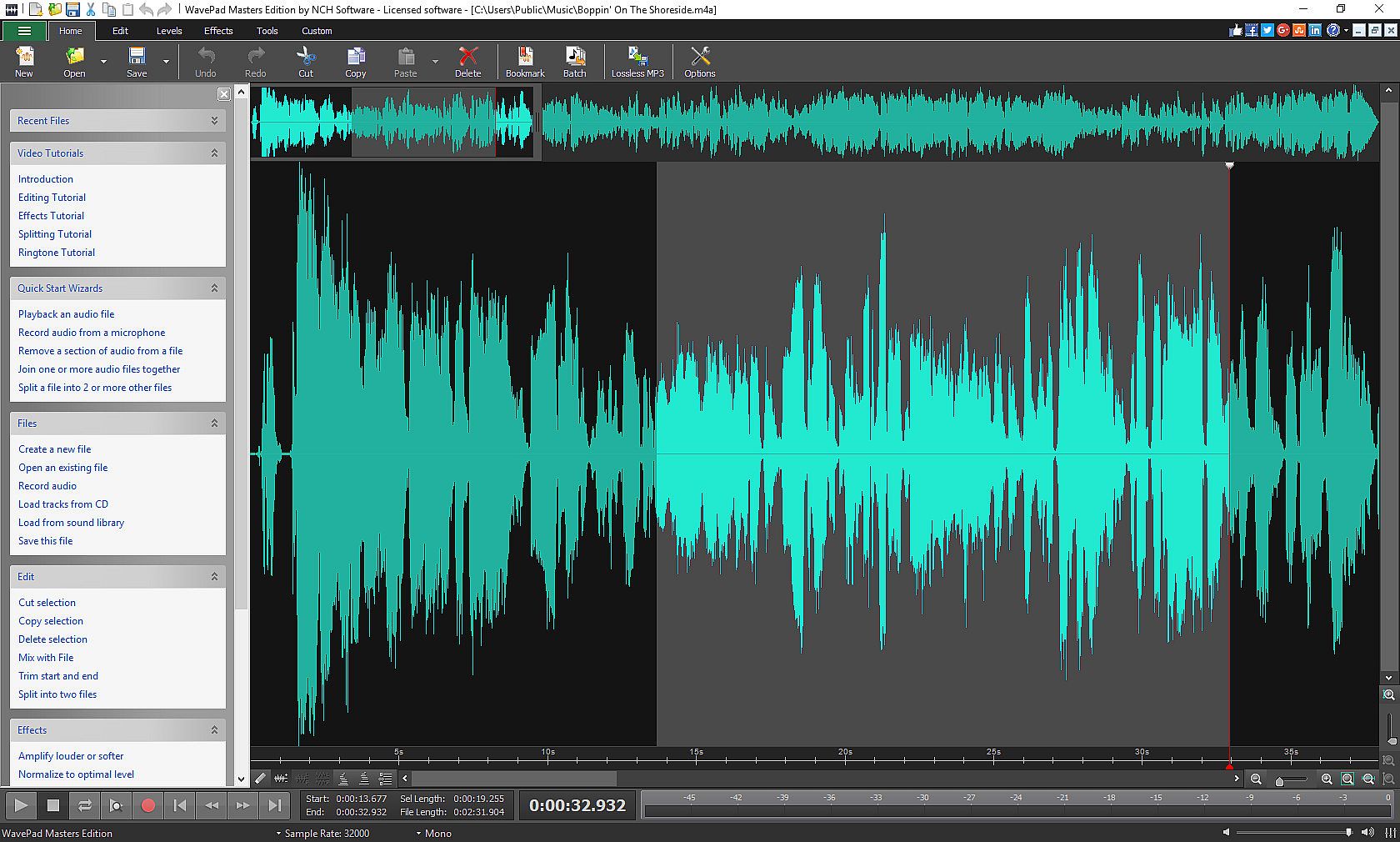
Designed to be intuitive, WavePad is a fully-featured audio and music editor that allows you to create professional audio and music clips.
- Drag and drop previously recorded audio and music clips
- Record your own audio, voice and music clips
- Use text-to-speech, spectral analysis, or the voice changer tools create your clips
- Pull clips from long list in the NCH Sound Library
Customize your project by applying a wide selection of sound editing tools and audio effects.
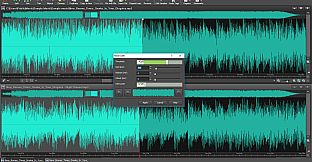
- Edit clips with tools, like pitch shift, auto-trim, split, batch join, silence, copy, cut, paste, delete, insert and more
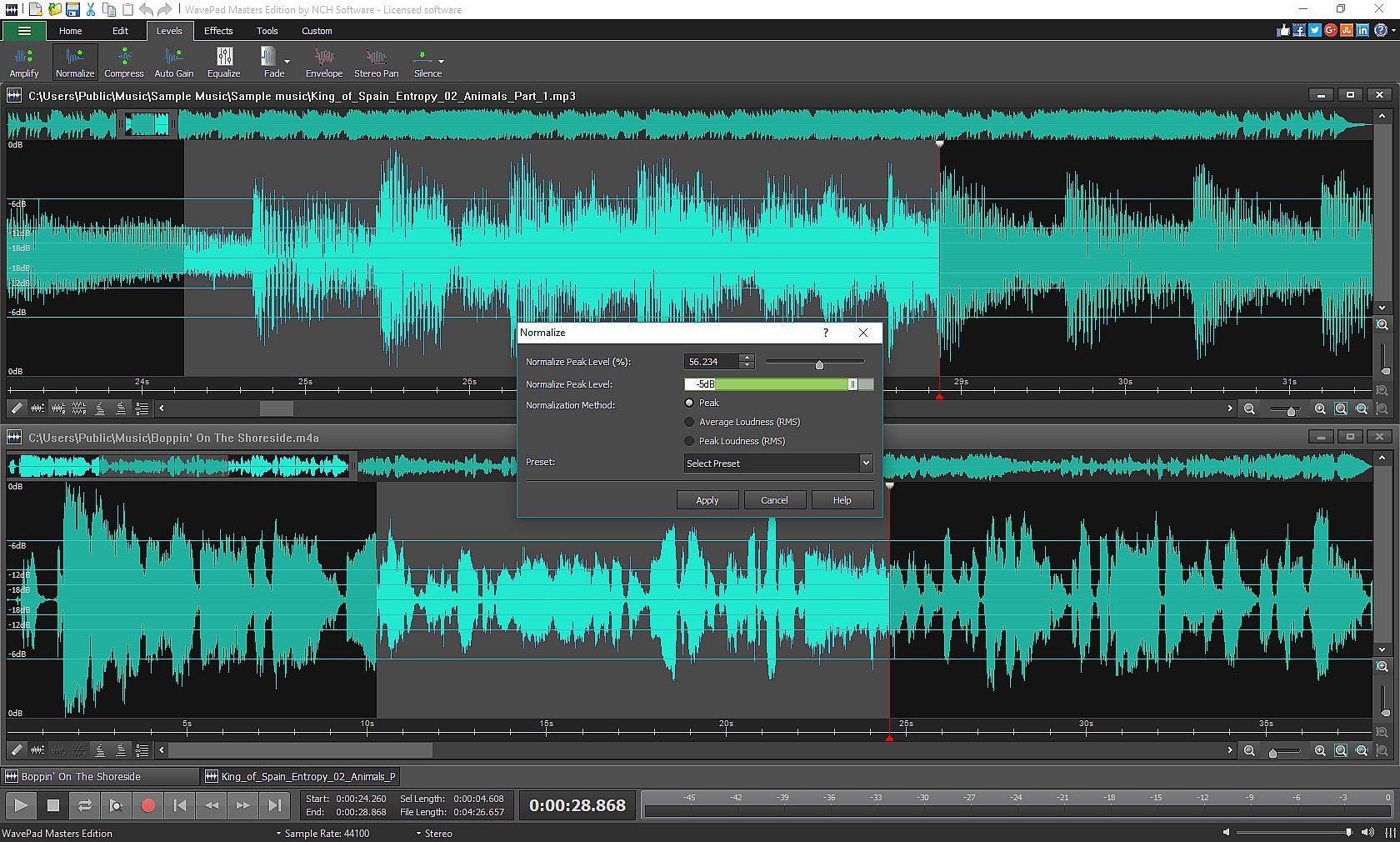
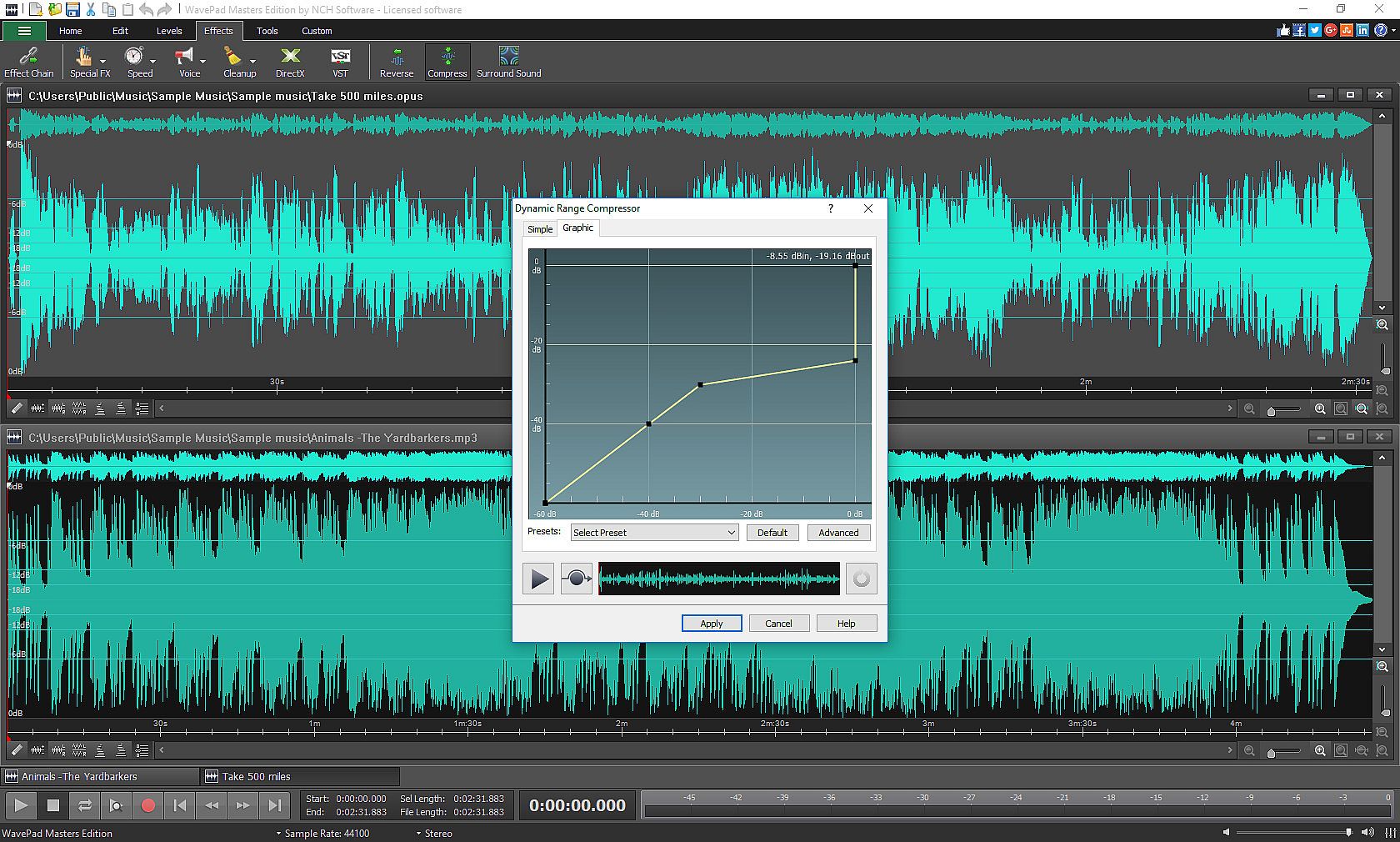
- Customize clips using special effects, including: amplify, normalize, equalizer, envelope, reverb, echo, reverse and many more
- Restore your audio by using the restoration features
- Apply speed and pitch adjustments
- Use the Effect Chain tool to apply multiple effects at once
- Use the Virtual Studio Technology DLL (VST) and DirectX to get access to more than a thousand effects and tools
- Audio restoration features including noise reduction and click pop removal
WavePad offers many quick and easy ways to edit and create your sound clips efficiently.
- Use batch processing to convert or apply effects to many audio files at one time
- Bookmark and create regions to find and connect segments into long clips
- Customize your application by selecting your personalized audio, recording, appearance, playback, and key assignment settings
- Enjoy sample rates from 6 to 192kHz, stereo or mono, 8, 16, 24 or 32 bits