

Comprar Sim 4K VR MediaPlayer PC Key

★ ★ ★ ★ ★

¿Dónde comprar Sim 4K VR MediaPlayer? Ahora mismo el juego no está a la venta en ninguna de las tiendas que seguimos. Eso no significa que vaya a quedarse así, porque las tiendas añaden y retiran títulos continuamente y nosotros las revisamos a diario. Crea una alerta de precio y te avisaremos en cuanto alguna tienda publique una oferta.

Lanzamiento: 18 abr 2019
SimppleGames
SimppleGames
Steam:
Mixed (16)
Official
No disponible
Keyshops
No disponible
Comprar en tienda oficial:
No disponible
Comprar en keyshops:
No disponible

No hay entradas, pero no te preocupes: te avisaremos cuando aparezca una nueva oferta.

Create Alert Create deal Alert

Sobre Sim 4K VR MediaPlayer

Sim 4K VR MediaPlayer - sobre el juego
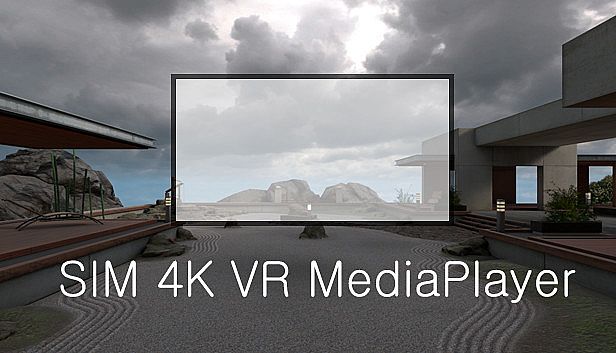
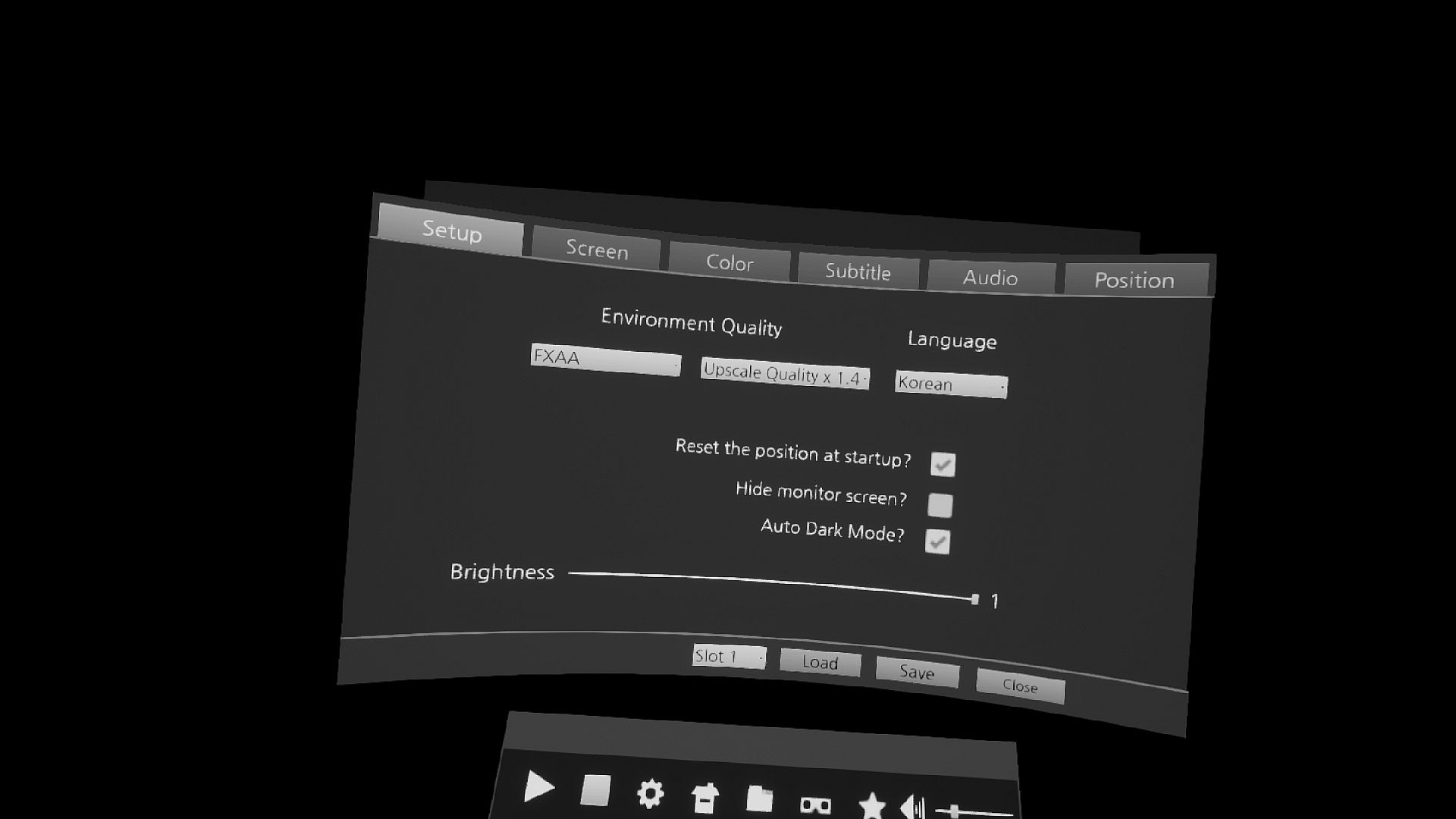
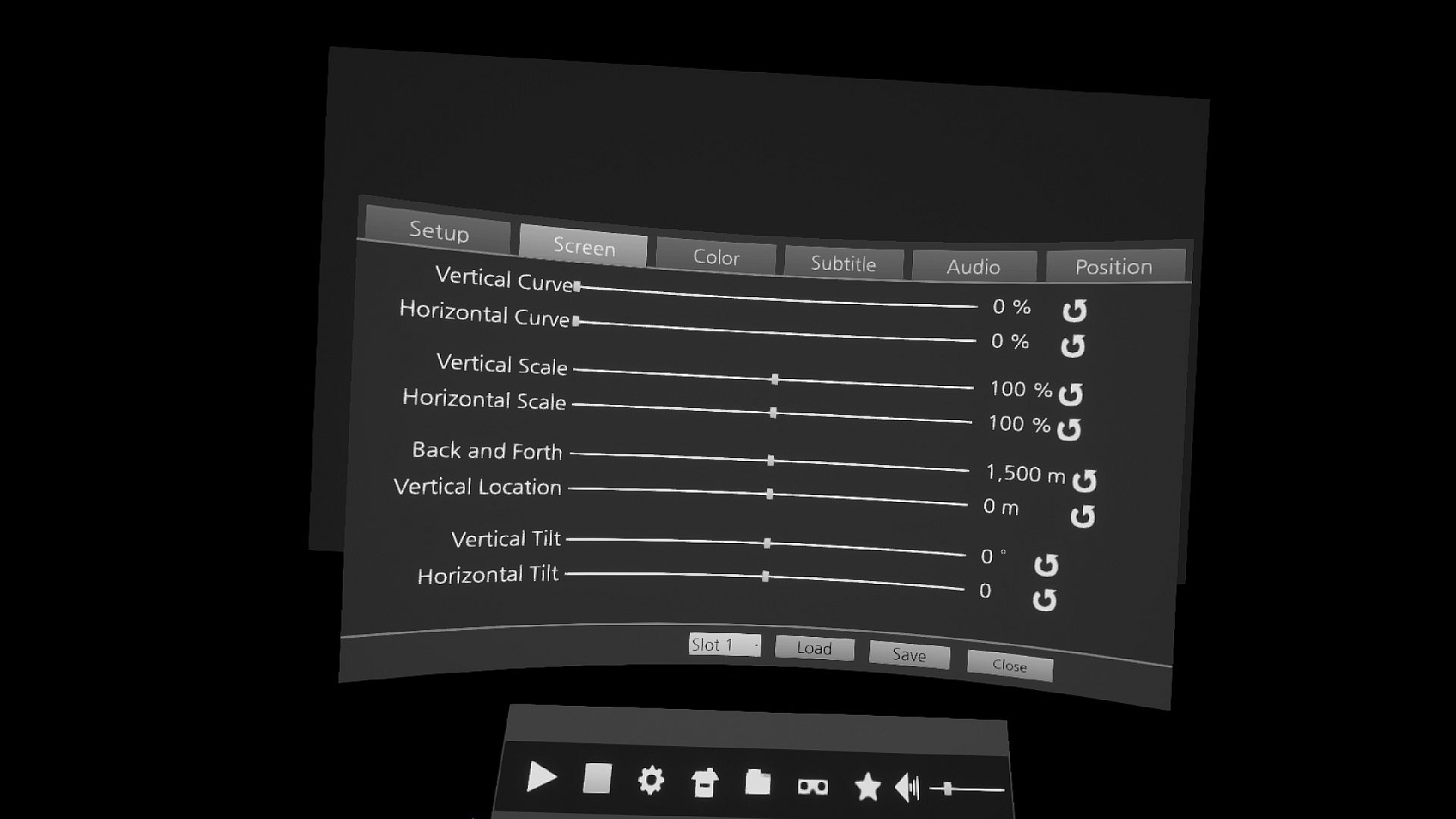
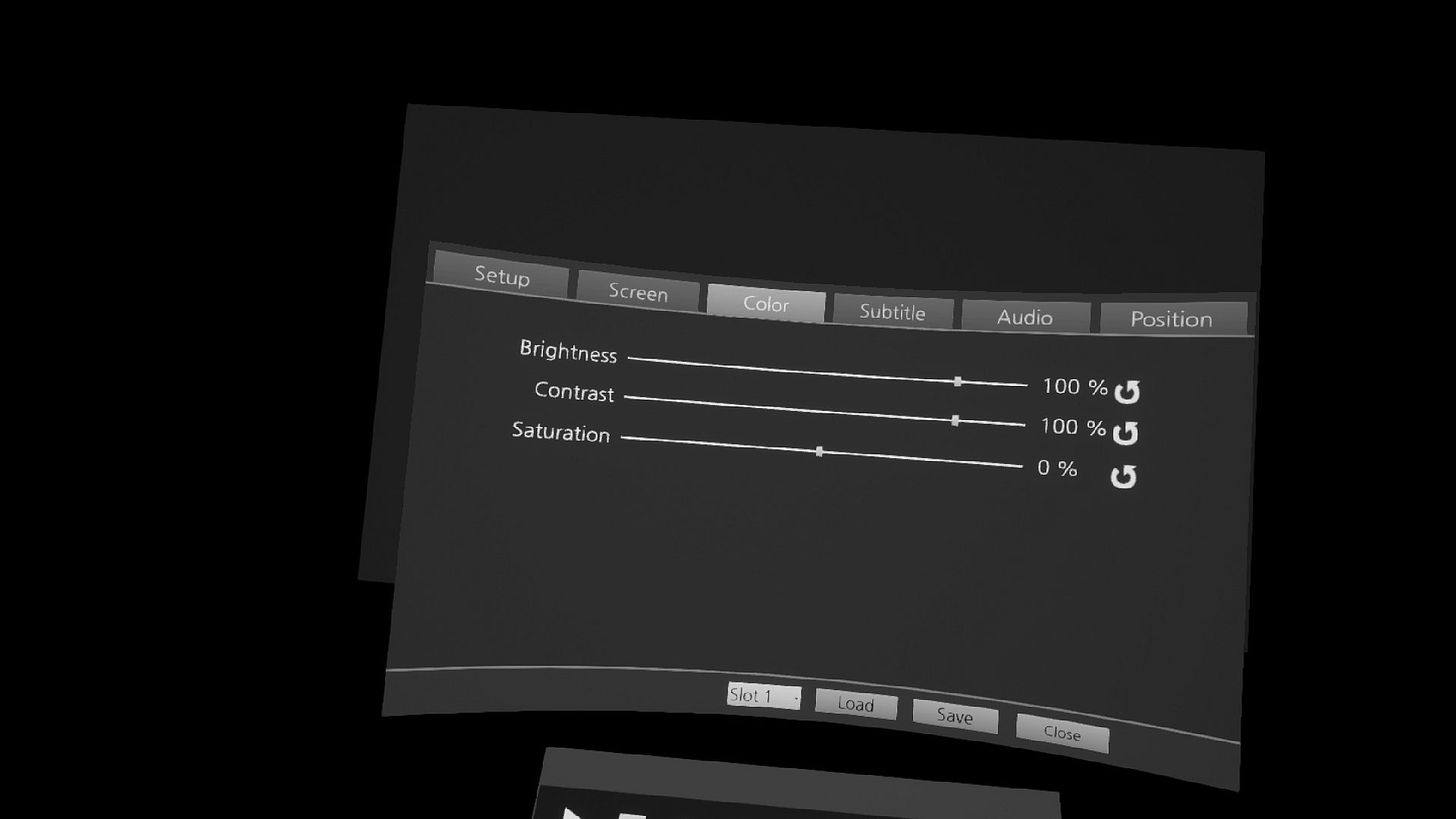
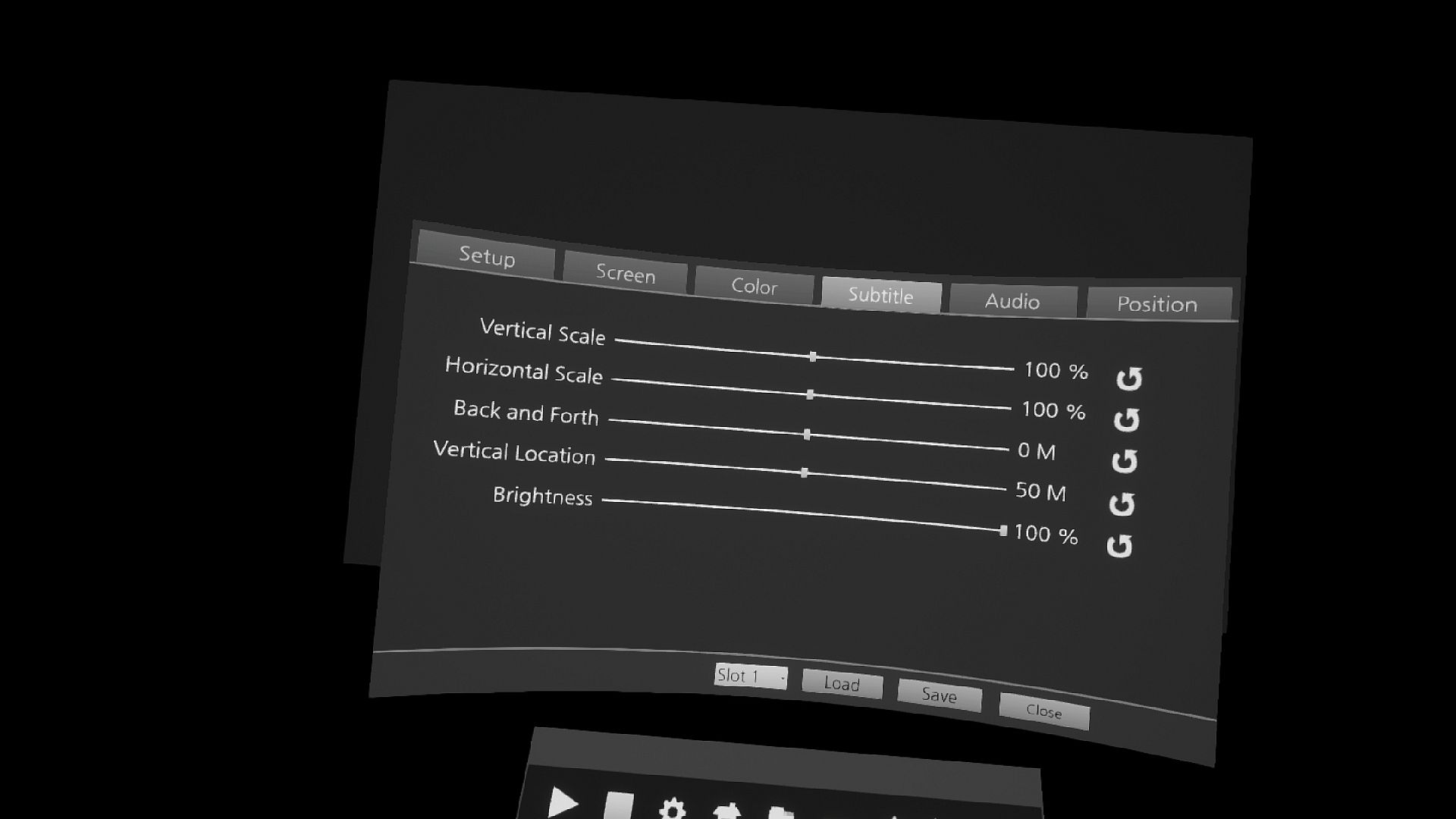
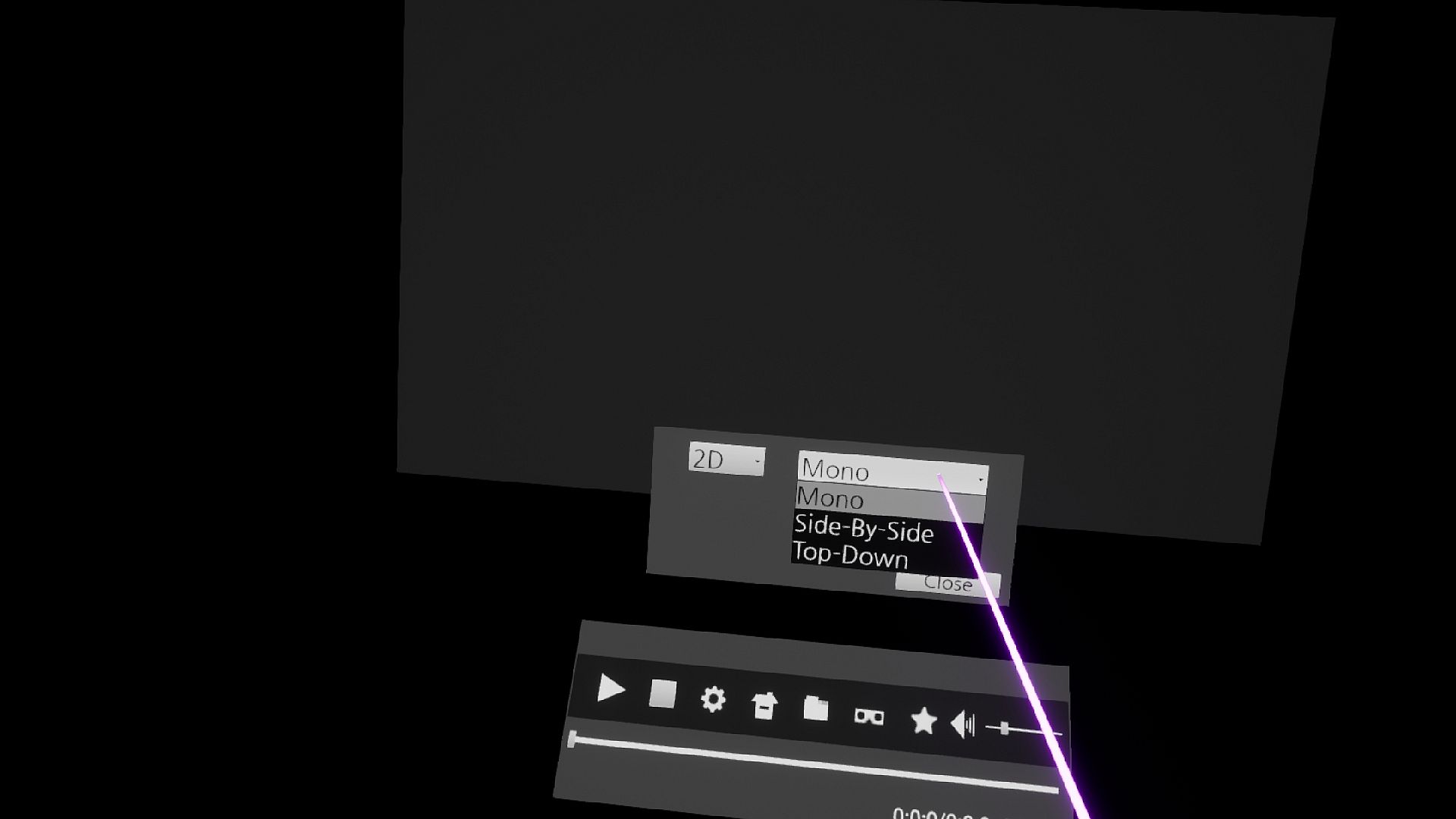
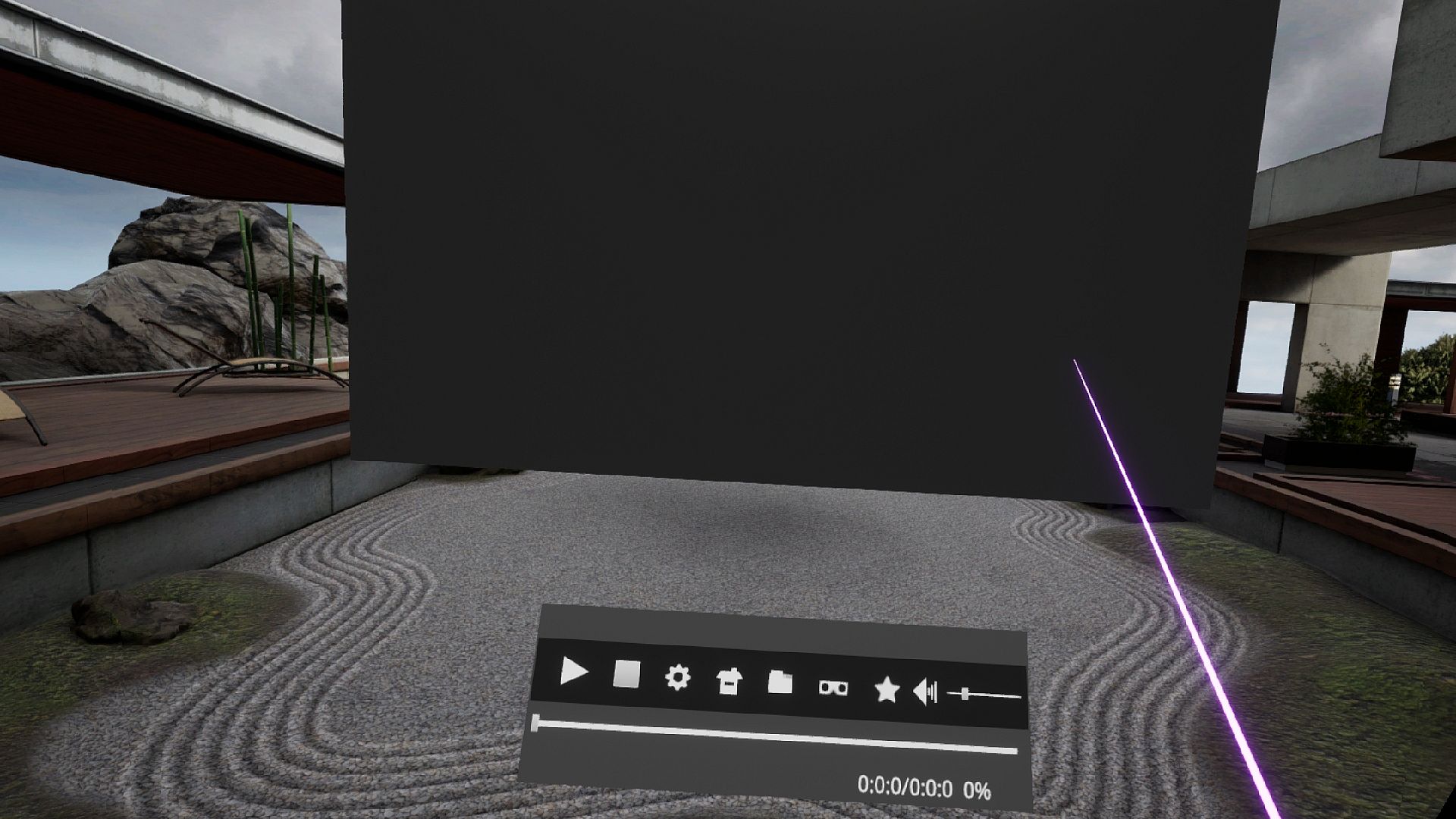
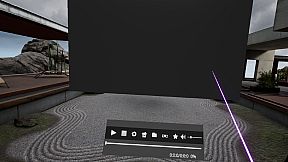
Disfruta de una reproducción VR de alto rendimiento con archivos que superan los 4K, incluyendo QUHD a 7680 × 4320 en GPUs potentes. Esta utilidad soporta vídeos 2D, 3D, 180° y 360°, además de imágenes estereoscópicas en formatos side-by-side o top-down. Personaliza el tamaño y posición de la pantalla, el color, los subtítulos, el ecualizador de sonido, el anti-aliasing y el up-scaling para un funcionamiento fluido con ratón, teclado o mandos VR. Guarda marcadores en archivos y carpetas para un acceso rápido, explora tu media con soporte integrado y crea accesos directos a carpetas. Reproduce formatos variados como .mp4, .mkv, .avi y subtítulos en .srt o .smi, con emparejamiento automático para archivos con nombres en inglés. Los entusiastas de la producción de vídeo VR con configuraciones PC de gama alta obtienen un control preciso y una experiencia de cine, incluso saltándose los límites circulares del chaperone al sentarse.

A high-performance VR media player that can play media files greater than 4K.
If you have a high-performance GPU, you can play files with a QUHD (7680 × 4320) resolution.
I thought a lot about VR for convenient operation.
If there's anything uncomfortable, please leave a message on the bulletin board and I'll check it out.

Features include:

1. Support for GPU hardware-accelerated video decode (.mkv does not support GPU hardware-accelerated)
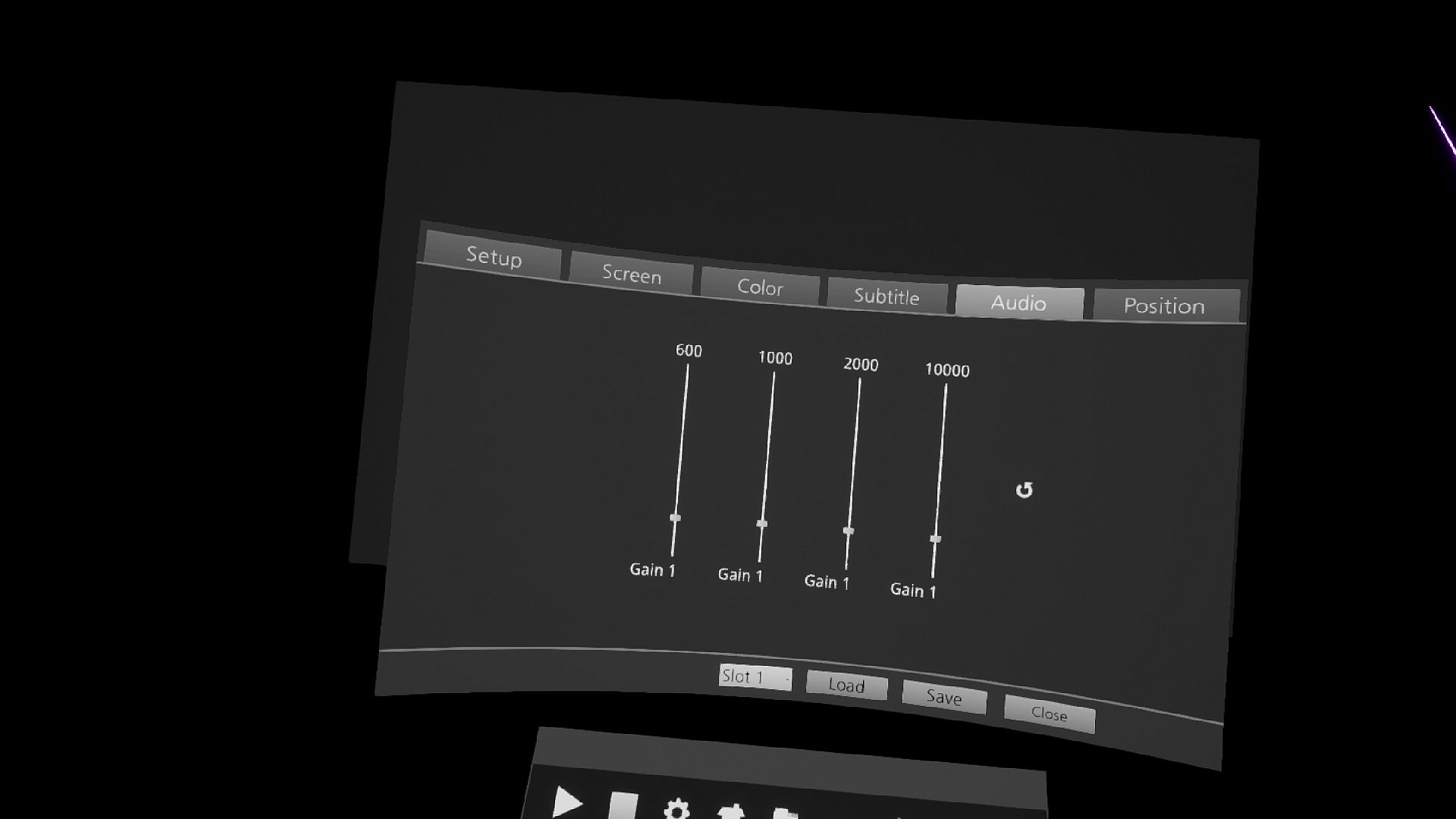
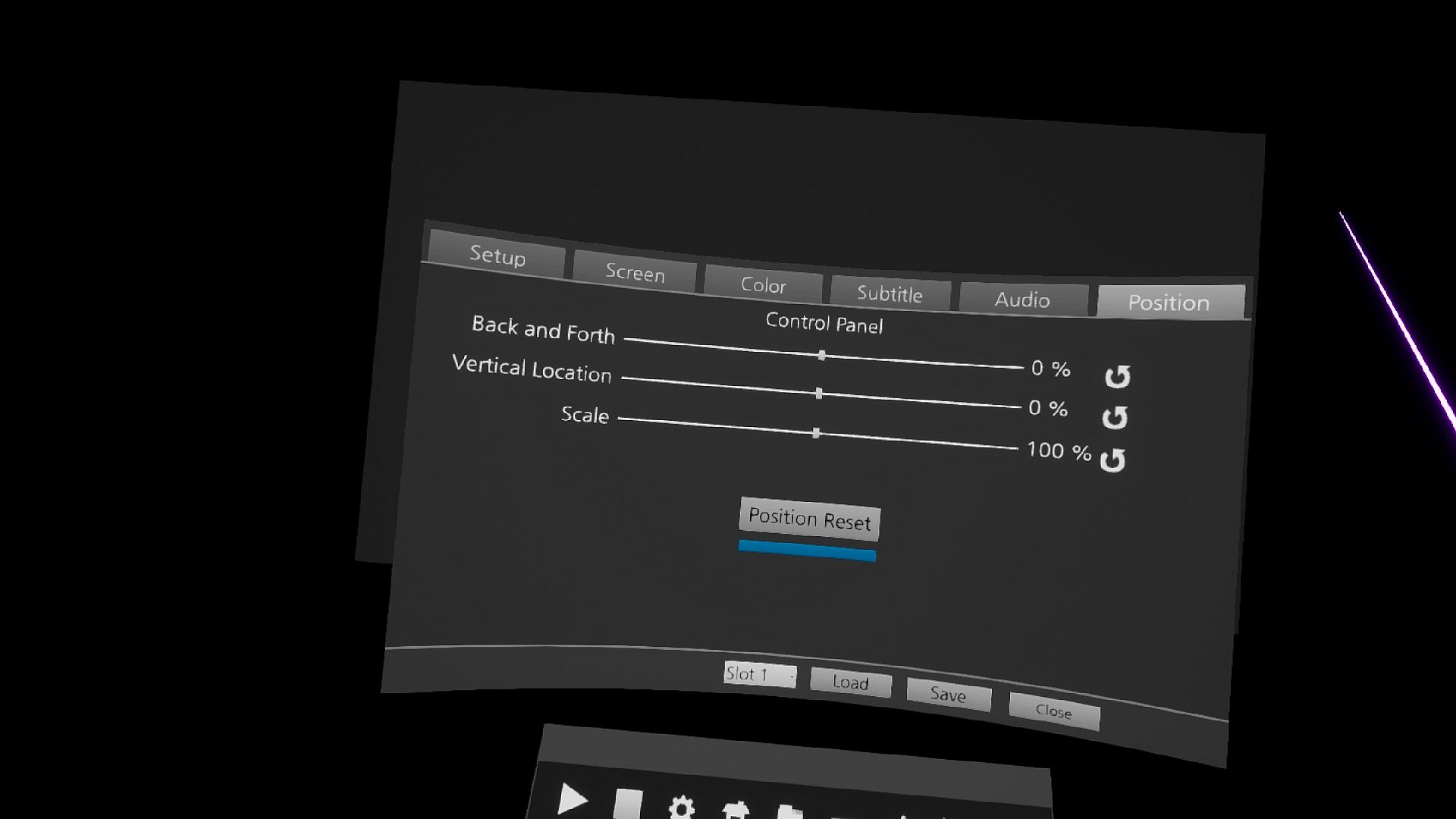
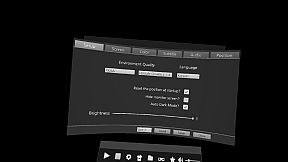
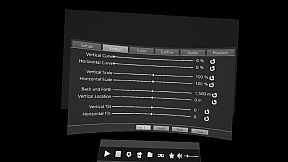
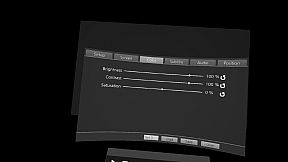
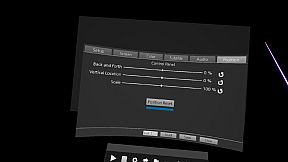
2. Control screen size and location and color
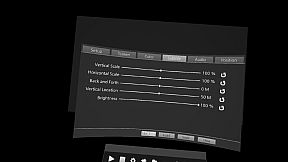
3. Control the size and location of subtitles
4. File bookmark
5. Folder bookmark
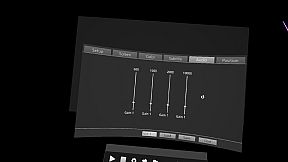
6. Equalizer Control Sound
7. Reset Control Panel Position
8. Anti-aliasing Control
9. Control Up-Scaling Adjustments
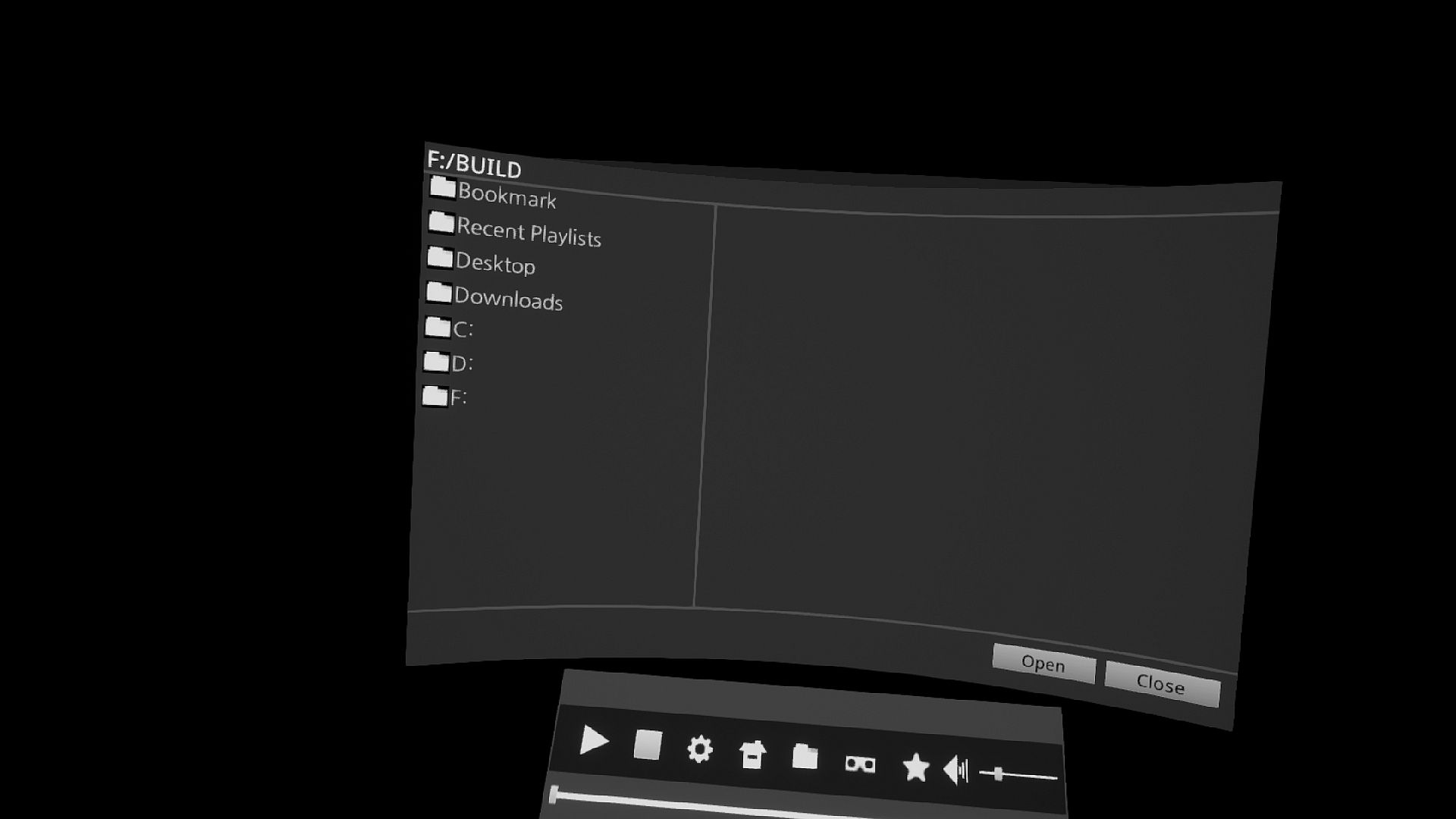
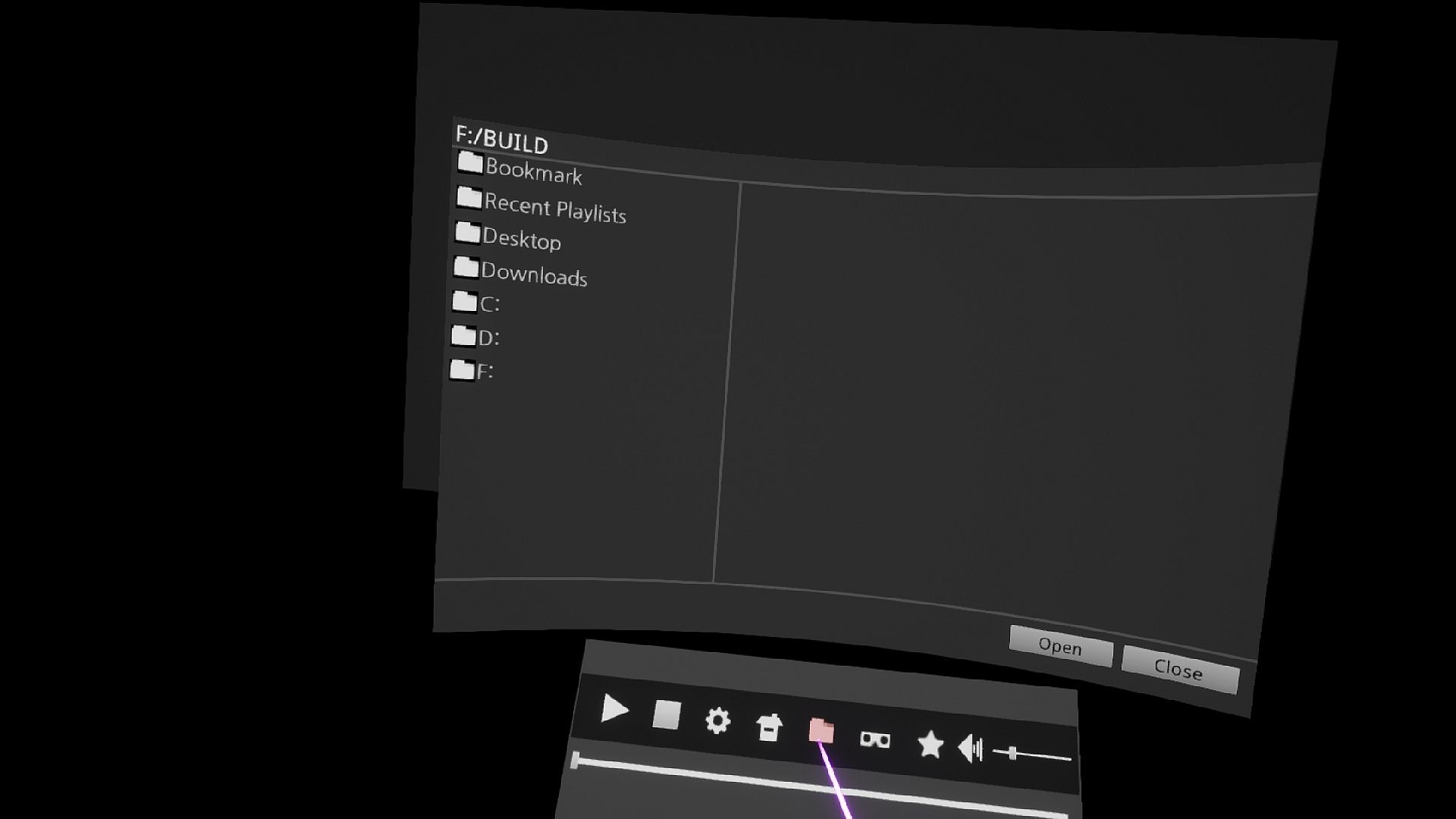
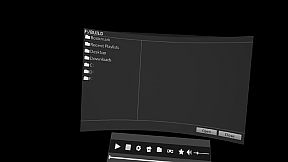
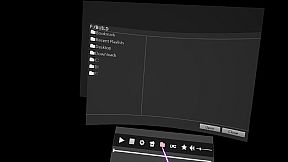
10. Explorer Support Files
11. Supports keyboard input
12. VR Controller Input Support


Media features include:

1. 2D, 3D, 180°, 360° video support.
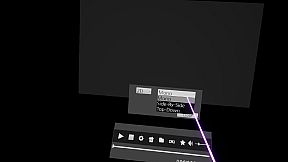
2. 3D Stereoscopic image Side-By-Side, Top-Down support.
3. Supports UHD 3840 × 2160, QUHD 7680 × 4320 video.
4. Supports .3g2 .3gp .3gp2 .3gpp .ac3 .aif .aifc .aiff .amr .au .avi .bwf .caf .cdda
.m4a .mp4v .mov .mp3 .mp4 .qt .sdv .snd .wav .wave formats
5. Support for .Srt .Smi subtitles

(cautions related to subtitles)
If the folder path and file name are not English, the subtitle file can not be read. Always run in English.
If the name of the subtitle file is the same as the name of the media file, the subtitle is recognized automatically.
When a subtitle file is run, it automatically plays the media if there is a media file with the same name.

Input guide

Mouse input support

Keyboard Input
Space Bar: Stop/Play Video
Directional keys left and right =Back/forward of the image
Up and down the arrow

VR Controller
Pad Left and Right = Back/forward of the image
Up and down the pad=Small/Large, Scrollup/down in File Explorer
Trigger = Click/Hide Menu

FolderHow to Create Shortcuts
When you click the folder icon in the File Explorer, the folder shortcut icon is added.

Updated in the future
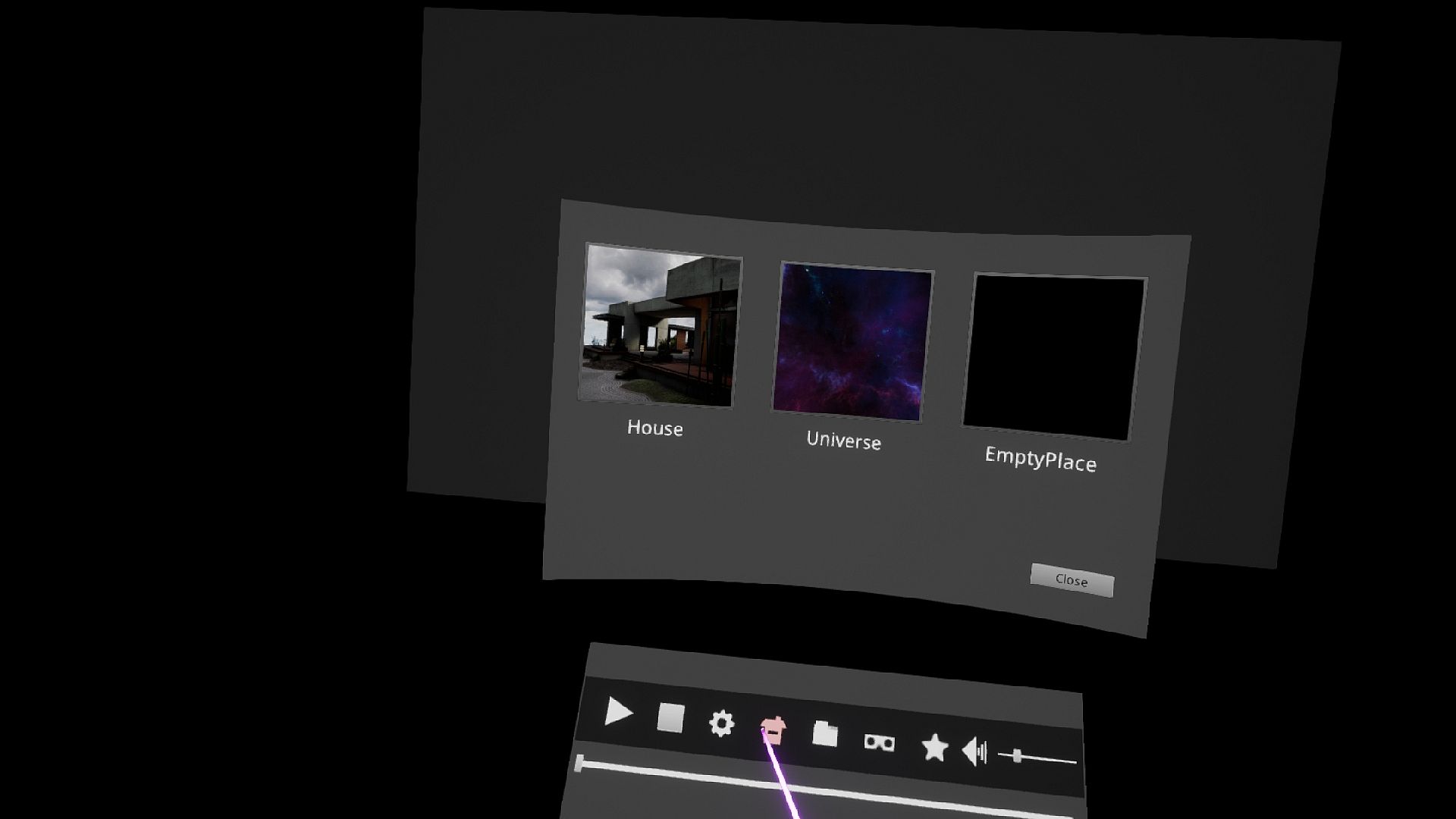
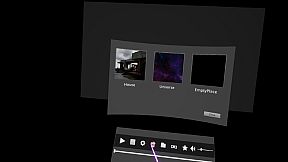
theater background
YouTube 2D, 3D, 180°, 360° video support.


known issue
chaperone is an internal function of the StramVR.
Internal access is not available at this time for safety reasons.
Other existing VR programs were developed with the old version of Openvr SDK and removed the chaperone.
However, it is not possible to remove the chaperone at this time.

However, there is a way to bypass the circular chaperone while sitting down.
The contents are as follows.
Run the setup in SteamVR.
In the Developer entry, click the Quick Adjust button in Room and Tracking .
The circular chaperone is then changed to a boxed chaperone and the circular chaperone is invisible.

Interfaz:
GermanEnglishJapaneseKoreanSimplified Chinese

Clasificación por edades

No disponible
Steam:
Mixed (16)

Mínimo:

  • Sistema operativo: Windows 10 (64-bit)
  • Procesador: Intel Core i5-4790K / AMD Ryzen 5 1600
  • Memoria: 8 GB RAM
  • Gráficos: GeForce GTX 970/Radeon R9 390
  • DirectX: Version 11
  • Almacenamiento: 300 MB available space

Recomendado:

  • Sistema operativo: Windows 10 (64-bit)
  • Procesador: Intel Core i5-8700K / AMD Ryzen7 2700x
  • Memoria: 8 GB RAM
  • Gráficos: GeForce GTX 1080/Radeon RX 590
  • DirectX: Version 11
  • Almacenamiento: 200 MB available space
Mínimo histórico
Historial de precios de tiendas oficiales
2,39 €
Steam
hace 3 semanas
Historial de precios de keyshops
-
-
-

FAQ

8 preguntas

Antes de buscar una clave PC barata de Sim 4K VR MediaPlayer, revisa lo esencial. Desarrollado por SimppleGames. Publicado por SimppleGames. Fecha de lanzamiento en PC: 18 abr 2019. Géneros: Utilities, Video Production. Categorías: Steam Achievements, Tracked Controller Support, VR Only.

Q

¿Dónde comprar una clave Steam o CD Key barata de Sim 4K VR MediaPlayer?

Actualmente no hay ofertas activas para Sim 4K VR MediaPlayer. Crea una alerta de precio en XD.deals y te avisaremos en cuanto haya una oferta disponible.

No disponemos del precio actual de Sim 4K VR MediaPlayer en Steam Store. Es posible que el juego no esté disponible temporalmente o que aún no figure en Steam.

Nuestro rastreador de precios cubre tanto tiendas oficiales como keyshops, así que puedes encontrar Sim 4K VR MediaPlayer en oferta incluso fuera de las promociones de temporada. Actualmente detectamos 0 ofertas activas en tiendas oficiales y keyshops. Consulta la tabla de arriba, compara con el mínimo histórico y crea una alerta para no perderte la próxima bajada de precio.

Según nuestros datos, Sim 4K VR MediaPlayer no está disponible actualmente en GeForce NOW. Necesitarás ejecutarlo localmente en tu PC. Consulta los juegos disponibles en GeForce NOW.

Sí. Sim 4K VR MediaPlayer tiene una página oficial en Steam, pero actualmente no rastreamos ofertas de terceros con DRM de Steam. Vuelve más tarde o crea una alerta de precio.

No en este momento. Valve marca Sim 4K VR MediaPlayer como No compatible con Steam Deck. Estate atento a XD.deals - seguimos las actualizaciones de Proton y las soluciones de la comunidad. Consulta los juegos Steam Deck Verified o Steam Deck Playable.

Según nuestros datos, Sim 4K VR MediaPlayer no está disponible actualmente en PC Game Pass, EA Play ni Ubisoft+. Todavía estamos completando los catálogos de estos servicios, así que conviene confirmar el estado en la fuente antes de decidir. Si vas a comprar, XD.deals te ayudará a encontrar el precio más bajo.

No - XD.deals no es una tienda. Somos un comparador de precios que rastrea las mejores ofertas de Sim 4K VR MediaPlayer en tiendas oficiales y keyshops verificados. Haz clic en "Ir a la tienda" junto a cualquier oferta y serás redirigido a la web del vendedor para completar tu compra.

¿Quieres comprar en el mejor momento? Crea una alerta de precio en XD.deals y recibe una notificación cuando Sim 4K VR MediaPlayer alcance su próximo mínimo histórico.

Crear alerta
Únete a nuestro Discord
Obtén ayuda al instante de nuestra comunidad y mantente al día de las últimas ofertas
Configurar alertas de precio
Recibe avisos por correo cuando los precios bajen a tu objetivo
Crear cuenta gratis
Desbloquea listas de deseos, alertas de precio y sincronización con Steam