


Comprar RecMaster Pro - Gameplay & Screen Recorder PC

¿Te interesa RecMaster Pro - Gameplay & Screen Recorder? Estamos siguiendo precios en tiendas de confianza. Añade RecMaster Pro - Gameplay & Screen Recorder a tu lista de deseos y te avisaremos cuando haya ofertas.

Steam:
Overwhelmingly Negative (9)
Official
No disponible
Keyshops
No disponible
Comprar en tienda oficial:
No disponible
Comprar en keyshops:
No disponible

No hay entradas, pero no te preocupes: te avisaremos cuando aparezca una nueva oferta.

Create Alert Create deal Alert

Sobre RecMaster Pro - Gameplay & Screen Recorder

RecMaster Pro - Gameplay & Screen Recorder - sobre el juego
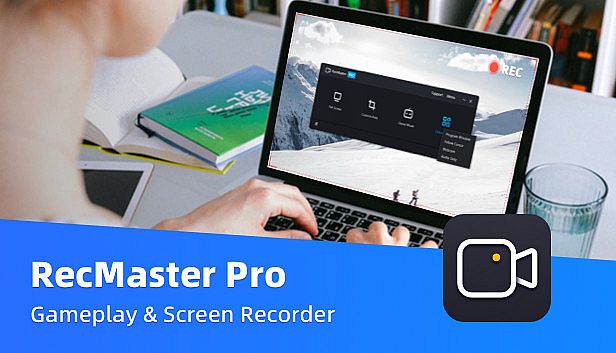
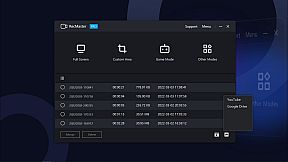
RecMaster Pro delivers lightweight screen recording for gameplay, programs, and audio on PC. Choose from seven modes like full-screen, custom area, game mode, or webcam to capture HD/4K videos with minimal file sizes. Hotkeys control operations, multi-screen setups grab wide views, and effects such as cursor highlights or keystrokes add precision without complex setups. Auto-tasks handle timed starts, ends, and segment saves, while FPS benchmarks track games separately. Output options cover MP4, AVI, FLV, GIF videos, and MP3 audio with adjustable quality, frame rates, and noise reduction. Video production pros, software trainers, and educators grab webinars, tutorials, lectures, or narrations effortlessly.

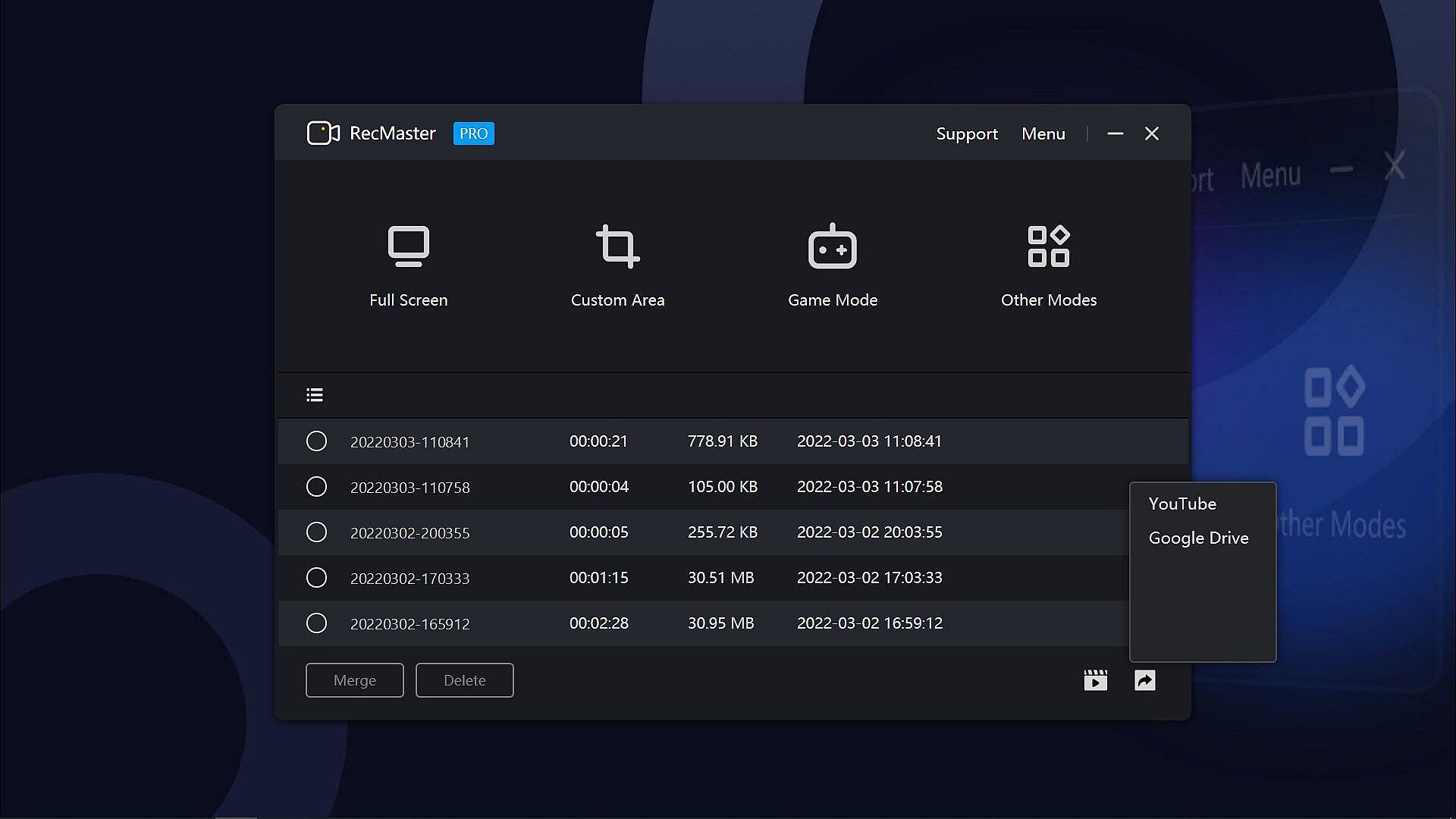
RecMaster Pro is a super-easy and lightweight gameplay recorder, screen recorder, program recorder, and audio recorder. It records HD/4K videos with the best quality and the smallest file size without the need to set complicated parameters or settings. And if you hope to set advanced parameters, you can do it easily with the menu options.

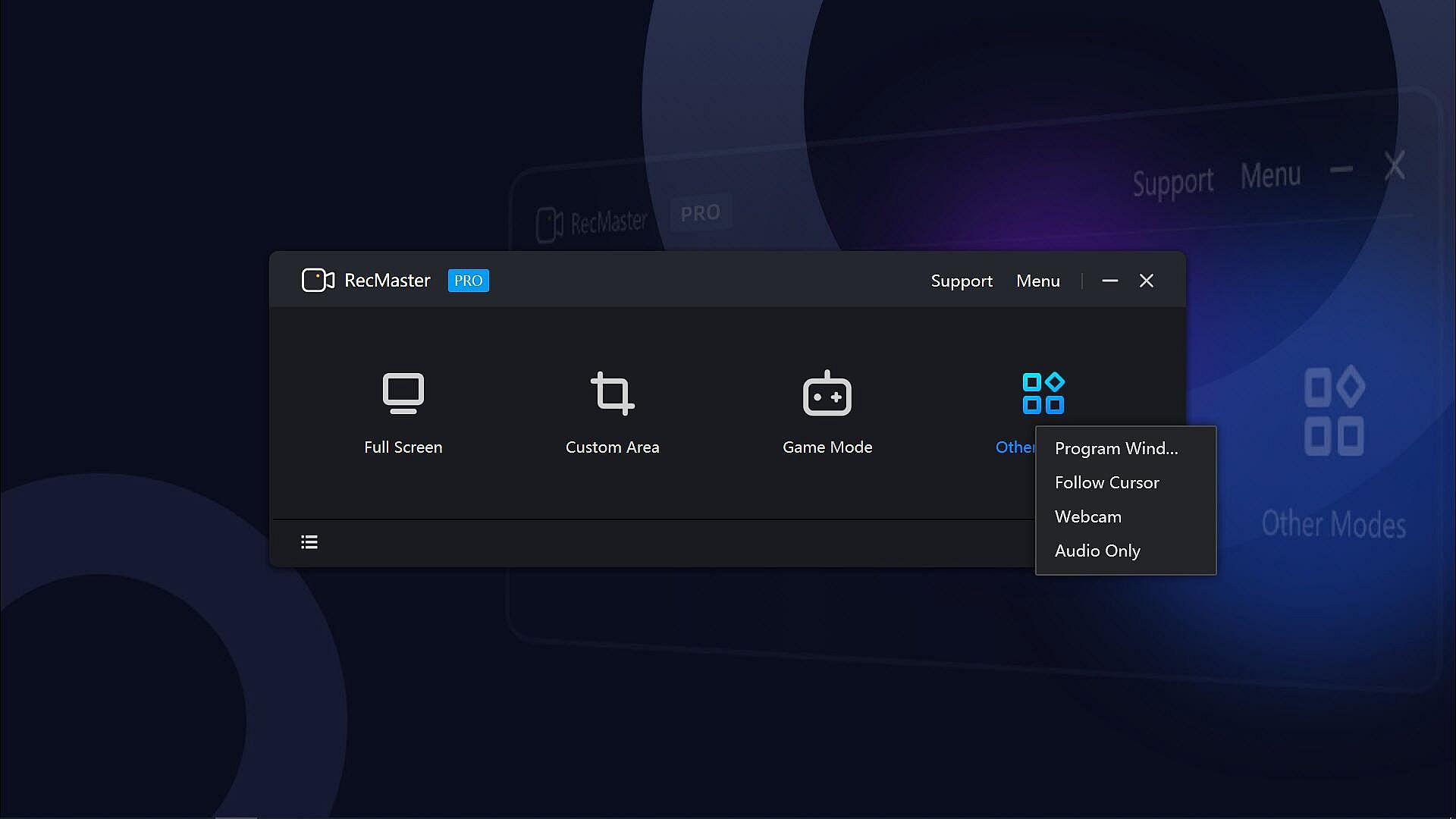
With the 7 recording modes, you can one-click record any actions on your computer screen with or without audio, webcam video, on-screen annotation, cursor effects & keystrokes, and more. Well compatible with Windows 11, 10, 8.1, 8, 7, Vista, you can smoothly record not only the gameplay or walk-through videos, but also online webinars & meetings, lectures & lessons, YouTube videos & movies, software video tutorials, presentations, audiobooks, narrations, and more.
Key Features:
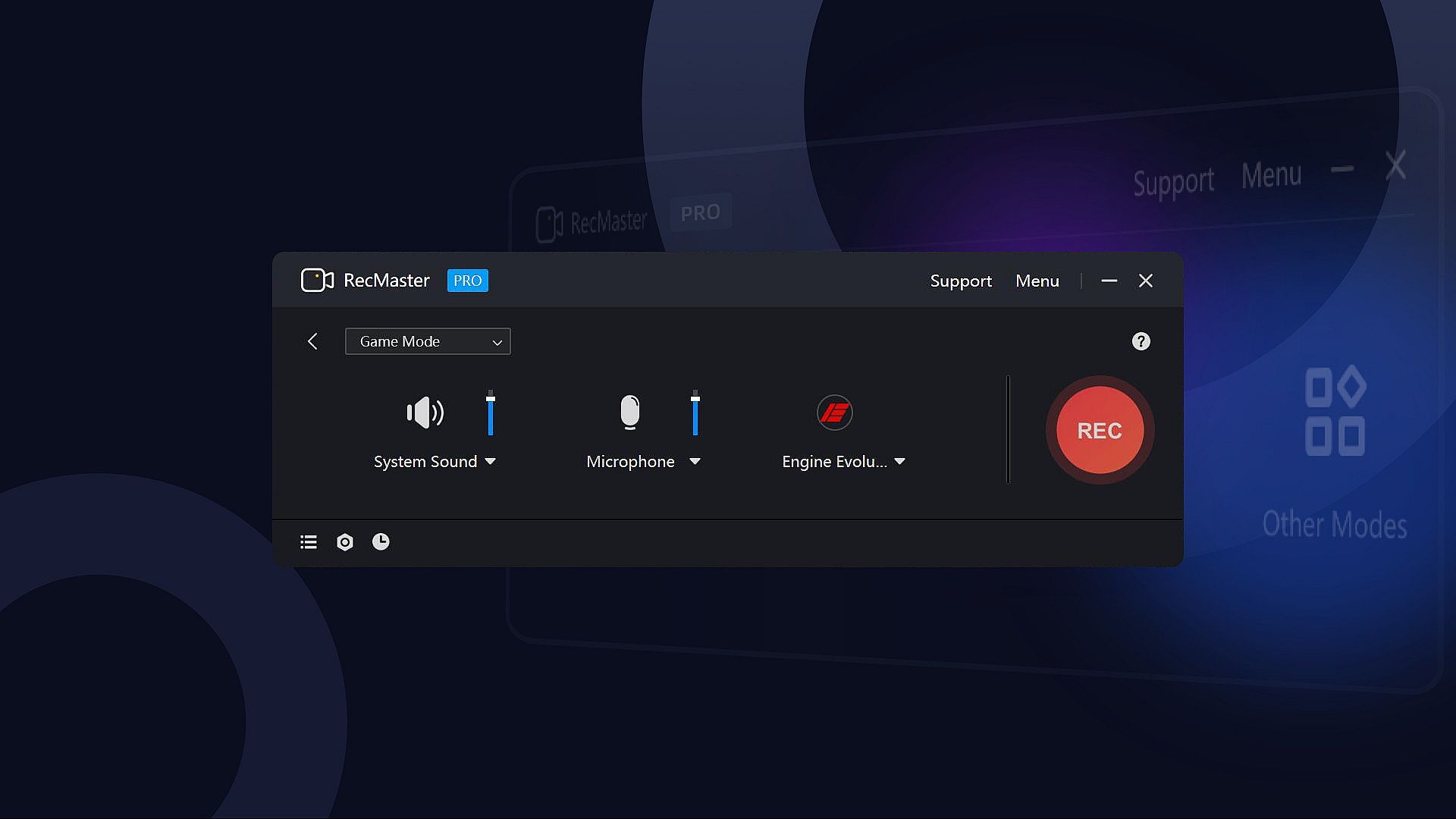
  • 7 Recording Modes: Full-screen Mode, Custom Area, Game Mode, Program Window, Follow Cursor, Webcam Recording, and Audio-only Mode.
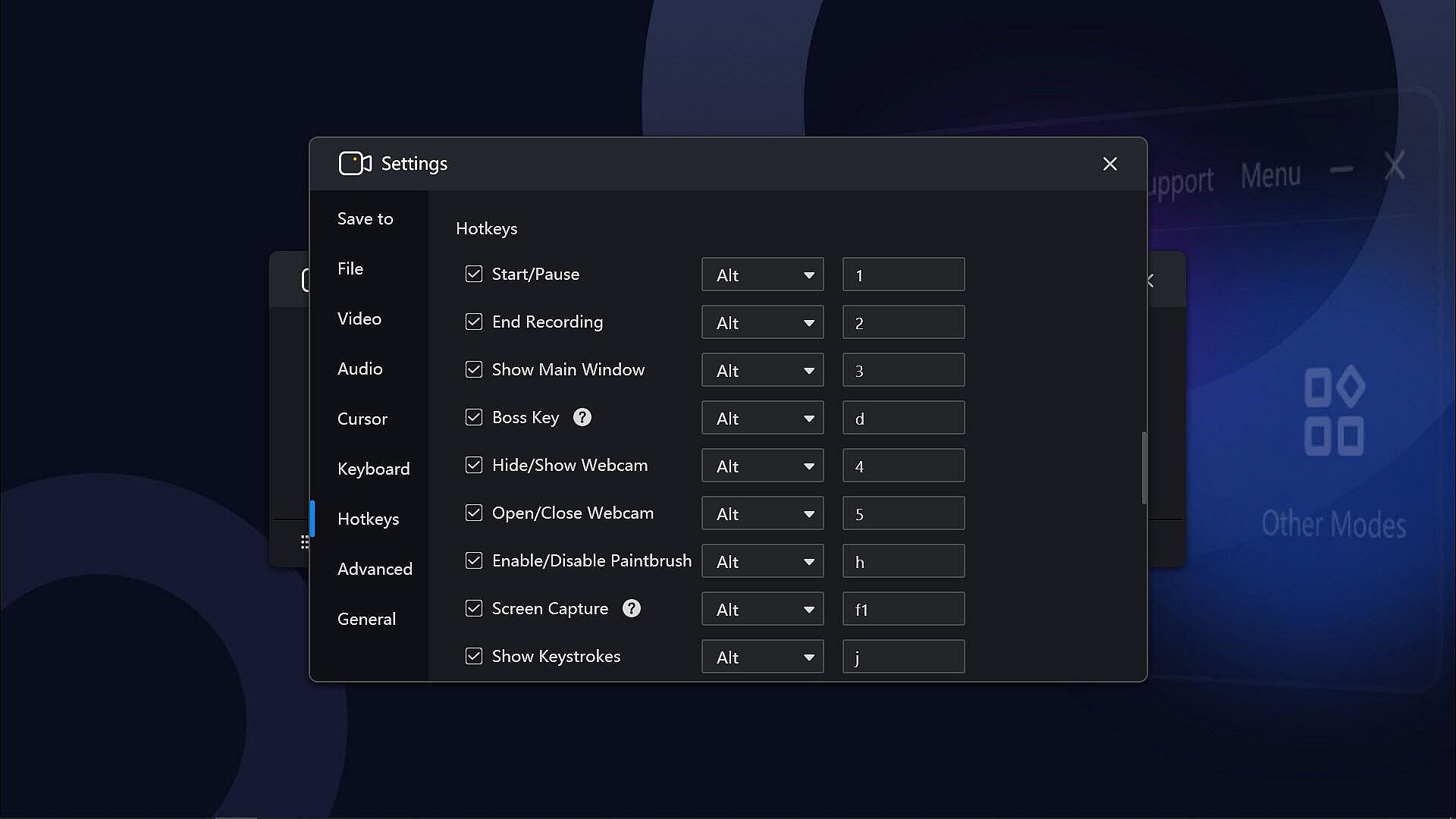
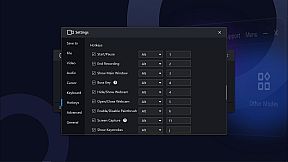
  • Hotkeys help manage all the operations with key combinations without launching the software interface.
  • Multi-screen recording to record super-wide screens or specific screens.
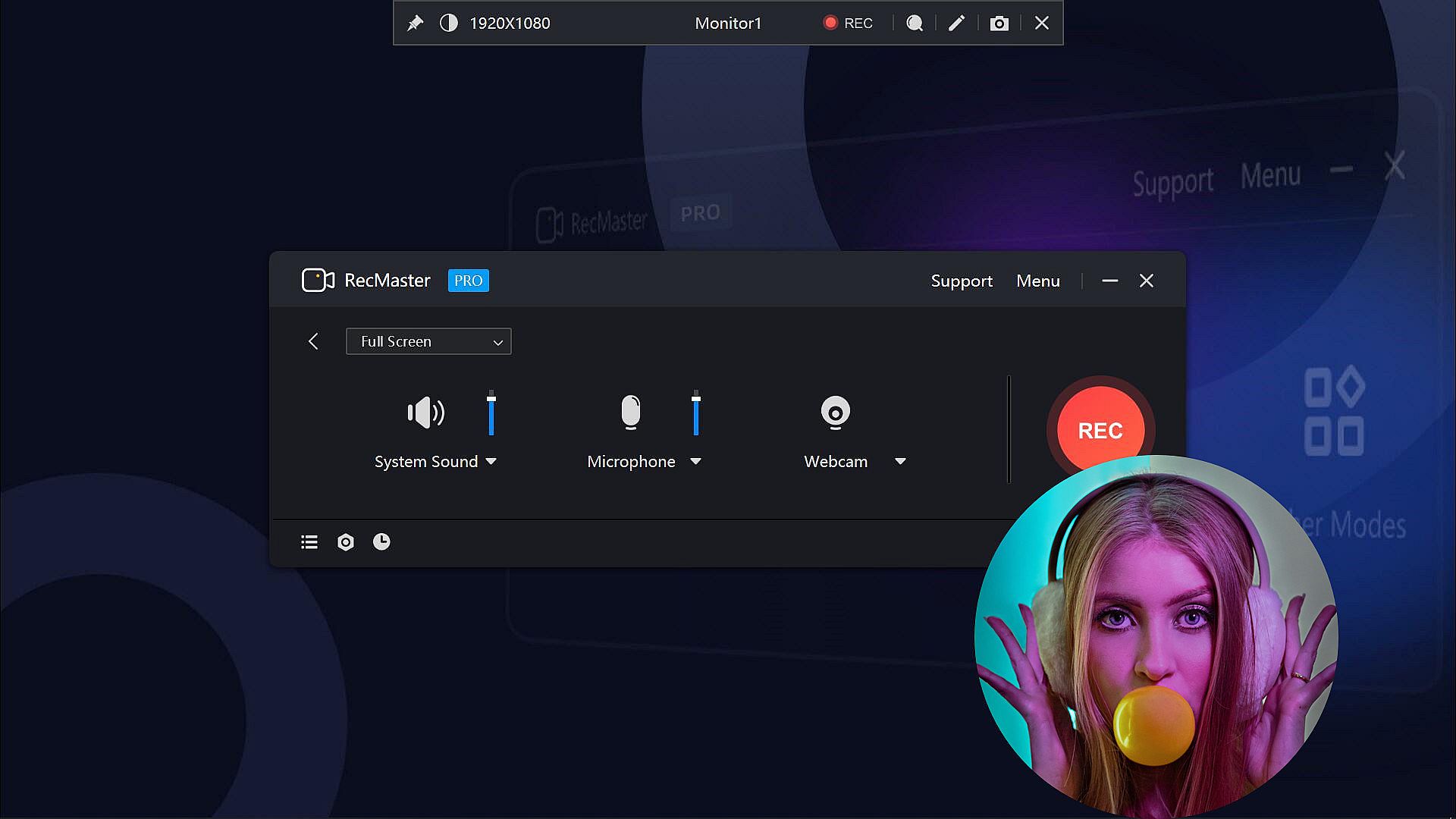
  • Capture screen videos with or without system audio, microphone, and camera.
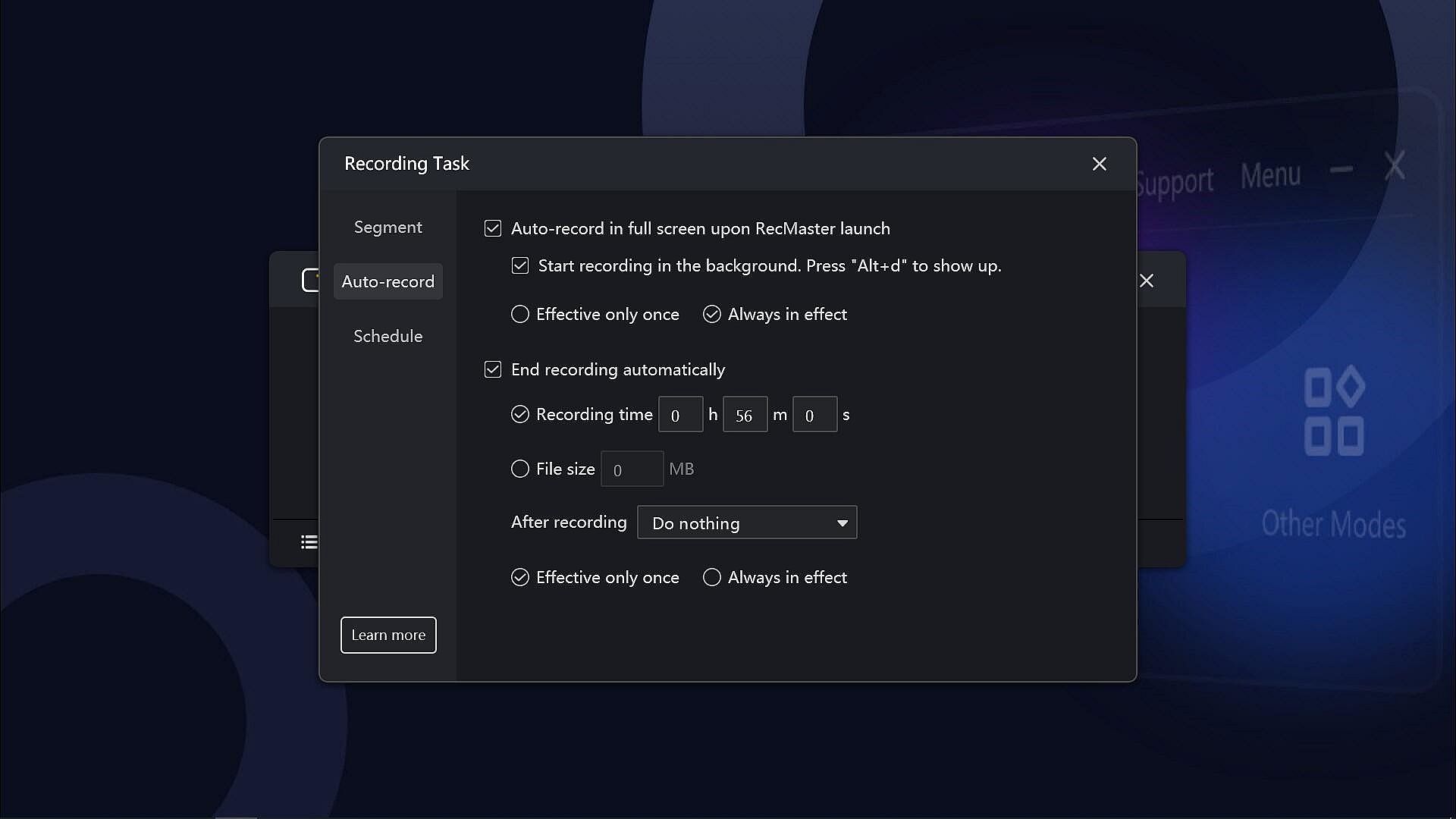
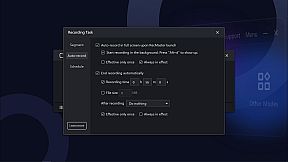
  • Auto-recording Tasks to set recordings to start and/or end automatically and save in segments.
  • Record Games with FPS benchmarks (the FPS won’t be recorded in the video)
  • Output video formats: mp4, avi, flv, and gif; video parameter settings: quality, frame rate (VFR/CFR), encoder (H.264/MPEG4), resolution settings (up to 4K).
  • Output audio formats: mp3; audio parameter settings: sample rate, bit rate settings.
  • Microphone gain, system sound gain, and Mic noise reduction are available, helping get clearer audios.
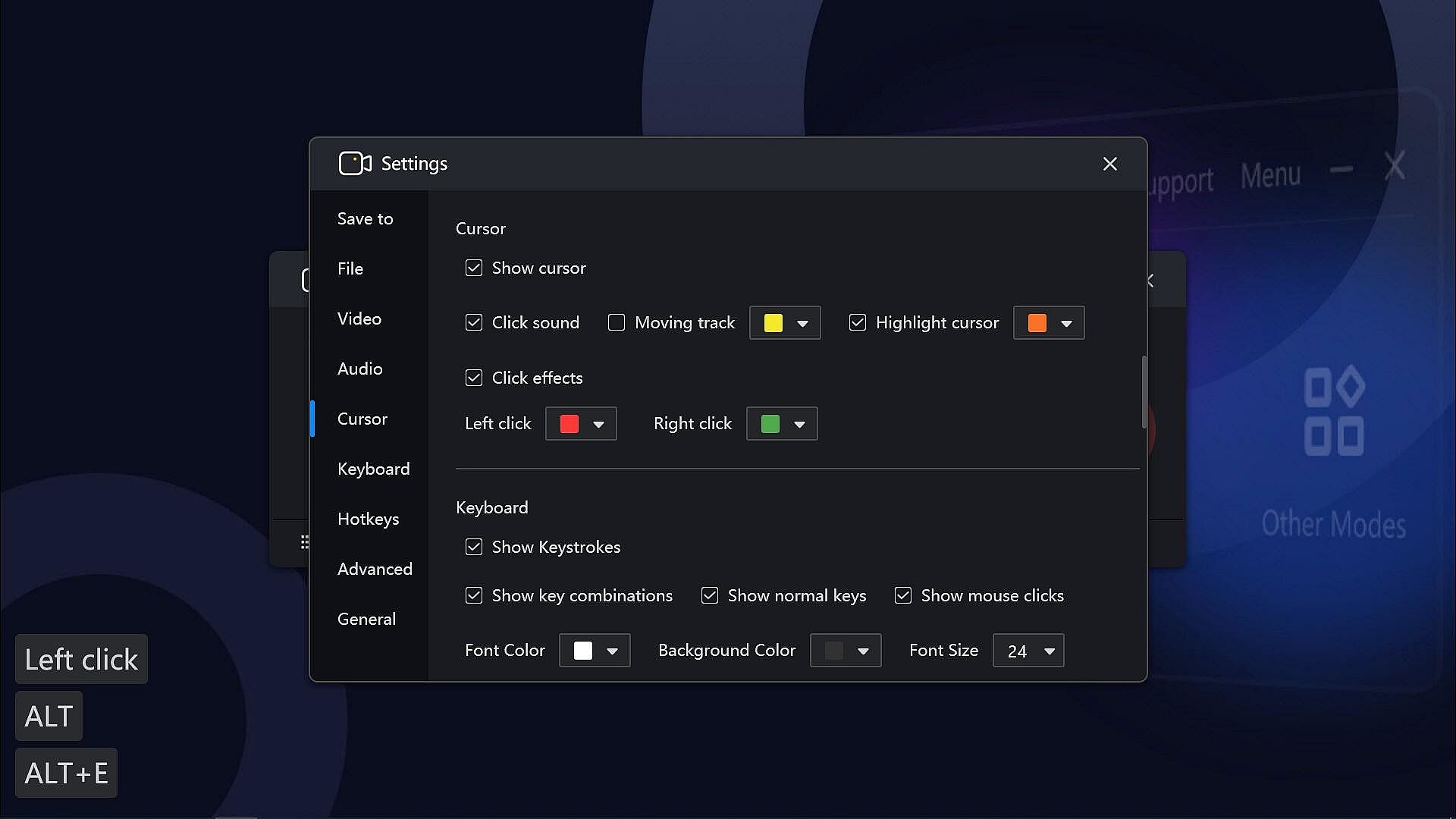
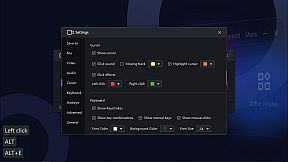
  • Useful effects to show exactly what you want: Cursor effects, keystrokes, paintbrush tools with markers and highlighters, etc.
  • Text/image/timestamp Watermark adding during the recording, helps you protect your copyright and make unique videos.
  • Show/hide system taskbar, provide a clean canvas while recording.
  • Hope to record in the background without showing the RecMaster interface? Enable the Boss key.
  • More useful tools on the RecMaster status bar to capture screenshots, magnify the specific areas, and more.

If you have any questions or suggestions about RecMaster Pro, please feel free to contact us. We will do our best to provide you with the best experience with RecMaster Pro.
Interfaz:
EnglishSimplified Chinese

Clasificación por edades

No disponible
Steam:
Overwhelmingly Negative (9)

Mínimo:

  • Sistema operativo: Vista, 7, 8, 8.1, 10, 11
  • Procesador: Intel® Celeron® 2.0GHz or equivalent processor
  • Memoria: 512 MB RAM
  • Gráficos: Direct3D 9.0 compatible with Pixel Shader 2.0 support
  • DirectX: Version 9.0c
  • Almacenamiento: 150 MB available space
  • Notas adicionales: Broadband Internet connection; DirectX® compatible; The 150MB Hard Disk Space is for installing the software. You need extra space to save the recorded videos.

Recomendado:

  • Sistema operativo: Vista, 7, 8, 8.1, 10, 11
  • Procesador: Intel® Core™ 2 Duo 3.0GHz or equivalent processor
  • Memoria: 1 GB RAM
  • Gráficos: Full Direct3D 10.0 compatible with Pixel Shader 4.0 support
  • DirectX: Version 9.0c
  • Almacenamiento: 150 MB available space
  • Notas adicionales: Broadband Internet connection; DirectX® compatible; The 150MB Hard Disk Space is for installing the software. You need extra space to save the recorded videos.
Mínimo histórico
Historial de precios de tiendas oficiales
-
-
-
Historial de precios de keyshops
-
-
-

FAQ

8 preguntas

Antes de buscar una clave barata de RecMaster Pro - Gameplay & Screen Recorder, revisa lo esencial. Desarrollado por Suzhou Aunbox Software Co., Ltd.. Publicado por Suzhou Aunbox Software Co., Ltd.. Fecha de lanzamiento en PC: 17 mar 2022. Géneros: Utilities, Audio Production, Video Production, Education, Web Publishing, Software Training.

Q

¿Donde comprar una clave barata de RecMaster Pro - Gameplay & Screen Recorder para Steam?

Actualmente no hay ofertas activas para RecMaster Pro - Gameplay & Screen Recorder. Crea una alerta de precio en XD.deals y te avisaremos en cuanto haya una oferta disponible.

No disponemos del precio actual de RecMaster Pro - Gameplay & Screen Recorder en Steam Store. Es posible que el juego no este disponible temporalmente o que aun no figure en Steam.

Nuestro rastreador de precios cubre tanto tiendas oficiales como keyshops, asi que puedes encontrar RecMaster Pro - Gameplay & Screen Recorder en oferta incluso fuera de las promociones de temporada. Actualmente detectamos 0 ofertas activas en tiendas oficiales y keyshops. Consulta la tabla de arriba, compara con el minimo historico y crea una alerta para no perderte la proxima bajada de precio.

Segun nuestros datos, RecMaster Pro - Gameplay & Screen Recorder no esta disponible actualmente en GeForce NOW. Necesitaras ejecutarlo localmente en tu PC. Consulta los juegos disponibles en GeForce NOW.

Si. RecMaster Pro - Gameplay & Screen Recorder tiene una pagina oficial en Steam, pero actualmente no rastreamos ofertas de terceros con DRM de Steam. Vuelve mas tarde o crea una alerta de precio.

No en este momento. Valve marca RecMaster Pro - Gameplay & Screen Recorder como No compatible con Steam Deck. Estate atento a XD.deals - seguimos las actualizaciones de Proton y las soluciones de la comunidad. Consulta los juegos Steam Deck Verified o Steam Deck Playable.

RecMaster Pro - Gameplay & Screen Recorder no parece estar disponible en PC Game Pass, EA Play, Ubisoft+ ni en ningun otro servicio de suscripcion para PC en este momento. Tu unica opcion es comprar el juego - usa XD.deals para encontrar el mejor precio.

No - XD.deals no es una tienda. Somos un comparador de precios que rastrea las mejores ofertas de RecMaster Pro - Gameplay & Screen Recorder en tiendas oficiales y keyshops verificados. Haz clic en "Ir a la tienda" junto a cualquier oferta y seras redirigido a la web del vendedor para completar tu compra.

¿Quieres comprar en el mejor momento? Crea una alerta de precio en XD.deals y recibe una notificacion cuando RecMaster Pro - Gameplay & Screen Recorder alcance su proximo minimo historico.

Crear alerta
Únete a nuestro Discord
Obtén ayuda al instante de nuestra comunidad y mantente al día de las últimas ofertas
Configurar alertas de precio
Recibe avisos por correo cuando los precios bajen a tu objetivo
Crear cuenta gratis
Desbloquea listas de deseos, alertas de precio y sincronización con Steam










