

Comprar Reality Mixer - Mixed Reality for VR headsets PC

¿Te interesa Reality Mixer - Mixed Reality for VR headsets? Estamos siguiendo precios en tiendas de confianza. Añade Reality Mixer - Mixed Reality for VR headsets a tu lista de deseos y te avisaremos cuando haya ofertas.

Steam:
Mostly Positive (81)
Official
No disponible
Keyshops
No disponible
Comprar en tienda oficial:
No disponible
Comprar en keyshops:
No disponible

No hay entradas, pero no te preocupes: te avisaremos cuando aparezca una nueva oferta.

Create Alert Create deal Alert

Sobre Reality Mixer - Mixed Reality for VR headsets

Reality Mixer - Mixed Reality for VR headsets - sobre el juego
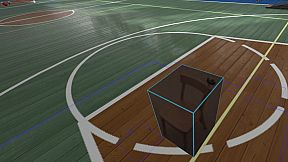
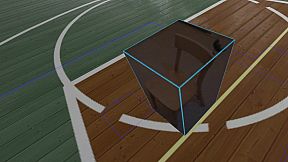
Reality Mixer integra objetos del mundo real en la vista de tu headset VR mediante sus cámaras integradas. Superpone elementos como teclados, ratones, volantes de carreras, setups HOTAS, bebidas, móviles e incluso puertas o sofás en cualquier app o juego VR que estés usando. Crea «cajas de realidad» personalizables con opciones de activación -desvanecimiento por proximidad, ángulo de mirada con retraso o pulsación de botón- para mostrar el entorno solo cuando lo necesites, optimizando recursos. Esta utilidad VR incorpora un Cockpit de realidad mixta para simracing y simuladores de vuelo, Floor Viewer para ver el suelo real, y Lap Viewer para setups sentados como Big Screen con teclados sin tracking. Trackers como Vive o Tundra se acoplan a las cajas de cámara para una visibilidad total del área de juego, mientras que Stream Deck o Touch Portal se integran sin problemas. Headsets Quest, Pico y similares se conectan vía passthrough de Virtual Desktop. Simracing aficionados y multitarea en VR disponen de herramientas prácticas de realidad mixta sin pausar sus sesiones.

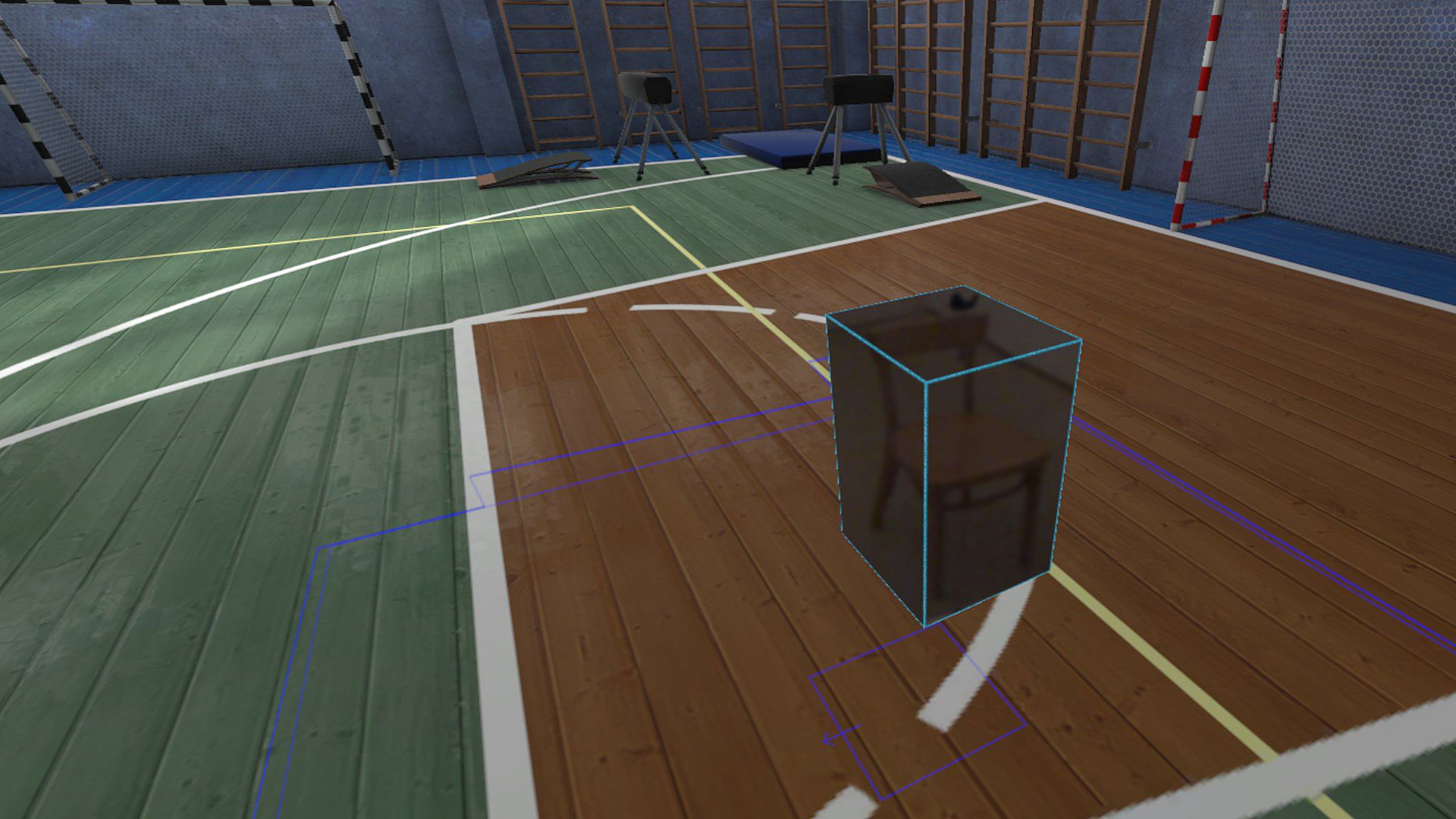
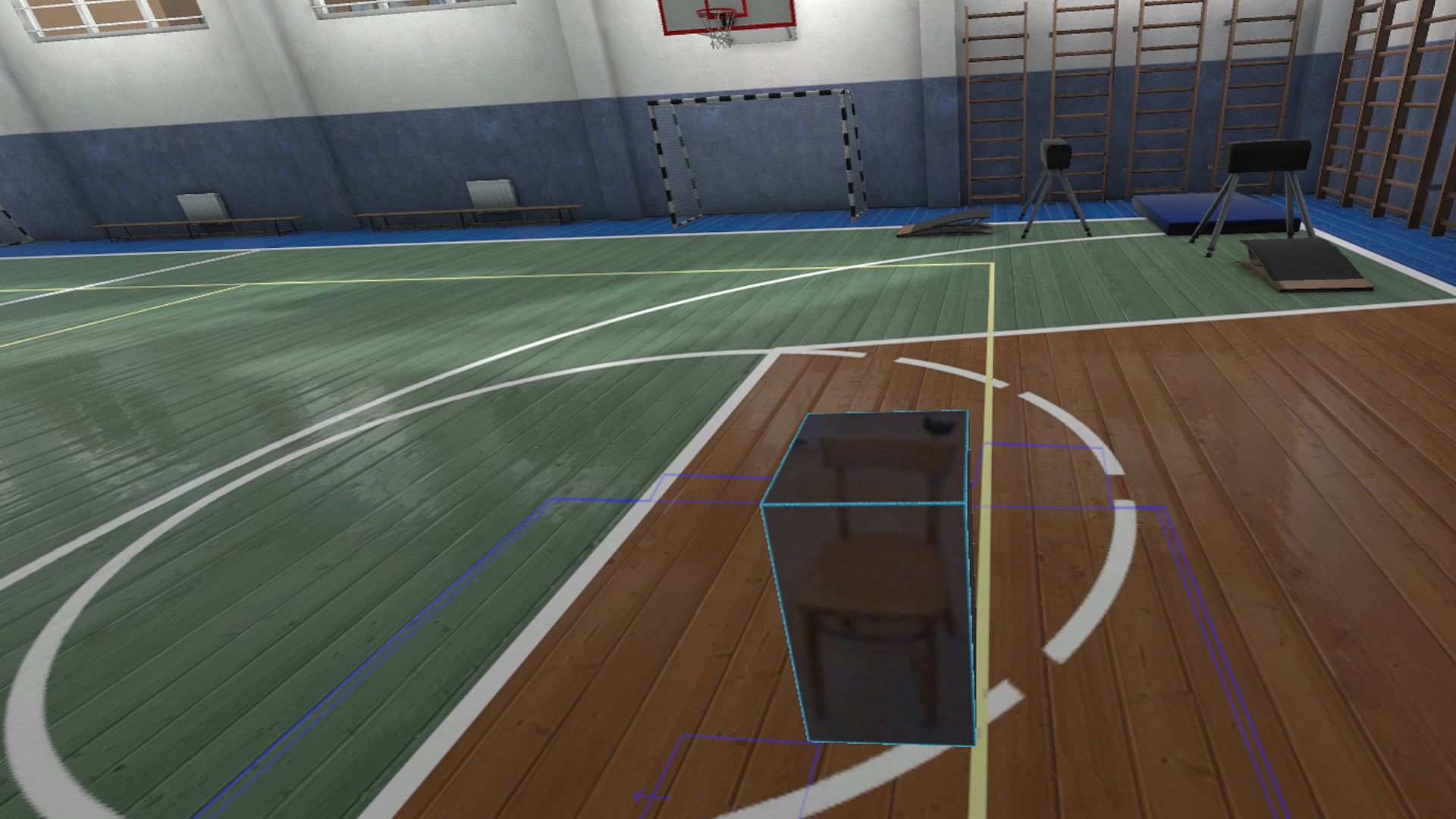
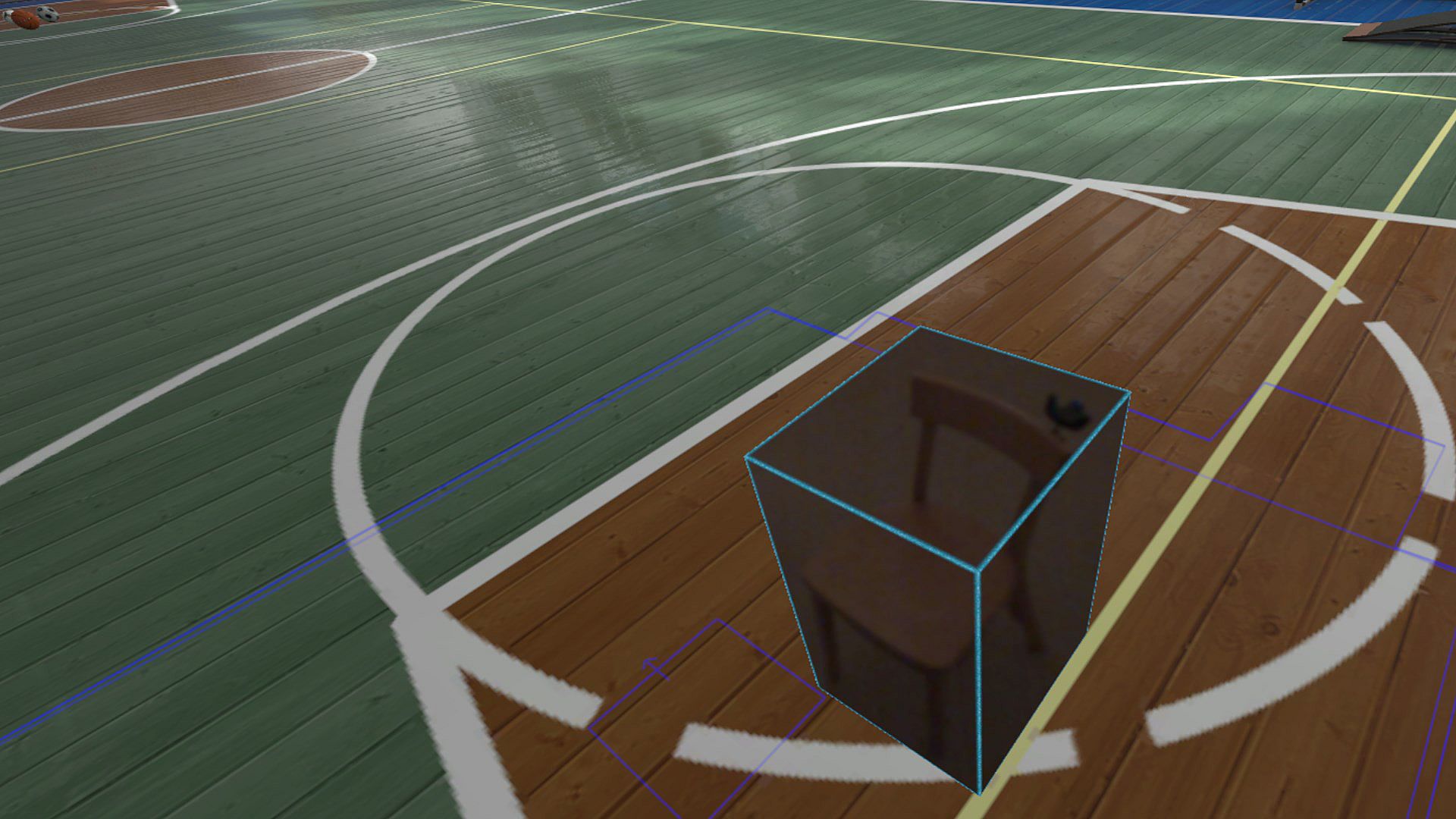
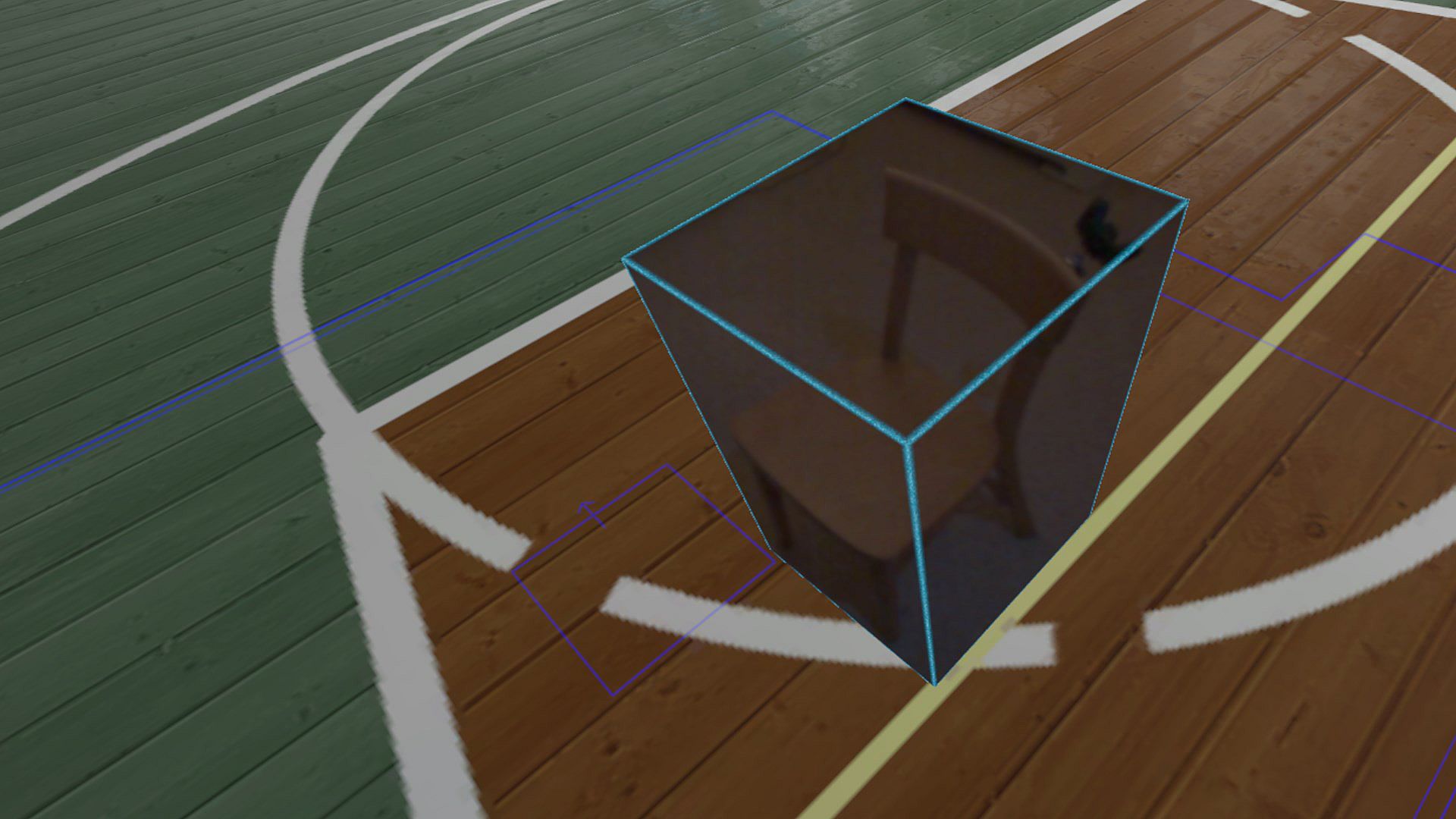
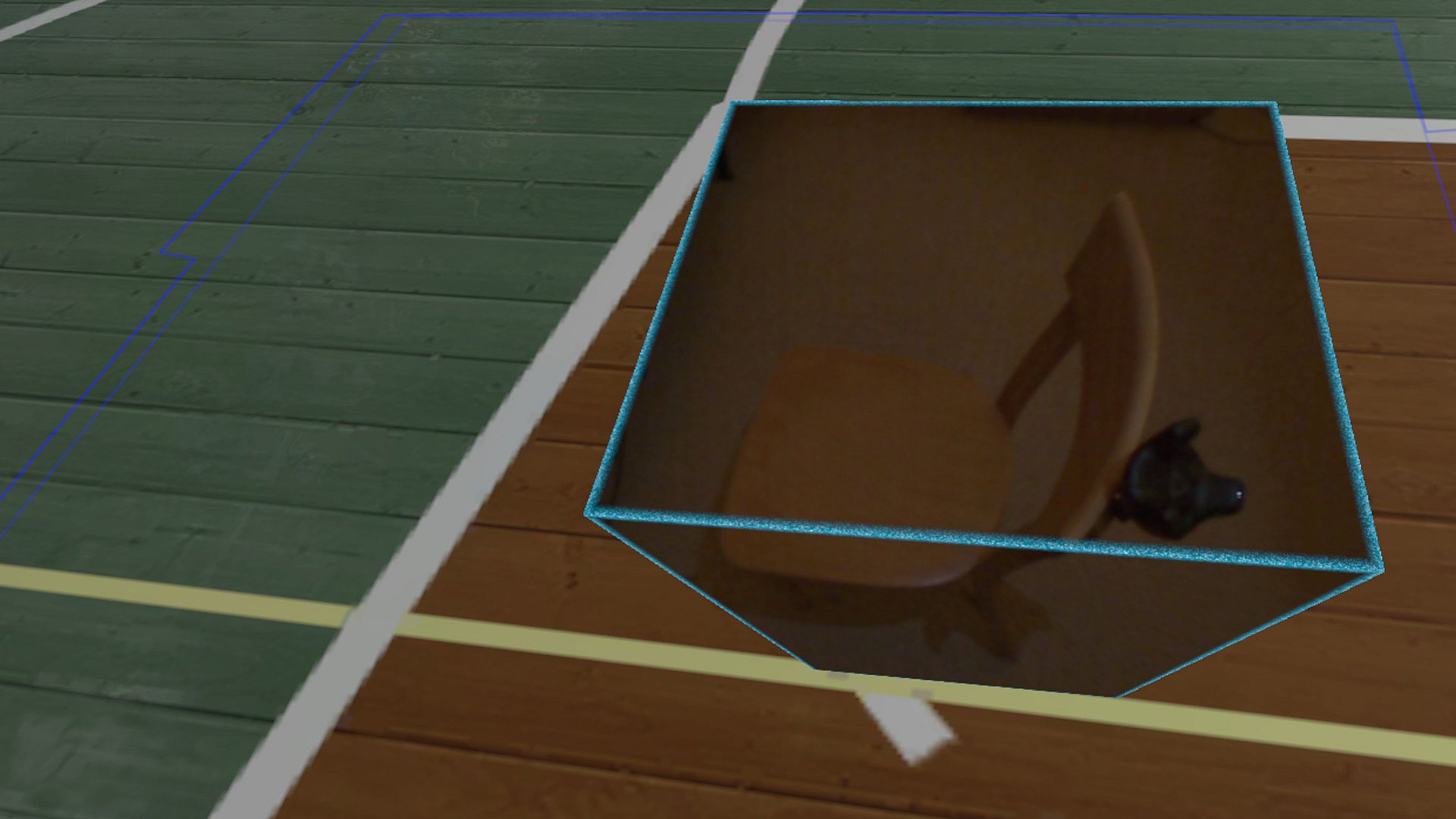
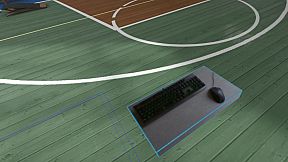
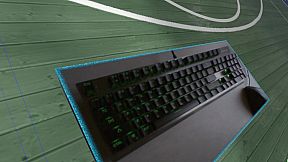
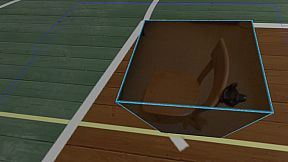
Reality Mixer lets you bring real objects into VR. It uses the cameras on the headset to show a real object and its surroundings in the current VR environment. It can be used at the same time as other VR software and games.

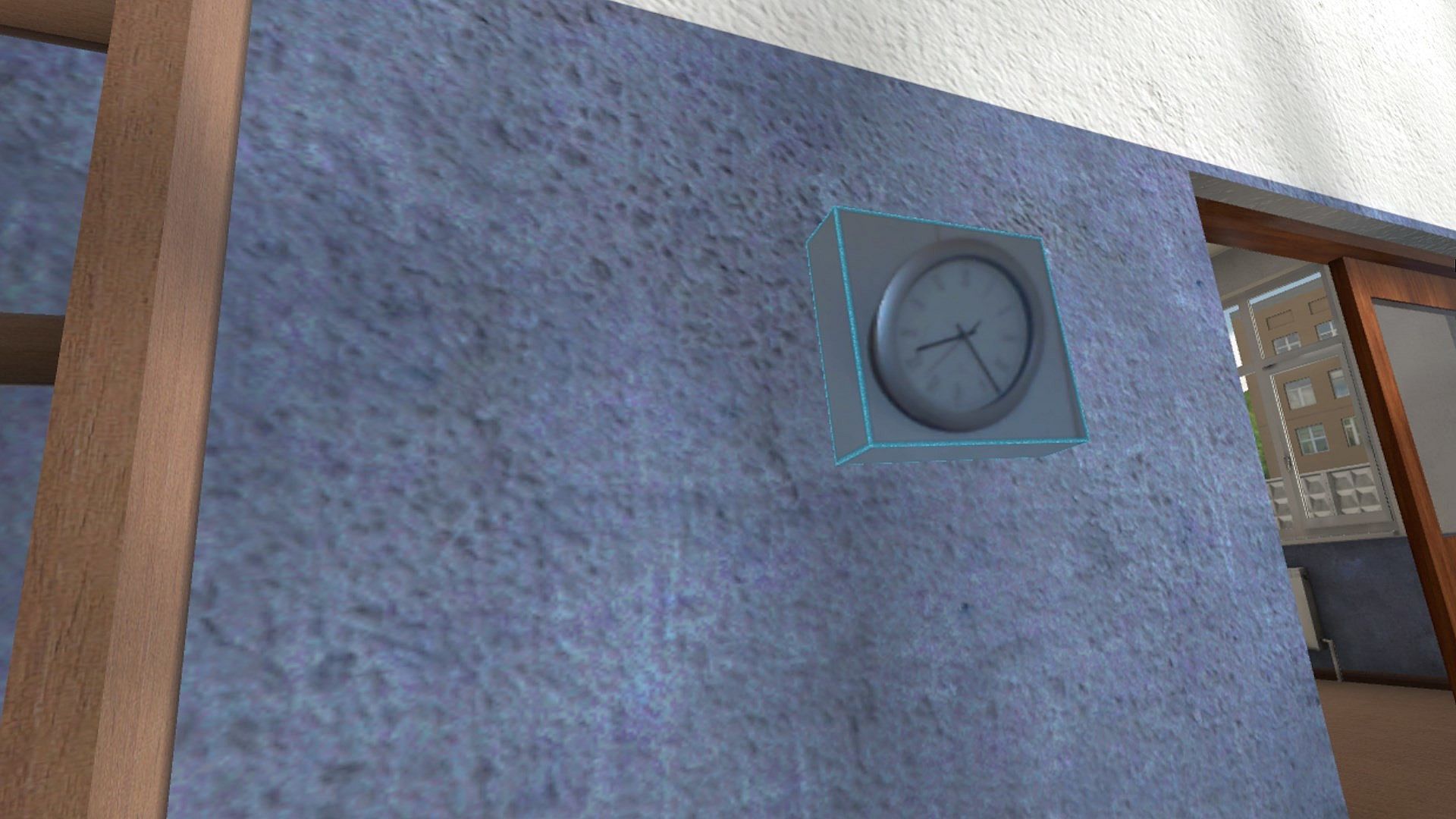
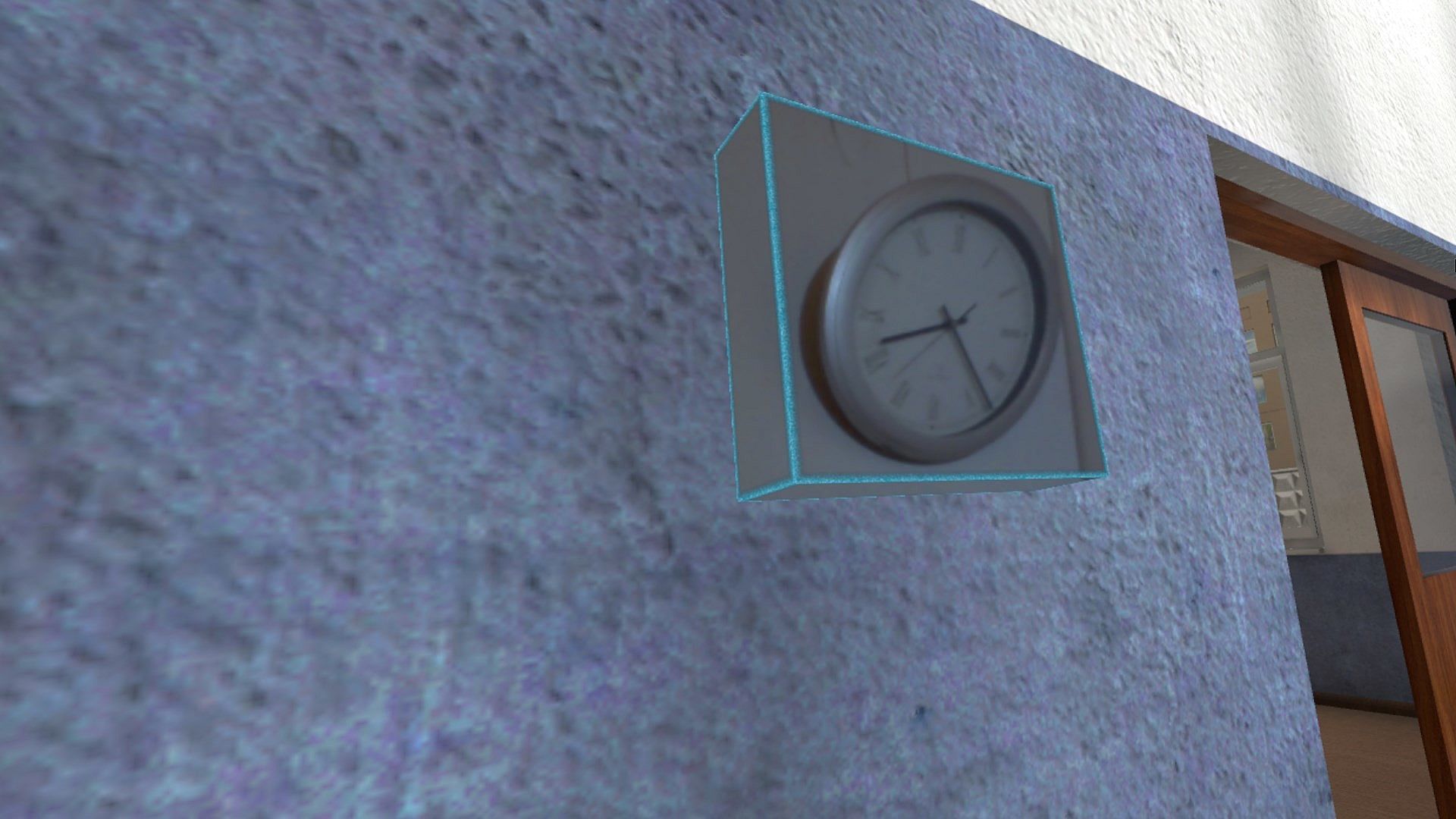
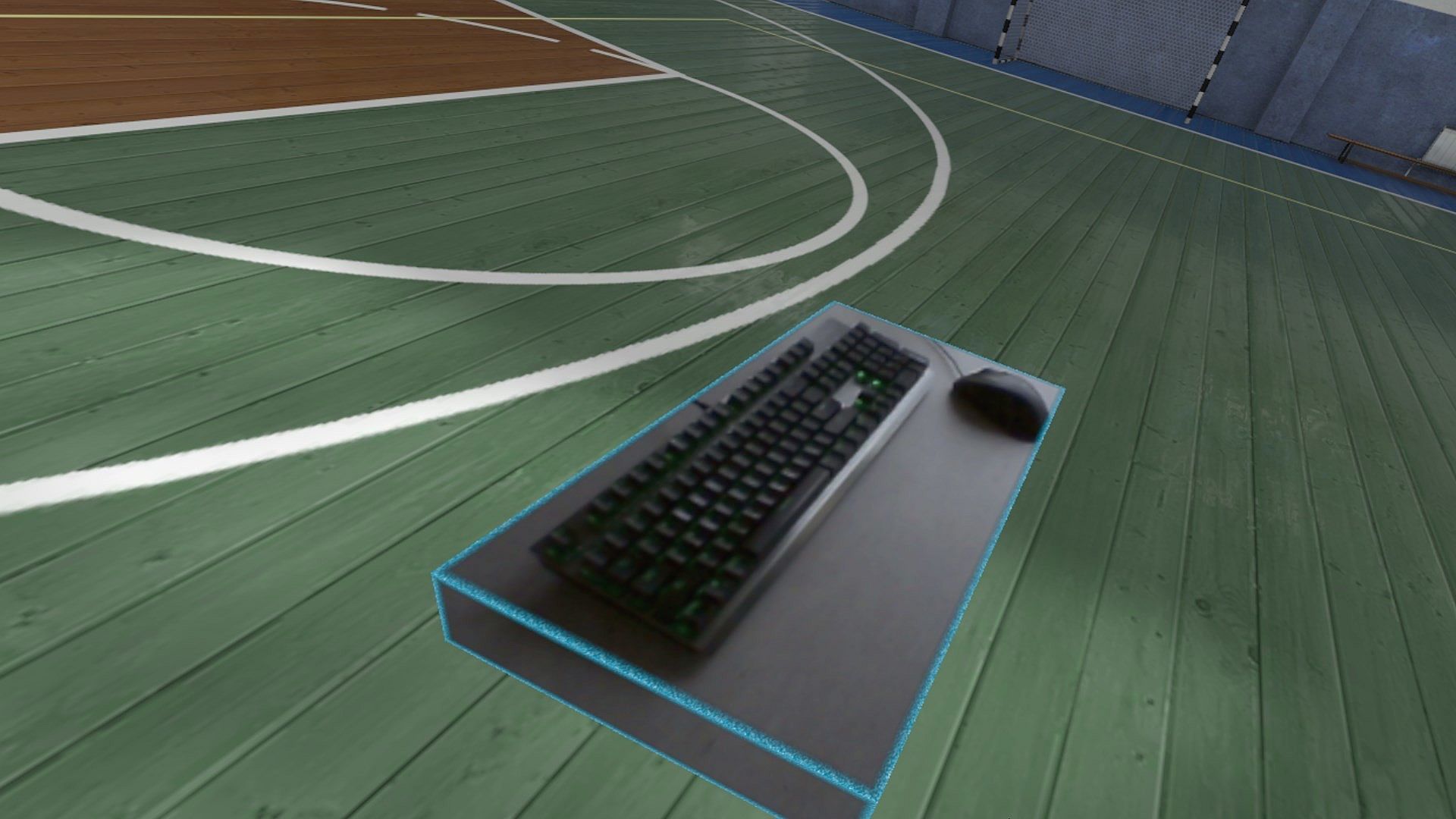
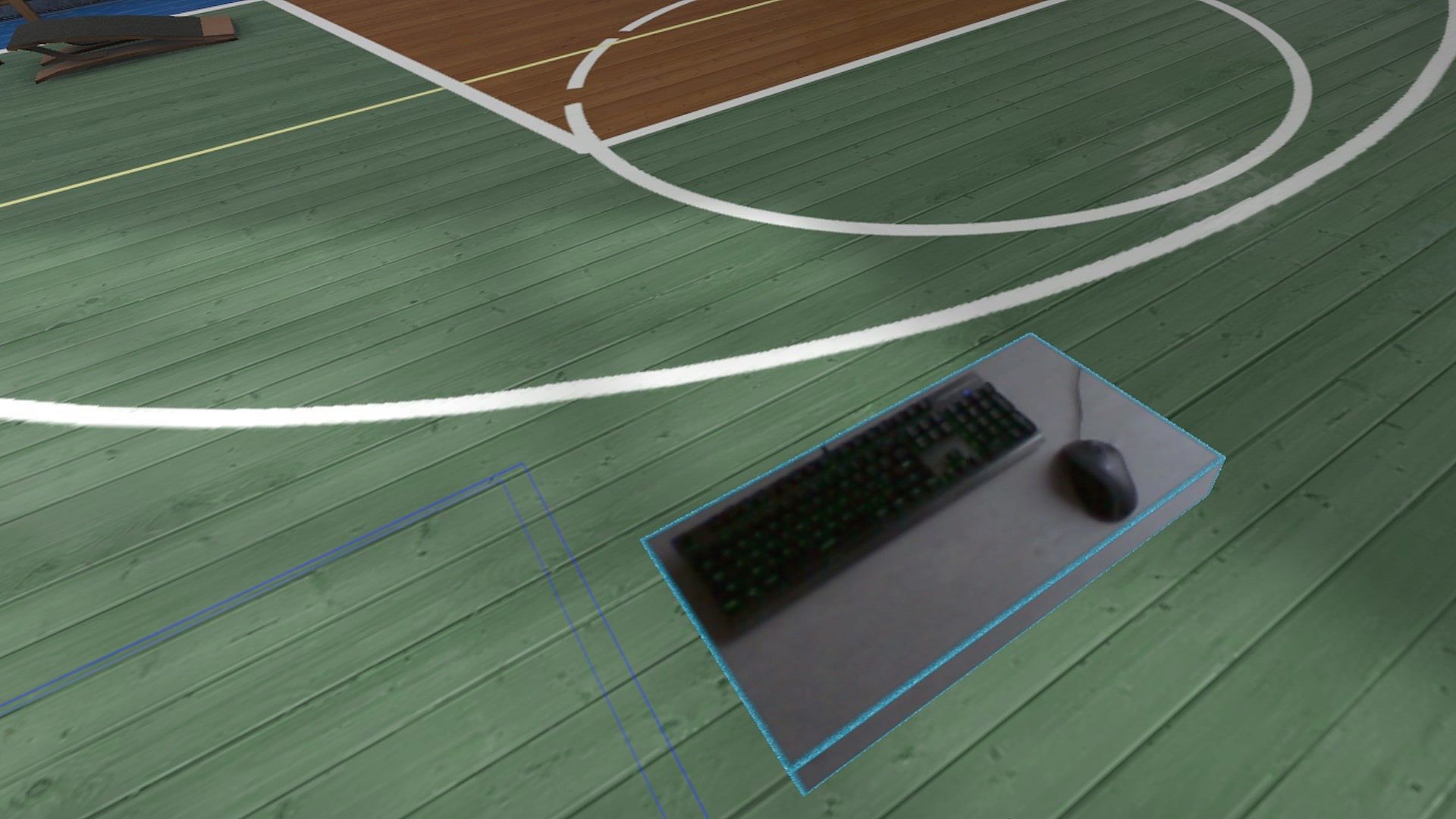
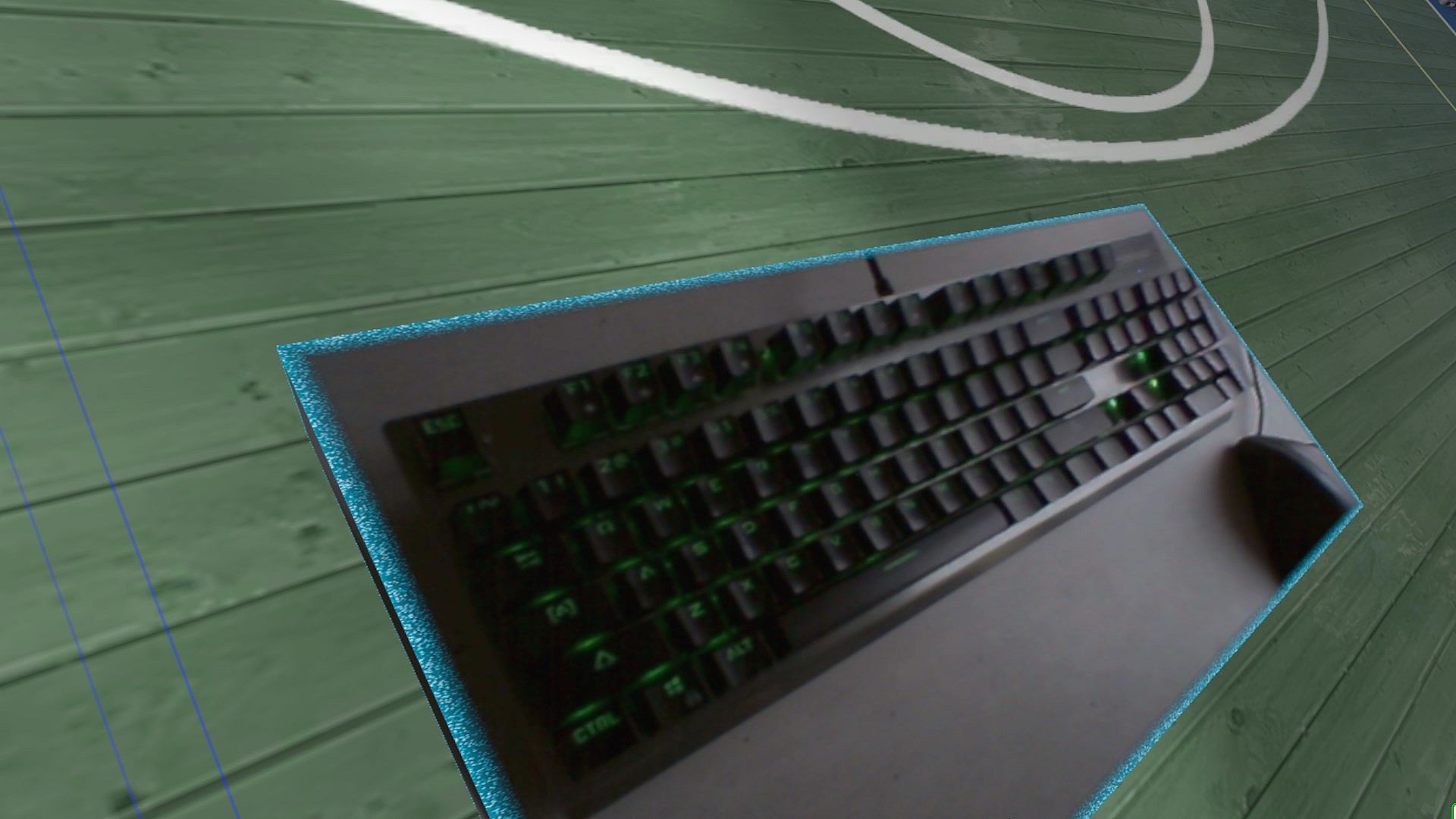
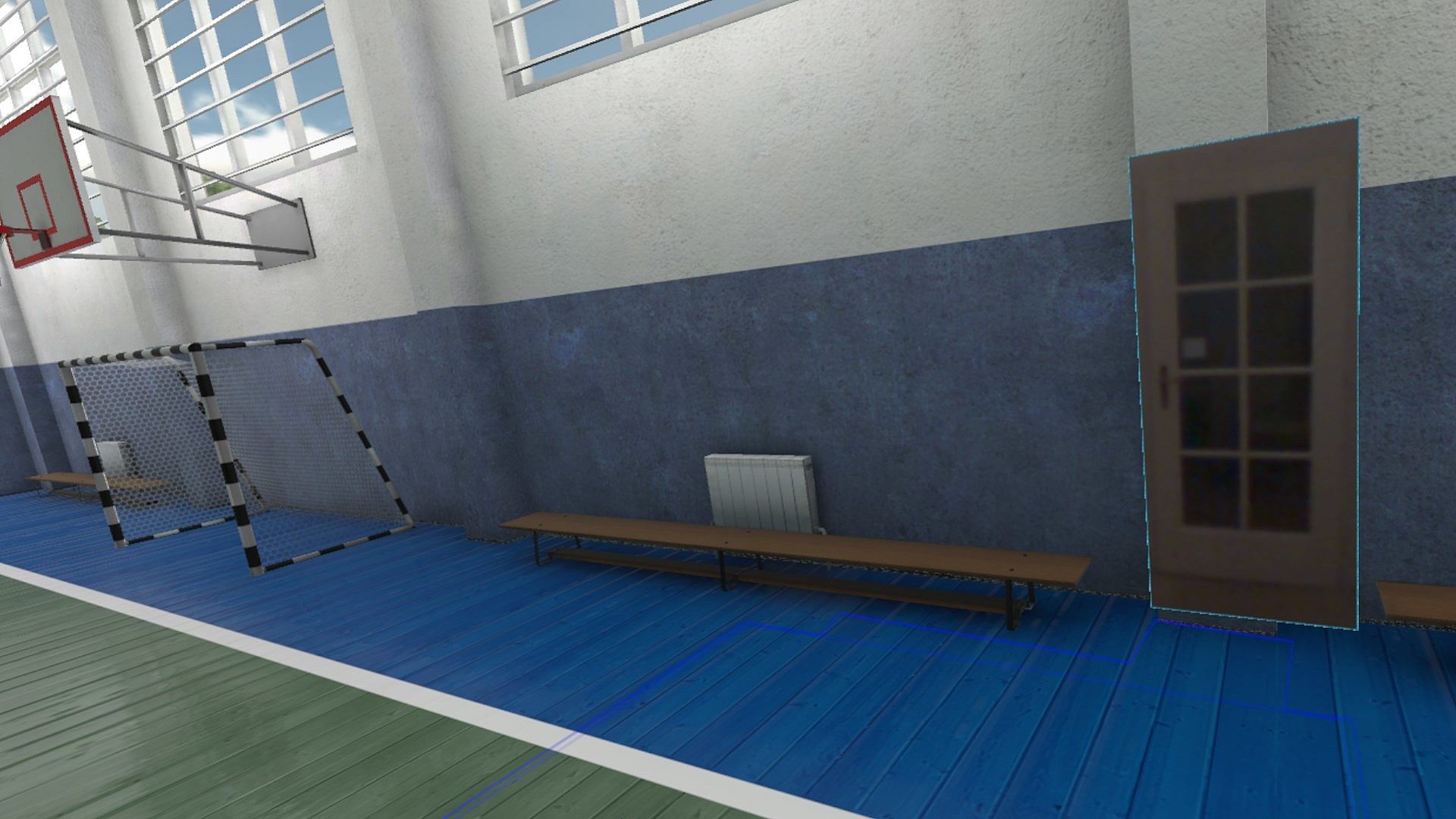
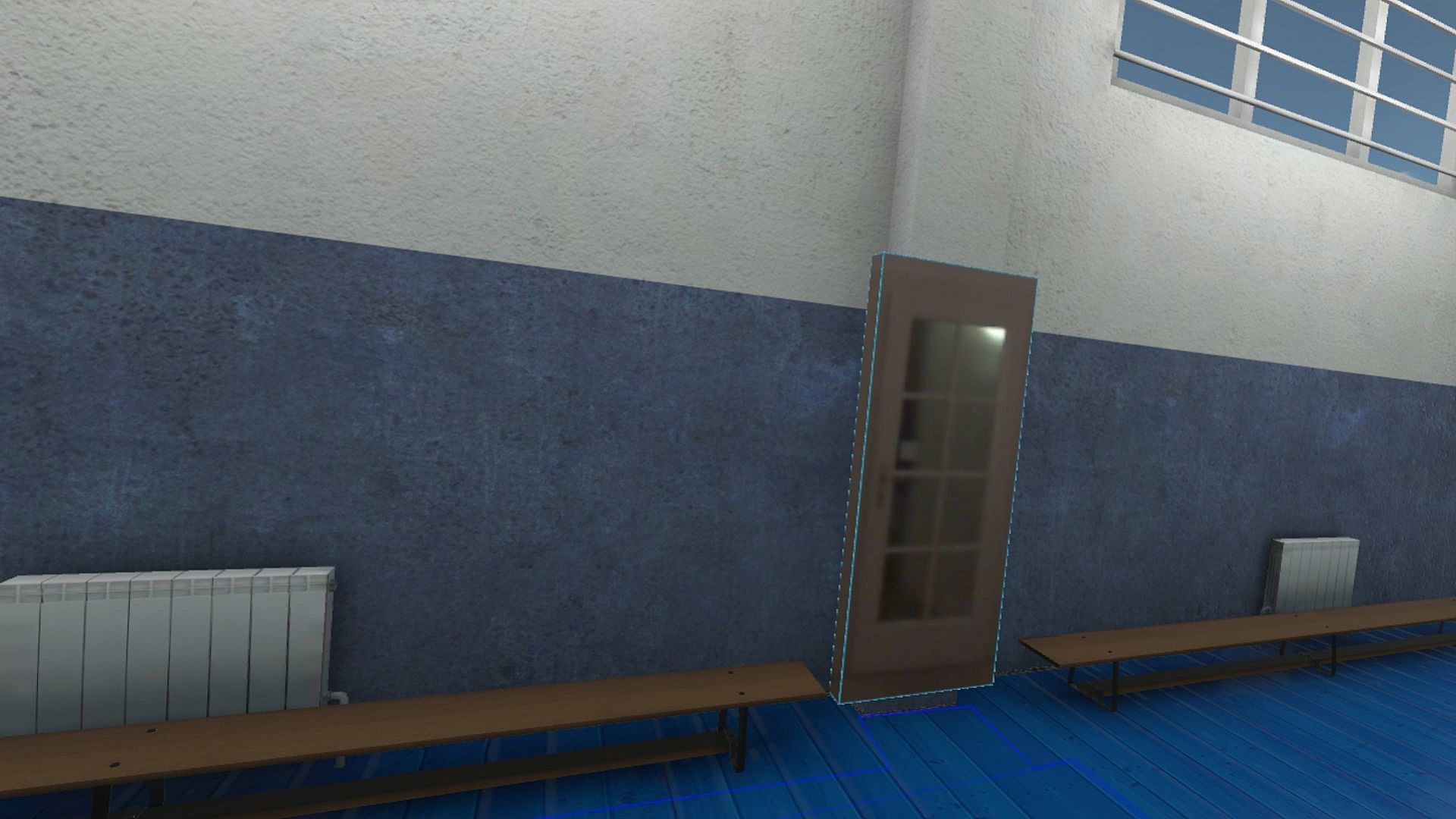
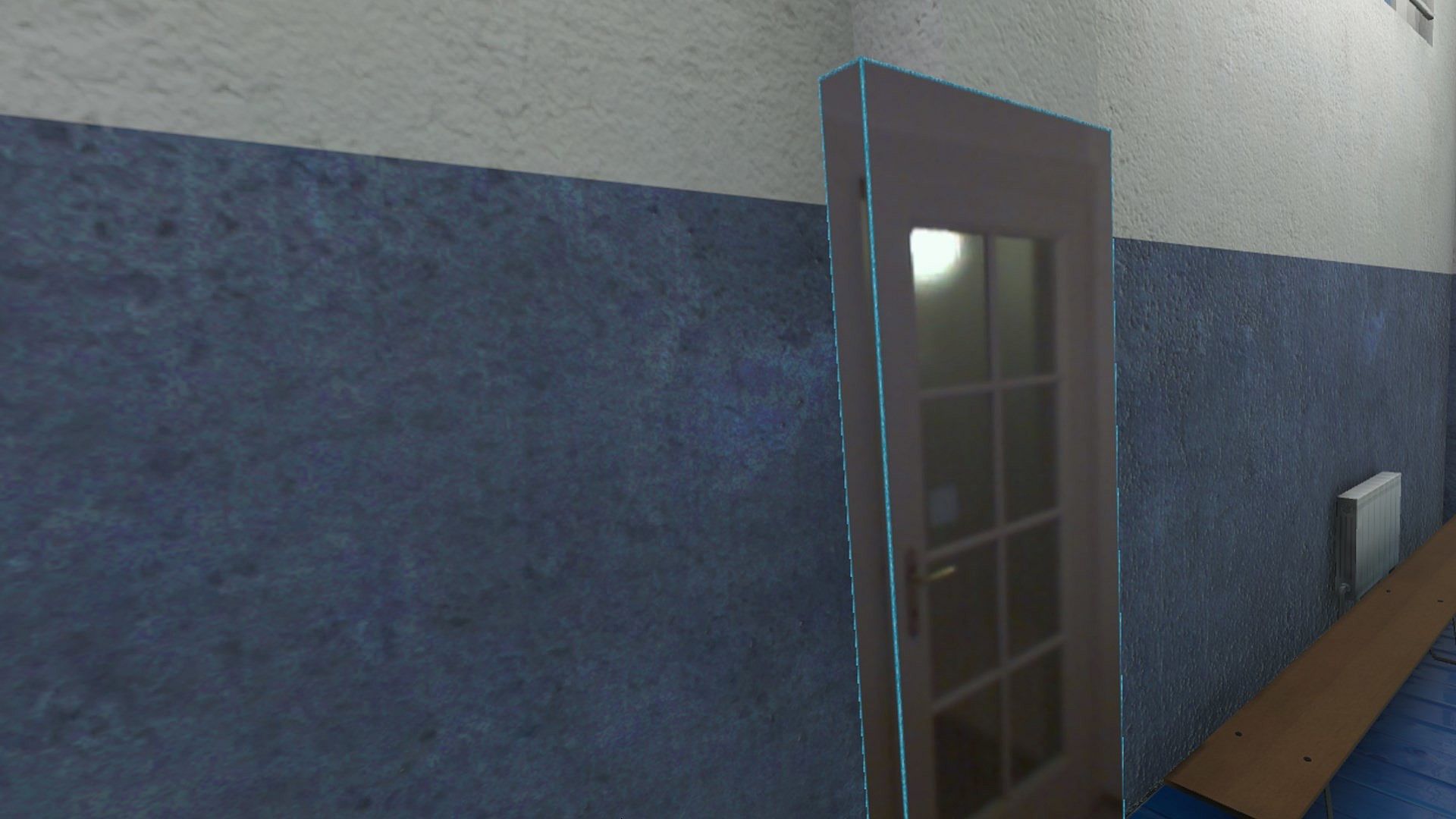
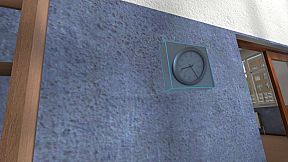
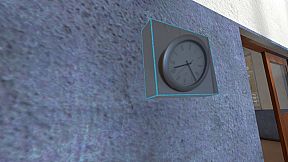
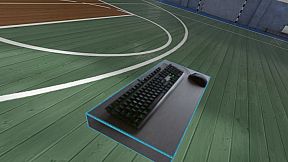
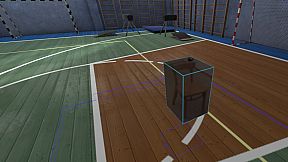
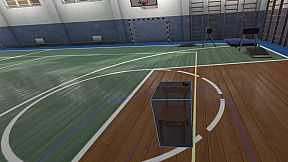
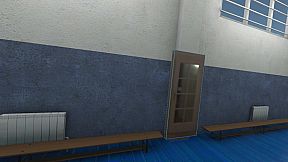
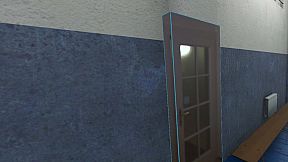
Think of objects like keyboard & mouse, a racing wheel, HOTAS, a clock on the wall, a drink on your desk, a phone, a tablet, a chair, etc. Also larger real objects can be used. Like the door to your room, so you can see who comes in, or the couch with your friends.

Bringing real objects into a virtual environment is known as 'Augmented Virtuality'.
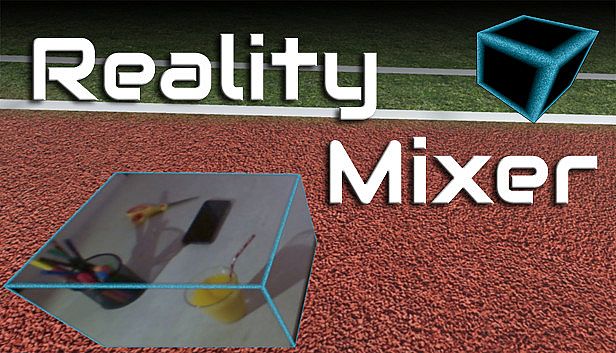
Reality Mixer creates 'boxes of reality' which are shown in VR.
Apart from these 'camera boxes' the app also provides a mixed reality Cockpit for use with simracing and flight simulators, a Floor Viewer to quickly see the real floor around your feet and a Lap Viewer for use with seated experiences such as Big Screen. Lap Viewer can be used for quick glances at a normal (untracked) keyboard on your lap.

If you have a Vive or Tundra Tracker, you can attach a camera box to it so the tracked object will be visible wherever it is in your play area.

The real objects (and their immediate surroundings) don't have to be visible all the time. There are three activation methods:
  • Activate by Proximity: Objects (camera boxes) will fade out when you are too far away. This fade out distance can be set by yourself.
  • Activate by Gaze Angle: Look straight at a camera box to make it visible. Use this activation method with seated games where you have things on a table next to your seat. The activation angle and optional activation delay can be configured. Using an activation delay means you have to look at the object for a second before it starts to show itself, to prevent accidental activation. Floor Viewer and Lap Viewer both use Gaze Angle Activation by default, but can also use Proximity or ButtonPress activation.
  • Activate by Button Press: Press a keyboard, mouse, gamepad, HOTAS or racing wheel button to turn on/off a camera box.
When an object is not visible, it will not use any resources.

If you have an Elgato Stream Deck, or if you use Touch Portal on your phone or tablet, you can use it in VR with Reality Mixer.

Chroma keying (green screen) makes the background of the objects transparent so the VR world shows through. This can be useful for objects such as a racing wheel and HOTAS.
Instructions
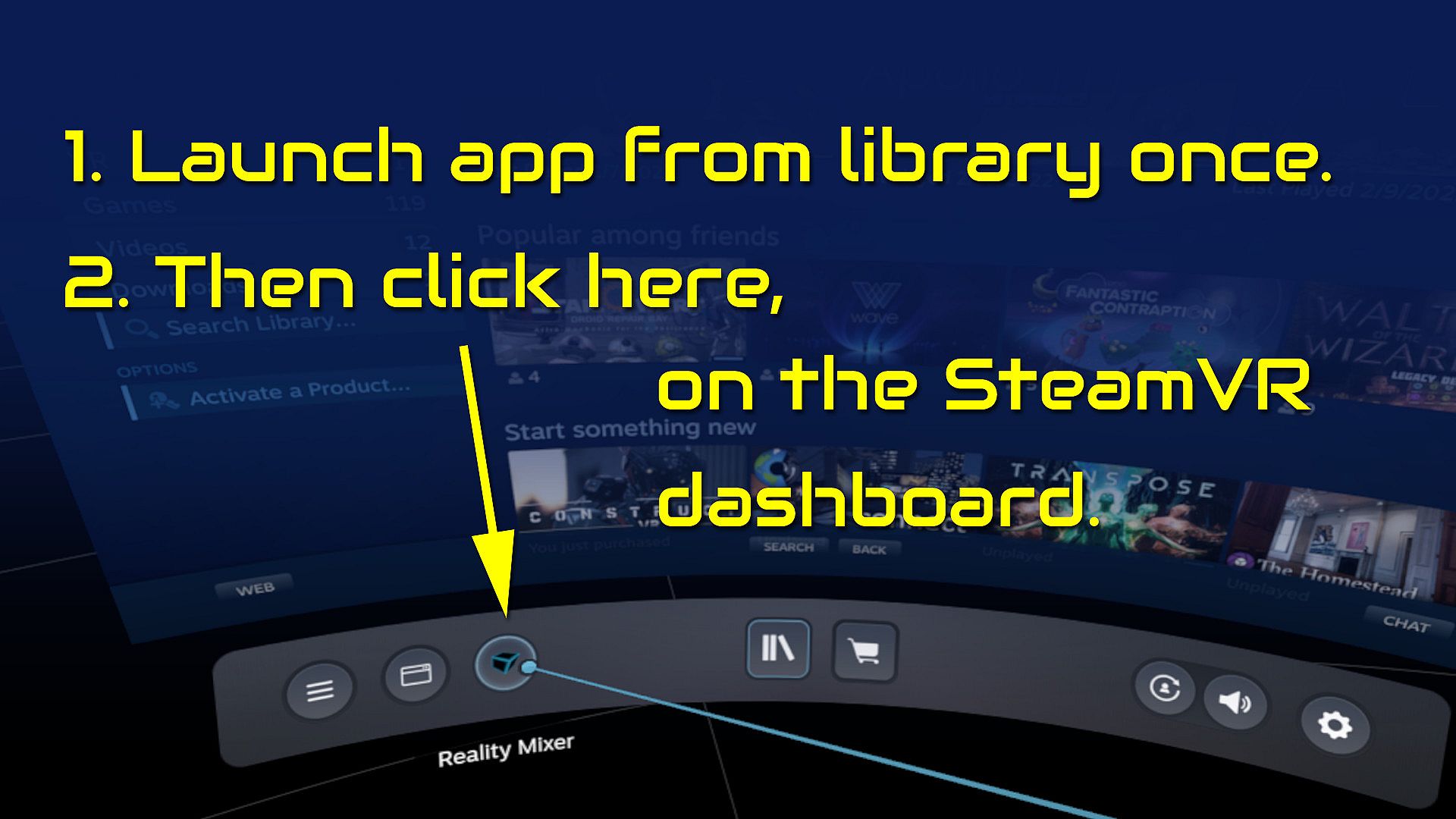
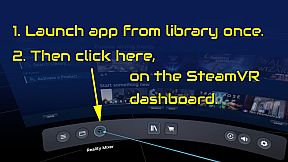
  • Start the app once from your Steam Library. It will auto-launch with SteamVR next time.
  • Open the SteamVR dashboard.
  • Click the icon for the Reality Mixer app. See image below.
  • Follow instructions on screen.
  • If you use it on a Quest, Pico or Vive XR Elite, you need to turn on passthrough in the Virtual Desktop app on your Quest/Pico/Vive XRE.
Compatibility
Reality Mixer is currently compatible with the VR headsets listed here.
  • Valve Index
  • Meta Quest 2 and 3, when used in combination with the Virtual Desktop app on the Quest
  • HP G2 (v1 and v2)
  • all first generation Windows Mixed Reality (WMR) headsets
  • HTC Vive (the original Vive)
  • HTC Vive Pro (version 1 and 2)
  • HTC Vive XR Elite, when used in combination with the Virtual Desktop app on the XR Elite
  • Pico 4, when used in combination with the Virtual Desktop app on the Pico 4
Extra features in development
  • External (USB) camera support
  • ChromaKey updates
  • Extra activation options
  • Circular passthrough shape

If you want to keep an eye on new features, switch to the beta branch of the app in your Steam Library. This is free, no code needed.

Interfaz:
English

Clasificación por edades

No disponible
Steam:
Mostly Positive (81)

Mínimo:

  • Procesador: Intel Core i5-4590 / AMD FX 8350
  • Memoria: 4 GB RAM
  • Gráficos: NVIDIA GTX 970 / AMD Radeon R9 290
  • DirectX: Version 11
  • Almacenamiento: 16 MB available space

Recomendado:

  • Procesador: Intel Core i5-4590 / AMD FX 8350 or better
  • Memoria: 4 GB RAM
  • Gráficos: NVIDIA GTX 970 / AMD Radeon R9 290 or better
  • DirectX: Version 11
  • Almacenamiento: 16 MB available space
Mínimo histórico
Historial de precios de tiendas oficiales
-
-
-
Historial de precios de keyshops
-
-
-

FAQ

8 preguntas

Antes de buscar una clave barata de Reality Mixer - Mixed Reality for VR headsets, revisa lo esencial. Desarrollado por Reality Inside Ltd.. Publicado por Reality Inside Ltd.. Fecha de lanzamiento en PC: 01 feb 2024. Géneros: Utilities. Categorías: Tracked Controller Support, VR Only.

Q

¿Donde comprar una clave barata de Reality Mixer - Mixed Reality for VR headsets para Steam?

Actualmente no hay ofertas activas para Reality Mixer - Mixed Reality for VR headsets. Crea una alerta de precio en XD.deals y te avisaremos en cuanto haya una oferta disponible.

No disponemos del precio actual de Reality Mixer - Mixed Reality for VR headsets en Steam Store. Es posible que el juego no este disponible temporalmente o que aun no figure en Steam.

Nuestro rastreador de precios cubre tanto tiendas oficiales como keyshops, asi que puedes encontrar Reality Mixer - Mixed Reality for VR headsets en oferta incluso fuera de las promociones de temporada. Actualmente detectamos 0 ofertas activas en tiendas oficiales y keyshops. Consulta la tabla de arriba, compara con el minimo historico y crea una alerta para no perderte la proxima bajada de precio.

Segun nuestros datos, Reality Mixer - Mixed Reality for VR headsets no esta disponible actualmente en GeForce NOW. Necesitaras ejecutarlo localmente en tu PC. Consulta los juegos disponibles en GeForce NOW.

Si. Reality Mixer - Mixed Reality for VR headsets tiene una pagina oficial en Steam, pero actualmente no rastreamos ofertas de terceros con DRM de Steam. Vuelve mas tarde o crea una alerta de precio.

Si. Reality Mixer - Mixed Reality for VR headsets esta Verificado para Steam Deck - arranca directamente, muestra los iconos correctos del mando y funciona de forma estable. Reality Mixer - Mixed Reality for VR headsets funciona perfectamente en Steam Deck.

Reality Mixer - Mixed Reality for VR headsets no parece estar disponible en PC Game Pass, EA Play, Ubisoft+ ni en ningun otro servicio de suscripcion para PC en este momento. Tu unica opcion es comprar el juego - usa XD.deals para encontrar el mejor precio.

No - XD.deals no es una tienda. Somos un comparador de precios que rastrea las mejores ofertas de Reality Mixer - Mixed Reality for VR headsets en tiendas oficiales y keyshops verificados. Haz clic en "Ir a la tienda" junto a cualquier oferta y seras redirigido a la web del vendedor para completar tu compra.

¿Quieres comprar en el mejor momento? Crea una alerta de precio en XD.deals y recibe una notificacion cuando Reality Mixer - Mixed Reality for VR headsets alcance su proximo minimo historico.

Crear alerta
Únete a nuestro Discord
Obtén ayuda al instante de nuestra comunidad y mantente al día de las últimas ofertas
Configurar alertas de precio
Recibe avisos por correo cuando los precios bajen a tu objetivo
Crear cuenta gratis
Desbloquea listas de deseos, alertas de precio y sincronización con Steam