Comprar Movavi Slideshow Maker 8 PC Key

¿Dónde comprar Movavi Slideshow Maker 8 al mejor precio? A fecha de 22 ago 2026 lo más barato es 9,50 € en Gameseal, entre 3 ofertas repartidas en 3 tiendas. El rango llega a 14,89 €, así que la distancia entre la primera y la última puede ser amplia incluso con pocos vendedores. La clave se activa en Steam u otro cliente, y conviene mirar antes el historial de precios. En PC compras una clave que activas en Steam u otro cliente, y aquí el mercado es el más amplio, con más de una cuarta parte de los juegos con oferta en keyshop.

Steam:
Overwhelmingly Negative (4)
Official
No disponible
Comprar en tienda oficial:
No disponible
Comprar en keyshops:
-84%
9,50 €
Ver historial de precios

Keyshops (3)

DRM:
Steam
Steam
Gameseal
Movavi Slideshow Maker 8 Key - GLOBAL
Windows
+1
hace 2sem
Gameseal
62,95 € ~9,50 €
-84%
-17% with SEAL17XDDcopy
Movavi Slideshow Maker 8 Steam Key (PC) GLOBAL
5.0
Windows
+1
hace 5d
DRM:
Steam
Eneba
62,95 € ~10,49 €
-83%
-10% with XDD10copy
-10% with XDD10copy
GAMIVO
Movavi Slideshow Maker 8 Global (Steam)
Windows
+1
hace 2sem
DRM:
Steam
GAMIVO
62,95 € ~14,89 €
-76%
-9% with XDDealscopy

Sobre Movavi Slideshow Maker 8

Movavi Slideshow Maker 8 - sobre el juego
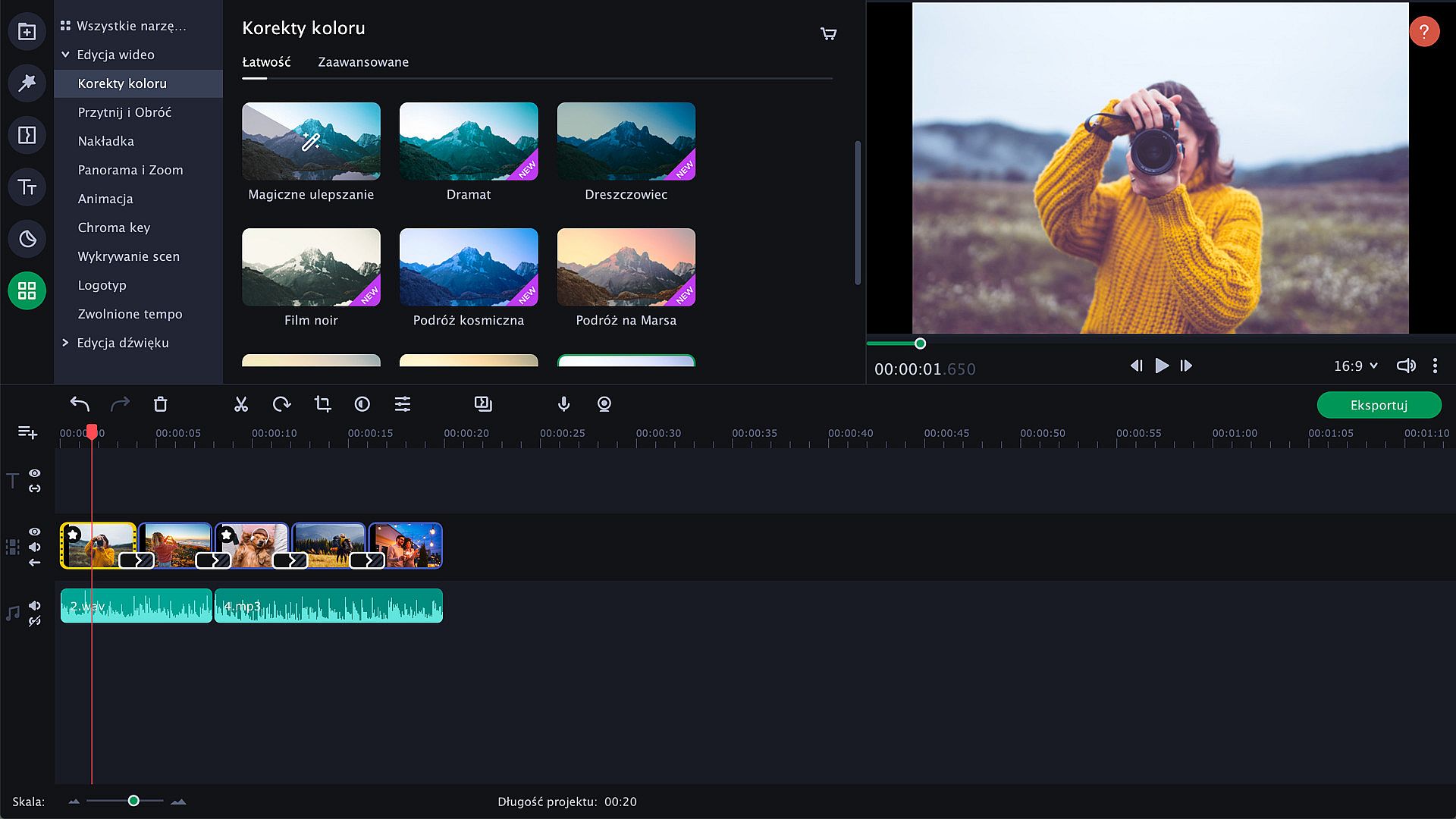
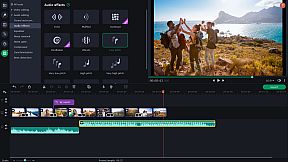
Movavi Slideshow Maker 8 offers the quickest path to craft polished slideshows from holiday photos, gaming clips, or work visuals on PC. Import footage, apply upgraded Pan & Zoom presets, and link transitions with built-in audio sounds. Tweak clips by cropping, rotating, boosting colors, normalizing audio, and syncing slides to music rhythm, all lag-free with Fast Track HD for HD files. Use the Slideshow Wizard to auto-build presentations from themes and files, then refine with motion tracking, object tracking, Chroma Key backgrounds, slow-motion effects, and sound visualizers. Adjust audio speed without tone shifts, track vertical videos for tablets, and export to AVI, MOV, or MP4 with quality controls. Ideal for beginners and creators seeking fast photo editing and video production tools.

Movavi Slideshow Maker
is the fastest and easiest way to make a stunning slideshow for any purpose: a birthday gift, a compilation of your best gaming moments, a work presentation, and more.


New features:

  • Fast Track HD
  • Upgraded Pan & Zoom tool


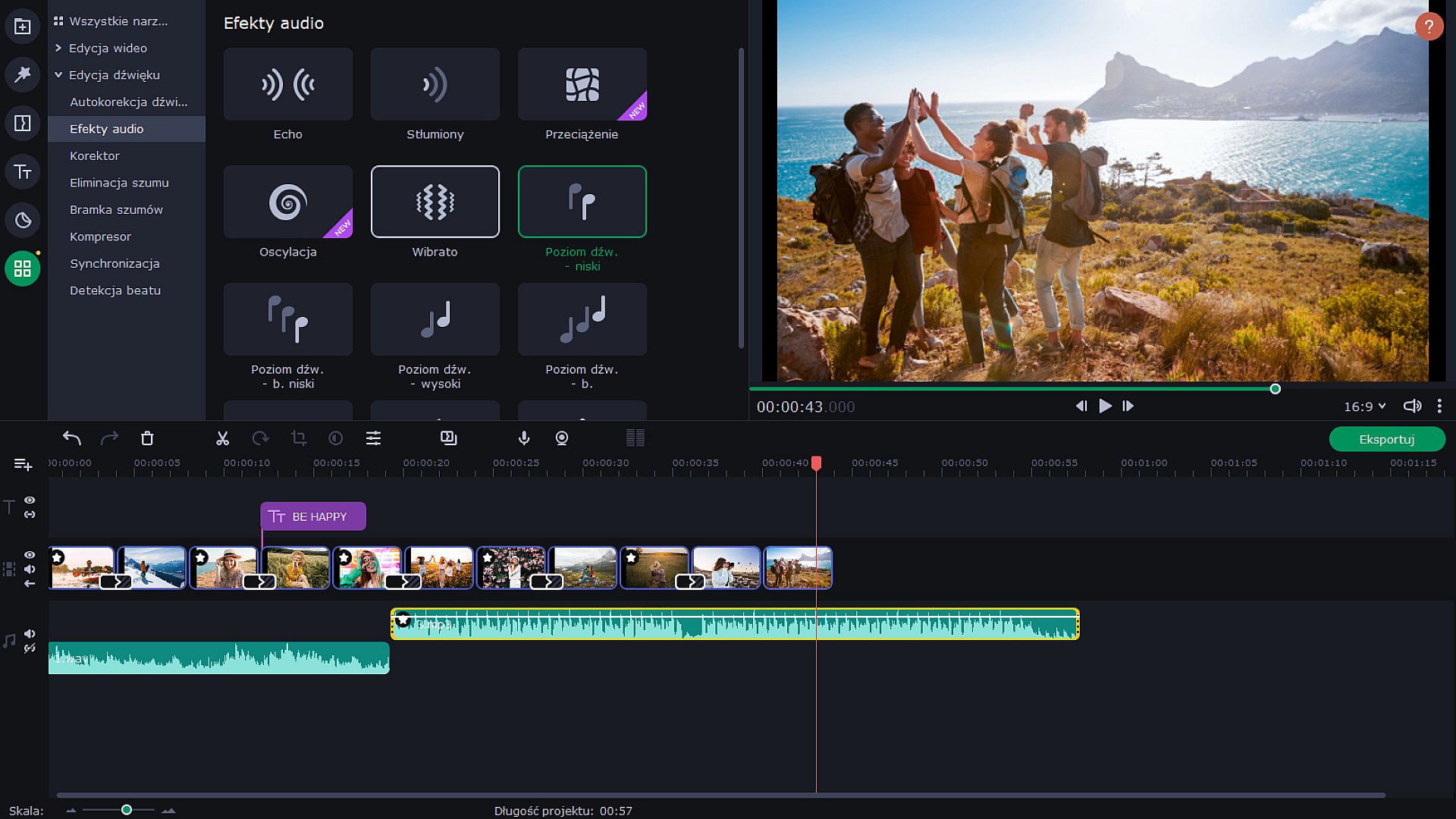
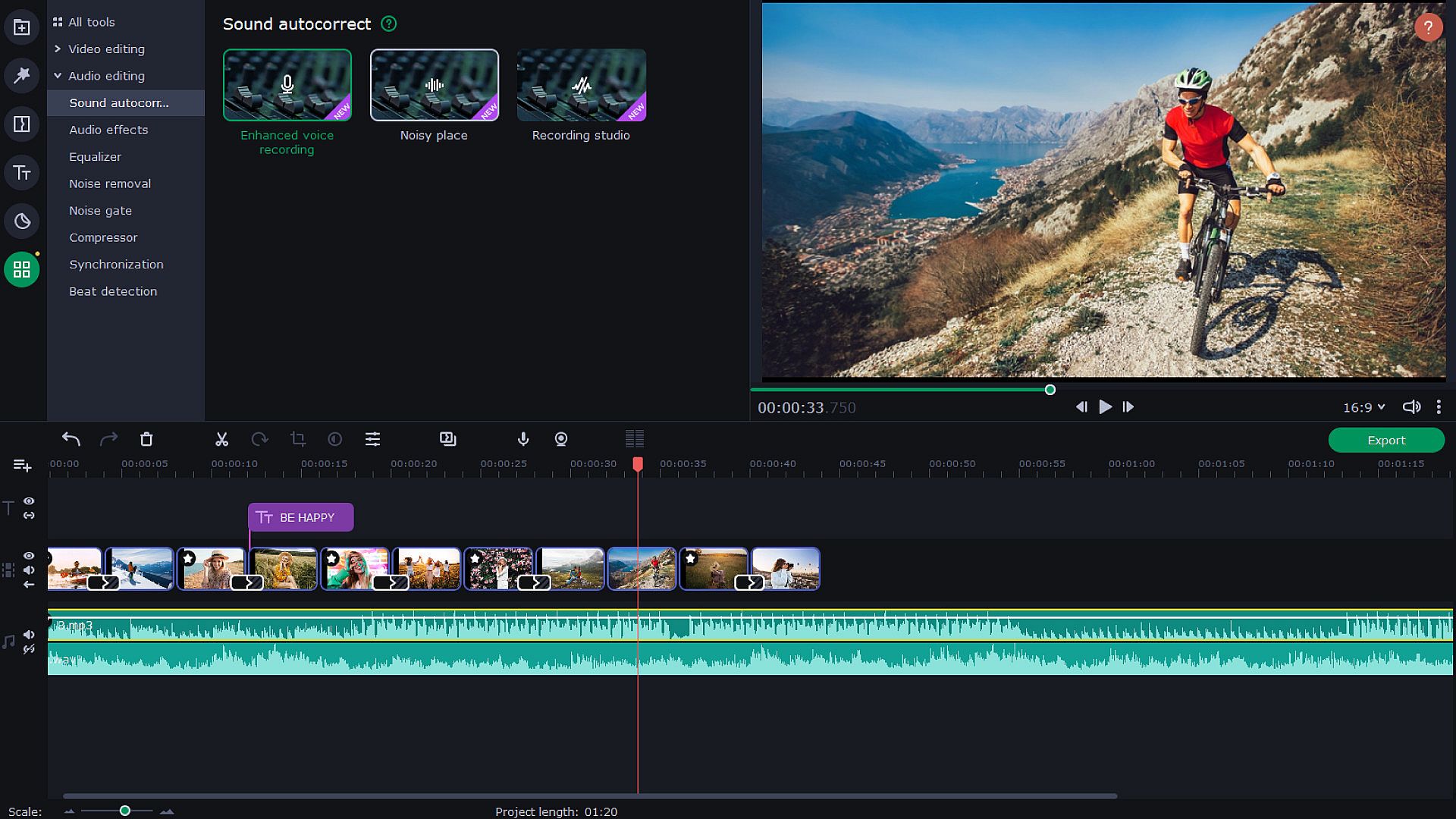
  • Audio enhancement tools and effects
  • Sound visualization
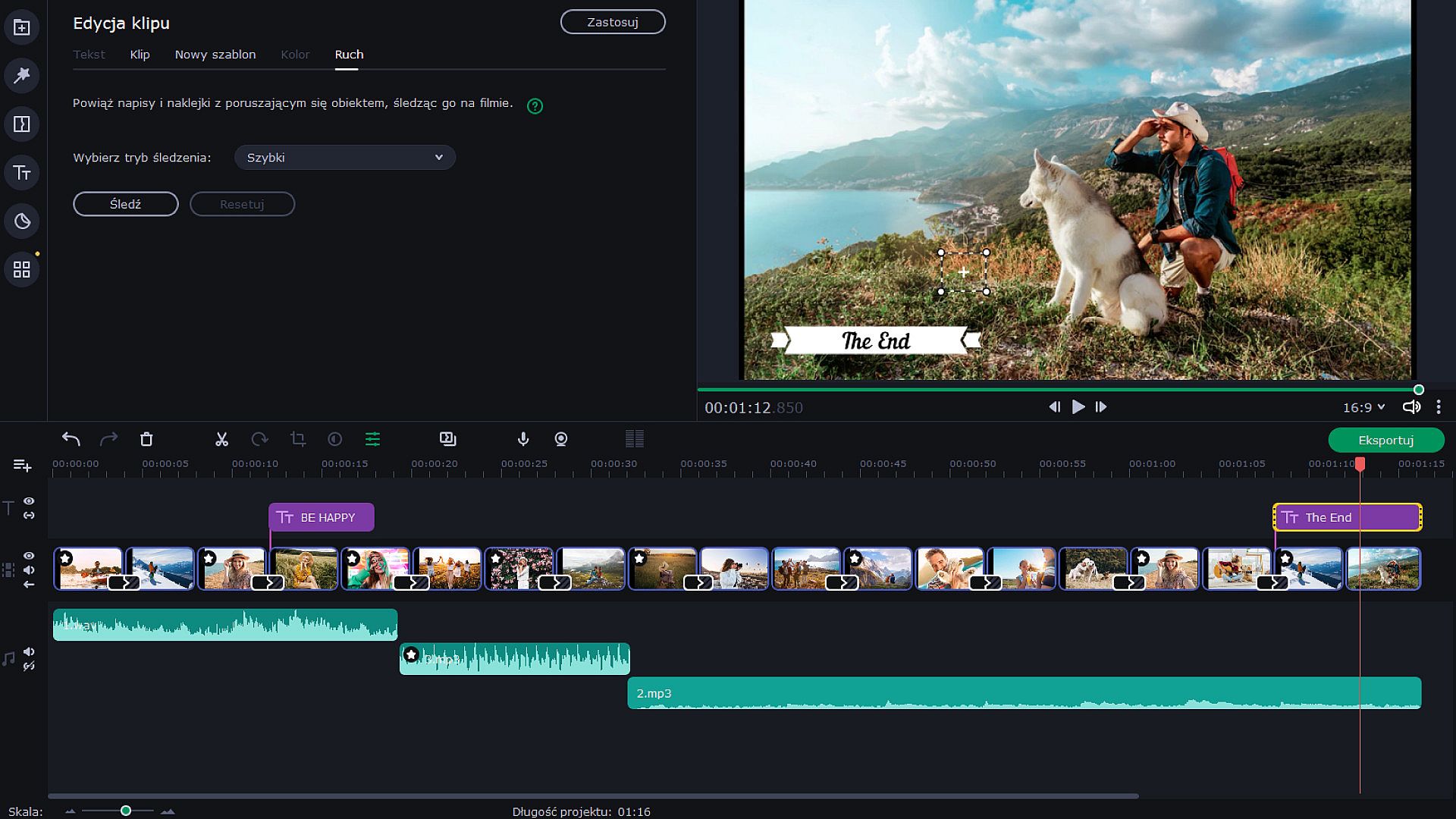
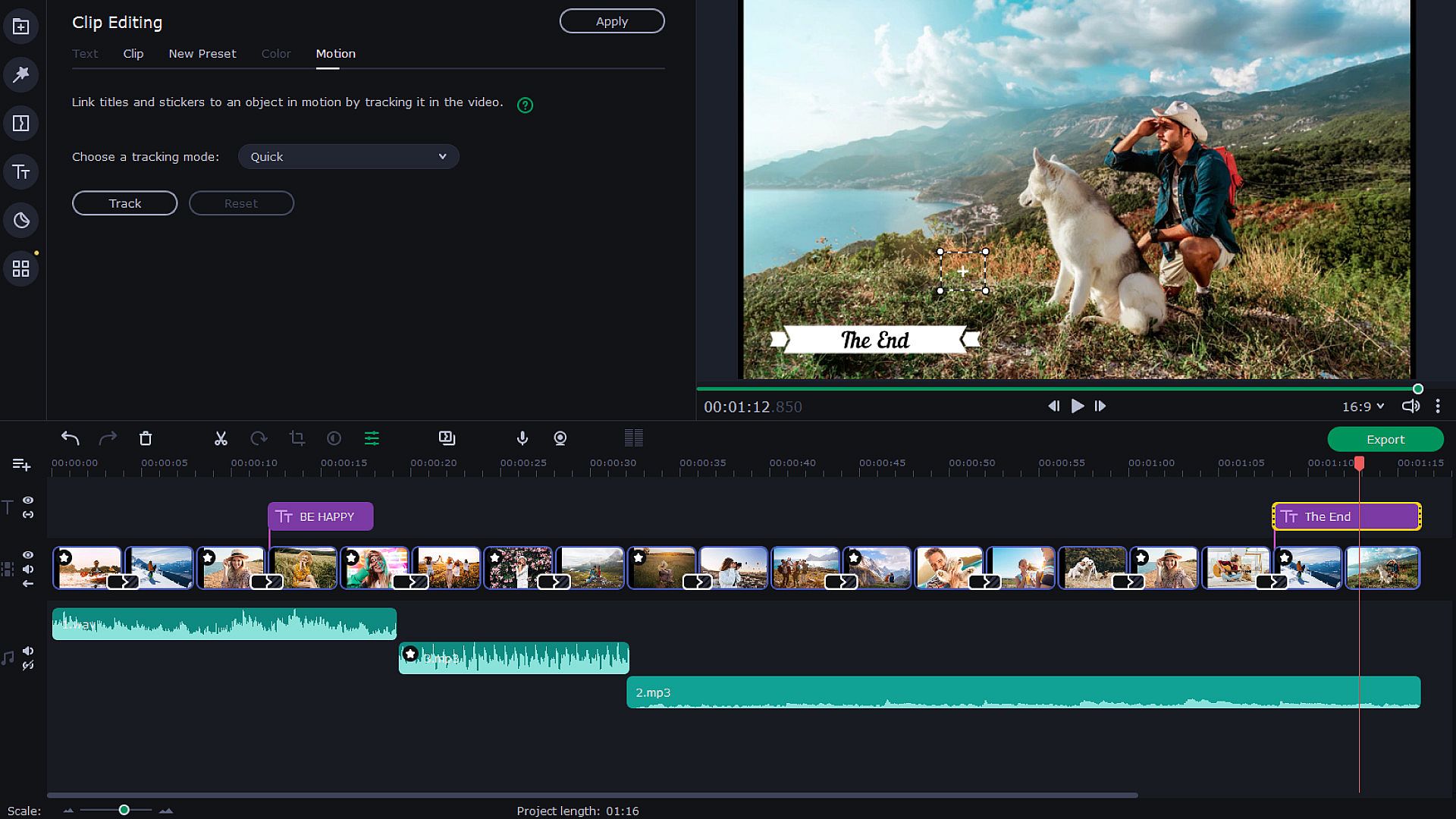
  • Motion tracking
  • Transitions with built-in audio


  • Change audio speed without changing the tone
  • Vertical screen adaptation
  • Object tracking
  • Export video quality controls
Let Your Creativity Flow
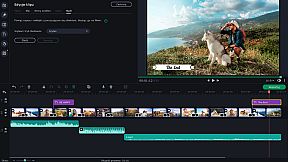
Upload any footage you have: holiday pictures, funny videos, or even game screenshots. Move, split and cut slides, and join them together with spectacular transitions — especially, transitions with built-in sounds. Make as many adjustments as you need: crop and rotate pictures, boost colors, normalize sound in clips, and more. Add the music of your choice and have the slides advance following the rhythm of that music. You can also add a voice-over and record images from your webcam or an external device. The program can now also detect vertical videos and will ask you to change aspect ratios after you upload your file. It is also possible to watch videos on tablets and laptops. Thanks to the Fast Track HD technology, you can now work with HD movies with no lags.


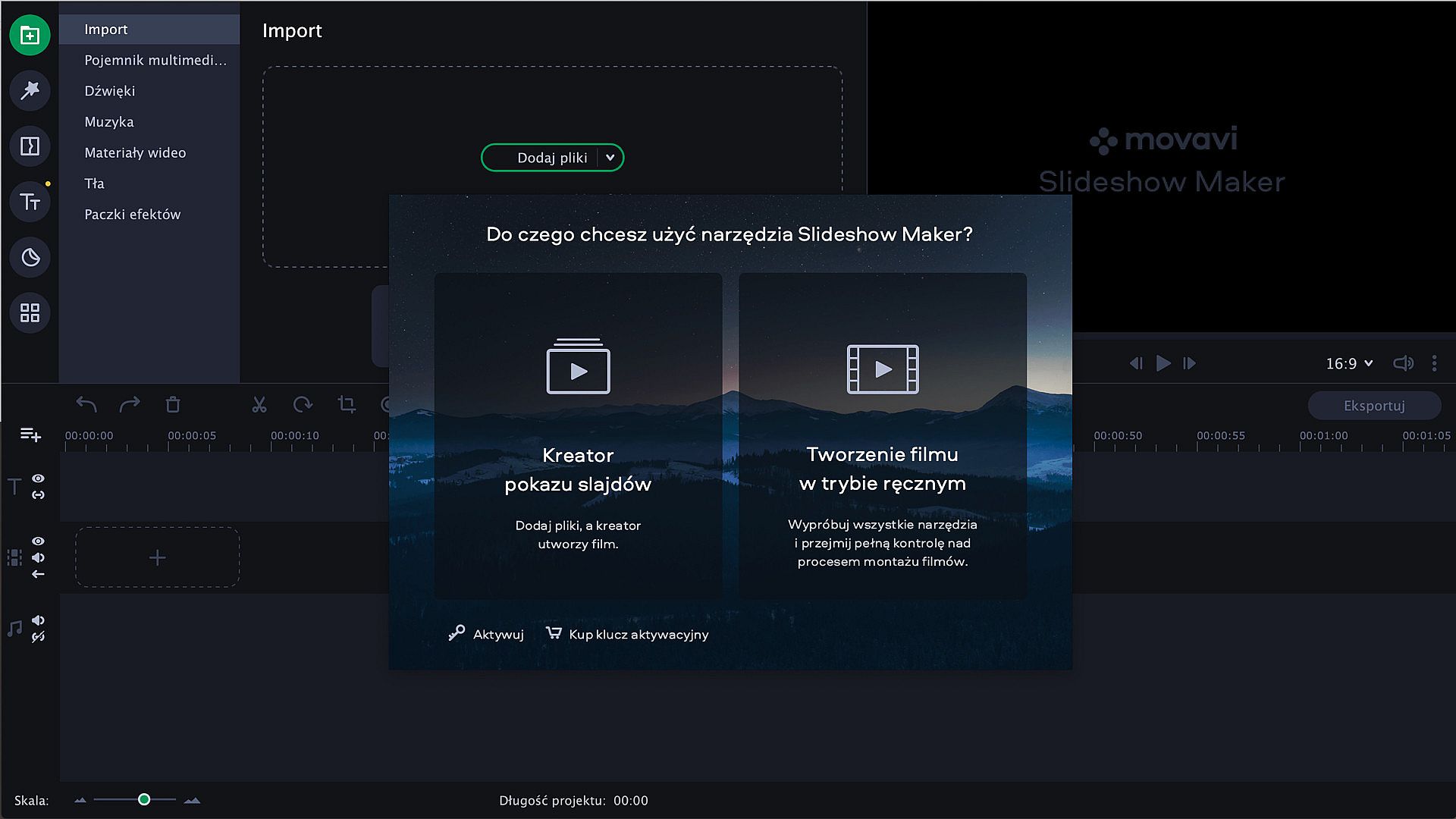
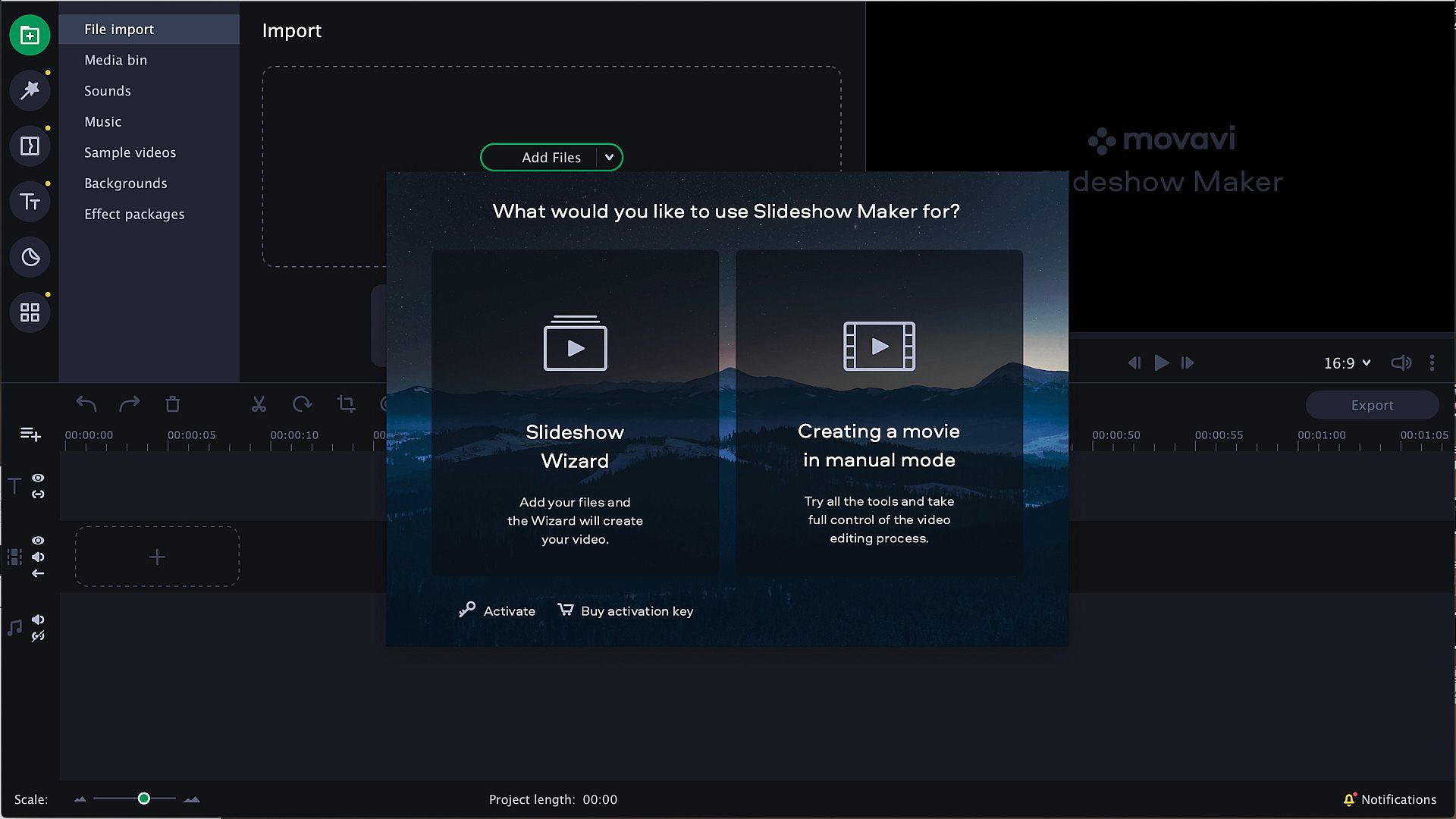
Start with the Slideshow Wizard
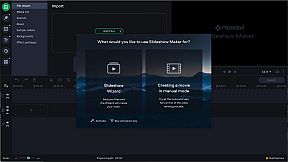
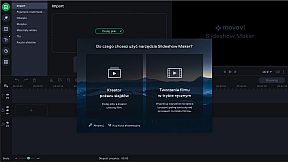
Try the Slideshow Wizard if you’re just starting to use the program. It’s an automated approach that helps you create videos in no time. All you need to do is import your files and choose a theme. The program will create a presentation in the blink of an eye. You can also set the target video length and change the titles. Already have a favorite transition style? Create a custom theme and use it whenever you want.


Give It the Perfect Look
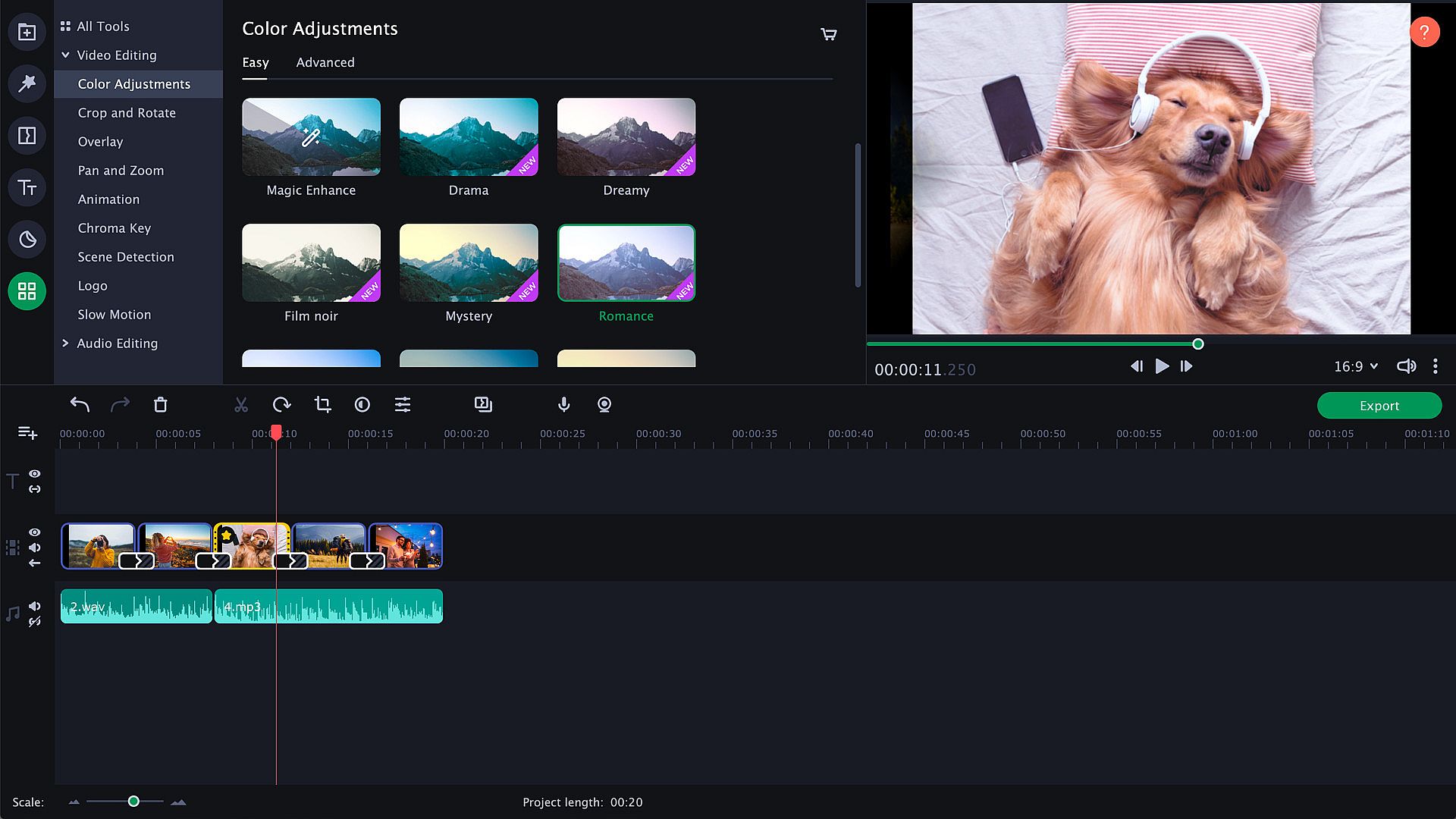
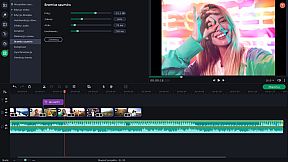
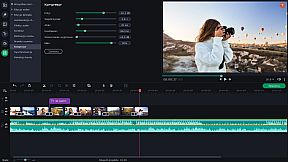
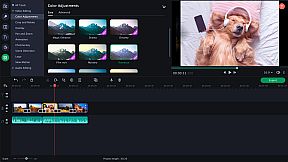
Try zooming in and out of pictures, use the fade-to-black effect, or make your slides roll over. Thanks to the upgraded Pan & Zoom tool, you can now use several presets one by one. Use filters to sharpen details, reduce camera shake, and make your images brighter and more colorful. Use the Transition Wizard to join all clips at once and smooth out the flow of your presentation. You can make it even more dynamic by adding transitions to both main and supplementaryl tracks! Another cool feature is object tracking: now you can choose scenes featuring your favorite characters and work with them only.


Audio enhancement
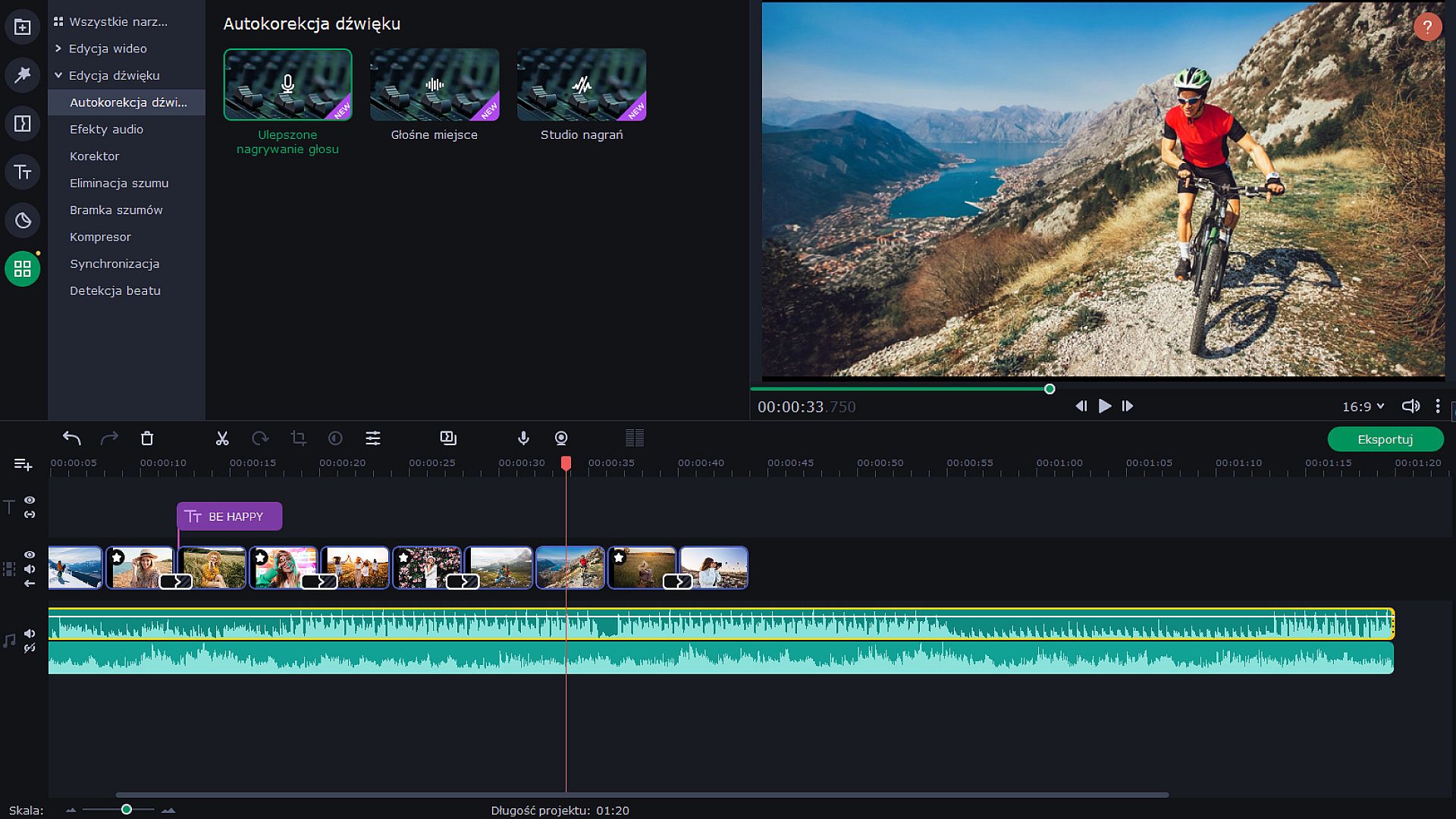
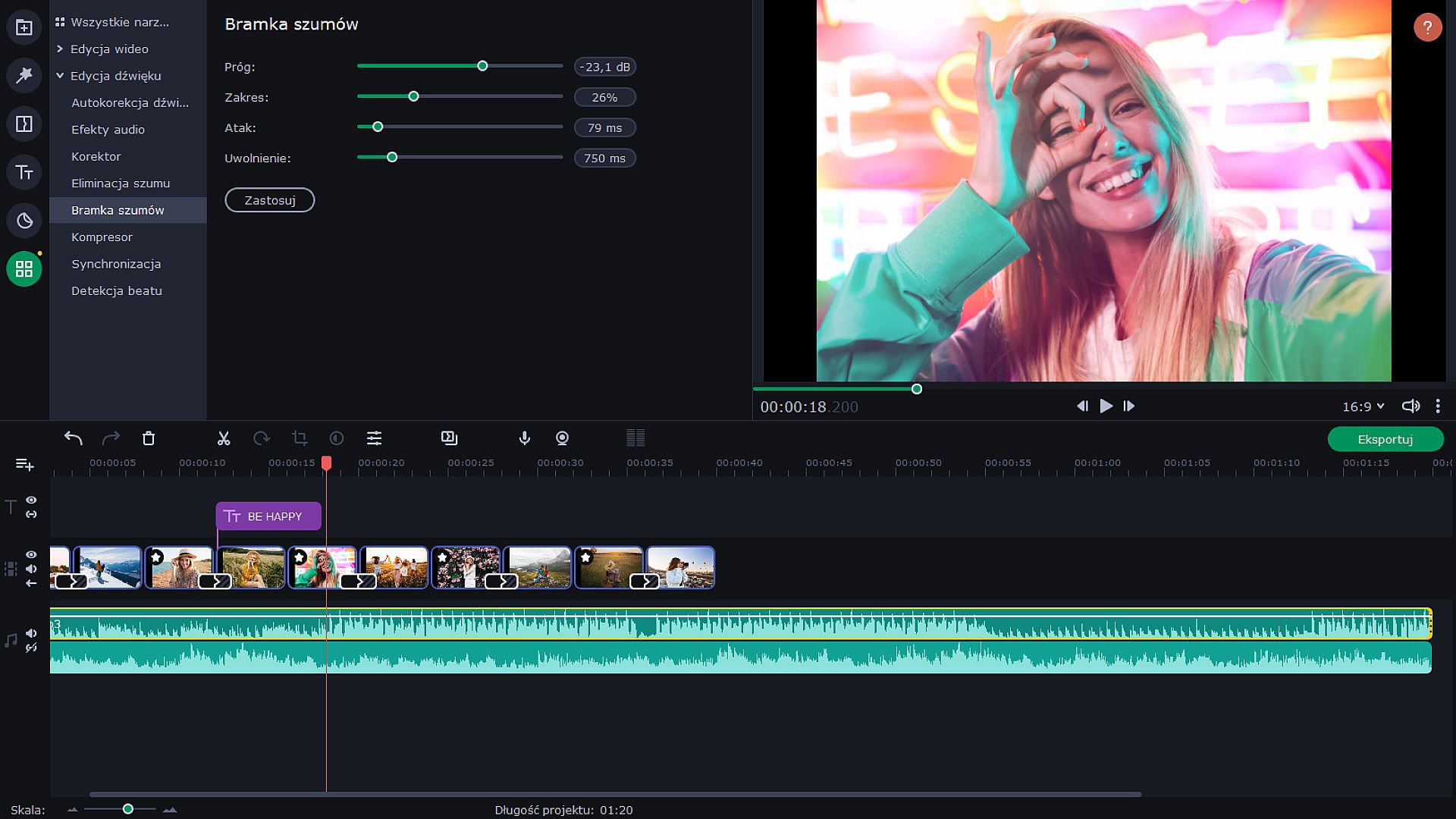
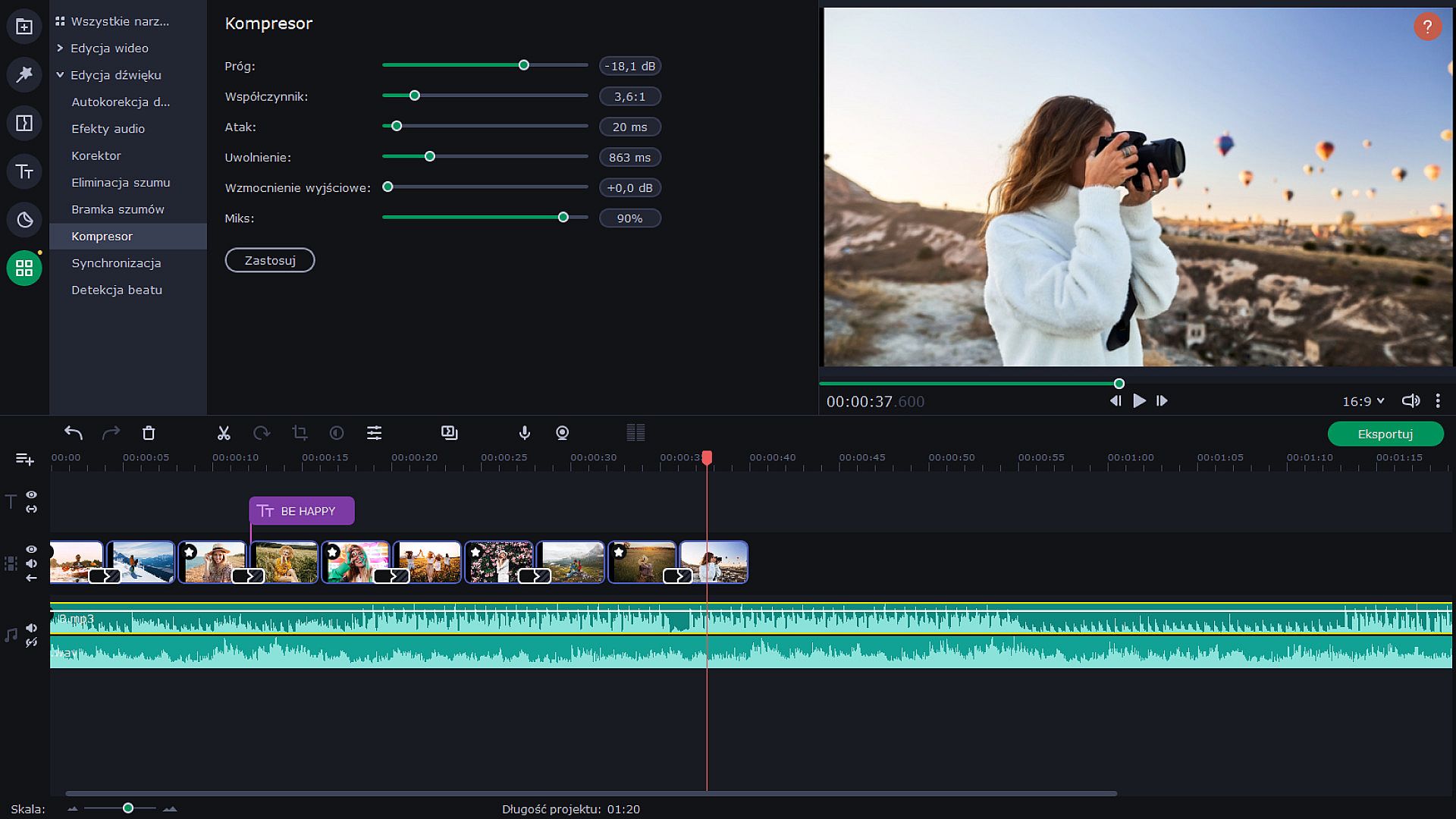
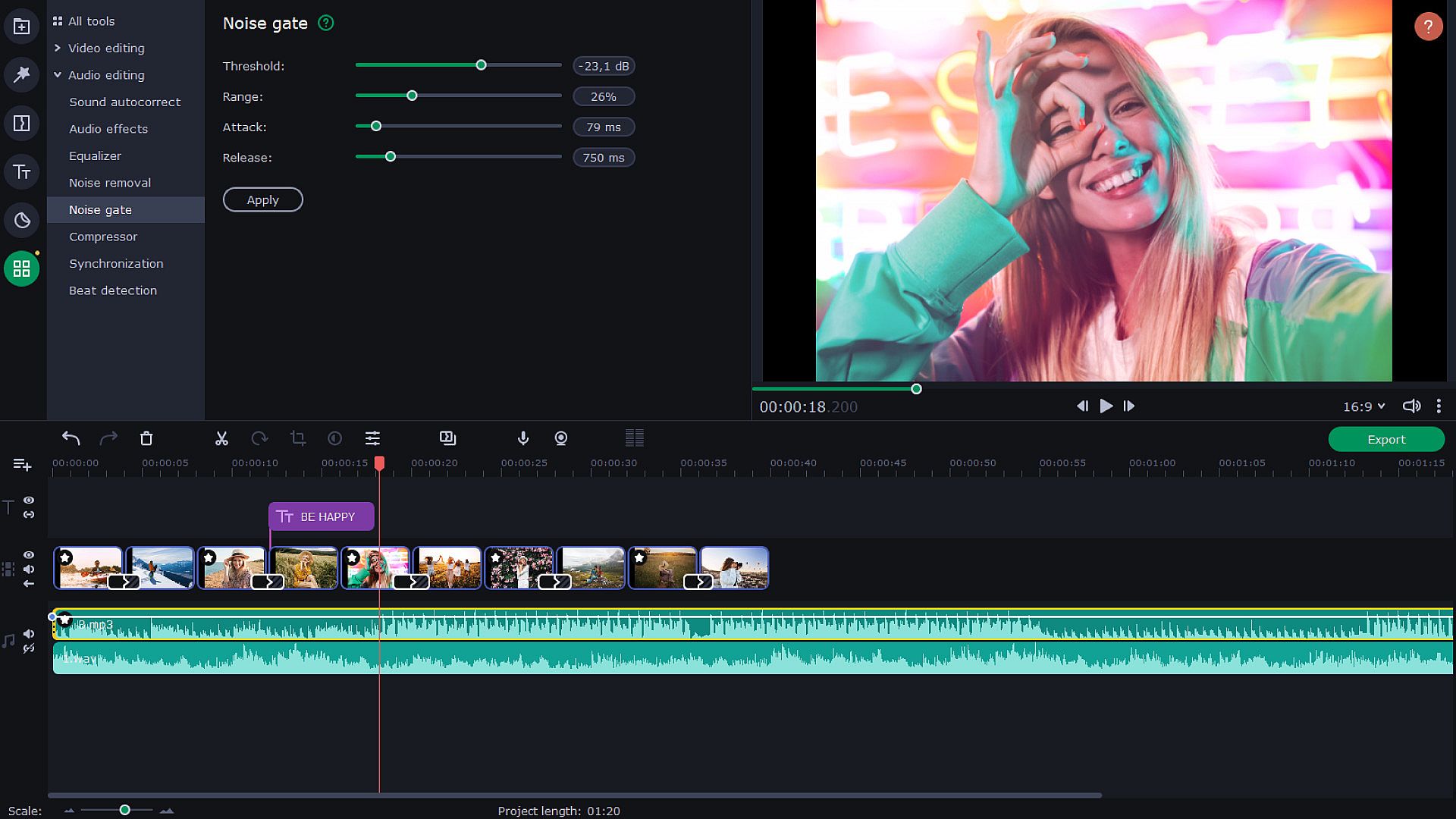
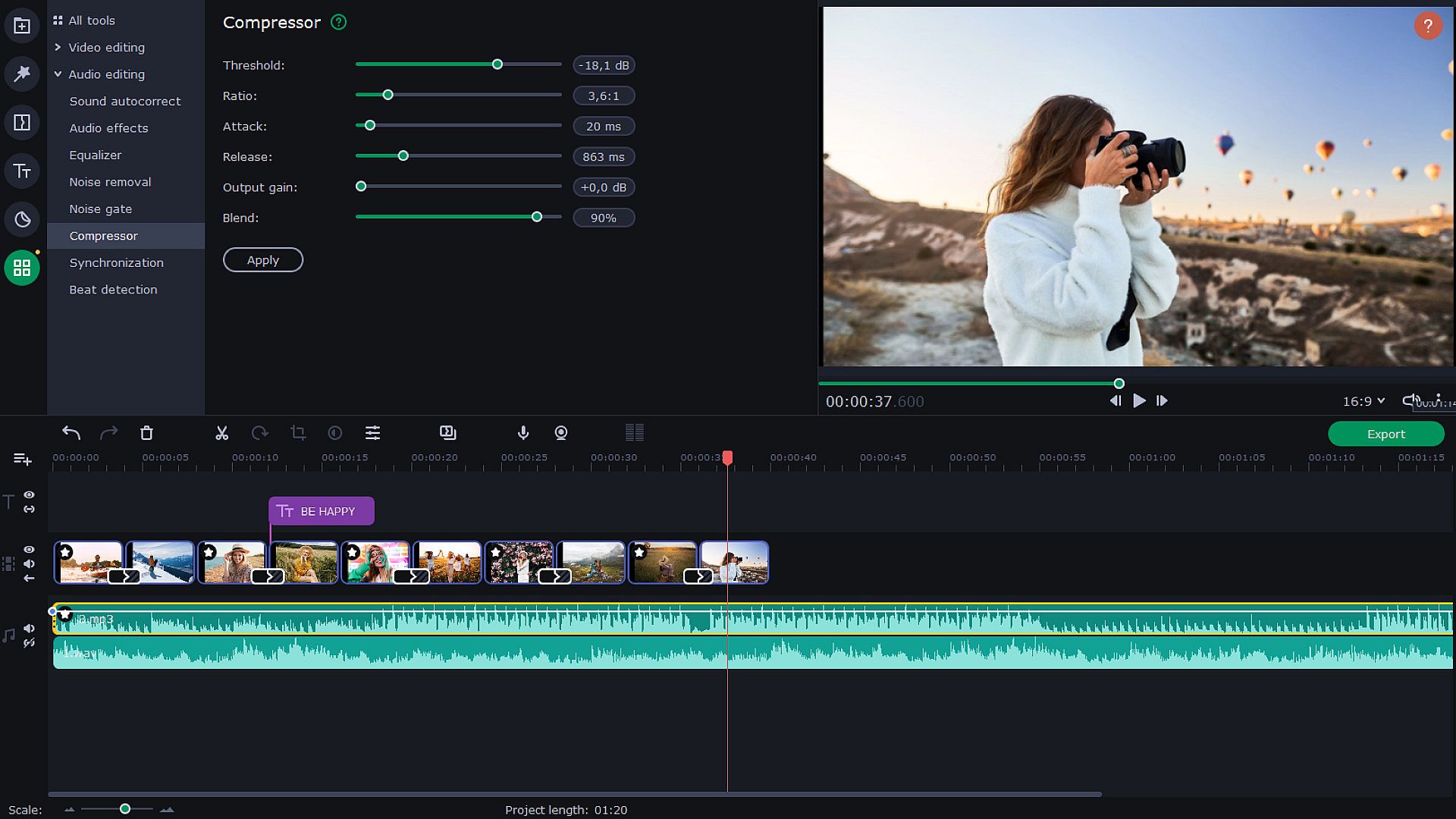
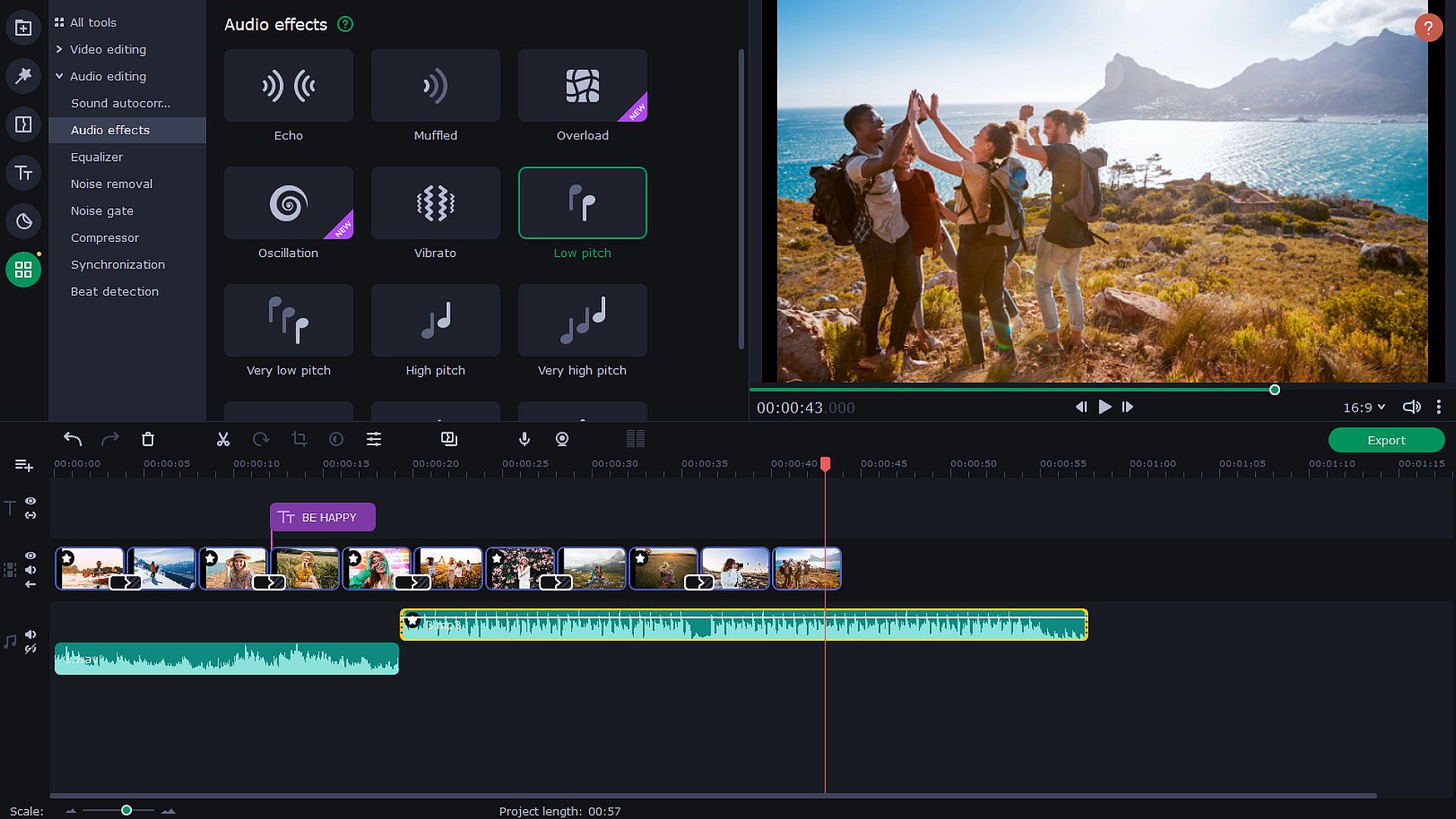
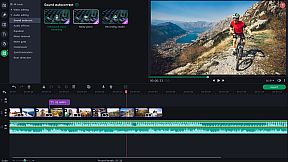
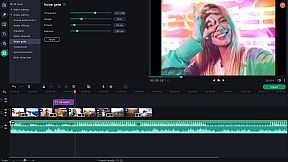
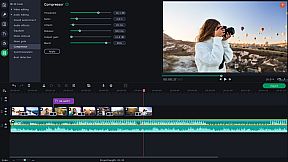
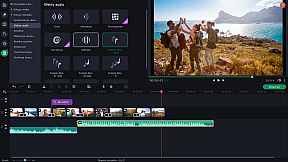
Use new audio tools to optimize videos with poor audio quality. Choose the decibel level and get rid of any noises lower than that. Lower the difference between loud and soft noises. With audio effects, you can distort music and voice. But you can also save the original sound — for example, change audio speed without changing the tone. Sound visualizer will help you to eliminate noise jumps during the montage.


Try Hollywood-Style Directing
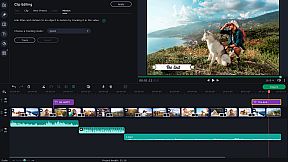
Add a Hollywood touch to your visuals and throw in some special effects. Use Chroma Key to change the background and place your characters in completely different surroundings. Add dynamic elements with the Pan & Zoom tool. Slow-motion will create suspense and have your viewers on the edge of their seats. If you want to cut out scenes with a particular character, try the Scene Detection. Thanks to the Motion Tracking tool, you can now link titles to any moving objects.


Save and Show!
After the presentation is complete, save it in a popular format like AVI, MOV, or MP4, or use a device-specific conversion profile. . Use video quality controls on the export. You can also easily share your video with friends and instantly upload it to YouTube right from within the program.



Interfaz:
GermanEnglishSpanish - SpainFrenchItalianJapaneseKoreanDutchPolishPortuguese - BrazilRussianTurkishSimplified ChineseTraditional Chinese

Clasificación por edades

No disponible
Steam:
Overwhelmingly Negative (4)

Mínimo:

  • Procesador: Intel®, AMD®, or compatible dual-core processor, 1.5 GHz
  • Memoria: 2 GB RAM
  • Gráficos: NVIDIA® GeForce® series 8, Intel® HD Graphics 2000, AMD Radeon™ R600 or higher graphics card with up-to-date drivers
  • Almacenamiento: 500 MB available space

Mínimo:

  • Sistema operativo: Mac OS X® 10.13 or higher
  • Procesador: 64-bit Intel® processor
  • Memoria: 2 GB RAM
  • Almacenamiento: 400 MB available space
  • Notas adicionales: Broadband Internet connection
Mínimo histórico
Historial de precios de tiendas oficiales
19,18 €
Steam
hace 1 años
Historial de precios de keyshops
3,66 €
Gameseal
hace 4 meses

FAQ

9 preguntas

Antes de buscar una clave PC barata de Movavi Slideshow Maker 8, revisa lo esencial. Desarrollado por Movavi Software. Publicado por Movavi Software. Fecha de lanzamiento en PC: 09 nov 2020. Géneros: Animation & Modeling, Utilities, Audio Production, Video Production, Design & Illustration, Education, Photo Editing, Software Training.

Q

¿Dónde comprar una clave Steam o CD Key barata de Movavi Slideshow Maker 8?

Gracias a nuestro comparador de precios y códigos de descuento verificados, puedes comprar una clave de Movavi Slideshow Maker 8 por solo 9,50 €. Esta oferta está disponible en Gameseal y es una de las más baratas del mercado. Todas las claves en XD.deals se entregan digitalmente y se pueden descargar al instante tras el pago. Los precios ya incluyen comisiones y códigos promocionales aplicados, así que siempre ves el precio más bajo de Movavi Slideshow Maker 8 en PC. Consulta el historial de precios de Movavi Slideshow Maker 8 para comprar en el mejor momento.

No disponemos del precio actual de Movavi Slideshow Maker 8 en Steam Store. Es posible que el juego no esté disponible temporalmente o que aún no figure en Steam.
Nuestro rastreador de precios cubre tanto tiendas oficiales como keyshops, así que puedes encontrar Movavi Slideshow Maker 8 en oferta incluso fuera de las promociones de temporada. Actualmente detectamos 3 ofertas activas en tiendas oficiales y keyshops. Consulta la tabla de arriba, compara con el mínimo histórico y crea una alerta para no perderte la próxima bajada de precio.

Según nuestros datos, Movavi Slideshow Maker 8 no está disponible actualmente en GeForce NOW. Necesitarás ejecutarlo localmente en tu PC. Consulta los juegos disponibles en GeForce NOW.

La oferta más barata vino con más frecuencia de Gameseal: 42 de 76 días con datos. La diferencia entre ofertas fue enorme: de 3,66 € a 75,82 €. La mitad de las lecturas se situó entre 5,80 € y 27,50 €. Hemos registrado ofertas en 5 tiendas en total, y en 1 en la última lectura.

. Movavi Slideshow Maker 8 tiene una página oficial en Steam. También puedes comprar una clave de Steam de Movavi Slideshow Maker 8 a través de vendedores externos. Nuestro comparador de precios incluye actualmente 2 ofertas con DRM de Steam. Elige una para asegurarte de que la descarga de Movavi Slideshow Maker 8 se realice en la plataforma de Valve.
No en este momento. Valve marca Movavi Slideshow Maker 8 como No compatible con Steam Deck. Estate atento a XD.deals - seguimos las actualizaciones de Proton y las soluciones de la comunidad. Consulta los juegos Steam Deck Verified o Steam Deck Playable.

Según nuestros datos, Movavi Slideshow Maker 8 no está disponible actualmente en PC Game Pass, EA Play ni Ubisoft+. Todavía estamos completando los catálogos de estos servicios, así que conviene confirmar el estado en la fuente antes de decidir. Si vas a comprar, XD.deals te ayudará a encontrar el precio más bajo.

No - XD.deals no es una tienda. Somos un comparador de precios que rastrea las mejores ofertas de Movavi Slideshow Maker 8 en tiendas oficiales y keyshops verificados. Haz clic en "Ir a la tienda" junto a cualquier oferta y serás redirigido a la web del vendedor para completar tu compra.

Mejores precios para Movavi Slideshow Maker 8

1 Gameseal Gameseal Keyshop
-84% 9,50 €
2 Eneba Eneba Keyshop
-83% 10,49 €
3 GAMIVO GAMIVO Keyshop
-76% 14,89 €

¿Quieres comprar en el mejor momento? Crea una alerta de precio en XD.deals y recibe una notificación cuando Movavi Slideshow Maker 8 alcance su próximo mínimo histórico.

Crear alerta
Únete a nuestro Discord
Obtén ayuda al instante de nuestra comunidad y mantente al día de las últimas ofertas
Configurar alertas de precio
Recibe avisos por correo cuando los precios bajen a tu objetivo
Crear cuenta gratis
Desbloquea listas de deseos, alertas de precio y sincronización con Steam