



Comprar JoustMania PC Key

JoustMania es gratis! Descargalo en Steam y empieza a jugar al instante.

Lanzamiento: 11 jun 2019
Metacritic:
tbd tbd
Steam:
Very Positive (13)
Official
No disponible
Keyshops
No disponible
Comprar en tienda oficial:
No disponible
Comprar en keyshops:
No disponible

No hay entradas, pero no te preocupes: te avisaremos cuando aparezca una nueva oferta.

Create Alert Create deal Alert

Sobre JoustMania

JoustMania - sobre el juego
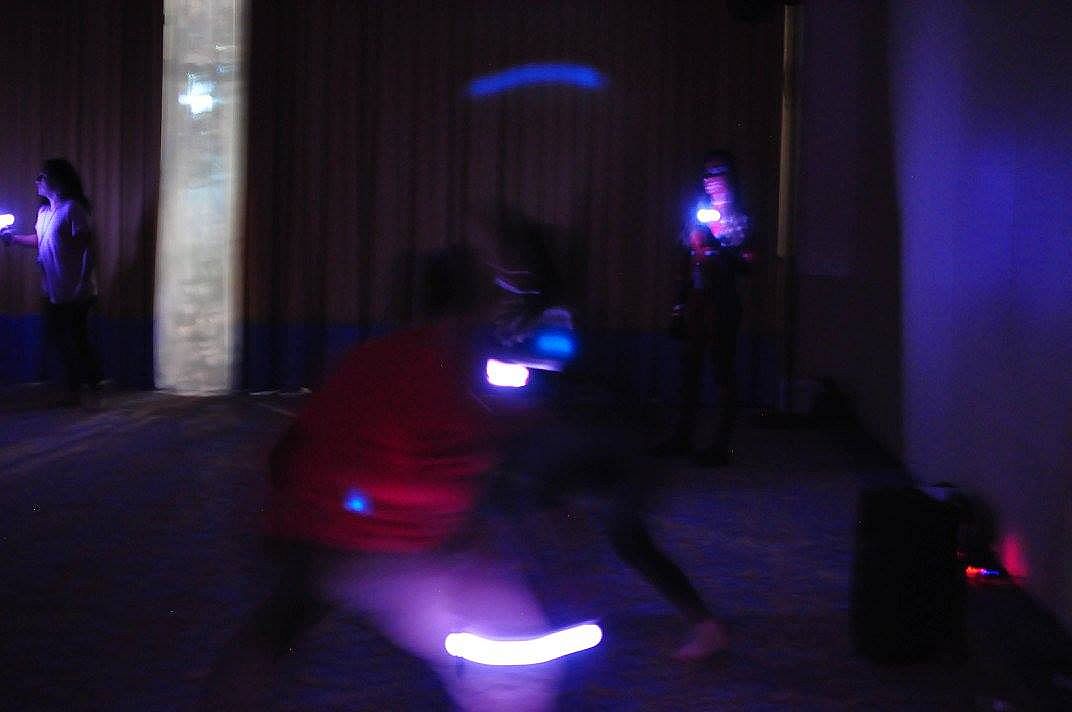
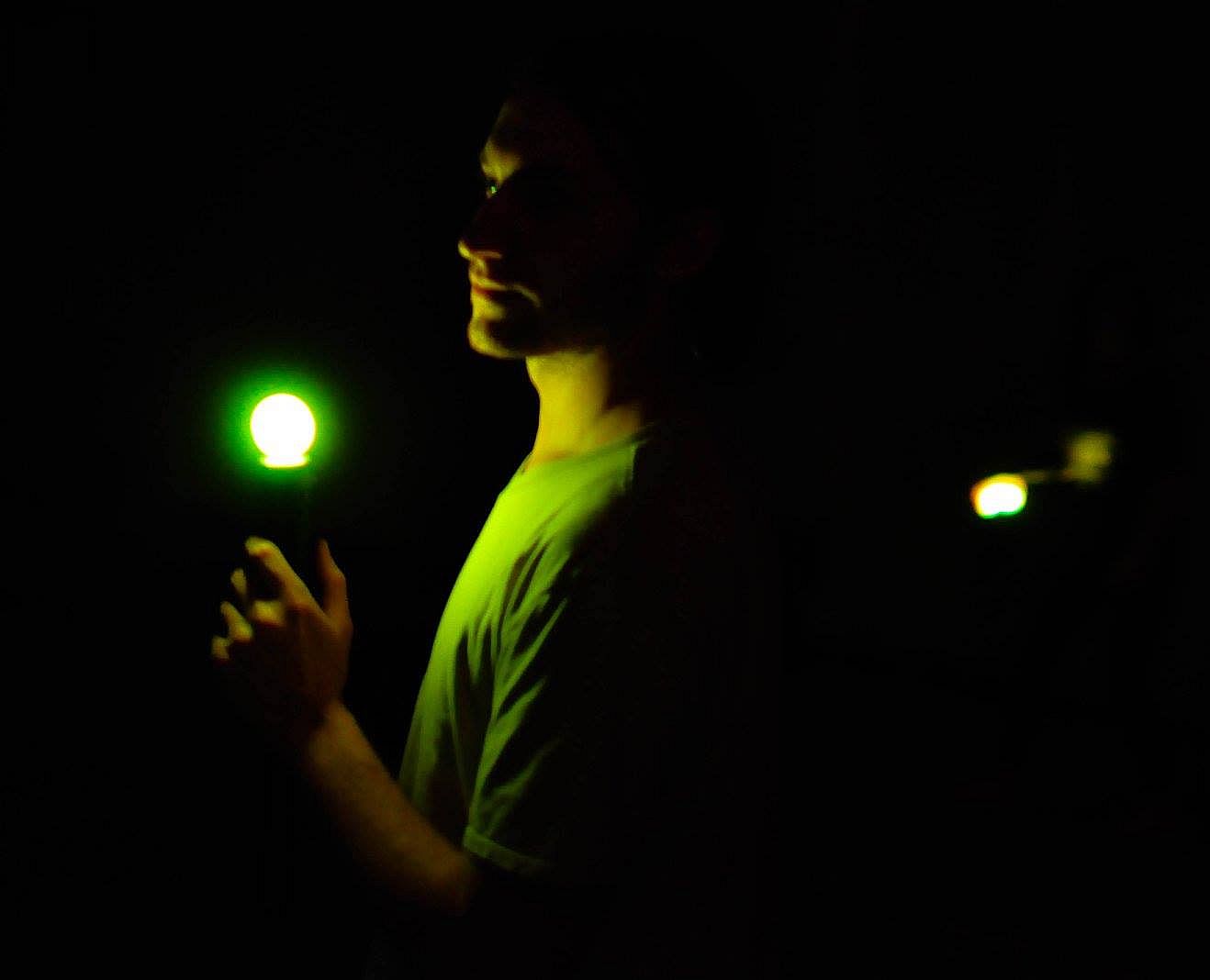
JoustMania delivers a movement-based party game where players hold controllers steady while jostling opponents, drawing from the jostling mechanic in Johann Sebastian Joust. No screen is needed as up to seven players on Windows-or 18+ on Raspberry Pi-compete using PlayStation Move controllers. Thirteen game modes like Free-for-All, Teams, Traitors, Werewolves, Zombies, and Tournament offer variety, with five sensitivity levels adjustable in admin mode. Pair controllers by running the game as administrator, then tweak settings via controller buttons or a browser GUI at 127.0.0.1. Players press triggers to start rounds and select modes with the side button. This casual simulation sports title suits groups of friends seeking quick, physical multiplayer fun on PC.


JoustMania is a movement based party game based off of the Jostling mechanic introduced in Johann Sebastian Joust, players try to keep their controller still while jostling others, no screen required. JoustMania features thirteen different game modes, five different sensitivity levels, and a whole range of other features for you and your friends to enjoy. This is the first time this game is available on the Windows platform.

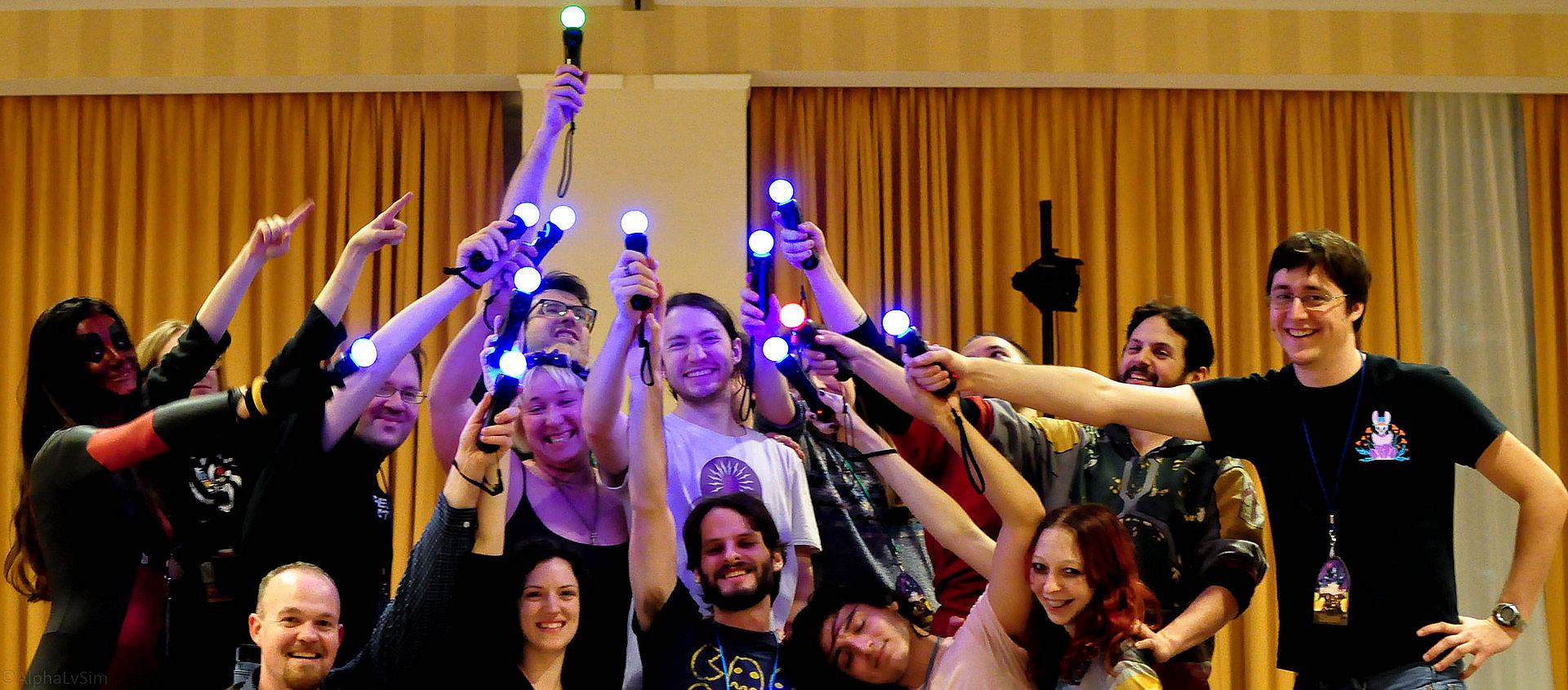
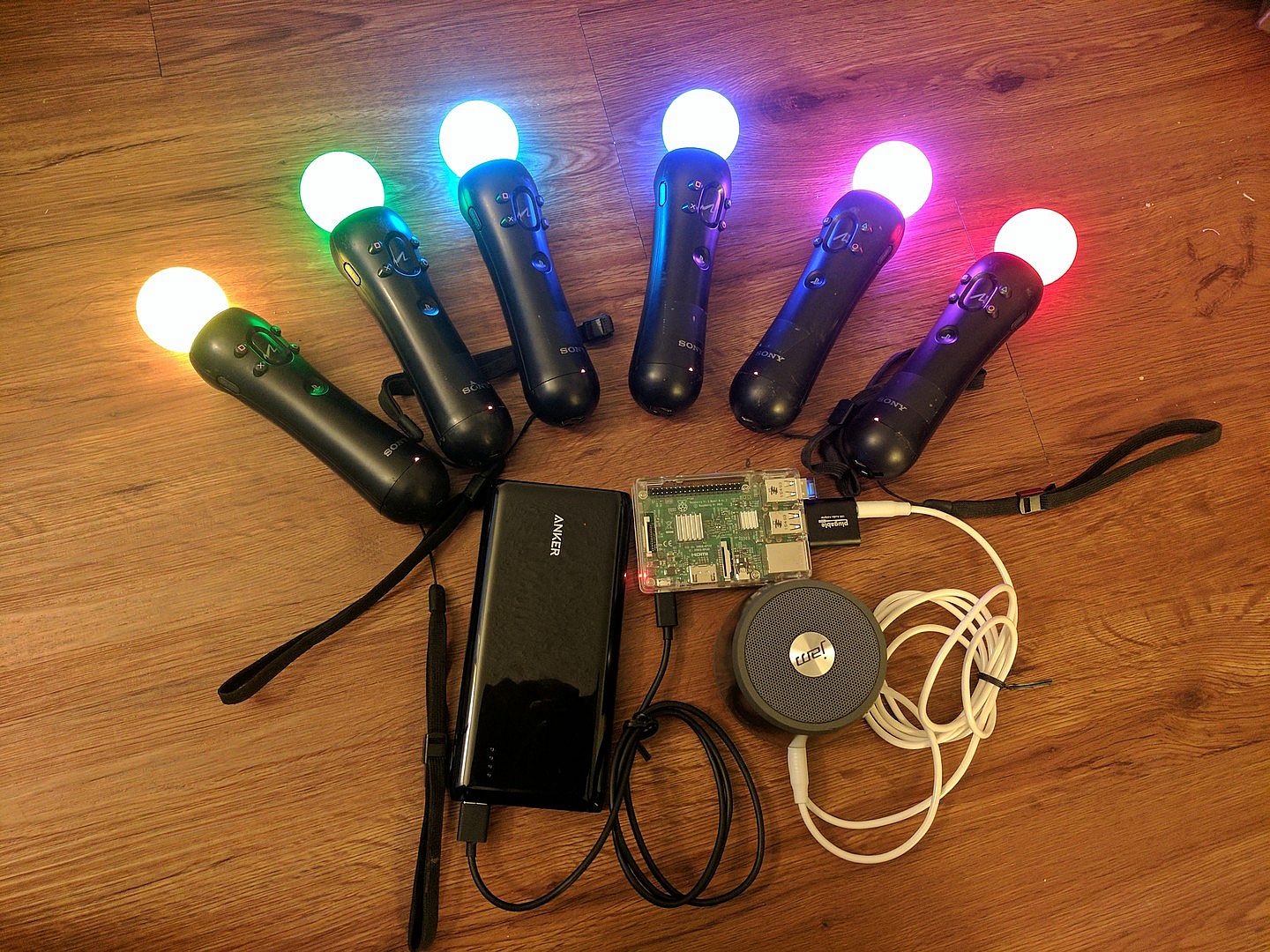
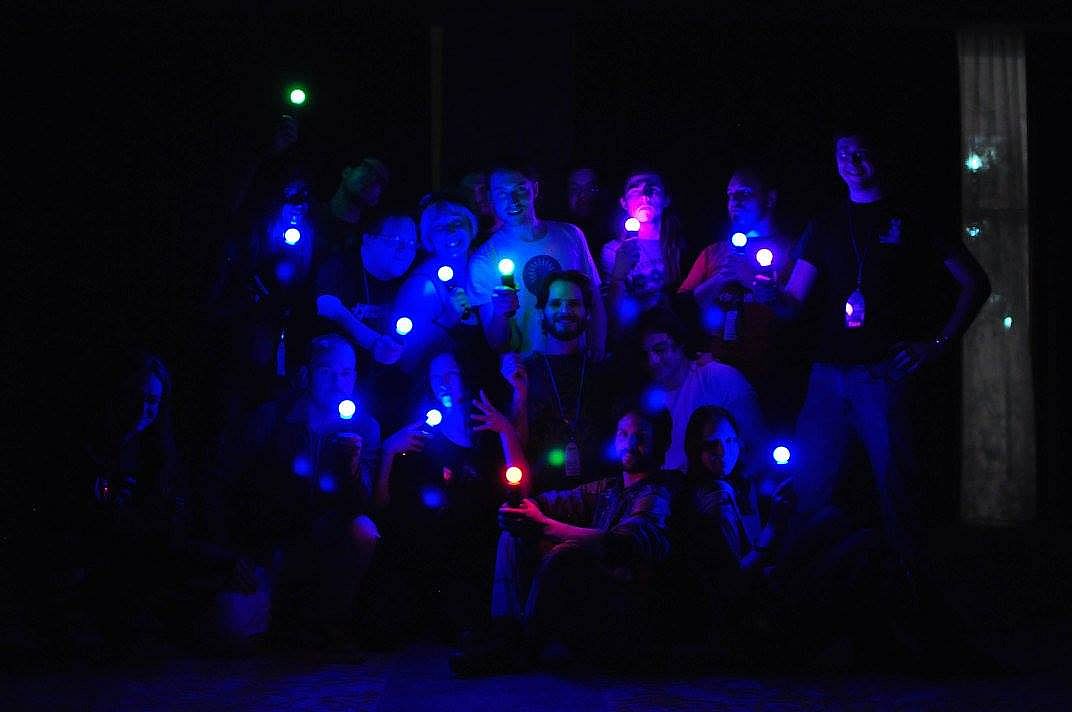
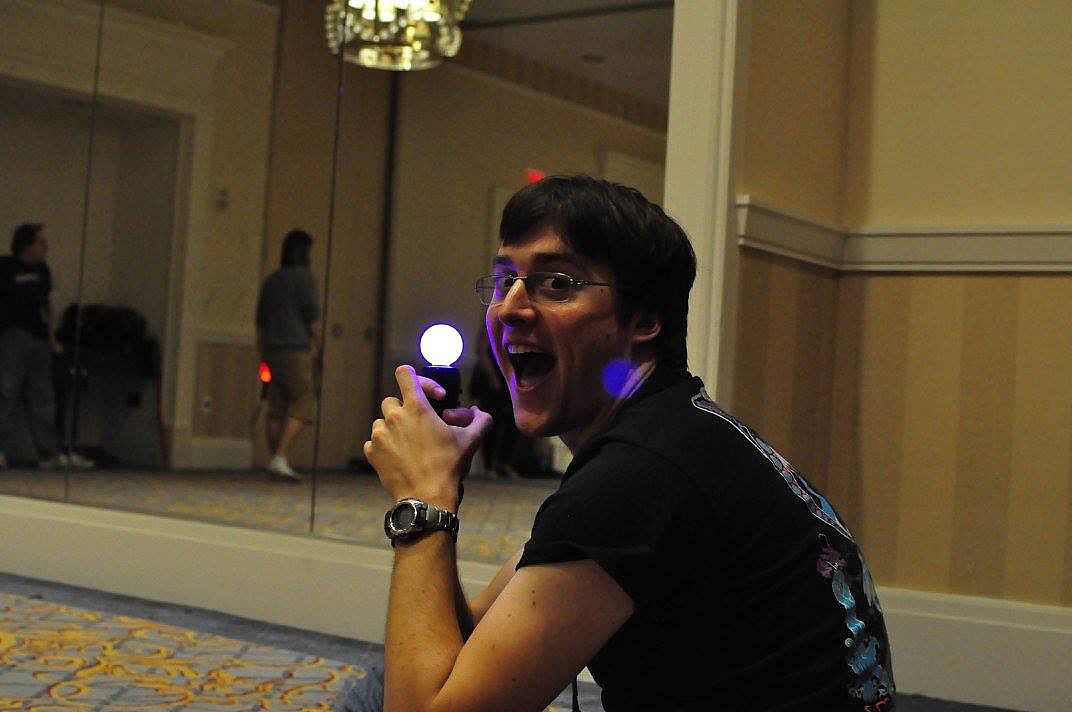
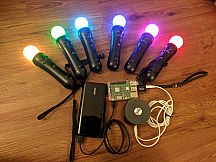
JoustMania supports up to seven players on Windows, and 18+ on the raspberry pi. Playstation move controllers are required to play this game.

Note: In order to sync Joustmania controllers you will need to run in administrator mode:
Go to C:/Program Files (x86)/Steam/SteamApps/common/Joustmania
right click piparty.exe
click properties
click the Compatibility tab
click Run this program as an administrator, and click Apply
GameModes
  • Joust Free-for-All (2+ players)
  • Joust Teams (Minimum 3+ players, 4+ players recommended)
  • Joust Random Teams (3+ players)
  • Traitors (Minimum 6+ players, 9+ players recommended)
  • Werewolves (Minimum 3+ players, 6+ players recommended)
  • Zombies (Minimum 4+ players, 10+ players recommended)
  • Commander (Minimum 4+ players, 6+ players recommended)
  • Swapper (Minimum 3+ players, 4+ players recommended)
  • Fight Club (2+ Players)
  • Tournament (3+ players)
  • Non Stop Joust (2+ players)
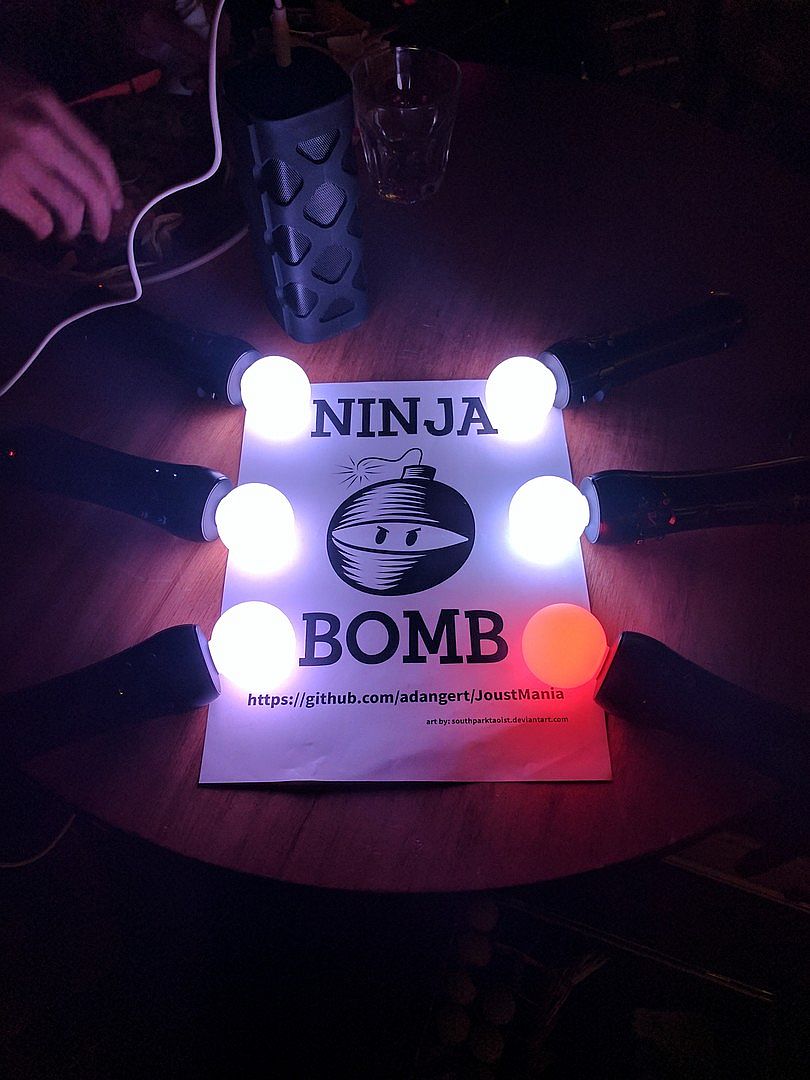
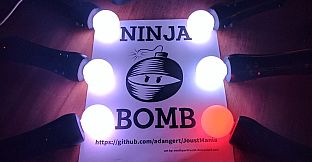
  • Ninja Bomb (2+ players)
  • Random mode
To view rules for each game mode please visit JoustMania Extended Rules
Starting a game
To access different game modes, after pairing a playstation move controller press the select button on the side of the controlelrs. To start a game everyone needs to press the trigger buttons on their controllers.
Pairing
To pair a PlayStation move controller, make sure you follow the above steps to run as an administrator, start JoustMania then plug the controller in and keep on pressing the PlayStation home button until the controller turns a color other than white, you should not have to remove the controller while pairing. If you are using the newer Playstation move controller (CECHZCM2) you will have to click the popup on the bottom right of the screen to allow it to be paired.
Admin Mode
You can become an Admin by pressing all four front buttons on any controller, this will allow you to modify the games settings from the four front buttons on the controller, After a game is played the Admin mode will be reset

(Cross) Add or remove a game from Random mode, your controller will be green if the game is added and Red if it is not, Custom Teams mode can not be added to Random mode
(Circle) Change sensitivity of the game. There are five settings, Ultra High, High, medium, Low, and Ultra low.
(Square) toggle the playback of instructions for each game
(Triangle) show battery level on all controllers
Browser UI
After starting Joustmania, in your web browser go to 127.0.0.1 and you should see a GUI to change game modes and settings from your computer.

Credit to FamilyGamerRadio for the intro video.
Interfaz:
English
Audio:
English

Clasificación por edades

No disponible
Metacritic:
tbd tbd
Steam:
Very Positive (13)

Mínimo:

  • Sistema operativo: Windows 10 64 bit
  • Notas adicionales: Bluetooth and playstation move controllers required

Recomendado:

Mínimo histórico
Historial de precios de tiendas oficiales
-
-
-
Historial de precios de keyshops
-
-
-

FAQ

8 preguntas

Antes de buscar una clave PC barata de JoustMania, revisa lo esencial. Desarrollado por Aaron Angert. Publicado por Aaron Angert. Fecha de lanzamiento en PC: 11 jun 2019. Géneros: Free To Play, Indie, Casual, Simulation, Sports. Categorías: Multi-player, PvP, Shared/Split Screen PvP, Remote Play Together, Co-op, Shared/Split Screen Co-op, Shared/Split Screen.

Q

¿Dónde comprar una clave Steam o CD Key barata de JoustMania?

JoustMania es gratis! Descargalo en Steam y empieza a jugar al instante.

JoustMania es completamente gratis en Steam. No necesitas comprarlo - solo descárgalo y juega. Si buscas DLC premium o articulos del juego, consulta la tabla de ofertas de arriba.

Nuestro rastreador de precios cubre tanto tiendas oficiales como keyshops, asi que puedes encontrar JoustMania en oferta incluso fuera de las promociones de temporada. Actualmente detectamos 0 ofertas activas en tiendas oficiales y keyshops. Consulta la tabla de arriba, compara con el minimo histórico y crea una alerta para no perderte la proxima bajada de precio.

Segun nuestros datos, JoustMania no esta disponible actualmente en GeForce NOW. Necesitaras ejecutarlo localmente en tu PC. Consulta los juegos disponibles en GeForce NOW.

Si. JoustMania tiene una pagina oficial en Steam, pero actualmente no rastreamos ofertas de terceros con DRM de Steam. Vuelve mas tarde o crea una alerta de precio.

No en este momento. Valve marca JoustMania como No compatible con Steam Deck. Estate atento a XD.deals - seguimos las actualizaciones de Proton y las soluciones de la comunidad. Consulta los juegos Steam Deck Verified o Steam Deck Playable.

JoustMania no parece estar disponible en PC Game Pass, EA Play, Ubisoft+ ni en ningun otro servicio de suscripcion para PC en este momento. Tu unica opcion es comprar el juego - usa XD.deals para encontrar el mejor precio.

No - XD.deals no es una tienda. Somos un comparador de precios que rastrea las mejores ofertas de JoustMania en tiendas oficiales y keyshops verificados. Haz clic en "Ir a la tienda" junto a cualquier oferta y seras redirigido a la web del vendedor para completar tu compra.

¿Quieres comprar en el mejor momento? Crea una alerta de precio en XD.deals y recibe una notificacion cuando JoustMania alcance su proximo minimo histórico.

Crear alerta
Únete a nuestro Discord
Obtén ayuda al instante de nuestra comunidad y mantente al día de las últimas ofertas
Configurar alertas de precio
Recibe avisos por correo cuando los precios bajen a tu objetivo
Crear cuenta gratis
Desbloquea listas de deseos, alertas de precio y sincronización con Steam