
Comprar icpaint PC

¿Dónde puedes comprar la clave Steam para {6} de icpaint más barata? Compara precios en 1 tiendas para encontrar la mejor opción entre 1 ofertas en XD.deals. Ahora el precio más bajo de icpaint para {6} en keyshops se puede conseguir en 28,99 € (0% de descuento).

Steam:
Overwhelmingly Negative (1)
Keyshops
No disponible
Comprar en tienda oficial:
28,99 €
Comprar en keyshops:
Ver historial de precios

Tiendas oficiales (1)

DRM:
Steam
Steam
Steam
icpaint
Windows
hace 1a
DRM:
Steam
Steam
28,99 €
Historical Low Deal
Historical low

Sobre icpaint

icpaint - sobre el juego
icpaint delivers a robust painting application for PC, blending design and illustration tools with advanced layer management. Artists layer drawings, vectors, text, and pixel art, applying 29 blending modes like Multiply or Overlay, while adjusting opacity, masks, and transforms. Canvas features include resizing, flipping, rotation, guides, grids, and clipboard integration, alongside saves in PSD, PNG, TIFF-even CMYK for print-or custom formats. Brush modes span Normal, Eraser, Mixer, and Smudge, with stabilizers, random variations, and ruler-guided strokes. Vector layers curve precisely with control points and gradients; pixel art limits to 254 colors for indexed animation in GIF or WebP; 3D models import via GLTF for realistic rendering and 2D transfer. Adjustment layers and 50 filters like Gaussian blur or Oil painting refine works, ideal for digital painters and illustrators seeking pro-level control.

icpaint is a painting application.
Features

  • Compatible with WinTab (Wacom) and TabletPC
  • Layer type (drawing layer, group, adjustment layer, vector layer, text layer, pixel art layer, pixel art vector layer)
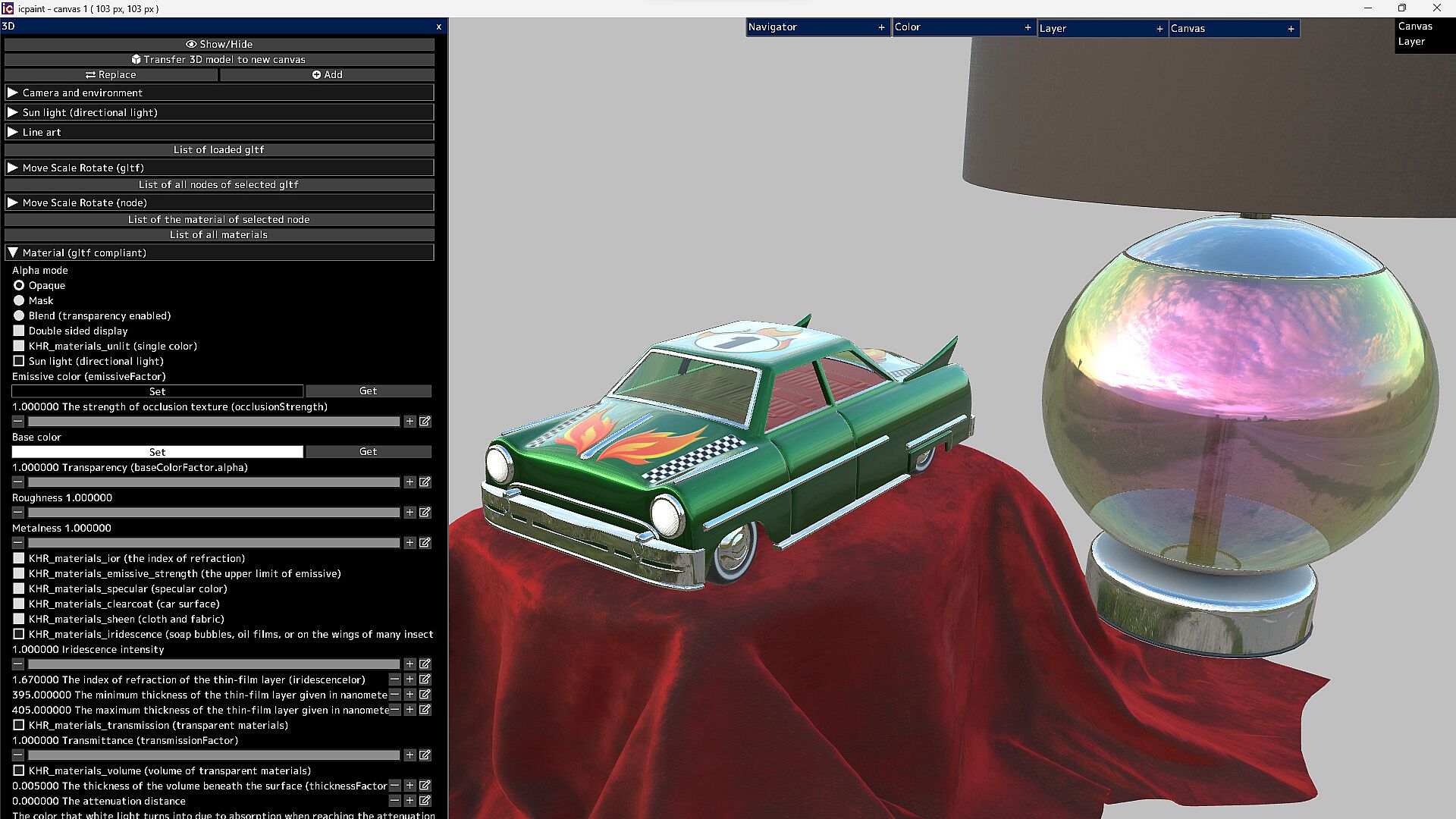
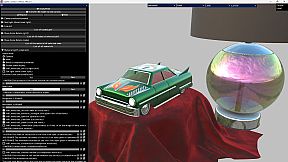
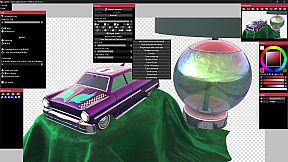
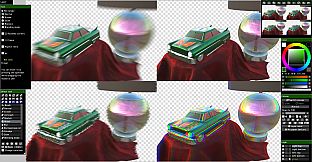
  • It can display very beautiful and realistic 3D. You can transfer it to a 2D canvas
Features (canvas)

  • Copy canvas to clipboard, Create canvas from clipboard
  • Resize canvas, Change resolution, Change the background of the canvas (plaid or color)
  • Flip horizontal, Flip vertical (canvas)
  • Canvas zoom, rotation, flip horizontal (view), The Ruler tool
  • Show guide (perspective ruler), Show grid, Adjust grid spacing
  • Save/Open psd, png, jpg, bmp, tga, tif, webp and gif
  • Save tif in CMYK for printing (RGB -> CMYK)
  • Save pdf
  • Save/Open a canvas in custom format (~.icpaint)
  • Recently used color, Color library
  • You can display the reference image
  • Tools to fill with various shapes (Rectangle, Rounded rectangle, Circle, Ellipse, Lasso, Polygon)
  • You can also paint on selections and layer masks in the same way
  • Select the drawing area of the layer, Blur 3x3 ~ 15x15 px (selection)
  • Save/Open selection, Transform selection
  • Recently used file list, Favorite file list
Features (layer)

  • Opacity, Clipping mask, Protected opacity, Layer mask, Lock layer
  • Duplicate layer, Erase layer, Transfer to lower layer, Combine with lower layer
  • Combine group, Merge all layers, Maximize layer opacity
  • Convert luminance to transparency, Rasterize layer, Convert layer to pixel art (254 colors)
  • Group all layers, Ungroup layers
  • Fill, Reorder layers, Paper texture
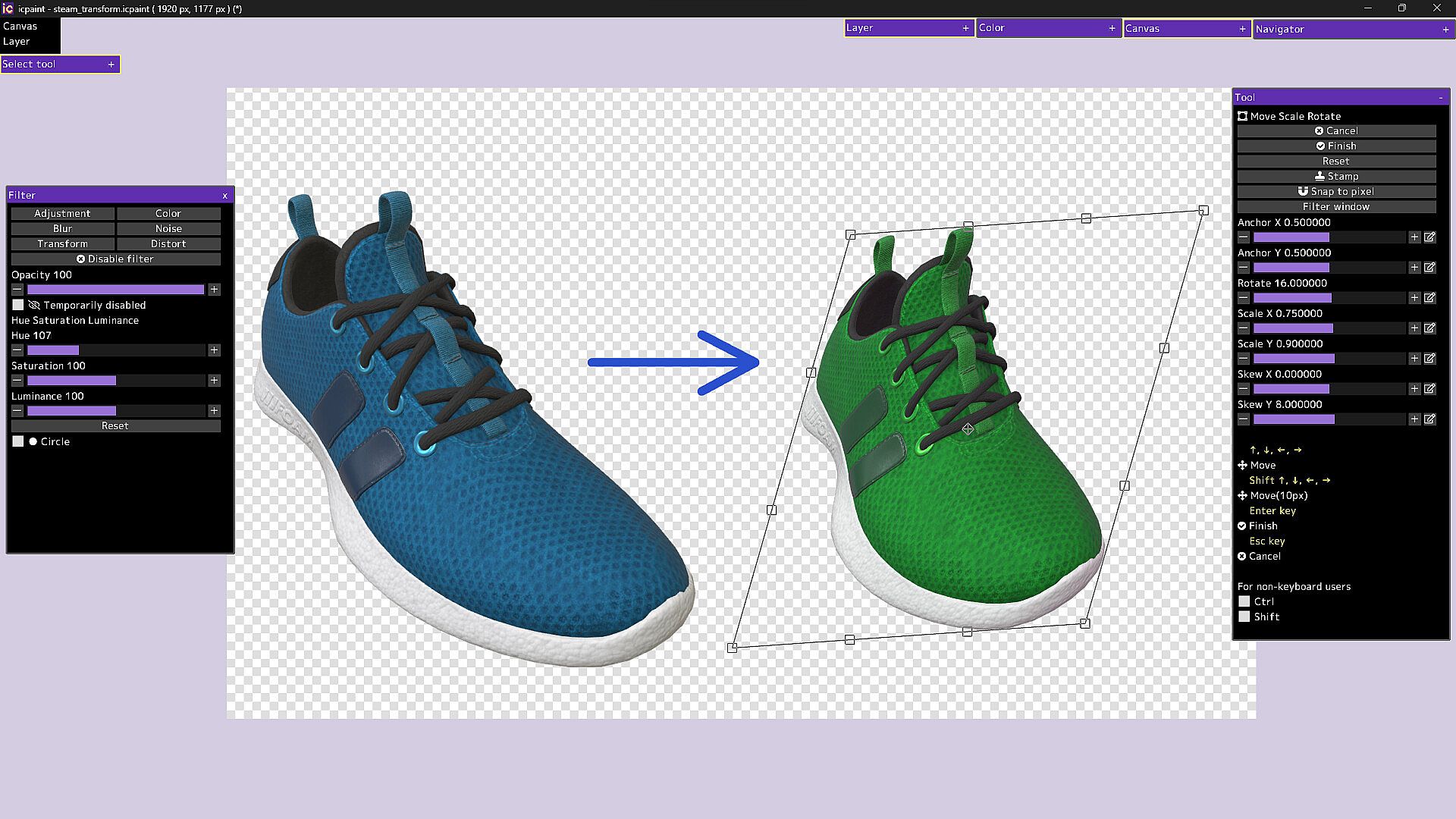
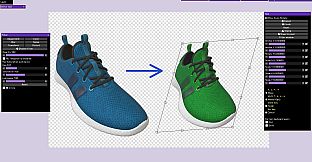
  • Move, Transform, Perspective transform
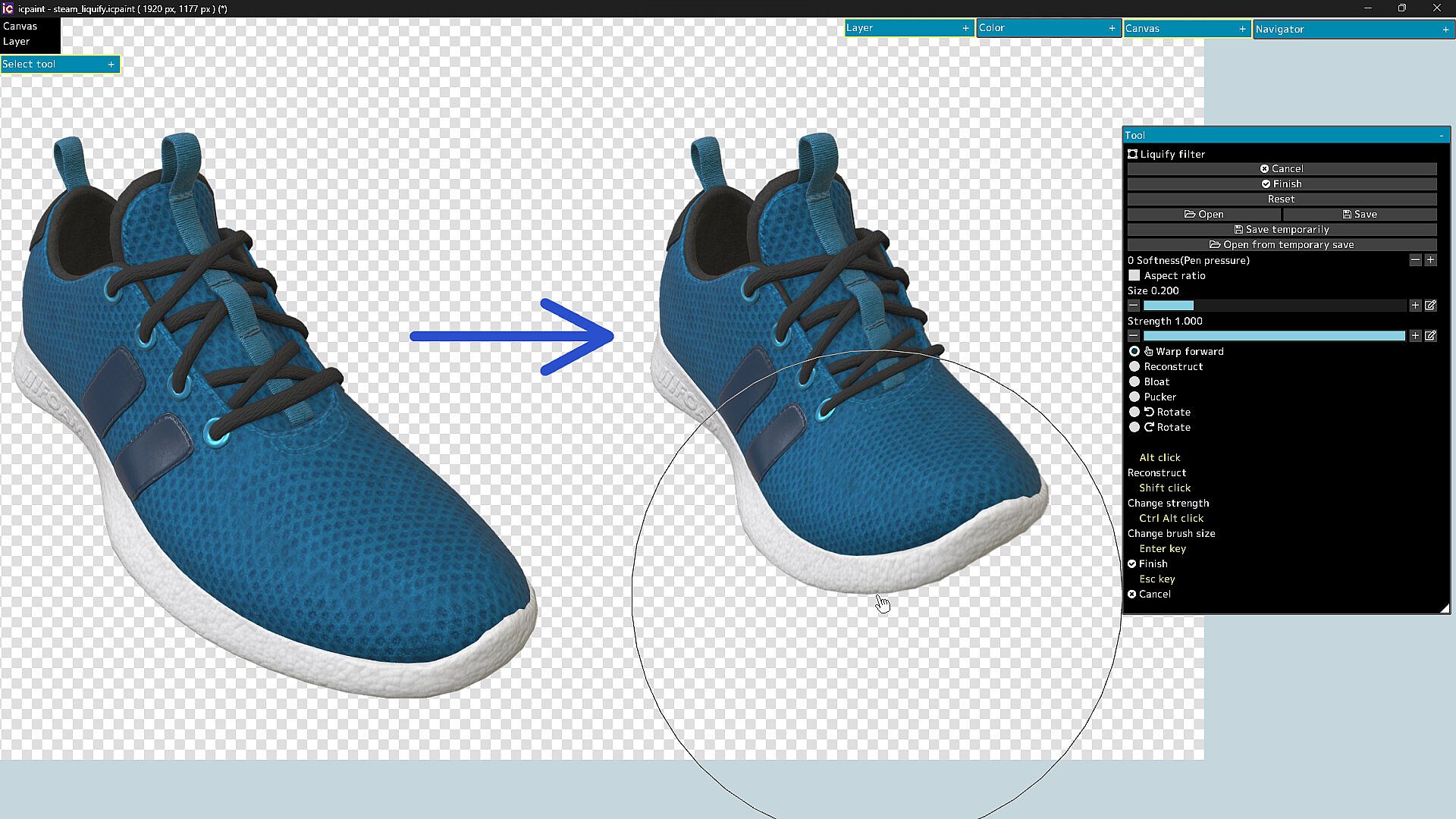
  • Liquify filter, Transform by numerical input
  • Resize, Flip horizontal, Flip vertical, Rotate 90°
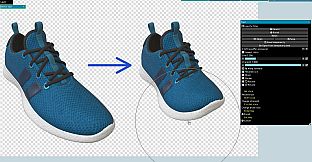
  • Noise removal, Blur 3x3 ~ 15x15 px
  • Retouch filter (Clone Stamp tool)
  • Copy layer to clipboard, Paste clipboard
  • Create gradation (Linear or circular)
  • Save/Open layer mask, Transform layer mask, Blur (layer mask)
  • You can display a list of layers that draw the pixel at the cursor position by Ctrl + right-clicking
  • Show layer thumbnail, Show layer mask thumbnail
  • You can reorder layers by dragging and dropping layers in the layers window
29 Blending modes

  • Normal, Darken, Multiply, Color Burn, Linear Burn, Subtract, Lighten, Screen
  • Color Dodge, Color Dodge(Glow), Add, Add(Glow), Overlay, Soft Light, Hard Light
  • Difference, Vivid Light, Linear Light, Pin Light, Hard Mix, Exclusive
  • Color Darken, Color Lighten, Divide, Hue, Saturation, Color, Luminosity, Pass Through
Features (brush)

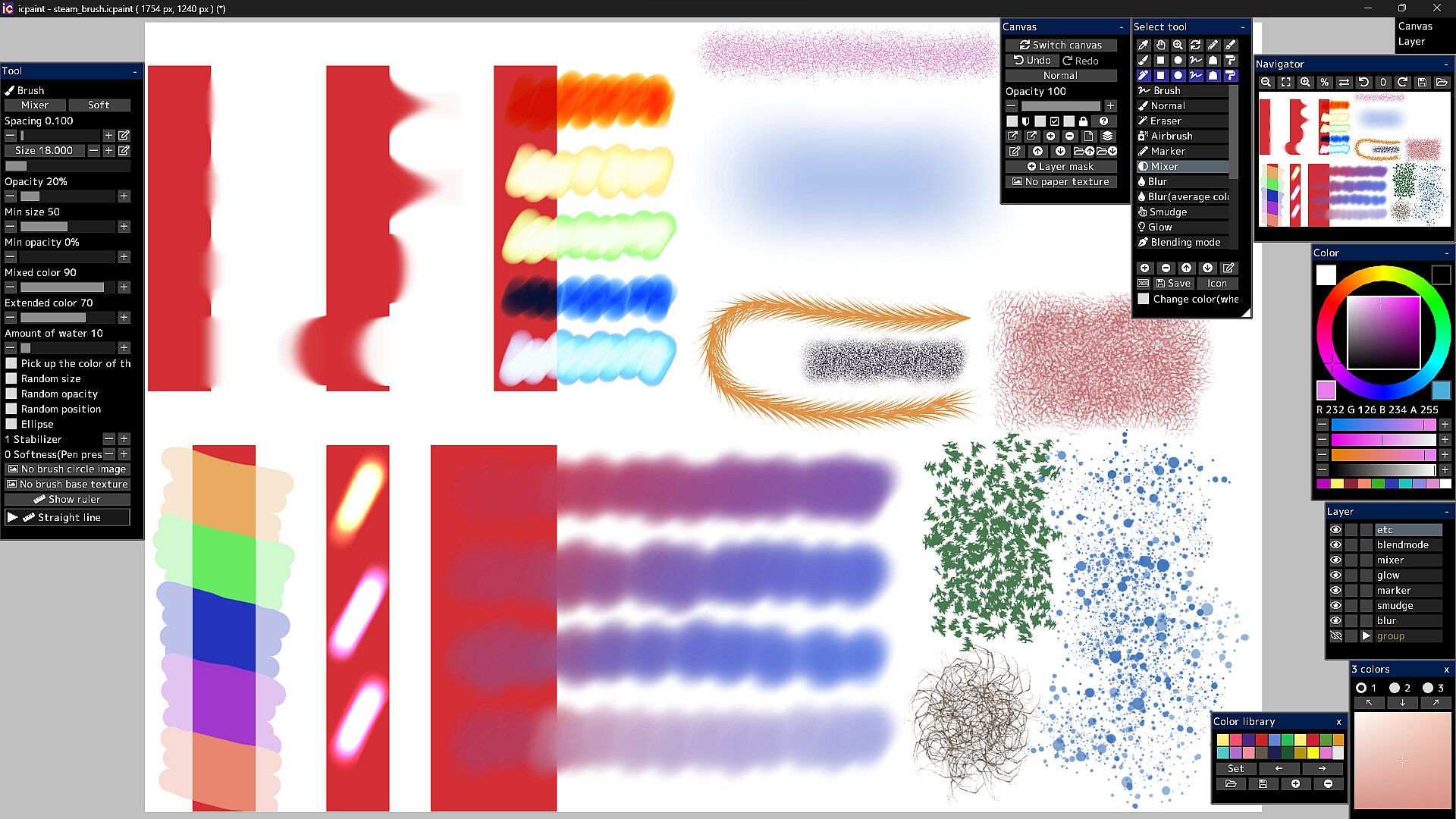
  • Brush modes (Normal, Eraser, Marker, Mixer, Blur, Blur(average color), Smudge, Glow, Blending mode)
  • Brush circle image, Brush base texture
  • Stabilizer, Spacing, Opacity, Min size, Min opacity
  • Random size, Random opacity, Random position, Random angle, Ellipse
  • Mixed color, Extended color, Amount of water, Blur area, Softness
  • Brush preset
  • You can set a shortcut key for each brush preset
  • You can draw brush strokes along the ruler
  • This ruler has the same feature as curves in vector layers
Features (vector layer)

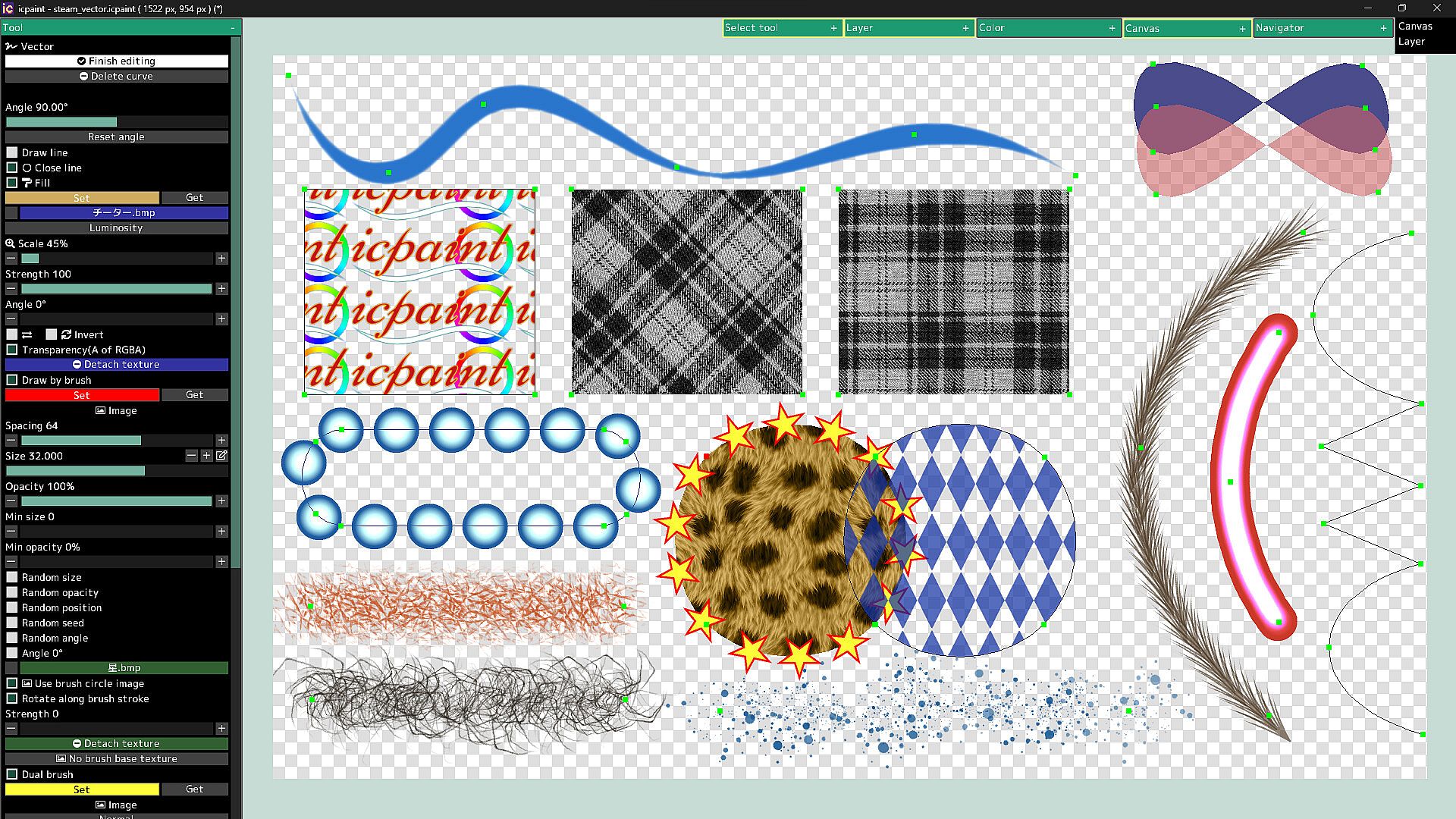
  • You can draw curves and straight lines by moving control points
  • You can close the curve and automatically fill the inside of the curve
  • You can automatically draw along the curve with a brush
  • Dual brush
  • Texture for fill
  • You can also fill with a gradient (linear or radial)
  • You can adjust the start point, end point, mid point and color stop of the gradient
Features (text layer)

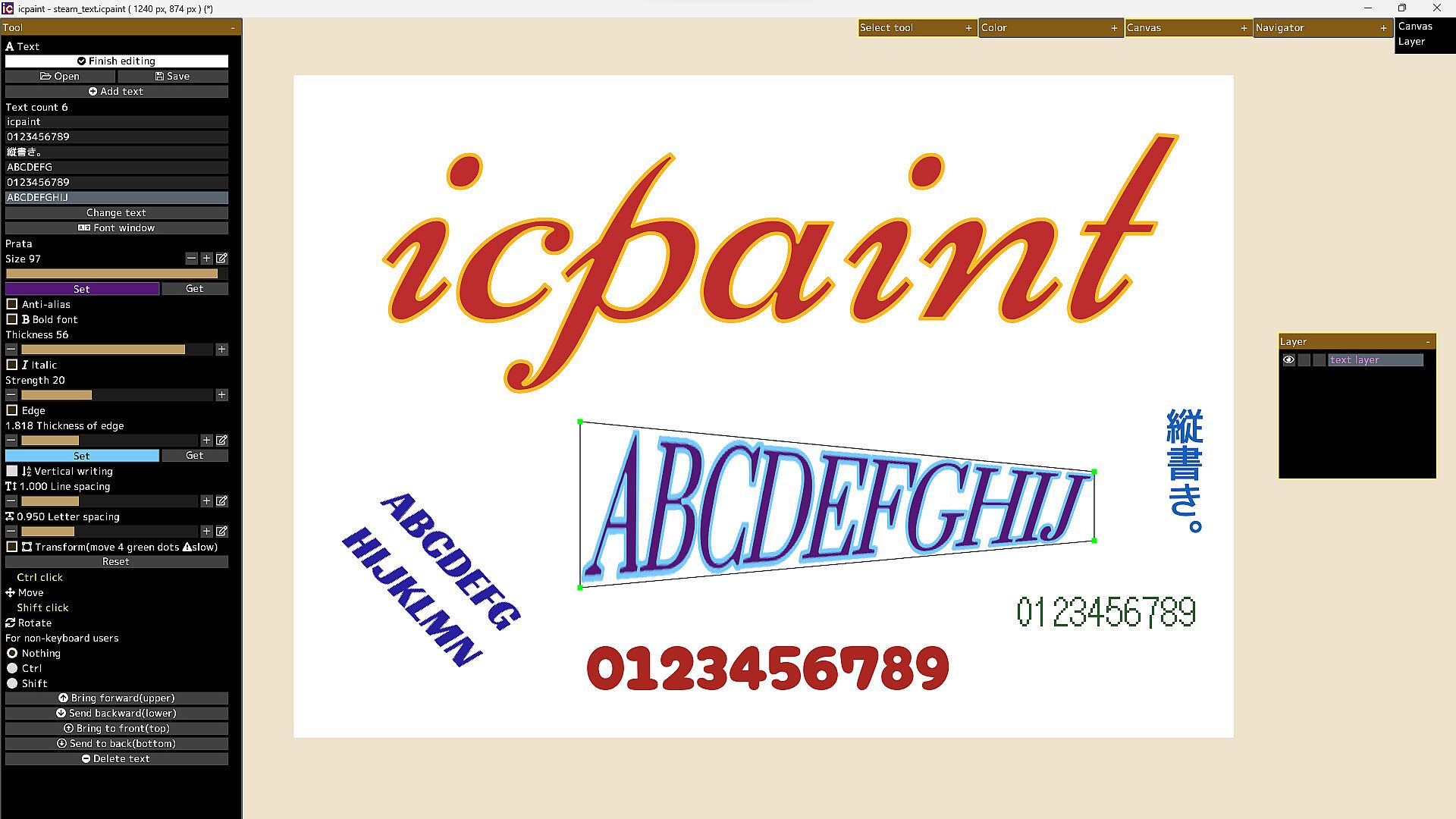
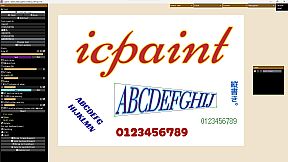
  • Anti-alias, Bold font, Italic, Edge, Vertical writing, Line spacing, Letter spacing
  • Open fonts (ttf, ttc, otf, otc)
  • Transform/Rotate the text layer
  • You can freely move the four vertices surrounding the text
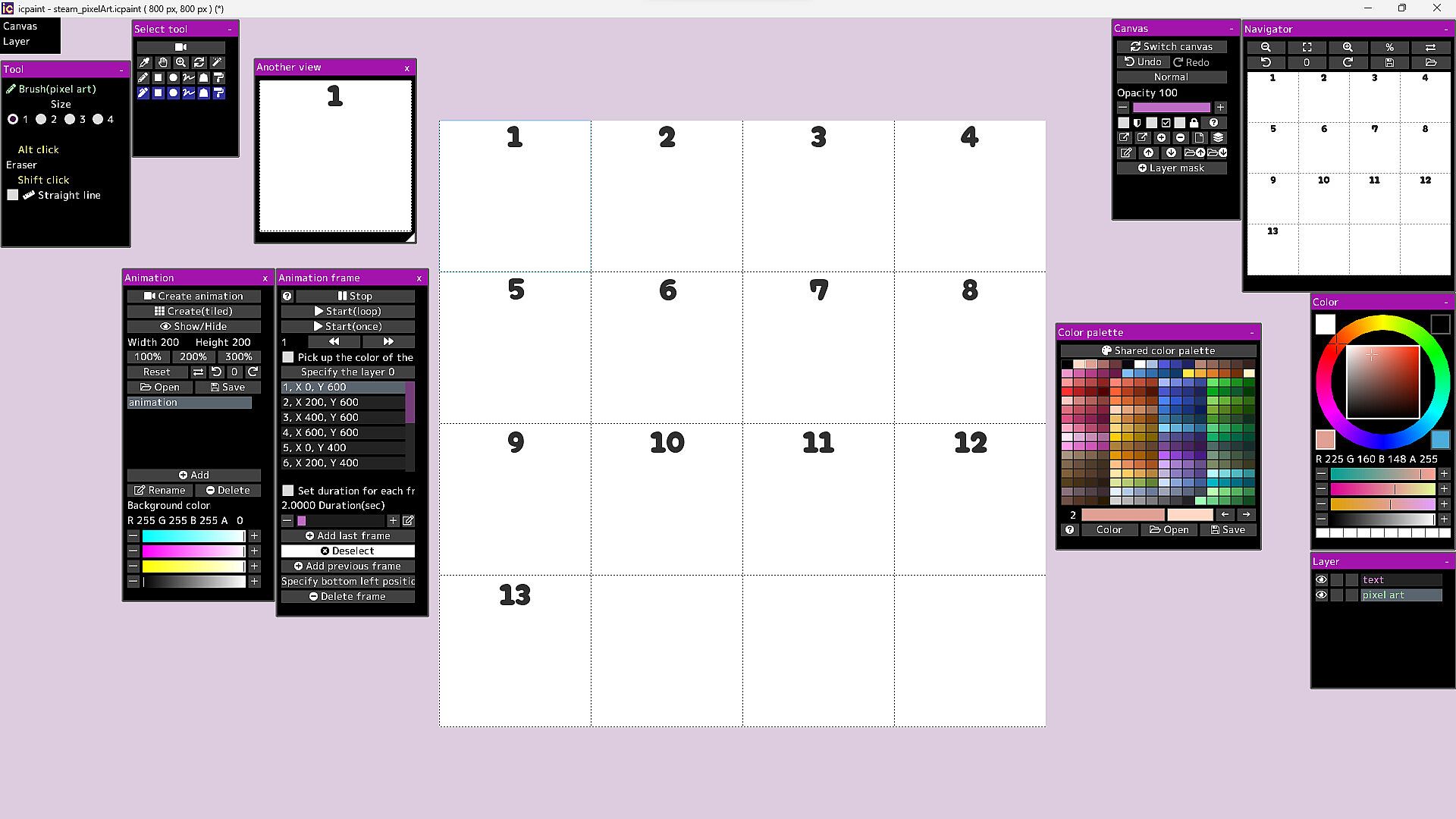
Features (pixel art layer)

  • Pixel art layer is a layer limited to transparent colors and 254 colors
  • A color index is a number from 0 to 255
  • The 0th color index is the transparent color
  • The pixel art layer is painted with a color index and displayed in RGB corresponding to that color index
  • You can freely change the colors in the canvas by changing the colors in the color palette
  • You can play the animation by drawing each frame of the animation in the canvas
  • You can adjust animation speed etc.
  • Save/Open animation (gif, webp)
  • Save/Open color palette
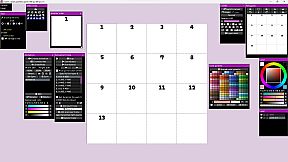
  • Pixel grid
Features (3D)

  • Open 3d model (gltf, glb)
  • Multiple 3D models can be opened and placed freely
  • You can adjust the material parameters of each 3D model
  • You can transfer 3D model to new canvas (2D) as it is
  • Line art (3D)
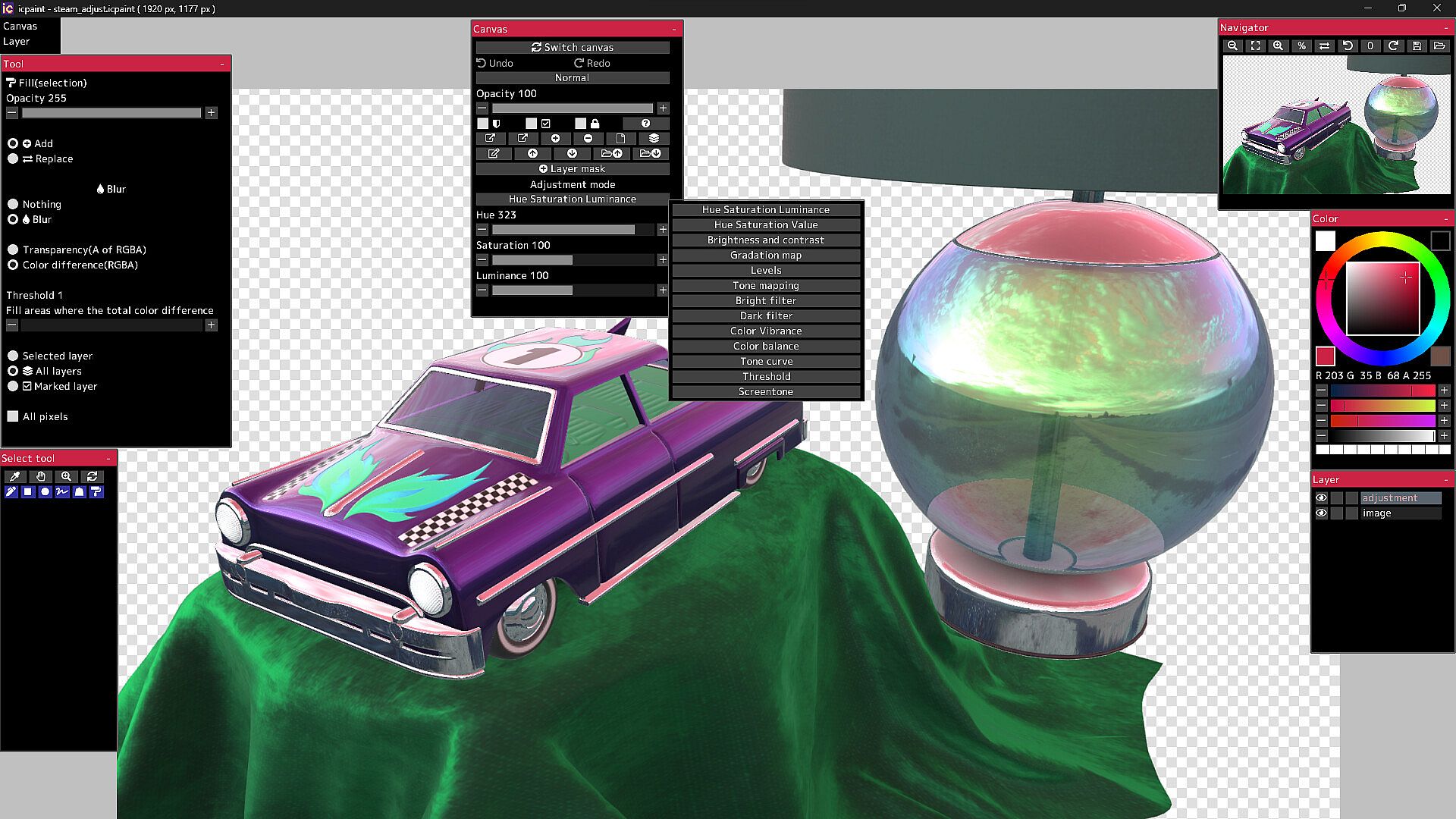
13 adjustment modes for adjustment layer

  • Hue Saturation Luminance, Hue Saturation Value, Brightness and contrast
  • Gradation map, Levels, Tone mapping, Bright filter, Dark filter, Color Vibrance
  • Color balance, Tone curve, Threshold, Screentone
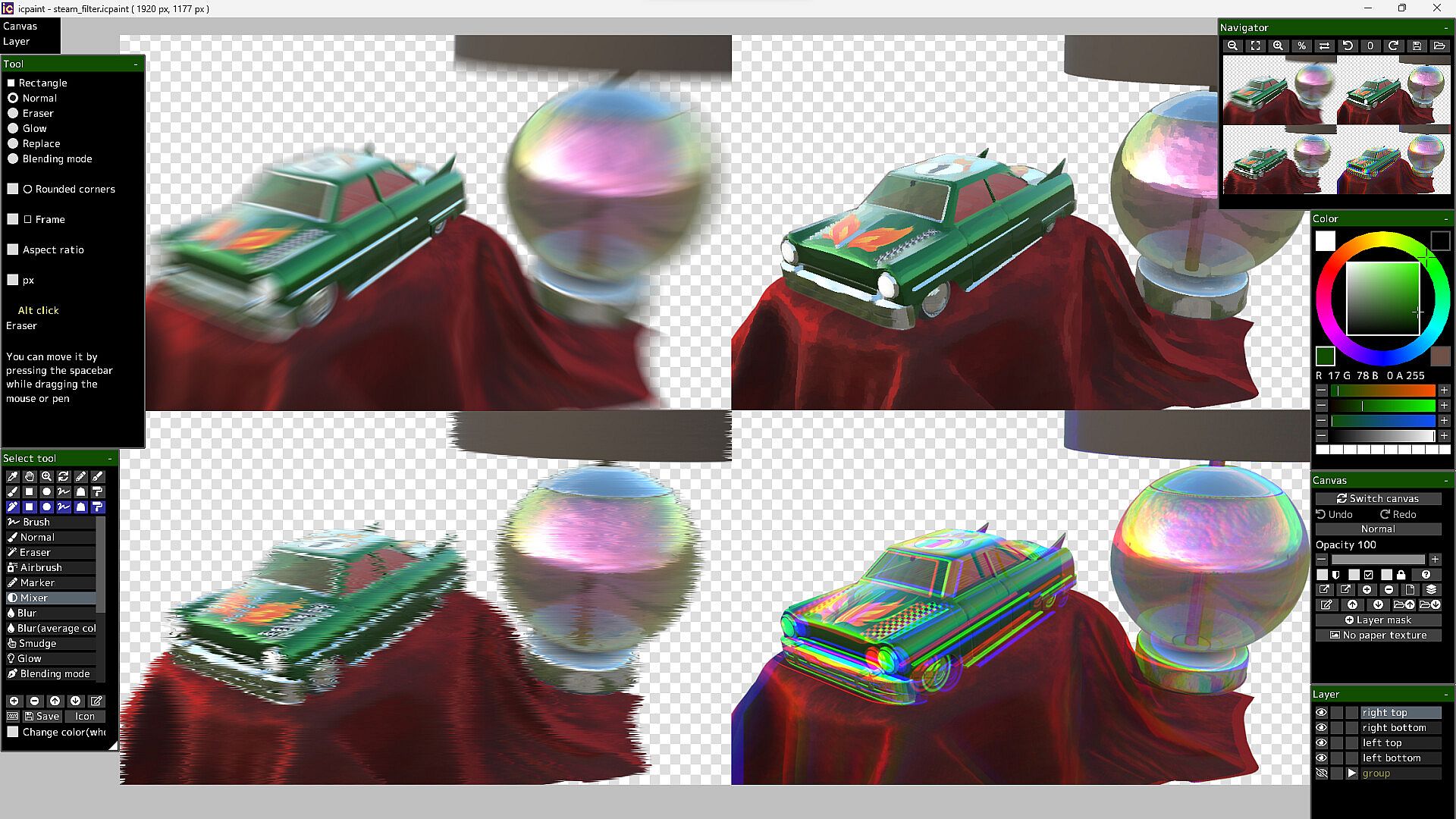
50 filters

  • Chromatic aberration, Directional blur, Particulate blur, Gaussian blur, Radial blur, Sharp
  • Mosaic, Swirl, Ripple, FishEye lens, Water distortion, Wave, Shaking, Oil painting, etc.

It will not work on computers that do not support Vulkan.

The Guides in the Community Hub has detailed instructions.

Interfaz:
GermanEnglishSpanish - SpainSpanish - Latin AmericaFrenchJapanesePortuguese - PortugalPortuguese - BrazilRussianSimplified Chinese

Clasificación por edades

No disponible
Steam:
Overwhelmingly Negative (1)

Mínimo:

  • Sistema operativo: Windows 10, 11
  • Procesador: 2.5GHz Quad-core CPU
  • Memoria: 4 GB RAM
  • Gráficos: Vulkan 1.1
  • Almacenamiento: 250 MB available space
  • Notas adicionales: Compatible with WinTab (Wacom) and TabletPC

Recomendado:

Mínimo histórico
Historial de precios de tiendas oficiales
-
-
-
Historial de precios de keyshops
-
-
-

FAQ

8 preguntas

Antes de buscar una clave barata de icpaint, revisa lo esencial. Desarrollado por Tomoyuki Mizuma. Publicado por Tomoyuki Mizuma. Fecha de lanzamiento en PC: 12 abr 2023. Géneros: Design & Illustration.

Q

¿Donde comprar una clave barata de icpaint para Steam?

Gracias a nuestro comparador de precios y codigos de descuento verificados, puedes comprar una clave de icpaint por solo 28,99 €. Esta oferta esta disponible en Steam y es una de las mas baratas del mercado. Todas las claves en XD.deals se entregan digitalmente y se pueden descargar al instante tras el pago. Los precios ya incluyen comisiones y codigos promocionales aplicados, asi que siempre ves el precio mas bajo de icpaint en PC. Consulta el historial de precios de icpaint para comprar en el mejor momento.

Segun nuestra ultima actualizacion (refrescamos los precios de Steam varias veces al dia), el precio de icpaint en Steam es 28,99 €. Puedes ahorrar un ~6% extra pagando con una tarjeta regalo de Steam con descuento.

Nuestro rastreador de precios cubre tanto tiendas oficiales como keyshops, asi que puedes encontrar icpaint en oferta incluso fuera de las promociones de temporada. Actualmente detectamos 1 oferta activa en tiendas oficiales y keyshops. Consulta la tabla de arriba, compara con el minimo historico y crea una alerta para no perderte la proxima bajada de precio.

Segun nuestros datos, icpaint no esta disponible actualmente en GeForce NOW. Necesitaras ejecutarlo localmente en tu PC. Consulta los juegos disponibles en GeForce NOW.

Si. icpaint tiene una pagina oficial en Steam. Tambien puedes comprar una clave de Steam de icpaint a traves de vendedores externos. Nuestro comparador de precios incluye actualmente 1 oferta con DRM de Steam. Elige una para asegurarte de que la descarga de icpaint se realice en la plataforma de Valve.

No en este momento. Valve marca icpaint como No compatible con Steam Deck. Estate atento a XD.deals - seguimos las actualizaciones de Proton y las soluciones de la comunidad. Consulta los juegos Steam Deck Verified o Steam Deck Playable.

icpaint no parece estar disponible en PC Game Pass, EA Play, Ubisoft+ ni en ningun otro servicio de suscripcion para PC en este momento. Tu unica opcion es comprar el juego - usa XD.deals para encontrar el mejor precio.

No - XD.deals no es una tienda. Somos un comparador de precios que rastrea las mejores ofertas de icpaint en tiendas oficiales y keyshops verificados. Haz clic en "Ir a la tienda" junto a cualquier oferta y seras redirigido a la web del vendedor para completar tu compra.

Mejores precios para icpaint

1 Steam Steam Official
28,99 €

¿Quieres comprar en el mejor momento? Crea una alerta de precio en XD.deals y recibe una notificacion cuando icpaint alcance su proximo minimo historico.

Crear alerta
Únete a nuestro Discord
Obtén ayuda al instante de nuestra comunidad y mantente al día de las últimas ofertas
Configurar alertas de precio
Recibe avisos por correo cuando los precios bajen a tu objetivo
Crear cuenta gratis
Desbloquea listas de deseos, alertas de precio y sincronización con Steam