


Comprar Daily OVR Free PC

Daily OVR Free es gratis! Descargalo en Steam y empieza a jugar al instante.

Lanzamiento: 16 mar 2020
Steam:
Mostly Positive (33)
Official
No disponible
Keyshops
No disponible
Comprar en tienda oficial:
No disponible
Comprar en keyshops:
No disponible

No hay entradas, pero no te preocupes: te avisaremos cuando aparezca una nueva oferta.

Create Alert Create deal Alert

Sobre Daily OVR Free

Daily OVR Free - sobre el juego
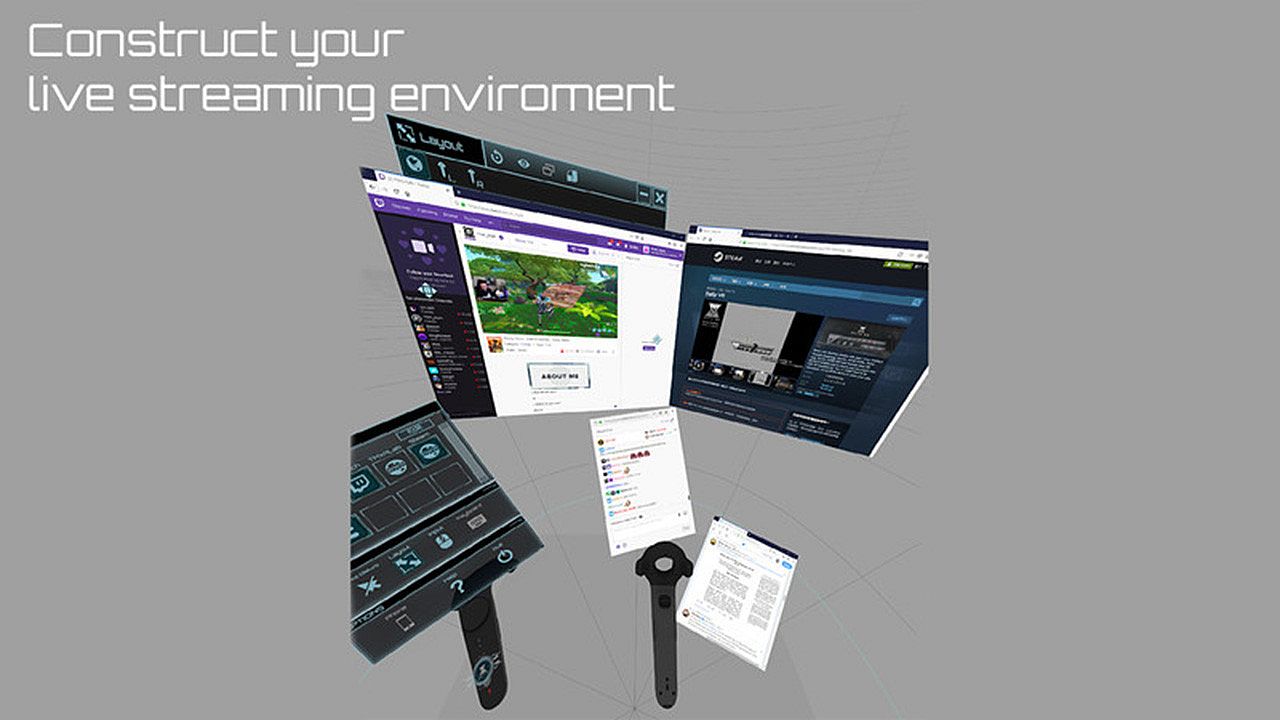
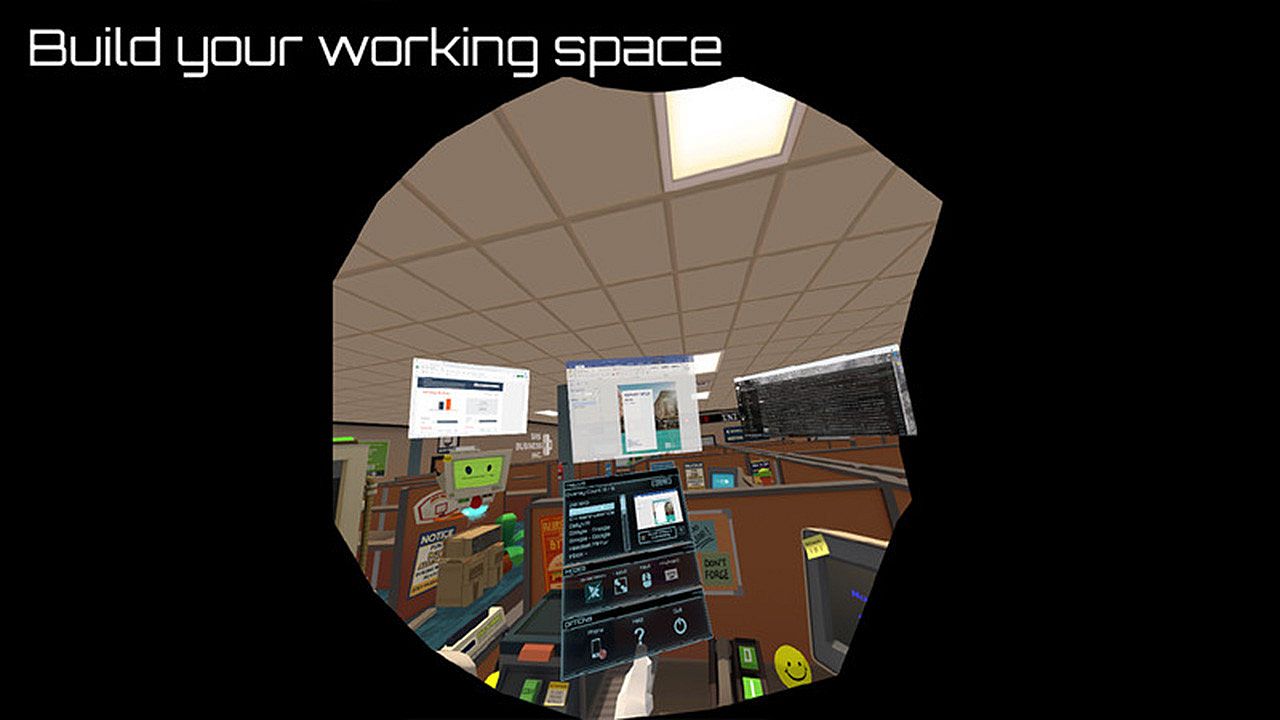
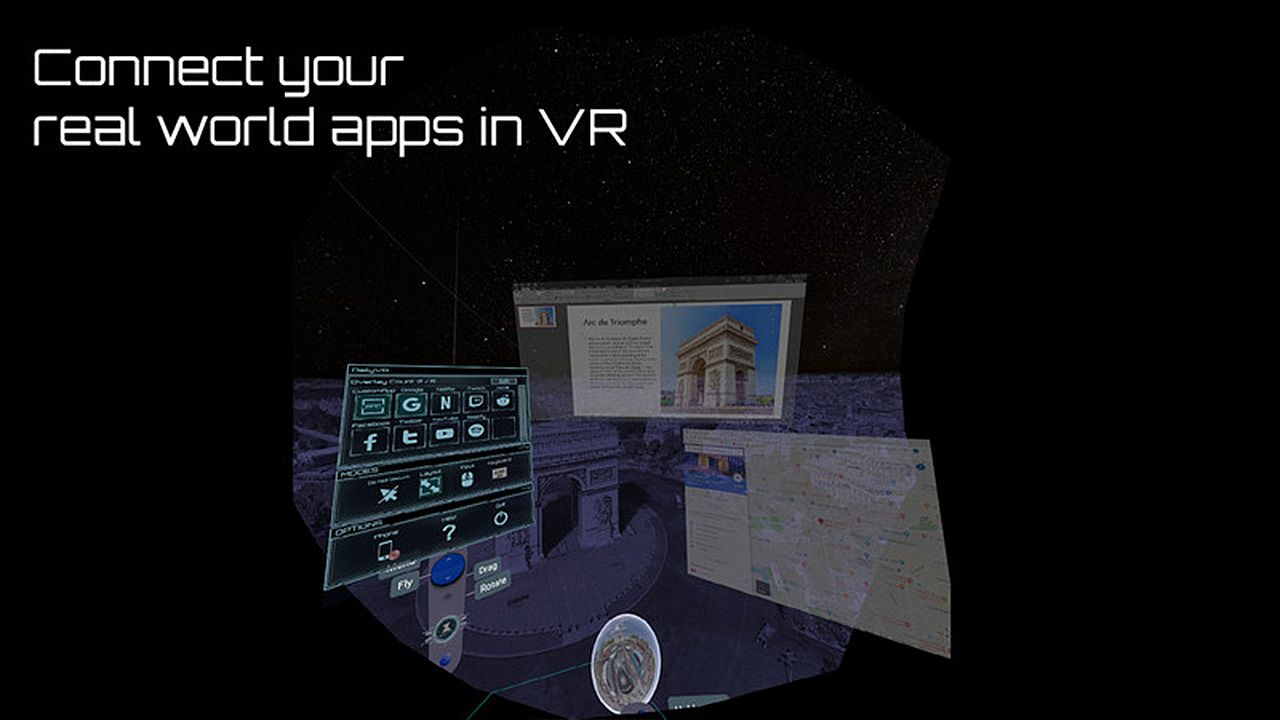
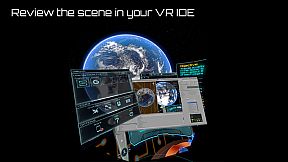
Daily OVR Free ofrece herramientas esenciales de overlay para usuarios de VR en PC. Refleja apps y ventanas del escritorio en tus sesiones de VR, para que puedas ver el chat de Twitch mientras juegas VRChat. La versión gratuita te limita a dos overlays simultáneos, dos programas QuickSwitch, una entrada en My Favorites, un CustomApp y solo binding en el controlador derecho. Entre sus funciones clave destaca una interfaz sencilla para redimensionar, ajustar la transparencia y posicionar los overlays, además de tweaks de FPS y un teclado virtual. Guarda configuraciones para reutilizarlas y accede a notificaciones del teléfono desde la app de Android. Los entusiastas de VR con SteamVR en Oculus, Vive, Index o Windows MR tienen lo básico para multitarea sin salir del juego.

Daily OVR Free is a free version of Daily OVR. It provides minimum essential overlay features. We think it would benefit a lot of VR users! :)
If you like Daily OVR Free and want to use advanced features, you can consider purchasing Daily OVR.


What is Daily OVR?

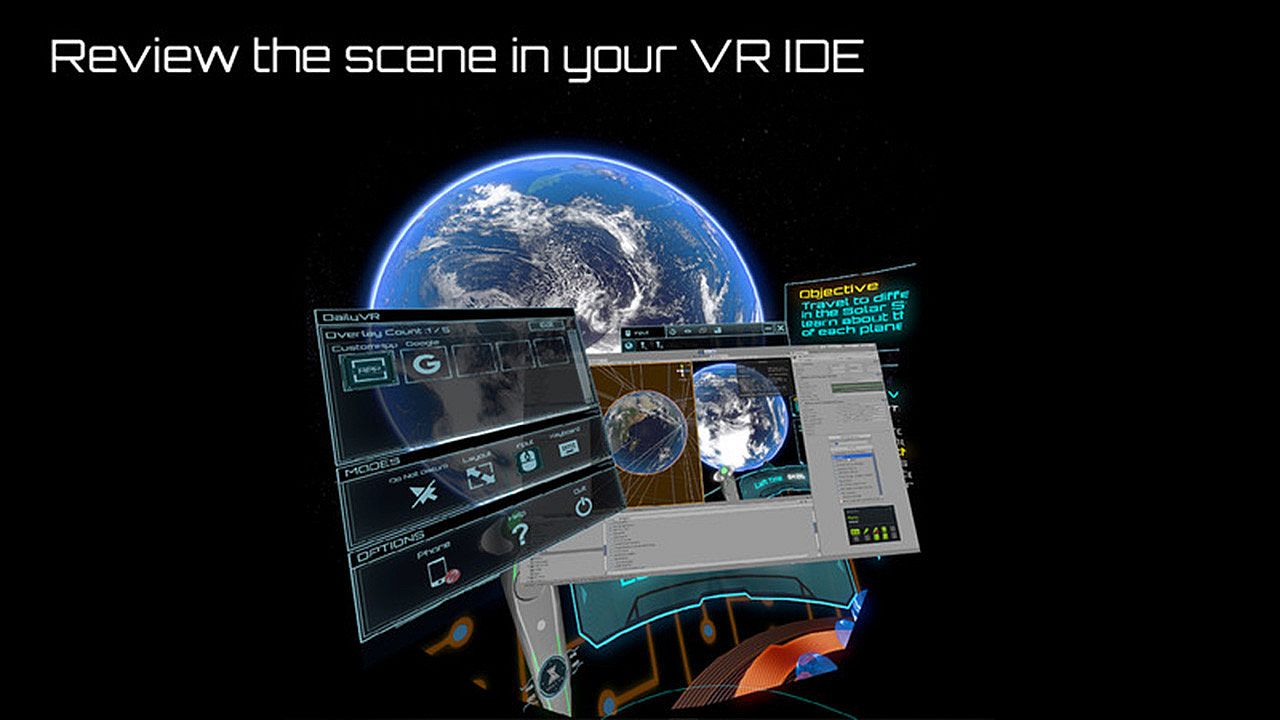
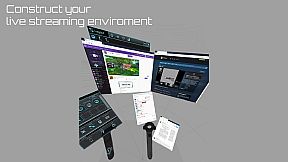
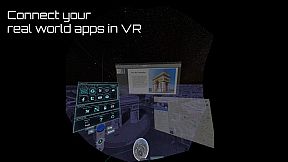
Do you want to use your desktop/window apps during VR gameplay? For example, you can play VRChat and see your Twitch chat window. Daily OVR is the best SteamVR Overlay(OVR) solution! And it supports Oculus, Vive/Viveport/Cosmos/MR(Mixed Reality)/Index!

Here is the beginner tutorial:


Differences between Free and Paid

  • Free version only supports up to 2 opened overlays. (Paid version can support more numbers)
  • Limited numbers (2) of switch programs on the QuickSwitch panel. If you want to switch more programs, you have to close the overlay and reopen it.
  • Only one entry of My Favorites
  • Only one CustomApp
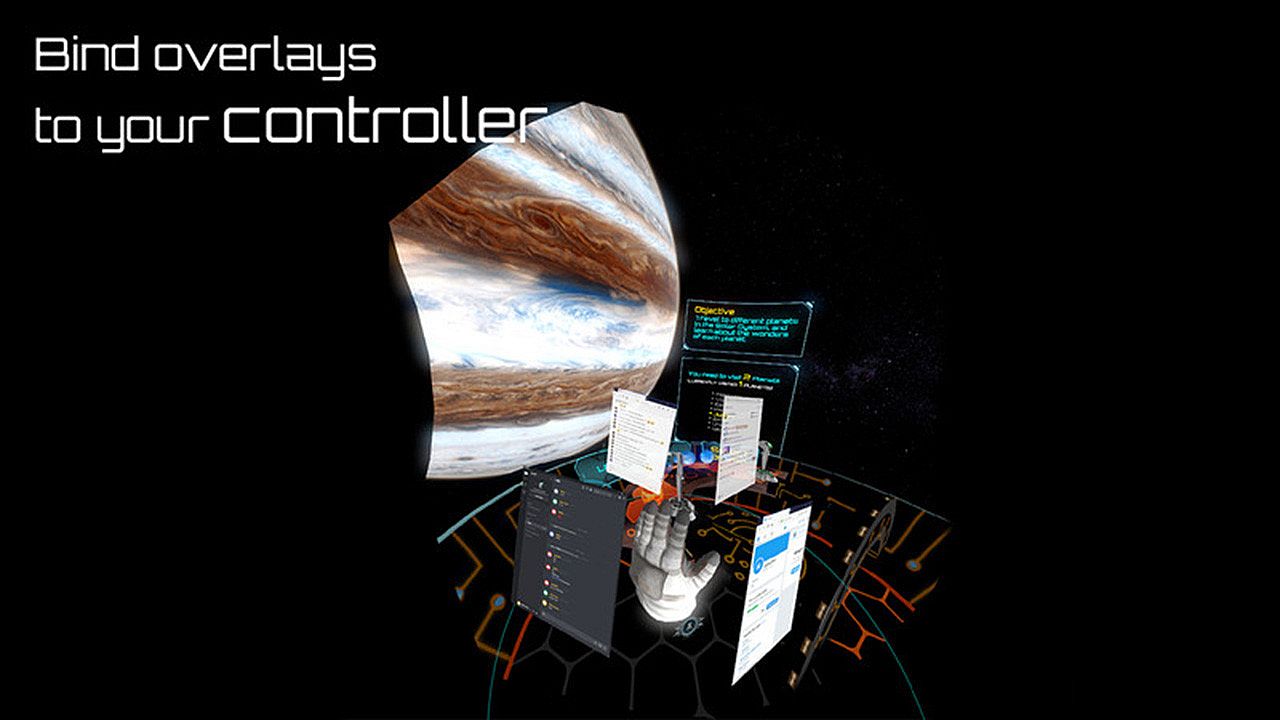
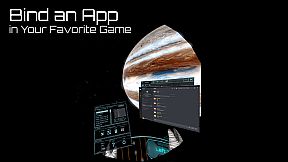
  • You can only bind an overlay to the RIGHT controller. (cannot bind to the left controller, HMD, tracker)

_,.-'~'-.,__,.-'~'-.,__,. Features .,__,.-'~'-.,__,.-'~'-.,_

  • The most user-friendly OVR UI.
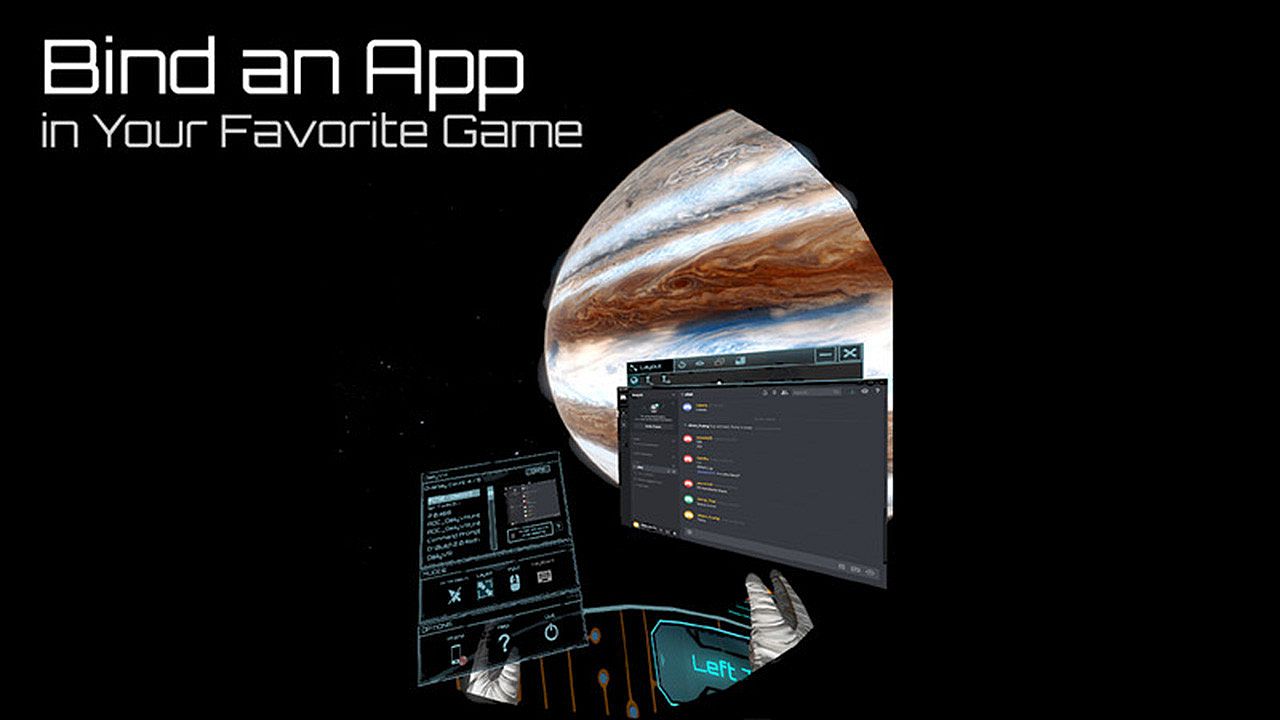
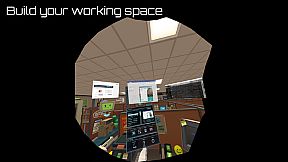
  • Mirror your favorite Windows applications into VR game.
  • Mirror the desktop or monitors.
  • Support up to 5 overlays.
  • QuickSwitch let you quickly switch among programs.
  • Save the frequently used settings to "My Favorites."
  • Adjust the size, transparency, and placement of overlays and keep your settings for next time.
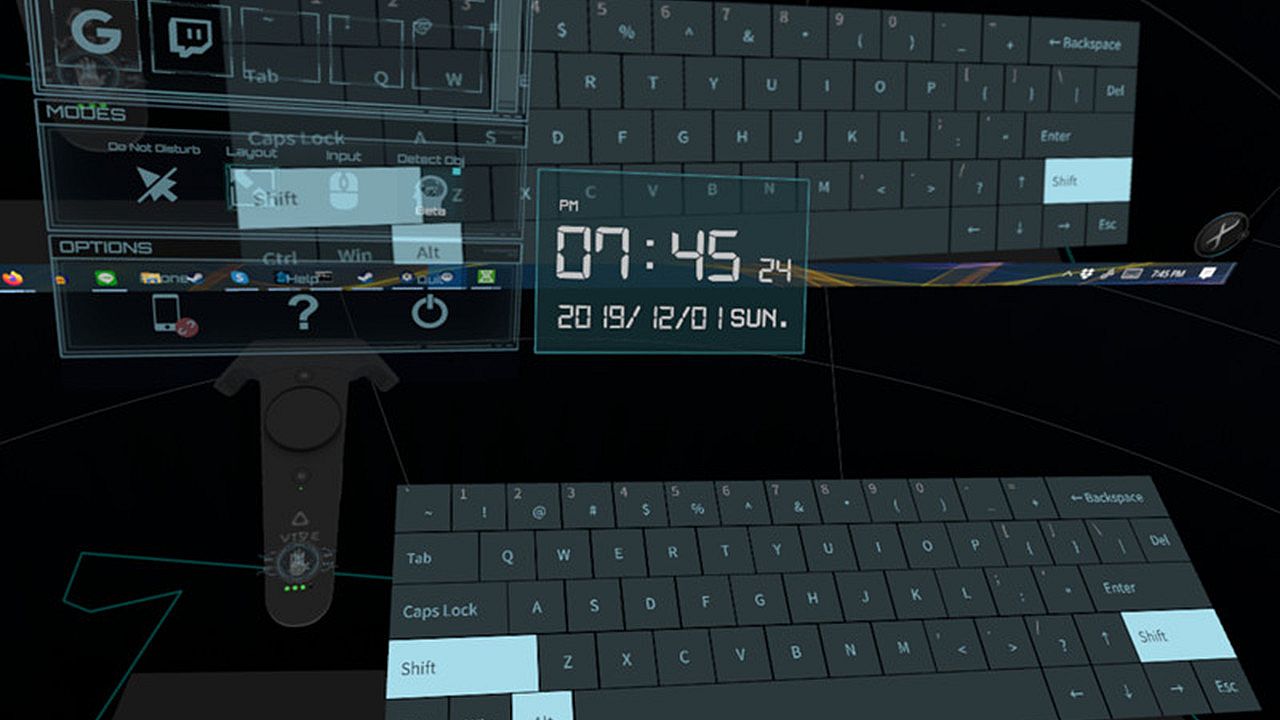
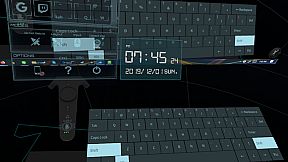
  • Easily launch the virtual keyboard on the overlay toolbar.
  • Overlay FPS adjustment on the overlay toolbar.
  • Bind the overlay to different controllers or the HMD.

  • Support Oculus & Windows MR & Index (through SteamVR)
  • VR Phone Notification Pop-up.
    Daily OVR allows you to bring your Android phone notification into the VR view; you won't miss important messages anymore.
    - Phone calling notification
    - SMS
    - WhatsApp
    - LINE
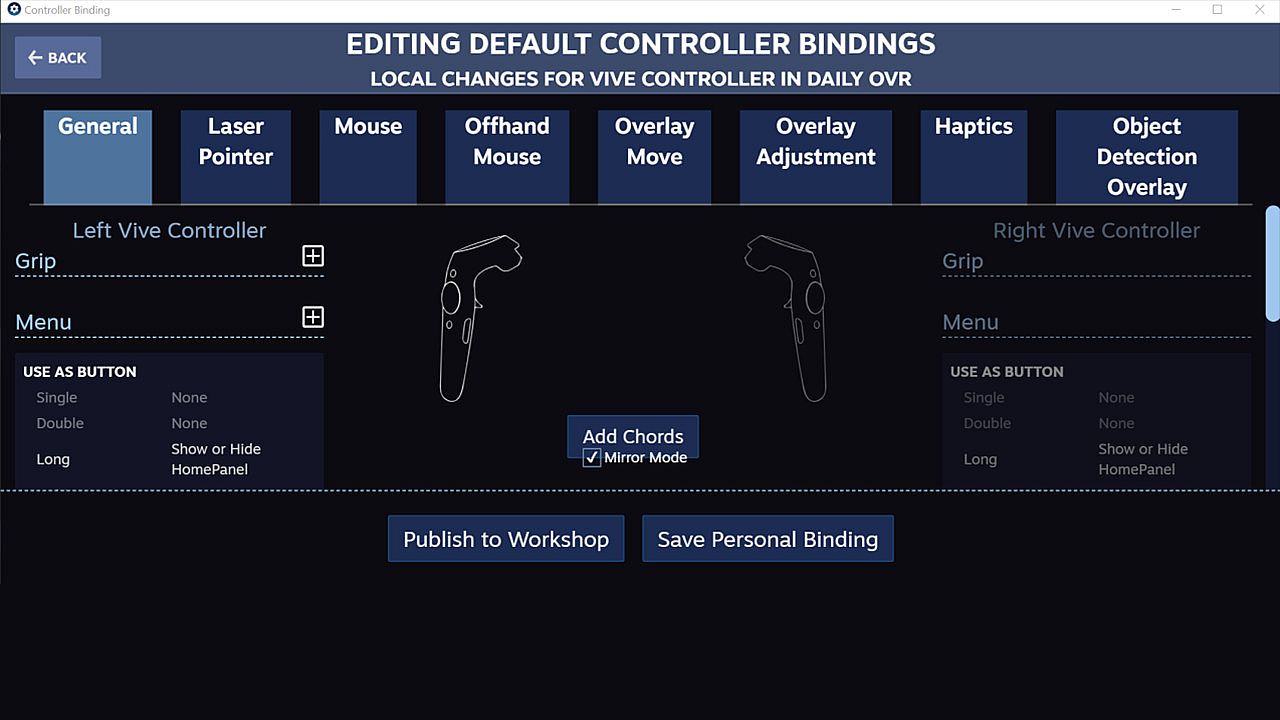
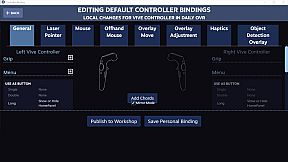
  • Support SteamVR 2.0 Input. (You can customize button settings yourself!)
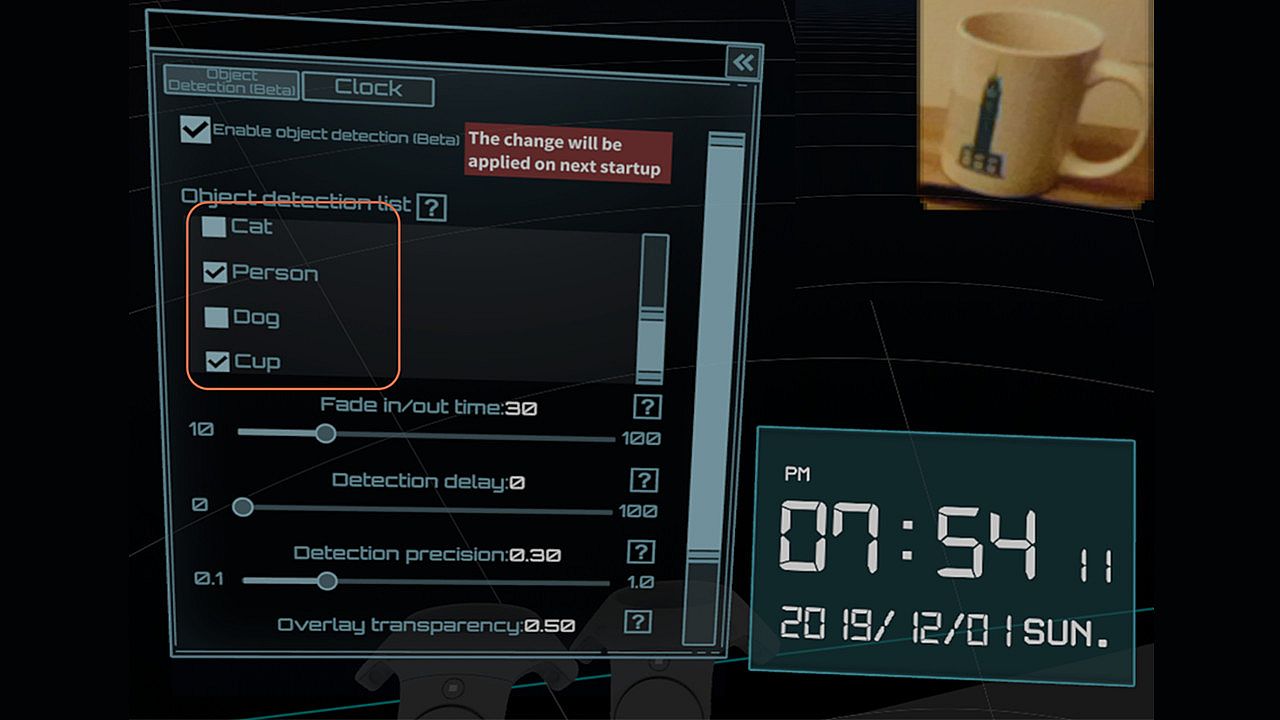
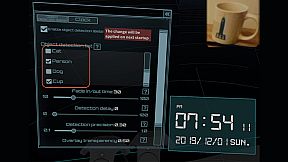
  • ML Object detection and display (Ex: keyboard, mouse, cat, dog, cup, person) (Note: Vive & Vive Pro only)
  • A handy VR keyboard
  • A Clock widget

You have to download Android app: Daily OVR to enable "Mobile phone notification."
Scan the QR code below and download Daily OVR app on Google Play now!

_,.-'~'-.,__,.-'~'-.,__,. FAQ .,__,.-'~'-.,__,.-'~'-.,_


Daily OVR doesn't work in some games. For example, Elite dangerous, PokerStarVR ...etc

The issue is caused by Elite Dangerous tries to run in Oculus SDK mode, and Daily OVR doesn't support Oculus SDK. There is a workaround to force it to run in SteamVR mode, but it doesn't work every game (ED, PokerStarVR are OK). You may have controller issues. The possible problem is the game developer didn't think that users will forcibly use SteamVR to play the game; they didn't design the controller mapping correctly. You can search "daily ovr q&a" on Google to see the steps.

How many overlays can I open?

You can open up to 5 overlays. But it depends on your PC's performance. If performance is terrible, you could try:
  • Close the overlays
  • Set lower FPS value


The button mappings of controllers are not good. Can I change it?

Daily OVR supports SteamVR 2.0 Input. You can customize button settings yourself.

I don't like the big icon/logo! Can I make it disappear?

Yes, you can hide the icon by long-pressing a button. See below:


I cannot see/move my mouse pointer on some apps!

Some apps run as administrator permission. When Daily OVR doesn't run as the same permission, it cannot access to those apps.
You have to check "Run this program as an administrator" on DailyVRLauncher.exe Properties.


My Firefox screen is blank!

You have two options:
1. You have to disable the hardware acceleration of Firefox. See below:

2. Use CustomApp instead

Join Daily OVR Discord and share your feedback with us!

Interfaz:
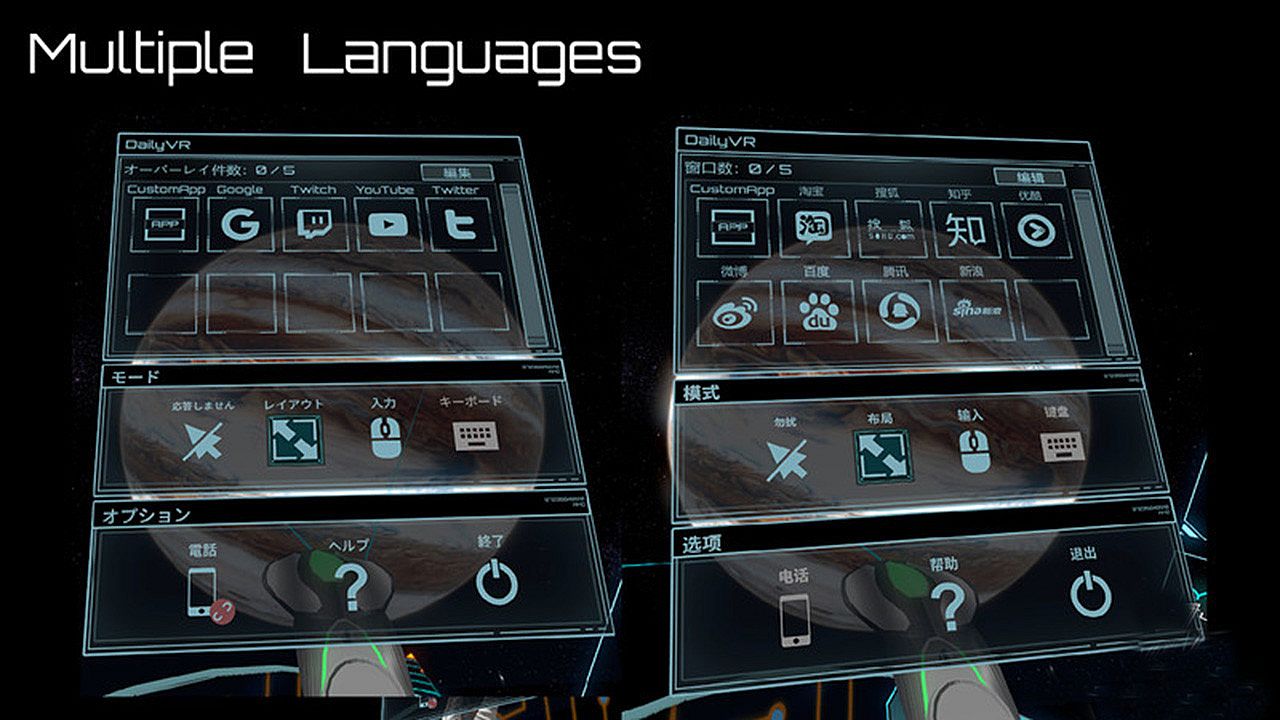
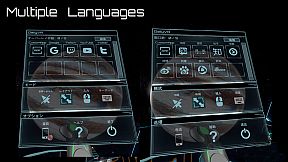
EnglishJapaneseSimplified Chinese

Clasificación por edades

No disponible
Steam:
Mostly Positive (33)

Mínimo:

  • Sistema operativo: Windows 10 (64bit) or higher
  • Procesador: Intel Core i5- 4590 equivalent or greater
  • Memoria: 8 GB RAM
  • Gráficos: GeForce GTX 1060/Radeon RX 580
  • Almacenamiento: 500 MB available space

Recomendado:

  • Sistema operativo: Windows 10 (64bit) or higher
  • Procesador: Intel Core i7-7700
  • Memoria: 8 GB RAM
  • Gráficos: GetForce GTX 1070
  • Almacenamiento: 500 MB available space
Mínimo histórico
Historial de precios de tiendas oficiales
-
-
-
Historial de precios de keyshops
-
-
-

FAQ

8 preguntas

Antes de buscar una clave barata de Daily OVR Free, revisa lo esencial. Desarrollado por TM xR Lab. Publicado por TM xR Lab. Fecha de lanzamiento en PC: 16 mar 2020. Géneros: Utilities. Categorías: Tracked Controller Support, VR Only.

Q

¿Donde comprar una clave barata de Daily OVR Free para Steam?

Daily OVR Free es gratis! Descargalo en Steam y empieza a jugar al instante.

Daily OVR Free es completamente gratis en Steam. No necesitas comprarlo - solo descargalo y juega. Si buscas DLC premium o articulos del juego, consulta la tabla de ofertas de arriba.

Nuestro rastreador de precios cubre tanto tiendas oficiales como keyshops, asi que puedes encontrar Daily OVR Free en oferta incluso fuera de las promociones de temporada. Actualmente detectamos 0 ofertas activas en tiendas oficiales y keyshops. Consulta la tabla de arriba, compara con el minimo historico y crea una alerta para no perderte la proxima bajada de precio.

Segun nuestros datos, Daily OVR Free no esta disponible actualmente en GeForce NOW. Necesitaras ejecutarlo localmente en tu PC. Consulta los juegos disponibles en GeForce NOW.

Si. Daily OVR Free tiene una pagina oficial en Steam, pero actualmente no rastreamos ofertas de terceros con DRM de Steam. Vuelve mas tarde o crea una alerta de precio.

No en este momento. Valve marca Daily OVR Free como No compatible con Steam Deck. Estate atento a XD.deals - seguimos las actualizaciones de Proton y las soluciones de la comunidad. Consulta los juegos Steam Deck Verified o Steam Deck Playable.

Daily OVR Free no parece estar disponible en PC Game Pass, EA Play, Ubisoft+ ni en ningun otro servicio de suscripcion para PC en este momento. Tu unica opcion es comprar el juego - usa XD.deals para encontrar el mejor precio.

No - XD.deals no es una tienda. Somos un comparador de precios que rastrea las mejores ofertas de Daily OVR Free en tiendas oficiales y keyshops verificados. Haz clic en "Ir a la tienda" junto a cualquier oferta y seras redirigido a la web del vendedor para completar tu compra.

¿Quieres comprar en el mejor momento? Crea una alerta de precio en XD.deals y recibe una notificacion cuando Daily OVR Free alcance su proximo minimo historico.

Crear alerta
Únete a nuestro Discord
Obtén ayuda al instante de nuestra comunidad y mantente al día de las últimas ofertas
Configurar alertas de precio
Recibe avisos por correo cuando los precios bajen a tu objetivo
Crear cuenta gratis
Desbloquea listas de deseos, alertas de precio y sincronización con Steam