Comprar Cyberlink Screen Recorder 4 - Record your games, RPG, car game, shooting gameplay - Game Recording and Streaming Software PC Key

¿Dónde comprar Cyberlink Screen Recorder 4 - Record your games, RPG, car game, shooting gameplay - Game Recording and Streaming Software? Ahora mismo el juego no está a la venta en ninguna de las tiendas que seguimos. Eso no significa que vaya a quedarse así, porque las tiendas añaden y retiran títulos continuamente y nosotros las revisamos a diario. Crea una alerta de precio y te avisaremos en cuanto alguna tienda publique una oferta.

Lanzamiento: 27 nov 2018
Steam:
Mixed (26)
Official
No disponible
Keyshops
No disponible
Comprar en tienda oficial:
No disponible
Comprar en keyshops:
No disponible

No hay entradas, pero no te preocupes: te avisaremos cuando aparezca una nueva oferta.

Create Alert Create deal Alert

Sobre Cyberlink Screen Recorder 4 - Record your games, RPG, car game, shooting gameplay - Game Recording and Streaming Software

Cyberlink Screen Recorder 4 - Record your games, RPG, car game, shooting gameplay - Game Recording and Streaming Software - sobre el juego
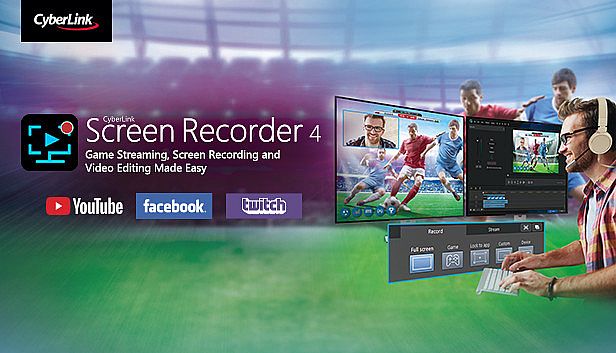
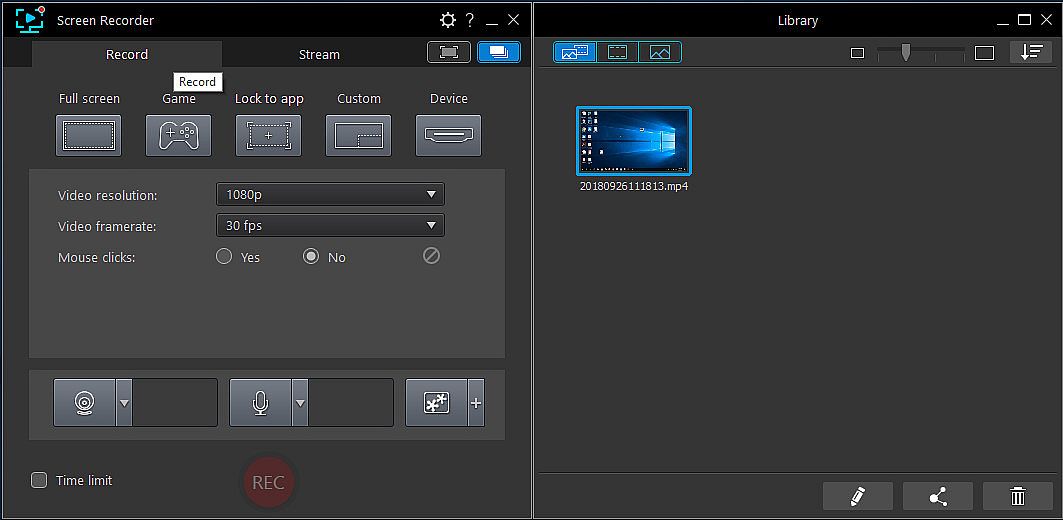
Graba tu jugabilidad en PC, desde RPG y juegos de carreras hasta shooters, con Cyberlink Screen Recorder 4. Transmite en directo a Twitch, YouTube, Facebook o servidores personalizados, y haz multistreaming a hasta cinco plataformas simultáneamente. Incorpora vídeo de webcam y audio de micrófono a tus grabaciones, con chroma key para cambiar fondos y superponer elementos de marca. Registra pantallas completas, ventanas específicas o capturas bloqueadas a apps, incluso en modo exclusivo o desde consolas de juegos. Previsualiza webcam y micrófono en tiempo real, configura hotkeys personalizados para iniciar, pausar y capturar pantallas rápidamente, y edita clips con herramientas sencillas para títulos, transiciones y pistas de audio duales. Gamers, vloggers y creadores de tutoriales disfrutan de un impacto mínimo en CPU/GPU para sesiones fluidas.

Livestreaming Online
Start creating content that engages with your followers on Twitch, YouTube or Facebook.
Integrate webcam commentary into livestreams with additional overlay objects.

    Use a Custom Streaming Server
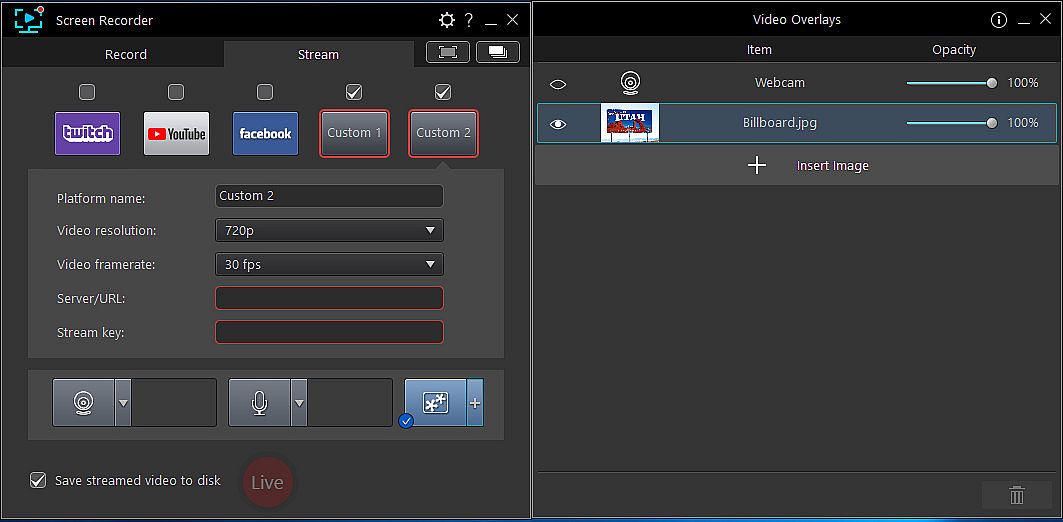
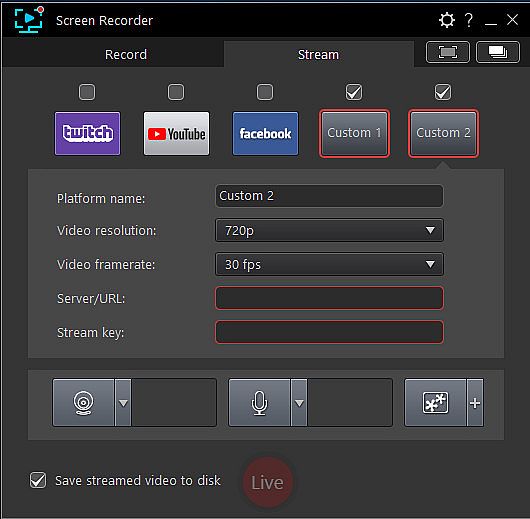
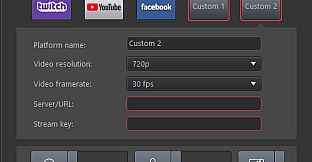
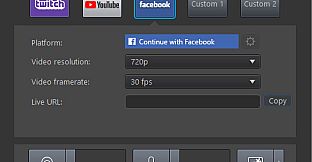
    Not only does Screen Recorder let you stream to your favorite platforms like Twitch, Facebook & YouTube Live, it also lets you use custom streaming servers to reach your audience.
    Multistream to Twitch, YouTube, Facebook and Custom Servers
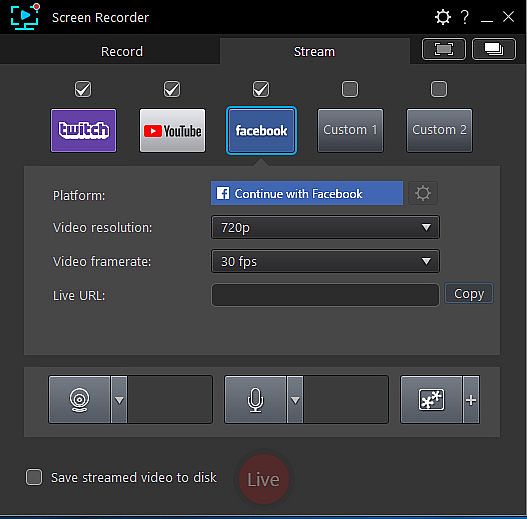
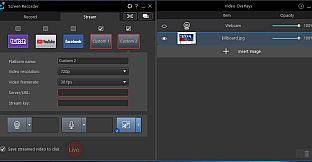
    Screen Recorder lets you multistream to up to five different services. This means you can simultaneously livestream to Twitch, YouTube, and Facebook, plus up-to two additional custom servers. It's an easy to reach a wider audience without the need for additional relay servers.
    Integrate Your Webcam into Livestreams
    Share more than just your gameplay. Share your gaming secrets, reactions and commentary with your viewers by integrating webcam & microphone audio and video on top of your in-game footage, even when you’re streaming from a gaming console. You can also use chroma key to apply a custom background.
    Reduced System Footprint
    We understand that CPU and GPU processing power is vital for smooth gameplay and streaming. While other screen capturing solutions consume far too much of the precious processing power that gamers require, we’ve taken every step possible to ensure Screen Recorder minimizes CPU & GPU load as much as possible for your gameplay.
Record & Edit with Ease
Record & edit content to provide your audience with videos that are detailed, high-quality, and informative.
    Record with Chroma Key
    Get creative when adding webcam footage to your screen recordings. Remove the background from your webcam footage thanks to a powerful chroma key engine, and replace it with your own cool, creative background image.
    Add Overlay Objects to Recordings
    Overlay objects to your desktop and webcam recordings. It's an easy way to brand your videos, promote a sponsor, or add a unique watermark to your recordings.
    Customizable Hotkey Support
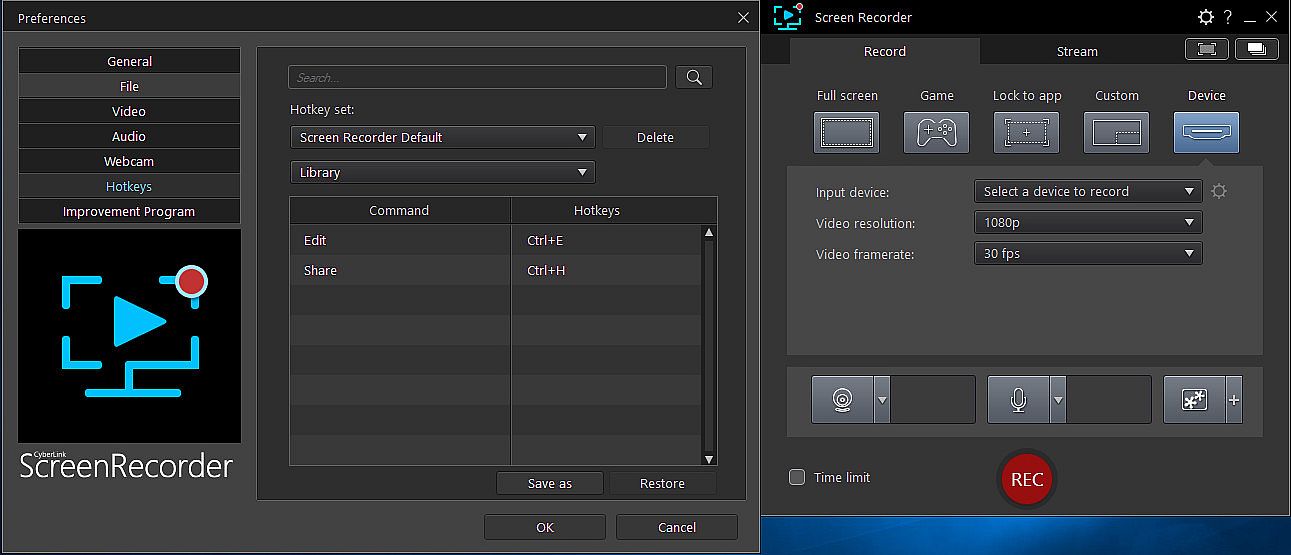
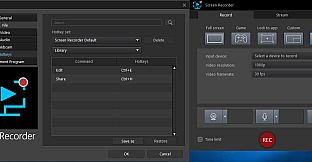
    Get recordings started quicker, mute and unmute instantly, pause without having to touch your mouse, and quicklt take screenshots by setting customized hotkeys for recording and streaming.
    Real-time Webcam & Mic Preview
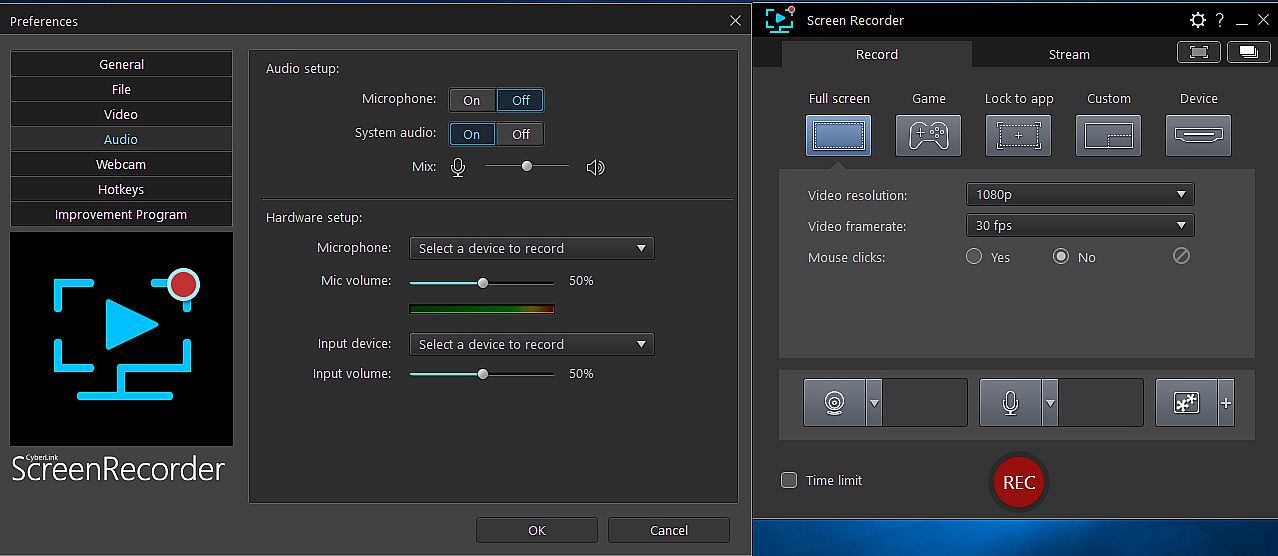
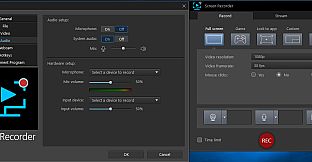
    Setup recordings faster with real-time webcam & mic previews. See exactly what you'll look like before you hit record using the preview window, and quickly adjust resolution and settings. The microphone preview allows you to quickly adjust volume and preview audio levels.
    Record from PC or Connected Device
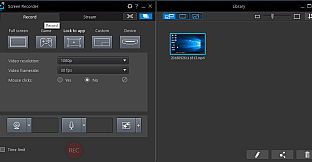
    Whether you’re a vlogger, gamer, or how-to expert, Screen Recorder will have you producing high-quality, detailed videos in next to no time. Record your whole screen, just a window, or lock to a specific app. For gamers, you can record gameplay from your PC even in exclusive mode, and also capture directly from your gaming console!
    Easy-to-use Editing Tools
    Don’t spend hours figuring out how to edit your footage. Screen Recorder comes with a remarkably simple editing interface that allows you to quickly import and trim your footage, add titles and transitions, and also now add two unique audio tracks.
Interfaz:
GermanEnglishSpanish - SpainFrenchItalianJapaneseKoreanDutchSimplified ChineseTraditional Chinese
Audio:
GermanEnglishSpanish - SpainFrenchItalianJapaneseKoreanDutchSimplified ChineseTraditional Chinese

Clasificación por edades

No disponible
Steam:
Mixed (26)

Mínimo:

  • Procesador: Intel Core™ i-series or AMD Phenom® II and above
  • Memoria: 2 GB RAM
  • Gráficos: Desktop recording: 1GB VGA VRAM or higher
  • Almacenamiento: 600 MB available space
  • Notas adicionales: Windows compatible sound card is required; Internet connection is required for initial software activation, video codec activation and social media services

Recomendado:

  • Procesador: Intel Core™ i-series or AMD Phenom® II and above
  • Memoria: 2 GB RAM
  • Gráficos: Desktop recording: 1GB VGA VRAM or higher
  • Almacenamiento: 600 MB available space
  • Notas adicionales: Windows compatible sound card is required; Internet connection is required for initial software activation, video codec activation and social media services
Mínimo histórico
Historial de precios de tiendas oficiales
29,99 €
Steam
hace 1 meses
Historial de precios de keyshops
-
-
-

FAQ

8 preguntas

Antes de buscar una clave PC barata de Cyberlink Screen Recorder 4 - Record your games, RPG, car game, shooting gameplay - Game Recording and Streaming Software, revisa lo esencial. Desarrollado por CyberLink. Publicado por Deep Silver. Fecha de lanzamiento en PC: 27 nov 2018. Géneros: Utilities, Audio Production, Video Production, Design & Illustration.

Q

¿Dónde comprar una clave Steam o CD Key barata de Cyberlink Screen Recorder 4 - Record your games, RPG, car game, shooting gameplay - Game Recording and Streaming Software?

Actualmente no hay ofertas activas para Cyberlink Screen Recorder 4 - Record your games, RPG, car game, shooting gameplay - Game Recording and Streaming Software. Crea una alerta de precio en XD.deals y te avisaremos en cuanto haya una oferta disponible.

No disponemos del precio actual de Cyberlink Screen Recorder 4 - Record your games, RPG, car game, shooting gameplay - Game Recording and Streaming Software en Steam Store. Es posible que el juego no esté disponible temporalmente o que aún no figure en Steam.

Nuestro rastreador de precios cubre tanto tiendas oficiales como keyshops, así que puedes encontrar Cyberlink Screen Recorder 4 - Record your games, RPG, car game, shooting gameplay - Game Recording and Streaming Software en oferta incluso fuera de las promociones de temporada. Actualmente detectamos 0 ofertas activas en tiendas oficiales y keyshops. Consulta la tabla de arriba, compara con el mínimo histórico y crea una alerta para no perderte la próxima bajada de precio.

Según nuestros datos, Cyberlink Screen Recorder 4 - Record your games, RPG, car game, shooting gameplay - Game Recording and Streaming Software no está disponible actualmente en GeForce NOW. Necesitarás ejecutarlo localmente en tu PC. Consulta los juegos disponibles en GeForce NOW.

. Cyberlink Screen Recorder 4 - Record your games, RPG, car game, shooting gameplay - Game Recording and Streaming Software tiene una página oficial en Steam, pero actualmente no rastreamos ofertas de terceros con DRM de Steam. Vuelve más tarde o crea una alerta de precio.

No en este momento. Valve marca Cyberlink Screen Recorder 4 - Record your games, RPG, car game, shooting gameplay - Game Recording and Streaming Software como No compatible con Steam Deck. Estate atento a XD.deals - seguimos las actualizaciones de Proton y las soluciones de la comunidad. Consulta los juegos Steam Deck Verified o Steam Deck Playable.

Según nuestros datos, Cyberlink Screen Recorder 4 - Record your games, RPG, car game, shooting gameplay - Game Recording and Streaming Software no está disponible actualmente en PC Game Pass, EA Play ni Ubisoft+. Todavía estamos completando los catálogos de estos servicios, así que conviene confirmar el estado en la fuente antes de decidir. Si vas a comprar, XD.deals te ayudará a encontrar el precio más bajo.

No - XD.deals no es una tienda. Somos un comparador de precios que rastrea las mejores ofertas de Cyberlink Screen Recorder 4 - Record your games, RPG, car game, shooting gameplay - Game Recording and Streaming Software en tiendas oficiales y keyshops verificados. Haz clic en "Ir a la tienda" junto a cualquier oferta y serás redirigido a la web del vendedor para completar tu compra.

¿Quieres comprar en el mejor momento? Crea una alerta de precio en XD.deals y recibe una notificación cuando Cyberlink Screen Recorder 4 - Record your games, RPG, car game, shooting gameplay - Game Recording and Streaming Software alcance su próximo mínimo histórico.

Crear alerta


Únete a nuestro Discord
Obtén ayuda al instante de nuestra comunidad y mantente al día de las últimas ofertas
Configurar alertas de precio
Recibe avisos por correo cuando los precios bajen a tu objetivo
Crear cuenta gratis
Desbloquea listas de deseos, alertas de precio y sincronización con Steam