



Comprar CopperCube 5 Game Engine PC

¿Te interesa CopperCube 5 Game Engine? Estamos siguiendo precios en tiendas de confianza. Añade CopperCube 5 Game Engine a tu lista de deseos y te avisaremos cuando haya ofertas.

Steam:
Mixed (51)
Official
No disponible
Keyshops
No disponible
Comprar en tienda oficial:
No disponible
Comprar en keyshops:
No disponible

No hay entradas, pero no te preocupes: te avisaremos cuando aparezca una nueva oferta.

Create Alert Create deal Alert

Sobre CopperCube 5 Game Engine

CopperCube 5 Game Engine - sobre el juego
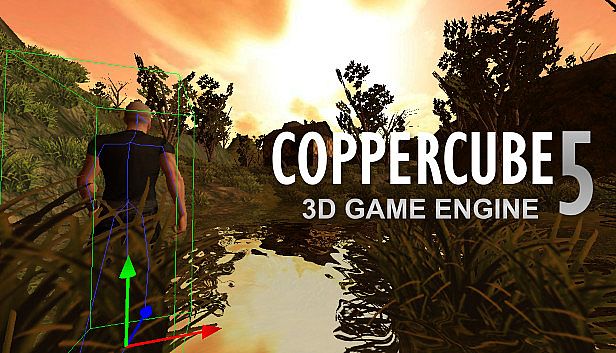
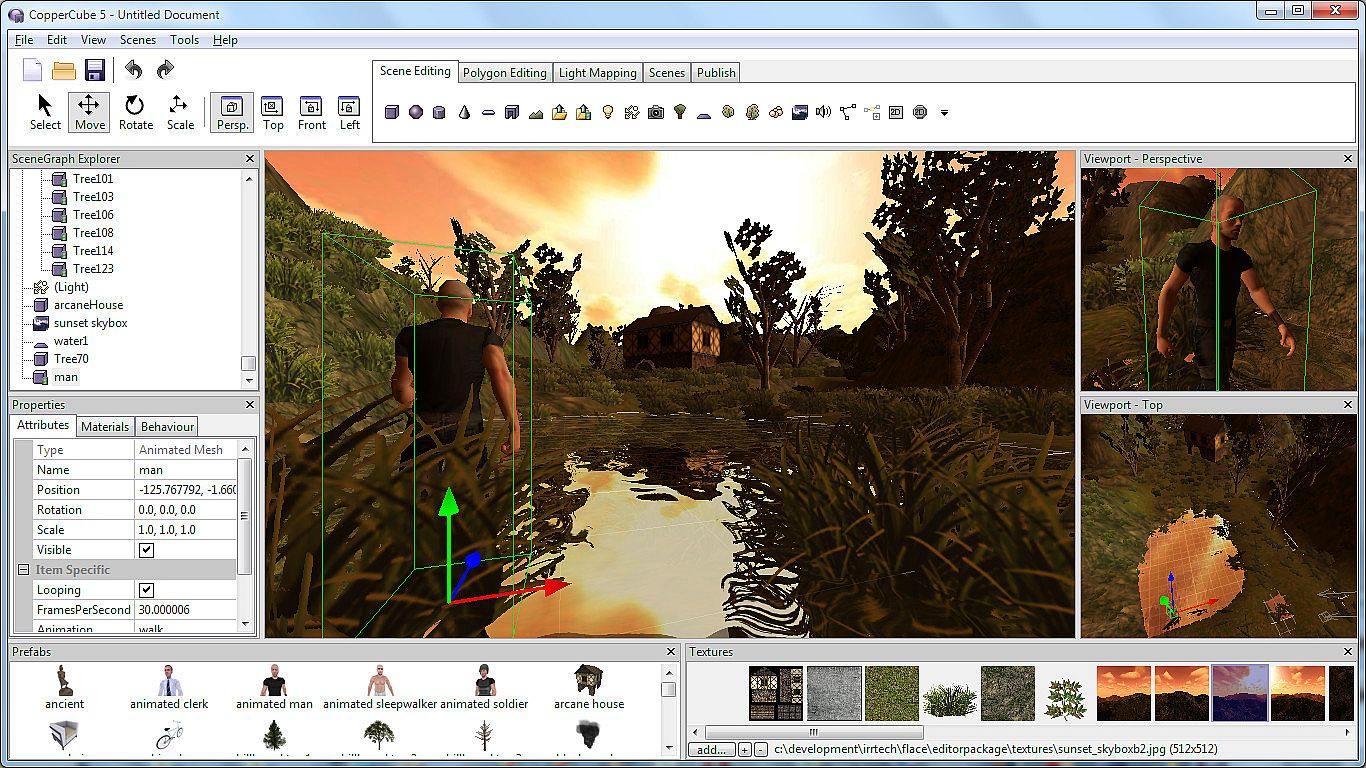
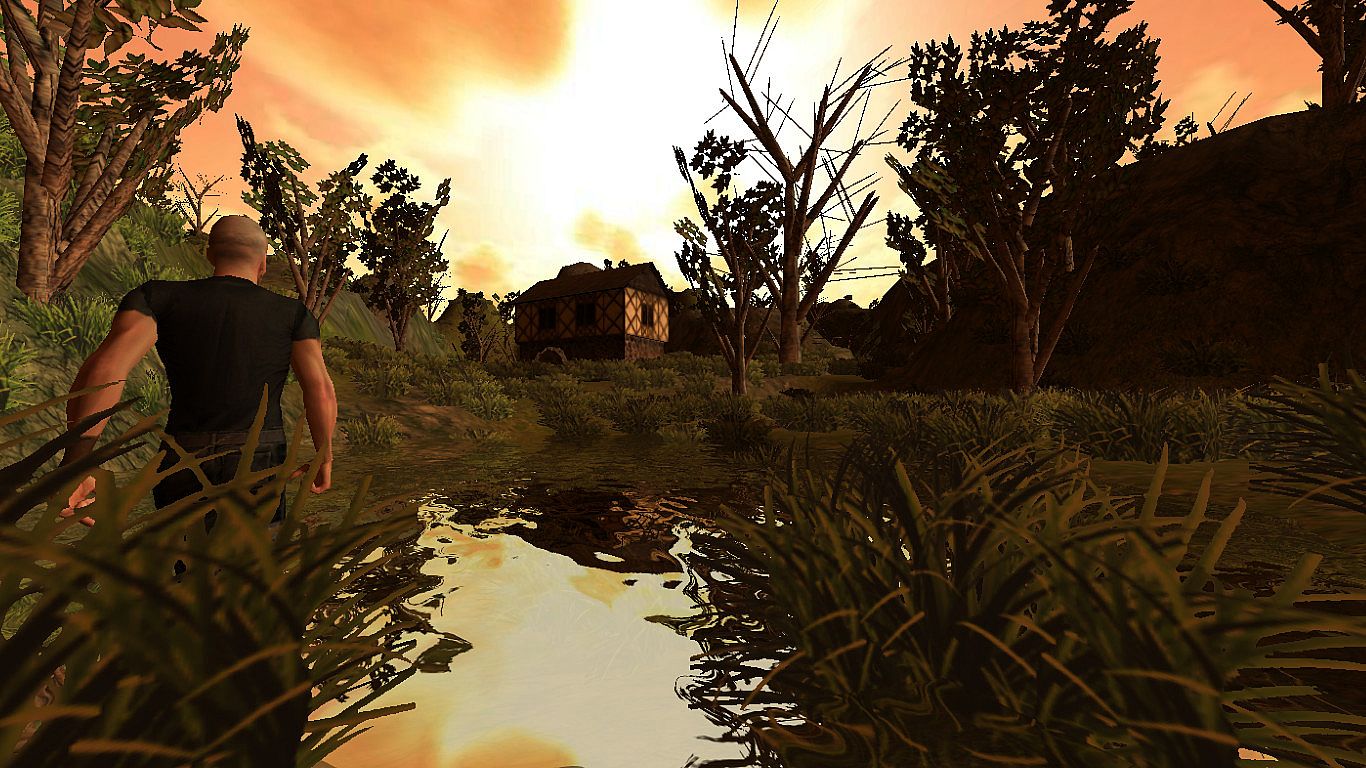
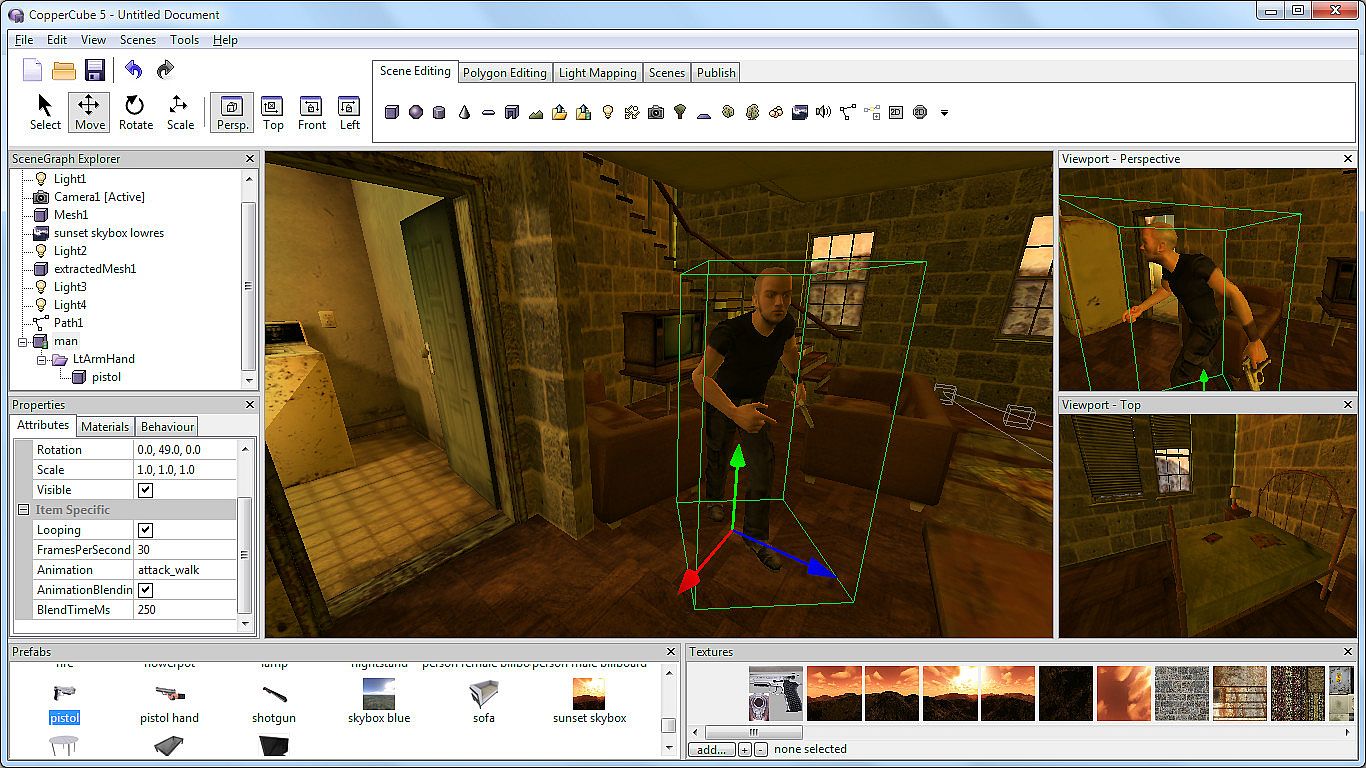
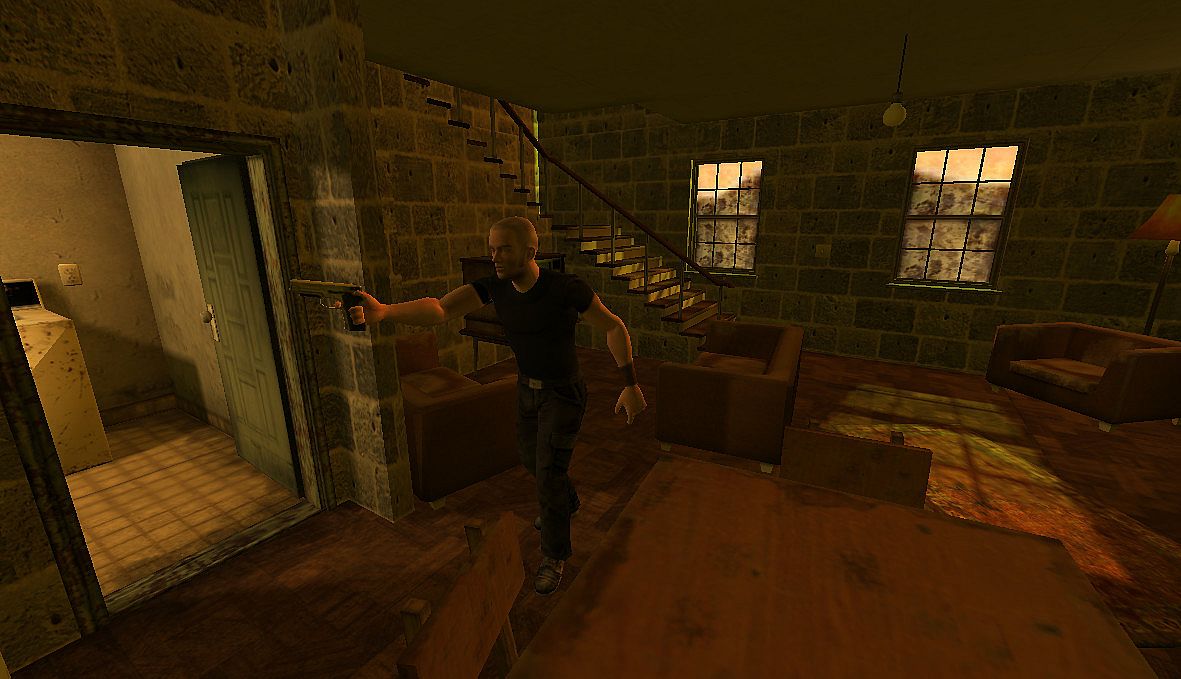
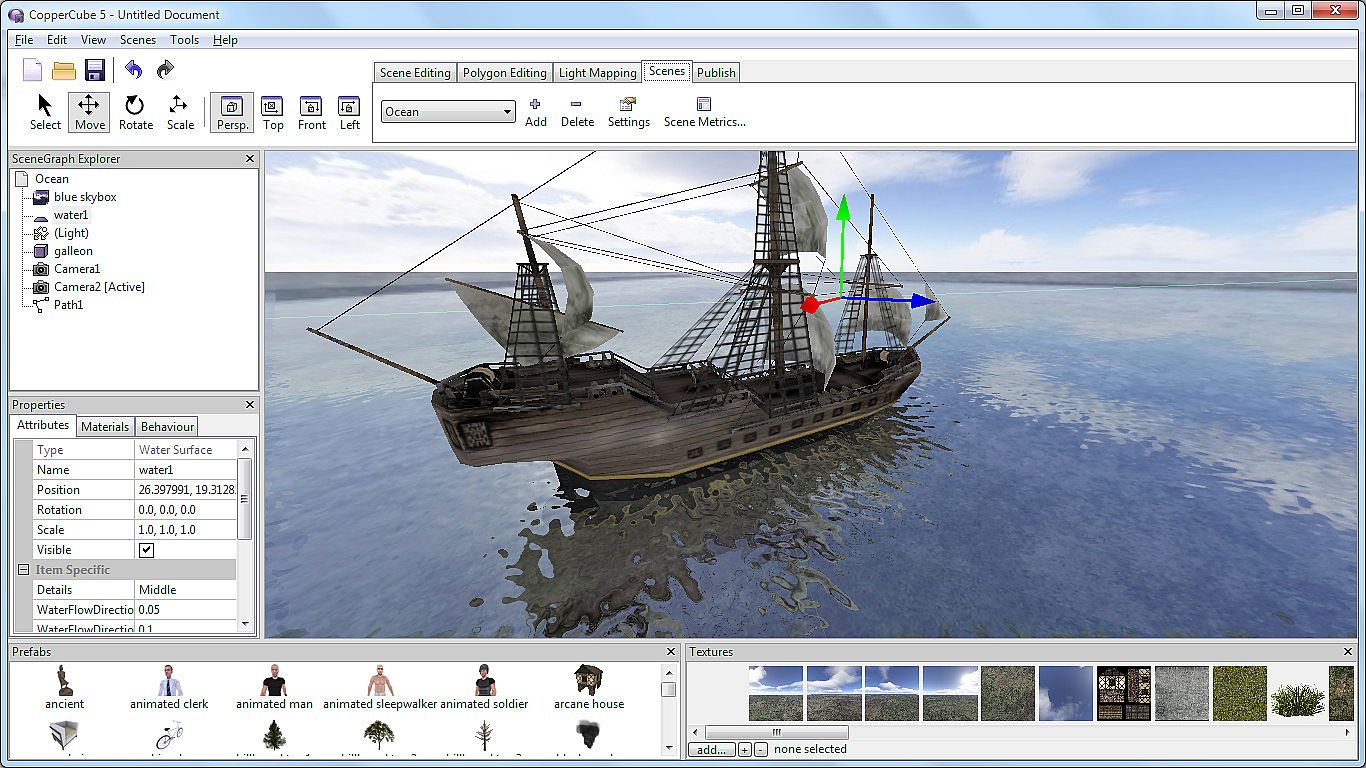
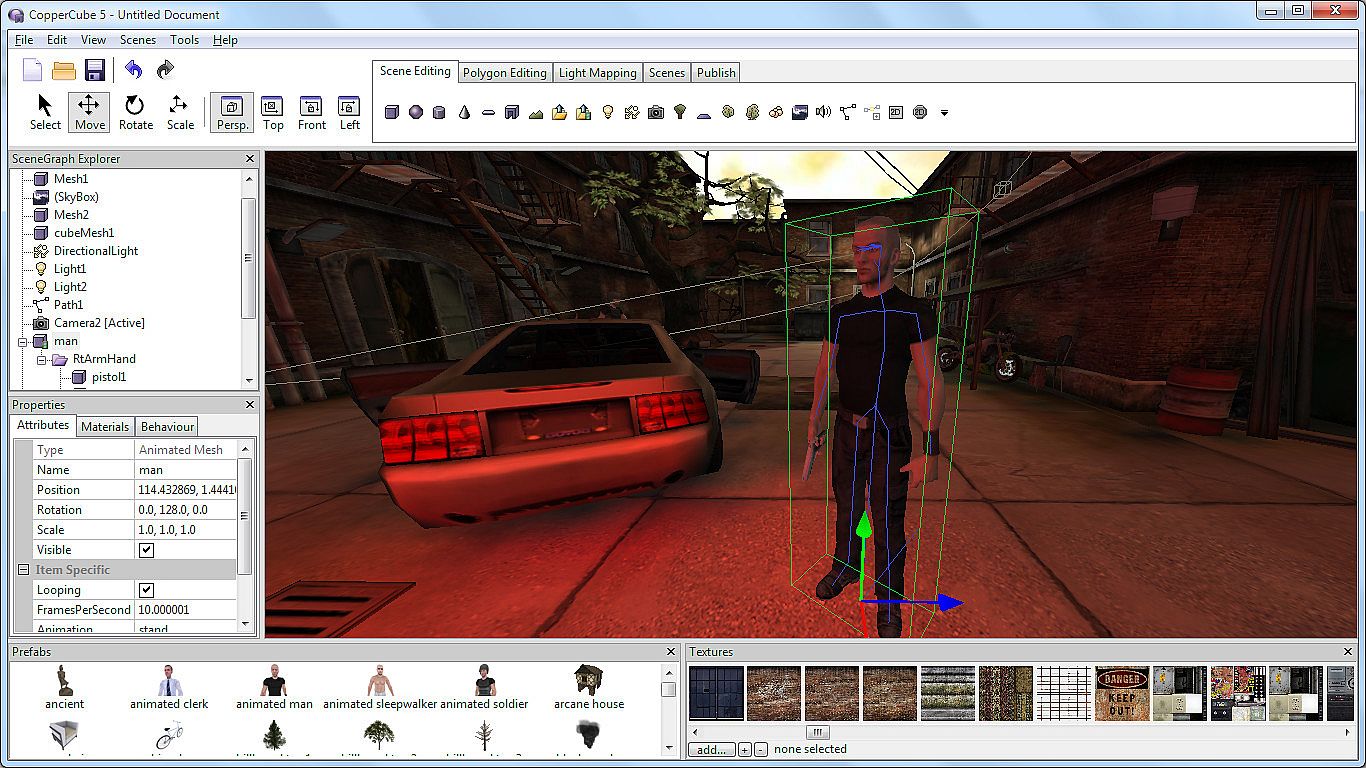
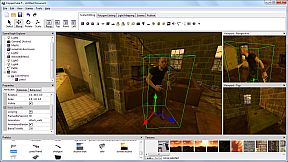
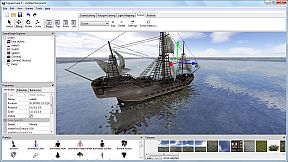
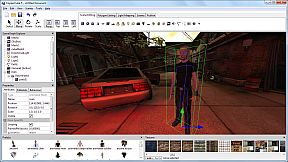
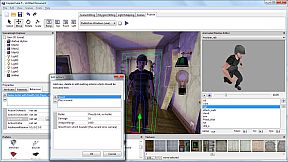
Crea juegos 3D, apps y sitios web sin programar, usando CopperCube 5 Game Engine en PC. Arrastra comportamientos para IA, controles de cámara, materiales y física, y arma escenas en un santiamén. Modela terrenos con su editor dedicado, pinta texturas que se fusionan solas y esparce hierba, arbustos o árboles. Edita modelos low-poly directamente en la herramienta, importa personajes animados de otros programas 3D y hornea iluminación con el lightmapper de alta calidad. Publica en ejecutables de Windows, apps para Mac, sitios WebGL, SWF de Flash o APK de Android, con motores optimizados de OpenGL, Direct3D, WebGL o Stage3D. Los usuarios avanzados acceden a scripting en JavaScript multiplataforma. Ideal para novatos con proyectos sencillos y pros que pulen shooters complejos o aventuras.

CopperCube is a full-featured 3D game engine. No programming needed! Create 3D games, apps and even 3D websites quickly. Includes terrain editor, low poly modelling tools, 3D models, precreated game AI, effects and more. There are also plenty of features for advanced users, like JavaScript scripting and shader support.

Create your own 3D worlds and 3D models, set camera controllers, materials, behaviors, click 'publish' and your game or app is ready. As Windows or Mac OS X apps, WebGL websites, Flash .swfs, or Android apps. You can do all this without programming.
High performance 3D engine
CopperCube includes manually optimized 3D engines for all supported targets, running with OpenGL, Direct3D, WebGL and Stage3D.
Simple-Click game system
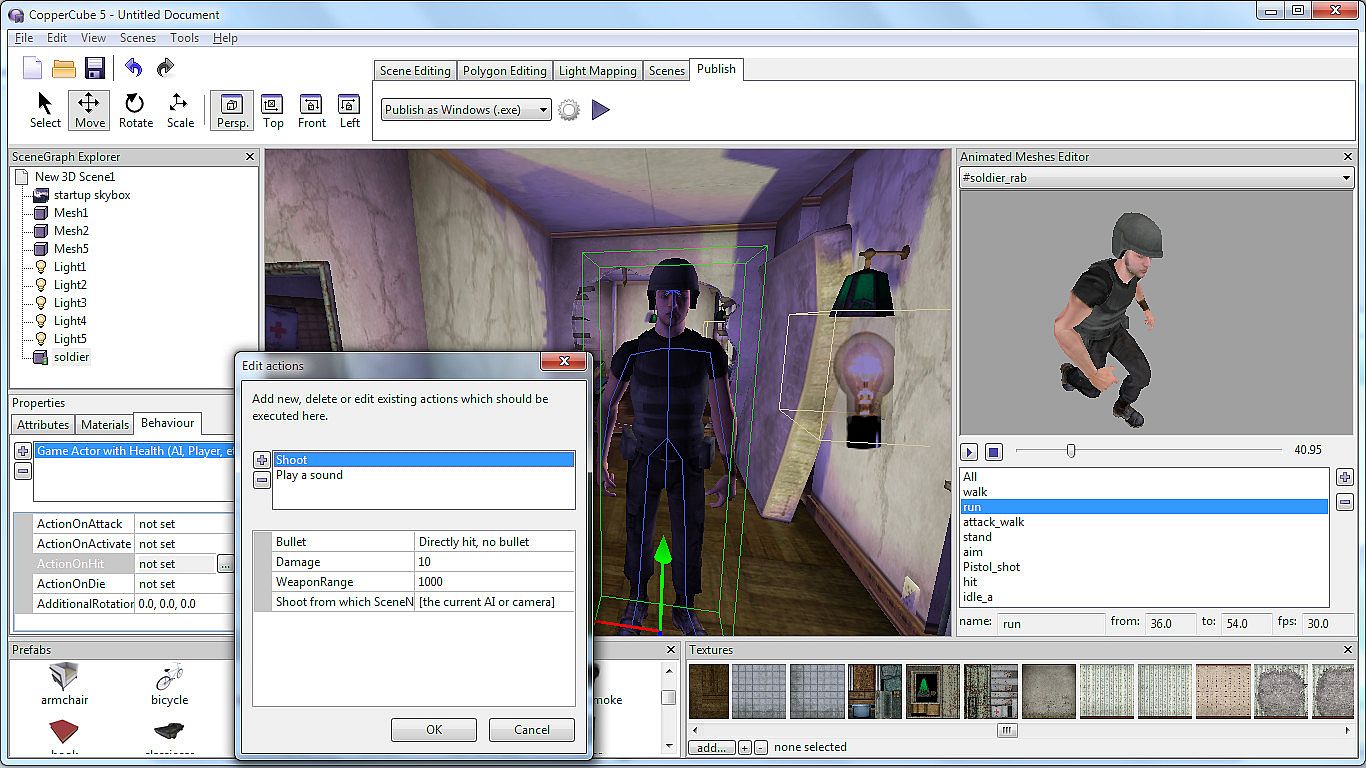
No programming needed: Wether you want to create a simple 3D game, a complex, epic adventure, or a first person shooter: Select from lots of created behaviors and adjust them accordingly.
Terrain Editor
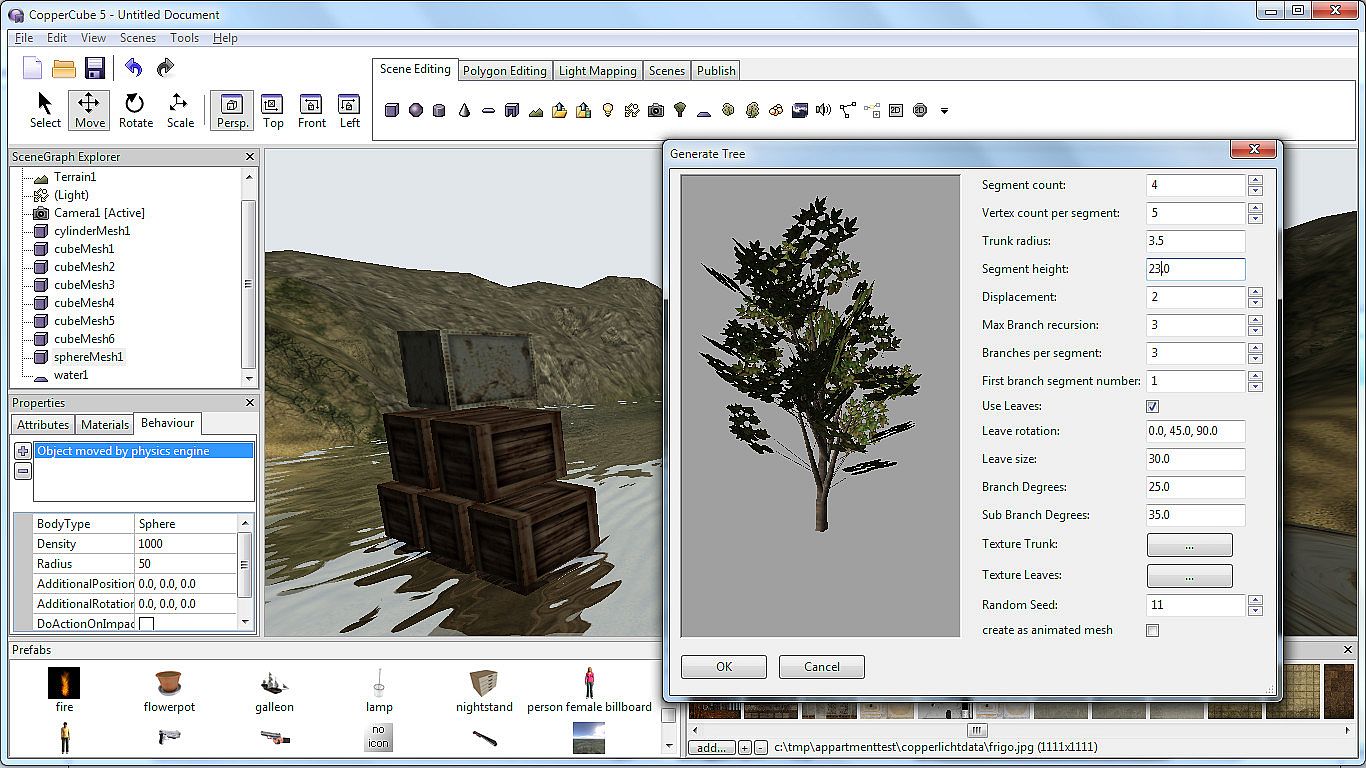
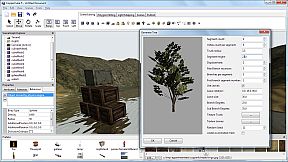
Create your own 3D worlds directly in the editor, textures can be painted quickly with automatic texture blending into the terrain. There are also tools for placing grass and bushes, and creating trees.
Physics Engine
Next to the the built-in blazingly fast collision and repsonse system, there is also a full physics engine integrated when publishing as Windows .exe and Mac OS X .app.
Character Animation
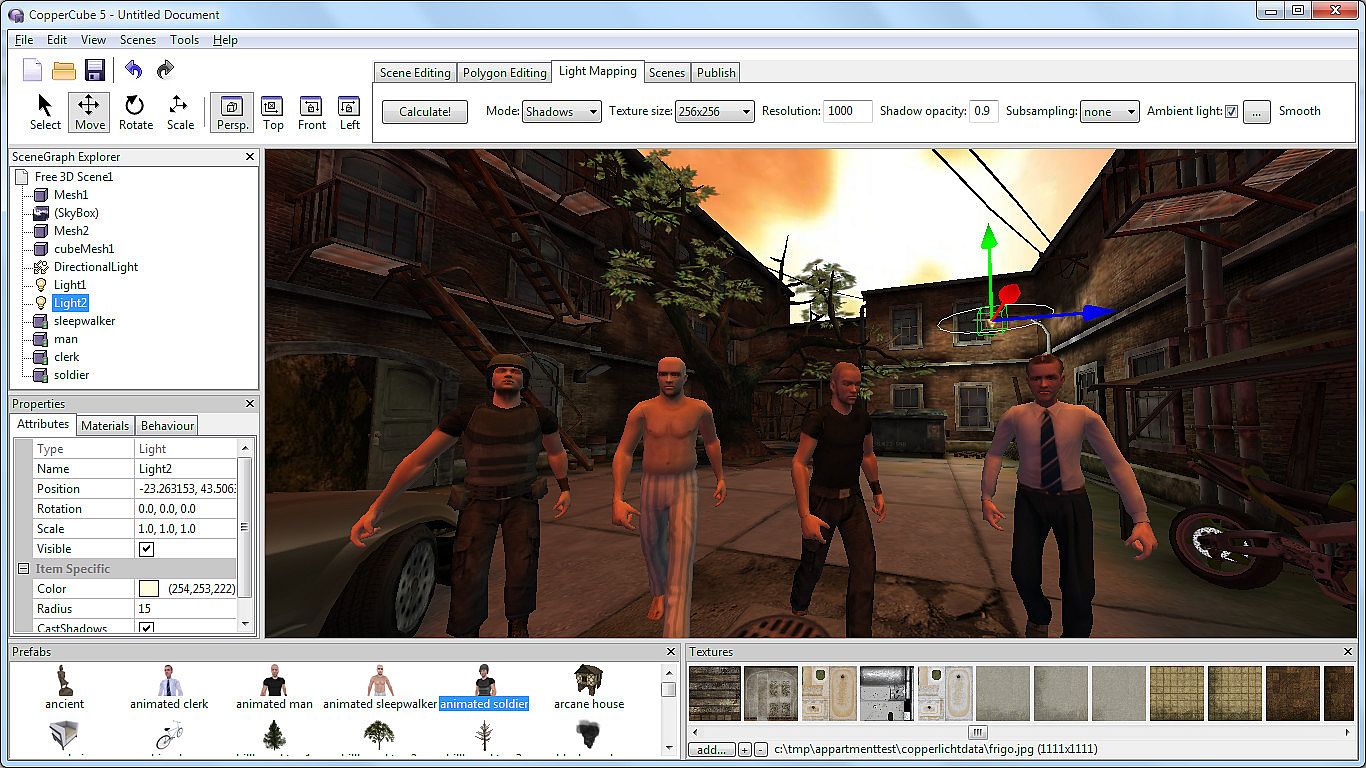
You can model and animate characters using any 3D software, export it into one of the supported file formats and then import them into Coppercube. Also, it is possible to download existing 3D models from the web and use them in the editor.
Low poly editing tools
You can edit your own 3D models directly in CopperCube: It includes a simple 3D modelling tool for creating levels, models and items.
Cross Platform Script system
For advanced users, there is a Javascript API working on all publishing targets. Additionally, when using Flash, you can use ActionScript 3. And for WebGL, there is even a second big JavaScript library with direct access available, which is even open source.
High quality Light Mapper
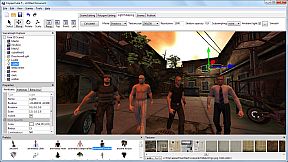
The editor includes a high quality light mapping tool. Place your lights, click on 'calculate' and your 3D levels will look great.
Native WebGL support
Unlike in other 3D engines, CopperCube's WebGL code is handwritten and highly optimized: Your 3D game will download quickly and run fast, even if run directly on a website. CopperCube's WebGL client is just about incredible 200 KB in size!
Many publishing targets
Create 3D games for these targets, with one single click:
  • Windows (.exe) apps
  • Mac OS X (.app) apps
  • WebGL websites (.html)
  • Android (.apk) apps
  • Flash websites (.swf)

With the WebGL and Flash targets, your games work basically everywhere, even on iPhone and iPad.

This is the Basic Edition of CopperCube, with which it is possible to create games, apps and websites with a maximum of 10 scenes per file. It is possible to upgrade to the Professional Edition via DLC, which then adds video playback support, adds a scene metrics tool, allows unlimited scenes per file, and has further smaller advanced features, like a CL interface.

Interfaz:
ArabicCzechGermanEnglishSpanish - SpainFrenchPolishPortuguese - BrazilRussianTurkishSimplified Chinese

Clasificación por edades

No disponible
Steam:
Mixed (51)

Mínimo:

  • Procesador: Intel Celeron, Athlon Sempron or better
  • Memoria: 1 GB RAM
  • Gráficos: Direct 3D 9 compatible or better
  • DirectX: Version 9.0c
  • Almacenamiento: 60 MB available space

Recomendado:

  • Procesador: Intel Core 2, Athlon 2 X2 or better
  • Memoria: 1 GB RAM
  • Gráficos: Direct 3D 9 compatible or better
  • Almacenamiento: 120 MB available space
Mínimo histórico
Historial de precios de tiendas oficiales
-
-
-
Historial de precios de keyshops
-
-
-

FAQ

8 preguntas

Antes de buscar una clave barata de CopperCube 5 Game Engine, revisa lo esencial. Desarrollado por Ambiera e.U.. Publicado por Ambiera e.U.. Fecha de lanzamiento en PC: 01 may 2015. Géneros: Animation & Modeling, Utilities, Design & Illustration, Education, Software Training. Categorías: Includes level editor.

Q

¿Donde comprar una clave barata de CopperCube 5 Game Engine para Steam?

Actualmente no hay ofertas activas para CopperCube 5 Game Engine. Crea una alerta de precio en XD.deals y te avisaremos en cuanto haya una oferta disponible.

No disponemos del precio actual de CopperCube 5 Game Engine en Steam Store. Es posible que el juego no este disponible temporalmente o que aun no figure en Steam.

Nuestro rastreador de precios cubre tanto tiendas oficiales como keyshops, asi que puedes encontrar CopperCube 5 Game Engine en oferta incluso fuera de las promociones de temporada. Actualmente detectamos 0 ofertas activas en tiendas oficiales y keyshops. Consulta la tabla de arriba, compara con el minimo historico y crea una alerta para no perderte la proxima bajada de precio.

Segun nuestros datos, CopperCube 5 Game Engine no esta disponible actualmente en GeForce NOW. Necesitaras ejecutarlo localmente en tu PC. Consulta los juegos disponibles en GeForce NOW.

Si. CopperCube 5 Game Engine tiene una pagina oficial en Steam, pero actualmente no rastreamos ofertas de terceros con DRM de Steam. Vuelve mas tarde o crea una alerta de precio.

No en este momento. Valve marca CopperCube 5 Game Engine como No compatible con Steam Deck. Estate atento a XD.deals - seguimos las actualizaciones de Proton y las soluciones de la comunidad. Consulta los juegos Steam Deck Verified o Steam Deck Playable.

CopperCube 5 Game Engine no parece estar disponible en PC Game Pass, EA Play, Ubisoft+ ni en ningun otro servicio de suscripcion para PC en este momento. Tu unica opcion es comprar el juego - usa XD.deals para encontrar el mejor precio.

No - XD.deals no es una tienda. Somos un comparador de precios que rastrea las mejores ofertas de CopperCube 5 Game Engine en tiendas oficiales y keyshops verificados. Haz clic en "Ir a la tienda" junto a cualquier oferta y seras redirigido a la web del vendedor para completar tu compra.

¿Quieres comprar en el mejor momento? Crea una alerta de precio en XD.deals y recibe una notificacion cuando CopperCube 5 Game Engine alcance su proximo minimo historico.

Crear alerta
Únete a nuestro Discord
Obtén ayuda al instante de nuestra comunidad y mantente al día de las últimas ofertas
Configurar alertas de precio
Recibe avisos por correo cuando los precios bajen a tu objetivo
Crear cuenta gratis
Desbloquea listas de deseos, alertas de precio y sincronización con Steam