Add Nyanco-pet to your Nyanco Desktop Mascot setup with this utility pack. Locate the DLC folder through Steam by right-clicking the app, selecting Properties, then Local Files, and Browse. Copy mascot images from there into the main images folder, close the app by clicking the mascot and hitting ALT + F4 or using the Steam STOP button, then restart for the change to take effect.
This design and illustration tool keeps your desktop lively with customizable mascots. Users who enjoy utilities for animation and modeling find quick value in its straightforward image swap process. Restarting reveals the new pet on your PC screen right away.
It's a wonderful DLC that supports Nyanco Channel! (ฅ'ω'ฅ)
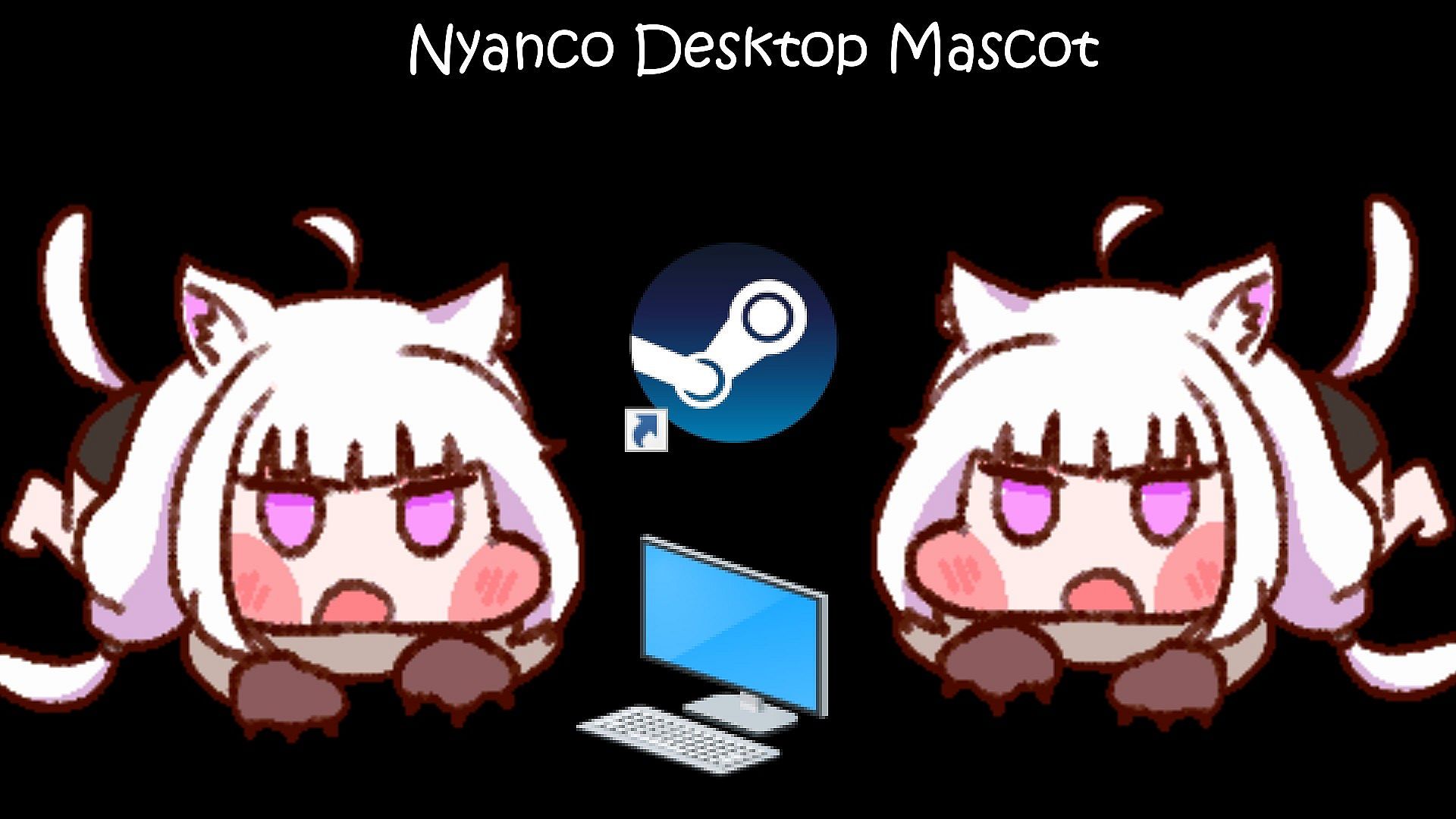
This DLC adds "Nyanco-pet" to Nyanco Desktop Mascot.
How to set or change the DLC mascot you want :
- Find images in the DLC folder for the mascot character
- Copy and paste them into the images folder
- Close the app and restart it
How to find the DLC folders of this app :
Steam Client -> Right-click the app -> Properties -> Local Files -> Browse
How to close the app :
- Click the mascot and press the “ALT + F4” keys at the same time
- You can also close the app by pressing the "STOP" button located on your Steam client.